
10 Proxy Residential Tĩnh Tốt Nhất Năm 2026
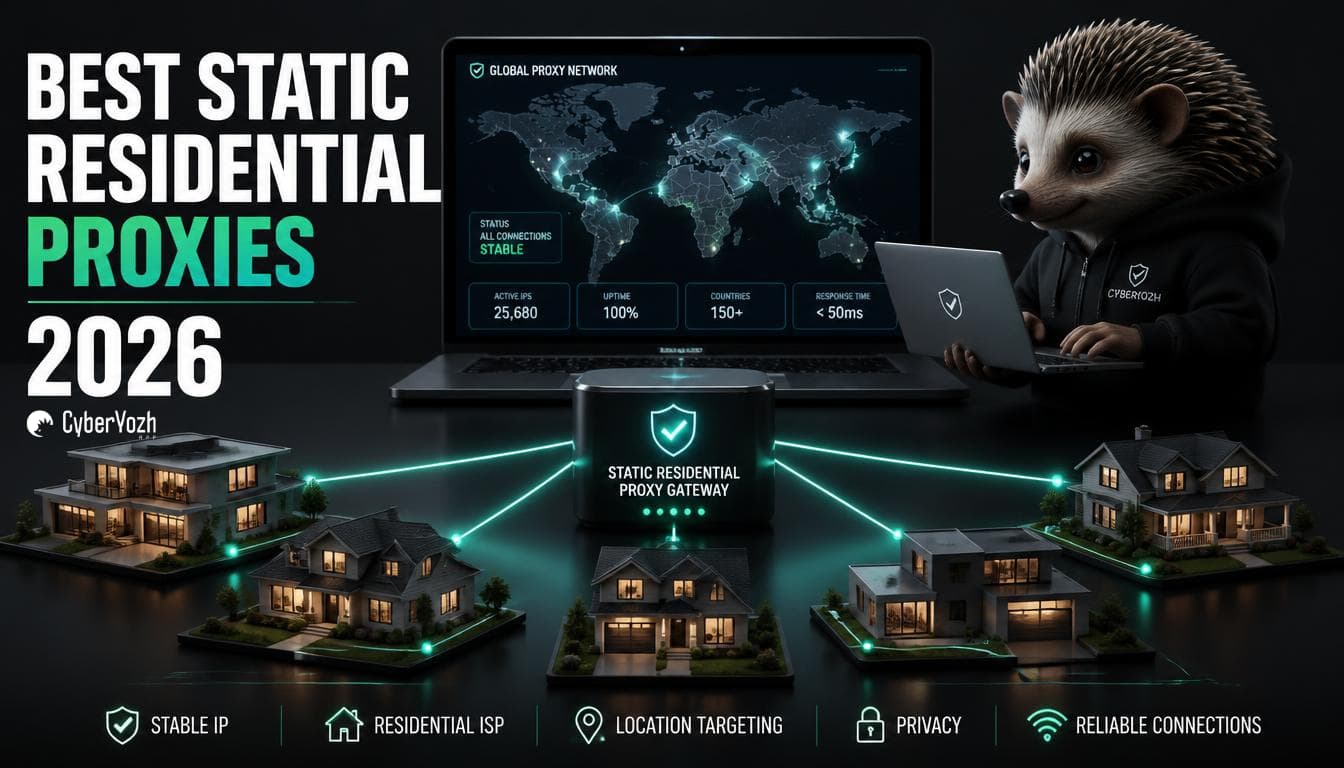
Một proxy residential tĩnh cung cấp cho bạn một địa chỉ IP trông giống như kết nối internet gia đình thực sự nhưng không thay đổi vị trí hoặc chậm lại như kết nối thật. Sự kết hợp này đã biến danh mục này trở thành lựa chọn mặc định cho quản lý tài khoản, xác minh quảng cáo và bất kỳ mục tiêu scraping nào chặn IP datacenter.
Dưới đây là phân tích dựa trên nghiên cứu về proxy residential tĩnh là gì, những gì cần kiểm tra trước khi mua và 10 nhà cung cấp đáng so sánh trong năm 2026, bao gồm câu chuyện tháng 7 năm 2026 làm thay đổi cách chúng ta nên định nghĩa «nhà cung cấp đáng tin cậy» trong tương lai.
TÓM TẮT
Proxy residential tĩnh kết hợp IP đăng ký ISP với tốc độ cấp datacenter và địa chỉ cố định không xoay vòng.
Chúng được xây dựng cho các tác vụ cần danh tính nhất quán: quản lý tài khoản, xác minh quảng cáo, tự động hóa sneaker hoặc vé và giám sát SERP hoặc giá cả.
Sai lầm mua hàng lớn nhất là so sánh các nhà cung cấp chỉ dựa trên giá mỗi IP; chất lượng ASN và uy tín IP ảnh hưởng đến tỷ lệ thành công thực tế nhiều hơn giá niêm yết.
Tốt nhất tổng thể: CyberYozh, cho proxy ISP tĩnh băng thông không giới hạn đi kèm với trình kiểm tra uy tín IP tích hợp.
Tốt nhất cho quy mô doanh nghiệp: Bright Data. Điểm khởi đầu ngân sách tốt nhất: Webshare.
Kể từ vụ đóng cửa NetNut năm 2026, việc xác minh cách nhà cung cấp lấy nguồn IP của họ không còn là tùy chọn; xem phần chú thích bên dưới.
Proxy residential tĩnh là gì
Câu trả lời nhanh: Proxy residential tĩnh là lựa chọn tốt nhất khi bạn cần một IP được nhận diện như kết nối gia đình thực sự nhưng giữ nguyên qua mọi phiên, không phải IP thay đổi mỗi lần bạn kết nối.
Proxy residential tĩnh, còn được gọi là proxy ISP, là địa chỉ IP được đăng ký với nhà cung cấp dịch vụ internet thực sự (Comcast, AT&T, Orange và tương tự) nhưng được lưu trữ trên cơ sở hạ tầng cấp máy chủ thay vì thiết bị gia đình thực tế. Bạn nhận được tín hiệu tin cậy của ASN residential mà không bị phạt tốc độ khi định tuyến lưu lượng qua Wi-Fi gia đình của ai đó.
Không giống như proxy residential xoay vòng, IP vẫn được gán cho bạn trong suốt thời gian thuê, chính điều này làm cho nó hữu ích cho đăng nhập và các phiên dài.
Proxy residential tĩnh hoạt động như thế nào
Các nhà cung cấp thuê các khối địa chỉ IP trực tiếp từ ISP hoặc đối tác cơ sở hạ tầng nắm giữ ASN cấp residential, sau đó lưu trữ các địa chỉ đó trên máy chủ của riêng họ. Khi bạn kết nối, lưu lượng của bạn thoát qua IP cố định đó, vì vậy mọi yêu cầu trông giống như đến từ cùng một kết nối gia đình trong cùng một thành phố, phiên này qua phiên khác, cho đến khi bạn giải phóng hoặc gia hạn nó.
Proxy residential tĩnh so với proxy residential xoay vòng
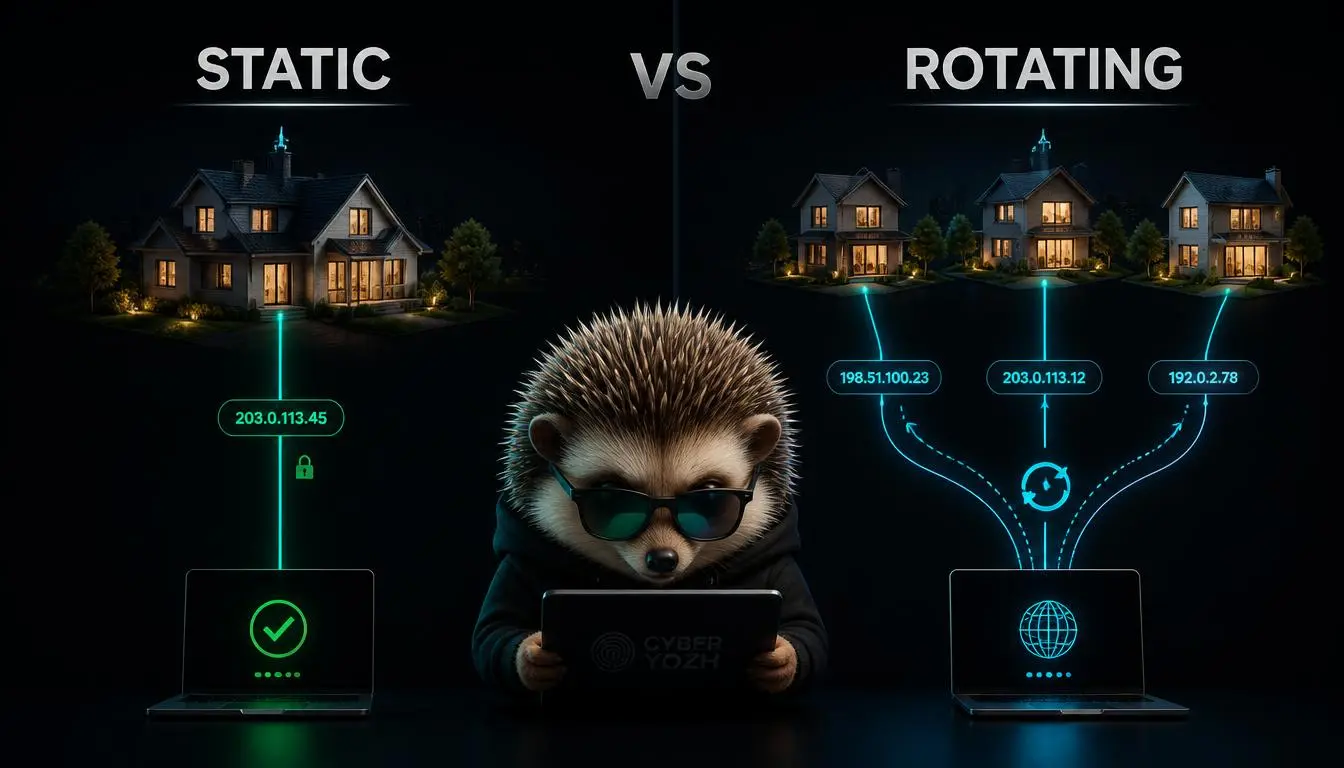
Residential tĩnh (ISP) | Residential xoay vòng | |
Thay đổi IP | Cố định trong suốt thời gian thuê | Thay đổi theo từng request hoặc session |
Tốc độ | Nhanh như datacenter | Phụ thuộc vào kết nối của người dùng cuối |
Phù hợp nhất cho | Đăng nhập, quản lý tài khoản, session dính | Scraping khối lượng lớn, kiểm tra geo |
Nguồn gốc | Khối IP thuê từ ISP | Thiết bị người dùng cuối thực |
Mô hình giá điển hình | Theo IP hoặc cố định hàng tháng | Theo GB |
Proxy residential xoay vòng là lựa chọn đúng khi bạn cần một danh tính mới cho mỗi request. Proxy residential tĩnh là lựa chọn đúng khi trang web mục tiêu mong đợi cùng một danh tính mỗi lần.
Proxy residential tĩnh so với proxy datacenter
Proxy datacenter rẻ hơn và nhanh hơn, nhưng IP của chúng thuộc về ASN của công ty hosting, mà hầu hết các hệ thống chống bot đều gắn cờ ngay lập tức. Proxy residential tĩnh thu hẹp khoảng cách đó bằng cách kết hợp máy chủ cấp datacenter với dải IP đăng ký ISP; bạn giữ được tốc độ và nhận được điểm tin cậy mà proxy datacenter không có.
Bạn nên tìm kiếm điều gì trong một proxy residential tĩnh
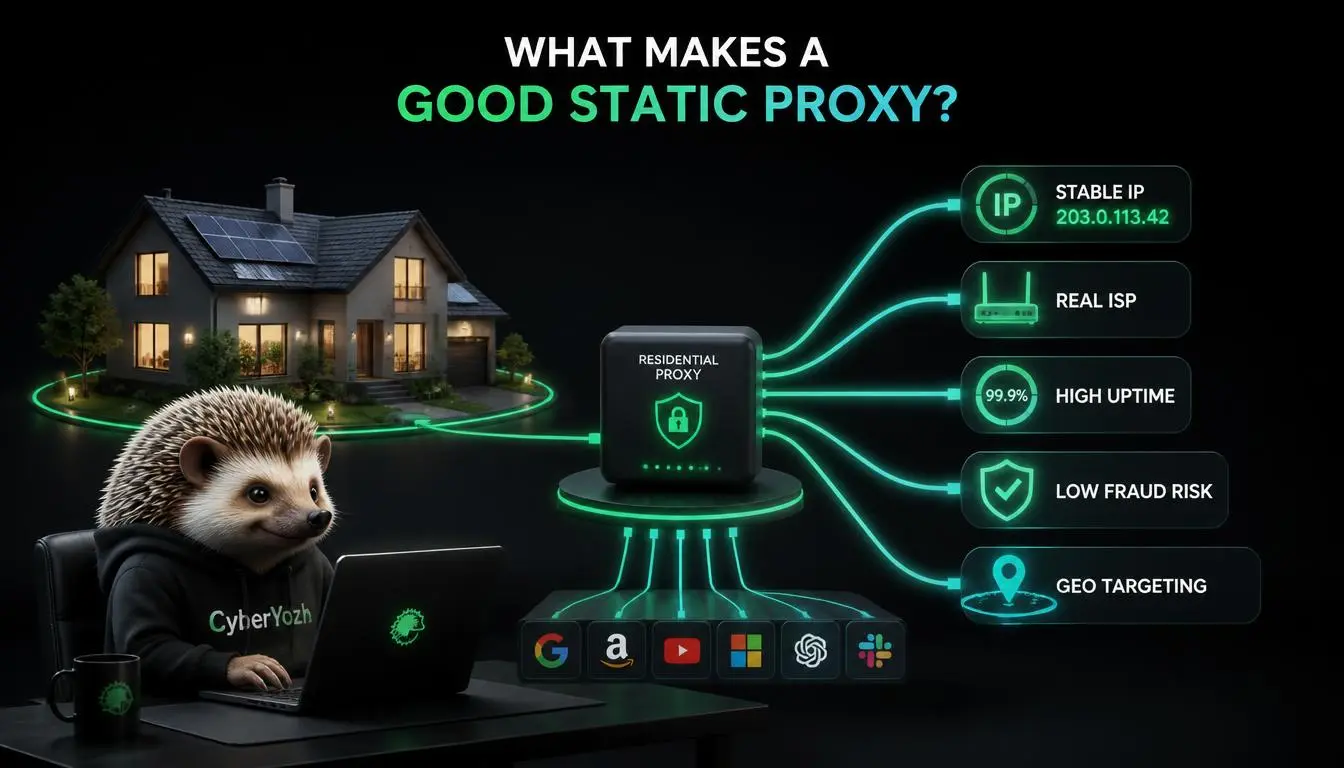
Chất lượng ASN: xác nhận IP phân giải về một ISP tiêu dùng thực sự, không phải phân loại «ISP/hosting hỗn hợp».
Kích thước pool và chính sách thay thế: IP bị gắn cờ được hoán đổi nhanh như thế nào.
Độ chính xác vị trí: cấp quốc gia là tiêu chuẩn; nhắm mục tiêu cấp thành phố hoặc ASN là tính năng cao cấp.
Hỗ trợ giao thức: HTTP(S) và SOCKS5, lý tưởng nhất là có UDP.
Điều khiển session: bạn có thể buộc làm mới mà không mất hoàn toàn IP không?
Mô hình định giá: theo IP, theo GB, hoặc không giới hạn cố định; mỗi loại phù hợp với một mô hình sử dụng khác nhau.
Nguồn gốc IP: xem bên dưới.
Mẹo mua hàng: Đừng so sánh các nhà cung cấp chỉ dựa trên giá niêm yết mỗi IP. Một IP $1.30 bị gắn cờ sau một tuần tốn kém hơn một IP $5 tồn tại cả năm.
Tại sao nguồn gốc IP có đạo đức vừa trở thành yêu cầu bắt buộc
Vào tháng 7 năm 2026, FBI, Google và Lumen đã triệt phá mạng lưới đằng sau NetNut, một trong những thương hiệu proxy residential lớn nhất, sau khi phát hiện pool exit-node của nó liên quan đến botnet "Popa", một chiến dịch mà Google cho biết đã bí mật chiếm quyền kiểm soát hàng triệu router gia đình và smart TV.
Một phần công suất đó được cho là đã được bán lại và gắn nhãn trắng thông qua các thương hiệu proxy bên thứ ba, có nghĩa là người mua chưa bao giờ nghe về NetNut vẫn có thể đã sử dụng cơ sở hạ tầng của nó một cách gián tiếp. Khi một mạng lưới tương tự bị phá vỡ vào tháng 1 năm 2026, các nhà nghiên cứu phát hiện pool thiết bị của nó được tái thiết lập đầy đủ trong vòng một ngày, bởi vì nhu cầu cơ bản không biến mất; nó di chuyển sang nhà bán lại tiếp theo.
Bài học cho người mua: "residential" không còn tự động có nghĩa là "được đồng ý". Các nhà cung cấp có thể giải thích và cho phép bạn xác minh nguồn gốc IP của họ không chỉ minh bạch vì mục đích marketing; họ là những người ít có khả năng bị tịch thu mạng lưới giữa chừng hợp đồng nhất. Sẵn sàng so sánh thông số kỹ thuật thay vì nội dung marketing? Xem giá proxy residential hiện tại tại CyberYozh bên dưới.
10 nhà cung cấp proxy residential tĩnh tốt nhất năm 2026
Nhà cung cấp | IP tĩnh | Nhắm mục tiêu địa lý | Kiểm soát phiên | Giá khởi điểm | Tốt nhất cho |
CyberYozh | Chuyên dụng | 195+ quốc gia | Cố định trong thời hạn thuê | $5.29/tháng, băng thông không giới hạn | Quy trình làm việc tất-cả-trong-một |
Bright Data | Chia sẻ/chuyên dụng | Cấp thành phố, 50+ địa điểm | Phiên không giới hạn | ~$1.80/IP | Quy mô doanh nghiệp |
Oxylabs | Bán-chuyên dụng/ chuyên dụng | Quốc gia, thành phố giới hạn | Phiên không giới hạn | ~$2.10/IP | Scraping tỷ lệ thành công cao |
Decodo | Chia sẻ/chuyên dụng | 17 quốc gia | Sticky, không giới hạn | ~$3.33/IP | IP chuyên dụng giá rẻ |
Webshare | Chia sẻ/riêng tư/chuyên dụng | Chủ yếu Mỹ, 10+ quốc gia | Làm mới có thể cấu hình | ~$0.30/IP đầu vào | Tự phục vụ giá rẻ |
IPRoyal | Chuyên dụng | 30+ quốc gia | Một vị trí/gói | ~$1.80–$4/IP | Dự án ngắn hạn |
Rayobyte | Chuyên dụng/bán chuyên dụng | 100+ quốc gia | Sticky tối đa 2 giờ | ~$5/IP | Người mua quan tâm nguồn gốc minh bạch |
Massive | Chuyên dụng (AT&T ASN) | Chỉ Mỹ, Ashburn | Không giới hạn, không xoay vòng | ~$3/IP | Tự động hóa sneaker/bán lẻ |
Proxy-Seller | Chuyên dụng | 20+ quốc gia | Thuê linh hoạt | ~$3/IP | Mua đúng những gì bạn cần |
NodeMaven | Chuyên dụng | 9 quốc gia | Gói 30/90 ngày | ~$2.99/IP | Phiên dài hạn sạch |
Giá phản ánh các gói khởi điểm được niêm yết công khai tính đến tháng 8 năm 2026 và thường xuyên thay đổi; xác nhận mức giá hiện tại trên trang định giá của từng nhà cung cấp trước khi mua.
CyberYozh
CyberYozh tích hợp proxy ISP tĩnh vào một hệ thống hạ tầng rộng hơn; cùng một tài khoản cũng bao gồm proxy di động, residential xoay vòng và datacenter, cộng thêm kích hoạt SMS và kiểm tra điểm gian lận.
IP ISP tĩnh chuyên dụng trên ASN người tiêu dùng thực
Hơn 100 triệu IP trên 195+ quốc gia
Hỗ trợ giao thức HTTP, HTTPS, UDP và SOCKS5
Băng thông không giới hạn, không phụ phí theo GB
Truy cập API có tài liệu với tham chiếu Swagger
Tích hợp sẵn công cụ kiểm tra điểm gian lận IP/điện thoại/thẻ
Tùy chọn fingerprinting tích hợp tương thích với mọi trình duyệt anti-detect lớn
Tích hợp với puppeteer, selenium, postman, scrapy, playwright và các script tùy chỉnh.
Giá: Từ $5.29/tháng, băng thông không giới hạn.
Tốt nhất cho: Các nhóm muốn proxy, kiểm tra IP-reputation và xác minh SMS trong một tài khoản thay vì ghép nối ba nhà cung cấp.
Công cụ kiểm tra điểm gian lận là chi tiết đáng chú ý: vấn đề ASN không khớp đã đề cập ở trên, khi một IP trông ổn trên giấy tờ nhưng được hệ thống chống gian lận thực tế đọc là «mixed ISP/hosting», là điều bạn có thể phát hiện trước khi đốt một phiên trên nó, chứ không phải sau. Kiểm tra thông số kỹ thuật proxy residential tĩnh của CyberYozh hoặc xem toàn bộ danh mục proxy để biết giá hiện tại.
Bright Data
Bright Data có mạng lưới tốt trong danh mục này, với các gói trả theo IP và theo băng thông.
Hỗ trợ hơn 50 vị trí
Nhắm mục tiêu địa lý cấp thành phố
Tùy chọn IP chia sẻ hoặc chuyên dụng
Thời lượng phiên không giới hạn
Công cụ quản lý tài khoản chuyên dụng
Công cụ tuân thủ cấp doanh nghiệp
Giá: Thanh toán theo IP hoặc theo băng thông; gói chia sẻ cơ bản khoảng $1.80/IP.
Phù hợp nhất cho: Các nhóm lớn cần phạm vi vị trí rộng và không ngại mức giá cao cấp.
Oxylabs
Oxylabs là nhà cung cấp cao cấp được xây dựng xung quanh các phiên không giới hạn thời lượng và mức giá cao hơn.
Các gói ISP bán chuyên dụng và chuyên dụng
ASN tiêu dùng cao cấp (Comcast, Cox, BT, Orange)
HTTP(S) và SOCKS5 với UDP
Thời lượng phiên không giới hạn
Khả năng xử lý đồng thời mở rộng theo gói sử dụng
Tài liệu và hướng dẫn tích hợp mạnh mẽ
Giá: Từ khoảng $2.10/IP trên các gói thanh toán theo IP.
Phù hợp nhất cho: Scraping có tầm quan trọng cao, nơi tỷ lệ thành công quan trọng hơn chi phí danh nghĩa.
Decodo
Decodo cung cấp proxy ISP chuyên dụng với thiết lập đơn giản.
Thanh toán theo GB, theo IP hoặc theo IP chuyên dụng
Hỗ trợ 17 quốc gia, phủ sóng sâu tại Mỹ/EU
HTTP(S) và SOCKS5 với UDP
Lưu lượng không giới hạn trên gói chuyên dụng
API thân thiện với nhà phát triển
Hỗ trợ khách hàng nhanh chóng
Giá: Các gói ISP chuyên dụng bắt đầu từ khoảng $9.99 cho 3 IP (~$3.33/IP).
Phù hợp nhất cho: Người mua muốn IP chuyên dụng mà không cần mức giá doanh nghiệp.
Webshare
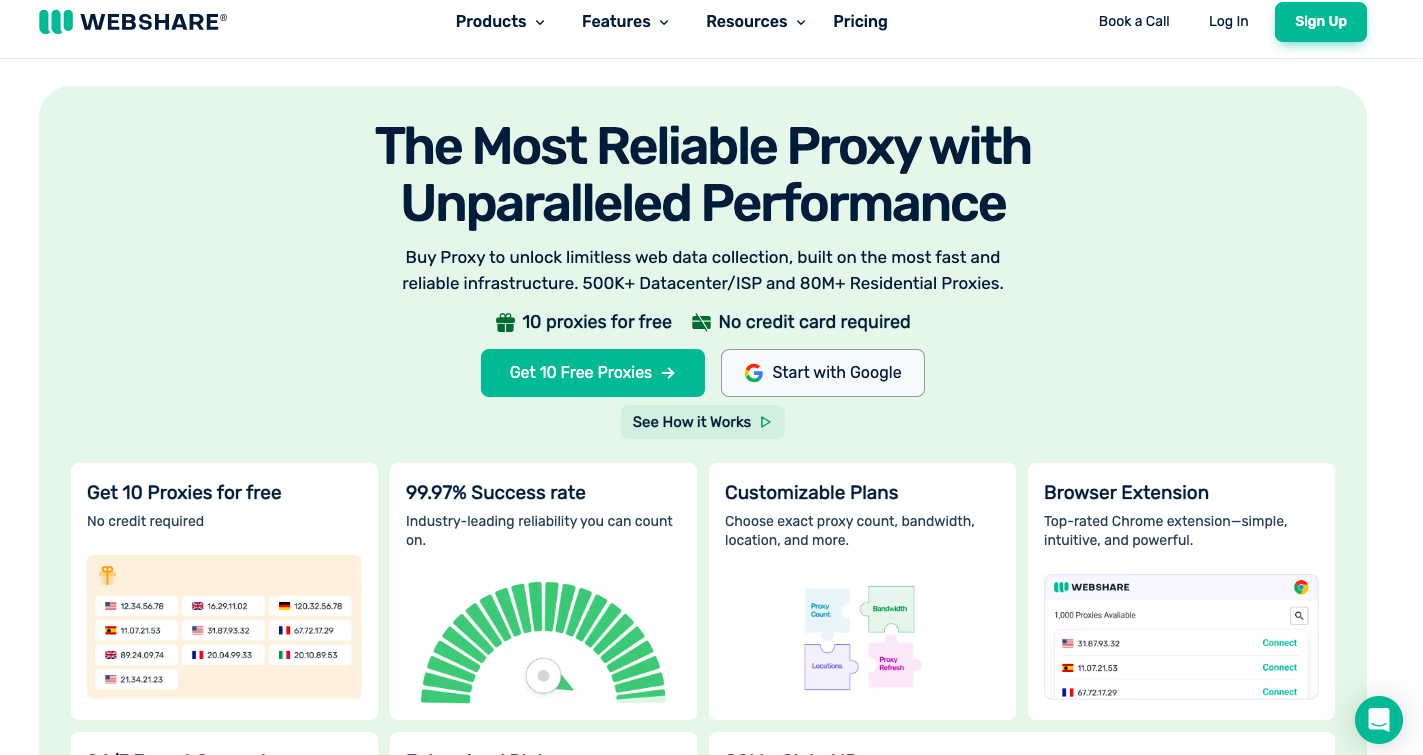
Webshare có nền tảng tự phục vụ được xây dựng xung quanh mức giá cơ bản thấp.
Các gói chia sẻ, riêng tư và chuyên dụng hoàn toàn
10+ quốc gia, tập trung tại Mỹ
Khoảng thời gian làm mới có thể cấu hình
Nhắm mục tiêu địa lý cấp quốc gia
Bảng điều khiển tự phục vụ
Truy cập API trên tất cả các gói
Giá: Gói khởi điểm từ khoảng $6/tháng cho 20 IP.
Phù hợp nhất cho: Các nhà phát triển độc lập và nhóm nhỏ thử nghiệm với ngân sách hạn chế.
IPRoyal
IPRoyal: Lựa chọn đơn giản với phạm vi quốc gia rộng.
IP chuyên dụng trên 30+ quốc gia
Một địa điểm cho mỗi gói
Định giá đơn giản theo IP
Lưu lượng không giới hạn trên hầu hết các gói
Hỗ trợ HTTP(S) và SOCKS5
Thanh toán tự phục vụ đơn giản
Giá: Khoảng $1.80–$4/IP tùy thuộc vào thời hạn thuê.
Phù hợp nhất cho: Các dự án ngắn hạn hoặc đơn địa điểm.
Rayobyte
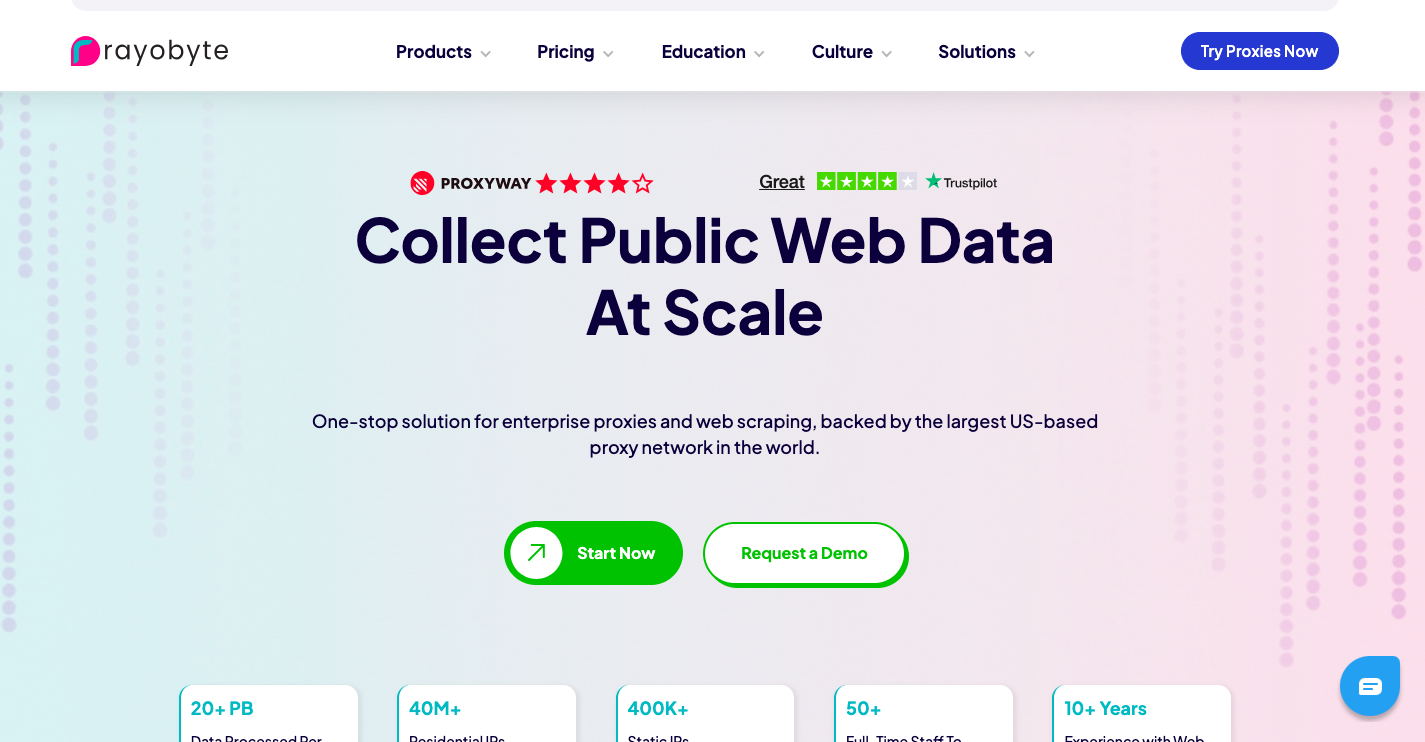
Một trong những thương hiệu minh bạch về nguồn cung cấp hơn trong danh mục, với chính sách nguồn cung cấp dựa trên sự đồng ý được công bố.
IP ISP chuyên dụng và bán chuyên dụng
100+ quốc gia, nhắm mục tiêu cấp thành phố tại Mỹ
Phiên làm việc dính lên đến 2 giờ
Chính sách nguồn cung cấp và xử lý lạm dụng được ghi chép
API scraping và công cụ kiểm tra proxy miễn phí
Cửa sổ hoàn tiền 14 ngày
Giá: Proxy ISP chuyên dụng từ khoảng $5/IP/tháng.
Phù hợp nhất cho: Người mua coi trọng tính minh bạch nguồn cung cấp sau các vụ đóng cửa năm 2026.
Massive

Nhà cung cấp tập trung vào Mỹ được xây dựng cho tốc độ hơn là phạm vi.
IP tĩnh trên ASN tiêu dùng của AT&T
Cơ sở hạ tầng tại Ashburn, VA
Băng thông và số lượng kết nối đồng thời không giới hạn
Không xoay vòng, hoàn toàn tĩnh theo thiết kế
Tốc độ tải xuống trung bình nhanh
Giảm giá theo số lượng từ 50+ IP
Giá: Từ khoảng $3/IP, giảm xuống còn khoảng $1.80/IP khi mua số lượng lớn.
Phù hợp nhất cho: Tự động hóa nhạy cảm với độ trễ chỉ dành cho Mỹ như các tác vụ bán lẻ và mua giày sneaker.
Proxy-Seller
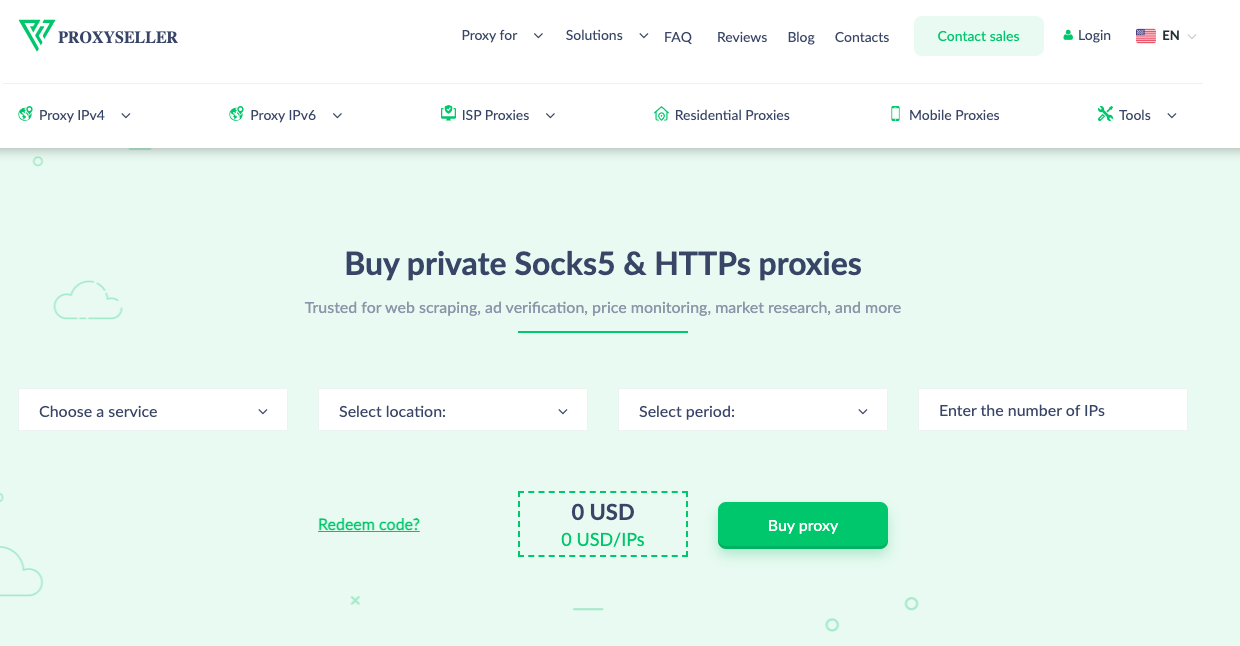
Proxy-seller: Nhà cung cấp hoạt động lâu năm với các điều khoản thuê linh hoạt.
IP chuyên dụng trên 20+ quốc gia
Thời gian thuê linh hoạt
Tùy chọn IPv4 và IPv6
Lưu lượng không giới hạn trên các gói ISP
Mua theo từng IP, không yêu cầu gói combo
Giảm giá khi đặt hàng số lượng lớn
Giá: Từ khoảng $3 cho một proxy ISP đơn lẻ.
Phù hợp nhất cho: Người mua muốn mua chính xác số lượng IP họ cần.
NodeMaven
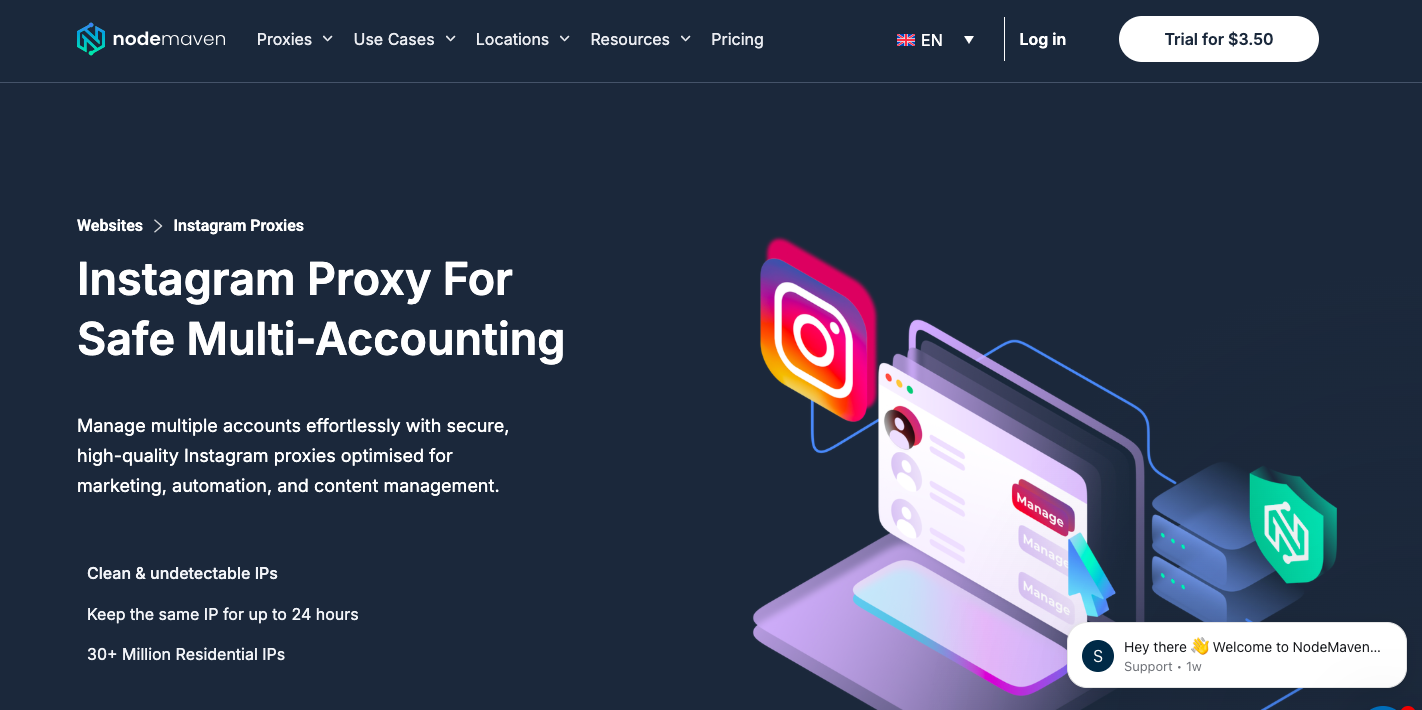
NodeMaven: Mạng lưới nhỏ hơn, ưu tiên chất lượng hơn số lượng, hướng đến các phiên kết nối lâu dài.
Định giá theo từng IP chuyên dụng
Phủ sóng 9 quốc gia
Gói 30 hoặc 90 ngày
Sử dụng dữ liệu không giới hạn
HTTP và SOCKS5 (TCP/UDP)
Không có bộ lọc cấp thành phố, ASN hoặc mã ZIP
Giá: Từ khoảng $2.99/IP.
Phù hợp nhất cho: Quy trình làm việc tài khoản chạy lâu dài, nơi ít IP sạch hơn vượt trội hơn một nhóm IP khổng lồ.
Proxy residential tĩnh có giá bao nhiêu
Định giá chia thành ba mô hình. Tính phí theo IP, được hầu hết các nhà cung cấp ở trên sử dụng, tính một mức giá cố định cho mỗi địa chỉ bất kể lưu lượng và phù hợp cho các tác vụ có băng thông cao, có thể dự đoán được. Tính phí theo GB tính tiền dựa trên lượng dữ liệu truyền tải, phù hợp hơn cho việc sử dụng nhẹ, không liên tục nhưng có thể tăng đột biến không lường trước được với các công việc scraping nặng.
Gói không giới hạn cố định, như gói static ISP $5.29/tháng của CyberYozh, gộp băng thông vào gói đăng ký nên tháng sử dụng nhiều cũng không phát sinh phí vượt mức. Mức giá niêm yết rẻ nhất thường thuộc về gói tính theo IP có giới hạn băng thông; hãy đọc kỹ điều khoản chi tiết, vì phí vượt mức trên các gói có giới hạn có thể lên tới $3–5/GB và xóa sạch khoản tiết kiệm chỉ trong vài ngày sử dụng thực tế.
Static residential proxy có đáng giá không
Đáng giá nếu bạn cần một danh tính nhất quán xuyên suốt các phiên. Bỏ qua nếu bạn chỉ cần kiểm tra địa lý thỉnh thoảng.
Nếu quy trình làm việc của bạn cần cùng một danh tính xuyên suốt các phiên, quản lý nhiều tài khoản, chạy các công việc scraping dài hạn đối với các trang web được bảo vệ chặt chẽ, hoặc xác minh quảng cáo từ một vị trí cố định, static residential proxy xứng đáng với mức giá cao hơn so với datacenter IP.
Nếu bạn chỉ cần kiểm tra một trang web trông như thế nào từ quốc gia khác một lần, chúng là quá mức cần thiết; một gói datacenter rẻ hơn làm được việc với chi phí thấp hơn. Chúng cũng không phải công cụ hiệu quả nhất về chi phí cho scraping khối lượng lớn trên hàng nghìn phiên duy nhất, khi rotating residential hoặc datacenter pool theo yêu cầu thắng về giá.
Các vấn đề thường gặp
Tại sao static residential proxy của tôi ngừng hoạt động?
Thường là IP đã bị đánh dấu bởi trang web mục tiêu, hoặc nhà cung cấp đã xoay vòng nó theo chính sách thay thế. Kiểm tra điều khoản thay thế của nhà cung cấp và yêu cầu đổi IP.
Tại sao residential proxy của tôi bị phát hiện?
ASN có thể không thuộc về một ISP residential; một số danh sách "residential" được phân giải là ISP/hosting hỗn hợp. Chạy nó qua công cụ kiểm tra ASN hoặc fraud-score trước khi triển khai.
Tại sao vị trí proxy của tôi hiển thị không chính xác?
Cơ sở dữ liệu geolocation chậm hơn so với các thay đổi phân bổ IP thực tế. Xác nhận thành phố hoặc quốc gia được liệt kê với công cụ tra cứu IP trực tiếp, không chỉ nhãn trên bảng điều khiển của nhà cung cấp.
Tại sao proxy của tôi chậm?
Static residential proxy định tuyến qua máy chủ của nhà cung cấp, nên tốc độ chậm thường do tắc nghẽn mạng ở phía họ, không phải bản thân ISP. Kiểm tra vào các thời điểm khác nhau trong ngày trước khi cho rằng IP bị lỗi.
Tại sao tôi gặp phải thử thách CAPTCHA?
Ngay cả các IP sạch cũng kích hoạt CAPTCHA khi các mẫu yêu cầu trông giống tự động hóa. Giảm tần suất yêu cầu và kết hợp proxy với các dấu vân tay trình duyệt thực tế.