

Мобільні проксі Ізраїлю
Отримайте мобільні проксі Ізраїлю для роботи з геотаргетингом через LTE/5G IP-адреси — для локального перегляду сайтів, перевірки реклами, дослідження публічного інтернету, підтримання стабільності сесій акаунтів та дозволеної автоматизації. Мобільна інфраструктура Ізраїлю побудована на мережах великих операторів, включаючи Partner, Cellcom, Pelephone та HOT Mobile. Вибір оператора має відповідати аудиторії та місту, які потрібно протестувати.
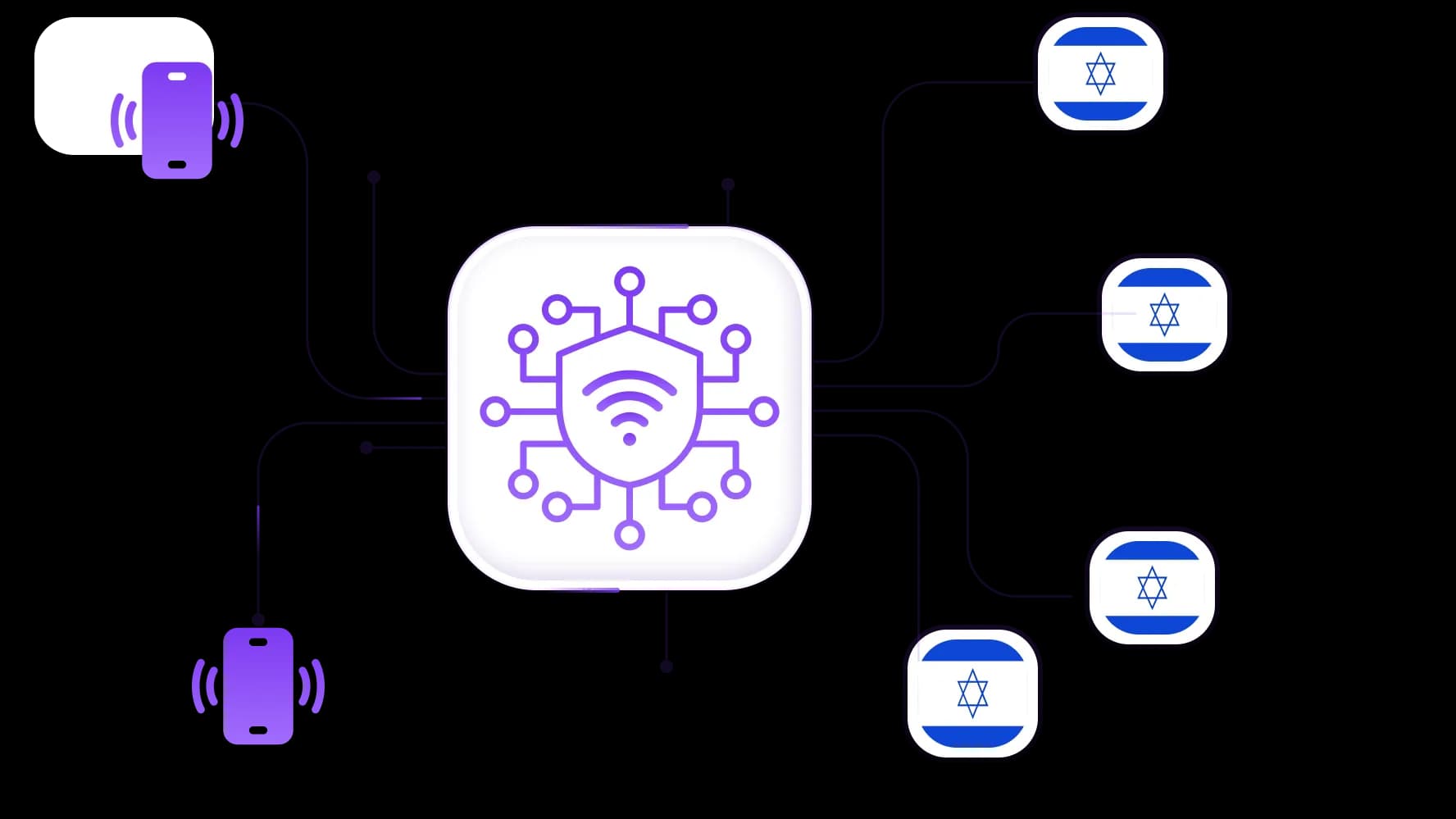
Отримайте мобільні проксі LTE та 5G з ізраїльськими IP-адресами
Використовуйте ізраїльські проксі, які працюють через реальні мобільні мережі, а не через стандартні датацентри.
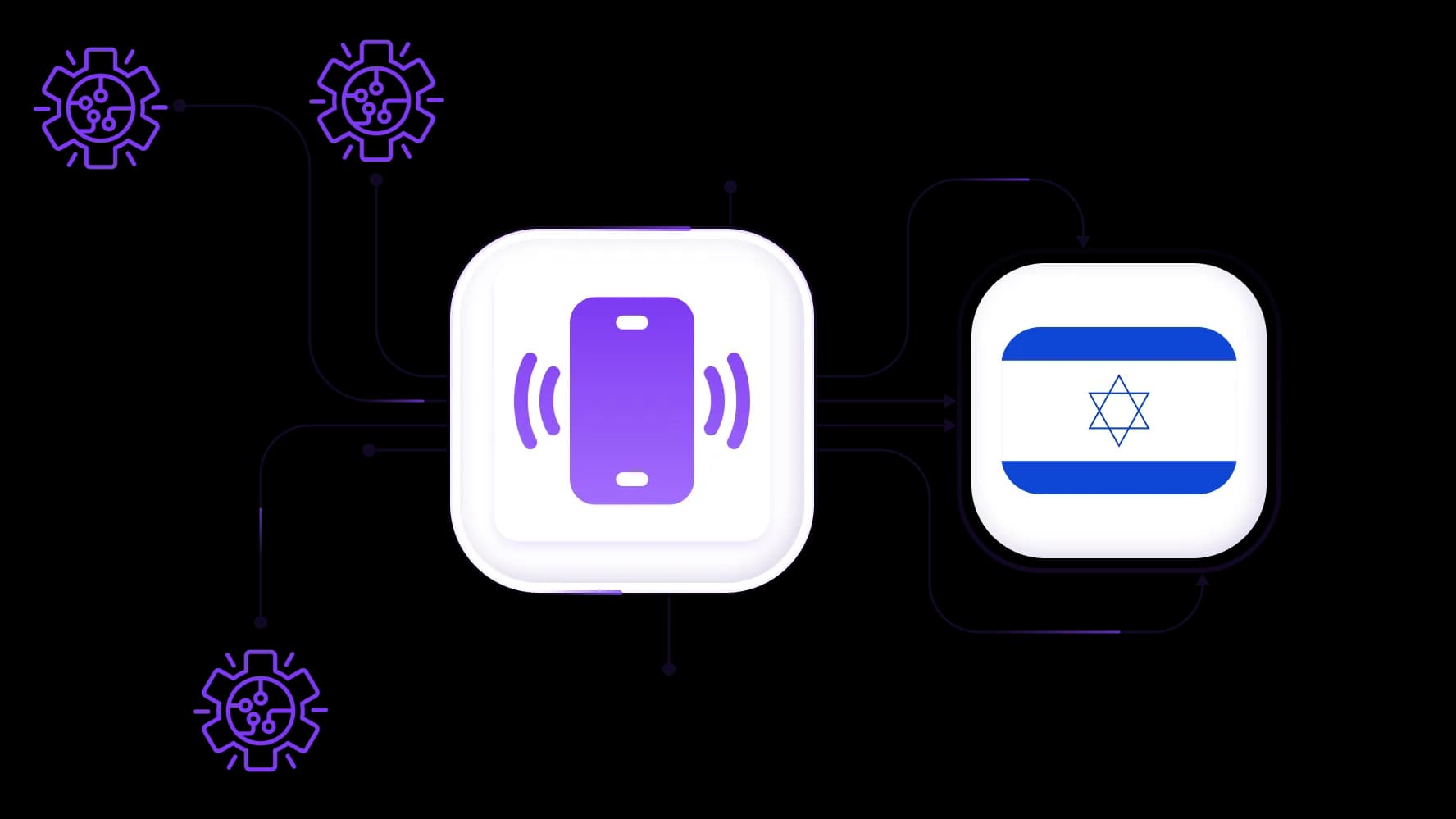
Автоматизуйте завдання й легко збирайте конфіденційні дані з Ізраїлю
Підключіть ізраїльські мобільні проксі до CyberYozh API, Yozh Scraper, Scrapy, Selenium або Playwright для авторизованих робочих процесів.
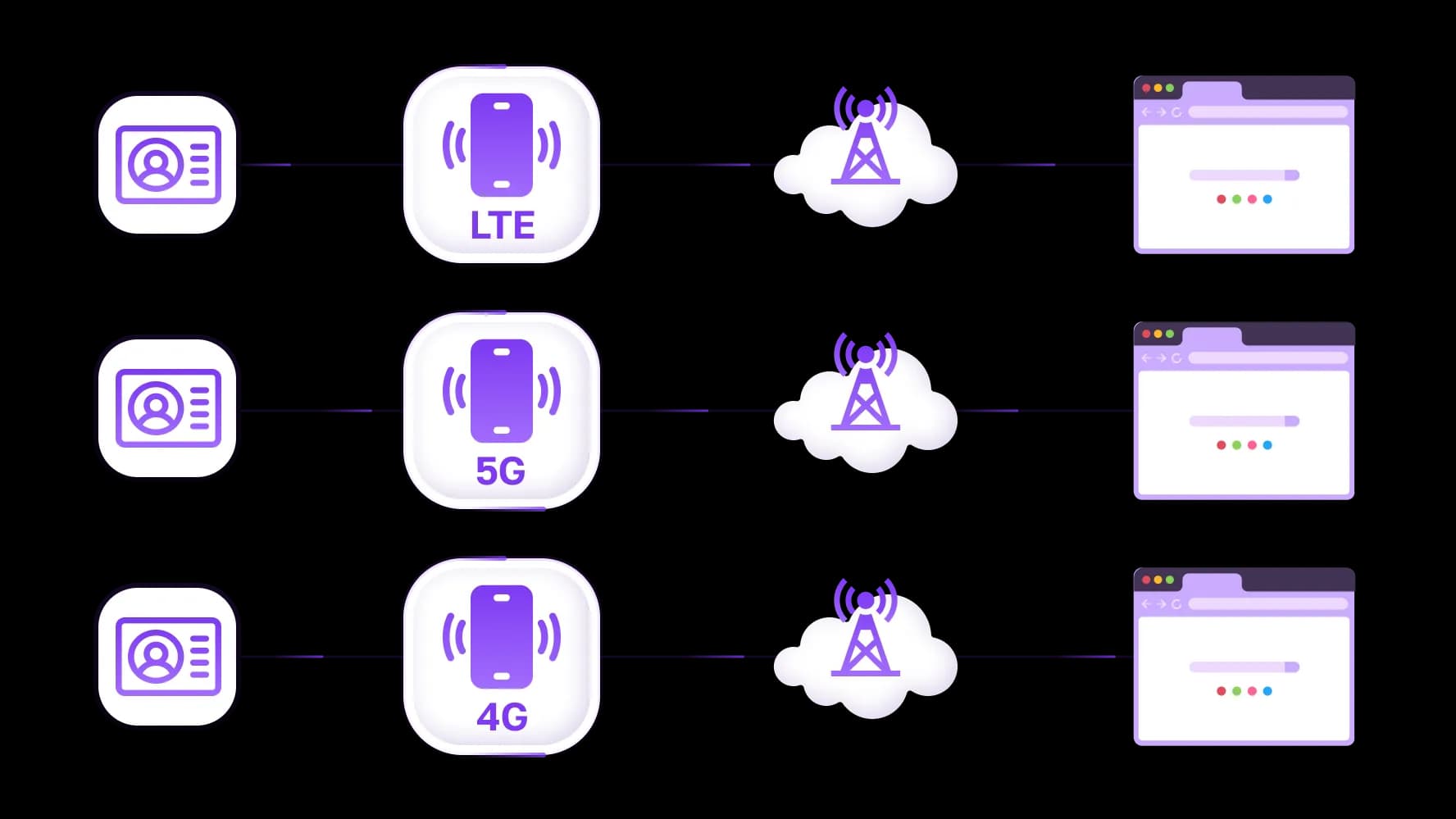
Використовуйте безлімітний ізраїльський трафік для перегляду сайтів і масштабних завдань
Сплачуйте посуточно й використовуйте безлімітний трафік для перегляду, моніторингу, схвалених досліджень і масштабного збору публічних сторінок.
Спеціально для вас
Найкращі проксі за країнами
Ізраїль - виділений мобільний безліміт
-
Виділений 5G-роутер
-
Socks5/VPN з виділеним DNS
-
Ручна зміна IP
-
Зміна p0f-відбитка (Windows, macOS, Android)
-
Високий рівень довіри
-
Дуже висока швидкість + низький пінг
Ізраїль - спільний мобільний
-
Спільний 5G-роутер
-
Підтримка SOCKS5 з UDP
-
До 5 користувачів на порт
-
Socks5 / HTTP
-
Ротація IP: кожні 30 хвилин
-
p0f-відбиток Windows
-
Високий рівень довіри
-
Дуже висока швидкість + низький пінг
-
Усі мережеві параметри 1:1 як у провайдера
Ізраїль - ротаційні резидентські
-
Доступність 24 години
-
Реальний ISP
-
Швидкість до 10 Мбіт/с
-
Повний доступ до API
-
Протокол HTTP
-
Понад 100 млн IP у більш ніж 100 країнах
-
Генератор масових облікових даних
-
Тривала сесія до 6 годин
Ізраїль - приватні резидентські
-
Безлімітний трафік
-
Реальний ISP
-
Швидкість до 150 Мбіт/с
-
Низький пінг
-
Підтримка SOCKS5 з UDP
-
Доступність 24 години
-
1 виділений IP
Ізраїль - виділені датацентрові
-
Безлімітний трафік
-
Ексклюзивне володіння IP
-
Високошвидкісне з’єднання
-
Аптайм 99.9 %
-
HTTP
Ізраїль - спільні датацентрові
-
Блискавична швидкість
-
Глобальне покриття IP
-
Аптайм 99.9 %
-
Економні тарифи
-
1 ГБ трафіку
-
HTTP
Чому покупають у нас?
Переваги
Приватна оплата карткою
Не важливо яким способом ви поповнили баланс, зв'язати платіж з орендою певного проксі — неможливо.
Ми не зберігаємо дані на серверах
Як правило, сервіси, що надають проксі в оренду, зберігають усі дані про трафік, що проходить через їхні сервери.
Виділений пристрій
Ми НЕ маскуємо загальнi проксі під виглядом індивідуальних. Модем або роутер передається ТІЛЬКИ в одні руки.
Онлайн техподтримка
Ми завжди готові вирішити ваші проблеми і питання. Навіть глибокої ночі і раннім ранком.
Гарантія повернення
У нас є і повернення, і обмін. Пріоритет - якісний сервіс і задоволені клієнти.
API для бізнесу
Для бізнес-клієнтів наш сервіс готовий надати зручне API, що дозволяє купувати проксі, змінювати IP-адресу і багато іншого.
Коли потрібно купити LTE/5G мобільні проксі для Ізраїлю
Обирайте мобільні проксі з розширеного ізраїльського пулу IP, коли ваше завдання потребує контексту локальної мобільної мережі, стабільних сесій або достовірної видимості реклами й результатів пошуку.
Автентифікуйте свої акаунти в ізраїльському інтернеті
Вхід може бути заблоковано, коли пристрій, номер телефону, платіжні дані та країна IP розповідають різні історії. Використовуйте одні sticky- мобільні проксі для Ізраїлю на кожне легітимне оточення акаунта, перевіряйте IP перед входом і підтримуйте узгодженість геолокаційних сигналів під час сесії.
Для сервісів, що потребують локальної верифікації, комбінуйте мобільну сесію з віртуальним номером лише там, де сервіс це дозволяє. Не використовуйте проксі або SMS-інструменти для створення фальшивих особистостей, обходу KYC або злому систем безпеки платформ.
Рекламуйте онлайн для ізраїльської аудиторії
Переглядайте рекламу й лендінги через ізраїльську мобільну маршрутизацію перед виділенням бюджету. Локальна мобільна сесія допомагає маркетинговим командам перевірити креативи івритом, поведінку макета справа наліво, ціни в ILS, локальні результати пошуку та відмінності на рівні міст, де це доступно.
Використовуйте окремий робочий простір для кожного бренду чи клієнта. Це покращує операційну ізоляцію й спрощує діагностику того, чи пов'язана різниця в показі реклами з таргетингом, креативом, локаллю або конфігурацією сесії.
Аналізуйте соціальні дані та настрої в Ізраїлі
Дослідницькі команди можуть використовувати робочий процес для ізраїльських соціальних мереж, щоб відстежувати публічні розмови, видимі коментарі, реакції на кампанії та повідомлення конкурентів за запитами івритом та англійською мовою. Релевантні платформи включають Facebook, Instagram, TikTok, Telegram, LinkedIn і YouTube, але правильне джерело залежить від аудиторії та теми.
Збирайте лише ті дані, до яких у вас є право доступу. Уникайте збору персональних або конфіденційних даних, зберігайте лише те, що потрібно вашому дослідженню, і дотримуйтесь умов платформ, а також застосовних зобов'язань щодо конфіденційності.
Запускайте кампанії в соціальних мережах в Ізраїлі
Використовуйте окремий sticky-профіль для кожної схваленої соціальної особистості, потім перевірте репутацію його IP перед прогрівом або управлінням кампанією. Мобільні проксі для Ізраїлю можуть покращити географічну узгодженість для команд, що працюють за межами Ізраїлю, але вони не скасовують політики платформ і не гарантують результати акаунта.
Для складних робочих процесів комбінуйте ізольовані профілі браузера з CyberYozh API і використовуйте консервативні темпи автоматизації. Стабільна операційна поведінка важливіша за часту зміну IP.
Перевіряйте IP перед розгортанням мобільних проксі для Ізраїлю
Перед призначенням мобільних проксі для Ізраїлю на рекламу, дослідження або роботу з акаунтами прогоніть їх через чекер IP. Перевірте країну, ASN, індикатори шахрайства, прапорці проксі та недавню активність перевірок; замініть вихід, який не підходить для завдання.
Назви операторів можуть бути корисним контекстом, але не будуйте робочий процес лише на основі заяви про оператора. Мобільне середовище Ізраїлю включає Partner, Cellcom, Pelephone і HOT Mobile, тоді як загальна інфраструктура та покриття можуть варіюватися залежно від місцезнаходження та часу.
Інтегруйте з Yozh Scraper для ефективного збору даних
Використовуйте Yozh Scraper з мобільними проксі для Ізраїлю для збору публічних результатів пошуку, товарних лістингів, публічних рекламних розміщень та відкритих веб-сторінок. Для автоматизації браузера інтегруйте облікові дані проксі з Playwright, Selenium, Scrapy або вашими власними скриптами.
Встановіть чіткі межі перед збором: визначте публічні джерела, поля, період зберігання та права доступу. Не скрейпте приватні профілі, області за автентифікацією або персональні дані без законної підстави та дозволу платформи.
Відвідайте CyberYozh Data — тут ви знайдете додаткові інструменти для парсингу й автоматизації
Використовуйте віртуальний номер і карту для локальної автентифікації
Стежте за тим, щоб телефон, IP-адреса та платіжні дані відповідали один одному, якщо дозволений ізраїльський сервіс вимагає верифікації або оплати.
Використовуйте CyberYozh віртуальні номери для легітимних SMS-процесів і віртуальні карти для авторизованих підписок або рекламних акаунтів.
Використовуйте одну карту й одне ізольоване середовище браузера на кожну схвалену бізнес-структуру або клієнта, де це доречно. Ніколи не використовуйте ці інструменти для підміни користувачів, спотворення платіжної ідентичності або обходу платіжних засобів контролю.
Отримайте й налаштуйте ізраїльські мобільні проксі прямо зараз
Увійдіть у CyberYozh і відкрийте каталог мобільних проксі.
Оберіть Ізраїль, потім оберіть доступний варіант LTE/5G і конфігурацію сесії.
Скопіюйте облікові дані SOCKS5, HTTP або доступного VPN у браузер, проксі-клієнт, антидетект-профіль або середовище автоматизації.
Запустіть чекер IP, щоб перевірити вихідну адресу перед початком роботи з акаунтом, кампанією або дослідженням.
Зберігайте sticky-сесії для активних логінів; ротуйте IP тільки між окремими завданнями зі збору публічних даних.
Підключіть Yozh Scraper або підтримувані інструменти, коли вам потрібні повторювані авторизовані процеси роботи з даними.
Популярні геопозиції
Поповнюйте баланс будь-яким зручним способом!
Банківські картки


Криптовалюта


