Digital Proxy Footprints: How Facebook & Google Detect Proxies in 2026

Using proxies for privacy, digital marketing, multi-account management, or web analytics has become standard practice in 2026. You purchase a high-quality ISP or residential proxy, configure it, prepare cookies for session consistency, but shortly after logging into a Facebook or Google advertising account, access gets restricted.
The reason is often labeled as “suspicious network activity.”
According to recent Imperva Bad Bot Reports, more than 70% of advertising account restrictions are triggered by network inconsistencies, not just automation or behavioral anomalies. Platforms now use machine learning models to analyze the full digital proxy footprint, including TCP/IP stack behavior, TLS fingerprints, latency patterns, ASN data, and browser environment consistency.
A proxy server acts as an intermediate network layer. If its configuration does not match the device, browser fingerprint, or geo signals, detection systems will flag the connection.
In this guide, we break down the key levels of proxy detection used by major platforms, including real technical examples and configuration best practices. We’ll also demonstrate how to test your setup using tools like Wireshark, BrowserLeaks, and the CyberYozh App IP checker.
Evolution of proxy detection (2024–2026)
Between 2024 and 2026, proxy detection evolved from simple reputation checks into multi-layered AI-driven analysis. Previously, platforms relied heavily on IP blacklists and ASN databases to flag known datacenter ranges. While still relevant, this approach proved insufficient as residential and mobile proxies became more common.
By 2025, detection systems expanded into OS fingerprinting, analyzing TCP/IP stack behavior, TTL values, and packet signatures to identify inconsistencies between claimed and actual device environments.
In 2026, major platforms combine machine learning models with browser fingerprinting and behavioral analysis. Real-time TLS and TCP pattern tracking now detects subtle anomalies in encrypted traffic. Instead of asking “Is this IP suspicious?” platforms evaluate entire digital footprints, from network signals to session timing, making proxy detection more contextual, adaptive, and much harder to bypass.
Modern network-level proxy detection checks
Below are the core detection mechanisms that Facebook, Google, and other major platforms use to determine whether a connection goes from a real user or a proxy infrastructure.
1. ASN and connection type
ASN is a basic parameter critical for connection trust. Every IP address has a “passport” — its affiliation with an Autonomous System (ASN), which can be checked via WHOIS or databases like MaxMind.
ASN Types:
ISP: Home internet (Comcast, Verizon, Lietpark Communications).
Mobile: Mobile operators (T-Mobile, THREE, Vodafone).
Hosting/Business: Data centers (AWS, DigitalOcean, Hetzner).
Standard server proxies are hosted in data centers where their ASN is labeled as “Business.” Additionally, reverse DNS (rDNS) often reveals a technical domain: instead of user.provider.com — server.example.com.
Example: A user authenticates in a service with a “Chrome / Windows 10” User-Agent, but the traffic comes from a data center in Frankfurt, which is uncharacteristic for a home user.
Conclusion: The system classifies the connection as technical or a VPN. The Trust Score decreases.
Solution: For tasks requiring a high level of trust, choose residential or mobile proxies with ASNs from real providers. Check rDNS for compliance with provider standards.
2. Passive OS fingerprinting (p0f and TCP/IP Stack)
Checking the TCP/IP stack requires deep analysis. Operating systems form network packets in unique ways. Tools like p0f allow for the passive determination of the source traffic's OS.
Key Parameters:
TTL (Time To Live): Windows — 128, Linux/Android/iOS — 64.
Window Size: The size of the receive window.
TCP Options: Header order (e.g., MSS, Timestamp).
TLS Fingerprinting (JA3): The system analyzes the structure of the TLS Client Hello.
Clarification: When using HTTP/SOCKS proxies (CONNECT method), the TLS handshake comes from the client. JA3 in this case helps identify software mismatches with the declared User-Agent. However, if the proxy interferes with traffic or is not configured for clean tunneling, it can distort fingerprints. The use of a Linux server as a gateway is often identified precisely through TCP/IP fingerprinting (TTL).
Example: “Windows 10” is selected in the profile settings, but the connection goes through a proxy server on Ubuntu (Linux). The system sees a Windows User-Agent, but incoming TCP packets have a TTL of 64 (characteristic of Linux), not 128.
Conclusion: Mismatch. The system determines that traffic is passing through an intermediate node. This can lower trust.
Solution: Modern privacy browsers work correctly with JA3, but it's important to consider the server settings themselves.
Synchronization: Ideally, the proxy OS should match the profile (e.g., Android mobile proxies for an Android profile).
Passive OS Fingerprinting: Use providers (such as CyberYozh App) that support TCP/IP stack synchronization at the network level. This allows the proxy to send packets that technically match the OS declared in the profile (Windows or macOS).
3. MTU and MSS packet settings
MTU (Maximum Transmission Unit) is the maximum packet size without fragmentation. MSS (Maximum Segment Size) means the payload capacity of the packet.
Standards:
Ethernet (standard): 1500
Mobile Networks (4G/5G): 1420–1480
If a proxy is used but the MTU is characteristic of tunneling (e.g., 1300), this may indicate the use of VPN protocols (OpenVPN, WireGuard) instead of a direct connection.
Example: The IP is identified as residential, but an MTU of 1300 is a sign of a tunnel. This is also noticeable in the QUIC protocol (UDP).
Conclusion: Technical connection parameters differ from standard ones.
Solution: Check MTU via browserleaks.com or network analyzers. Configure the connection so that values match the standards of the emulated network.
4. Latency and geolocation
Security systems use timing analysis: RTT (Round Trip Time) is compared with the declared geolocation.
Scenario: The proxy is located in New York, while the user is in a different region.
Route: User location → New York → Target server.
The RTT might be 300 ms, whereas for a local user in New York, the norm is 20–30 ms.
Addition: Verification via CDN is possible — measuring response times from different servers to triangulate the location.
Example: IP is identified as USA, but the signal delay corresponds to another continent.
Conclusion: Mismatch between geolocation and network response.
Solution: Choose proxies with minimal ping. Avoid unnecessary routing nodes. Ensure that browser geolocation settings do not conflict with the IP.
5. Open ports and configuration
Incorrectly configured proxies may leave service ports open for external scanning. Additionally, WebRTC scripts can reveal the local IP address.
What systems look for:
Open ports 3128, 8080, 1080 (standard for proxies).
Remote access ports: 22 (SSH), 23 (Telnet), 3389 (RDP).
WebRTC: Leaks of the real local IP through the browser.
For regular users, these ports are typically closed by NAT.
Example: Scanning shows the presence of open server management ports.
Conclusion: The device is identified as a server, not a user terminal.
Solution: Use services with incoming port filtering. Correctly configure WebRTC (or disable it) to prevent data leaks.
6. Browser profiles and behavior
Proxy quality must be backed by correct browser configuration. Systems analyze the consistency of network data and software parameters.
Important Points:
Timezone & Language: If the IP is in London, but the browser time is UTC+3, it's a clear mismatch.
Hardware: User-Agent claims a mobile device, but network metrics (MTU, Latency) are characteristic of a wired data center internet.
Behavior: Overly linear cursor movements, absence of natural delays, or “Impossible Travel” (changing countries in an unrealistic timeframe).
Example: The system detects automated behavioral patterns despite a high-quality IP.
Conclusion: Complex anomaly in the profile.
Solution: Use professional tools for profile management. Synchronize time zone and locale with IP data. Adhere to natural navigation scenarios.
7. IP history and reputation
Security systems rely on the address's activity history. Databases (IPQS, MaxMind, etc.) assign risk scores to IPs based on previously recorded incidents.
Example: The IP address is technically clean now, but was previously used for spamming and is in a reputation database with a high Risk Score.
Conclusion: Low address reputation can lead to preemptive restrictions.
Solution: Don't rely solely on simple free checkers. Use professional tools like the CyberYozh App IP Checker. We use data from premium databases (including IPQS and MaxMind) to show a real trust assessment of the address.
How to read the report? To correctly interpret Fraud Score parameters and evaluate connection quality, we recommend studying our guide on working with the checker.
8. Browser & device fingerprinting
Platforms analyze the full browser and device environment to detect proxy-related inconsistencies. Instead of trusting the IP alone, systems build a persistent fingerprint and compare it across sessions.
What is analyzed:
Canvas and WebGL rendering hashes
AudioContext fingerprint
Installed fonts and plugins
Screen resolution and color depth
Timezone and system language
CPU/GPU identifiers
WebRTC IP leaks
DNS request behavior
Example: A residential mobile IP connects to an ad account, but the browser exposes a desktop NVIDIA GPU signature and a 2560×1440 resolution. The system detects a device mismatch and increases the risk score.
Solution: Synchronize your proxy type with the correct device profile (mobile IP → mobile browser fingerprint, desktop IP → desktop environment). Use anti-detect browsers or controlled fingerprint management tools to maintain consistency between IP, OS, hardware signals, and timezone.
9. Behavioral AI detection
Modern detection models evaluate user behavior patterns in addition to technical signals. Machine learning systems compare activity against large datasets of real-user interactions.
What is analyzed:
Mouse movement curves and acceleration
Scroll speed and direction
Click timing intervals
Typing cadence and keystroke rhythm
Session duration and navigation flow
Page interaction depth
Example: An ad manager logs in from a new geo-location but performs actions with identical timing patterns as previous sessions. The behavior signature stays constant despite network changes, which triggers automated risk analysis.
Behavioral biometrics act as an authentication layer. Even a perfectly configured proxy can be flagged if interaction patterns look automated, synchronized, or statistically unnatural.
6 Tools to test your proxy setup
Before using a proxy for advertising accounts, automation, or scraping, you should verify how it appears from the outside. Modern detection systems analyze multiple layers — from IP reputation to TLS fingerprints — so testing is essential.
Tool | What It Checks | Why It Matters |
CyberYozh App IP Checker | IP risk score and configuration validation | Provides quick validation before logging into sensitive platforms |
Wireshark | Packet-level traffic, TCP/IP stack behavior, MTU, TTL | Detects abnormal routing, fragmentation, or stack inconsistencies |
WebRTC leaks, Canvas/WebGL fingerprint, DNS, timezone | Reveals browser fingerprint mismatches and IP leaks | |
IPinfo / MaxMind | ASN, ISP type, geo-location accuracy | Confirms whether IP type matches residential/mobile profile |
JA3 Fingerprint Test Tools | TLS handshake fingerprint | Detects TLS anomalies that expose proxy or automation frameworks |
Speed & Latency Tests | Ping, jitter, routing path | Identifies unnatural latency spikes typical for misconfigured proxies |
Make sure to run tests for every new account session or proxy rotation to minimize the risk of detection.
Your 2026 Proxy Verification Checklist
Traffic analysis systems are attentive to detail. Using a proxy successfully is about consistency across every layer of your digital footprint.
1. ASN & IP Hygiene
Select residential (ASN type "ISP") or mobile (ASN type "Mobile") proxies
Verify rDNS shows consumer-style hostname, not server.cloudprovider.com
Check IP reputation via premium databases (IPQS score < 15 recommended)
Confirm IP not listed in known proxy/VPN databases
2. Network Layer Consistency
Synchronize TCP/IP stack with target OS (TTL 64 for Linux/Android, 128 for Windows)
Verify MTU matches expected network type (1500 for Ethernet, 1420-1480 for mobile)
Use SOCKS5 protocol for cleaner packet transmission
Test latency under 150ms for target geo-region
3. Browser Environment Alignment
Match timezone and language settings to IP location
Disable or configure WebRTC to prevent local IP leaks
Verify Canvas/WebGL fingerprint doesn't contradict device type
Ensure screen resolution matches claimed device category
4. Behavioral Authenticity
Avoid copy-pasted actions (type naturally)
Include realistic pauses between actions
Maintain session consistency (don't switch geos too fast).
5. Pre-Flight Testing
Run CyberYozh App IP Checker for comprehensive risk analysis
Test at BrowserLeaks.com for fingerprint consistency
Verify with Wireshark that packet signatures match expectations
Check JA3 fingerprint against known clean signatures.
Conclusion
In 2026, successful proxy usage requires maintaining consistency across every layer of your digital footprint, from TCP packet signatures to browser fingerprints. Platforms like Facebook, LinkedIn and Google now analyze the full spectrum of connection data, meaning one misaligned signal can compromise even the cleanest residential IP.
Before logging into sensitive accounts, verify your setup with the CyberYozh App IP Checker. It checks your IP across multiple fraud databases and performs deep configuration analysis to reveal how platforms see your connection.
Additional Sources and Tools:
FAQs about digital proxy footprints
Are free proxies suitable for work?
Free proxies are not recommended for professional use. Over 94% of free proxy IPs appear in fraud databases with trust scores below 20/100, meaning platforms like Google Ads instantly recognize them as high-risk. This makes such proxies not suitable for ad testing, multi-account management, and data scraping.
Can a residential proxy be detected?
Yes, a residential proxy can be detected if there are inconsistencies between the IP type, device fingerprint, timezone, or TLS signature. Even high-quality residential IPs may trigger flags if your timezone, language settings, or behavioral patterns contradict the connection type.
Is a proxy more reliable than VPN?
Yes. For accessing platforms like Facebook and Google, properly configured residential proxies are more reliable because they look like regular home internet connections, while VPNs broadcast "tunnel" signals that detection systems easily recognize. VPNs are more suitable for personal use, not multi-accounting, market analysis or advertising projects.
Why does my ad account get flagged for suspicious network activity?
Imagine you're a freelancer managing client ads from Chicago, but your proxy makes it look like you're logging in from London, except your browser timezone is still set to Central Time and you're active at 3 AM UK time. Most advertising platform bans are triggered by network inconsistencies rather than automation.
What is a proxy digital footprint?
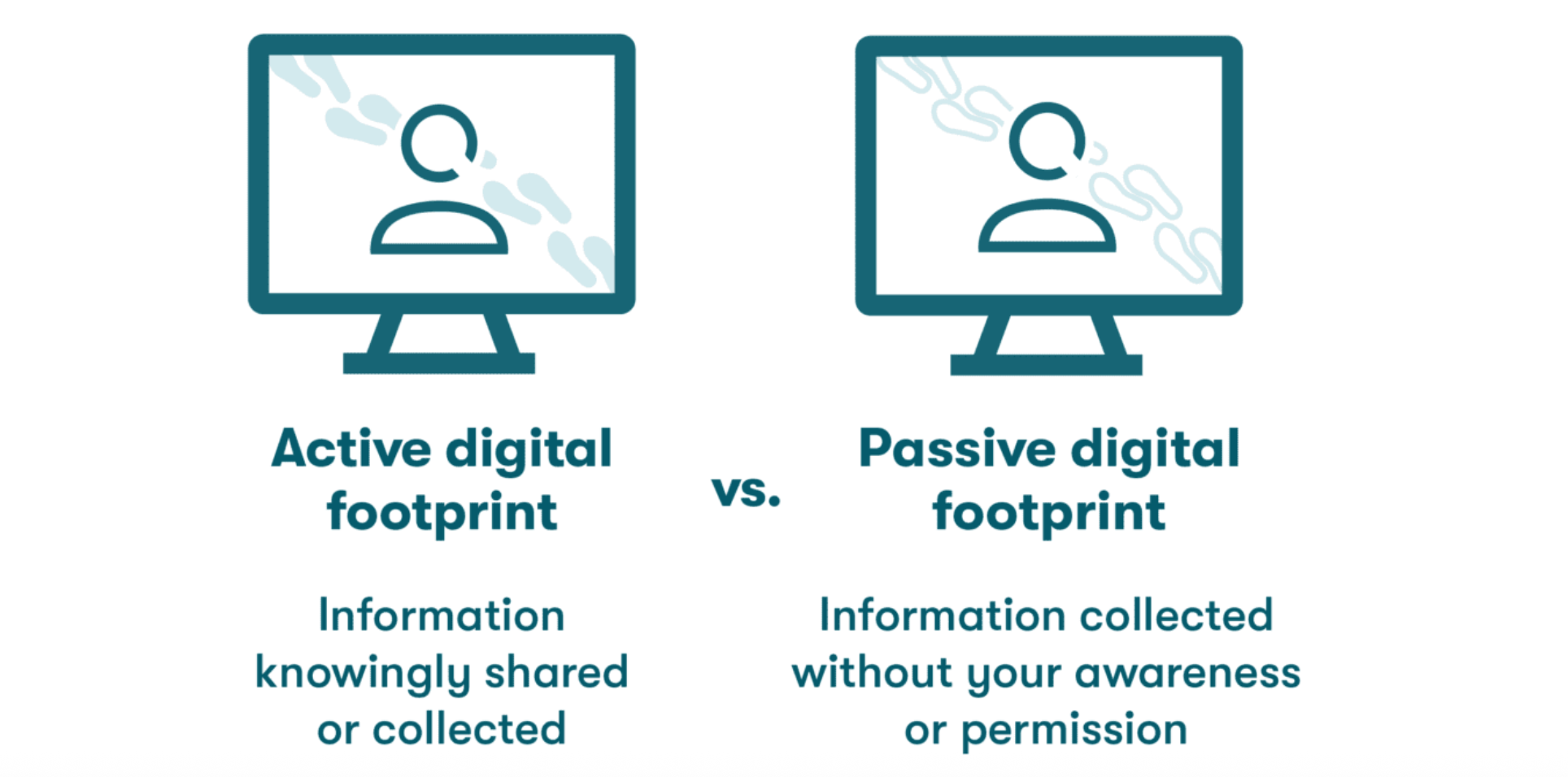
A proxy digital footprint refers to the combined network and device signals used to identify proxy connections. It includes IP reputation, TCP/IP behavior, TLS (JA3) fingerprints, browser configuration, and behavioral metrics. Platforms analyze this full footprint instead of checking just your IP.
How can I test if my proxy is detectable?
Before logging into important accounts, run your setup through tools like BrowserLeaks or the CyberYozh IP checker. These tools reveal if your real location is leaking through WebRTC, if your IP type doesn't match your claimed device, or if your connection has signs of proxy routing. Spending five minutes testing beforehand can save you from bans.
Are mobile proxies harder to detect than datacenter proxies?
Yes, mobile proxies are generally harder to detect because your IP comes from a real carrier like T-Mobile or Vodafone. Datacenter proxies are easier to identify due to hosting ASN classification and public IP range databases. However, mobile proxies can raise red flags if your browser fingerprint reveals desktop specifications, while your IP suggests you're connecting from a phone.