
Venmo Limit 2026: Complete Guide to Transfer, Daily & Sending Limits
TL;DR
Venmo uses a rolling 7-day limit, not a strict daily cap; this distinction explains most of the confusion.
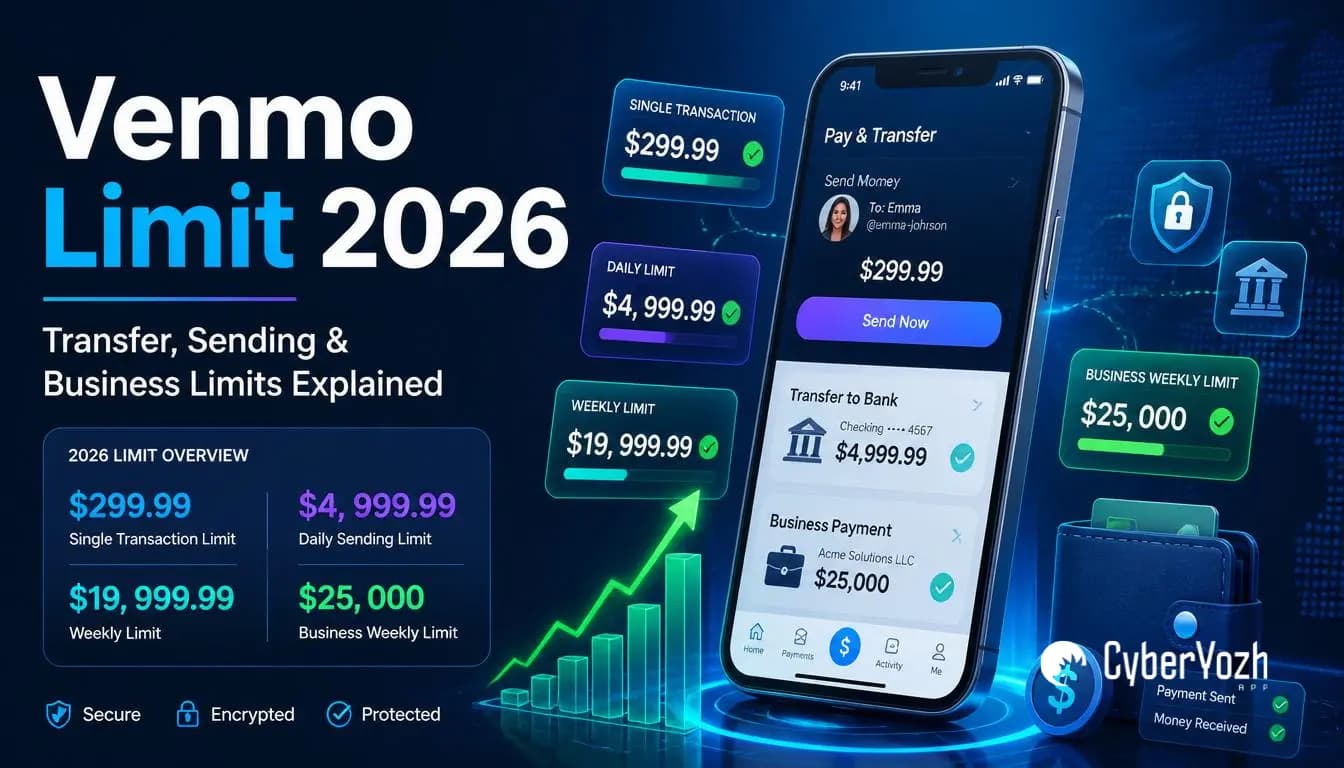
The Venmo limit for unverified accounts is $299.99 per week total; verified personal accounts can send up to $4,999.99 per week person-to-person.
Business profiles unlock the highest limits: up to $25,000 per week in payments.
Verifying your identity in the Venmo app is the only way to increase your sending limit.
Businesses managing multiple Venmo accounts need careful IP and session management to avoid account flags.
Quick Answer
What is the Venmo transfer limit? For unverified accounts, it's $299.99 per rolling week across all transactions. Once verified, personal accounts can send up to $60,000 per week combined across payments and purchases, with bank transfers capped separately at $19,999.99 per week (5,000 per individual transfer), confirmed directly in Venmo's Help Center.
Correction from the previous version of this page: the Venmo Debit Card's daily withdrawal limit (ATM, over-the-counter, and cash back) is $1,000/day, not $400, as confirmed directly against Venmo's own Help Center. This page previously understated it.
How Venmo limits actually work

Most confusion about Venmo's limit comes down to one thing: people search for a "Venmo limit per day," but standard transfers don't have one.
Venmo uses a rolling 168-hour window. If you send $200 on a Tuesday at 2 p.m., that $200 stays counted against your weekly limit until the following Tuesday at 2 p.m., not the next calendar week, not midnight, exactly seven days later.
Expert insight: Your available limit at any moment is your weekly cap minus whatever you've sent in the trailing 168 hours; check transaction timestamps, not the calendar, when estimating what's left.
The only limits that genuinely reset on a daily clock are the debit card's purchase and withdrawal caps, and the 30-transaction daily count; everything else on a personal or business profile is weekly, no matter how many people search "Venmo limits per day" expecting otherwise.
Venmo limits for unverified accounts
If you haven't completed identity verification in the Venmo app, these are the limits you're working within:
Transaction Type | Limit |
Weekly spending (all transactions) | $299.99 |
Weekly bank transfer | $999.99 |
Per-transaction bank transfer | $999.99 |
That $299.99 weekly cap covers everything: person-to-person payments, merchant purchases, and all other outgoing transactions. It's a hard ceiling until you verify.
For casual users splitting dinner or paying a friend back, this isn't an issue. For anyone using Venmo for freelance payments, business income, or regular selling, you'll hit this within the first few transactions of the week.
Common Mistake: Many users assume the $999.99 bank transfer limit is separate from the $299.99 spending cap, thinking they can send $299.99 in payments and still transfer $999.99 to their bank. These are separate limit types for separate transaction categories, but the $299.99 outgoing payment cap still applies independently.
Venmo limits for verified personal accounts
Once you complete identity verification, submitting your legal name, date of birth, Social Security Number, and a government-issued ID, your limits increase substantially:
Transaction Type | Limit |
Weekly person-to-person sending | $4,999.99 |
Standard bank transfer (per transaction) | $5,000 |
Weekly bank transfer total | $19,999.99 |
Instant transfer to debit card (per transaction) | $10,000 |
Instant transfer to bank (per transaction) | $50,000 |
Venmo Debit Card daily purchases | $3,000 |
Daily transaction count | 30 transactions |
Verification requires your legal name, date of birth, SSN or ITIN, and a government-issued ID; approval typically takes minutes to a few hours.
Pro tip: Verify before you need to send a large payment. Discovering the $299.99 cap mid-transaction is a five-minute fix if you've planned ahead, and an annoying wait if you haven't.
Does Venmo limit how much you can receive
No, Venmo does not cap incoming payments from other users or merchants. Limits apply only to what you send, transfer, or withdraw.
Venmo business profile limits
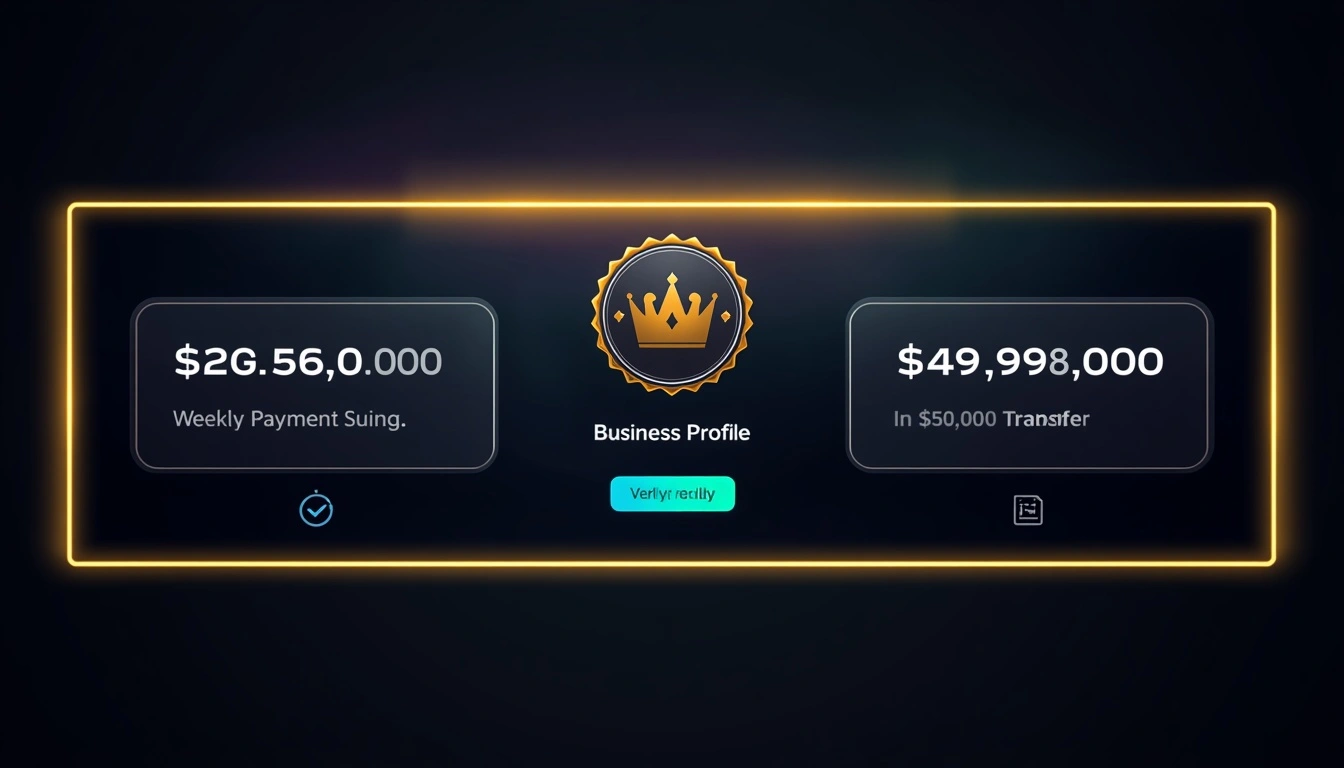
If you receive regular payments through Venmo for goods or services, a Business Profile unlocks the platform's highest available limits.
According to Venmo's official Business Profile documentation, verified business profiles have a weekly payment limit of $25,000 and a weekly bank transfer limit of $49,999.99. Unverified business profiles are restricted to $2,499.99 per week in payments and $999.99 per week in bank transfers.
Transaction Type | Verified Business Limit |
Weekly payment sending | $25,000 |
Weekly bank transfer | $49,999.99 |
Instant transfer to debit card (per transaction) | $10,000 |
Instant transfer to bank account (per transaction) | $50,000 |
Business Profiles require verification, including your business name and EIN. The practical benefit for online sellers and agencies: significantly higher weekly throughput, and Instant Transfer available at higher per-transaction limits than personal accounts allow.
Fee structure: Instant Transfers carry a 1.75% fee per transaction, with a minimum of $0.25 and a maximum of $25. Standard bank transfers remain free.
Venmo debit card and instant transfer limits
These are frequently overlooked in discussions of limits but matter to anyone using Venmo as a day-to-day spending tool.
Venmo Debit Card:
Daily purchase limit: $3,000
Per-transaction limit: $2,999.99
ATM withdrawals: $400 per day
Instant Transfer:
To debit card: up to $10,000 per transaction
To bank account: up to $50,000 per transaction
Fee: 1.75% (minimum $0.25, maximum $25)
Delivery: typically within 30 minutes
Standard bank transfers are free but take 1–3 business days. For freelancers and sellers who need immediate access to funds, the Instant Transfer fee is usually worth the speed; build it into your project pricing or operating costs.
How to increase your Venmo limit
One path to higher limits is identity verification. Venmo doesn't offer manual limit increases via customer service requests for standard personal accounts; the only official method is to complete the in-app verification process.
The verification process:
Open the Venmo app and go to Settings
Navigate to Identity Verification
Enter your legal name and date of birth exactly as they appear on your ID
Submit your Social Security Number or ITIN
Upload a clear photo of a government-issued ID, driver's license, or passport
Wait for confirmation, typically minutes, occasionally a few hours
Limits update automatically upon approval. No follow-up required.
For higher limits beyond personal verification:
Switch to a Venmo Business Profile for regular business payments
Ensure your business name and EIN exactly match your registered business documentation
Maintain consistent transaction patterns; accounts showing sudden volume spikes are more likely to trigger additional compliance review
Common Mistake: Entering your name differently from how it appears on your government ID is the most common reason verification fails or delays. "Mike" instead of "Michael," a missing middle initial, or a hyphenated surname entered without the hyphen are all frequent causes. Use your legal name precisely as it reads on your ID.
Why Venmo restricts accounts
Two overlapping reasons: regulatory compliance and fraud prevention. As a licensed money transmitter, Venmo must apply Know Your Customer (KYC) verification before allowing high-value transactions; the $299.99 unverified cap sits below that regulatory threshold. On the fraud side, its systems watch for sudden volume spikes, geographic inconsistency, and multiple accounts sharing infrastructure.
Multi-account challenges for businesses
This is where most "Venmo limit" articles stop short, and where agencies and sellers running more than one profile hit avoidable friction. Venmo's fraud detection looks at access patterns across accounts, not just within one. Two verified, fully legitimate Business Profiles accessed from the same IP can still read as a single operator running multiple accounts.
Access setup | Risk level | Why |
Same IP, multiple accounts | High | Cross-account pattern match |
Same IP, staggered times | Medium | Behavioral clustering |
Distinct IPs, consistent geography | Low | Matches legitimate multi-entity use |
Distinct IPs, city-level match per account | Lowest | No detectable coordination |
The fix is infrastructure, not workarounds: each account needs a stable IP with geography that matches its own registration, no mid-session switching, no shared subnets across accounts in the same operation.
This isn't about raising anyone's limit or bypassing verification; it's the same clean, one-IP-per-account discipline that keeps any financial or social platform from flagging legitimate multi-entity operations.
Expert insight: Financial platforms use the same IP reputation and cross-account pattern analysis as social media and e-commerce platforms. The fix is identical: clean, geographically stable, independently sourced access per account.
Why businesses choose CyberYozh in 2026
What CyberYozh provides for this specific problem:
Residential proxies with real ISP-assigned IPs, rotating from $2/GB, dedicated static from $5.29/month
Mobile LTE/5G proxies for the highest-trust access profile, from $1.70/day
Sticky sessions, so no mid-session IP changes trigger a flag
City-level geo-targeting to match each account's registered location
One isolated IP per account, from distinct network blocks
Set up clean, stable account access: CyberYozh proxy catalog