
Proxy Móvel Dedicado: IP 4G/5G Real, Não Compartilhado 2026
Resposta rápida: Um mobile proxy dedicado atribui um IP de operadora 4G ou 5G real exclusivamente a um usuário, em vez de compartilhá-lo em um pool. Isso importa quando a consistência de sessão, confiança da conta ou desempenho previsível vale a pena pagar mais do que por um mobile proxy rotativo ou compartilhado, mas não garante proteção contra fiscalização de plataformas, e a escolha certa ainda depende do fluxo de trabalho.
TL;DR
Um mobile proxy dedicado oferece uso exclusivo de um IP de operadora; mobile proxies compartilhados e rotativos dividem esse mesmo IP, ou o trocam, entre múltiplos usuários ou requisições
O verdadeiro gatilho para pagar mais por mobile proxies dedicados é a consistência de sessão; IPs mobile compartilhados já são difíceis de rastrear até um único usuário
Proxy 4G LTE continua sendo o padrão amplamente disponível; mobile proxies 5G adicionam velocidade onde a cobertura realmente suporta, não em todos os lugares
Empresas que executam gerenciamento de contas, verificação de anúncios ou QA em escala são o ajuste mais claro para planos de mobile proxy dedicado para empresas; uso casual de baixo volume raramente precisa de um
Os planos de mobile proxy dedicado do CyberYozh começam a partir de $1,70/dia sem limite de dados, ao lado de quatro outros provedores construídos especificamente em torno de infraestrutura mobile dedicada
O que é um mobile proxy dedicado
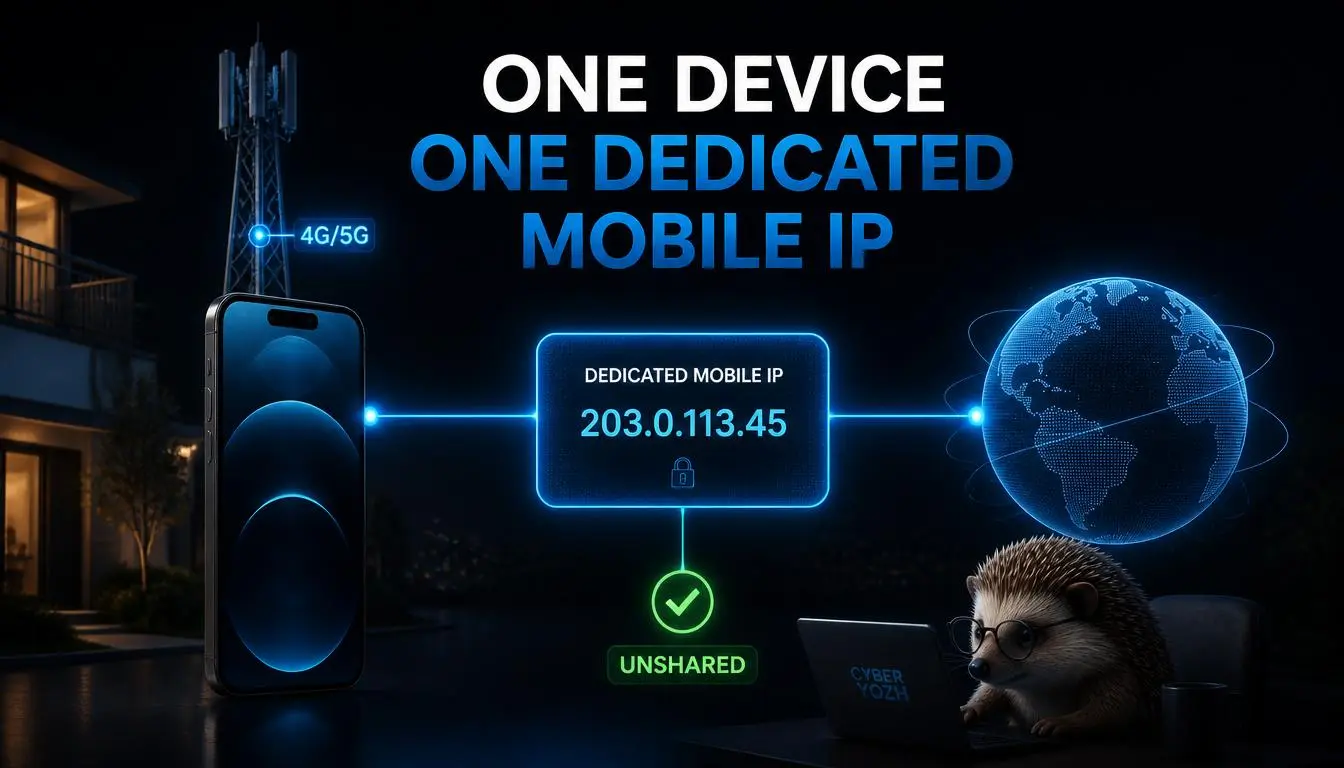
Um mobile proxy dedicado atribui um IP de operadora mobile real exclusivamente à sua conta; nenhum outro cliente roteia tráfego através dele enquanto é seu. Essa é toda a distinção de um servidor de mobile proxy padrão: mobile proxies comuns frequentemente colocam vários usuários atrás do mesmo IP ou o rotacionam automaticamente, enquanto um mobile IP proxy dedicado permanece fixo e privado para você pelo tempo que você o mantiver.
Vale a pena ser preciso aqui, porque o termo é usado de forma imprecisa: Um mobile proxy dedicado não é o mesmo que um proxy residencial, e não é automaticamente o mesmo que um IP estático de qualquer provedor, a parte "mobile" significa especificamente que o IP se origina de infraestrutura de operadora 4G, LTE ou 5G real, o mesmo tipo de endereço que um telefone recebe da Verizon, Vodafoneou T-Mobile.
Redes de operadoras roteiam grandes números de assinantes reais através de pools de endereços compartilhados por design, e é exatamente por isso que um IP genuinamente dedicado a você, em vez de incidentalmente compartilhado no nível da operadora, é um produto significativamente diferente.
Por que você precisaria de um proxy móvel dedicado
Um proxy móvel dedicado justifica seu preço mais alto em relação aos proxies móveis compartilhados ou rotativos em situações específicas:
Problema: Seu IP muda durante uma sessão importante
Proxies móveis rotativos ou compartilhados podem fornecer um novo endereço no meio da tarefa, o que interrompe fluxos de trabalho com login ativo ou faz uma conta parecer estar constantemente pulando entre redes.
Um IP móvel dedicado ou sticky mantém um único endereço durante toda a vida da sessão, o que é interpretado como comportamento normal e consistente.
Problema: Você não quer compartilhar um IP com outros usuários
Em um proxy móvel compartilhado, a atividade de outro cliente no mesmo IP pode ocasionalmente afetar como esse endereço é percebido.
A infraestrutura dedicada oferece uso exclusivo, então nada que aconteça na conexão pode ser rastreado até o comportamento de outra pessoa.
Problema: Você precisa de um IP genuinamente de rede móvel, não de datacenter
Um proxy de datacenter não se parece em nada com a conexão de um usuário real.
Um proxy 4G ou 5G dedicado funciona na mesma infraestrutura de operadora que um telefone real usa, o que é importante para testes realistas em rede móvel.
Problema: Você está executando um fluxo de trabalho empresarial que precisa de acesso previsível
Gerenciamento de contas, verificação de anúnciosou pipelines de QA que dependem do mesmo ambiente aparecer todas as vezes se beneficiam de um proxy móvel privado em vez de infraestrutura que se reorganiza por conta própria.
Se a estabilidade da sessão e um IP de rede móvel dedicado são prioridades, compare as opções móveis dedicadas atuais do CyberYozh com os requisitos acima.
Proxies móveis dedicados vs compartilhados vs rotativos
Recurso | Proxy móvel dedicado | Proxy móvel compartilhado | Proxy móvel rotativo |
Exclusividade de IP | Exclusivamente seu | Dividido entre vários usuários | Reatribuído automaticamente, sem proprietário fixo |
Consistência de sessão | Máxima, um IP fixo | Moderada, compartilhado mas geralmente estável a curto prazo | Baixa, IP muda em um cronômetro ou por solicitação |
Melhor para | Gerenciamento de contas, fluxos de trabalho empresariais que exigem persistência | Uso casual com orçamento limitado | Pesquisa distribuída, scraping de alto volume, testes de localização |
Custo típico | Mais alto por IP ou por dia | Mais baixo | Médio, geralmente cobrado por GB |
Perfil de risco | Nenhuma exposição à atividade de outros usuários no mesmo IP | Exposição compartilhada, geralmente de baixo impacto | Não aplicável, IP não persiste tempo suficiente para construir histórico |
Nem dedicado nem rotativo é automaticamente melhor; um proxy móvel dedicado que nunca precisa provar diversidade de IP é a ferramenta errada para testes distribuídos, e um proxy móvel rotativo é a ferramenta errada para uma conta que precisa parecer o mesmo usuário recorrente todos os dias.
Proxies móveis dedicados 4G vs 5G
Recurso | Proxy móvel 4G LTE dedicado | Proxy móvel 5G dedicado |
Maturidade da rede | Amplamente implementado, muito consistente | Mais recente, cobertura em expansão |
Velocidade típica | Sólida, confiável | Velocidades de pico mais altas onde totalmente disponível |
Disponibilidade | Maioria das operadoras, maioria das regiões | Concentrado nas principais cidades até agora |
Melhores casos de uso | Gestão geral de contas, maioria dos fluxos de trabalho empresariais | Testes com uso intensivo de banda, verificação rica em mídia |
O que verificar | Padrão amplo, geralmente a escolha mais segura | Confirme a cobertura 5G real no seu local de destino antes de presumir um ganho de velocidade |
Proxies móveis 5G não são automaticamente a melhor escolha; o desempenho real depende da operadora, congestionamento local, dispositivo e de como a própria indústria enquadra a implementação do 5G: desigual, mercado por mercado, não uma atualização uniforme. Para a maioria dos fluxos de trabalho de gestão de contas e empresariais, um proxy móvel 4G é o padrão mais seguro e amplamente disponível; opte pelo 5G especificamente quando a carga de trabalho exigir muita banda.
Casos de uso para proxy móvel dedicado
Verificação de anúncios beneficia-se diretamente de um IP estável e realista de operadora, já que uma parcela significativa das impressões de anúncios é visualizada em conexões móveis reais.
Testes de aplicativos móveis e QA beneficiam-se de forma semelhante; um aplicativo se comporta de maneira diferente em uma rede de operadora genuína do que em Wi-Fi ou uma rota de datacenter.
Geo-targeting e testes de localização usam um IP móvel dedicado para verificar como conteúdo, preços ou resultados de pesquisa realmente são renderizados para uma região específica.
Pesquisa de mercado e rastreamento de SEO beneficiam-se de uma identidade consistente que não reinicia no meio do projeto.
Automação controlada, onde as próprias regras de uma plataforma a permitem explicitamente, é mais confiável em infraestrutura que não muda de identidade de forma imprevisível durante a execução.
Proxies móveis dedicados para redes sociais
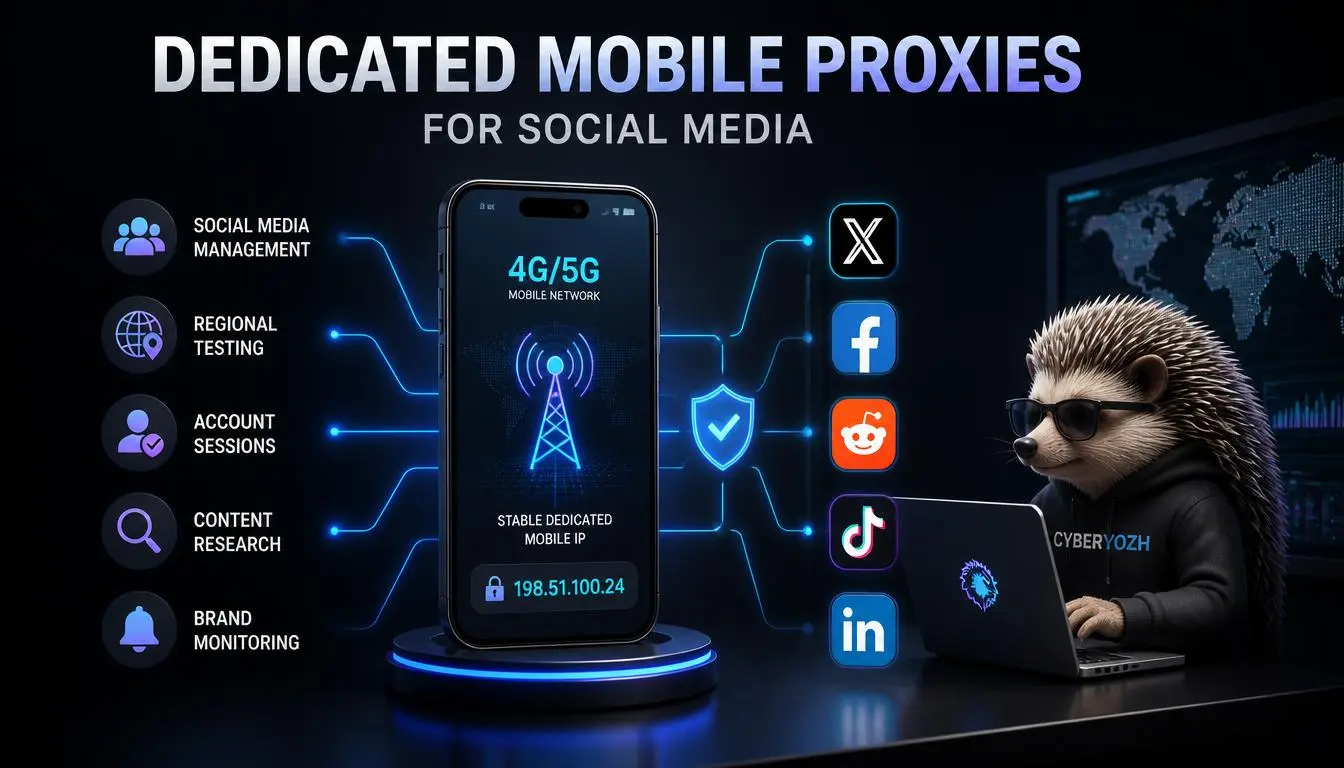
A gestão de contas é o ajuste mais claro para redes sociais: as plataformas interpretam um padrão de rede estável e consistente como comportamento normal de conta, que é exatamente o que um proxy móvel IP dedicado fornece.
Isso se aplica ao Facebook, Instagram, X/Twitter, TikTok, Reddite LinkedIn praticamente da mesma forma; um proxy móvel privado com um único IP se adequa melhor às operações contínuas de contas do que um IP que se redefine por conta própria.
Nada disso impede ações de fiscalização da plataforma.
Todas as principais plataformas avaliam muito mais do que o endereço IP; padrões de comportamento, fingerprints de dispositivo e histórico de conta são todos fatores considerados, e nenhum provedor de proxy móvel dedicado pode honestamente prometer imunidade às próprias regras de uma plataforma.
Leia mais sobre proxies móveis ilimitados para redes sociais
Planos de proxy móvel dedicado para empresas
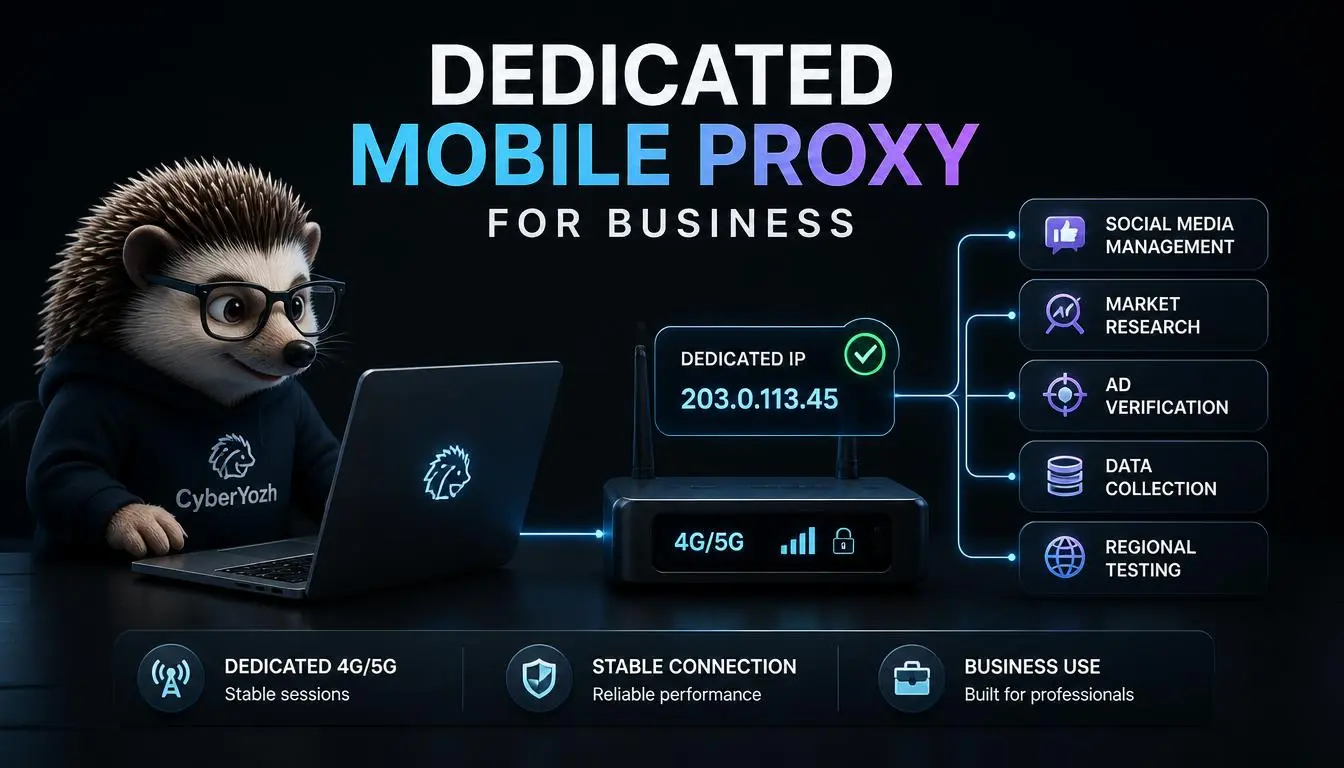
As empresas se preocupam com infraestrutura dedicada por razões que usuários individuais geralmente não consideram: conectividade previsível em toda a equipe, consistência de sessão entre várias pessoas trabalhando nas mesmas contas, controle centralizado de IP, segmentação por localização vinculada a mercados específicos, acesso à API para automação em escala e previsibilidade de custos em vez de contas imprevisíveis por GB.
Uma empresa não precisa de infraestrutura móvel dedicada se o volume de tráfego for genuinamente baixo, os testes forem ocasionais em vez de contínuos, ou o fluxo de trabalho não depender do mesmo IP aparecendo duas vezes.
Pagar por exclusividade que você não usa de fato é o gasto excessivo mais comum nesta categoria.
CyberYozh se destaca quando infraestrutura móvel dedicada, controle de IP e acesso sem KYC são as prioridades. Verifique os detalhes atuais do plano móvel dedicado antes de escolher.
Por que CyberYozh é a opção mais forte no geral
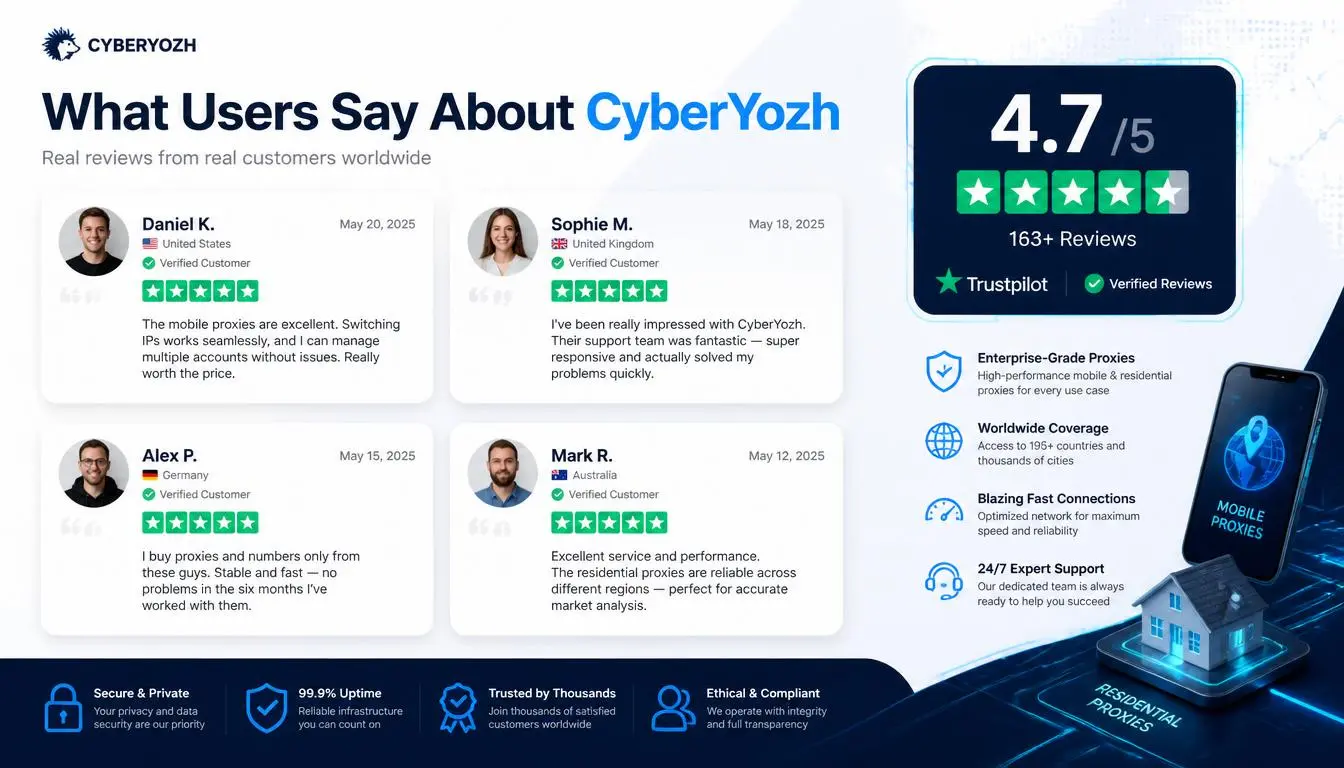
Consistência de sessão sem troca forçada: Fluxos de trabalho empresariais e de gerenciamento de contas precisam de um IP que não mude por conta própria. Os proxies móveis dedicados da CyberYozh mantêm uma conexão com rotação manual ou automática como opção, não como requisito.
Sem necessidade de KYC para começar: Equipes que não querem enviar documentos de identidade apenas para testar um serviço de proxy obtêm acesso completo imediatamente, com pagamento em criptomoeda aceito pela mesma razão.
Tráfego ilimitado com tarifa diária fixa. A cobrança convencional por GB fica cara e imprevisível em fluxos de trabalho empresariais contínuos. Uma tarifa fixa de $1,70/dia sem limite de dados torna o orçamento direto, não importa quanto o fluxo de trabalho realmente transfira.
Suporte a protocolos: UDP, HTTP, SOCKS5, HTTPS
Opções de fingerprinting integradas junto com compatibilidade com navegador antidetect.
Ferramentas de verificação na mesma conta: verificações de reputação de IP e verificação por SMS estão disponíveis junto com a infraestrutura de proxy, úteis para fluxos de trabalho de gerenciamento de contas que, de outra forma, precisariam de um segundo fornecedor.
CyberYozh não é a única opção legítima aqui, e uma empresa executando testes ocasionais de baixo volume não precisa de infraestrutura dedicada, mas para a combinação específica de persistência de sessão, acesso sem KYC e tráfego ilimitado com taxa fixa que este guia aborda, é a opção mais adequada entre as cinco comparadas.
Como escolher um proxy móvel dedicado
Confirme que o IP é genuinamente dedicado e não uma conexão compartilhada ou residencial renomeada.
Verifique a cobertura real de operadora 4G ou 5G nos seus locais-alvo reais.
Verifique se a rotação é opcional ou forçada, e se as sessões fixas são configuráveis.
Confirme os termos de largura de banda, taxa fixa ilimitada versus por GB, em relação ao seu volume de tráfego real.
Verifique o método de autenticação e o suporte de API em relação às suas ferramentas existentes.
Confirme que os requisitos de KYC correspondem ao seu nível de conforto.
Teste velocidade e confiabilidade em pequena escala antes de se comprometer com um plano de longo prazo.
Erros comuns a evitar ao usar proxies móveis dedicados
Presumir que "dedicado" sempre significa mais seguro ou melhor; significa exclusivo e consistente, o que só importa se o seu fluxo de trabalho realmente precisar dessas características.
Pagar por infraestrutura dedicada em um fluxo de trabalho que funcionaria bem com proxies móveis compartilhados ou rotativos.
Escolher 5G por padrão sem confirmar a cobertura real onde você está realmente testando.
Presumir que um IP dedicado previne banimentos de plataforma; não previne. As plataformas avaliam comportamento e histórico de conta muito além do endereço IP.
Pular um teste em pequena escala antes de comprometer orçamento com um plano de longo prazo.
Veredicto final
Um proxy móvel dedicado vale o prêmio especificamente quando consistência de sessão, controle exclusivo de IP ou acesso previsível em escala empresarial importam mais do que custo bruto; gerenciamento de contas, fluxos de trabalho de verificação e pipelines de QA são os casos mais claros.
Para uso ocasional ou de baixo volume, um proxy móvel compartilhado ou rotativo faz o trabalho por menos. Entre os cinco provedores comparados, a combinação de tráfego ilimitado com taxa fixa, acesso sem KYC e rotação configurável do CyberYozh o torna a escolha mais completa, embora Proxidize valha a pena para equipes que desejam controle em nível de hardware, e MarsProxies para acesso dedicado flexível de curto prazo.
Precisa de um IP de rede móvel que seja genuinamente seu, não compartilhado? Compare os planos de proxy móvel compartilhado do CyberYozh com seus requisitos de sessão e orçamento.