
Загрузчик Facebook Reels: 8 лучших бесплатных инструментов, которые действительно работают в 2026 году
Я сохраняю Facebook Reels уже два года — для собственного контента, для исследования клиентов и, честно говоря, просто потому, что увидел что-то смешное и не хотел это потерять. Я лично протестировал каждый инструмент из этого списка. Некоторые меня удивили. Некоторые потратили моё время впустую. Этот гайд точно расскажет, какой из них использовать, исходя из того, что вам действительно нужно.
Быстрый ответ, если вы торопитесь: FDownloader для скорости, Publer , если вы ненавидите рекламу, и расширение FDOWN для Chrome , если вы хотите кнопку загрузки прямо внутри Facebook.
Коротко:
В Facebook нет встроенной кнопки загрузки; вам нужен сторонний загрузчик
FDownloader.net и SnapSave — самые быстрые веб-варианты
Бесплатный загрузчик Publer — самый чистый, без рекламы, без водяных знаков, без регистрации
Расширения для Chrome FDOWN и FLoader добавляют кнопку загрузки в один клик прямо внутри Facebook
Для профессионального использования или работы с несколькими аккаунтами прокси CyberYozh предотвращают ограничение скорости и связывание аккаунтов
Почему Facebook не позволяет скачивать reels
Facebook зарабатывает деньги каждый раз, когда вы открываете приложение и смотрите видео. Если бы вы могли просто скачивать и смотреть офлайн, вы бы открывали приложение реже. Вот почему нет кнопки загрузки. [Подробнее о политике Facebook]
Загрузчик Facebook Reels решает эту проблему, забирая видеофайл напрямую с серверов Facebook и предоставляя его вам в виде обычного MP4-файла, без приложения. Без аккаунта. Без водяного знака. Просто видео на вашем телефоне или компьютере.
8 лучших загрузчиков Facebook reels в 2026 году
Вот топ-8 загрузчиков Facebook reels в 2026 году с объяснением, как использовать каждый и для чего он лучше всего подходит:
1. FDownloader
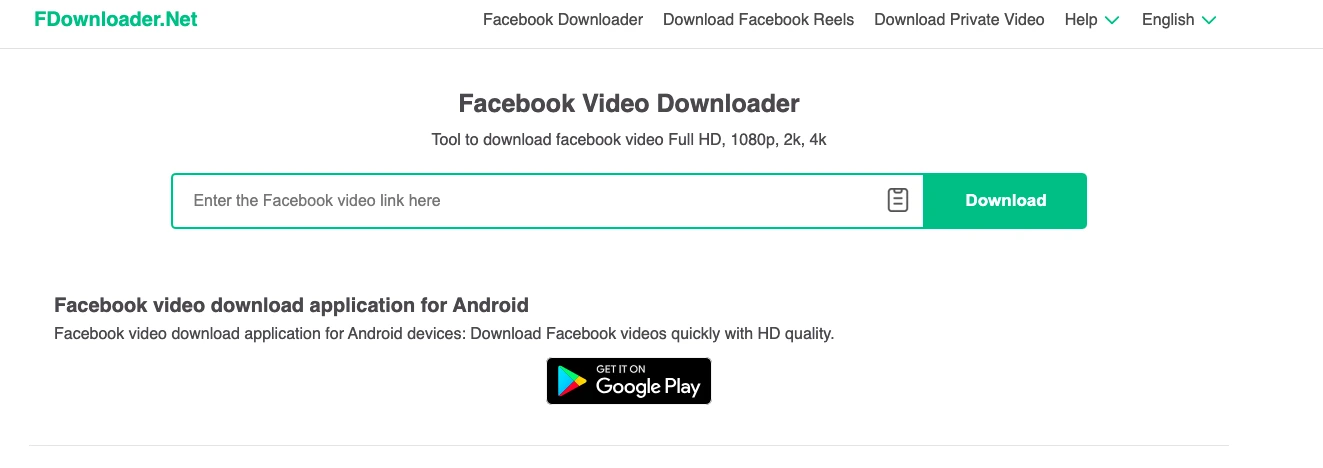
Моё честное мнение: Это тот, которым я пользуюсь чаще всего. Он быстрый, никогда не просит регистрироваться, и качество HD надёжное. Реклама есть, но она не мешает самой загрузке.
Как использовать:
Откройте Reel в Facebook, нажмите на три точки (⋯), нажмите Скопировать ссылку
Перейдите на fdownloader
Вставьте ссылку, выберите HD или SD
Нажмите «Загрузить», и MP4 сохранится прямо на ваше устройство
Работает на: Телефоне и компьютере, в любом браузере
Лучше всего для: Тех, кто хочет самый быстрый и надёжный вариант для повседневных загрузок.
Что мне не нравится:
Реклама на сайте довольно агрессивная. Новички иногда нажимают не на ту кнопку. Ищите настоящую кнопку загрузки под превью видео — это не большая мигающая реклама.
Что мне нравится:
Поддерживает разрешения HD, 2K и 4K. Также позволяет извлечь аудио в формате MP3 — удобно, если вам нужна только музыка или закадровый голос из Reel.
2. SnapSave
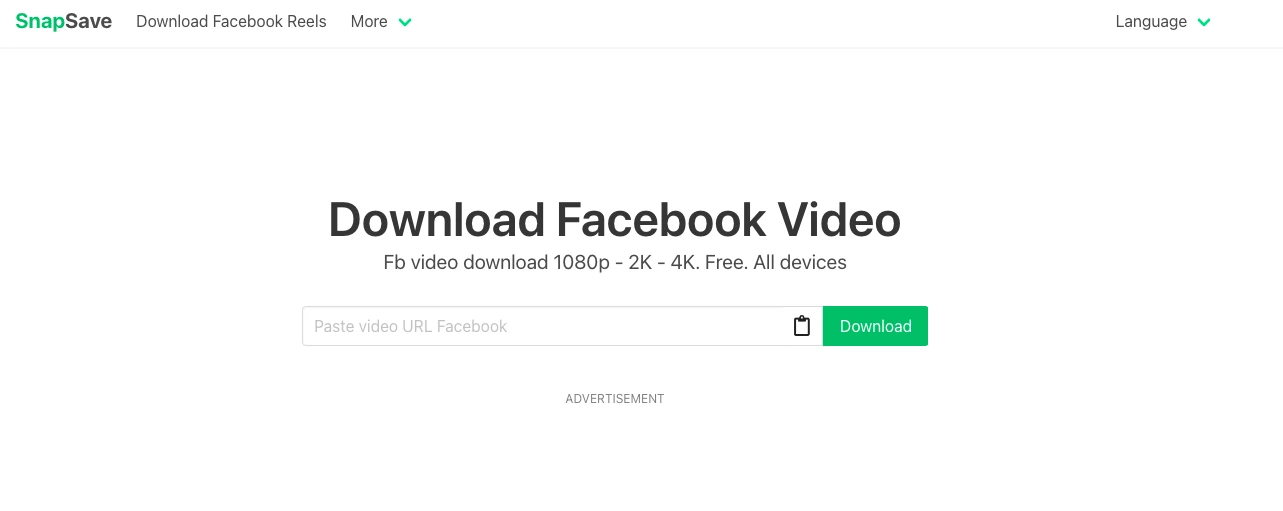
Моё честное мнение: SnapSave — самый чистый на вид инструмент из этого списка, который действительно выдаёт чёткое HD-видео. Я использую его именно тогда, когда важно качество — например, когда сохраняю Reel, который хочу использовать как референс для собственного монтажа.
Как им пользоваться:
Скопируйте ссылку на Reel из Facebook
Перейдите на SnapSave.app
Вставьте ссылку и нажмите Download
Выберите качество — HD сохраняется без добавления водяного знака
Работает на: Всех устройствах, включая iPhone, Android и десктоп
Лучше всего подходит для: Контент-мейкеров, которым нужно, чтобы видео выглядело точно так же, как его опубликовал автор.
Что мне не нравится:
Поддерживается рекламой, как и большинство бесплатных инструментов. Ничего опасного, просто присутствует.
3. Publer Facebook reel downloader
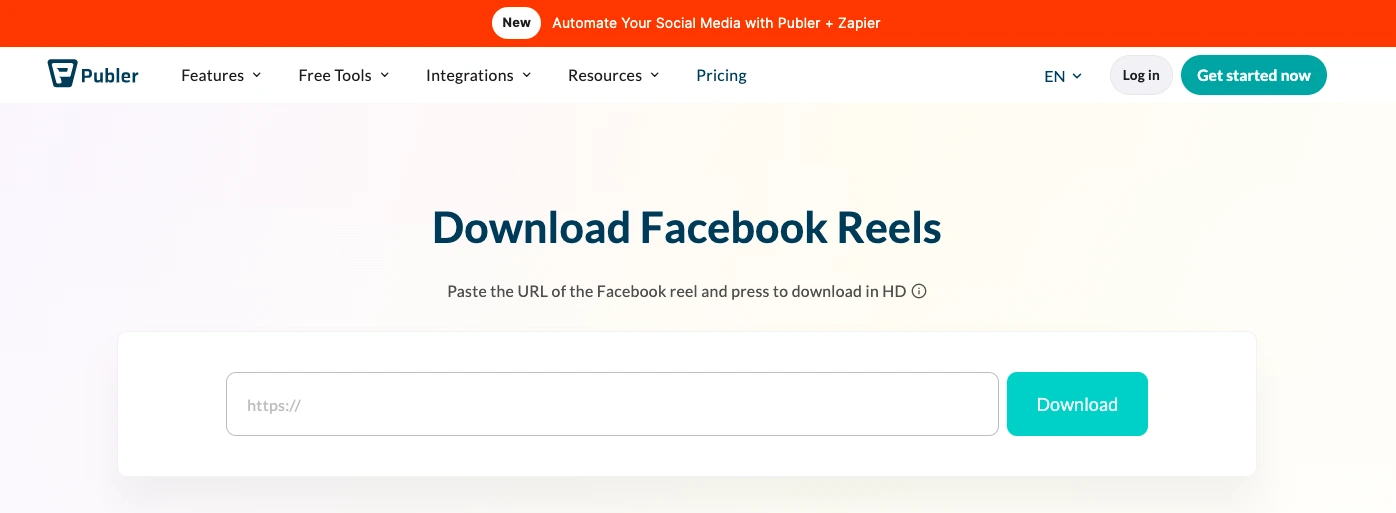
Моё честное мнение: Этот инструмент меня действительно удивил. Publer — платная платформа для планирования публикаций в соцсетях, но их бесплатный инструмент для загрузки — самый чистый из тех, что я нашёл. Никакой рекламы на странице. Никаких редиректов. Никаких трюков вроде «сначала нажмите сюда».
Как им пользоваться:
Скопируйте ссылку на Reel
Перейдите на Publer
Вставьте ссылку, нажмите Download
HD MP4 сохраняется прямо на ваше устройство — вот и всё
Что такое Publer: Это платформа для управления социальными сетями — планирование публикаций, отслеживание аналитики и управление несколькими аккаунтами в Facebook, Instagram, LinkedIn и других. Загрузчик — это бесплатный автономный инструмент; вам не нужно покупать или регистрироваться в Publer, чтобы им пользоваться.
Работает на: Любом устройстве и браузере
Лучше всего подходит для: Тех, кто ненавидит рекламу и хочет максимально простой опыт. Также отлично подходит для новичков.
Что мне не нравится:
Не поддерживает 4K. Если вам нужно ультравысокое разрешение, FDownloader или SnapSave предлагают варианты более высокого качества.
Что мне нравится:
Я рекомендовал это людям, которые не разбираются в технологиях, именно потому, что на странице нет ничего, что могло бы их запутать или ввести в заблуждение. Просто поле, кнопка и скачивание — никакой ерунды.
4. FSave.net
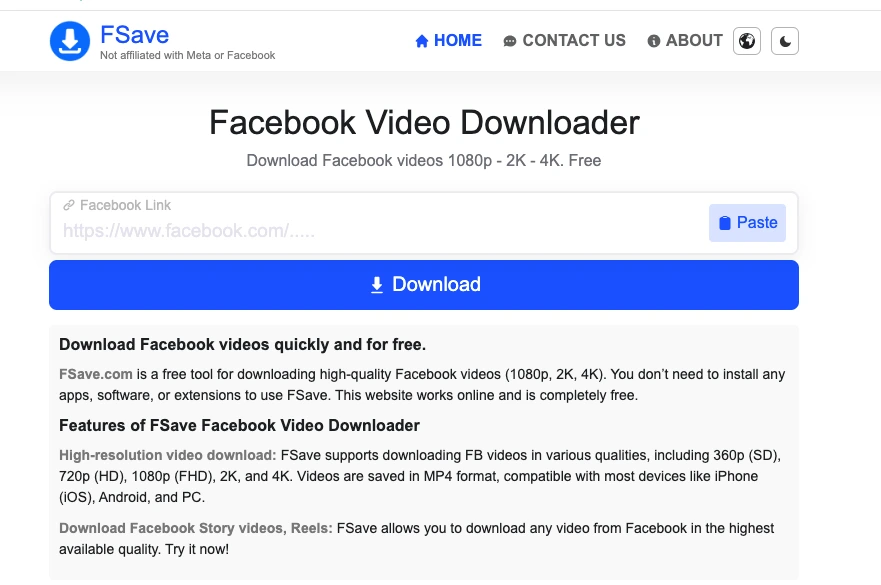
Мое честное мнение: Если вы сохраняете Reel, снятый в высоком производственном качестве, и хотите каждый пиксель, FSave — это то, что нужно. Он поддерживает до 4K, когда оригинал был загружен в этом разрешении.
Как использовать:
Скопируйте URL Facebook Reel
Перейдите на fsave.net
Вставьте и нажмите Download
Выберите качество, доступно до 4K
Лучше всего подходит для: Всех, кто сохраняет высокопроизводственные Reels, где качество является приоритетом.
Что мне не нравится:
Он не показывает варианты разрешения четко сразу; вы узнаете доступное качество только после вставки ссылки.
Что мне нравится:
Минималистичный интерфейс. Быстрая обработка. Никаких лишних страниц или всплывающих окон между вами и загрузкой.
5. Расширение FDOWN для Chrome
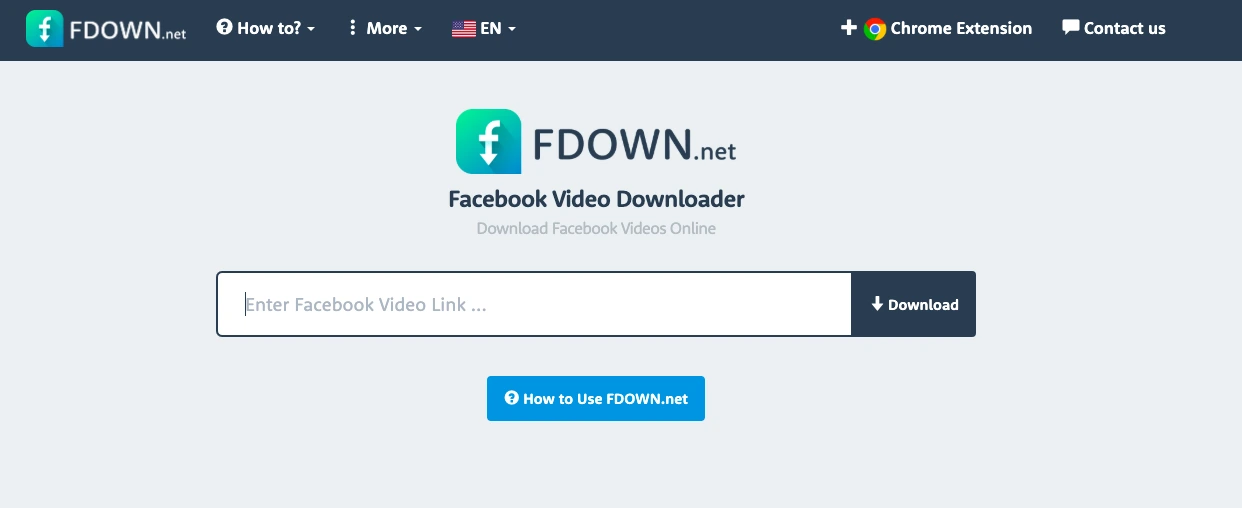
Мое честное мнение: Это изменило то, как я скачиваю Reels на десктопе. Вместо копирования ссылок и переключения вкладок кнопка загрузки появляется прямо на Reel в Facebook. Один клик. Готово.
Как установить:
Перейдите в Chrome Web Store
Найдите «Video Downloader PLUS» от fdown.net
Нажмите Add to Chrome
Откройте Facebook, и кнопки загрузки теперь появляются автоматически на каждом видео.
Лучше всего подходит для: Людей, которые регулярно скачивают Reels со своего десктопа и хотят, чтобы это был процесс в один клик.
Что мне не нравится:
Только для десктопного Chrome. Не работает на мобильных устройствах или других браузерах.
Что мне нравится:
Самый быстрый рабочий процесс среди всех инструментов в этом списке для пользователей настольных компьютеров. Также поддерживает приватные групповые видео, если вы вошли в систему, что большинство веб-инструментов не могут сделать.
Примечание о расширениях Chrome: Расширениям требуется разрешение на чтение страниц вашего браузера — так они обнаруживают видео. Устанавливайте только от разработчиков с реальными отзывами и видимой политикой конфиденциальности. FDOWN существует уже много лет и пользуется широким доверием, но это правило применимо к любому расширению, которое вы устанавливаете, а не только к загрузчикам видео.
6. FLoader
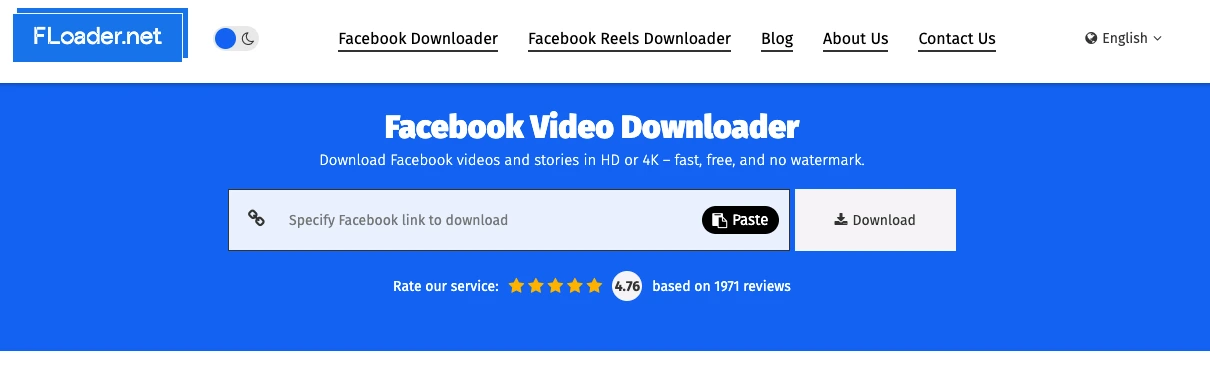
Моё честное мнение: FLoader выполняет ту же работу, что и расширение FDOWN, но кажется легче и загружается быстрее. Если расширение FDOWN когда-либо казалось вам медленным, попробуйте это.
Ключевые функции:
Загрузка в один клик прямо внутри Facebook
Поддерживаются качества HD и 4K
Без регистрации, без отслеживания данных
Обновлено в декабре 2025 года, работает с текущим интерфейсом Facebook
Лучше всего подходит для: Пользователей настольного Chrome, которым нужна лёгкая альтернатива FDOWN.
Что мне не нравится:
Более новый инструмент, поэтому меньше отзывов от сообщества. Работает только в Chrome, только на настольных компьютерах.
Что мне нравится:
Заметно легче других расширений. Хорошо подходит для людей, у которых уже много расширений Chrome и которые не хотят ещё одно тяжёлое.
7. SaveFrom
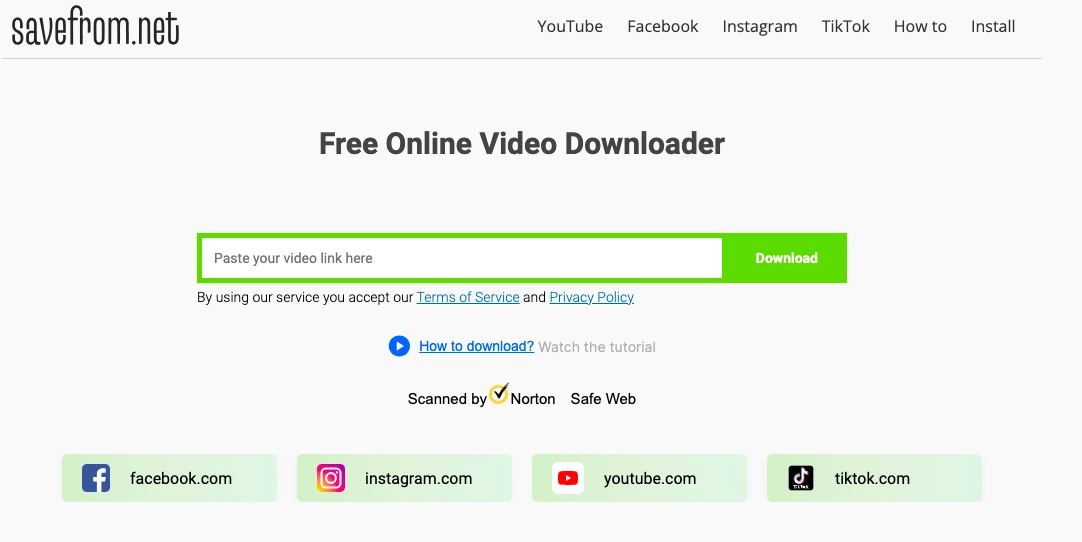
Моё честное мнение: SaveFrom существует уже более десяти лет. Если вы регулярно загружаете видео с Facebook, YouTube, TikTok, Instagram и Vimeo и не хотите использовать отдельный инструмент для каждого, этот справляется со всеми.
Как использовать:
Скопируйте URL Reels из Facebook
Перейдите на savefrom.net
Вставьте ссылку, нажмите «Загрузить»
Выберите качество и формат
Лучше всего подходит для: Пользователей, которые регулярно загружают видео с нескольких платформ и хотят один инструмент для всего.
Что мне не нравится:
Веб-версия имеет самые агрессивные всплывающие окна из всего в этом списке. Не вредные, просто раздражающие. Используйте расширение, если выбираете этот инструмент; это гораздо лучший опыт, чем веб-инструмент.
Что мне нравится:
Расширение для браузера добавляет кнопку загрузки сразу на многих видеосайтах, а не только на Facebook.
8. Загрузчик видео Facebook от SmallSEOTools
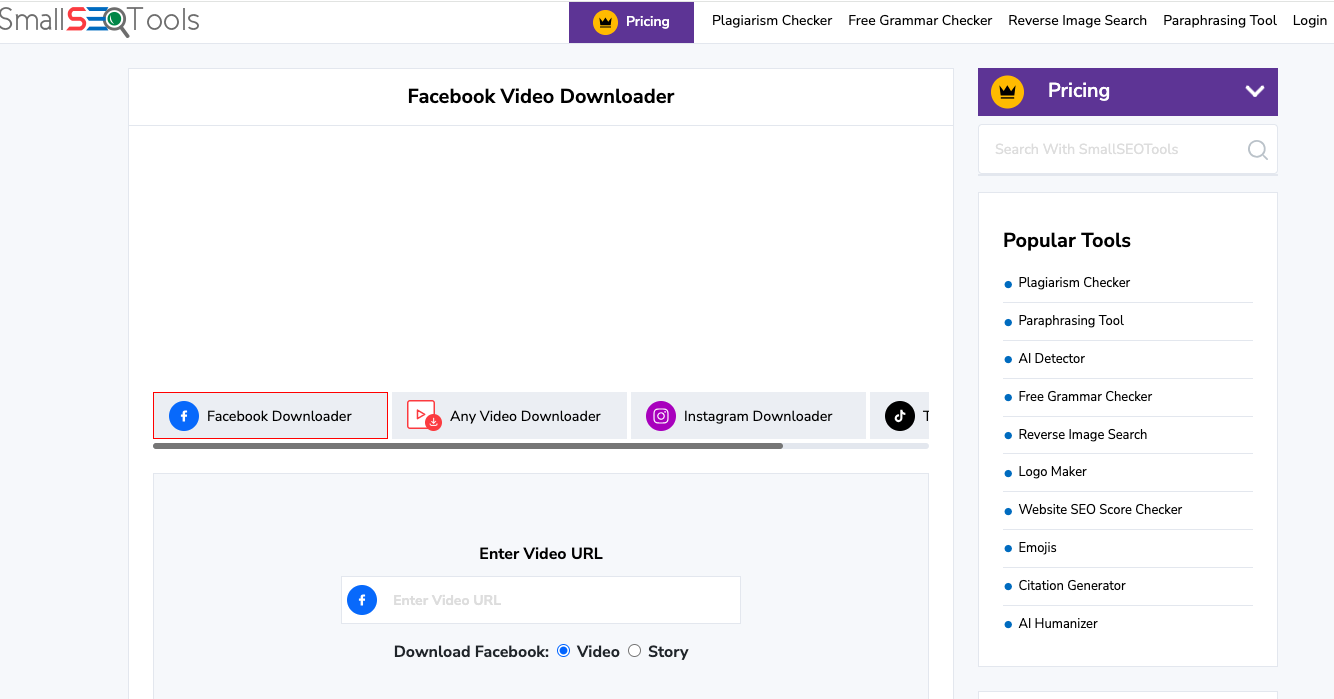
Мое честное мнение: SmallSEOTools — это проверенный бесплатный веб-инструмент, которому доверяют уже много лет. Их загрузчик для Facebook не выглядит броско, но работает стабильно, а репутация сервиса дает ему преимущество для пользователей, которым важно, куда уходят их данные.
Как использовать:
Скопируйте ссылку на Reels
Перейдите на smallseotools.com → Facebook Video Downloader.
Вставьте ссылку и скачайте
Лучше всего подходит для: Пользователей, заботящихся о конфиденциальности и предпочитающих инструменты от проверенных и ответственных провайдеров.
Что мне не нравится:
Интерфейс выглядит устаревшим по сравнению с альтернативами. Работает не так быстро, как FDownloader или SnapSave.
Что мне нравится:
У SmallSEOTools есть настоящая политика конфиденциальности, реальная служба поддержки и долгая история работы. Для такой простой задачи, как скачивание видео, это имеет значение.
Таблица быстрого сравнения
Инструмент | Лучше всего подходит для | Реклама | Макс. качество | Расширение для Chrome |
FDownloader.net | Скорость + надежность | Да | 4K | Нет |
SnapSave.app | HD + мультиплатформенность | Да | 4K | Нет |
Publer | Без рекламы, без лишних действий | Нет | HD | Нет |
FSave.net | Качество 4K | Нет | 4K | Нет |
Расширение FDOWN | Загрузка на десктоп в один клик | Нет | HD | Да |
FLoader | Легковесное расширение для Chrome | Нет | 4K | Да |
SaveFrom.net | Мультиплатформенный | Да | HD | Да |
SmallSEOTools | Проверенный бренд, конфиденциальность | Минимальная | HD | Нет |
Как скопировать ссылку на рилс Facebook: работает со всеми инструментами выше
Каждому инструменту из этого списка нужно одно и то же для начала работы: ссылка на рилс. Это та ссылка, которую вы вставляете в любой из инструментов выше.
В мобильном приложении Facebook: Откройте рилс → Нажмите на три точки (⋯) в правом нижнем углу → Нажмите Копировать ссылку.
В Facebook через браузер (на десктопе или телефоне): Нажмите на три точки на посте с рилсом и выберите Копировать ссылку, или просто скопируйте URL из адресной строки браузера после того, как рилс откроется.
Когда загрузки перестают работать в масштабе: для профессионалов
Всё вышеперечисленное отлично работает для загрузки рилсов время от времени. Но если вы SMM-менеджер, агентство или маркетолог, который регулярно скачивает контент с нескольких аккаунтов Facebook, вы столкнётесь с проблемой.
Facebook отслеживает запросы по IP-адресу. Когда один и тот же IP загружает много контента за короткий промежуток времени, Facebook ограничивает его. Когда несколько аккаунтов работают с одного IP, Facebook начинает связывать их, что может вызвать ограничения сразу на всех аккаунтах.
Это стандартные знания в индустрии, а не лазейка. Профессиональное управление несколькими аккаунтами требует ротации IP, и именно здесь в дело вступает прокси-инфраструктура. А именно:
Мобильные прокси LTE/5G дают вам реальные IP операторов связи, такие же, какие использует ваш телефон при просмотре через мобильный интернет. Facebook считает этот тип трафика наиболее надёжным. Купите сейчас за $1,7/день с безлимитным трафиком.
Статичные резидентские прокси назначают каждому аккаунту постоянный IP-адрес домашнего интернета. Пул из 100+ млн IP в более чем 100 странах, аптайм 99,9%. Никаких внезапных скачков геолокации, которые выдают автоматизированное поведение. Купить от $5,29/месяц за IP.
Ротационные резидентские прокси назначают новый IP-адрес каждому запросу, поэтому массовая загрузка или исследование множества страниц выглядит как действия множества разных пользователей, а не одного. Купить от $0,9/ГБ.
CyberYozh предлагает все три типа плюс проверку репутации IP (чтобы вы знали, помечен ли IP, прежде чем его использовать).
SMS -верификация — номера для регистрации аккаунтов.
Единый API , который работает с Playwright, Puppeteer, Selenium и другими инструментами автоматизации.
Поддержка протоколов UDP, SOCKS, HTTP, HTTPH .
Известен как самый доступный и надёжный на рынке прокси.
Поддержка 24/7 на 7 языках .
Для агентств, управляющих 10 и более аккаунтами Facebook, наличие прокси для Facebook и верификации на одной платформе экономит массу времени на устранение проблем.
Итоговый вердикт о загрузке Reels из Facebook
Если вы просто хотите сохранить Reel из Facebook прямо сейчас, зайдите на publer.com/tools/facebook-reel-downloader, вставьте ссылку и нажмите «Скачать». Без рекламы, без водяных знаков, без регистрации. Готово за 20 секунд.
Если качество важнее всего, используйте FDownloader.net или SnapSave для разрешения до 4K.
Если вы работаете в Chrome на компьютере и регулярно скачиваете Reels, установите расширение FDOWN и больше не думайте о копировании и вставке ссылок.
Для профессионального использования с несколькими аккаунтами вышеперечисленные инструменты справляются со скачиванием, но прокси-инфраструктура CyberYozh обеспечивает масштабируемость. Зарегистрируйтесь сейчас→