
LangChain vs LangGraph: What Changed in 2026
TL;DR
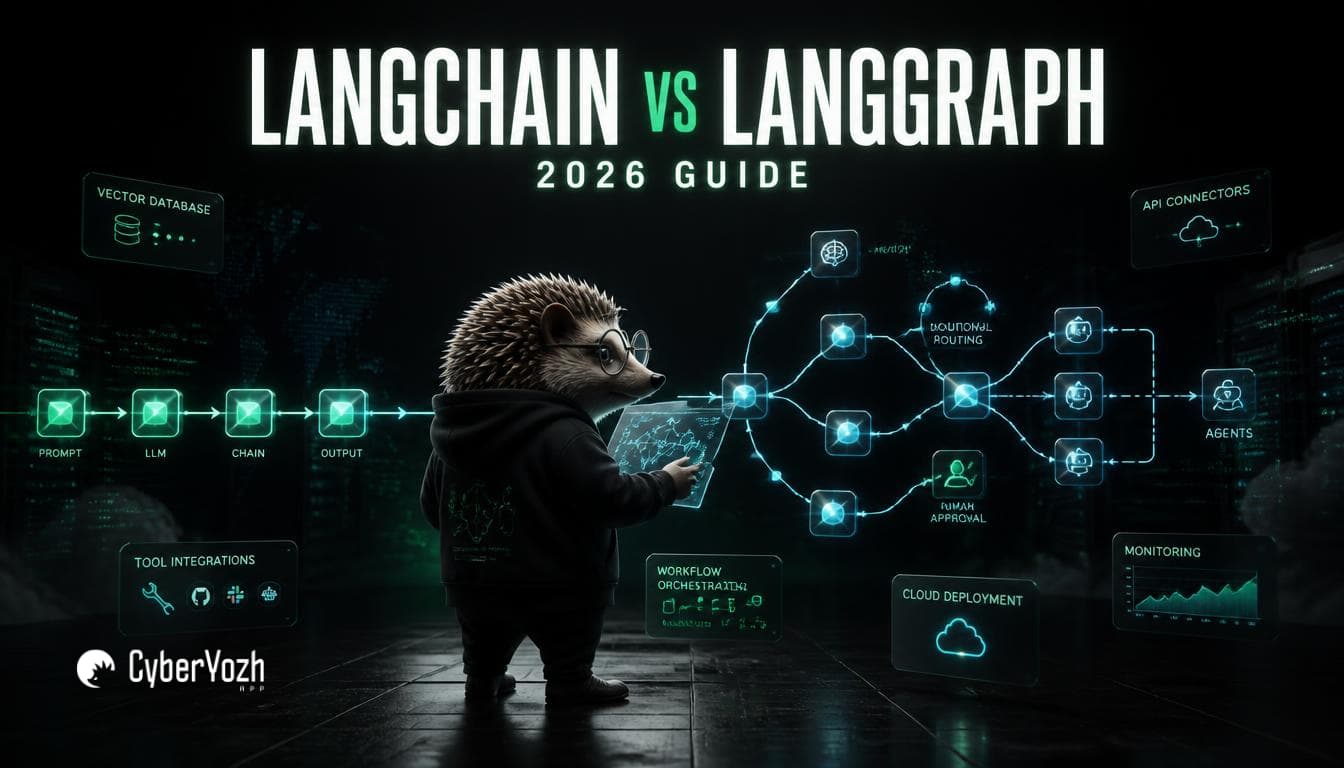
LangChain and LangGraph aren't really rivals anymore; since October 22, 2025, LangChain's agent-building function has run on LangGraph's execution engine.
LangGraph is not a visual, drag-and-drop tool. That's a common mix-up (it's actually LangFlow, a separate product). LangGraph is code-first: nodes, edges, and a shared state object.
LangChain is the fast path to a working agent. LangGraph is the low-level runtime underneath it for anything that needs to loop, pause, or survive a crash.
LangSmith isn't a competing framework at all; it's the observability layer that traces and evaluates what both are doing.
The most common developer mistake: reaching for LangGraph's full state-machine model for a simple, single-turn agent that a basic tool-calling loop would handle fine.
Quick Answer: LangChain is a framework for quickly building LLM-powered apps and agents using prebuilt components. LangGraph is the lower-level runtime underneath it, built for agents that need loops, retries, persistent state, or human review. Since LangChain 1.0 shipped in October 2025, LangChain's own agent builder runs on LangGraph internally; most production systems now use both together, not one instead of the other.
If you've read an older comparison of LangChain vs LangGraph, there's a good chance it's now inaccurate in one specific way: it treats them as two separate, competing choices. That stopped being quite true on October 22, 2025, when both frameworks hit their first stable 1.0 releases together.
The headline change: LangChain's new create_agent function, the standard way to build an agent in LangChain 1.0, runs on LangGraph's execution engine under the hood. LangGraph had already been powering production agents at companies like Uber, LinkedIn, and Klarna for over a year before that stable release.
So the real 2026 question isn't "LangChain or LangGraph"; it's "how much of LangGraph's control do I actually need to reach for directly?"
What is LangChain
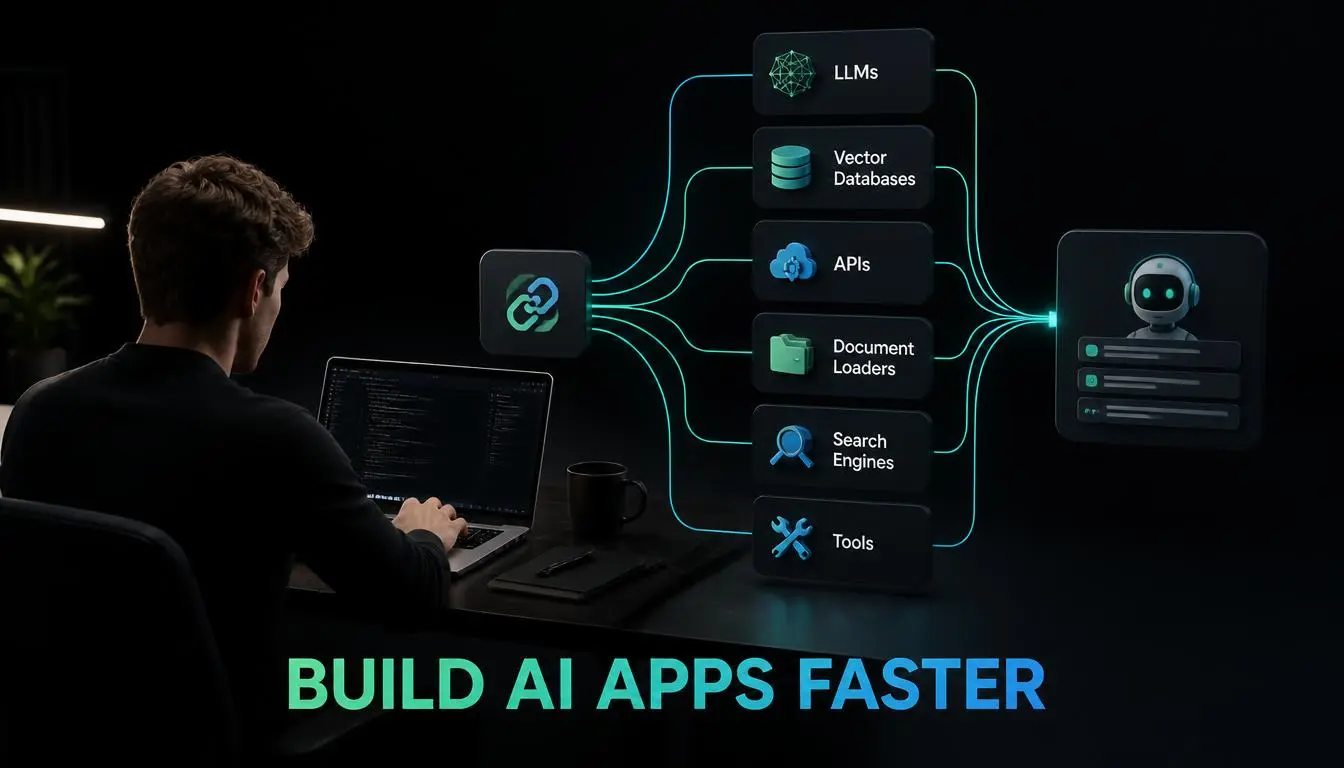
LangChain is the toolkit that gets you from zero to a working LLM application fast.
It ships with hundreds of integrations, model providers, vector stores, document loaders, and tools, so you can wire up a RAG pipeline or a tool-using agent in an afternoon instead of building every connector yourself.
Its create_agent abstraction (introduced in v1.0) is the fastest way to spin up a working agent: pick a model, hand it some tools, and go.
For straightforward use cases- a customer support bot, a document summarizer, a single-turn research assistant- this is usually all you need.
What is LangGraph
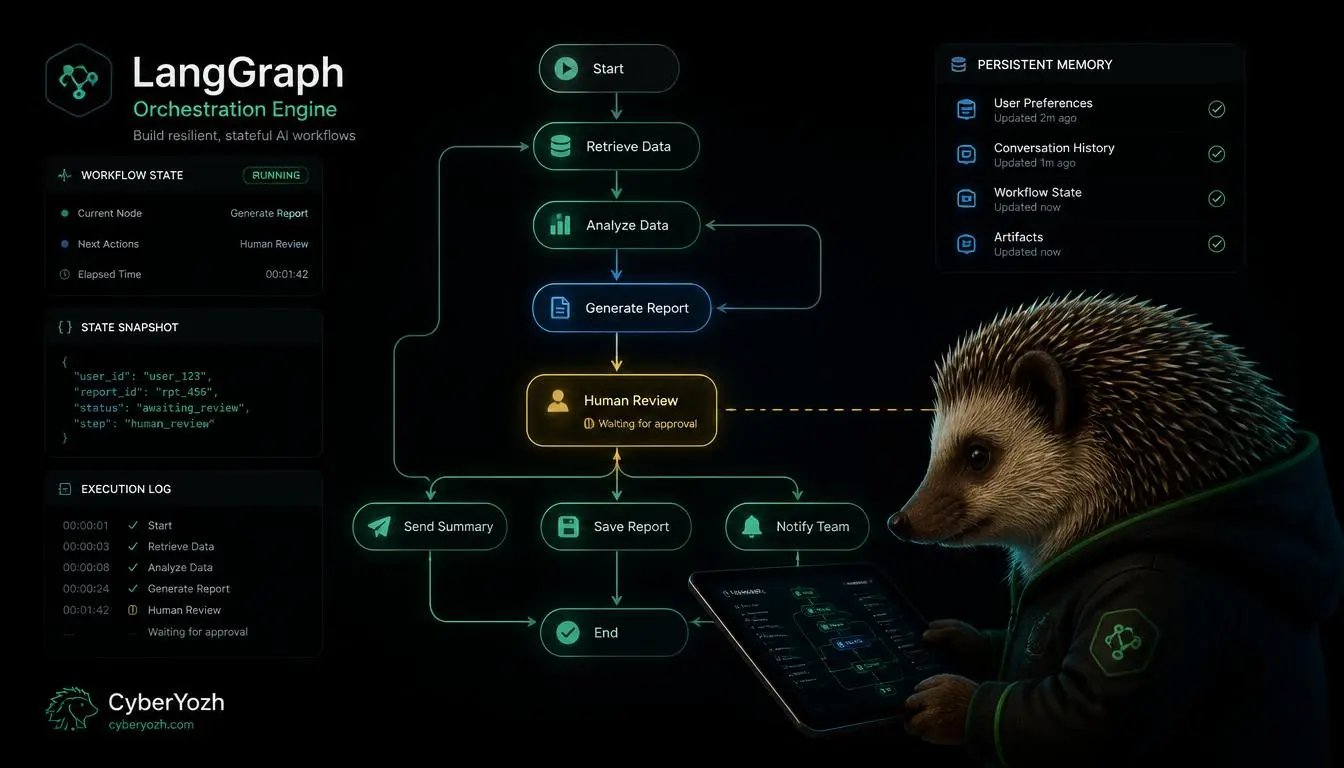
LangGraph is not a visual, low-code, drag-and-drop tool. A few older comparison articles describe it that way, and it's a real mix-up; the actual visual builder in this ecosystem is a separate product called LangFlow. LangGraph itself is code-first.
LangGraph models an agent as a StateGraph: nodes are functions, edges (including conditional edges) decide what runs next, and a shared state object flows through the whole execution.
That structure is what makes loops, branches, and multi-step reasoning possible without hand-rolling your own control flow.
LangGraph 1.0 adds durable state that survives a server restart mid-conversation, built-in persistence for pausing and resuming workflows across days, and first-class support for pausing execution so a human can review or approve a step before it continues.
Pro Tip: If your comparison, or any source you're reading, says LangGraph has a "drag-and-drop interface," it's either describing LangFlow by mistake or working from outdated information. Worth a second check before you build a mental model around it.
LangChain vs LangGraph vs LangSmith: The full stack explained
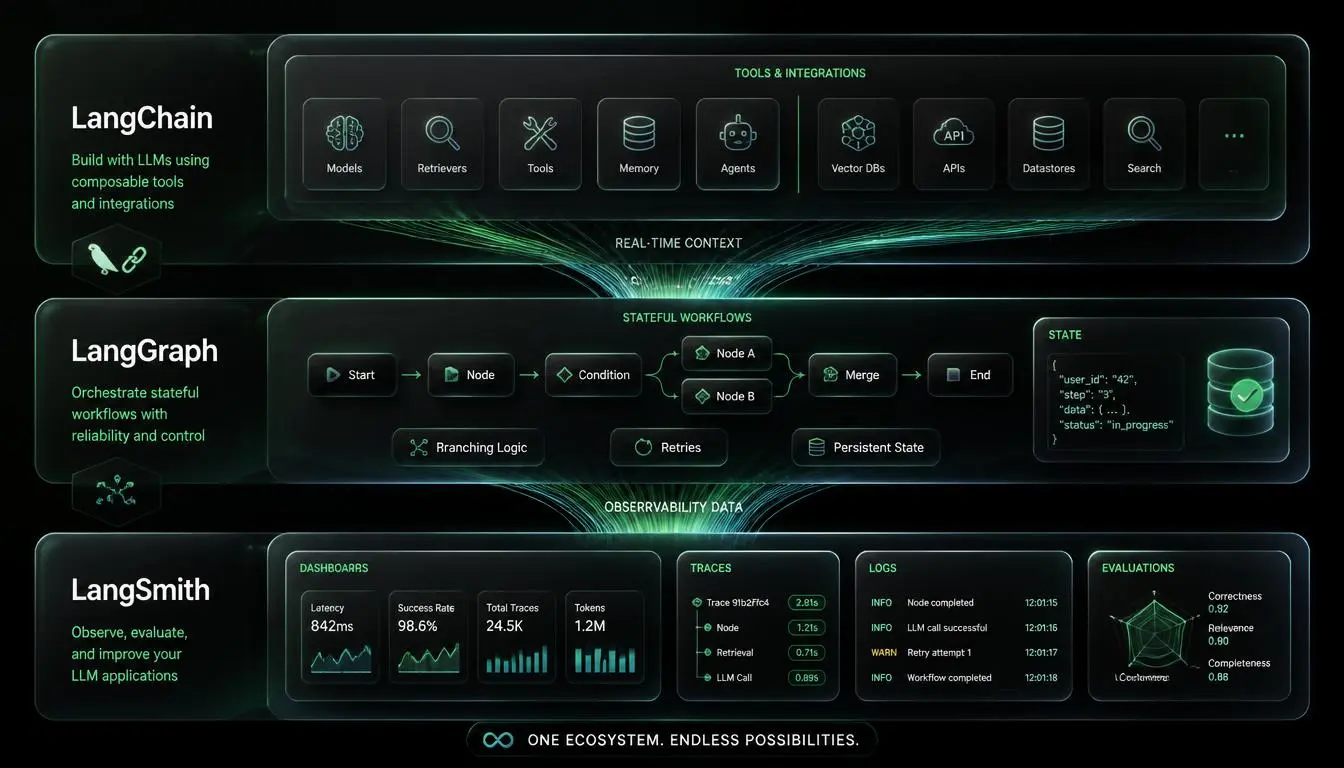
Adding LangSmith to the picture clears up a lot of confusion, because it's not a third competing framework; it's the observability layer that sits on top of both.
LangChain: the application layer. Prompts, tools, integrations, and the create_agent shortcut.
LangGraph: the orchestration layer. Where loops, branching, retries, and state transitions become explicit.
LangSmith: the truth layer. Decorate a function with @traceable, and it captures every input, output, and nested call as a run you can inspect, evaluate, and debug.
The 2026 recommendation from the LangChain team is exactly this division of labor: LangChain for building blocks, LangGraph for anything agentic or multi-step, LangSmith for watching what actually happened once it's running.
LangChain vs LangGraph: Side-by-side comparison
LangChain | LangGraph | LangSmith | |
What it is | Application framework | Orchestration runtime | Observability platform |
Best for | Fast prototyping, simple agents | Multi-step, stateful, multi-agent systems | Tracing, evaluation, debugging |
Interface | Code (Python/JS) | Code (Python/JS): not visual | Web dashboard + @traceable decorator |
State handling | Limited, request-scoped | Persistent, survives restarts | N/A (observes both) |
Human-in-the-loop | Possible, not native | First-class, built in | N/A |
Since Oct 2025 | create_agent runs on LangGraph | Powers LangChain's agent execution | Traces both automatically |
Stateful vs. stateless: The real technical difference
A stateless setup treats each request independently, useful for simple, single-turn tasks like summarization or translation, where nothing needs to be remembered between calls.
A stateful setup, which is what LangGraph is built around, keeps a shared state object alive across every step of an agent's execution. That's what lets an agent retry a failed tool call with context intact, pause for a human to approve something, or pick back up exactly where it left off if the process restarts. If your agent needs to remember what happened three steps ago to decide what to do next, you need state, and that's LangGraph's whole reason to exist.
Expert Insight: A developer working through the v1.0 migration flagged a real practical detail worth knowing upfront: agent state in LangChain 1.0 must now be expressed as TypedDicts extending AgentState, dropping prior support for Pydantic models. If your stack leans on Pydantic elsewhere, budget time for that adjustment.
When to use each: Agent workflows and multi-agent systems
Reach for LangChain's create_agent when you need a working agent quickly, and your workflow is fundamentally linear: gather context, call a tool, respond. Customer support, RAG-based Q&A, and content generation all fit here comfortably.
Reach for LangGraph directly when you're building multi-agent systems, need an agent to loop and re-evaluate its own progress, require a human-in-the-loop approval step, or need execution state to survive failures over long-running or multi-day workflows. Complex research agents, approval pipelines, and background automation jobs are the natural fit.
Common mistakes developers make
The most common one isn't a syntax error; it's reaching for LangGraph's full state-machine model on a task that's genuinely just a loop:
One developer's public critique of the ecosystem put it well: an AI agent, at its core, is often just an LLM call in a loop that decides whether to call a tool or return a result. Building that in the full graph model when a simple function would do adds real complexity for no practical benefit.
The second common mistake is the reverse: sticking with create_agent's defaults past the point where you actually need custom retry logic, conditional routing, or a pause-for-approval step, and then fighting the framework instead of dropping down to LangGraph's StateGraph directly.
Common Mistake: Assuming LangGraph replaces LangChain, or that you have to pick one. Since v1.0, they're designed to be used together; LangChain's agent builder runs on LangGraph's engine by default.
Best choice for beginners vs production
Beginners: start with LangChain's create_agent. It gets you a working agent with minimal setup, and you'll understand exactly when you've outgrown it because you'll start fighting it.
Production: most serious systems in 2026 use both, LangChain for the building blocks and integrations, LangGraph underneath for anything that needs to survive a crash, pause for a human, or loop reliably. Treat it as one stack with two layers of control, not two competing tools.
How CyberYozh supports AI agents and web data collection
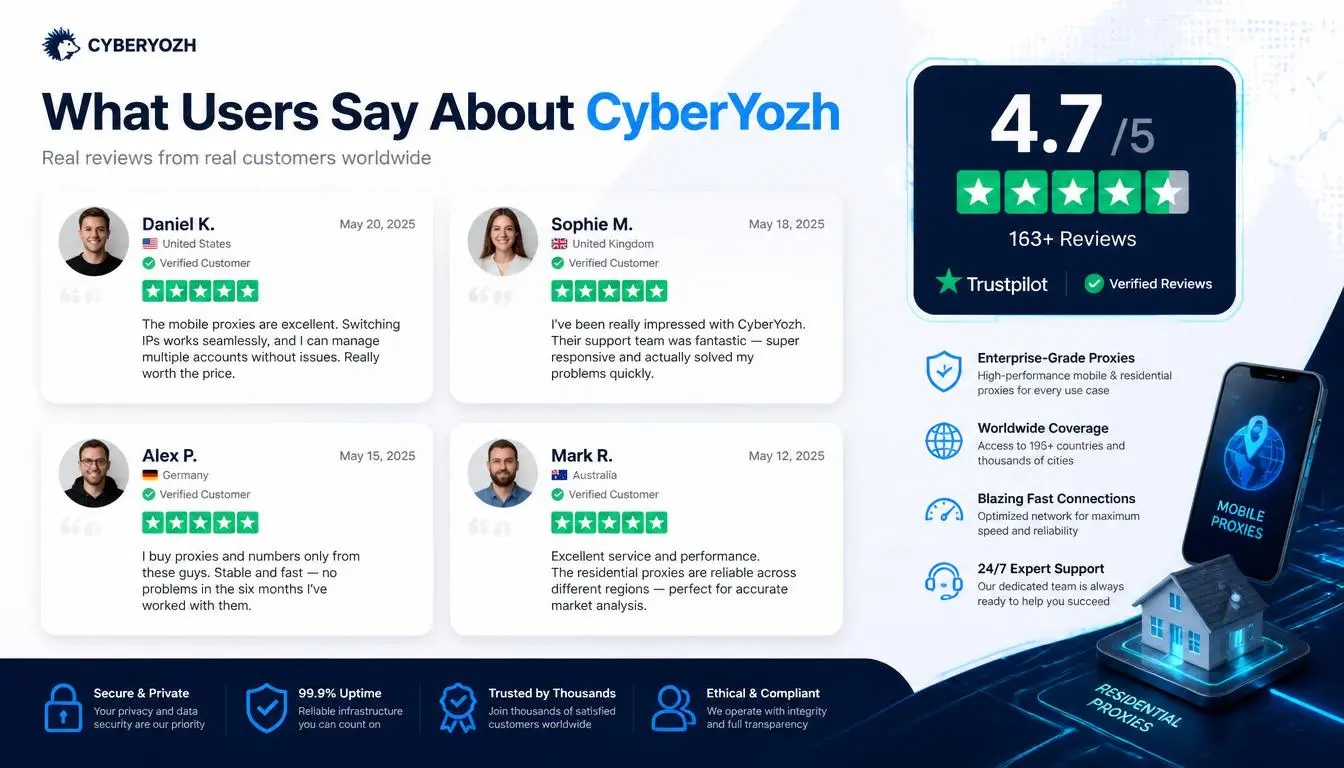
Whichever side of LangChain vs LangGraph you land on, most real agents eventually need to reach outside the model: browsing the web, pulling data into a RAG pipeline, or calling external tools that expect a real, clean connection. That's the layer proxies handle, and it's a common blind spot in agent architecture discussions.
Residential and mobile proxies for agents doing live web browsing or data collection, avoiding the IP-based blocks that a shared datacenter IP tends to hit
Rotating IPs from $2/GB for high-volume scraping feeding a RAG pipeline or agent tool
Sticky sessions available where an agent needs a stable connection across a multi-step browsing task rather than a fresh IP every request
Full API access over SOCKS5/HTTP/UDP, so proxy rotation plugs directly into a LangGraph tool node or a custom LangChain integration
Datacenter proxies from $1.90/month for high-speed, cost-sensitive automation that doesn't need residential-grade trust
99.9% uptime, rated 4.7+ "Excellent" on Trustpilot, so an agent pipeline doesn't fail on infrastructure when the logic itself is sound
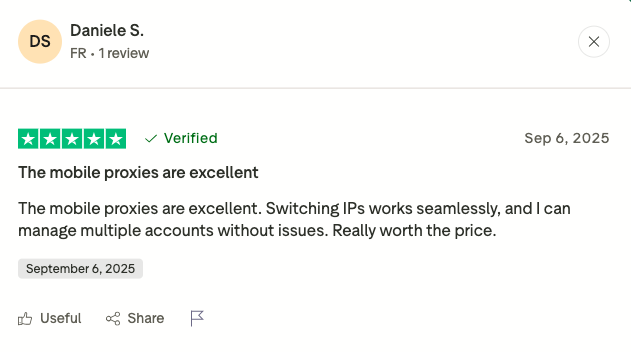
For a team building browser-using agents or web-data pipelines, the proxy catalog and full API access are the pieces worth looking at first, separate from whichever orchestration framework sits above them.