
Real mobile LTE / 5G networks
Run AI agents through real carrier networks with unlimited mobile traffic and dedicated channels.
- Real LTE / 5G carrier networks
- Manual and API IP rotation
- High-trust environments
- Stable AI sessions
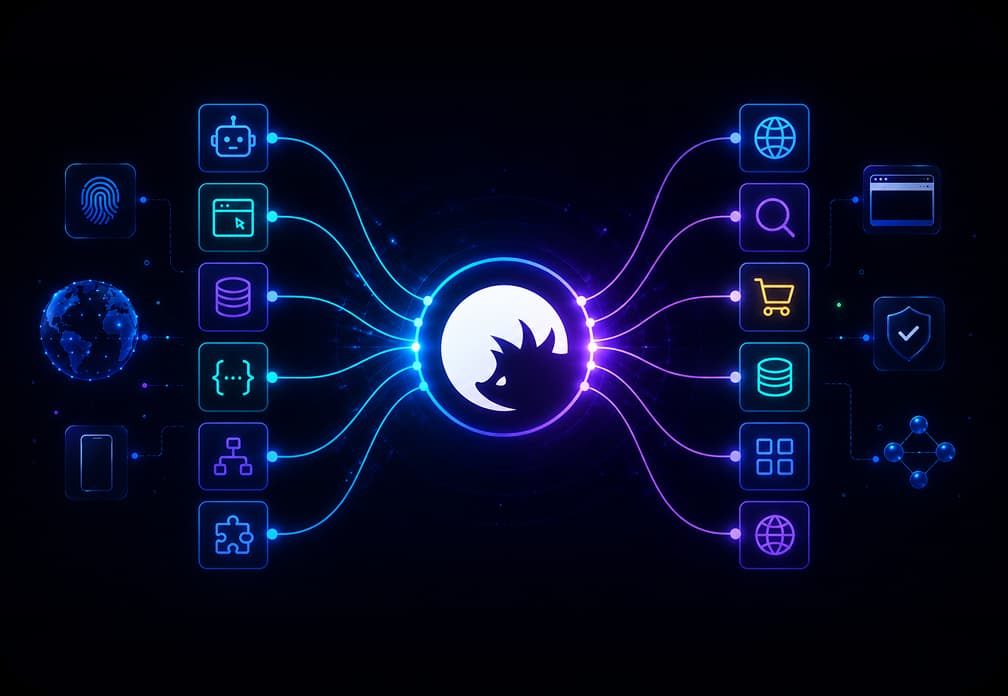
Run AI agents with real mobile LTE/5G, residential/ISP, and datacenter proxies. Over 100M residential IPs are available in 100+ countries, with city-level precision up to the ZIP code. Build browsing, data scraping, and automation workflows while securing your AI agents from prompt injections and other threats.
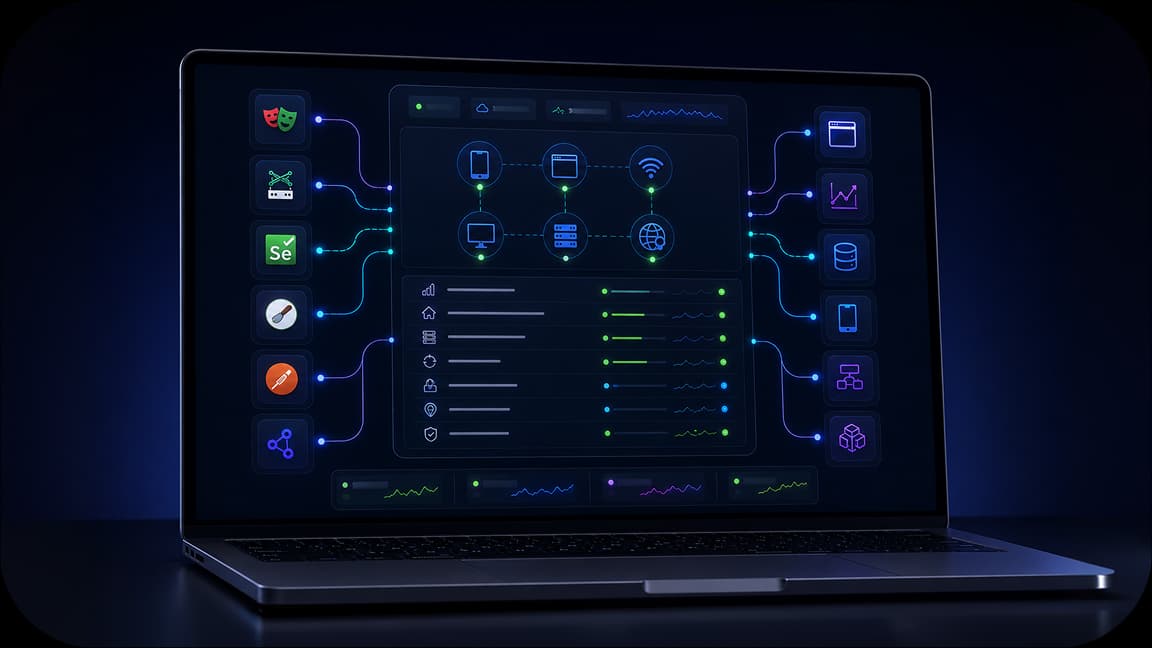
Use CyberYozh API to integrate with Playwright, Puppeteer, Selenium, Scrapy, Postman, and custom workflows. Run AI automation with flexible integrations for bulk operations without restrictions.
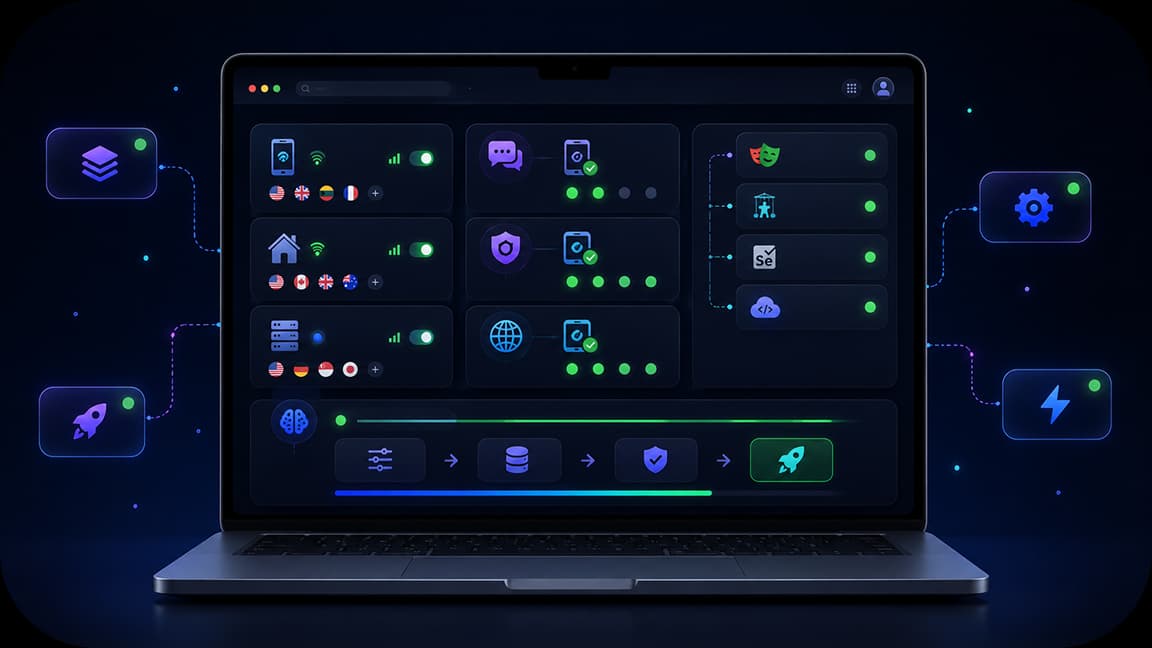
Build AI workflows faster without managing proxy configurations, multiple tools, or technical setup. Use mobile, residential, and datacenter proxies, verification tools, and integrations on a single platform.
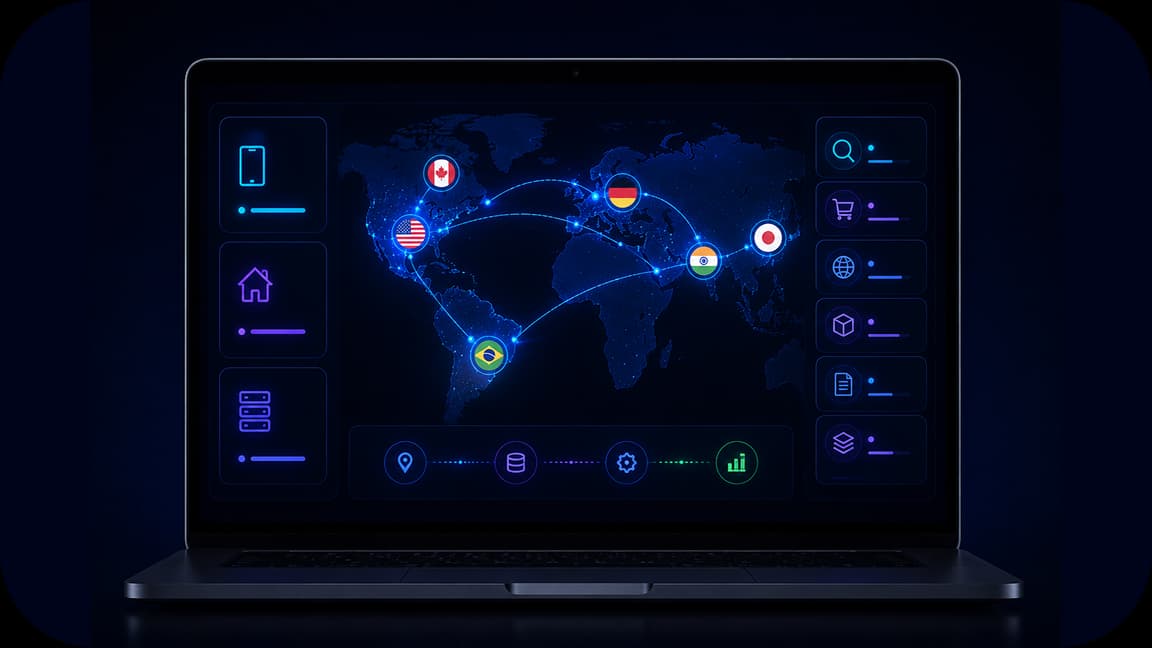
Use global proxy networks to gather localized content, search results, marketplace data, and public web information. Get residential proxies with ZIP-code precision for local service access.
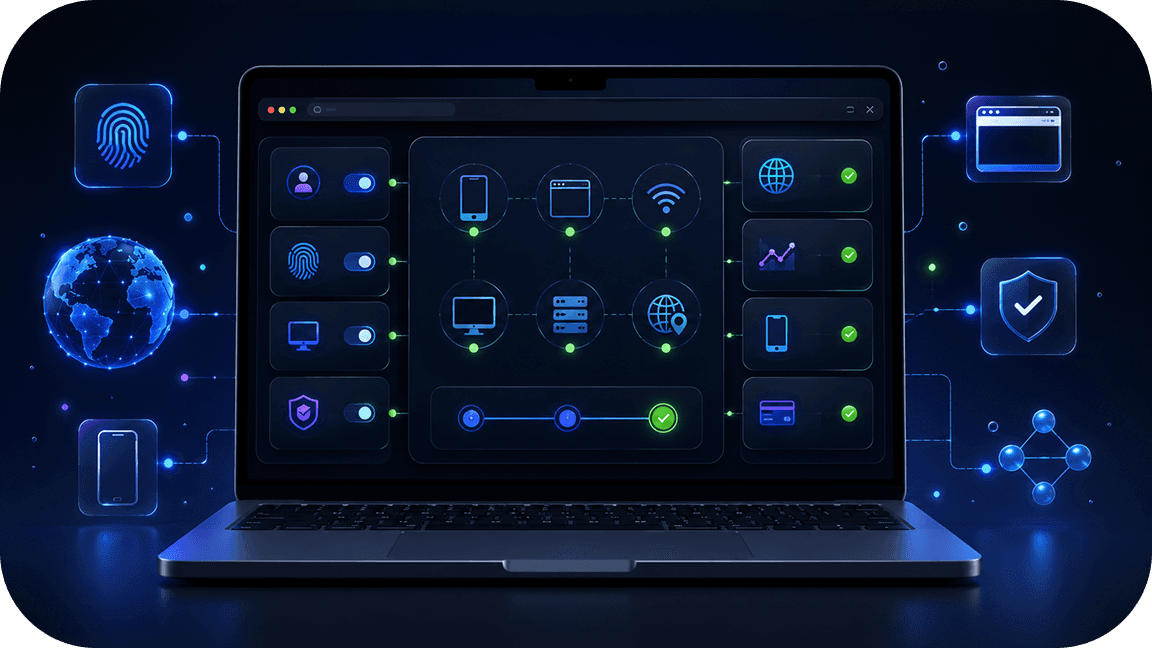
Manage device, browser, and network behavior with fingerprinting capabilities and pre-execution fraud checks. Validate IP quality and check session environments before running AI workflows.
Run AI agents through real carrier networks with unlimited mobile traffic and dedicated channels.

Reduce workflow interruptions with CAPTCHA solving support and validation tools built for automation.

Manage proxies, SMS activation, fingerprinting, fraud checks, and integrations from one environment.
CyberYozh creates the proxy layer between your AI agent and its targets to ensure security and stable session flow. It provides mobile LTE/5G, residential, and datacenter IP networks with city-level geo-targeting, verification tools, network fingerprinting, and automation integrations. Teams can build AI workflows with regional access taught on local data, control session access, and run scalable environments for scraping, browsing, AI data collection, and workflow automation without triggering rate limits or restrictions.
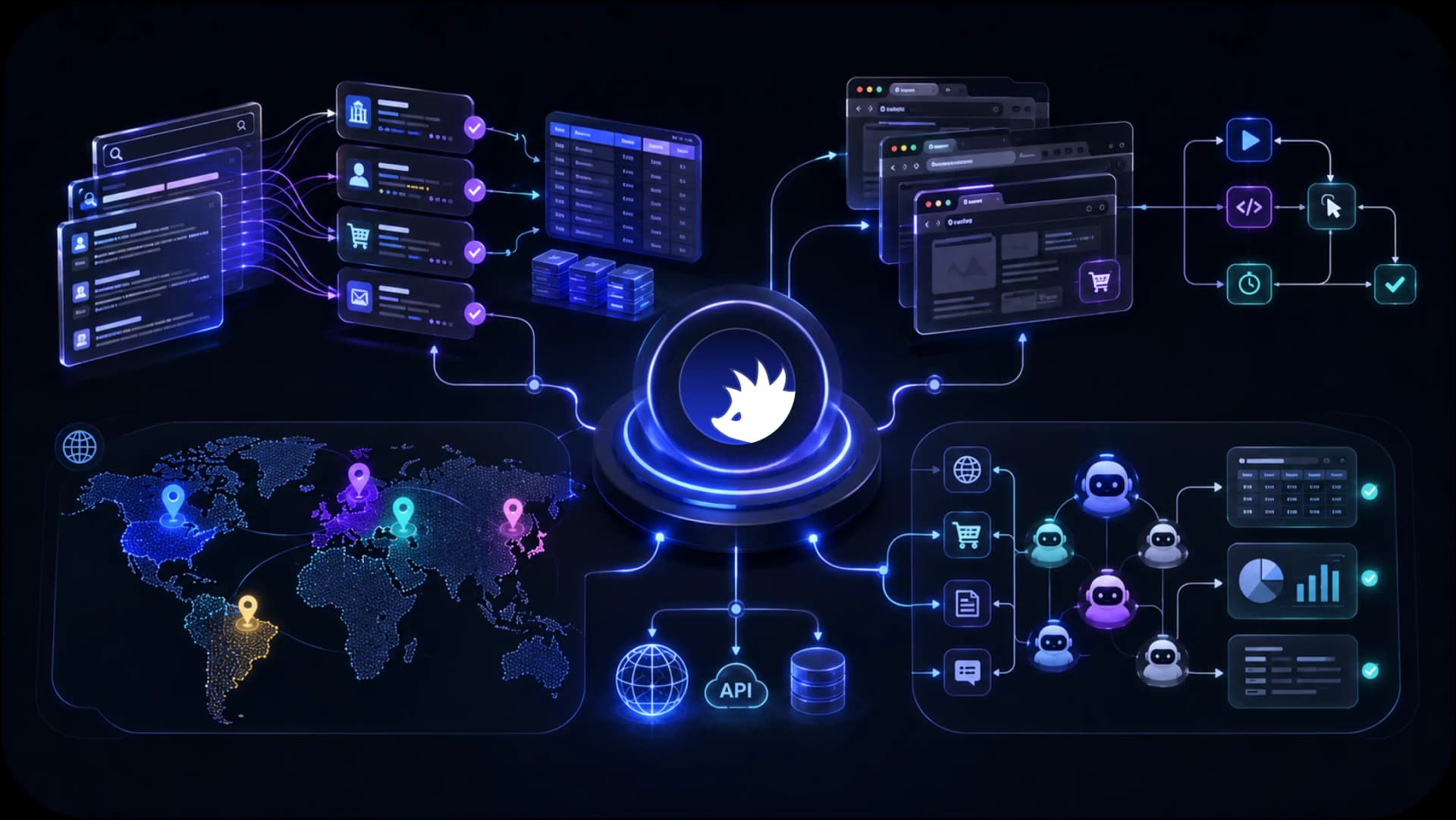
Access localized search results, marketplaces, public web data, and regional content across 195+ countries for AI agents, scraping systems, and autonomous workflows.
CyberYozh combines the infrastructure AI teams need to collect data, automate workflows, access regional content, and scale execution environments. From mobile LTE / 5G and residential proxies to browser automation support, fingerprinting, fraud checks, and Android cloud phones, everything is designed to support AI workflows from a single platform.
AI web scraping
AI browser automation
AI data collection
AI agent execution
Mobile AI workflows
Regional AI access
See how CyberYozh works in practice through real workflows, platform features, and infrastructure examples. Explore the dashboard, integrations, execution environments, and tools available for AI teams and automation projects.
An AI agent proxy is a network layer that enables AI agents, such as browsing agents or autonomous workflow entities, to access websites, APIs, search results, marketplaces, and public web sources via a separate IP infrastructure. It separates the original agent IP from the destination via the intermediary IP network, which acts as a protection and optimization tool.
AI agents often perform tasks such as browsing automation, information collection, and data monitoring. Running these workflows from a single network environment leads to rate limits, local restrictions, security concerns, and creates execution bottlenecks.
Proxy infrastructure helps distribute requests, access localized content, and build scalable environments for AI execution.
CyberYozh provides AI agent proxy infrastructure with mobile LTE/5G, residential, and datacenter proxies designed for browsing, scraping, automation, and data collection workflows.
AI agents are large software entities running on servers. They rely on massive, highly specialized data flows to learn, process, and produce meaningful responses.
Typical AI workflows include:
Collecting public web information
Extracting search results
Gathering e-commerce data
Monitoring prices for market research
Building datasets
Running browser automation
Executing autonomous workflows
These environments often require:
Regional access
Multiple execution environments
Localized content collection
Scalable request distribution
Session control
On the network level, AI agents must be protected: junk data or malicious injections can corrupt training datasets and compromise outputs.
As a result, there are three core components of any AI agent proxy workflow:
Cybersecurity: blocking injections and shielding agent identity
AI data training: uninterrupted access to large training datasets
Geotargeting: local, unfiltered data access from any region
Different AI workflows need different proxy types. Let's explore them, their sourcing, and how they help.
Mobile proxies run over real LTE/5G carrier networks. They carry the highest trust level and are generally used for authentications and social data collection.
Best for:
Trust-sensitive environments (e.g., authentication)
Mobile-first workflows
Session-based operations
Social and app-related automation
Social data collection for agent training
CyberYozh provides real mobile LTE/5G networks with unlimited traffic, dedicated channels, and manual or API-based IP rotation.
Residential proxies use real ISP connections and resemble ordinary home Internet users. They're used for:
AI web scraping
Data collection
Search monitoring
Marketplace monitoring
Localized content gathering
Rotating residential proxies are the standard choice for AI workflows. They combine fast IP rotation across a large pool, strong security through request distribution, and precise local data access at the country, city, and ZIP code levels. Use them for training data collection, threat monitoring, and geotargeted research.
CyberYozh provides access to more than 100M residential IPs across 100+ countries, helping AI systems collect regional information at scale.
Datacenter proxies come from data servers and focus on speed and throughput. They have a lower trust level due to their non-residential origin and can face speed throttling and service restrictions.
However, they're best suited for:
Large-volume automation of loginless sessions
Data workflow processing on your own servers
Data monitoring and security checks
Platforms like Cloudflare block datacenter IP ranges by default. They may provide much higher speeds and performance, but deploy them with caution alongside residential and mobile proxies. Make sure that their IP geo-locations are consistent.
AI agents rely on massive, highly specialized data flows to learn, process, and produce meaningful responses.
AI systems collect product data, public web information, listings, reviews, and market signals.
Proxy networks help distribute requests and support localized collection across countries and regions.
Many AI workflows use browser frameworks such as:
Playwright
Puppeteer
Selenium
Scrapy
CyberYozh supports API-ready integrations for browser automation and AI execution environments.
AI models often require region-specific information.
Examples:
Country-level search results
Marketplace listings
Regional pricing
Local public content
Country-specific datasets
Global proxy networks help collect localized information across markets.
Some AI workflows extend beyond browsers and use mobile execution environments.
CyberYozh cloud phones provide Android environments with isolated sessions and separate devices for mobile-first automation and testing.
AI systems often require more than IP access.
CyberYozh combines:
Mobile LTE/5G proxies
Residential proxies
Datacenter proxies
Network fingerprinting
Android cloud phones
The infrastructure is specifically built for high-throughput data operations:
fast rotation
clean IPs
low ban rates
responsible support
full protocol flexibility.
CyberYozh’s proxy catalog provides the stable, high-trust foundation for production AI environments.
Instead of combining multiple vendors, teams can build AI workflows within a single operational environment.
Deploying a CyberYozh proxy for AI operations takes a few minutes. For automation and multi-session work, API integration or antidetect browser setup is recommended.
Sign up to Cyber Yozh and create your account.
Choose your proxy type. Rotating residential for scraping/security; static residential for persistent agents; mobile for high-trust social data tasks.
Get your credentials. Retrieve your proxy host, port, username, and password from the CyberYozh dashboard.
Configure your environment:
For automation frameworks (Scrapy, Puppeteer, Playwright): connect via the CyberYozh API
For OS-level setup: follow guides for OS-level setups
For browser-based agents: explore the browser setup guides
For antidetect workflows: use the antidetect setup guides.
Validate the connection. Run your IP through the IP Checker to confirm the proxy IP is clean, unblacklisted, and assigned to the correct target location
Automate IP rotation. Configure rotation intervals via the API to match your scraping frequency and avoid rate-limit triggers
For multi-agent deployments, assign unique session IDs per agent via the API to prevent session collisions and maintain per-agent anonymity.