
Proxies for remote workers and “digital nomads”: how to hide your real location from your employer
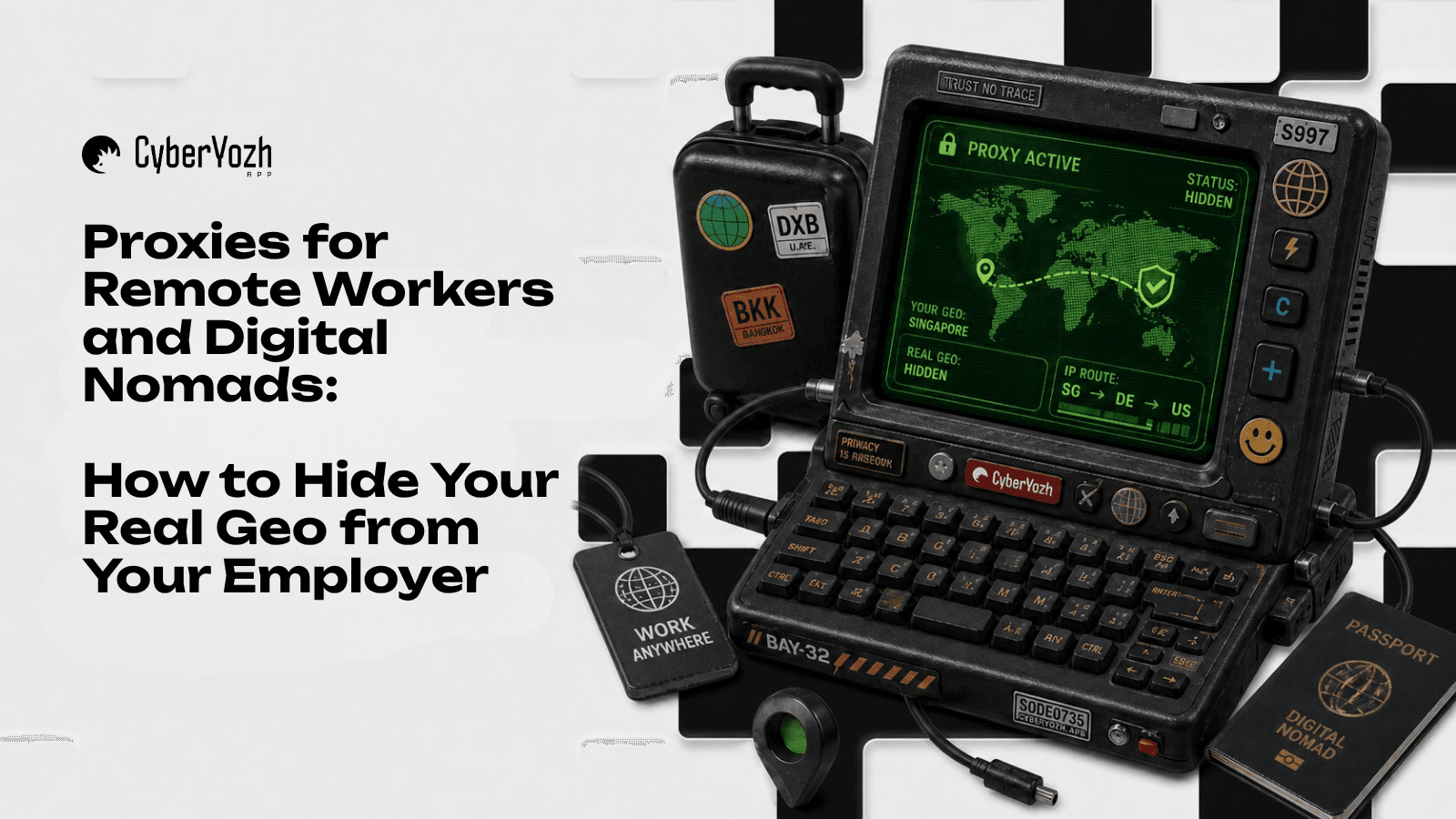
Working outside the office has long ceased to be a temporary measure and has turned into a global standard. Many professionals have realized that writing code, balancing reports, or managing projects can be done not only from a cold apartment but also while sitting on a terrace in Indonesia or on the Mediterranean coast.
However, the corporate world has proven ready for such freedom only partially. The vast majority of large companies strictly regulate the geolocation of their employees. As soon as you log into an internal portal (ERP, Jira, or corporate messenger) from a foreign IP address, the security service instantly receives an automatic notification. At best, this will end with an account lockout pending investigation; at worst, it leads to contract termination due to violations of information security policies or tax laws.
How do "digital nomads" solve this problem? Spoiler: a regular VPN from the app store won't help here. We break down how corporate systems track remote workers and what network tools are needed to reliably protect your privacy.
Why are corporate IT departments so afraid of foreign IPs?
Restrictions on working from abroad are not introduced out of management's spite. Businesses have two compelling reasons to monitor your IP address:
Information Security. Corporate networks are subjected to thousands of attacks daily. To minimize risks, IT departments set up "geofencing" — a whitelist of countries from which access to company servers is allowed. Any request from an atypical location is automatically regarded as a hacking attempt.
Tax and Legal Risks. If an employee spends more than 183 days in another country, they may become its tax resident. For the company, this creates the risk of establishing a so-called "permanent establishment" abroad, which threatens colossal fines and double taxation.
This is why security services use Deep Packet Inspection (DPI) systems and advanced anti-fraud algorithms to know exactly where you are working from.
Why is a regular commercial VPN a bad idea?
The first thought of any remote worker is: "I'll just buy a popular VPN, set the location to my home country, and get to work."
This is a fatal mistake. Corporate security algorithms operate on the same principles as the anti-fraud systems of major platforms. When you turn on a mass-market VPN, your traffic goes through Datacenter IP addresses of cloud providers (e.g., DigitalOcean or AWS).
The security service sees the following picture: for some reason, the employee is accessing the internet not from a regular home ISP, but from a server rack in a well-known data center. Moreover, the IP addresses of popular VPN services have long been blacklisted. For the IT department, this is a direct signal that you are using masking tools.
Advanced solutions: how to set up reliable protection
For the security system to see you as a law-abiding employee working from home, your digital footprint must be flawless. Professional remote workers use high-quality proxy servers for this purpose.
In the CyberYozh App ecosystem, tools are divided by type, each solving its own specific task.
1. Residential proxies: your virtual "home internet"
This is the optimal choice for most digital nomads. Residential proxies (operating via SOCKS5 and HTTP protocols) use IP addresses from real home internet service providers.
How it works: If you need to make it look like you are working from your apartment, you buy a static residential proxy for the required city. The corporate security system will check the address and see that it belongs to a regular local broadband provider. No red flags will be raised.
👉 All details about setting up static and rotating residential proxies are in a separate guide.
2. Mobile proxies and VLESS/Xray protocols: double protection for difficult conditions
To organize perfect masking, you need to solve two problems at once: deceive the corporate system at the entry point and prevent the local ISP (in the country where you are staying) from blocking your traffic. This is where mobile networks combined with cryptographic protocols come to the rescue.
Why mobile IPs reassure the employer: The corporate security system (on the receiving end) only sees the final IP address from which the request originates. If you use mobile proxies from CyberYozh App (Private Dedicated or Shared categories), the employer sees the address of a real cellular operator in your home country. Thanks to CGNAT technology, thousands of subscribers with smartphones sit on one such IP, so algorithms automatically grant it the highest level of trust.
VLESS/Xray magic for protection against the local ISP: If you are in a country with strict internet censorship or connected to a coworking Wi-Fi, the local provider can easily recognize and block standard SOCKS5 or commercial VPNs via Deep Packet Inspection (DPI). VLESS/Xray protocols solve this problem by masking the tunnel between your laptop and the proxy server as regular encrypted web browsing (HTTPS). The local provider only sees that you are browsing some website, while the employer sees a legitimate employee connecting from domestic mobile internet.
👉 Instructions for setting up Private Dedicated and Shared mobile proxies, as well as VPN Access and VLESS/Xray, are available in a separate guide on our website.
3. Datacenter proxies: when are they actually needed?
Static dedicated and shared datacenter proxies (HTTP) are fast and inexpensive tools. They are not suitable for hiding from a strict corporate security service, but they excel at routing traffic for non-demanding tasks: for example, maintaining access to local streaming services, banks, or government portals that do not allow users with foreign IPs.
The Rule of Hardware Isolation (Expert Tip)
If your employer issued you a corporate laptop, it likely has MDM (Mobile Device Management) software or corporate tracking certificates installed.
Never install proxy clients or VPN applications directly on a work laptop. Corporate software will instantly detect these programs and send a log to the administrator.
Instead, use a portable Travel router (for example, any mini-router with custom OpenWrt firmware). You configure the connection to your residential or mobile proxy from CyberYozh App directly on the router itself. The work laptop connects to this device via Wi-Fi and "thinks" it is in a regular home network. The operating system sees no third-party programs, and the IT department receives the correct IP address without the slightest trace of a bypass.
Conclusion
Preserving the privacy of your location is a matter of technical literacy. Using public VPN services is a game of roulette with corporate security that you will lose sooner or later. Choose reliable residential or mobile proxies with support for VLESS/Xray protocols, set up hardware routing, and you will be able to work from anywhere in the world without raising suspicion from algorithms and vigilant system administrators.