Twitter Shadowban: The 2026 Test & Recovery Guide That Actually Works
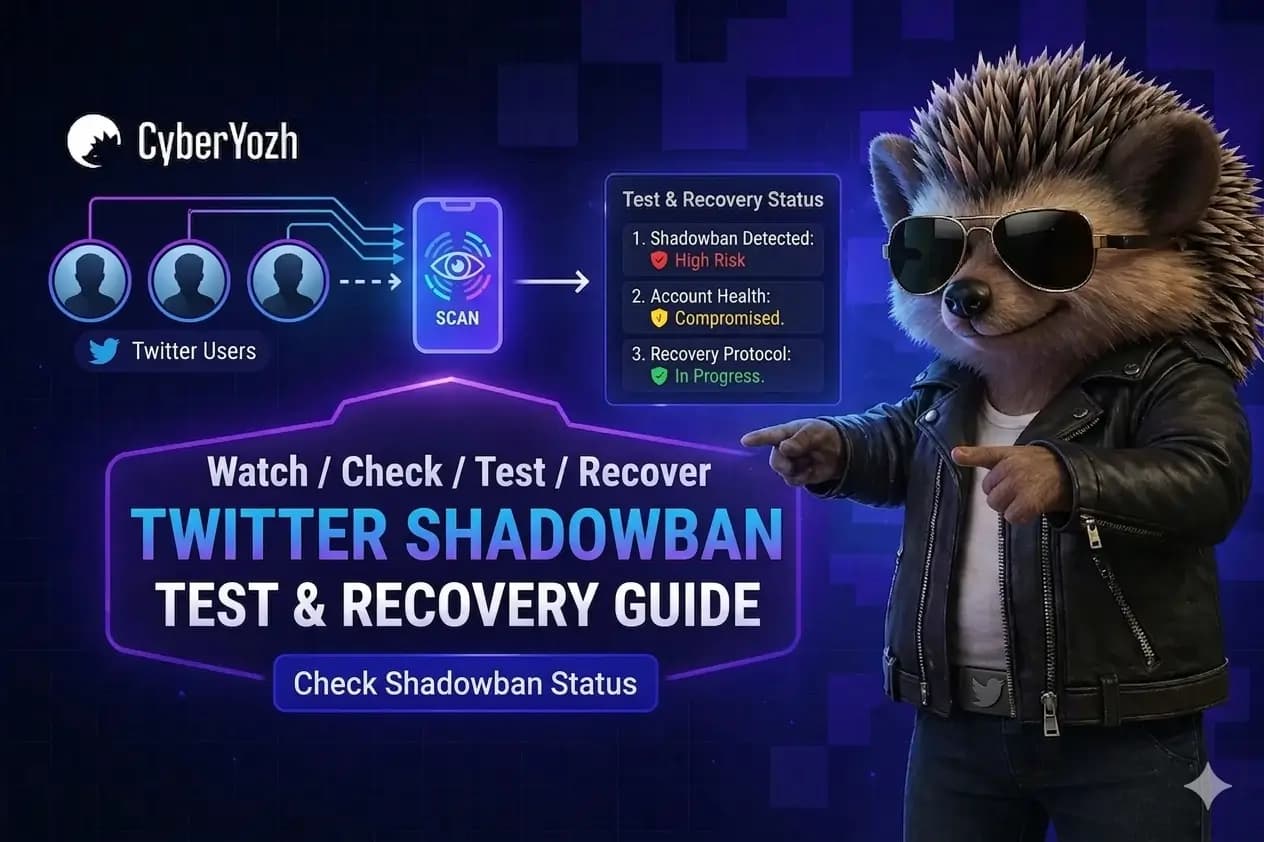
You log into Twitter like usual, expecting normal engagement. You post something you think will perform well, maybe even reply under a few bigger accounts to stay active.
But something feels off. The tweet barely gets 5 impressions instead of your usual 200–500, and replies you leave under threads don’t show up when you switch accounts. Even your regular audience seems to have “stopped seeing you” overnight.
Most people assume it’s bad timing or weak content. In reality, it’s often a shadowban on Twitter quietly limiting your visibility without any notification.
In this guide, you'll find:
What "shadowbanned on Twitter" actually means — and the 3 types of bans Twitter won't tell you about
The most reliable tools to check shadowban on Twitter (and their limits)
A 3-minute Twitter shadowban test you can run right now
How to get unshadowbanned on Twitter, plus how a Twitter proxy stops it from happening again.
TL; DR
A Twitter shadowban usually comes from unstable behavior patterns and inconsistent account signals.
It shows up as drops in reach, hidden replies, and reduced visibility in search or recommendations.
Recovery depends on stopping unstable activity and letting account behavior normalize over time.
Long-term prevention is about keeping consistent activity and stable access patterns, which is why proxies are used to maintain predictable account behavior.
What does “shadowbanned on Twitter” mean
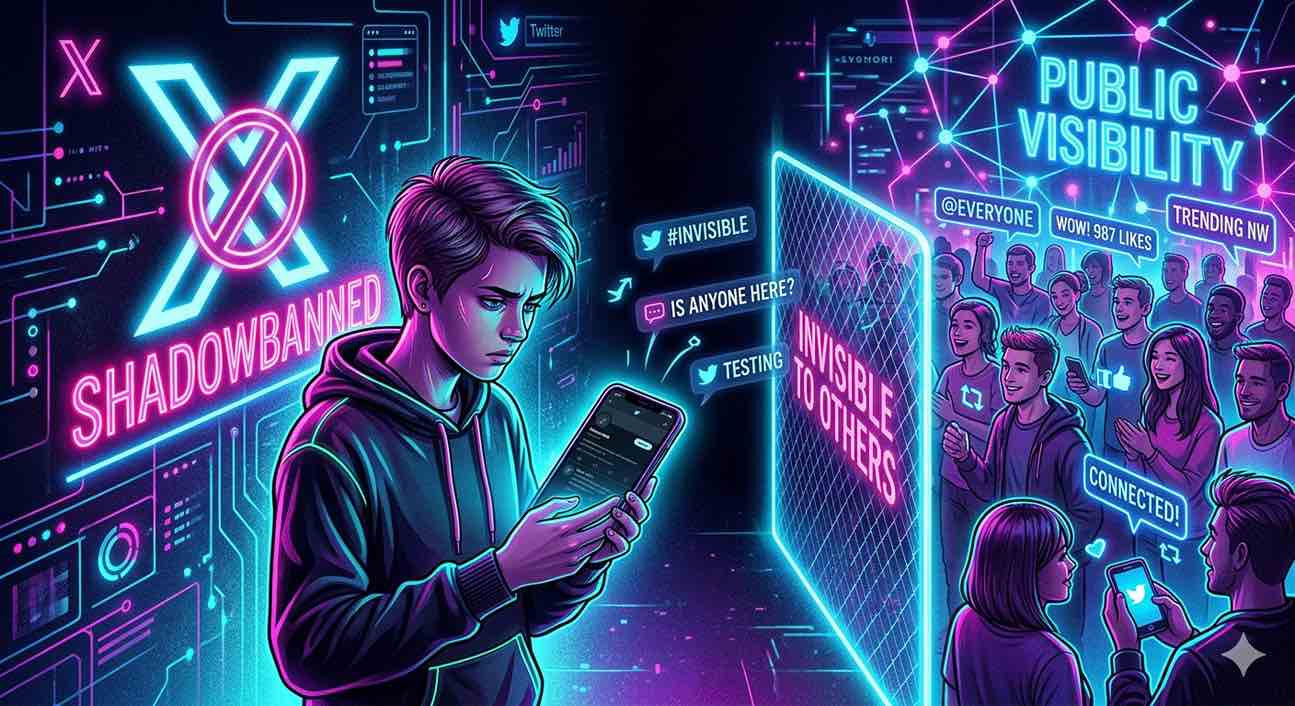
A shadowban on Twitter (X) is when your account is still fully active, but your content visibility is silently limited by Twitter’s search, ranking, and recommendation without any notification. This is also known as a ghost ban — like tweeting into a soundproof room: you hear yourself, but no one else does.
In practice, you keep posting, but your tweets:
Stop appearing in search results (even when someone types your exact text or hashtags)
Get reduced reach in timelines and recommendations
Disappear from replies under larger threads or posts
Show significantly lower impressions without any notification.
Unlike a suspension, a shadowban is not officially confirmed by Twitter. Your account remains accessible, but far fewer people see it, even your own followers.
A shadowban is not a single mechanism. Twitter applies different visibility filters depending on which part of the system is triggered.
4 Types of Twitter shadowbans
Twitter doesn’t apply a single “shadowban.” Instead, it uses different visibility filters across search, replies, and recommendation systems. Each one affects a different layer of distribution.
Twitter search ban
Your tweets do not appear in search or hashtags, even when users search the exact text.Reply de-boosting
It works as a Twitter visibility drop: replies under tweets are hidden, collapsed under “Show more replies,” or pushed far down the thread ranking.Recommendation suppression
Your tweets stop appearing in “For You” feeds and algorithmic recommendations. Even followers see your content less often.
These are not separate “bans,” but layered visibility controls across Twitter’s distribution system. Since these restrictions affect different layers of visibility, detection requires checking multiple signals instead of relying on a single metric.
How to know if you’re shadowbanned on Twitter
You don’t confirm a shadowban from a single metric—you confirm it by repeated drops in visibility across search, replies, and tweet impressions compared to your normal performance over multiple posts.
3-minute shadowban verification test
Run these checks in order:
Search test
Open Twitter in incognito / logged-out mode and search your exact tweet text.
→ If it does not appear in search or hashtags, visibility is likely restricted.Reply test
Check your replies under active threads from another account or logged-out view.
→ If replies are missing or hidden behind "Show more replies”, distribution is limited.Reach test
Compare impressions of your last 10 tweets against your 7–30 day average in Twitter Analytics.
→ A sustained engagement drop of ~50% or more across multiple posts at once signals suppression.
Result interpretation
0–1 failed checks → normal algorithm fluctuation
2 failed checks → possible visibility filtering
3 failed checks → high probability shadowban.
Tools to Check Shadowban on Twitter
Shadowban checker tools can be useful for quick validation, but they don’t confirm anything on their own. They are supporting indicators, not definitive proof.
Tool | What it checks |
|---|---|
Search placement simulation (tweets in search/hashtags) | |
Multi-factor account test (search, replies, account visibility signals) | |
Engagement & impression anomaly detection (reach drops, visibility changes) |
After detection, the next question is how long these visibility restrictions typically persist and what affects recovery time.
How long does a Twitter shadowban last
There is no fixed duration. Recovery depends on what triggered the visibility restriction and whether the account behavior stabilizes.
24–72 hours → short-term drops caused by sudden activity spikes or spam-like patterns
3–7 days → repeated low-quality or inconsistent engagement signals
7–14+ days → persistent issues or repeated triggering behavior.
What affects recovery time
Continued activity during restriction
Repeated automated or spam-like behavior
Sudden changes in posting or engagement patterns
Overall account trust history.
Why you get shadowbanned on Twitter
Shadowbans usually come from behavior patterns that look unnatural or inconsistent to Twitter’s systems, not a single isolated action.
Trigger | What it looks like | Risk |
|---|---|---|
Aggressive automation | Bots or tools performing likes, follows, replies at scale | Account flagged as non-human activity → reduced reach |
Too many actions per minute | Rapid bursts of posting, following, or engagement | Temporary rate limits and visibility suppression |
Repetitive content / spam signals | Reposting similar tweets, repeated links, duplicate messaging | Content deprioritized in search and recommendations |
Suspicious IP changes | Frequent logins from different locations or networks | Trust signals drop due to inconsistent access patterns |
Mass following | Large-scale audience changes in short time windows | Behavior classified as growth manipulation |
Key insight: Twitter tracks behavior consistency over time and the stability of account signals, including network and IP reputation. This is also where proxies matter — stable residential or mobile proxy infrastructure helps maintain consistent IP identity over time.
Once the triggers are identified, recovery depends on removing the behavior patterns that caused the visibility restriction.
How to get un-shadowbanned on Twitter
A shadowban lifts when the account stops triggering risk patterns and returns to stable, human-like behavior. Recovery depends on how quickly those signals normalize.
Stop all automation for 24–72 hours — this is the fastest way to stop reinforcing the restriction
Reduce posting, liking, and following to a minimum — avoid sudden spikes in activity
Post only natural, non-repetitive content — no duplicate tweets, recycled text, or repeated links
Avoid aggressive engagement (mass replies, rapid follows/unfollows)
Keep login sessions and network access consistent — no frequent device or location changes.
Result: Visibility returns gradually (impressions, search presence, replies) once activity stabilizes and no new risk signals are triggered.
How to prevent being shadowbanned on Twitter
To stop being shadowbanned on Twitter, you must keep your account behavior and environment consistent over time so it does not trigger abnormal activity signals.
It’s about maintaining stable patterns in how you post, interact, and access your account so Twitter’s systems treat it as normal, human behavior.
What actually matters
One account = one stable identity
No switching between IPs, devices, or locations mid-sessionNo activity spikes
Sudden bursts in follows, replies, or likes trigger risk models immediatelyNo repetitive patterns
Duplicate tweets, repeated links, or templated replies reduce content trustConsistent session behavior
Logging in/out, changing devices, or rotating networks too often breaks trust signalsHigh-trust network layer
Datacenter IPs and unstable routing patterns are more likely to be flagged by social media platforms like Twitter (X).
If you do it right, impressions stabilize instead of fluctuating, replies stay visible, and tweets return to search and recommendations.
Where most setups fail
Most shadowbans come from inconsistent identity signals over time:
rotating IPs
mixed devices
unstable sessions
To fix that, you need a stable infrastructure level:
stable IP per account
consistent session handling
predictable access patterns over time.
This is where CyberYozh fits in — not as “proxies,” but as identity infrastructure designed to keep sessions stable and behavior consistent, which actually prevents repeated shadowbans.
CyberYozh for stable Twitter (X) operations
Twitter shadowbans, sudden reach drops, hidden replies, login challenges, and even full account bans come from inconsistent behavior and unstable access patterns. CyberYozh is built as infrastructure to keep those signals stable, so accounts operate in a predictable, low-risk environment. With 100M+ IPs across 100+ countries and real mobile LTE/5G and residential networks, it focuses on maintaining clean identity and session consistency, which is critical for Twitter workflows.
Stable IP per account
Each account can run on a consistent mobile or residential IP instead of jumping between locations, reducing shadowban triggers, login flags, and sudden reach drops.Controlled rotation
Sessions can stay stable for hours or days, avoiding mid-session IP changes. Set up IP rotation at each request or at intervals if needed.SMS service for verification workflows and IP fraud checker to avoid getting banned because of reused IP addresses.
Mobile proxies with unlimited traffic
Traffic matches real user behavior on Twitter. No traffic caps, so you can scale without counting GB.Anti-detect browser integration
Keep device, browser, and network fingerprints consistent per account to manage 10+ or 50+ Twitter (X) accounts without cross-linking or shadowbans.Automation-ready infrastructure
Integrates with Selenium, Playwright, Scrapy, Puppeteer, and custom scripts for controlled execution without random spikes.
CyberYozh is not about bypassing rules; it’s about keeping behavior, sessions, and identity signals consistent, which reduces the core causes of shadowbans, bans, and unstable reach on Twitter.
Fast recovery protocol (First 72 hours)
This is the critical stabilization window. The goal is not to "boost reach," but to stop reinforcing the signals that triggered the restriction and let Twitter's systems reset trust evaluation.
Stop all automation immediately (no bots, schedulers, bulk actions)
Pause high-frequency actions (likes, replies, retweets) – keep under 10 actions per hour
Keep posting minimal: ideally 0–1 natural tweets per day
Maintain one stable login environment (same device, same network, no switching)
Use a residential or mobile IP with sticky sessions – IP reputation and consistency matters as much as behavior.
Avoid any repetitive or recycled content during this period (e.g., same link, same hashtag set, identical image)
Do not delete and repost the same tweets (this can reinforce spam signals).
Day 4 – confirming that recovery started
After 72 hours of clean behavior, run the detection tests from earlier:
Search test – Logged-out search of your exact tweet text from the last 24 hours
→ Tweet appears at top? Search ban lifted.Reply test – From a second account, check if your replies are visible without clicking "Show more replies"
→ Visible immediately? Reply ban lifted.Analytics check – Impressions return to 70%+ of your 30-day baseline
→ Full recovery in progress.
What slows down recovery
Continued automation or bulk activity – Even low-intensity automation can keep triggering rate-limit and spam signals, preventing recovery.
IP or device switching – Frequent changes in location, device, or network break session consistency and extend restriction cycles.
Reposting or content duplication – Deleting and reposting similar content is interpreted as repeated behavior.
Sudden engagement spikes – Unnatural bursts in activity during recovery are treated as anomaly signals and can reset the recovery timeline.