
Top 10 Social Media Proxy Providers in 2026

Social media multiaccounting, customer data scraping, and other bulk interactions across social platforms can lead to quick account blocks or even IP bans. The reason is that platforms like LinkedIn, TikTok, Facebook, Instagram, and Reddit have the most developed anti-bot and anti-fraud protection systems, which evaluate every incoming request based on IP, location, fingerprints, and other data. All inconsistencies, unnatural behaviors, or frequent requests from a single IP are indicated, flagged, and may lead to bans. Here, we’ll explore how proxy usage helps business specialists avoid these flags and overview several proxy providers for social media.
TL;DR
Social platforms flag suspicious IPs, mismatched fingerprints, and unnatural behavior, and proxies help bypass these checks
Mobile proxies are best for most tasks; static residential for long-term accounts; rotating residential for scraping
Assign one dedicated IP per account — never share IPs across profiles
Pair proxies with antidetect browsers or cloud phones for full identity isolation
CyberYozh adds IP health checks, SMS verification, and fingerprint control in one platform
How to choose a proxy for social media
First, let’s explore which proxy types for SMM are available and how to use them.
Mobile proxies: Best choice for most tasks
Mobile proxies have the highest trust score and are the best social media proxies for multi-account operations, ad account protection, and social data scraping. Because they route traffic through real 4G/5G carrier networks, their users are indistinguishable from genuine mobile traffic: a critical advantage on mobile-first platforms like Instagram, Snapchat, and TikTok, where behavioral and network-layer signals are heavily monitored. SMM agencies and media buyers usually rely on them.
Explore the best mobile proxies in a dedicated article.
Static residential proxies: Long-term account management
Static residential proxies provide a fixed IP address issued by a home Internet provider, making them appear as ordinary residential users to any platform. This stability makes them ideal for long-term management of corporate LinkedIn profiles, branded Facebook pages, e-commerce seller accounts on Amazon, and YouTube channels. Since the IP never changes, platforms build a consistent trust history around it. It's essential to assign one dedicated IP per account to avoid cross-account linking.
Explore the best residential proxies in CyberYozh’s article.
Rotating residential proxies: Data scraping and multiaccounting
Rotating residential proxies automatically cycle through large pools of residential IPs on a preset schedule or per request, distributing traffic across thousands of addresses. This makes them highly effective for bulk activities, including harvesting social data on Reddit, competitor analytics on AliExpress or Etsy, and multi-accounting workflows in social media, where sending multiple requests from a single IP would trigger rate limits. Their effectiveness multiplies significantly when paired with antidetect browsers for full identity isolation.
Datacenter proxies: Speed-critical scraping only
Datacenter proxies are hosted on cloud servers, which means they carry a low trust score, and most social platforms have already flagged datacenter IP ranges as likely bot traffic. They offer the highest connection speeds and the lowest cost per GB, but are largely unsuitable for account management or sensitive automation. Their only niche is speed-critical, high-volume scraping of publicly accessible data on platforms like X (Twitter) or open social APIs that don't apply strict residential checks.
Learn why datacenter proxies aren’t suitable for social media and what they should be used for in CyberYozh’s datacenter and residential proxy comparison.
Best social media proxy providers
Let’s now explore the top 10 proxy providers, which can be used for social media management, and see why CyberYozh is the best social media proxy choice among them.
For more information, explore CyberYozh’s listings:
CyberYozh
CyberYozh is a universal proxy provider with a network of 100M+ residential IPs, 99.95% infrastructure uptime, and a bunch of specialized tools to secure and optimize business processes. It can be used as an ultimate solution for social media management, rather than just a proxy.
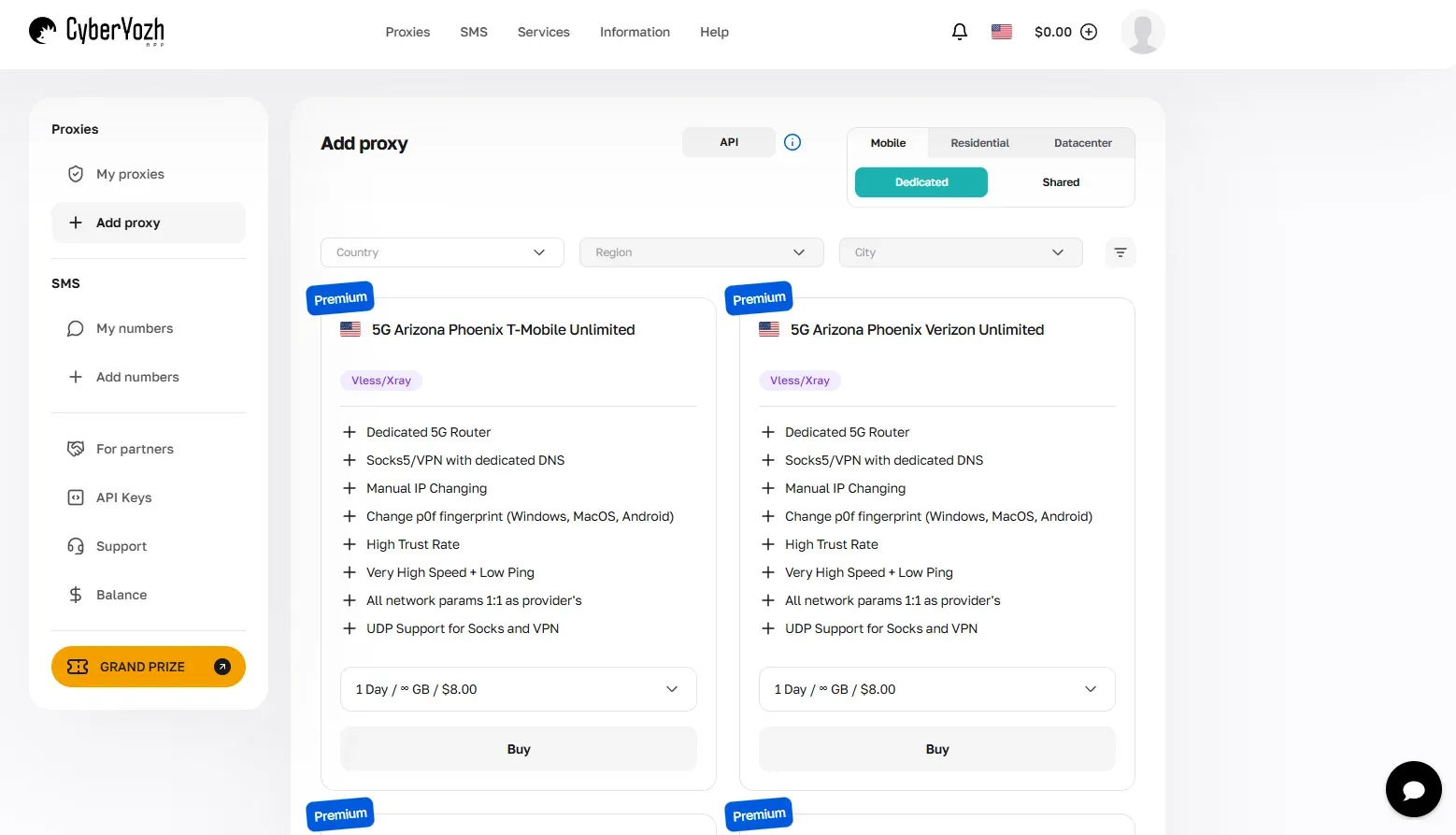
Mobile LTE/5G proxies with unlimited traffic, high connection speed, and custom fingerprint management, which can handle all social media tasks without triggering bans
IP Checker, an instrument that checks the IP’s trust score and shows whether it’s flagged as suspicious by platforms, so users can select only clean addresses and rotate among them, checking the IP quality automatically before switching
SMS Service that allows users to rent a virtual number across 140+ countries for efficient account verification and other purposes, which can also be automated for quick, instant verification
CyberYozh API that allows integration with Scrapy, Puppeteer, Playwright, Postman, and Selenium for launching automation workflows, such as automated IP check, rotation, web scraping, and integration with other services
CyberYozh proxies can be easily integrated with antidetect browsers and cloud phones to ensure that not just the IP address but all device fingerprints are customized to resemble genuine human users. Sign up now and explore the unlimited mobile proxies from $6/day or $116/month, and residential IPs from $5/month.
Floppydata
Floppydata is a proxy provider offering residential, mobile, datacenter, and ISP proxies from a single unified balance, with a network of 65M+ IPs across 195+ countries and one of the lowest entry prices on the market.
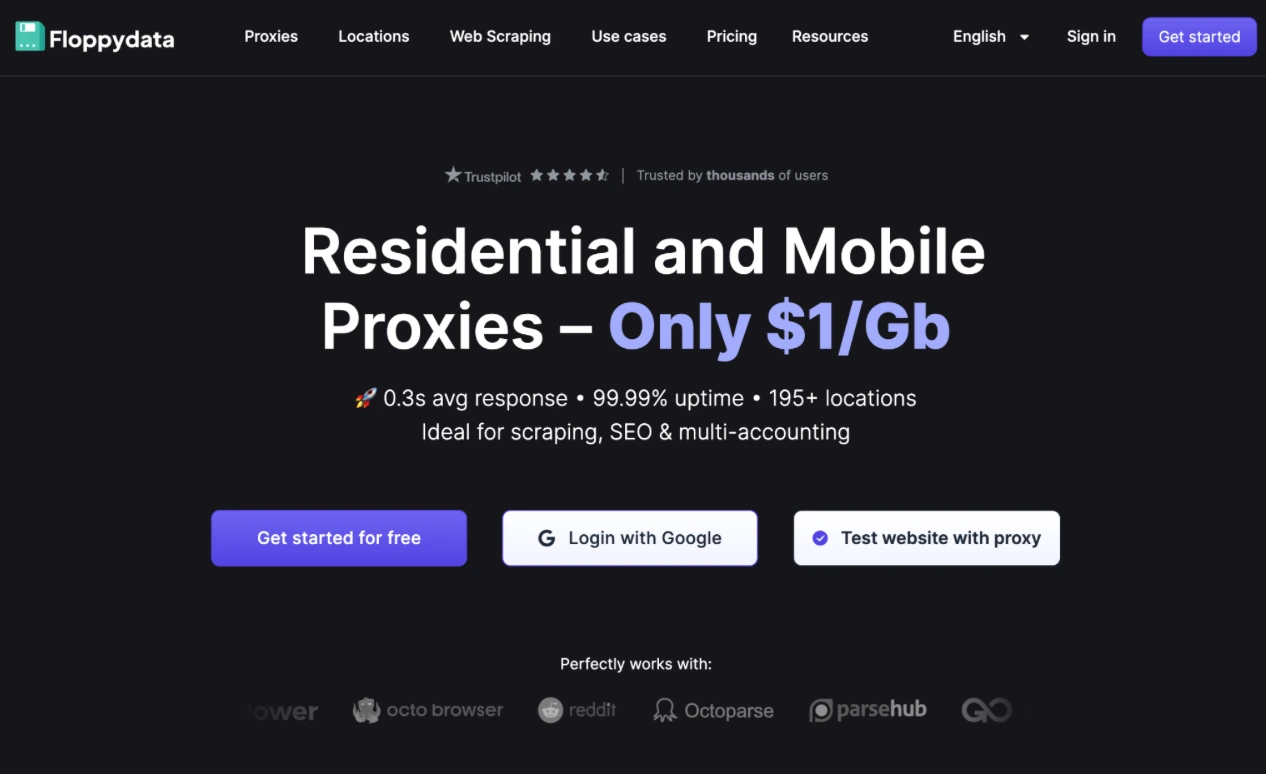
Residential and mobile proxies at $1/GB with one shared balance across all proxy types
City, state, and ASN-level geo-targeting across 195+ countries
Unlimited concurrent connections with no session caps
On-demand IP reset directly from the dashboard without waiting for rotation
HTTP, HTTPS, and SOCKS5 protocol support, compatible with antidetect browsers
ProxyEmpire
ProxyEmpire is a proxy provider focused on mobile and residential traffic, with a network of 9M+ IPs spanning over 150 countries and a strong emphasis on carrier-level mobile access.
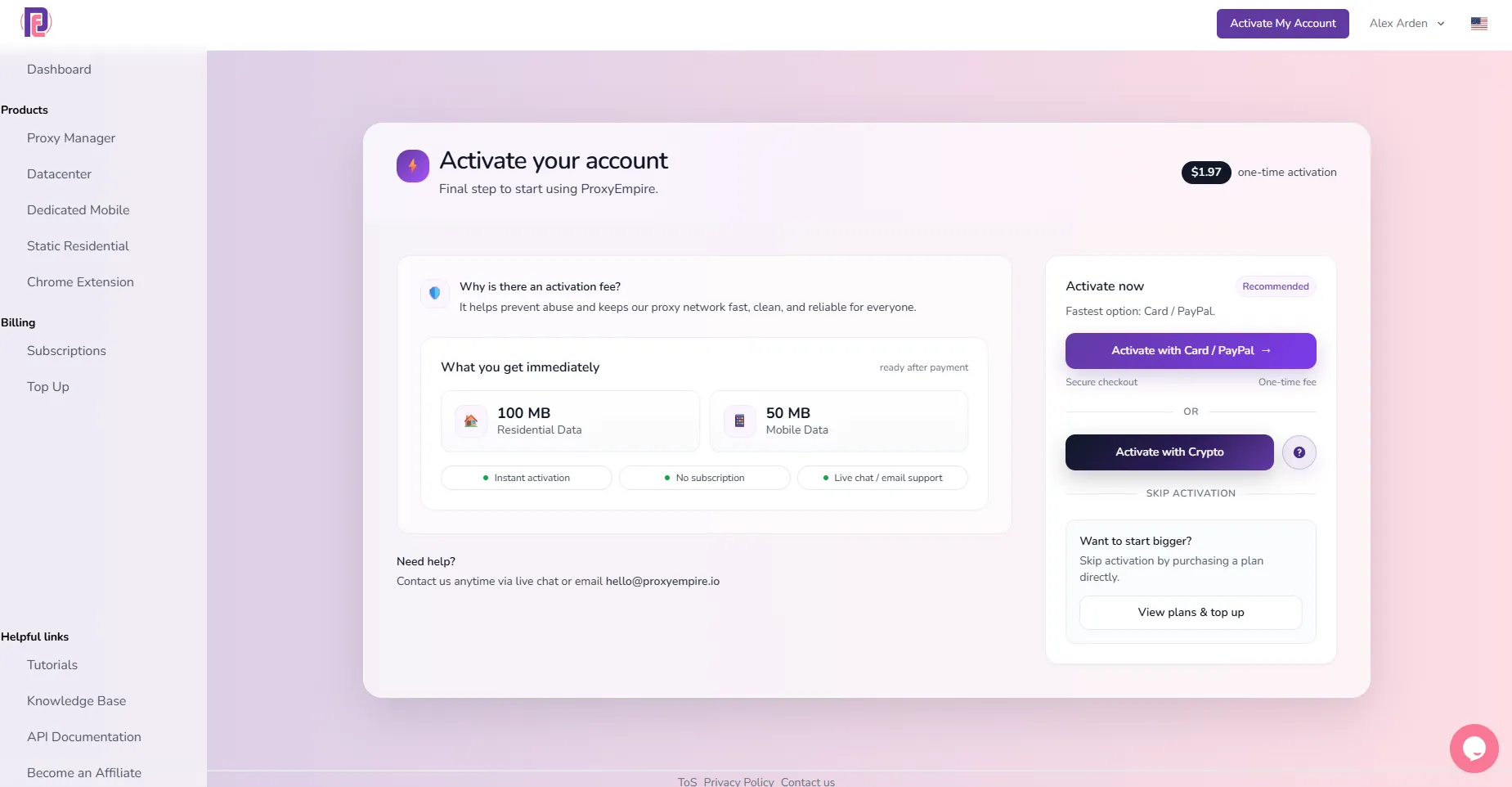
Mobile rotating proxies with real 4G/5G carrier IPs across 170+ countries
Flexible rotation intervals: per-request or time-based sticky sessions
Residential backconnect proxies with city and ASN-level targeting
Pay-as-you-go bandwidth pricing with no minimum commitment
Platforms often limit the content reach if your IP activity is suspicious. Read more about TikTok shadowban to learn about it and how to avoid it.
NetNut
NetNut is an enterprise-grade proxy provider built on a direct ISP partnership network.
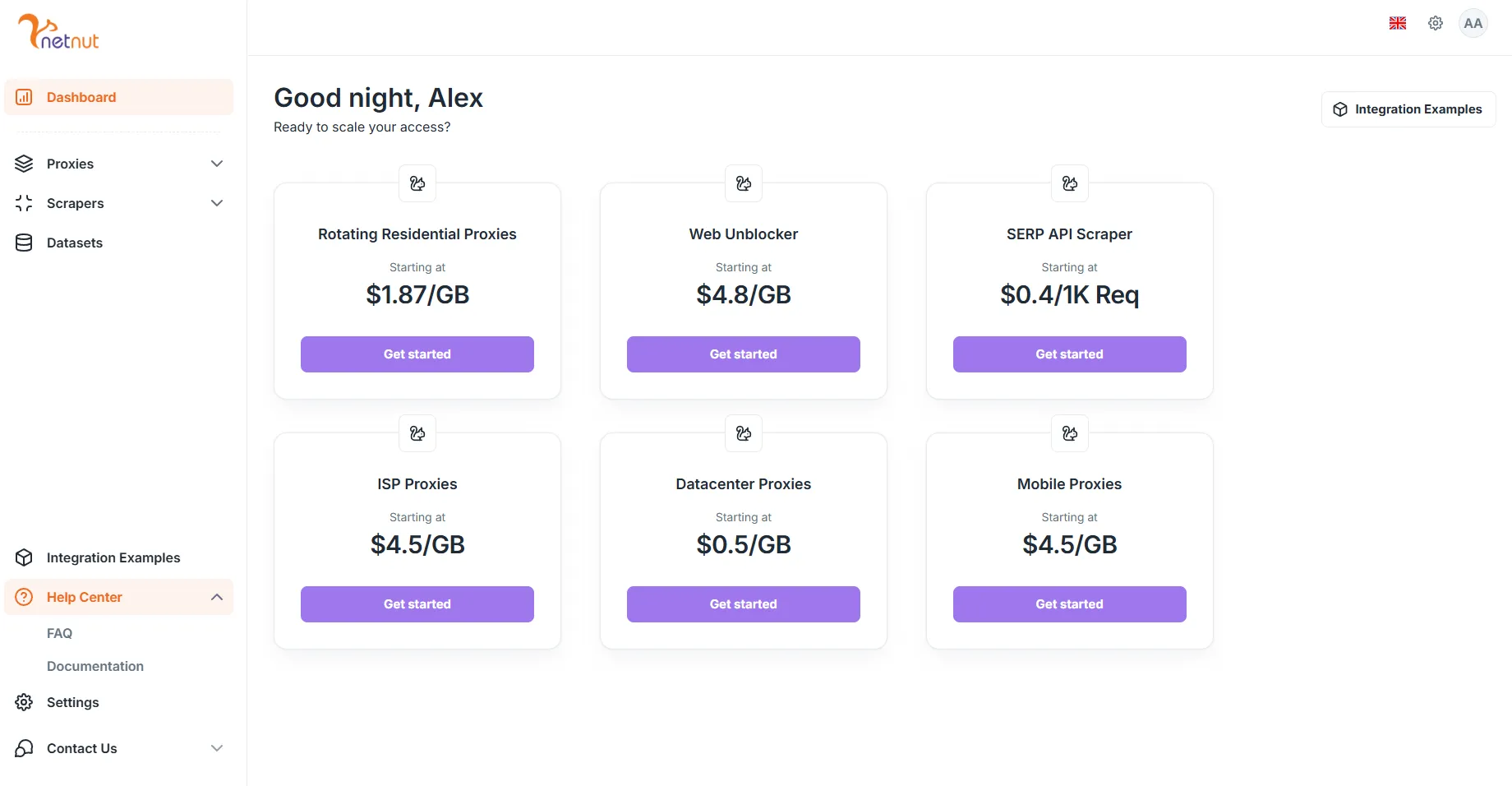
Static ISP proxies with direct peering — no exit node middlemen
Residential rotating pool with city and country-level geo-targeting
99.9% uptime SLA backed by direct ISP infrastructure
Dedicated account manager and custom enterprise plans available
Read more about geotargeting and why it’s important.
Proxy-Cheap
Proxy-Cheap is a budget-oriented proxy provider offering residential, mobile, and datacenter proxies across 127+ countries, designed for small teams and solo operators with cost-sensitive workflows.
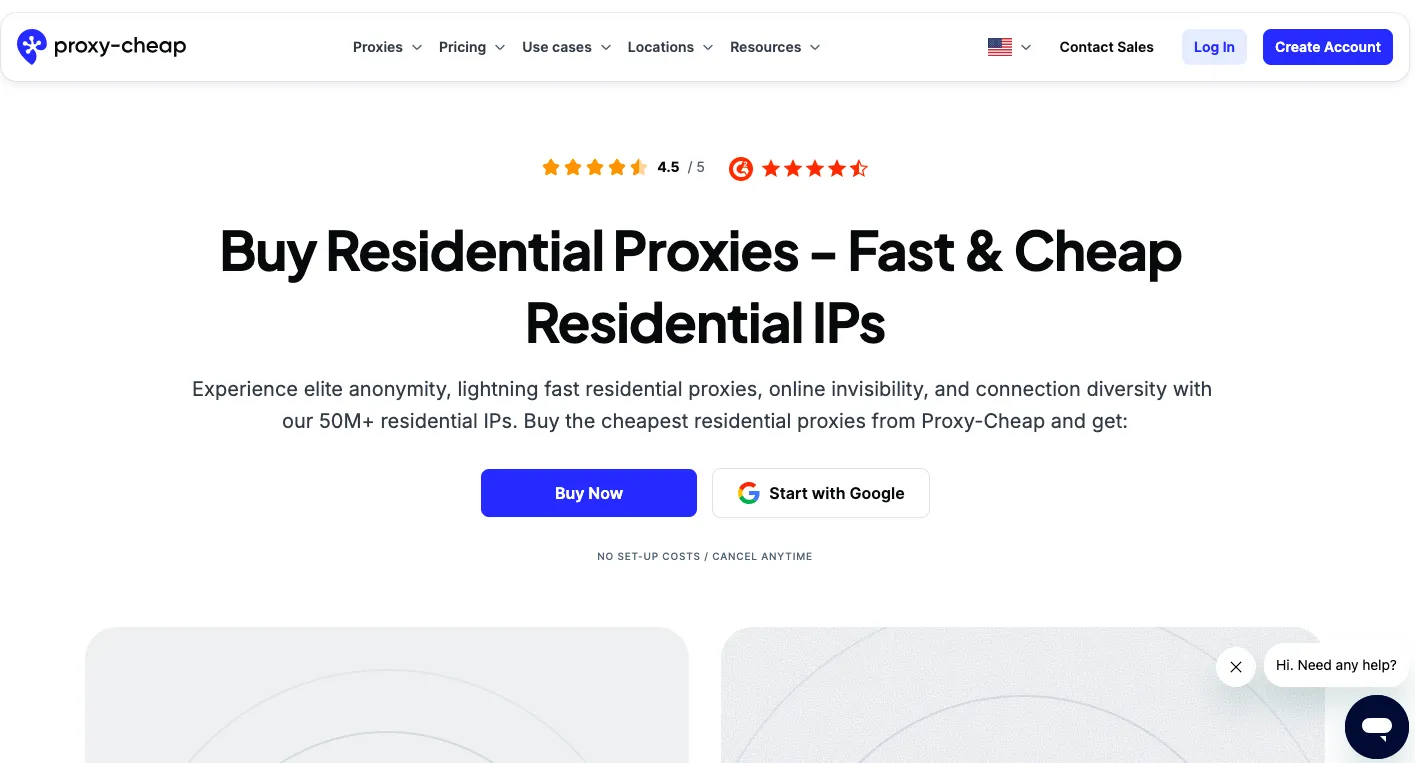
Rotating residential proxies starting at some of the lowest per-GB rates on the market
Mobile proxies with 4G rotation across multiple carrier networks
Datacenter and sneaker proxies available for speed-critical tasks
Simple dashboard with straightforward bandwidth-based billing
Rayobyte
Rayobyte is a US-centric proxy provider offering datacenter, ISP, and residential proxies, known for its transparent ethical sourcing practices and developer-friendly API infrastructure.
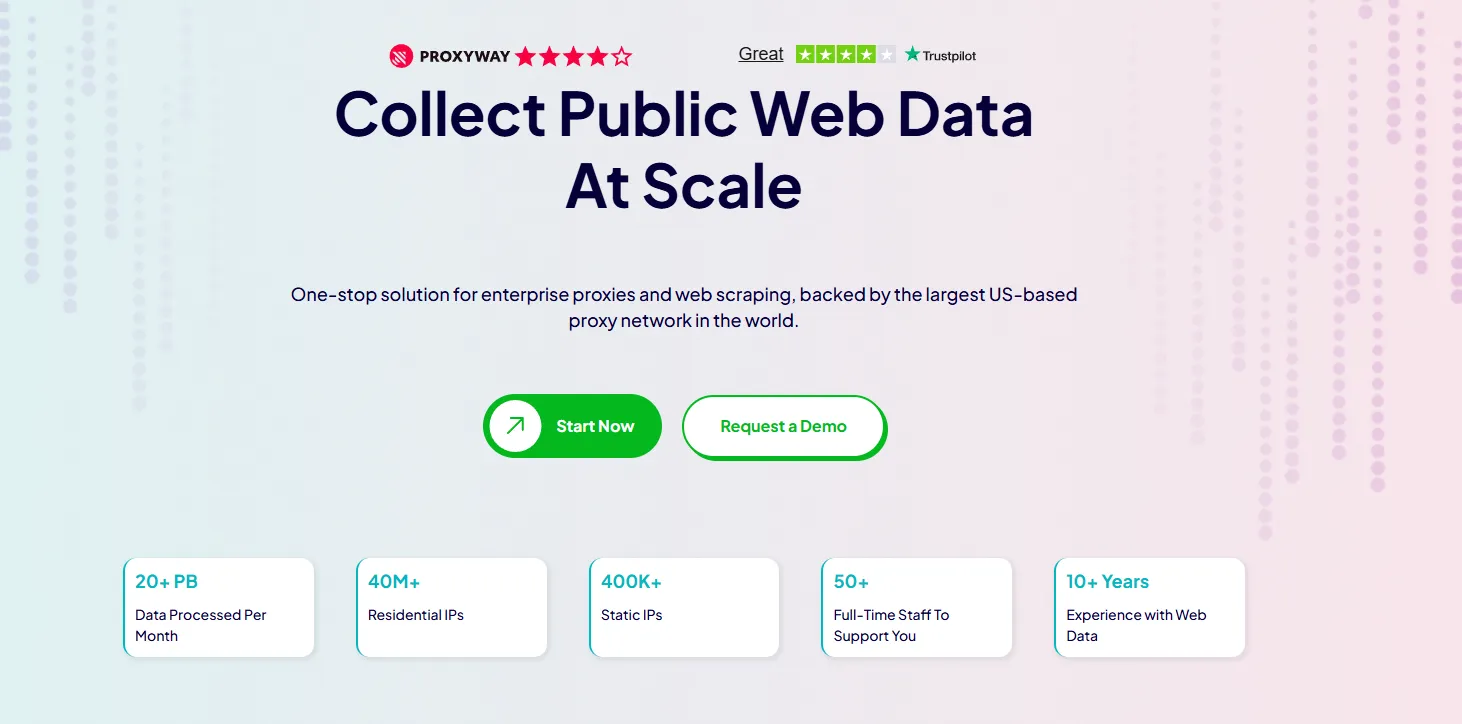
ISP proxies using real residential ASNs with datacenter-level speed
Dedicated datacenter proxies across 26 global locations
Robust API with full rotation control and session management
Ethically sourced residential IPs with clear opt-in partner policies
Infatica
Infatica is a residential proxy provider with a network of 10M+ IPs, emphasizing clean traffic quality and straightforward integration for scraping and automation use cases.
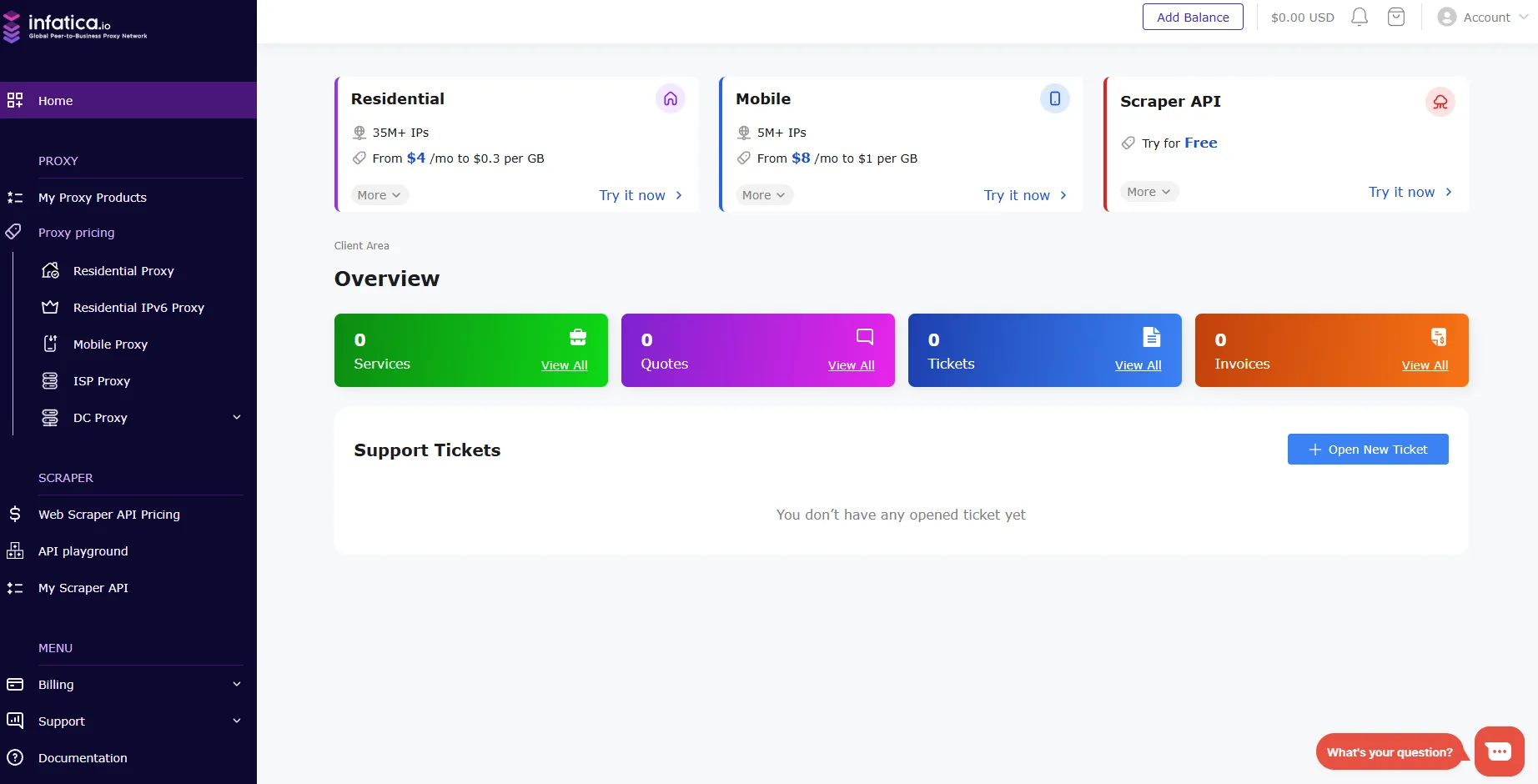
Rotating residential proxies with country, city, and ASN targeting
Peer-to-peer sourced IPs with transparent user consent practices
HTTP/HTTPS and SOCKS5 protocol support for broad tool compatibility
Session persistence options for both rotating and sticky configurations
IPRoyal
IPRoyal is a proxy provider offering residential, mobile, ISP, and datacenter proxies, with a network of 34M+ IPs and a pool of mobile addresses for social media tasks.
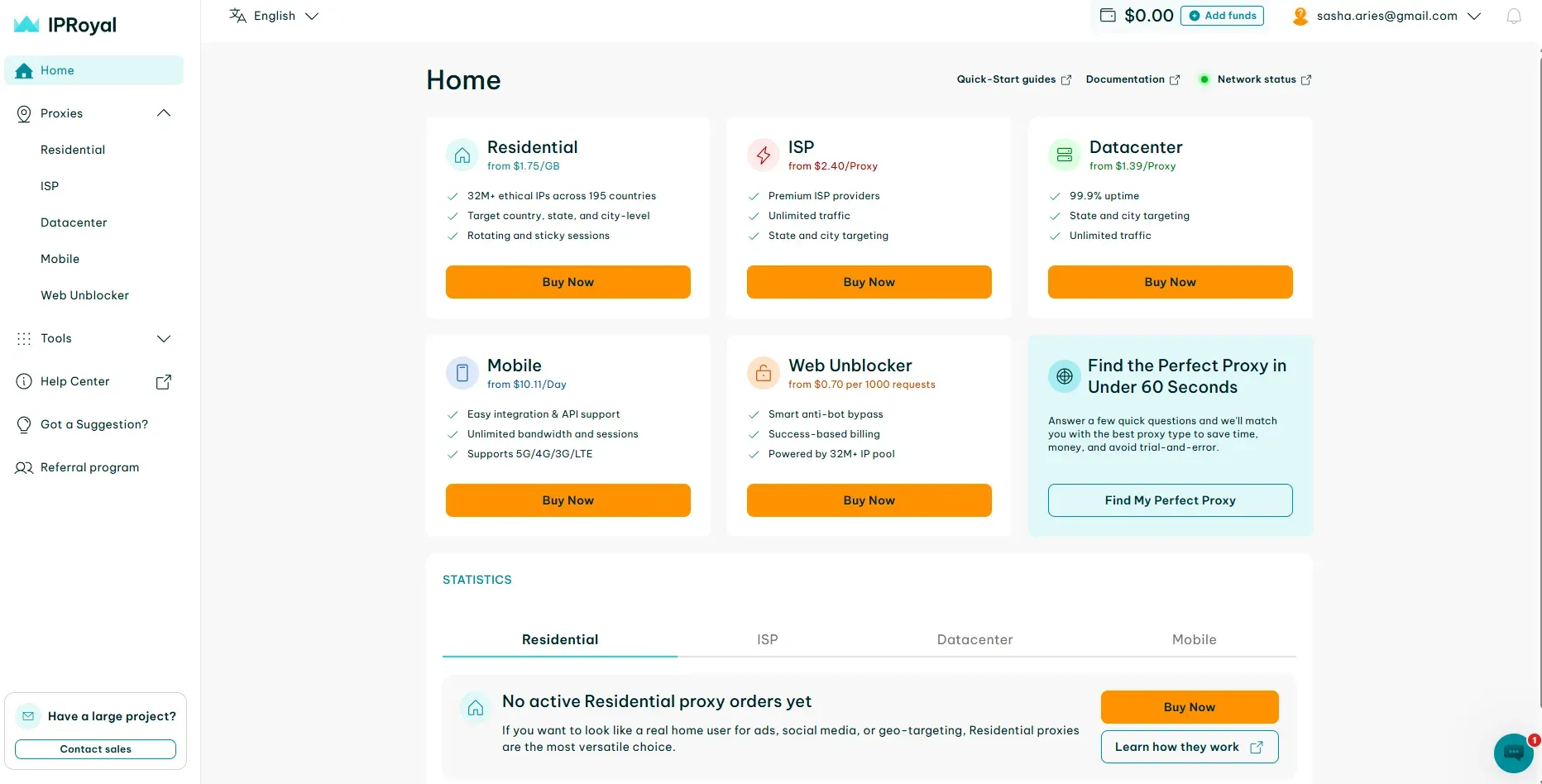
Real mobile IPs with carrier-level trust scores
Sticky residential sessions from 1 minute up to 24 hours
Pawns.app-based ethical IP sourcing for residential traffic
Competitive per-GB pricing with no subscription lock-in
SOAX
SOAX is a proxy provider with a large IP network, offering granular targeting options and flexible session controls for automation workflows.
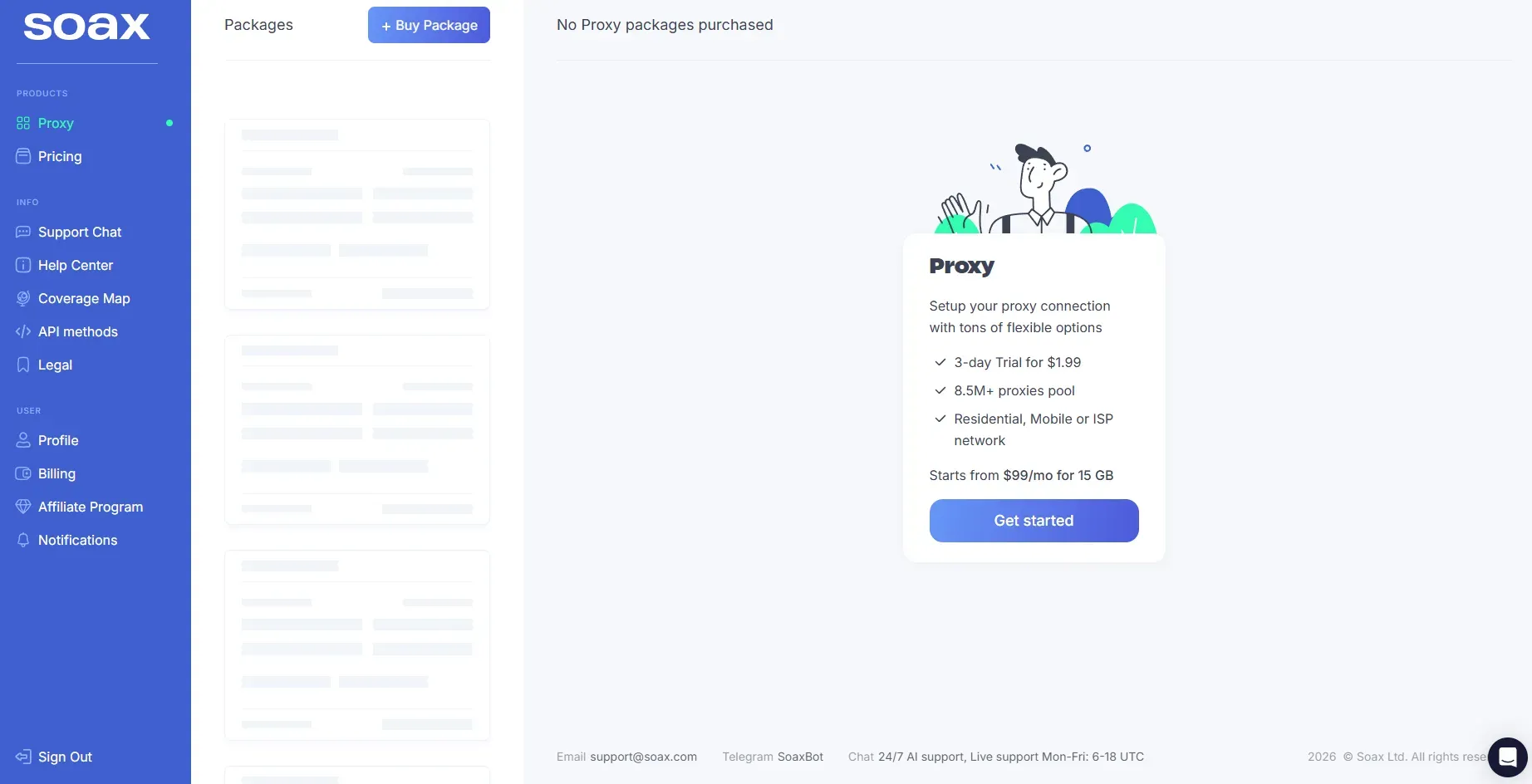
Large residential and mobile IP pool with ISP, city, and ZIP-level targeting
Adjustable rotation intervals from 10 seconds to 60 minutes
Mobile proxies filterable by carrier, country, and device type
Compliance-focused infrastructure with GDPR-aligned data handling
Decodo
Decodo is a proxy provider with a large IP network and US geographic coverage, offering residential, mobile, ISP, and datacenter proxies, along with a built-in site unblocker.
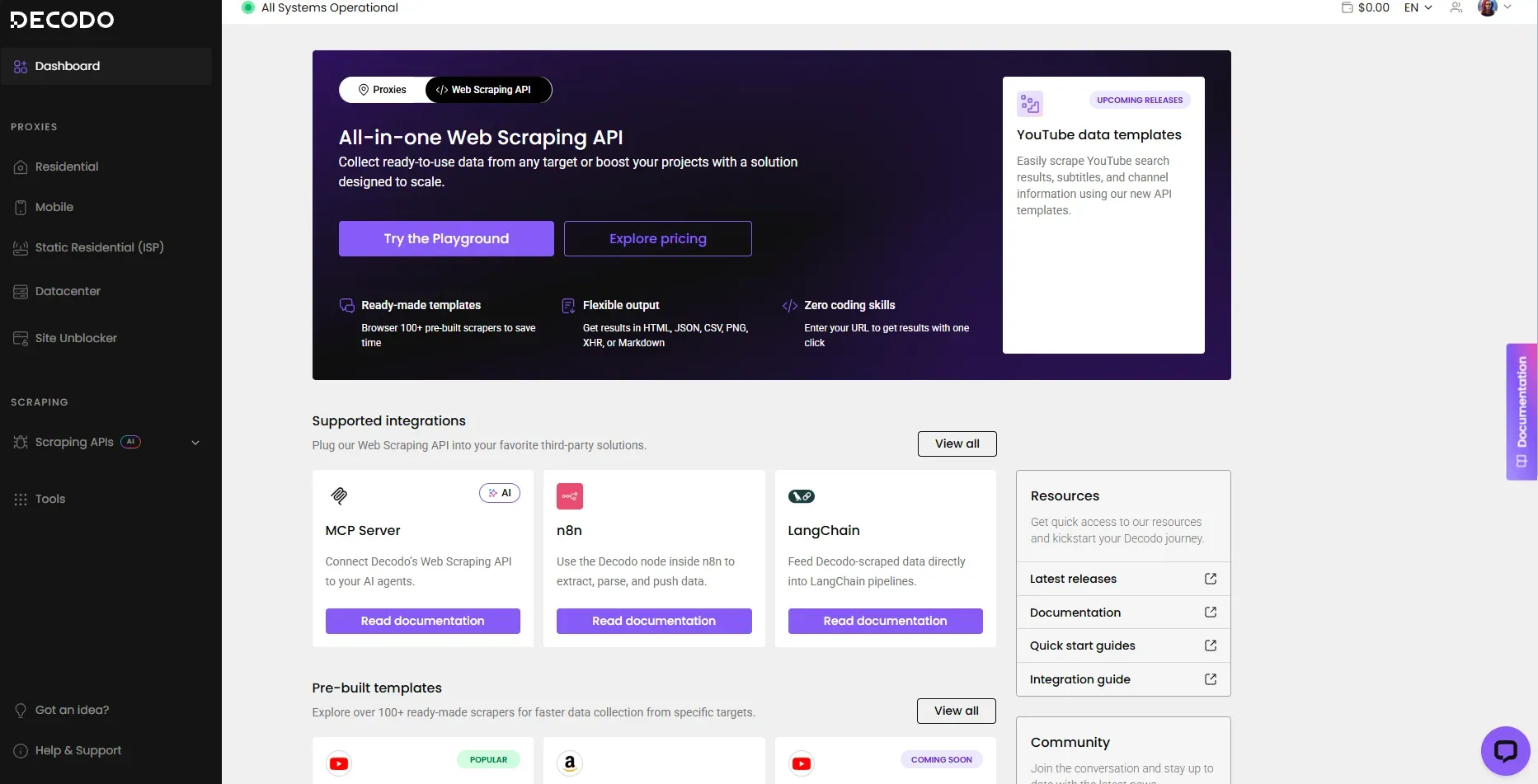
Built-in Site Unblocker that handles JavaScript rendering and CAPTCHA automatically
Mobile proxies with carrier and country-level filtering
Shared and dedicated datacenter proxies for high-speed tasks
Oxylabs
Oxylabs is an enterprise proxy provider with a large IP network and scraping infrastructure, with dedicated solutions for high-volume professional use cases.
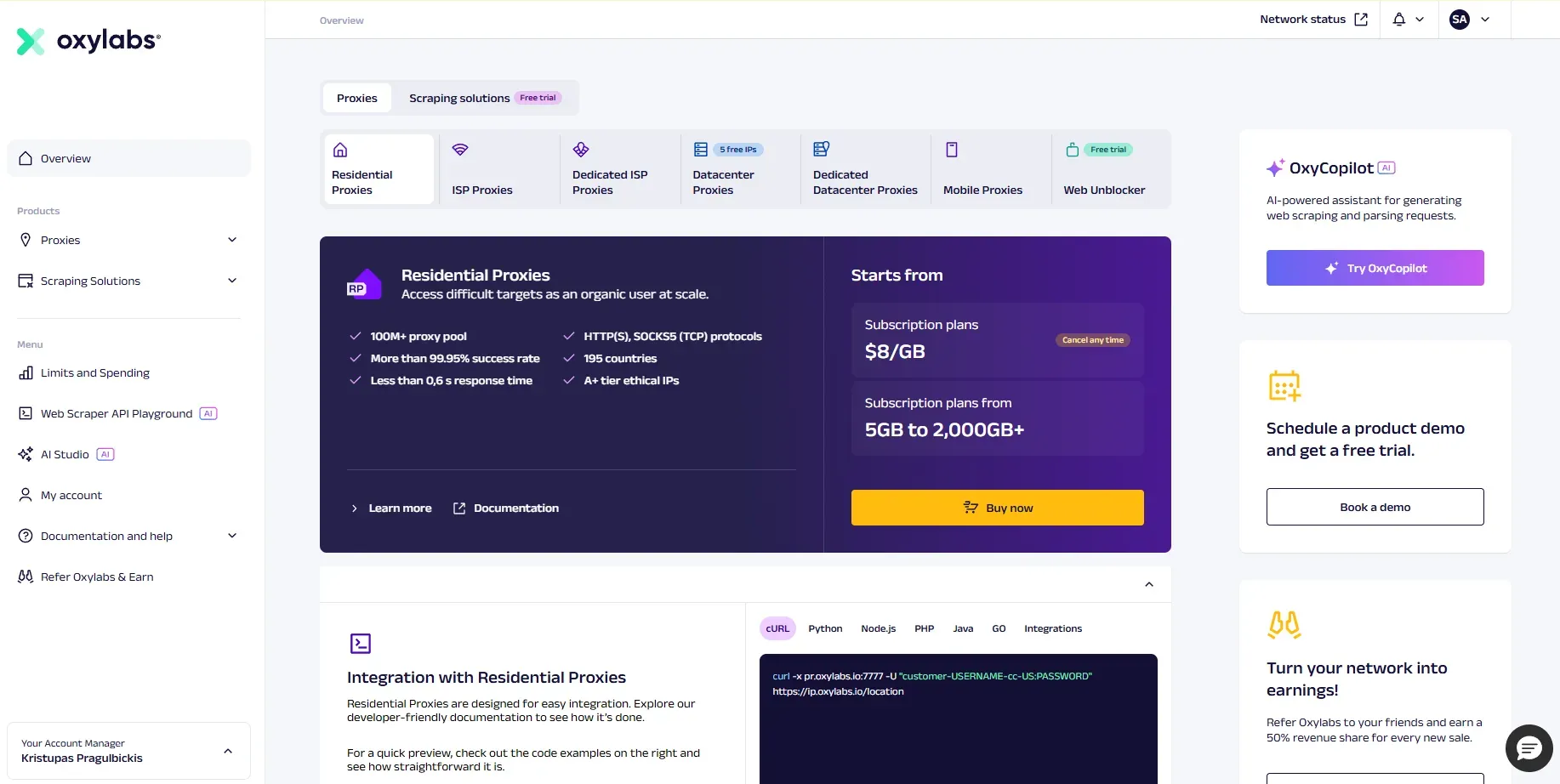
100M+ ethically sourced residential IPs with country, city, and ASN targeting
Next-generation Residential Proxies with an AI-powered unblocker and adaptive fingerprinting
Dedicated datacenter and ISP proxy pools with guaranteed bandwidth
Web Scraper API and SERP Scraper API for structured data extraction at scale
Read about the top Oxylab alternatives for smaller and mid-size teams.
How to use a social media proxy
There are various options for setting up your proxy. For social media, the most viable options are browser extensions, antidetect browser, or cloud phone usage.
Using a browser extension
The most basic option is to use a browser extension and set up a proxy there, using credentials from the user dashboard. For example, CyberYozh offers a Chrome extension that can be used for quick proxy setup in any Chromium-based browser, and extensions for other browsers are available as well.
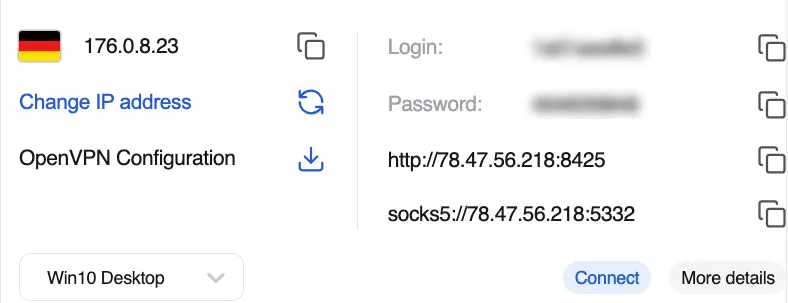
Here is how to set it up:
Open the Chrome Web Store, search for CyberYozh App, and click Add to Chrome.
Pin the extension by clicking the puzzle icon in the top-right corner and selecting the pin icon next to CyberYozh.
Open the extension. If you're already logged into CyberYozh in the same browser, it will authorize automatically. Otherwise, enter your email and password manually.
After purchasing the proxy, click Connect next to the desired proxy. The extension icon will change color to confirm the active connection.
Verify the setup by checking the IP address displayed at the top of the extension window.
Using an antidetect browser
Antidetect browsers offer the next step in protection, providing an isolated browser environment with custom browsing fingerprints and proxy integration. There are many of them, including DICloak, GenLogin, and Hidemium, that offer feature-rich free plans.
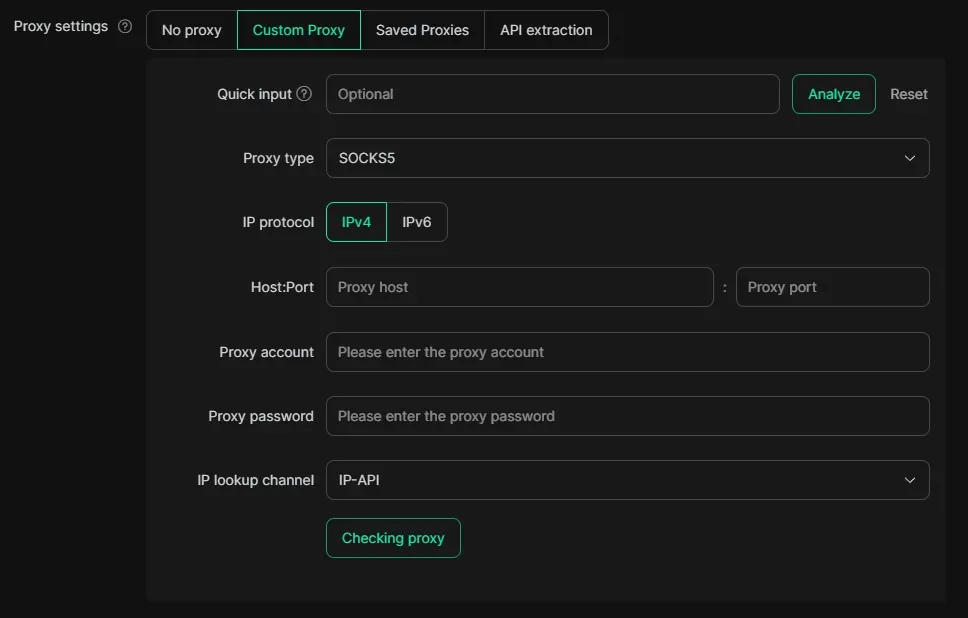
Here is a generalized setup algorithm:
Register an account on your chosen antidetect browser's website and download the desktop application for Windows or macOS.
Log in to your CyberYozh dashboard, click Add Proxy, select the proxy type suited to your task, and navigate to My Proxies to retrieve your credentials: host, port, username, and password.
In the antidetect browser, click Create Profile, then configure the fingerprint parameters, ensuring the geographic settings match your proxy's location.
In the profile's proxy settings, select the proxy’s protocol, and paste your CyberYozh credentials.
Save the profile and launch an isolated browsing session. Confirm the active IP matches your proxy using any IP lookup tool.
Best practice: assign one unique proxy per profile and never share a single IP across multiple profiles, as this is the most common trigger for cross-account detection.
Using a cloud phone
For social media management, cloud phones offer a full emulation of a mobile device. Similar to antidetect browsers, they use custom fingerprints, can be integrated with proxies, and are a good choice for managing mobile-first networks like TikTok and Instagram. Read more about Android cloud phones in dedicated CyberYozh’s article. Here is a generalized setup algorithm:
Choose a cloud phone provider based on your use case.
Create an account and order a cloud phone instance, selecting pre-defined device fingerprints that simulate a genuine Android device. Adjust fingerprint parameters if needed.
Log into your CyberYozh dashboard, select a mobile proxy (recommended for mobile-first platforms), and copy your credentials.
In the cloud phone's proxy settings, bind the CyberYozh proxy to your instance via HTTP or SOCKS5, ensuring the proxy's geolocation matches the device's configured timezone and language.
Launch the cloud phone instance and verify that the IP address, location, and device fingerprint are consistent before starting any account activity
Best practice: use a dedicated CyberYozh mobile proxy for each cloud phone instance — a unique IP combined with a unique device fingerprint makes each instance appear as a fully independent physical device to platform detection systems.
Social media proxies use cases
Now, let’s explore typical use cases for best social media proxies.
Social media management
Proxies are essential for anyone operating multiple social media accounts professionally, since platforms like Instagram, TikTok, and Facebook immediately flag and link accounts sharing the same IP address. SMM agencies use dedicated mobile or residential proxies to isolate each client profile behind a unique identity, preventing ban cascades and ensuring stable, uninterrupted access. CyberYozh supports the full range of these workflows: from multi-account management and content scheduling to scaling platform accounts and creating geo-specific profiles for different markets.
Customer interactions
Businesses that monitor customer sentiment rely on proxies to access reviews and ratings as real local users see them, since platforms like Amazon, Trustpilot, and Google Play display different content depending on a user's region and IP address. Without residential IPs, corporate scraping traffic gets blocked, and the collected data ends up incomplete or distorted by regional filters. CyberYozh covers review monitoring across global marketplaces and app stores and e-commerce intelligence such as competitor pricing, regional promotions, and multi-store account management.
Social data scraping
Collecting public data from social platforms at scale — engagement metrics, influencer analytics, trending hashtags, competitor content — requires proxies to distribute requests across many IPs and avoid triggering rate limits or anti-bot systems like Cloudflare and DataDome. Residential and mobile proxies pass platform trust checks that instantly block datacenter traffic, ensuring scraping workflows return clean, complete datasets. CyberYozh's infrastructure supports both
large-scale web scraping with IP rotation and structured market analysis, including brand monitoring, trend tracking, and dataset collection for AI and NLP projects.
Advertising
Media buyers and ad verification teams use proxies to see exactly what ads real users in specific countries and on specific devices actually see — bypassing the distortion that platform anti-fraud systems apply to corporate or flagged IPs. This is critical for verifying geo-targeting accuracy, detecting ad fraud and banner substitution, and checking whether affiliate partners are displaying creatives correctly. CyberYozh enables these workflows for both direct advertising and campaign verification and affiliate marketing operations, where mobile proxies replicate the exact conditions under which real smartphone users see promoted content.
Security considerations and best practices
To prevent algorithmic detection, shadowbans, and account suspensions, digital marketers must implement strict protocols that mimic genuine human behavior across all managed profiles. Let’s explore how to do that.
Dedicated IP assignment: Always map one social media account to one dedicated proxy IP or mobile port to prevent cross-contamination and cascading bans.
Rotation versus sticky sessions: Use sticky IPs rather than rapidly rotating IPs for long-term account management, as logging in from multiple IPs within a short timeframe triggers security alerts.
Fingerprint synchronization: Ensure your proxy's geolocation aligns perfectly with your antidetect browser's or cloud phone's time zone, WebGL, and language settings.
Proactive health checks: Regularly verify your proxy's IP reputation and fraud score using IP checking tools before logging into sensitive platforms to ensure the address hasn't been flagged by previous users.
Reliable account verification: Keep access to virtual numbers or SMS verification services from the exact same geographic region as your proxy to quickly resolve unexpected security checkpoints naturally.
Warm-up protocols: Gradually increase activity levels and session durations on newly proxy-assigned accounts instead of immediately launching high-volume automated actions.
Treating each proxy and browser profile combination as an isolated, real human identity is the cornerstone of social media security. By combining high-trust proxies with disciplined operational habits, businesses can scale their social presence safely while virtually eliminating the risk of platform-wide account suspensions.
Explore fatal proxy mistakes in CyberYozh’s article to ensure you won’t make them.
Summary
Social media proxies give businesses the operational freedom to manage accounts at scale, collect competitive data, and run ad campaigns without triggering platform defenses. Whether you're an SMM agency isolating client profiles, a data analyst harvesting engagement metrics, or a media buyer verifying creatives across regions, the right proxy setup directly determines whether workflows run reliably or collapse under bans. Combined with fingerprint management tools, clean IPs, and disciplined session practices, providers like CyberYozh turn proxy infrastructure into a complete, sustainable social media operations stack.