










CyberYozh App или Webshare: что лучше подойдет вашему проекту
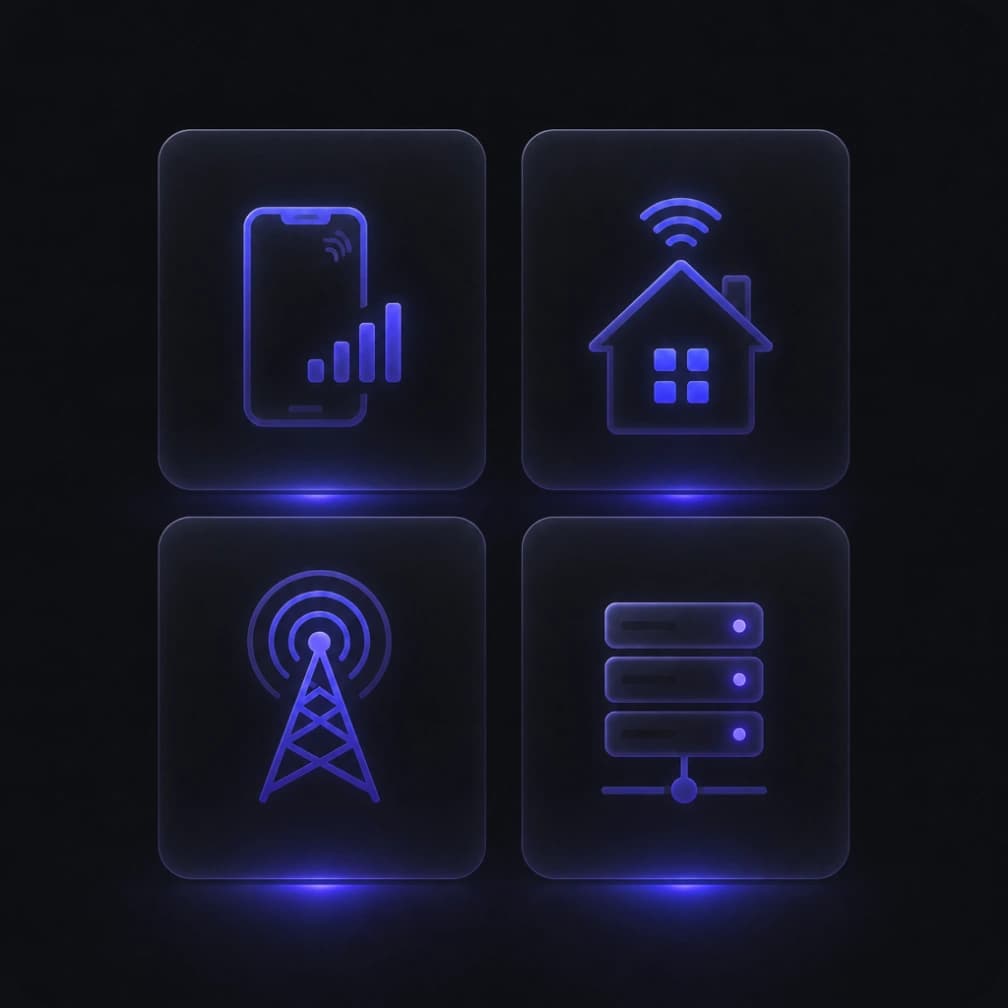
Начните с того, нужен ли вашему проекту IP мобильного оператора. У Webshare есть датацентровые, статичные ISP и ротационные резидентские прокси, но мобильных прокси нет. Если для работы с соцсетями, настройки рекламных аккаунтов или тестирования приложений нужно именно LTE/4G/5G-соединение, в CyberYozh App оно доступно вместе с другими типами прокси.
Для краткосрочных проектов мобильные прокси можно арендовать посуточно: на совместных тарифах цена от $1,70 в день, трафик безлимитный. Подключение можно взять на несколько дней для тестов и не оформлять месячную подписку.
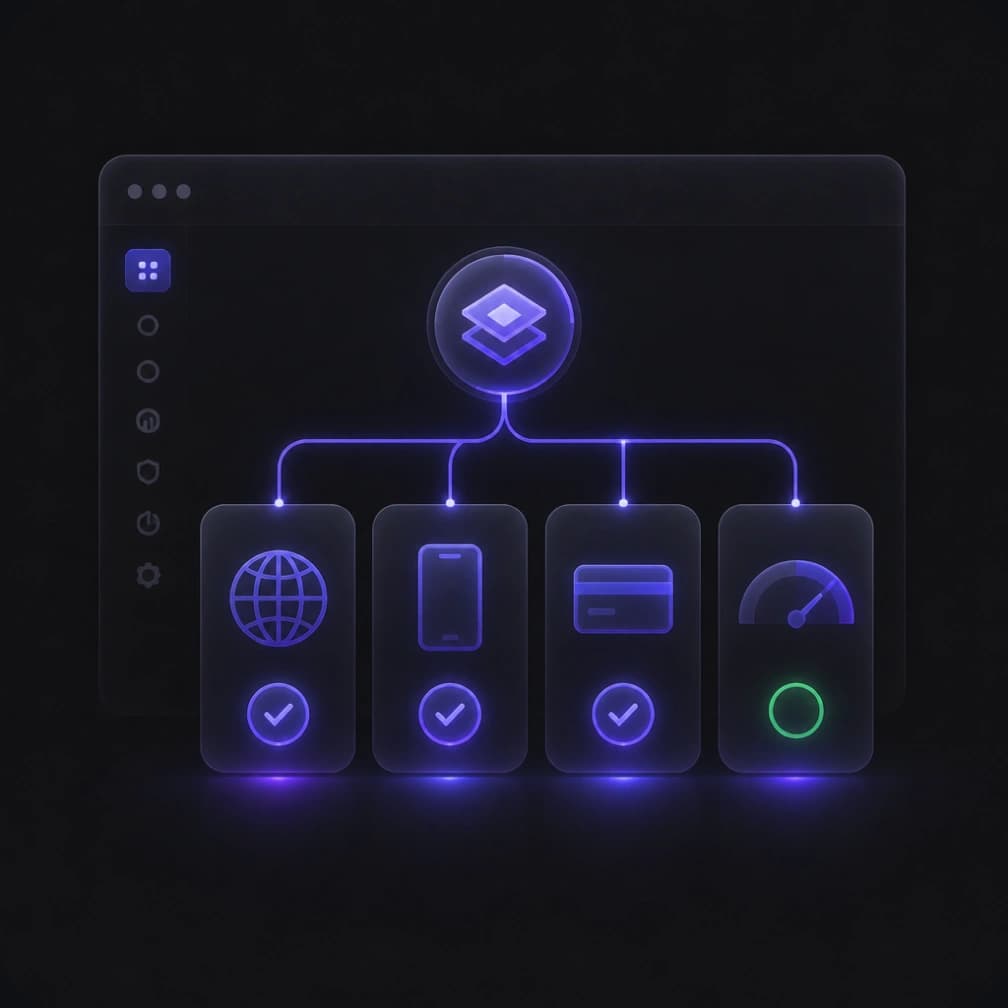
Разница не ограничивается самим подключением. В одном аккаунте CyberYozh App доступны SMS-активация, виртуальные карты и проверка IP на fraud score, поэтому для верификации, платежей и оценки рисков не нужно искать отдельных провайдеров.
Для приложений, которым нужно больше, чем HTTP/SOCKS5-адреса подключения Webshare, поддерживаемые тарифы CyberYozh добавляют UDP и VPN/VLESS-опции. Поддержка UDP важна для голосовых приложений, игр и некоторых тестов приложений. На совместимых выделенных мобильных тарифах также можно переключать фингерпринт ОС, чтобы TCP/IP-сигнатура соединения совпадала с нужным окружением.
Поддержка на семи языках помогает командам настраивать и устранять неполадки этих опций на нужном языке.
CyberYozh App и Webshare: Сравнение по трафику, качеству IP и аптайму
Для регулярной работы важнее всего то, что происходит после подключения: не закончится ли трафик, не сгорит ли неизрасходованный остаток и не придётся ли менять IP.
В статичных ISP-прокси CyberYozh App безлимитный трафик включён сразу. У Webshare тарифы начинаются с 250 ГБ, а безлимит доступен только при покупке определённого количества прокси. Если для задач с большим объёмом данных нужно всего несколько адресов, в CyberYozh не придётся покупать лишние прокси ради безлимита или прикидывать, сколько трафика уйдёт за сессию.
Цена Webshare на ротационный резидентский трафик стартует с $3,50 за ГБ, а у CyberYozh при $2/ГБ он выходит дешевле. Перенос трафика пригодится, когда нагрузка плавает: остаток после спокойного месяца не сгорает и остаётся для следующих задач. Прежде чем считать общую экономию, сравните минимальные объёмы покупки и скидки на пакеты.
Контроль качества представляет ещё одно отличие. Встроенный чекер CyberYozh позволяет проверить сигналы риска IP перед развёртыванием, с отдельными проверками для телефонных номеров, электронных адресов и карт. Webshare прокси также включают скрининг репутации и замену, направляя пользователей к внешним инструментам для независимых проверок.
У CyberYozh 100 млн резидентских IP превышают заявленные Webshare 80+ млн, и, наконец, аптайм 99,99% против 99,97% соответствует примерно 53 минутам против 158 минут простоя в год.
Пул резидентских IP у CyberYozh — 100 млн резидентских IP, у Webshare заявлено 80+ млн. Аптайм 99,99% против 99,97% — это примерно 53 минуты простоя в год против 158.
Как выбрать мобильные, ISP, резидентские или датацентровые прокси
Начните с того, какое соединение требуется для вашей задачи. Низкая цена мало что даёт, если IP меняется в середине сессии или принадлежит сети не того типа.
Вам нужно соединение мобильного оператора
Выбирайте мобильные прокси, когда вам нужно тестировать работу в сотовых сетях, проверять мобильные сервисы или работать с аккаунтами на сервисах, которым нужны именно IP мобильных операторов. Сам факт работы с соцсетями ещё не означает, что вам нужны мобильные прокси.
CyberYozh App – это подходящая альтернатива Webshare: можно арендовать выделенные и совместные мобильные LTE/5G-прокси посуточно. Выделенные подходят, если нужен собственный мобильный канал и самостоятельная смена IP; совместные дешевле, когда устраивает ротация по расписанию. У Webshare мобильных прокси нет.
Попробовать мобильные прокси CyberYozh с безлимитным трафиком
Вам нужен один адрес для постоянной работы
Для регулярного мониторинга, авторизованного доступа к аккаунтам или внесения IP в белый список рассмотрите статичные ISP или выделенные датацентровые прокси. Эти варианты есть у обоих провайдеров. ISP-адреса подходят, когда нужен IP, привязанный к интернет-провайдеру; датацентровые — для сервисов, которые с ними работают, когда важнее скорость и цена.
Сравните, выделенные ли адреса, сколько трафика включено и сколько адресов вам реально нужно. В CyberYozh на эти выделенные прокси безлимитный трафик входит в тариф. У Webshare проверьте лимит трафика на выбранном тарифе и минимальное количество прокси для безлимита, и только потом сравнивайте итоговую стоимость.
Вам нужны ротационные резидентские IP
Ротация подходит для исследований, где запросы независимы друг от друга. Sticky-сессии позволяют пройти многошаговый сценарий с одного IP, пока соединение остаётся доступным.
CyberYozh App объединяет пул из 100 млн IP-адресов с фильтрацией по качеству, переносом трафика и sticky-сессиями до 24 часов. У Webshare есть ротационные и sticky-сессии с таргетингом по стране, штату, городу, почтовому индексу и ASN. Проверьте наличие IP в нужном регионе: большой общий пул не гарантирует, что именно там будет больше подходящих адресов.
Выбрать резидентские прокси CyberYozh
Что дешевле — CyberYozh App или Webshare
Сравнивайте конфигурации, которые подходят для одной и той же задачи. Сначала сопоставьте тип прокси, локацию, формат доступа (выделенный или общий), количество подключений и срок аренды. Затем посчитайте итоговую стоимость с учётом трафика и нужных вам дополнительных услуг.
Сценарий покупки | Что сравнивать |
Короткий проект тестирования через мобильные прокси | Стоимость посуточной аренды, умноженная на количество подключений и дней тестирования |
Несколько статичных IP с высоким объёмом трафика | Минимальная покупка, включённый трафик и право на безлимитные тарифы |
Исследования через резидентские прокси с неравномерным месячным спросом | Цена за ГБ, перенос трафика, условия продления и ожидаемое потребление |
Крупное развёртывание датацентровых прокси | Общая стоимость IP, эксклюзивность, трафик и дополнительные опции |
Например, если команде нужны три статичных IP, сравнивайте стоимость именно этих трёх адресов с достаточным трафиком. Низкая цена за IP в большом пакете всё равно может обернуться более высокой итоговой суммой. Безлимитный трафик на статичных ISP-прокси CyberYozh App упрощает расчёт при большом расходе трафика.
И наоборот, оптовые цены Webshare на датацентровые прокси могут оказаться выгоднее, если вам действительно нужно много адресов, а лимит трафика на тарифе покрывает вашу нагрузку.
Если исследования периодические, учитывайте, сколько купленного трафика вы реально расходуете до продления. Перенос трафика на резидентских прокси CyberYozh позволяет не терять оплаченный объём между проектами. Для коротких тестов посуточная аренда мобильных прокси позволяет платить только за дни тестирования.
Оплата CyberYozh и Webshare из России
Если вы выбираете прокси Webshare для России или ищете альтернативу, цена — не единственный вопрос. Важно также понимать, чем получится оплатить сервис и потребуется ли иностранная карта.
CyberYozh поддерживает несколько способов пополнения баланса, включая Visa, Mastercard, МИР, СБП и криптовалюты. Оплачивать услуги можно в рублях, долларах и евро, так что способ оплаты можно подобрать под те платёжные инструменты, которые у вас есть.
Webshare принимает банковские карты (Visa, Mastercard и другие), а также Apple Pay и Google Pay (в поддерживаемых регионах). Поэтому российскому пользователю перед покупкой стоит проверить, пройдёт ли платёж выбранной картой или другим способом из его региона.
Что проверить перед покупкой
Способ оплаты: примет ли сервис вашу карту, российскую или иностранную, и есть ли нужный вариант при пополнении баланса.
Валюта: в какой валюте произойдёт списание и какие комиссии может добавить платёжная система.
Региональные ограничения: проходит ли платёж из вашего региона и не блокирует ли его банк или платёжный провайдер.
Итоговая стоимость: считайте не только цену прокси, но и комиссии за конвертацию или платёж.
Для российских пользователей CyberYozh удобнее, если вы хотите платить через МИР, СБП или криптовалюту. Но перед покупкой всё равно проверьте нужный способ оплаты в интерфейсе.
Какой провайдер лучше для работы в РФ: CyberYozh App или Webshare
Для российских задач важно, есть ли IP нужного типа в России, подходит ли он под вашу площадку и нужен ли IP мобильного оператора.
Российские IP под конкретные площадки
Для Яндекса, Ozon, Wildberries, Avito или VK нужен российский IP подходящего типа. В CyberYozh App для России доступны мобильные, резидентские (ротационные и статичные) и датацентровые прокси, купить российские прокси можно в каталоге.
Когда подойдут Webshare прокси
Есть ли у Webshare прокси России? На сайте предложены ротационные резидентские прокси с IP России. Они подойдут для задач, где нужна ротация российских IP, например для сбора данных, мониторинга цен и проверки локальной выдачи. Перед покупкой проверьте доступность нужного города и объём трафика в панели Webshare.
Как проверить качество прокси и стабильность сессий
Протестируйте небольшую конфигурацию на той задаче, для которой планируете использовать прокси. Низкий fraud score — полезный ориентир, но он не гарантирует, что сайт примет подключение и сессия пройдёт без сбоев.
Подтвердите подключение. Проверьте выходной IP, определённую локацию и тип сети на соответствие выбранной конфигурации.
Оцените риски IP. Проверьте IP на fraud score, наличие в чёрных списках и недавние признаки злоупотреблений. Разные базы могут оценивать один и тот же IP по-разному.
Выполните реальную задачу. Проверьте нужный сайт или приложение, пройдя все шаги вашего рабочего процесса.
Проследите за сессией. Убедитесь, что IP не меняется в многошаговом сценарии и меняется там, где ожидается ротация.
Зафиксируйте результаты. Замерьте число выполненных задач, повторных попыток и расход трафика, давая обоим провайдерам одинаковую нагрузку.
CyberYozh App предлагает чекер IP по запросу наряду с фильтрацией резидентских IP по качеству. Опциональная функция High IP Reputation от Webshare проверяет назначенные прокси и поддерживает автоматическую замену при ухудшении их репутации.
Автозамена помогает поддерживать качество IP, но внезапная смена адреса может нарушить работу IP из белого списка или оборвать активную сессию. Учитывайте это при настройке замены.
Оценивайте три отдельных показателя: аптайм измеряет доступность, успешность запросов — работают ли запросы, а стабильность сессии — остаётся ли подключение неизменным на протяжении всей задачи.
Как управлять прокси, SMS-верификацией и антифрод-проверками в одном аккаунте
Представьте агентство, которое управляет аккаунтами клиентов. Перед назначением подключения команде нужно проверить репутацию IP. Во время регистрации может также потребоваться поддерживаемый номер телефона для получения кода подтверждения. Эти шаги связаны с разными сервисами, хотя относятся к одному проекту.
С CyberYozh App агентство может покупать прокси, запрашивать отчёт о рисках IP и организовывать SMS-активацию или аренду номера из одного аккаунта. Это сокращает количество отдельных регистраций и даёт команде одного провайдера для обращений по этим сервисам. Виртуальные карты также доступны для поддерживаемых покупок.
Webshare предоставляет прокси-подключение и опциональную проверку репутации. Командам, которым нужна SMS-активация, аренда номеров или виртуальные карты, придётся искать эти сервисы в другом месте.
Преимущество CyberYozh — в консолидированном доступе. SMS-сервисы, проверки рисков и виртуальные карты оплачиваются отдельно, где это применимо; покупка прокси не включает их автоматически бесплатно.
Как перейти с Webshare на CyberYozh App, используя существующие инструменты
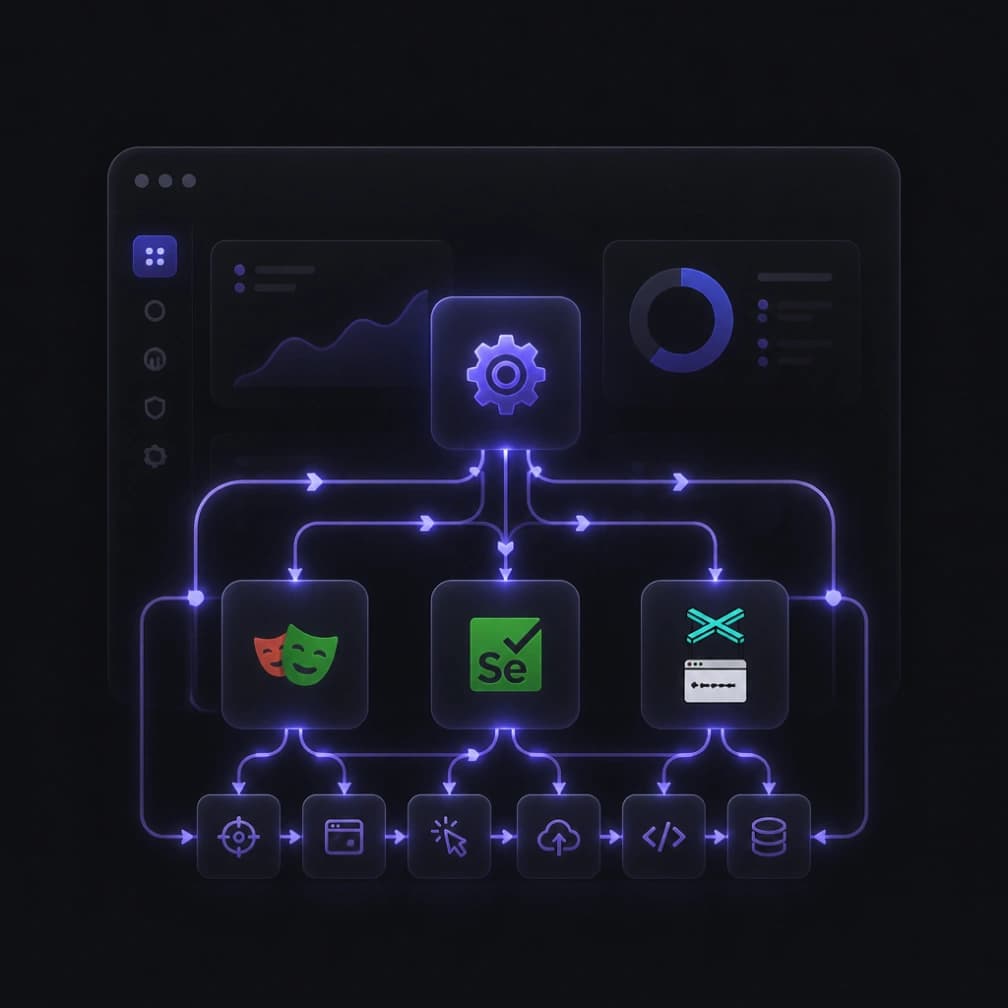
Если ваш браузер, парсер или приложение принимает стандартные настройки прокси, смена провайдера обычно начинается с замены данных подключения. Сохраните существующий инструмент и протестируйте одно подключение CyberYozh App, прежде чем менять остальные.
Сначала запишите текущую конфигурацию прокси Webshare: тип прокси, способ авторизации, нужную локацию и что требуется для задачи: фиксированный адрес, sticky-сессии или ротация IP. Отметьте все белые списки IP и скрипты, которые обращаются к API Webshare: их придётся обновлять отдельно.
Затем пропишите хост, порт и учётные данные CyberYozh в тестовой конфигурации того же клиента. Выберите протокол, который поддерживают и купленный прокси, и ваше приложение. Для примера автоматизации браузера следуйте гайду по настройке прокси CyberYozh App для Playwright.
Расширение Webshare для прокси управляет подключениями браузера. Оно не настраивает отдельные парсеры и приложения, и нет гарантии, что оно примет учётные данные CyberYozh. Вместо этого используйте настройки прокси вашего клиента или совместимый менеджер прокси.
Наконец, проверьте выходную локацию, выполните типовую задачу и понаблюдайте за поведением IP в течение всей сессии. Сравните время выполнения, число сбоев и расход трафика с прежней конфигурацией. Переключайте остальное только после успешного теста и держите прежнюю конфигурацию под рукой, пока замена не заработает стабильно.
Как начать работу с прокси CyberYozh App
Выберите тип прокси и локацию, подходящие для сайта, приложения или аккаунта, с которым вы работаете. Затем выберите срок аренды или объём трафика, которого хватит для первого теста.
Выполните одну типовую задачу от начала до конца. Проверьте выходной IP, поведение сессии, время выполнения и расход трафика, прежде чем докупать ресурсы. Добавляйте подключения, SMS-сервисы или проверки рисков по мере необходимости.
Просмотрите каталог прокси CyberYozh App, выберите подключение для следующей задачи и проведите его через этот первый тест.