
7 Best Twitter Proxies 2026: Manage Multiple X Accounts Without Bans

X has over 251 million daily active users, and nearly 60% of them use the platform to follow news and current events, while 38% actively research brands and products. That kind of reach makes X one of the most valuable platforms for businesses looking to build visibility, run campaigns, and manage multiple brand accounts at once.
You manage five client Twitter accounts. You sit down, open your scheduling tool, and start queuing the week's content. Then it happens. "Access Denied." One account suspended. Another shadowbanned into silence. A third hitting rate limit is so aggressive that you can't even scroll the timeline without a cooldown. Three hours of work, gone.
Elon Musk's platform has fundamentally changed what it means to manage accounts at scale. API access that used to be free now costs $100/month for the Basic tier and $5,000/month for the Pro tier. Rate limits on unverified accounts have tightened to the point that basic activity from multiple accounts on a single IP address automatically triggers bot-detection flags.
If you're running a legitimate social media operation and you're not using the right infrastructure, you're not just slowing down. You're one login away from suspension.
TL;DR: Best Twitter proxies 2026
X now charges up to $5,000/month for API access; the platform is actively hostile to unmanaged multi-account setups.
Logging into multiple accounts from a single IP address triggers X's bot detection, even if each account is legitimate.
Datacenter proxies will get you flagged. X has blocked virtually all cloud server IP ranges.
Static residential proxies are the best option for consistently managing existing accounts.
Mobile (4G/5G) proxies are the safest choice for creating new accounts
Each account needs its own dedicated IP, one proxy, one account, no sharing
Pair your proxy with an anti-detect browser for full fingerprint isolation
CyberYozh offers 100M+ clean residential and mobile IPs, compatible with GoLogin, Dolphin Anty, and Multilogin
What is a Twitter proxy
A proxy is a server that sits between your device and the websites you visit. Instead of X seeing your real IP address, it sees the proxy's IP. For multi-account management, this means each account can appear to X as if it's operated by a different person in a different location, which is precisely how X's systems expect accounts to behave.
Why you need a proxy on Twitter right now
Three things are happening on X in 2026 that make proxy infrastructure essential for anyone managing more than one account.
Geo-locking is real and expanding
Certain features, content categories, and even entire account types are region-restricted. If your clients are in markets with limited X access, or you need to access region-specific content for research or competitive analysis, you're blocked by default without a proxy in that region.
Rate limits punish shared IPs
X's systems track how many accounts are active from each IP address. Multiple accounts operating from a single IP address trigger automated bot-detection signals, even if each account is completely legitimate and human-operated. This is not a loophole or edge case. It is how their detection system is designed.
Verified vs. unverified accounts face different limits.
X's Blue verification tier and Verified Organization status come with higher rate limit allowances. But even verified accounts hit walls at scale, and unverified accounts are particularly exposed; they face the tightest read/write restrictions on the platform. Managing unverified client accounts from a single IP address is especially high risk in the current environment.
A dedicated proxy per account solves all three of these problems simultaneously. Each account gets its own clean IP, its own geographic identity, and its own rate limit budget.
The 7 best Twitter proxy providers for managing multiple X accounts in 2026
Here are some of the most searched Twitter proxy providers in 2026, starting from the highest ranking in the proxy industry:
1. CyberYozh
CyberYozh is built for everyone, from solo creators to large agencies running multiple X accounts across different regions, identities, and IPs. CyberYozh was purpose-built for platform-specific use, and their Twitter setup reflects that.
They offer dedicated mobile LTE/5G proxies that mirror genuine mobile traffic patterns, which matters because Twitter's 2026 detection systems trust mobile connections far more than anything datacenter-based. For accounts that need to stay logged in and active for long periods, static residential ISP proxies help maintain stable sessions. [Sign up here]
What sets CyberYozh apart isn't just the IPs:
Before you touch a proxy, it's already been run through over 50 security databases to check reputation and fraud score.
No recycled addresses with ban history.
They also layer in SMS and phone number verification, bank card consistency checks for ad accounts, and identity-tracking tools, all tailored to manage Twitter accounts without triggering platform flags.
The most affordable in the proxy market, mobile proxies start at $1.7/day with unlimited traffic. Residential proxies from $5.29/month.
Key features:
Pre-verified residential, mobile, and datacenter Twitter proxies
100 million high-quality residential IPs across 100+ countries
IP reputation checks across 50+ security databases
Real 4G/5G mobile carrier networks for authentic traffic behavior
Integrated SMS and phone number verification
Twitter-optimized routing for natural engagement patterns
Bank card and identity consistency checks for ads and paid features
Automation and web scraping support
99.9% uptime with automatic IP failover
Works with Multilogin, AdsPower, Geelark, Dolphin Anty, Kameleo, Octobrowser, GoLogin, and more
2. Infatica

Infatica offers mobile and residential proxies with geo-targeting down to the city level. For Twitter, that sounds useful, and for some tasks, it is. But here's the catch. Infatica's network leans heavily on frequent IP rotation. Great for scraping. Not so great for keeping a Twitter account alive over weeks. Twitter sees an IP shift every few minutes and flags it as bot behavior. You'll hit rate limits faster than expected. Fine for short-term tasks. Risky for long-term account management.
Key features:
Residential and mobile proxy pool
City-level geo-targeting
Rotating and sticky session options
HTTP/HTTPS and SOCKS5 support
API access for automated proxy management
Coverage across 100+ countries
3. IP Royal

IP Royal has built an infrastructure at competitive prices. For Twitter, though, the issue is session stability. IP Royal works well for quick tasks, posting, scraping trends, and checking mentions. But for sustained multi-account management where sessions need to be held for days at a time, the rotation model becomes a problem. Twitter's 2026 trust system rewards consistency. Jumping IPs too often triggers silent Twitter shadowbans before you even notice.
Key features:
Residential, mobile, datacenter, and ISP proxies
Static residential (ISP) proxies available
Flexible rotation and session control
Pay-as-you-go pricing model
Geo-targeting by country and city
HTTP and SOCKS5 protocol support
4. ProxyEmpire
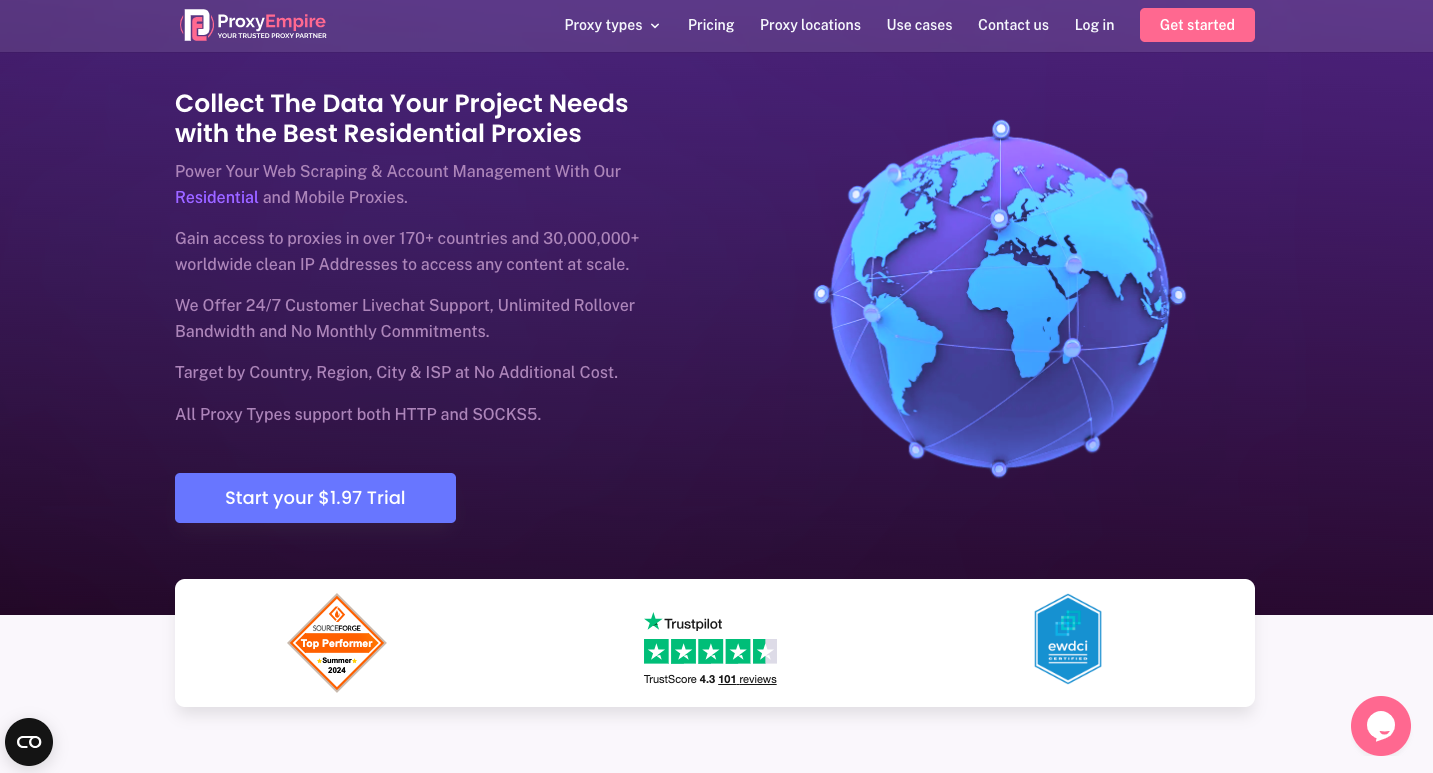
ProxyEmpire covers mobile, residential, and datacenter proxies. The mobile option is the one worth paying attention to for X. Their mobile pool is good, and rotation control is adjustable, which is a plus. The downside is that the pricing scales up quickly once you need multiple dedicated mobile IPs running simultaneously. For solo operators or small teams, it's manageable. For agencies running 20+ client accounts, the cost adds up fast. Also, their anti-detect browser documentation is thin. You'll be doing a bit of trial and error with tools like GoLogin.
Key features:
Mobile, residential, and datacenter proxies
Adjustable rotation intervals
Country, state, and city-level targeting
Unlimited concurrent connections
HTTP/HTTPS and SOCKS5 support
API integration available
5. Bright Data
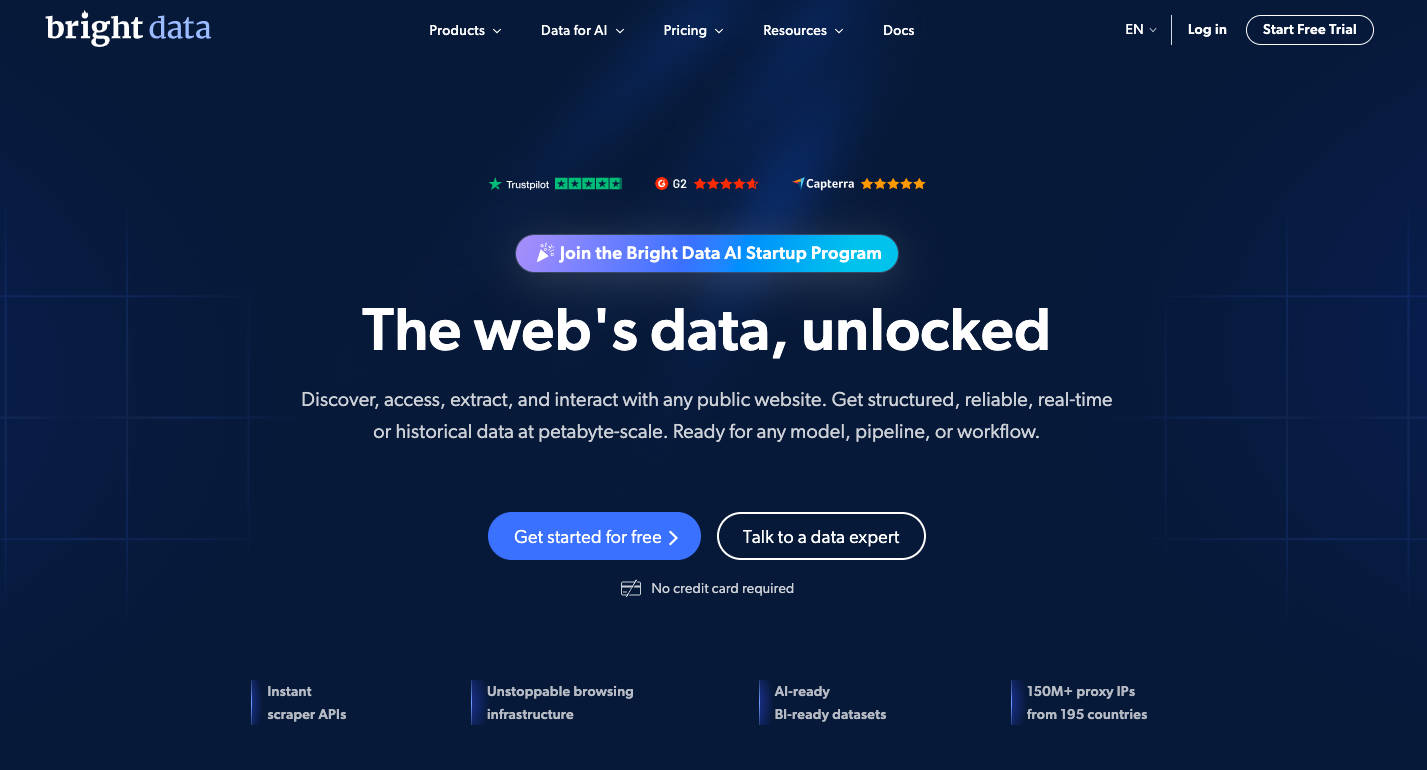
Bright Data offers residential IPs. Their network is massive, with millions of IP addresses, global coverage, and robust infrastructure. For enterprise-level Twitter operations, that scale has appeal. But here's the thing: Bright Data is built for data collection at scale. The platform is complex. Pricing is enterprise-level, too. If you're a mid-size agency trying to manage client Twitter accounts without a dedicated tech team, it can feel like using a forklift to move a cardboard box.
Key features:
72+ million residential IPs worldwide
Mobile, residential, ISP, and datacenter proxies
Advanced proxy management dashboard
Scraping browser and web unlocker tools
Granular geo-targeting down to city and ASN
Compliance and data governance tools for enterprise
6. Oxylabs
Oxylabs sits in the same tier as Bright Data, with premium pricing, premium infrastructure, and a focus on large-scale operations. Their residential network is solid, and their uptime is reliable. For Twitter, residential proxies perform well in terms of trust scores. But Oxylabs is expensive by default, and their entry point assumes you're already running operations at serious volume. For smaller teams, it's hard to justify. Their mobile proxy offering also isn't as developed as purpose-built options. Good tool, just aimed at a different audience than most Twitter proxy users.
Key features:
100+ million residential IPs
Dedicated datacenter and ISP proxy options
Real-time crawler and scraper APIs
99.9% uptime SLA
Country, city, and ASN-level targeting
24/7 enterprise support
7. SOAX
SOAX offers residential and mobile proxies. The geo-targeting is granular, which helps if you're managing Twitter accounts tied to specific regions. For Twitter in 2026, the rotation control is the key feature; you can set longer session windows, which helps with account stability. The catch is that SOAX's mobile IP pool is smaller than some competitors. In high-demand regions, you might find IPs that have already been flagged by Twitter's detection systems. Worth testing, but do your IP reputation checks before committing accounts to any address.
Key features:
Residential and mobile proxy network
Flexible session length control
City and ISP-level geo-targeting
Proxy manager dashboard included
HTTP/HTTPS and SOCKS5 support
Regular pool cleaning and IP quality checks
Datacenter vs. Residential vs. Mobile: The trust score hierarchy
Not all proxies carry equal weight with X's systems. Think of it as a trust score: the platform assigns credibility to each IP based on its origin and acts accordingly.
Trust score = how likely X's systems are to treat this IP as a real user.
Higher = safer and less likely to trigger flags.

Proxy Type | IP Source | X Trust Score | Best Use Case |
Datacenter | Cloud servers (AWS, Azure, etc.) | Very Low | Avoid entirely for X in 2026 |
Residential | Real home ISPs | High | Ongoing account management |
Static Residential (ISP) | Fixed ISP-assigned IP | Very High | Stable, long-term client accounts |
Mobile (4G/5G LTE) | Real carrier networks | Highest | New account creation, high-risk actions |
Datacenter proxies on Twitter:
Using datacenter proxies on Twitter in 2026 effectively flags you.
X has mapped the IP ranges belonging to every major cloud provider.
If your proxy resolves to an Amazon Web Services subnet, X knows before you've even loaded the login page.
Residential & mobile proxies on Twitter:
Residential Twitter proxies look like home broadband connections because they are real IPs assigned by real ISPs to real addresses.
Mobile proxies look like smartphone connections because they are drawn from live carrier networks.
Both pass X's trust checks by presenting the same fingerprint as millions of legitimate users.
Static residential proxies:
For long-term management of existing client accounts, static residential proxies are the practical choice.
Your assigned IP stays consistent across sessions, which matters. X's login monitoring flags accounts that appear from a different city every 30 minutes as a behavioral anomaly.
For creating new accounts or performing higher-risk activities, mobile LTE/5G proxies are the cleanest available entry point.
How to set up a proxy for Twitter
Quick clarification before the tutorials: there's no proxy settings menu inside X or Twitter itself. You configure the proxy at the browser level or in your management tool, and all traffic to X automatically routes through it. X never sees your real IP, only the proxy's.
Your proxy credentials from CyberYozh will look like this: keep them open in another tab while you follow these steps.
username:password@host.example.com:port

Tutorial 1: Setting up a proxy in Chrome using FoxyProxy
FoxyProxy is a free Chrome extension that routes specific websites through your proxy while leaving all other browsing unaffected.

Install FoxyProxy Standard from the Chrome Web Store
Click the FoxyProxy icon → Options → Add New Proxy
Select proxy type: SOCKS5 (recommended for X, lower latency than HTTP)
Enter your proxy details:
Host: the host address from your CyberYozh dashboard (e.g., proxy.cyberYozh.com)
Port: the port number from your dashboard (e.g., 1080)
Username & Password: your CyberYozh credentials
Under URL Patterns, click Add New Pattern and enter: *x.com* and *twitter.com*
Save the proxy and toggle FoxyProxy to "Use proxies based on their predefined patterns."
Verify it's working:
After saving, visit whatismyip in the same Chrome window.
The IP shown should match your proxy's assigned location, not your real home or office IP.
If your real IP still shows, the pattern matching isn't active; double-check step 5.
Important: The first time you log in to an X account using a new proxy IP, X will likely request SMS verification. This is normal behavior; X treats any new IP as a new device login. Have the account's registered phone number accessible before you start.
Tutorial 2: Integrating with an Anti-detect browser
Anti-detect browsers create completely isolated profiles, each with a unique browser fingerprint, unique cookies, and a dedicated proxy. From X's perspective, each profile is a different device operated by a different person. This is the setup used by agencies managing 10+ accounts.
In GoLogin:
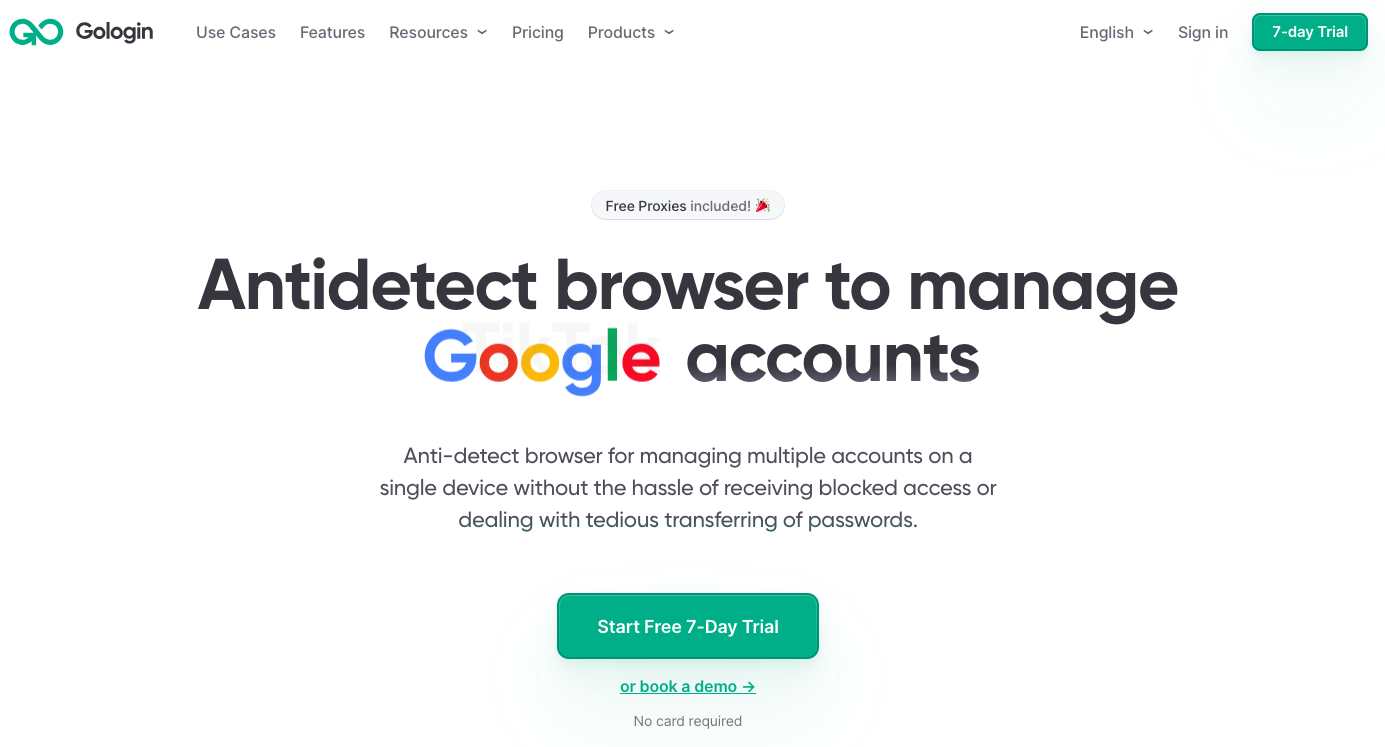
Go to Profiles → Create New Profile
Name the profile after the client account (e.g., "ClientA_Twitter")
In the Proxy tab within profile settings, select SOCKS5 or HTTP
Enter your CyberYozh credentials: Host, Port, Username, Password
Click Check Proxy, you'll see the assigned IP and location confirmed as active
Launch the profile, navigate to x.com, and log into that client's account
In Dolphin Anty:
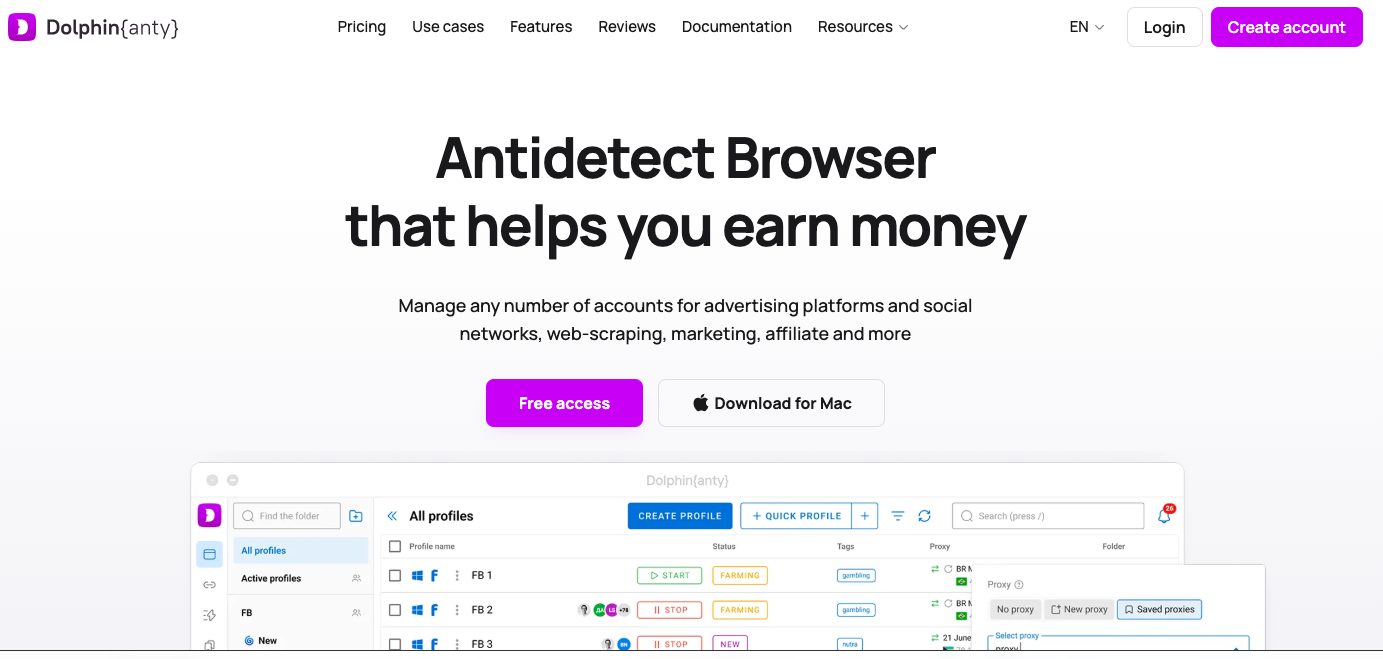
Go to Profiles → New Profile
In the Proxy section, select your proxy type and paste your CyberYozh credentials.
Click Check to verify the proxy is active and showing the correct location
Assign a unique profile to each X account, one account per profile, each with its own proxy
Launch the profile and log in normally
Verify after setup: In both browsers, after launching a profile, visit whatismyip before logging into X. Confirm the displayed IP matches your expected proxy location.
2FA reminder: Same as FoxyProxy, expect X to request phone verification on first login from any new proxy IP. Build this step into your onboarding for each new client account setup.
5 signs your Twitter proxy is low quality
Not every proxy provider delivers what they promise. Here's how to know your proxy is quietly working against you, ordered from most damaging to most annoying:

1. Sudden follower count or engagement drops
This is the shadowban signal: X has quietly buried your content without notifying you. If engagement drops to near zero shortly after you start using a proxy, the IP's reputation is contaminated on the account. Switch to a clean residential IP and monitor recovery over 48–72 hours.
2. Phone verification is required for every login
X is requesting SMS verification every time you log in from your proxy, which means the platform doesn't trust your IP. Clean residential and mobile IPs don't consistently trigger this; datacenter IPs almost always do.
3. Constant captcha challenges
You're solving a captcha every time you perform any action on X. The IP is flagged as suspicious, and X is requiring verification before allowing interactions. This will escalate to a soft block if not addressed.
4. Noticeably slow timelines and loading
If X is significantly slower through your proxy than without it, the infrastructure is overcrowded. Too many users sharing the same IP pool create both performance problems and an elevated risk of flagging due to unusual traffic patterns.
5. Recurring "Something went wrong" errors
X throws generic errors when quietly throttling or soft-blocking an IP. If this happens repeatedly on the same proxy address, that IP is dirty and needs to be replaced. [Read more about error code 499 and error code 509]