
Best Antidetect Browsers for Managing Multiple Accounts In 2026
Picture this. You've built seven Amazon seller accounts over 18 months. Different products, different niches, solid reviews on all of them. Then one Tuesday afternoon, Amazon suspends all seven. At once. Not because you did anything wrong. Because they all logged in from the same browser on the same computer, and Amazon's system saw one person pretending to be seven.
That story isn't hypothetical. It happens constantly to legitimate sellers, agencies, and marketers who aren't aware of browser fingerprinting. If you manage multiple accounts on any major platform- Amazon, TikTok, Instagram, Facebook, eBay- this guide is the one you need before something goes wrong.
You'll learn:
What an antidetect browser actually does
Which ones are worth using in 2026
Why free options are a trap
Why the browser alone isn't enough.
By the end, you'll know exactly how to set up multi-accounting without it collapsing the moment a platform looks twice.
TLDR
An antidetect browser gives each account a unique digital face, different screen, fonts, timezone, graphics signature, so platforms can't link them.
Without proxies paired per profile, fingerprint isolation alone fails; platforms still link accounts by shared IP address.
Free anti-detect browsers run outdated fingerprint databases,s and some harvest your data. Dolphin Anti's free plan is the only genuinely safe starting point.
GoLogin for general use, AdsPower for Facebook/TikTok automation, Kameleo for mobile-first platforms
The most common reason antidetect setups fail: using a shared or flagged proxy IP despite a perfect browser configuration
Check IP reputation before assigning any proxy to a live account; a burned IP discovered after the fact costs you the account.
For Asian platforms (Shopee, Lazada, Taobao), regional proxy matching and mobile fingerprinting matter more than desktop configuration
What does an Antidetect browser do
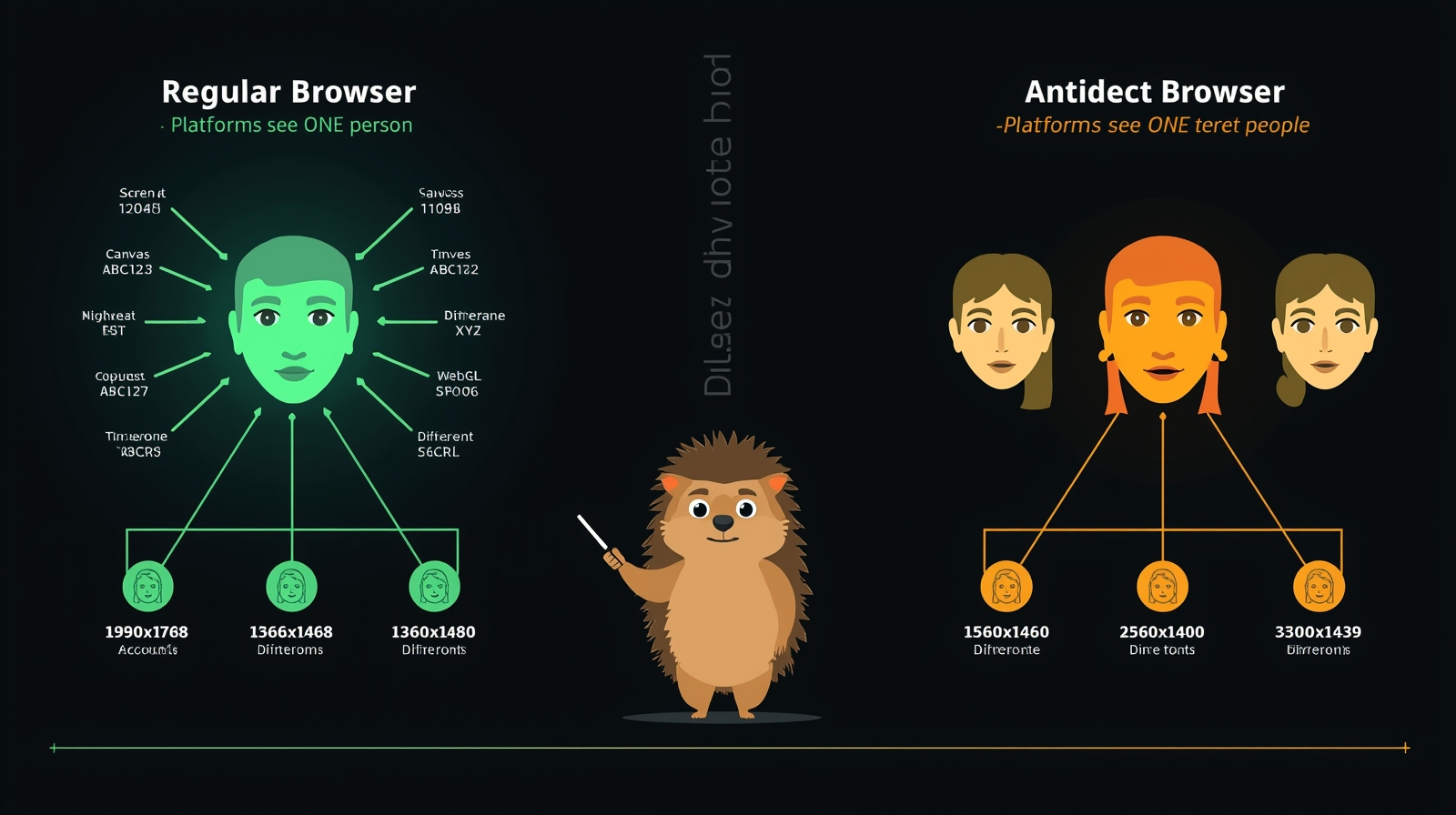
Think of your browser like a face. Every website you visit sees it.
Your screen size
What fonts do you have installed
How your graphics card draws a specific shape
Your timezone
All of it combines into a unique "face" that websites use to identify you, even if you switch IP addresses or open a private window. Incognito mode doesn't change your face. It just hides your browsing history from your own device. Websites still see the same you.
To see exactly how platforms read your browser, run your current browser through the EFF's Cover Your Tracks tool, which shows every fingerprint signal websites collect from you in real time.
An antidetect browser gives each account a completely different face: different screen size, different fonts, different graphics signature, different timezone. Every profile looks like a separate person on a separate computer.
Here's what changed between 2024 and 2026;
Platforms got significantly better at reading these signals.
What used to require 10 data points to flag an account now takes 2 or 3.
TikTok, Facebook, and Amazon all updated their detection systems in the last 18 months.
Running Chrome profiles, even with different logins, now gets accounts linked within days, sometimes hours.
That's why antidetect browsers went from "advanced user tool" to "basic requirement" for anyone running more than one account professionally.
The unknown problem most skip.
You switched from Chrome profiles to an antidetect browser. You set up five profiles. You assigned different emails, different passwords. Everything looked separate. Then three of your accounts got banned regardless.
Here's what happened:
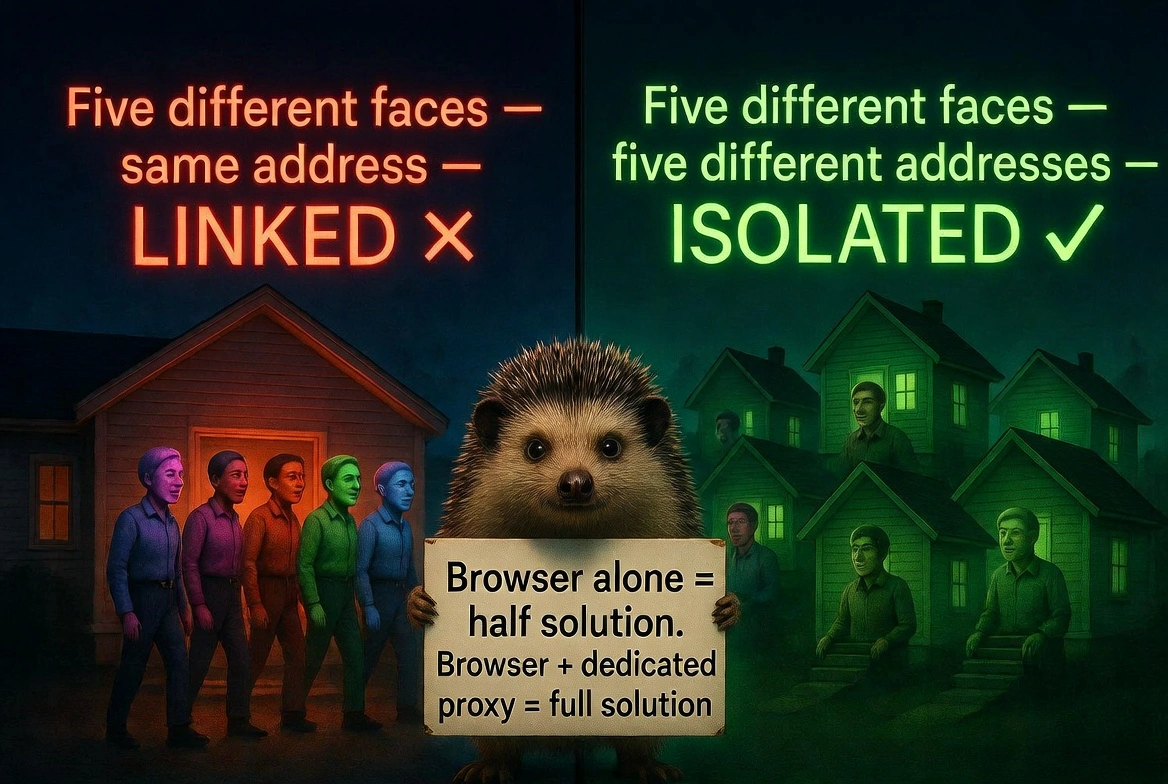
The antidetect browser gave each profile a different face.
But all five profiles were still coming from the same IP address, your home internet connection.
To the platform, that's like five people claiming to live in five different houses, but they're all walking out of the same front door every morning.
Platforms don't just check your browser fingerprint.
They check your IP address too.
And they cross-reference both.
A unique fingerprint on a shared IP still looks suspicious. A unique IP on a shared fingerprint still gets flagged.
For a deeper look at how canvas and WebGL fingerprinting work, MDN Web Docs offers a clear breakdown without the jargon.
This is the part most guides skip:
An antidetect browser without dedicated proxies is half a solution.
The browser handles the fingerprint layer.
Proxies handle the IP layer. You need both working together, or you're still gambling.
We've seen customers switch from datacenter proxies to residential ones and immediately stop getting flagged, because datacenter IPs from hosting companies like AWS are pre-listed as suspicious on most platforms.
Real residential IPs from actual internet providers aren't.
The main reason for your bans: fingerprints and IPs are almost always not properly isolated.
7 real situations where Antidetect browsers solve actual problems
Here are some of the top 7 use cases where anti-detect browsers are used the most and can't live without:
Managing client social media accounts:
You run an agency with 20 Instagram accounts across different brands.
Logging into all of them from your office IP, same browser, flags them as a coordinated network.
An antidetect browser with separate proxies per client account keeps them completely isolated.
Amazon and eBay multi-store selling:
Platforms allow one account per seller.
Legitimate businesses with multiple brands need multiple accounts.
With proper fingerprinting and IP isolation, each store looks like a separate business entity because, technically, it is.
Facebook and TikTok advertising at scale:
Ad accounts get banned. Frequently.
A fresh account with a clean browser profile and a clean residential IP can restart a campaign within hours rather than weeks. [ Read more about how to buy Facebook aged accounts]
Affiliate marketing across multiple networks:
Different affiliate networks sometimes restrict overlap.
Running separate browser profiles keeps your traffic attribution clean and your accounts independent.
Competitor research without revealing yourself:
Repeatedly browsing competitor sites from your company IP tells them someone is watching.
An antidetect profile breaks that pattern cleanly.
E-commerce arbitrage across regions:
Checking e-commerce prices on Alibaba, Shopee, Lazada, or Taobao from a Western IP address may yield different results or be restricted.
Region-matched browser profiles with local proxies show you what local buyers actually see.
Crypto and Web3 airdrop farming:
Many airdrop programs allow one wallet per person.
Teams use antidetect browsers with isolated profiles to participate legitimately across multiple wallets without cross-contamination.
The 8 best Antidetect browsers in 2026: Honest comparison
Before the details, here's the summary. Pick the right tool for your situation:
Browser | Best For | Proxy Support | Automation | Android | Price |
AdsPower | Facebook, TikTok, RPA | Yes | Yes | Cloud add-on | $5.40 /month |
GoLogin | All-around, mid-scale | Yes | Yes | App only | $49 /month |
Dolphin Anty | Beginners, affiliates | Yes | limited | No | Free 5 profiles |
Kameleo | Mobile fingerprinting | Yes | Yes | Yes | €60 /month |
Incogniton
| Social media | yes | yes | No | €10/ month |
Octo Browser | Multi accounting | yes | yes | yes | Free 10 profiles |
FlashID | Affiliate marketing, e-commerce, multi-accounting | yes | yes | yes | $5/month |
AdsPower
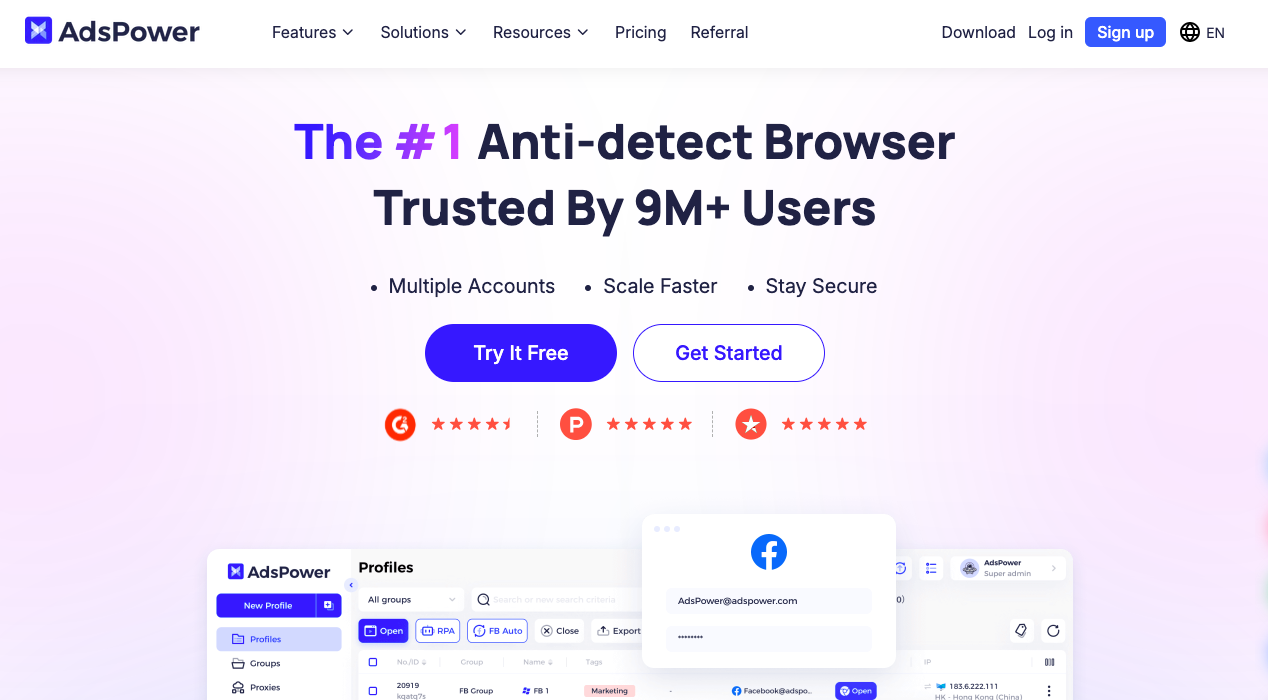
Adspower is known to be the choice for high-volume Facebook and TikTok advertisers.
The built-in automation lets you run the same action sequence across 100 profiles simultaneously, which is a significant time saving for ad account management.
Lowest price point of any serious option.
Dolphin Anty
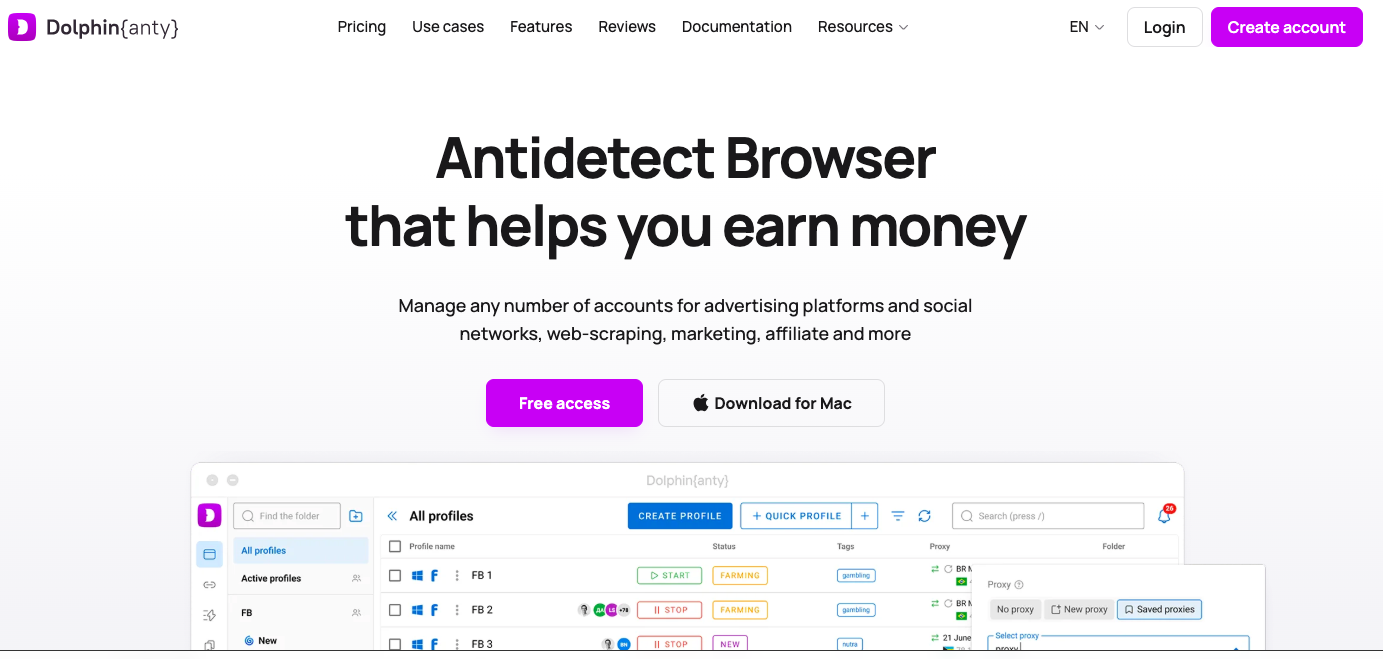
Dolphin Anty is where most beginners should start.
Free plan with 5 profiles, genuine fingerprint isolation, and an interface that doesn't require a technical background.
The free plan is real, not a crippled demo.
Automation features are more limited but sufficient for manual multi-accounting.
GoLogin
GoLogin hits the sweet spot for most users.
Solid fingerprinting, good team features, reasonable pricing, and reliable cross-platform performance without constant maintenance.
Not the top tier for fingerprint quality, but genuinely dependable for day-to-day operations.
Kameleo
Kameleo is the only desktop antidetect browser that seriously handles Android fingerprinting.
For TikTok and Instagram specifically, platforms where most real users are on mobile, a mobile fingerprint is more believable than a desktop one.
If mobile-first platforms are your main use case, Kameleo is the right choice.
Incogniton
Incogniton is a solid mid-range option for e-commerce sellers and social media managers who want reliable isolation without paying Multilogin prices.
The free plan includes 10 profiles, the most generous free tier of any serious antidetect browser on the market.
Interface takes a little getting used to, but once set up, it runs stable long-term campaigns without frequent maintenance.
Octo Browser
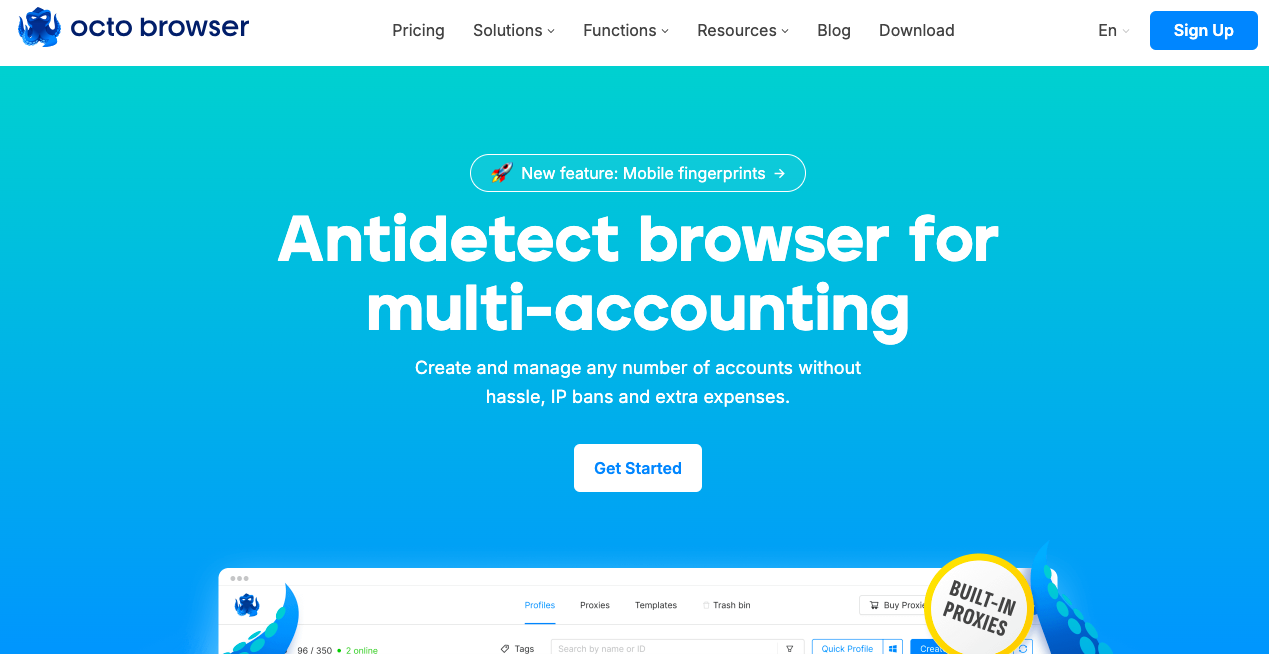
Octo Browser is built specifically for professional multi-accounting at scale; it's a favorite among affiliate marketers and crypto airdrop teams.
Every profile comes with a real-device digital fingerprint derived from actual user data, making detection significantly harder than with synthetic fingerprints.
Fast kernel updates mean the fingerprint database stays current; platforms can't catch up to a tool that patches itself before they adapt.
Hidemyacc
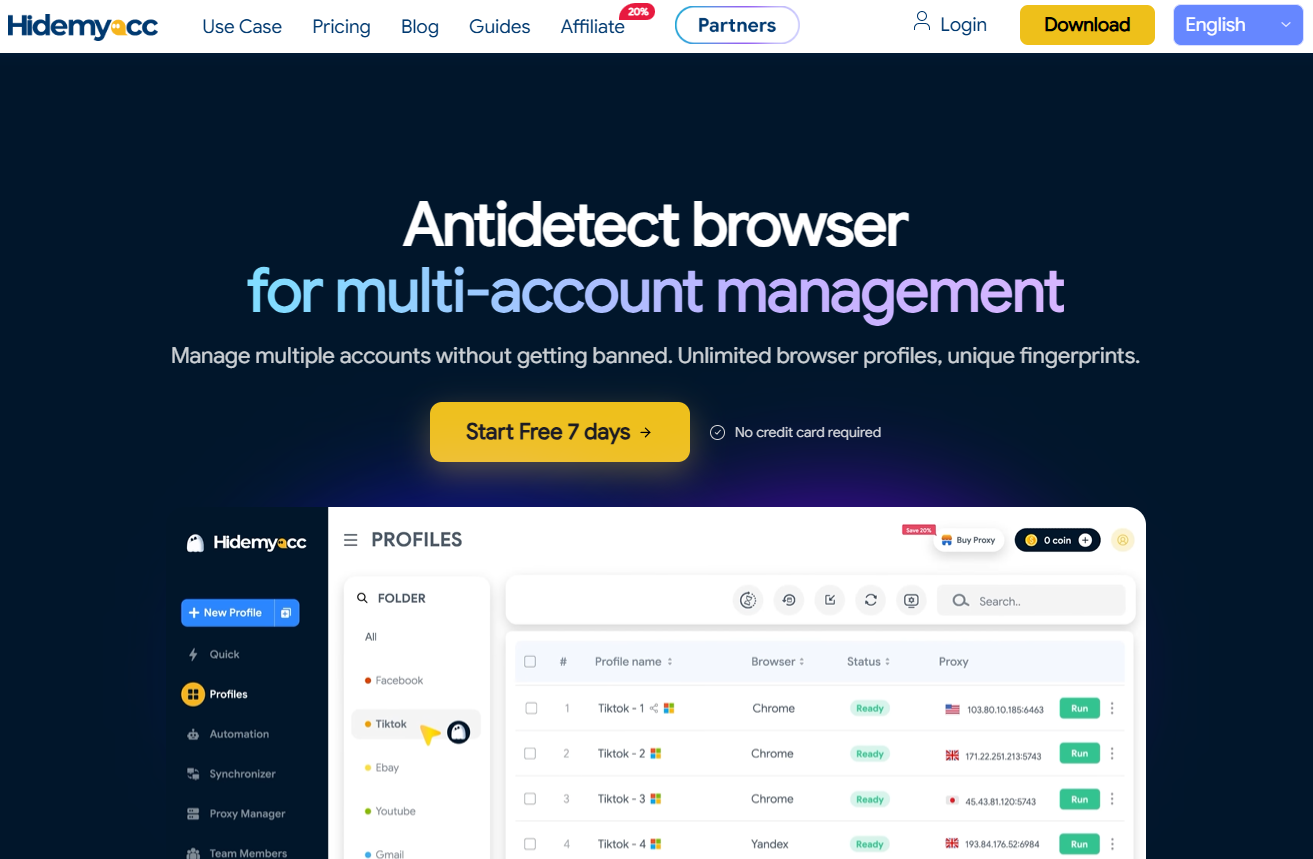
Hidemyacc offers fingerprint isolation built for teams and solo operators, priced closer to AdsPower's bracket than GoLogin or Kameleo.
Free proxies included from the Base plan up, so beginners don't need to buy a separate proxy from day one.
No-code automation via drag-and-drop script builder, plus a Synchronizer that mirrors one action across multiple profiles at once.
Built-in team/sub-account management and a REST API (Profile API, User API) for teams that want to provision profiles programmatically.
FlashID
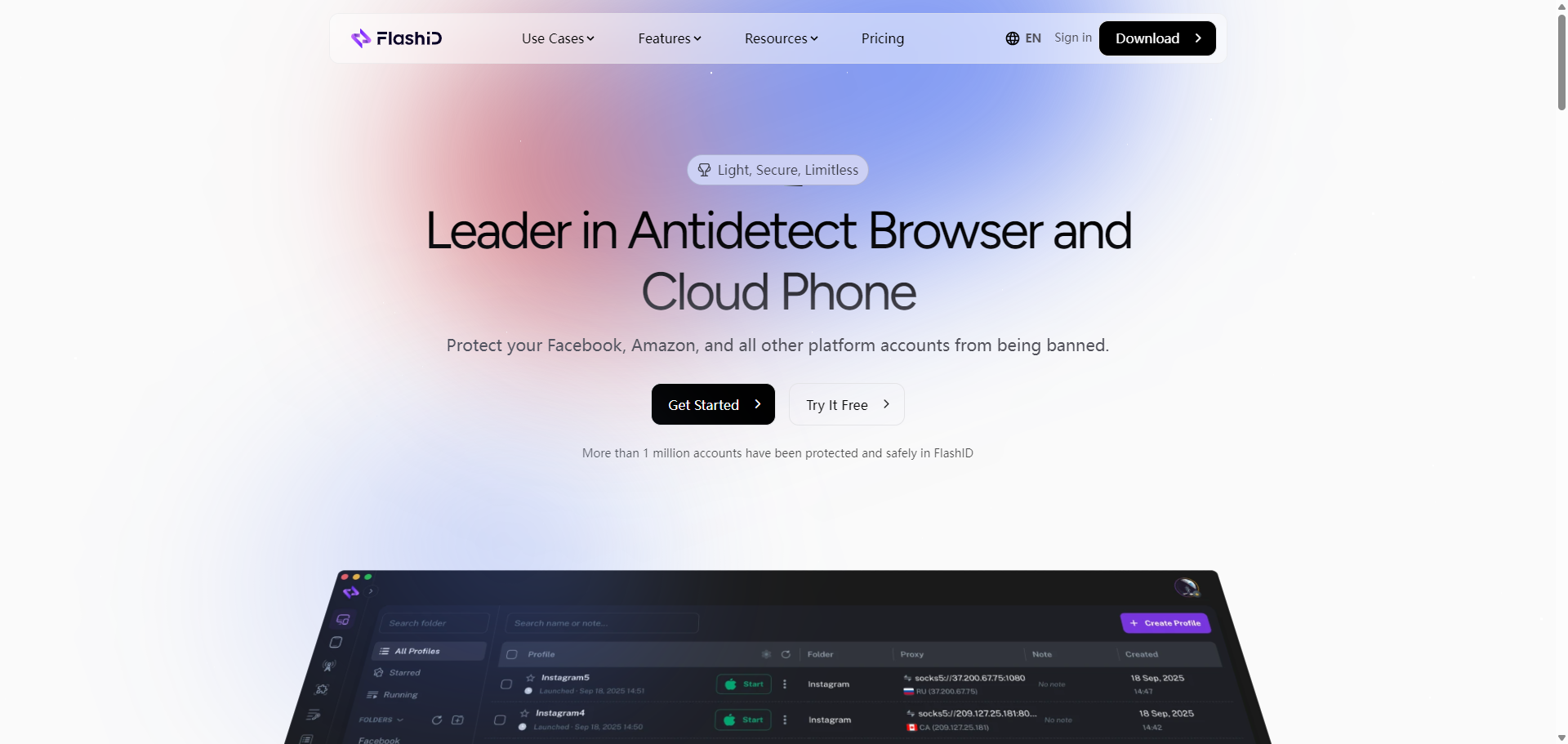
FlashID is designed for businesses that need secure and efficient multi-account management across the web.
Built-in proxy integration, team collaboration, and automation tools help businesses manage accounts efficiently across multiple platforms.
Starting at just $5/month, FlashID is one of the most affordable all-in-one solutions on the market.
The hidden challenges most people don't see coming
Here's what nobody tells you before you start.
Fingerprint consistency:
Once you create a profile with specific settings, those settings must never change.
Logging into the same account from a profile with a different screen resolution than last time is a detection event.
The same "device" must log in every single time.
IP stickiness:
If your proxy rotates automatically and your antidetect profile is assigned to a rotating pool, the account uses a different IP address every session.
That looks like a shared account being accessed from multiple locations. Use sticky sessions or dedicated IPs per account.
The free proxy trap:
Using a free proxy with an antidetect browser defeats the purpose entirely.
Free proxies are shared among thousands of users, many of whom use them for spam.
The IP arrives flagged before you've done anything.
You've isolated the fingerprint perfectly and then compromised it with a burned IP.
Platform-specific quirks:
TikTok checks the SIM card country on first login; a US IP on a UK SIM creates an immediate mismatch flag
Instagram is more tolerant of residential IPs than TikTok, but still clusters accounts by IP co-occurrence [Read more about how to buy Instagram accounts safely]
Amazon cross-references payment method origin with IP location; a German IP paying with a US card is unusual
Facebook requires a consistent timezone match between the browser profile and the proxy location
How CyberYozh makes Antidetect browsers work seamlessly
Here's what we've learned from working with customers across scraping, social media management, e-commerce, and affiliate marketing: the antidetect browser is never the reason an operation fails. The proxy is.
Specifically, a burned IP, a mismatched location, or a shared pool that contaminates accounts with someone else's history.
Problem | CyberYozh Solution |
Flagged IP on first login | IP reputation pre-check before you connect |
Shared proxy contaminating accounts | Dedicated residential IP per profile |
US account logging in from the wrong country | Global residential coverage matched to the account region |
TikTok/Instagram detecting mobile mismatch | Real carrier LTE/5G IPs from actual networks |
Phone verification is blocking new accounts | SMS activation with real carrier numbers, not VOIP |
Managing 50+ proxies manually | Single dashboard for all proxy assignments |
CyberYozh's residential proxies are assigned by real ISPs, not hosting companies.
That distinction is what platforms check first.
Mobile LTE proxies go through actual carrier networks, which carry the highest trust level of any proxy type because that's where real mobile users are.
The fraud scoring system checks IP reputation before you assign it to any profile.
A burned IP discovered before use costs you nothing. Discovered after your account is flagged, it costs you the account.
That's it. No magic. Just infrastructure that works.
Final verdict: Should you use an Antidetect browser in 2026
Yes, if you manage more than two accounts on any platform with ToS restrictions on multi-accounting, if you run client accounts professionally, or if a single-account ban would cause real financial damage to your operation.
No, if you're genuinely running one account for personal use. A regular browser is fine. An antidetect browser adds unnecessary complexity.
Start here if you're new:
Dolphin Anty free plan, five profiles, one dedicated residential proxy per profile. Run it for two weeks before scaling.
Learn what your specific platforms flag before committing to a full setup.
If you're serious about multi-accounting that doesn't collapse at the first platform update, CyberYozh gives you the proxy infrastructure that makes any antidetect browser actually work, clean IPs, reputation pre-checks, and real carrier numbers for verification.
No hype. Just tools that work. Now build accounts that stay alive, sign up here.