
Best Antidetect Browsers for Multi-Accounting in 2026
Disclosure: AdsPower, Hidemyacc and FlashID are CyberYozh partners, and links to them are partner links. We list every tool’s drawbacks, whether it's a partner or not, and all prices come from each company’s own pricing page.
TL;DR
AdsPower is our top pick for most people: a free-forever plan, cheap paid plans and built-in automation that doesn’t need coding.
Dolphin Anty has the most generous free plan (5 profiles), which makes it the easiest place to start.
Kameleo is the strongest choice if you need mobile (Android and iOS) profiles.
An antidetect browser hides your computer's identity. It can’t hide where you connect from. Every profile still needs its own IP address, or the platform can link your accounts anyway.
Quick answer: The best antidetect browser for most people in 2026 is AdsPower, because it combines a free plan, low prices and no-code automation. Dolphin Anty is best if you only need a free option, and Kameleo is best for mobile profiles. Whichever you choose, give each profile its own residential or mobile proxy to keep your accounts separate.
Our quick picks: best antidetect browsers
If you want… | Pick | Why |
The best all-rounder | AdsPower | Free plan, low prices, automation without code |
The best free plan | Dolphin Anty | 5 free profiles, no time limit |
A cheap start for small setups | GoLogin | Paid plans from $4.50/month (annual billing) |
Mobile profiles | Kameleo | Emulates Android and iOS browsers from your computer |
A large team | Octo Browser | Plans built for teams and high profile counts |
All of these antidetect browsers work with CyberYozh HTTP or SOCKS5 proxies. We have step-by-step setup guides for each browser.
Get what your browser can’t do: each profile needs its own clean IP. Residential proxies from $2/GB →
What an antidetect browser does
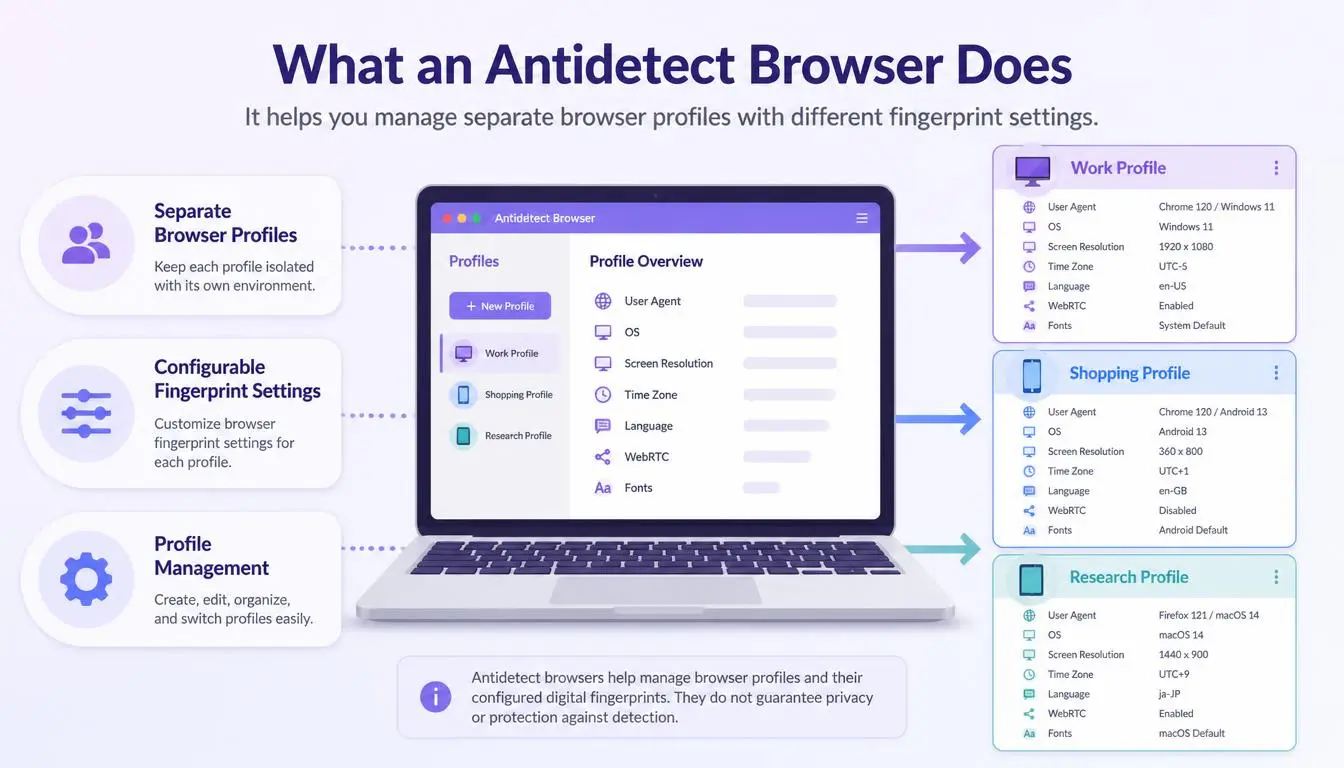
Websites recognise your computer by small details: your screen size, fonts, graphics card, time zone and dozens more. Together they form a “fingerprint” (MDN explains the idea well). Open two accounts on the same computer, and the site sees the same fingerprint twice.
Anti-detect browsers fix this by giving each profile its own believable fingerprint, so every account looks like it’s on a different device. For the full background, read our guide on how antidetect browsers work. This page is about choosing one.
Expert Insight: The fingerprint is only half of the disguise. The other half is your IP address. Ten perfect fingerprints, all connected to your home Wi-Fi, still look like one person with ten accounts.
How we chose these browsers
We didn’t run lab tests, and we won’t pretend we did. Instead, we compared each browser on things you can check yourself:
Price per profile on each company’s official pricing page (checked October 2026)
Free plan or free trial, and how many profiles it includes
Team features, such as sharing profiles and setting permissions
Automation, from no-code tools to an API for developers
Mobile support for Android and iOS profiles
Proxy support, including whether CyberYozh has a setup guide for it
Antidetect browsers compared
Browser | Best for | Free option | Paid plans from | Mobile profiles | Team features |
AdsPower | Most users | Free forever, 2 profiles | ~$9/month (10 profiles) | – | Yes |
Dolphin Anty | Free start | Free forever, 5 profiles | $10/month (20 profiles) | – | Team plan |
GoLogin | Low budgets | Free forever, 3 profiles | $4.50/month annual (10 profiles) | Cloud Android minutes (paid) | Yes |
Octo Browser | Big teams | 2-day trial | €10/month (3 profiles) | – | Yes |
Incogniton | Beginners | 10 profiles for 2 months, then 3 | $19.99/month (10 profiles) | – | Professional plan |
Kameleo | Mobile profiles | Free plan | €59/month | Android and iOS emulation | Yes |
Hidemyacc | Free proxies included | 7-day trial | $5/month (5 profiles) | – | Team plan |
FlashID | Cloud phone users | Free trial | [CONFIRM] | Cloud phone | [CONFIRM] |
Prices are the lowest monthly figures shown on each official pricing page in October 2026. Many plans are cheaper on annual billing. Prices change often, so check before you buy.
The 8 best antidetect browsers in 2026
Each entry below includes the price, who it suits best, its biggest strength, and its main drawback, so you can quickly find the best antidetect browser for your setup.
1. AdsPower: best overall
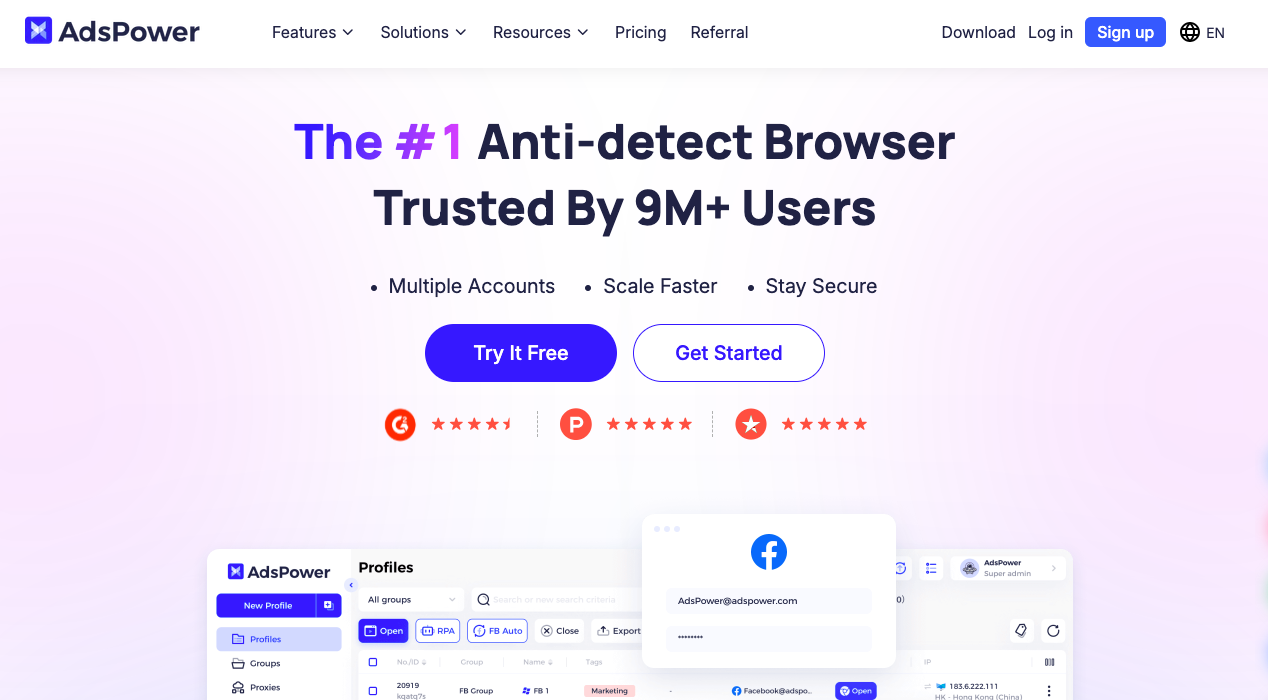
AdsPower is the best antidetect browser for most people because it covers every stage, from your first two free profiles to a team running hundreds of accounts. Its RPA tool automates repetitive clicks with drag-and-drop, no coding needed.
Price: Free plan with 2 profiles forever; paid plans from about $9/month for 10 profiles
Best for: Agencies, e-commerce sellers and anyone who wants automation
Strength: No-code automation plus a synchroniser that repeats your actions across profiles
Drawback: The free plan is small, and team members are only included on paid plans
2. Dolphin Anty: best free plan
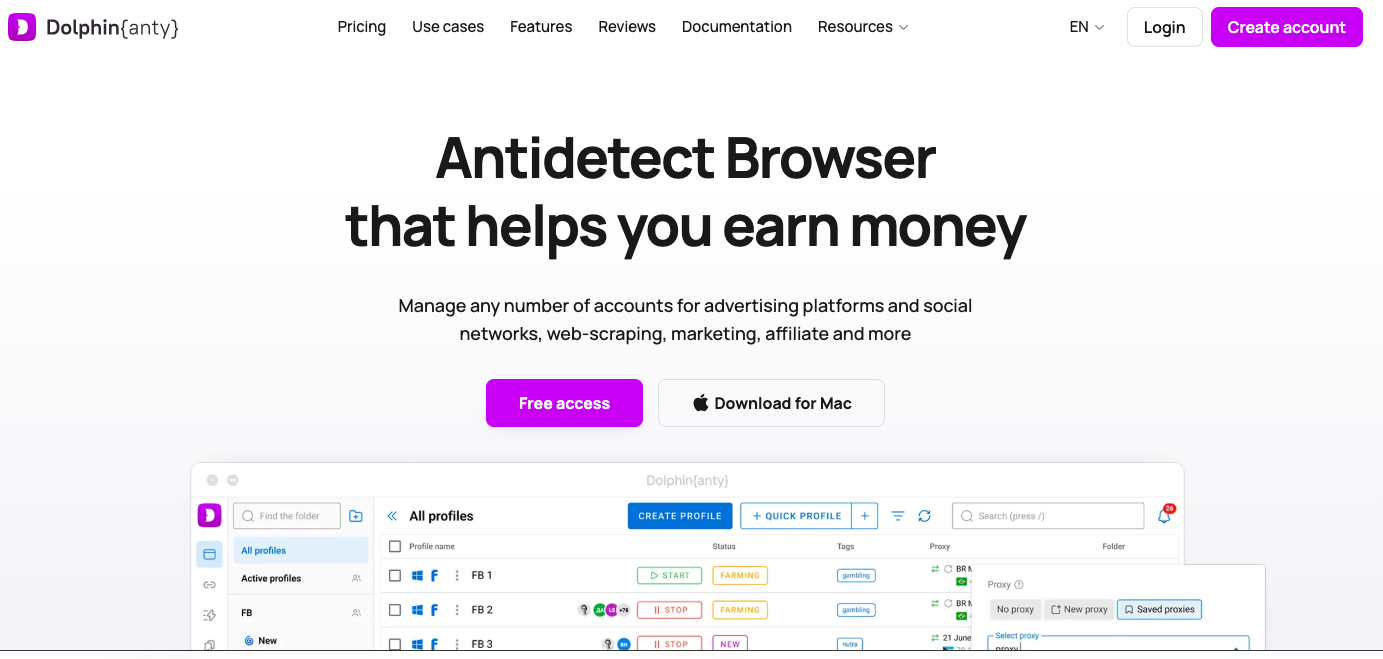
Dolphin Anty gives you 5 free profiles with no time limit, the most generous free plan on this list. It’s easy to learn and popular with affiliate marketers.
Price: Free for 5 profiles; Starter $10/month for 20 profiles; Team $159/month for 300 profiles
Best for: Beginners and affiliate marketers
Strength: A genuinely usable free plan
Drawback: Team features only start on the $159 Team plan
3. GoLogin: best on a budget
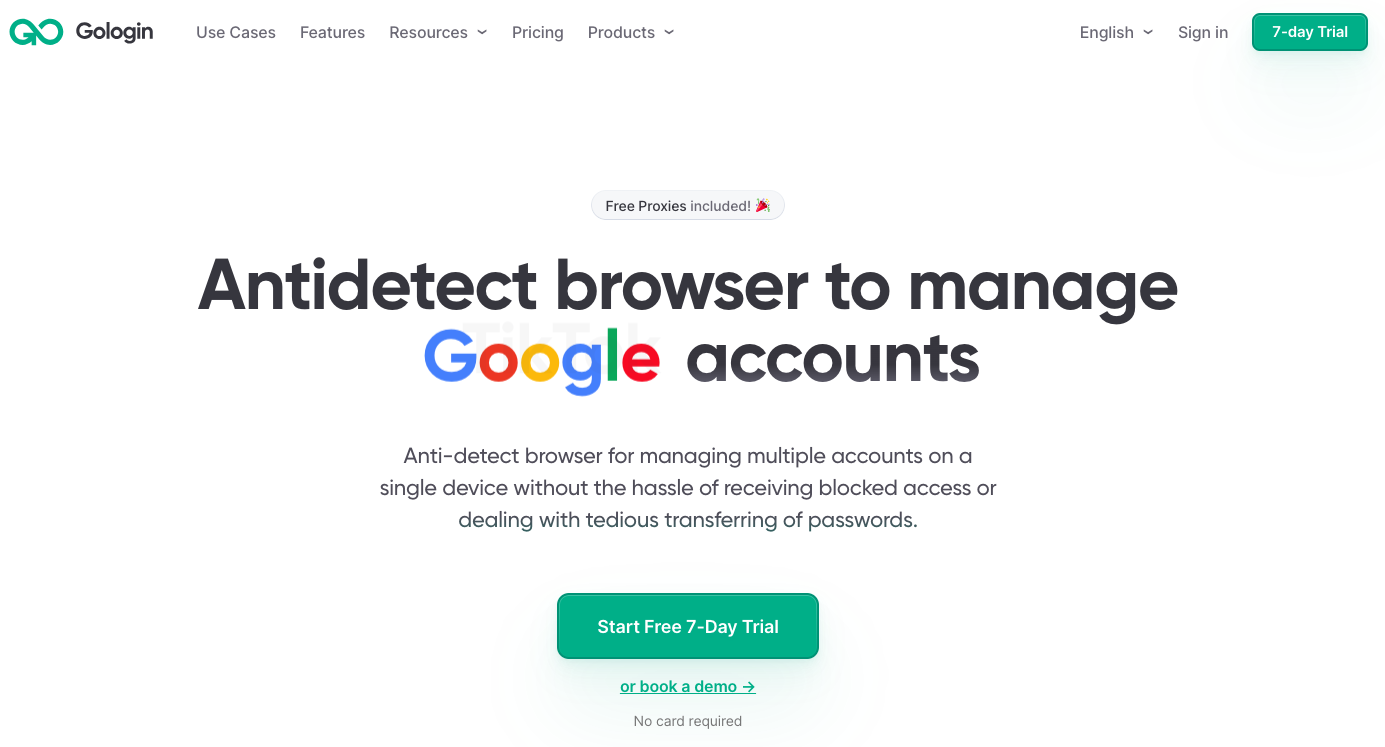
GoLogin has some of the lowest prices, starting at $4.50/month for 10 profiles on annual billing. Paid plans also include some cloud Android time, which is handy if you occasionally need a mobile profile.
Price: Free for 3 profiles; Professional from $4.50/month (annual) or $9/month (regular)
Best for: Freelancers and small setups
Strength: Low cost per profile
Drawback: The lowest prices require annual billing
4. Octo Browser: best for large teams
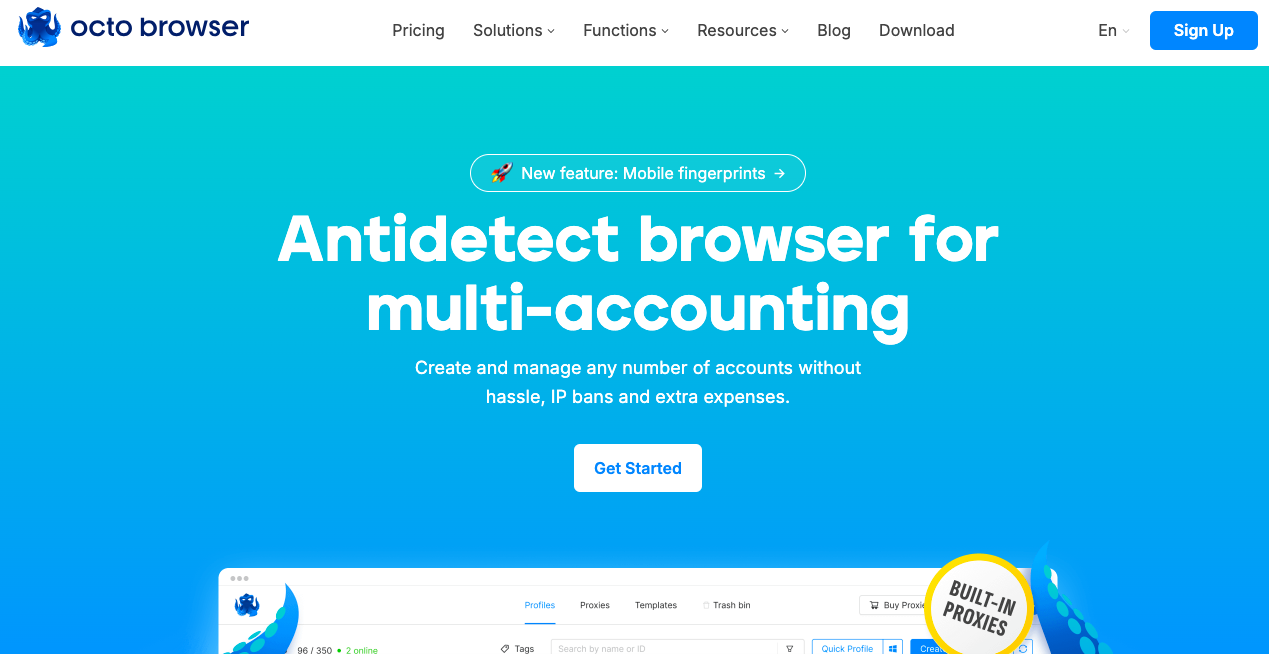
Octo Browser is built for teams that run many profiles at once. Plans scale to tens of thousands of profiles.
Price: From €10/month for 3 profiles; Starter €29/month for 30 profiles; 2-day trial with a promo code
Best for: Teams and agencies at scale
Strength: Scales smoothly as you grow
Drawback: No free plan, only a short trial
5. Incogniton: best for beginners
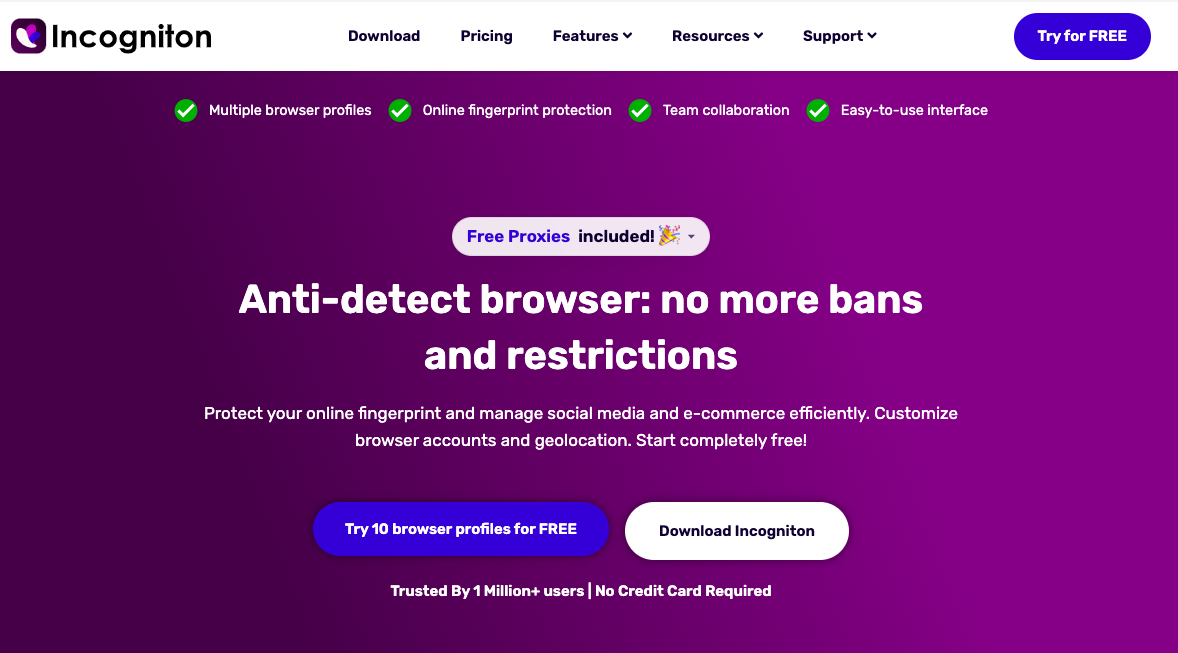
Incogniton is simple to set up and gives new users 10 free profiles for the first two months (then drops to 3).
Price: Starter Plus $19.99/month for 10 profiles; Entrepreneur $29.99/month for 50
Best for: First-time users who want a gentle learning curve
Strength: A generous free start
Drawback: Automation and team tools are locked to paid plans
6. Kameleo: best for mobile profiles
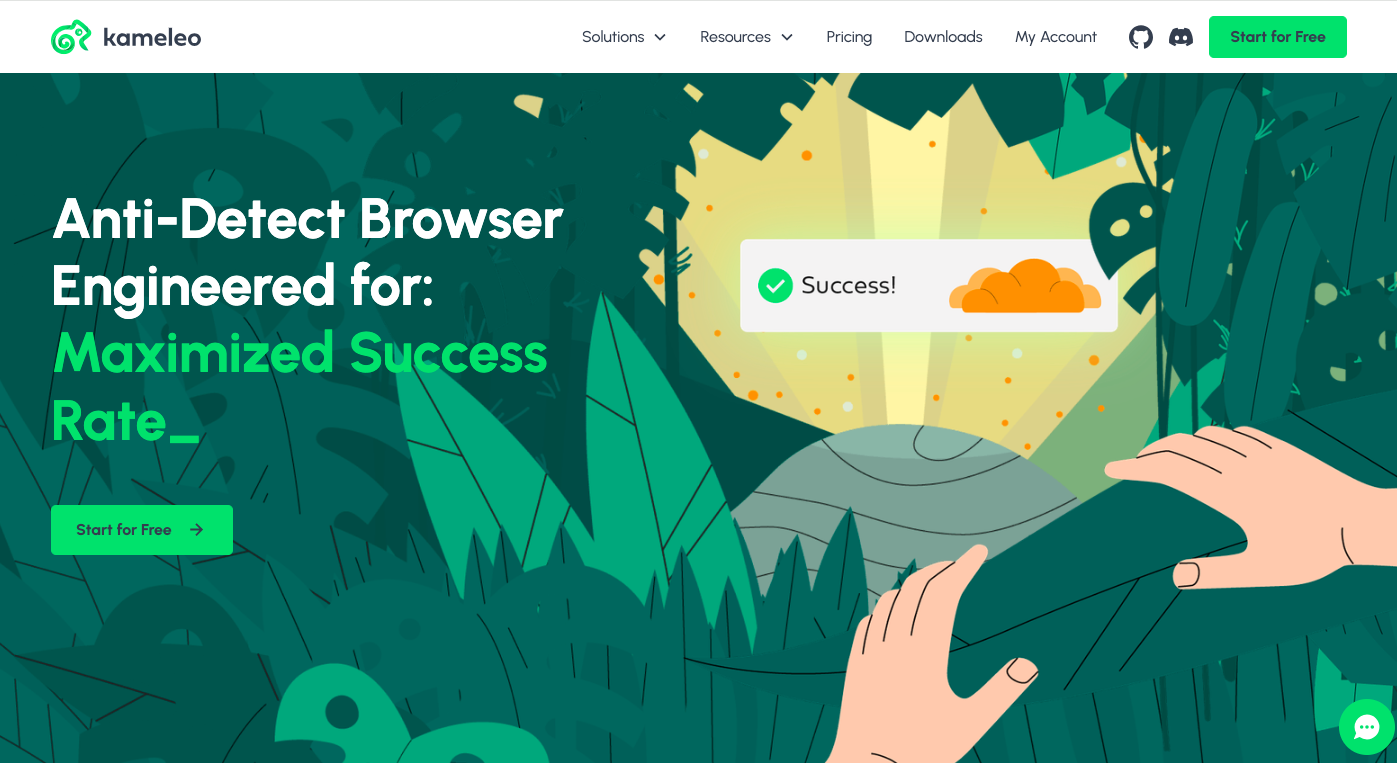
Kameleo can make a desktop profile look like an Android or iPhone browser. That matters on platforms that treat mobile users differently.
Price: Free plan (2 browsers at a time); Startup €59/month
Best for: Anyone who needs mobile-looking profiles
Strength: Built-in Android and iOS emulation
Drawback: Paid plans cost more than most others here
7. Hidemyacc: best with free proxies included
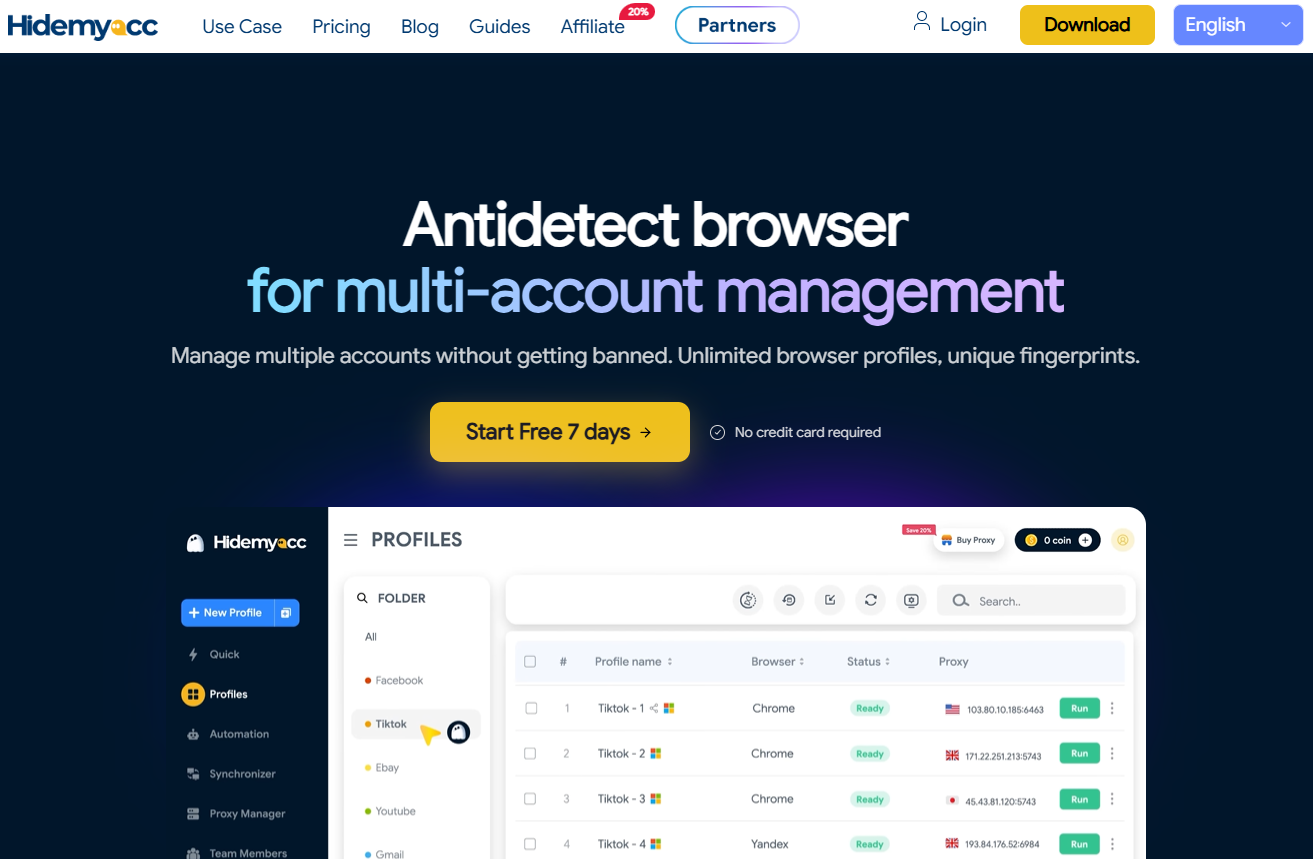
Hidemyacc keeps prices low and includes free partner proxies starting with its Base plan.
Price: From $5/month for 5 profiles; Base $25/month for 100 profiles; 7-day free trial
Best for: Budget users who want a quick start
Strength: Low entry price
Drawback: No free plan, and included free proxies are shared, so they’re best for testing rather than important accounts
8. FlashID: best for cloud phone users
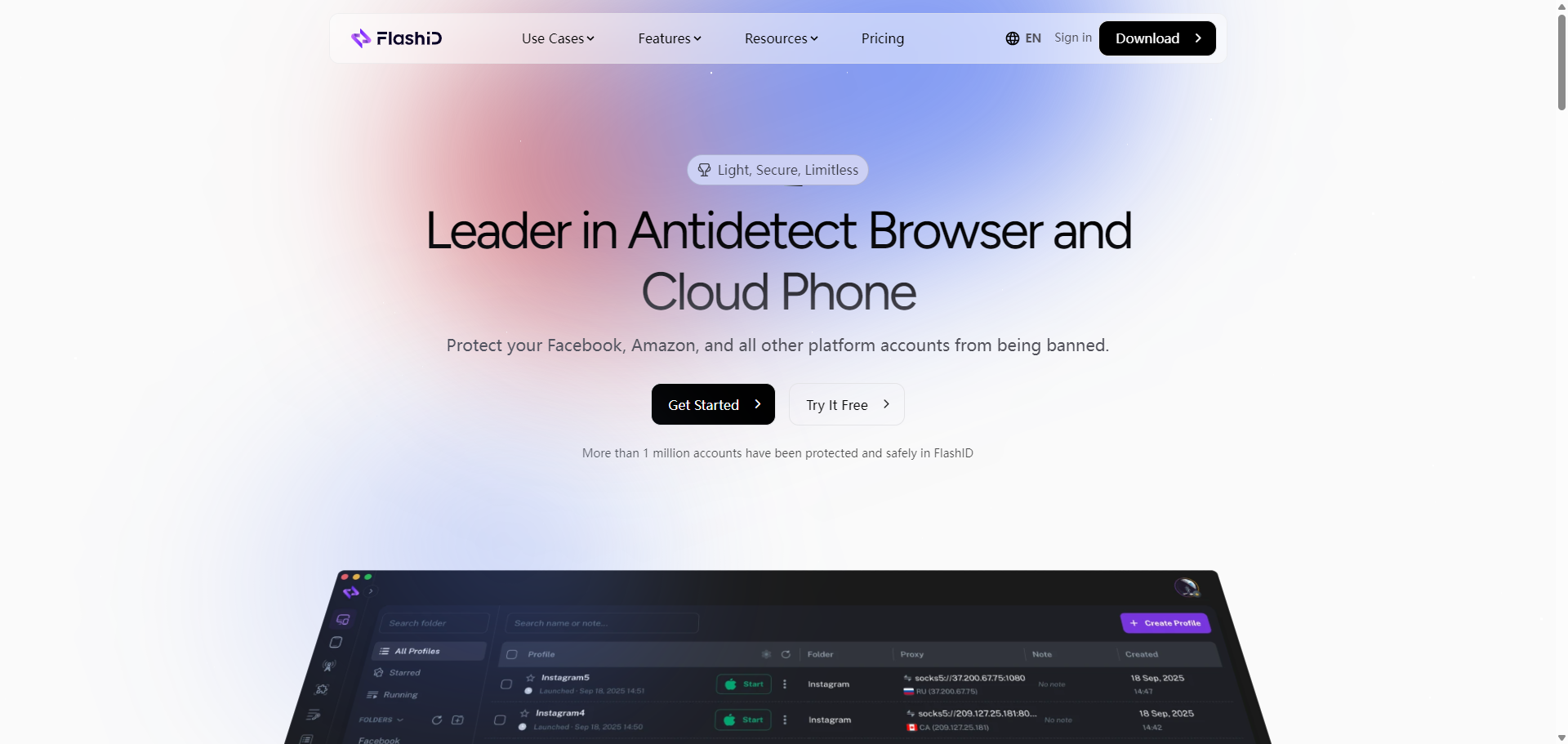
FlashID combines browser profiles with cloud phone features, which suits people who manage app-based and web accounts.
Price: [CONFIRM current plans with FlashID]
Best for: Users who mix browser and phone-based accounts
Strength: Browser and cloud phone in one tool
Drawback: A smaller user community than the bigger names, so fewer tutorials
Common Mistake: Choosing a browser based only on its free plan. Moving 50 profiles to another tool later takes hours. Pick the one that fits where you’ll be in six months, not just today.
Best free antidetect browsers
If you’re searching for an antidetect browser free of charge, here’s what each company actually gives you:
Browser | What’s free | Time limit |
Dolphin Anty | 5 profiles | None |
GoLogin | 3 profiles | None |
AdsPower | 2 profiles | None |
Kameleo | 2 browsers open at once | None |
Incogniton | 10 profiles, then 3 | Drops after 2 months |
Octo Browser, Hidemyacc, FlashID | Free trial only | 2–7 days |
A free anti-detect browser is perfect for learning or running a handful of accounts. Only download from the company’s official website. “Free antidetect browser download” links on file-sharing sites often spread malware that steals your saved logins.
Warning: A free browser plus a free proxy is the fastest way to get accounts banned. Free proxies are shared by thousands of people, and many of their IPs are already flagged. Spend money on a paid proxy before you spend it on a browser.
Can you use an antidetect browser on Android or iPhone
Not in the usual way. There’s no full antidetect browser app that turns your phone into many separate devices. People who need an anti-detect mobile browser setup use one of two options:
Mobile emulation on your computer. Kameleo lets you create a desktop profile that looks like an Android or iOS browser.
Cloud phones. Virtual Android phones that run in the cloud. GoLogin’s paid plans include cloud Android minutes, FlashID offers cloud phones, and tools like Geelark specialise in them. (See our Geelark proxy setup guide.)
If you’re looking for an antidetect browser for Android or iOS, pair either option with a mobile proxy. A mobile profile that connects from a home Wi-Fi IP looks odd. One that connects from a real 4G/5G carrier IP looks like a normal phone.
Which proxy should you use with an antidetect browser
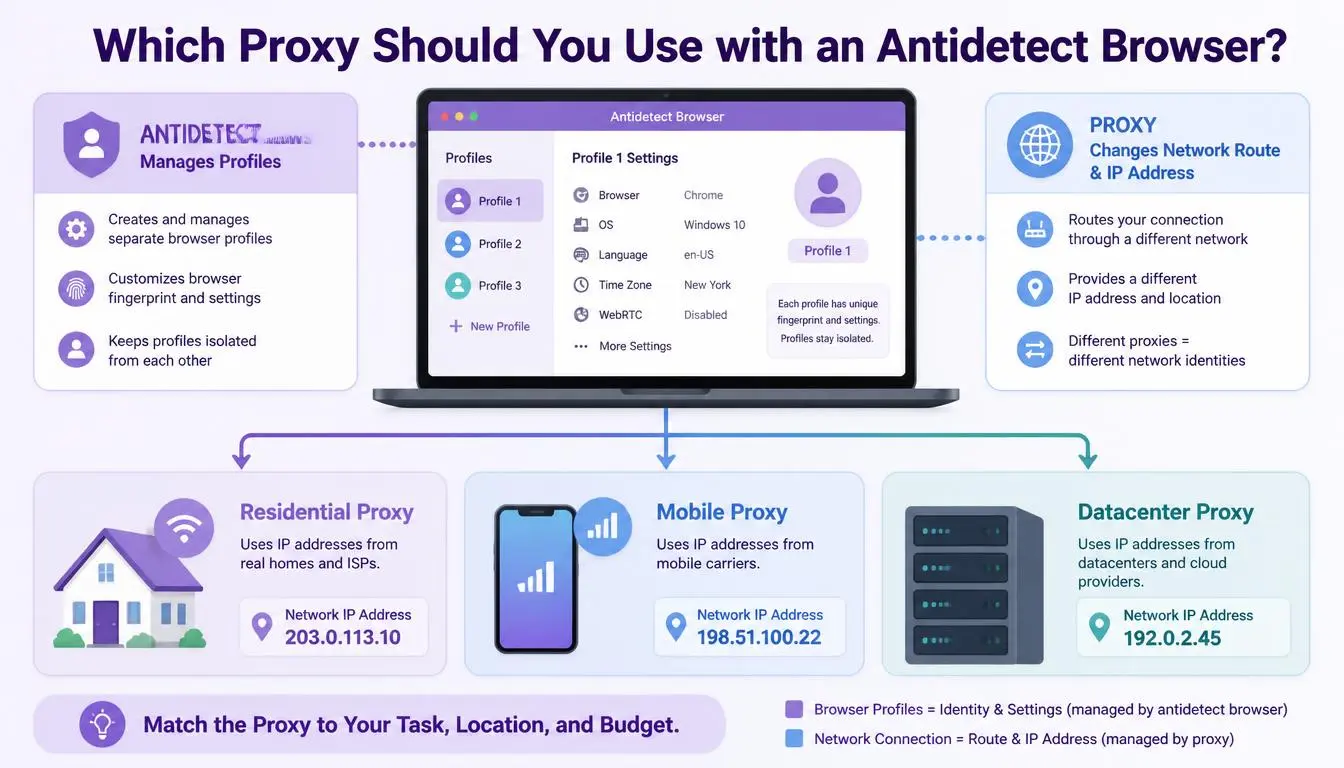
This is where most setups succeed or fail. The rule is simple: one profile, one IP.
Proxy type | Best for | Price from |
Dedicated mobile (4G/5G) | Social media, ad accounts, anything sensitive | $3.5/day |
Static residential (ISP) | Long-running accounts that should always log in from the same place | $5.29/month |
Rotating residential | Research, price monitoring, account creation | $2/GB |
Datacenter | Tasks where blocks don’t matter much | $2.18/month |
Platforms trust mobile IPs most, because thousands of real phone users share them. Not sure about the difference between residential and datacenter IPs? Our datacenter vs residential proxies guide explains it in plain terms.
Pro Tip: Match each profile’s time zone and language to its proxy’s country. A profile set to New York time that connects from a German IP is an easy red flag.
Why antidetect users choose CyberYozh
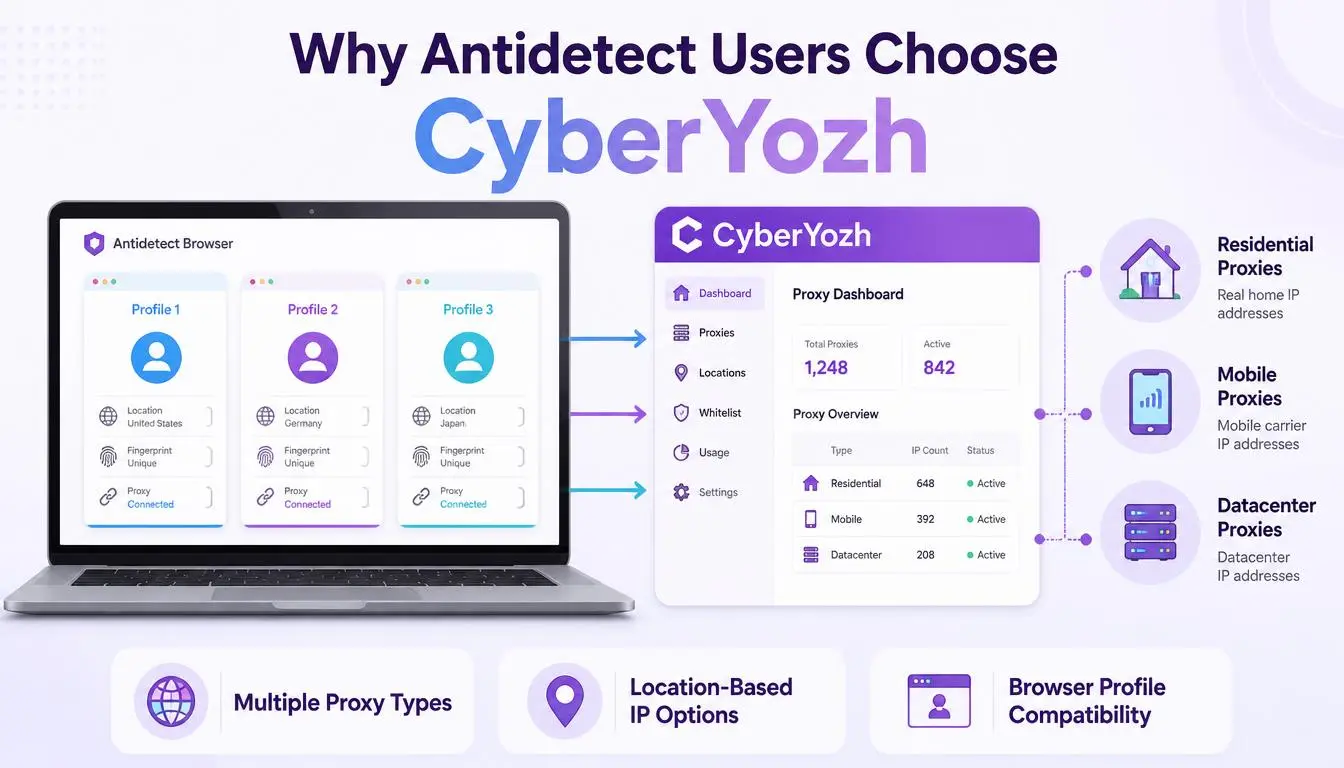
CyberYozh is built for exactly this kind of setup:
100M+ residential IPs in 195+ countries, so every profile can have its own clean address in the right location
Real 4G/5G mobile proxies for the platforms that are strictest about trust
HTTP and SOCKS5 support in every major antidetect browser, with setup guides for each one
A free IP fraud score check, so you can test an IP before you trust an account to it
SMS verification numbers for accounts that need phone confirmation
API access if you manage proxies at scale
CyberYozh is rated 4.7+ Excellent on Trustpilot.
What do people use antidetect browsers for
Social media agencies keep each client’s accounts in a separate profile, so one problem doesn’t spread to every client. Our social media proxies are made for this.
Amazon and eBay sellers run stores in different regions without the platforms linking them. Pair each store with a dedicated Amazon proxy.
E-commerce teams use e-commerce proxies to check local prices and listings in other countries.
Facebook advertisers keep business managers and ad accounts separate. Start with our guide to the best Facebook proxies for multi-accounting, or go straight to Facebook proxies.
TikTok marketers manage regional accounts. Here’s why TikTok needs a proxy.
Whatever you use it for, follow each platform’s rules. Some allow several accounts, and some don’t, and an antidetect browser doesn’t change that.
Mistakes that get antidetect profiles linked
Two profiles on one IP. This is the most common mistake, and it undoes everything else.
Changing a profile’s IP country. An account that logs in from Spain on Monday and Brazil on Tuesday looks hijacked.
Fingerprints that don’t match the proxy. Time zone, language and location should all agree.
Logging in to several profiles from your main browser. Cookies from your everyday browser can link accounts.
Using free proxies. They’re shared and often flagged before you ever use them.
Expert Insight: Before you log in to an important account, open EFF’s Cover Your Tracks inside the profile. It shows how your browser looks to trackers, so you can spot an obviously fake setup before a platform does. Then check that the IP matches the profile’s location with our IP address checker.
Final verdict
Of all the best anti-detect browsers we compared, AdsPower suits the most people: it’s free to start, cheap to grow and saves time with automation. Choose Dolphin Anty for the best free plan, GoLogin if budget matters most, Octo Browser for big teams, and Kameleo for mobile profiles.
Then do the part that actually keeps accounts separate: give every profile its own clean IP.