
Antidetect browser
Octo BrowserIntegration with CyberYozh App
Fully Supported
Browser Support
Chromium
Team Collaboration
Team collaboration
Security
End-to-end encryption
Starting Price
€7/month
Use flexible proxy Infrastructure with AdsPower
CyberYozh provides mobile, residential, and datacenter proxies for AdsPower users running multi-account workflows, isolated browser profiles, automation, and geo-targeted campaigns at scale.
• Mobile & residential proxies with unlimited bandwidth • 100M+ residential IPs worldwide • Sticky and rotating sessions • Device and browser fingerprint support • API-ready infrastructure

CyberYozh proxies support AdsPower environments with mobile LTE/5G and residential networks built for profile isolation, stable per-account sessions, multi-account ad operations, scraping, and browser automation workflows.
Clean Residential IPs
Advanced Session Control
Precise Geo Targeting
Automation Ready
High Success Rate
API Access
AdsPower users rely on separate network layers per profile. Mobile and residential proxies keep accounts isolated at the IP level while supporting teams and multi-profile operations.
• Separate proxy per profile, no shared IPs • Real carrier mobile traffic for high-trust platforms • Profile-level session control with sticky or rotating options • Support for team environments and shared profile access • Built for account isolation at any scale
CyberYozh proxies integrate with all major antidetect browsers. Choose the browser you trust for fingerprint management, and power it with stable residential infrastructure built for scaling.
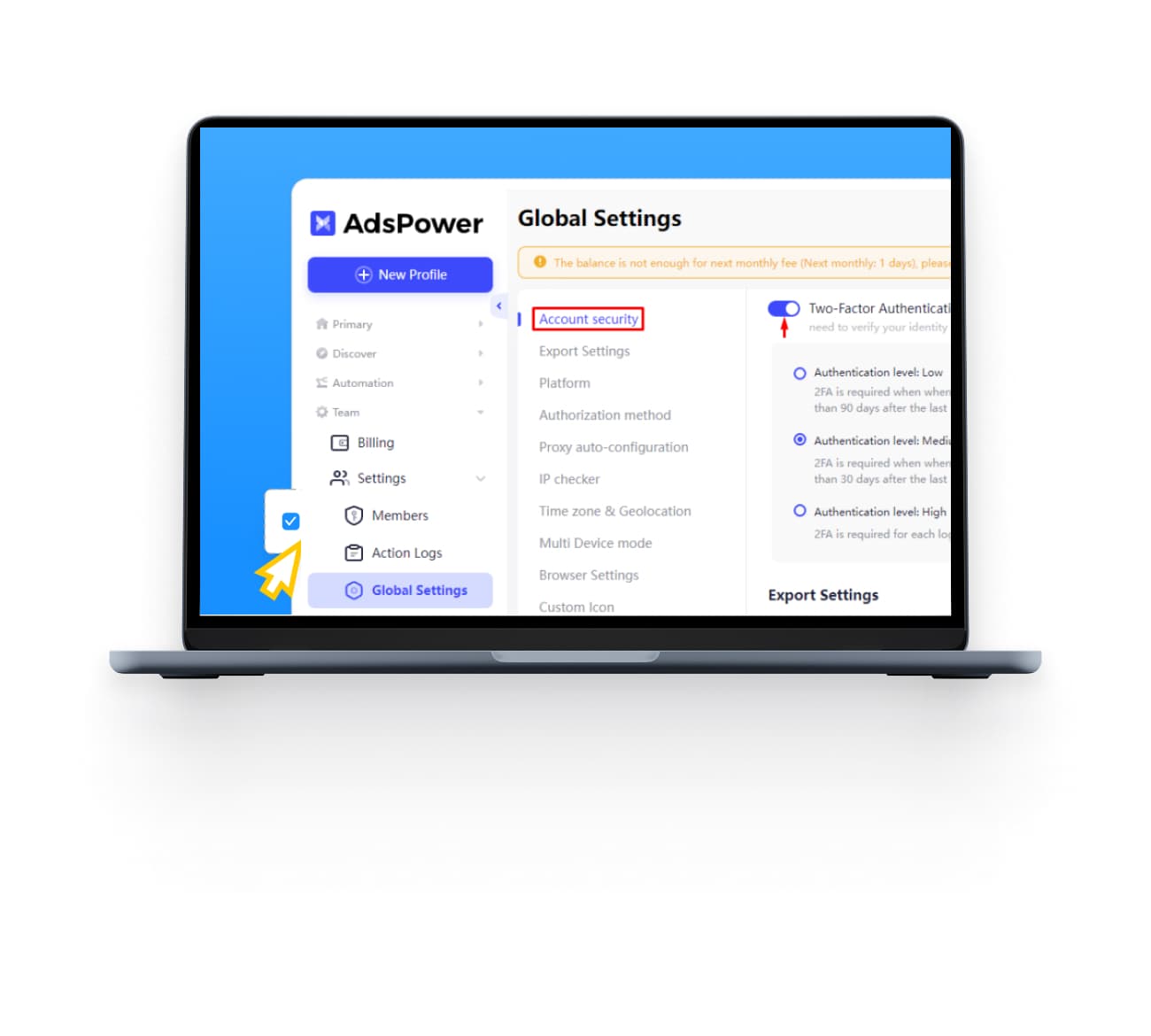
AdsPower is an antidetect browser, a tool that lets you run multiple browser profiles on one device, each with its own isolated fingerprint, cookies, and identity. Each profile looks like a completely separate user to any website you visit.
It's widely used by people managing social media accounts, running affiliate or ad campaigns, doing e-commerce across multiple storefronts, or automating workflows across platforms that typically allow only one account per device or IP.
AdsPower offers two built-in browser engines, SunBrowser (Chromium-based) and FlowerBrowser (Firefox-based), so you can match the profile to the platform you're working on. It supports Windows, macOS, and Linux and offers a free tier that lets you test with up to 2 profiles before committing to a paid plan.
A browser profile without a proxy isn't truly isolated. AdsPower changes your fingerprint, the browser details a site can read, but your IP address still comes from your real internet connection. If multiple profiles share the same IP, platforms can link them together regardless of how different the fingerprints look.
Proxies solve this by giving each profile its own IP address from a completely separate network.
What this protects against:
Account linking across profiles sharing the same IP
Platform bans triggered by multiple accounts from one location
Geo-detection mismatches between your fingerprint location and actual IP
Session contamination when profiles share network identity
Detection by platforms running IP reputation checks
The rule is simple: one profile, one proxy. Anything else undermines the point of using an antidetect browser in the first place.
CyberYozh provides mobile, residential, and datacenter proxies for AdsPower users who manage multiple profiles, run multi-account operations, automate workflows, or need stable per-profile network isolation at scale.
Real carrier LTE/5G Mobile proxies along with datacenter and residential proxies with unlimited bandwidth options
100M+ residential IPs across 100+ countries
Sticky sessions for consistent per-profile IPs
Rotating sessions for automation and scraping workflows
UDP, SOCKS5, and HTTPS protocol support
API-ready infrastructure for bulk profile management
No KYC required, crypto payments accepted
The whole process takes under five minutes. Here's exactly what to do.
Step 1: Get your proxy credentials
Log into your CyberYozh dashboard and copy your proxy details: host, port, username, and password. Keep this tab open. Manual retyping causes most setup errors.
Step 2: Create a new AdsPower profile
Open AdsPower and click + New Profile in the left sidebar. Give it a clear name; something like FB-US-01 is more useful than Profile 1.
Step 3: Open Proxy Settings
In the profile creation form, scroll down to the Proxy section. Click the dropdown and select Custom to enter your own proxy credentials.
Step 4: Select SOCKS5
From the proxy type dropdown, choose SOCKS5. This is the recommended protocol for streaming, account management, and anything that requires stable, continuous connections. HTTPS works too; choose based on your use case.
Step 5: Enter your credentials
Paste in your Host, Port, Proxy Username, and Proxy Password from your CyberYozh dashboard. Double-check for extra spaces, which are a common cause of authentication errors.
Step 6: Click Check Proxy
AdsPower has a built-in proxy checker. Hit Check Proxy; a green result confirms the connection is working and shows the detected IP location. A red result means something in the credentials is wrong, or the proxy has expired.
Step 7: Save and launch
Click OK to save the profile. Launch it and optionally visit BrowserLeaks or BrowserScan to verify the IP and fingerprint are showing correctly.
Issue | Cause | Fix |
Connection failed | Wrong host or port, or proxy has expired | Re-copy credentials from dashboard; check if proxy is still active |
Authentication failed | Incorrect username or password | Paste credentials directly; don't retype them manually |
Local IP showing instead of proxy IP | VPN or another network tool is interfering | Disable any active VPN or proxy extensions before launching the profile |
Wrong location detected | Correct IP but wrong geo assigned by provider | Test the IP at IPinfo.io; contact CyberYozh if location is incorrect |
Proxy timeout | Proxy server unreachable or overloaded | Try a different IP from your pool; check CyberYozh dashboard for server status |
DNS mismatch | WebRTC or DNS leaking real location | Set WebRTC mode to Disabled in AdsPower profile settings |
Red proxy status in dashboard | IP flagged or session expired | Rotate to a new IP or switch to a sticky session from your panel |
Residential Proxies: IPs assigned to real home internet connections by genuine ISPs. Platforms see them as ordinary home users, with the lowest detection risk for account management, social media, and ad operations.
✓ High trust level on most platforms
✓ Wide country and city targeting
✗ Slower than datacenter proxies
Mobile Proxies: IPs assigned to real mobile devices on carrier networks (4G/LTE or 5G). The highest trust level available, mobile IPs are shared by thousands of real users, making them nearly impossible to flag as suspicious.
✓ Highest trust rating on aggressive platforms
✓ Real carrier traffic, low detection risk
✗ More expensive than residential
Best for: TikTok, platforms with heavy bot detection, high-stakes account operations
Datacenter Proxies: IPs hosted on servers in data centers. Fast and affordable, but easier for platforms to identify as non-residential.
✓ Fast speeds, low cost
✓ Good for scraping and data collection
✗ Higher detection risk on social and ad platforms
Best for: Scraping, price monitoring, bulk data tasks where account trust isn't the priority
AdsPower does not include proxies; you need to bring your own
One proxy per profile is the non-negotiable rule
SOCKS5 is the recommended protocol for most AdsPower use cases
Residential proxies work best for account management; LTE/5G mobile proxies for high-detection platforms
Use the built-in Check Proxy button before saving any profile; it catches credential errors instantly
If your local IP shows instead of the proxy IP, disable any active VPN first