

TikTok proxy
TikTok proxy servers run on 99.9% uptime infrastructure, giving creators, marketers, and agencies clean, stable connections that keep accounts active, sessions consistent, and regional content fully accessible.
Connect using any type of TikTok proxy
Residential, LTE/5G mobile, and datacenter proxies are all available through one platform, and mobile proxies in particular are the strongest fit for TikTok, since they mirror how most real users connect and carry the highest trust score.
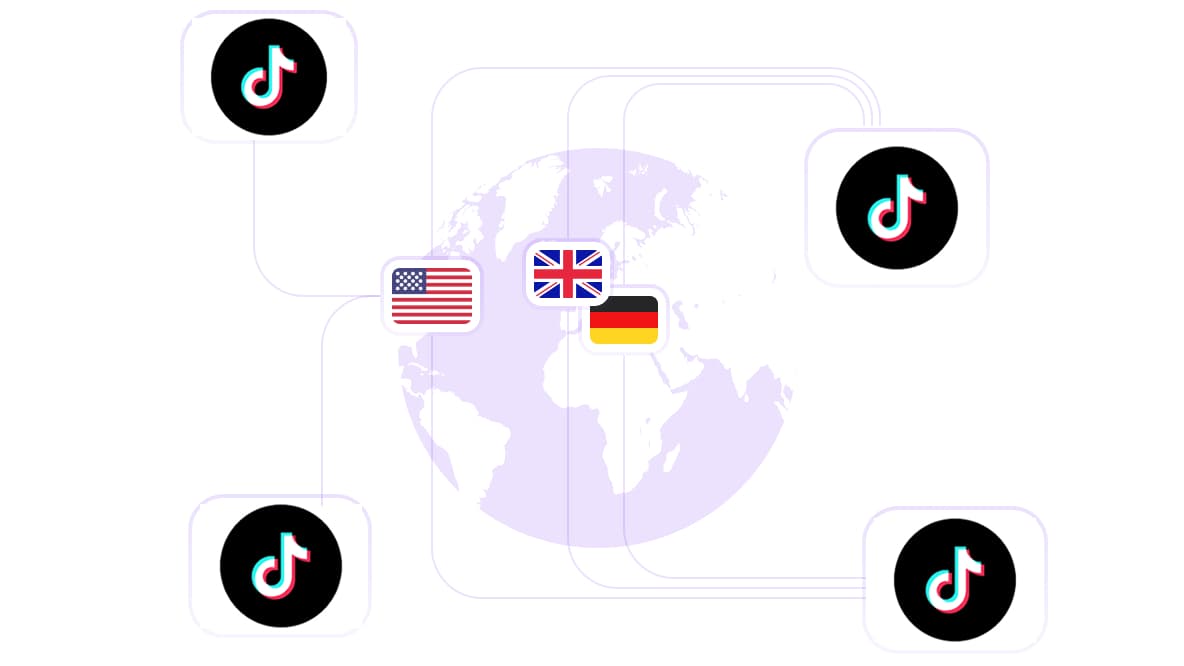
Access regional TikTok content across 195+ countries
Target any country, whether that's a US residential IP to access TikTok's American For You page, a UK address for British brand campaigns, or a Southeast Asian IP to monitor fast-moving regional trends before they go global.
Manage multiple accounts with a TikTok proxy
Assigning a unique IP to each account removes the shared network signal that TikTok's linking detection specifically looks for: one account, one IP, one clean session history, no cascade risk.
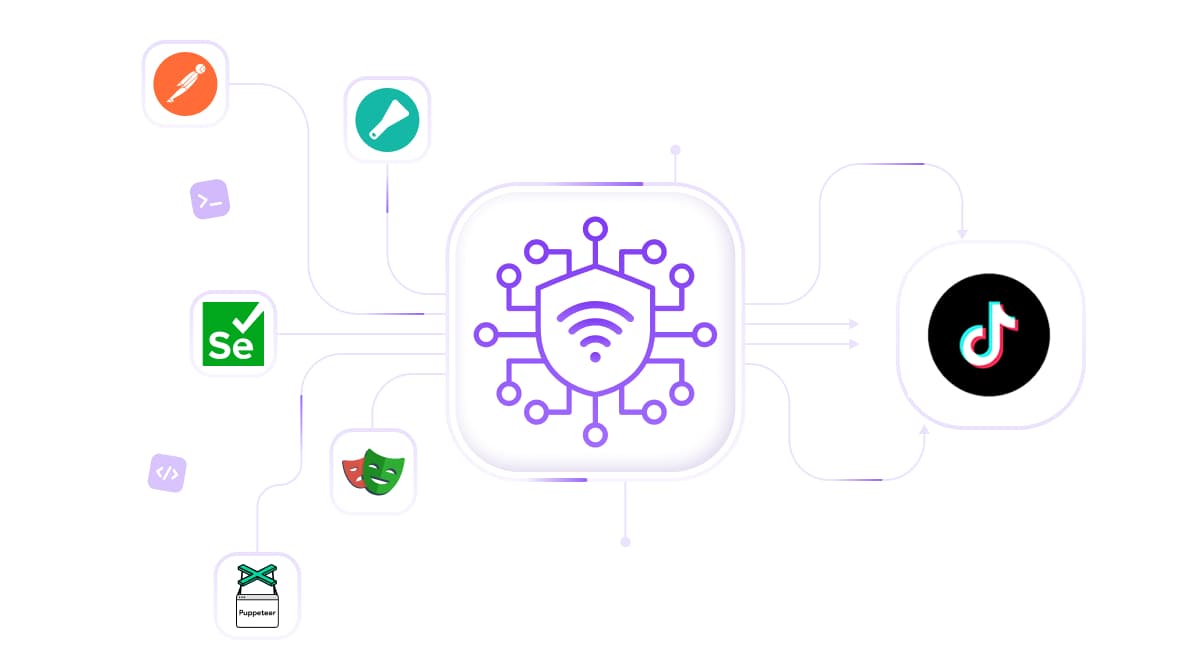
Scrape with TikTok proxies for automation
Use TikTok proxies with a 100M+ IP pool to manage multiple accounts, automate actions, and reduce the risk of blocks using Selenium, Playwright, Puppeteer, Scrapy, Postman, and custom scripts.
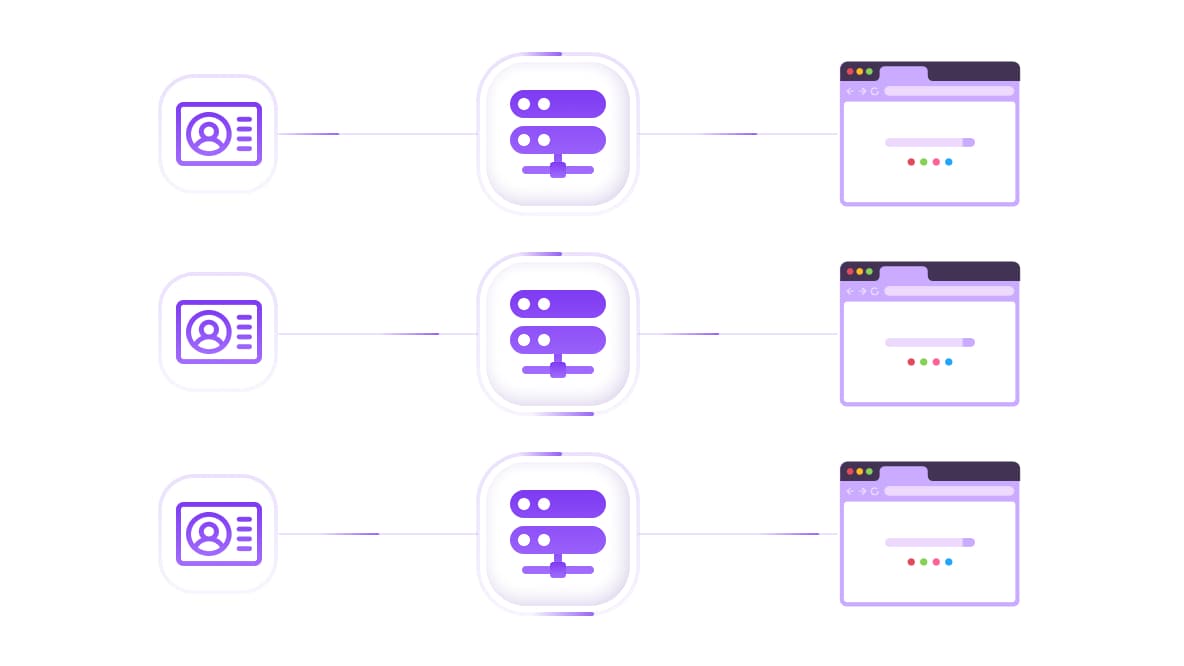
Integrate with antidetect browsers for account separation
TikTok proxies work natively with any anti-detect browser or cloud phones, so each TikTok profile gets its own IP and device fingerprint, creating the kind of total session isolation that agencies managing accounts across multiple brands rely on daily.
Specially for you
Best proxies by countries

TikTok - dedicated mobile unlimited
- Dedicated 5G Router
- Socks5/VPN with dedicated DNS
- Manual IP Changing
- Change p0f fingerprint (Windows, MacOS, Android)
- High Trust Rate
- Very High Speed + Low Ping
- All network params 1:1 as provider's
TikTok - shared mobile
- Shared 5G Router
- Supports SOCKS5 with UDP
- Up to 5 users per port
- Socks5/HTTP
- IP Rotation: every 30 min
- Windows p0f fingerprint
- High Trust Rate
- Very High Speed + Low Ping
- All network params 1:1 as provider's
TikTok - rotating residential
- 24 hours Availability
- Real ISP
- Speed up to 10 mbps
- Full API Access
- HTTP Protocol
- 100M+ IPs in 100+ Countries
- Mass Credentials Generator
- Long session up to 6 hours
TikTok - private residential
- Unlimited Bandwith
- Real ISP
- Speed up to 150 mbps
- Low Ping
- Supports SOCKS5 with UDP
- 24 hours Availability
- 1 Dedicated IP
TikTok - dedicated datacenter
- Unlimited bandwidth
- Exclusive IP ownership
- High-speed connectivity
- 99.9 % uptime
- HTTP
TikTok - shared datacenter
- Lightning-fast speeds
- Global IP coverage
- 99.9 % uptime
- Cost-efficient plans
- 1 GB bandwidth
- HTTP
Why do they buy from us?
Advantages
Private card payment
It doesn't matter how you topped up your balance, linking the payment to the rental of a specific proxy is impossible.
We do not store data on servers
As a rule, services that rent out proxies retain all data about the traffic passing through their servers.
Dedicated device
We do NOT disguise Shared proxies as individual ones. A modem or router is transferred to ONLY one person.
Online technical support
We are always ready to solve your problems and questions. Even late at night and early in the morning.
Money-back guarantee
We have both returns and exchanges. The priority is quality service and satisfied customers.
API for Business
For business clients, our service is ready to provide a convenient API that allows you to purchase proxies, change IP addresses, and much more.
TikTok proxy types: Which one fits your use case
The right TikTok proxy depends on your workflow, account requirements, and need for IP stability.
Proxy Type | Best For | Trust Level | Session Type |
|---|---|---|---|
Residential Rotating | TikTok scraping, bulk data collection, account warming, and API-based research tools | High | Sticky sessions up to 24 hrs |
⭐ Mobile | High-value account management, TikTok Ads, antidetect browser profiles, influencer/agency accounts | Highest | Dedicated or shared 5G router |
ISP | Account management, TikTok Shop, live streaming, where static IPs matter | High | Static, fast speed |
Datacenter | Low-risk tasks like link-in-bio testing, SEO monitoring, or automation (Selenium, Playwright) | Medium | Fast, lower trust score |
Takeaway: The best proxy for TikTok is a TikTok mobile proxy when trust and network authenticity matter most, or a TikTok residential proxy for stable regional sessions. Mobile proxies use real carrier networks, making them a strong choice for TikTok proxy for account creation and high-value accounts. For multiple profiles, use a separate, consistent proxy for each account.
Why creators and marketers use a TikTok proxy
TikTok's platform runs on aggressive geographic and behavioral fingerprinting. It tracks IP addresses, device identifiers, and session patterns, which means the infrastructure behind your connection carries as much weight as what you actually do on the platform.
Accessing TikTok USA and region-locked content
Connecting through a United States proxy IP places your session inside TikTok's American content environment. You see exactly what US audiences see, interact with region-locked sounds and effects, and appear to the algorithm as a genuine local user.
For marketers or agencies managing campaigns across multiple regions, the same logic applies in both directions. Static residential proxies with geo-targeting let you experience each market authentically from wherever you're based.
Add SMS activation to your TikTok workflow to handle verification codes for accounts without relying on a personal phone number.
Managing multiple TikTok accounts at scale
TikTok enforces strict per-IP and per-device conventions. Accounts sharing an IP address, a device fingerprint, or overlapping behavioral patterns are routinely flagged as connected, and a single restriction can bring down an entire account cluster.
A dedicated residential static proxy per account, paired with an isolated antidetect browser profile, gives each account a completely separate identity.
CyberYozh proxies integrate with anti-detect browsers such as AdsPower and Dolphin Anty and with cloud phones, so each TikTok account runs in its own separate device environment.
See our anti-detect browser setup guides to configure the connection.
Running TikTok Shop and TikTok Ads
Use a TikTok Shop proxy or TikTok Ads proxy to research products and competitors, manage campaigns, and verify that ads, creatives, and redirects appear correctly in target markets. Geo-targeted residential and mobile proxies help sellers, marketers, and agencies maintain a consistent connection across locations.
Automating TikTok growth and data tasks
Scheduling platforms, auto-engagement tools, and TikTok data scrapers all route traffic through your local IP unless a proxy is explicitly configured. Without TikTok proxies, every automated action, every follow, like, comment, or data request comes from a single address.
TikTok's anti-automation systems track request frequency, session timing, and behavioral patterns per IP, and a single address generating high-volume activity stands out immediately.
Recovering access after IP restrictions
Where a connection or device has been flagged at the network level, a fresh residential IP restores normal access without touching the account itself. For users in markets where TikTok is restricted at the ISP or government level, a residential proxy from an unrestricted region routes the connection through a clean, unblocked address, restoring full platform access.
💡Note: Review TikTok's Terms of Service and the laws applicable in your region before using proxies for automation or access recovery. This page covers the technical capabilities of proxy infrastructure.
How to set up a TikTok proxy: Step by step
To set up a TikTok proxy, enter your proxy IP, port, username, and password in TikTok, your browser, anti-detect profile, or automation tool, then verify the connection before use.
Step 1: Get your proxy credentials from CyberYozh
Log in to your CyberYozh account and select your proxy type. For TikTok account management, start with a residential static proxy. For bulk tasks or scraping, use rotating residential proxies with sticky sessions enabled. Copy your IP address, port, username, and password.
Step 2: Choose your setup method
There are three common configurations depending on how you use TikTok:
TikTok Web (browser-based): configure at the browser or OS level
Antidetect browser: enter proxy credentials directly in the browser profile settings; each profile gets its own proxy
Automation or scheduling tool: enter proxy credentials in the tool's network or proxy settings panel
Step 3: Enter your proxy credentials
Regardless of method, the entry process is the same:
IP address
Port number
Username and password
Protocol: HTTP for browser-based tasks, SOCKS5 for automation tools requiring broader protocol support
Step 4: Mobile app users (Android)
For TikTok on Android, go to Settings → Wi-Fi → long-press your network → Modify Network → Advanced Options → Proxy → Manual. Enter your CyberYozh proxy IP and port. For mobile proxies specifically, SOCKS5 configuration requires a third-party app like Shadowsocks or ProxyDroid to route mobile app traffic correctly.
iOS users can configure proxy settings under Settings → Wi-Fi → your network → Configure Proxy → Manual, following the same credential entry process.
Step 5: Assign one proxy per account
If you're managing multiple TikTok accounts, never reuse a proxy IP across two accounts, even temporarily. Each account needs its own dedicated proxy credential set, and if you're using an antidetect browser, the proxy should be assigned at the profile level, not the system level.
Step 6: Verify before going live
Use the CyberYozh IP Checker to confirm your active IP matches your target location and returns a clean trust score. This takes ten seconds and catches misconfigurations before they create account issues.
Set up guides by OS:
Why professionals choose CyberYozh proxies for TikTok
There's no shortage of proxy providers. Here's what actually matters when TikTok account longevity and campaign continuity are on the line:
100M+ residential proxy IPs across 195+ countries for regional TikTok workflows
Real LTE/5G carrier networks: Mobile proxies from real carriers, such as T-Mobile or Vodafone, making them a strong fit for trust-sensitive TikTok workflows.
Unlimited mobile traffic: Run TikTok accounts, advertising, and scraping without traffic limits.
Virtual numbers for SMS: Use rented numbers to manage verification across multiple TikTok accounts
No traffic logging: session data is not stored on CyberYozh servers. What passes through stays private, which matters when account credentials, content strategies, and client data are involved.
Dedicated hardware, honestly sold: shared proxies are not resold as private. A dedicated mobile proxy means one device and one user.
IP switching and session control: Change mobile IPs manually or through the API.
IP Fraud Score checks: Check proxy reputation and risk signals before assigning an IP to a TikTok account or campaign.
24/7 live support via Telegram: Get practical assistance when proxy or campaign issues need resolving.
Get your TikTok proxy from CyberYozh
Clean residential and mobile IPs across 195+ countries. No traffic logging. Transparent infrastructure that's been running since 2014.
Whether you're a solo creator unlocking a new regional market, an agency managing accounts across multiple brands, or a growth operator needing session stability at scale, the infrastructure is ready. Setup takes minutes.
Get your TikTok proxy now: browse the catalog and start in minutes
Top up your balance in any convenient way!
Bank cards


Cryptocurrency


