
TikTok Unblocked: How to Access TikTok When It’s Blocked in 2026
Few things are more frustrating than opening TikTok only to be greeted by a blank screen or a "This site is blocked" message.
There are several reasons why TikTok is blocked: schools block the platform to reduce distractions, some countries restrict access entirely, and network filters can prevent TikTok from loading even when your account is fine. There’s also the user block – when someone blocks you in the app or you've blocked someone and want to reverse it.
Beyond that, creators and marketers may run into IP-related issues while managing multiple accounts or testing content from different locations.
This guide covers every common TikTok blocked scenario. You’ll learn how to get TikTok unblocked at school, work, or on restricted networks, how to unblock someone on TikTok step-by-step, and when a TikTok proxy — especially mobile or residential proxies — support stable creator and multi-account workflows.
TL;DR - How to unblock TikTok
For school, workplace, and country blocks, using mobile data, TikTok Web, or VPN are quick solutions that work for lighter restrictions.
Free VPNs and “unblocked TikTok” sites fail because they rely on datacenter IPs that TikTok quickly detects.
Using mobile and residential proxies is the most reliable long-term solution, especially if you’re in a restricted network or manage creator accounts.
TikTok blocked? Here’s why
TikTok can be blocked for different reasons depending on the network or location. Understanding what's causing the restriction makes it much easier to choose the right solution.
Schools
Many schools block TikTok to minimize distractions during class and reduce bandwidth usage. These restrictions are enforced across the entire campus network, meaning the TikTok app and website may both be inaccessible on school Wi-Fi.
Workplace blocks
Companies can restrict access to social media platforms to improve productivity and reduce unnecessary network traffic. In some industries, blocking entertainment websites is part of broader cybersecurity policies.
Country restrictions
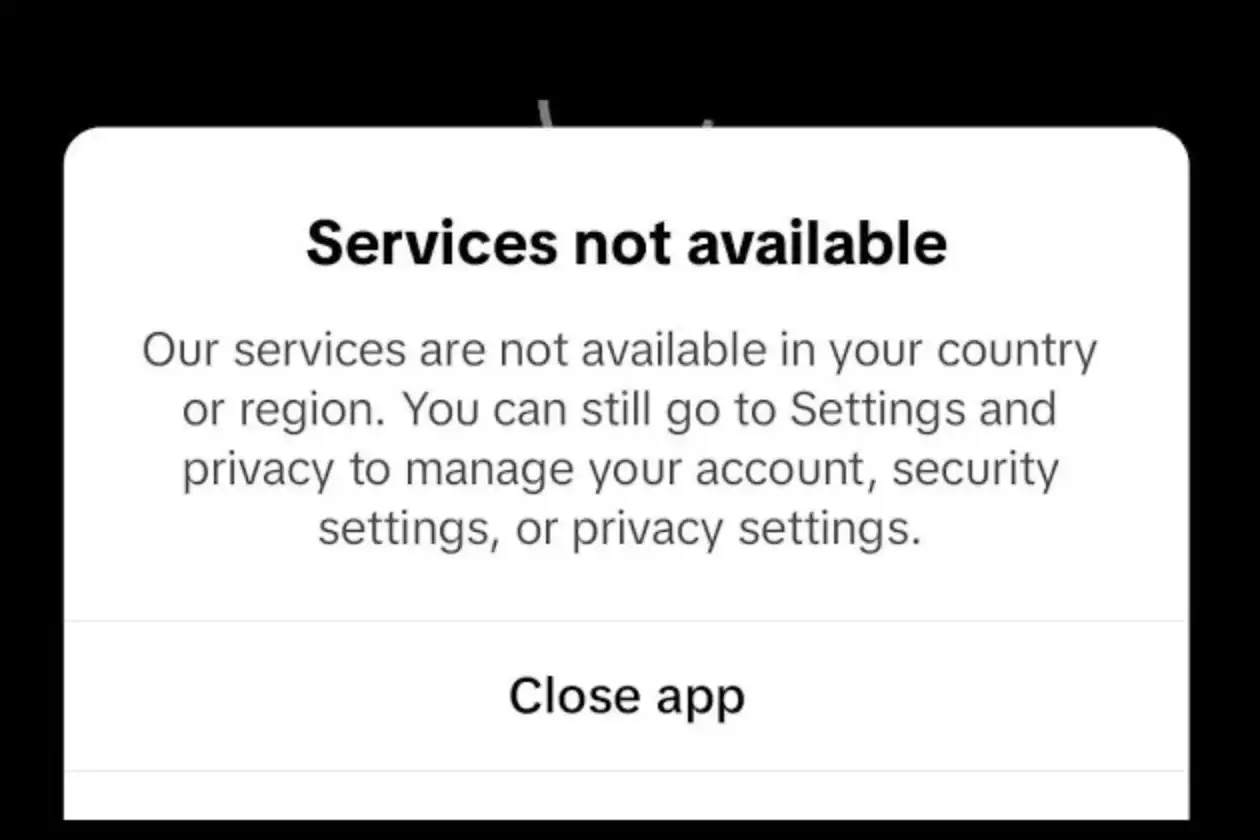
Some governments restrict or ban TikTok due to regulatory or legal concerns. Depending on local laws, access may be partially limited or completely unavailable through local internet providers.
Public Wi-Fi
Hotels, libraries, and other public Wi-Fi networks may block TikTok using content filtering systems. These networks prioritize security, bandwidth management, or family-friendly policies.
How these blocks work
Most TikTok restrictions rely on one or more technical methods:
DNS filtering redirects or blocks requests to TikTok's domains before they can connect.
Firewall rules prevent devices on the network from communicating with TikTok's servers.
URL filtering blocks specific websites or app domains based on predefined categories, such as social media.
IP blocking prevents connections to TikTok's servers by blocking their IP addresses.
Because different networks use different blocking methods, there's no universal solution. The best way to restore access in 2026 depends on how TikTok is being restricted.
Read our TikTok shadowban guide: How to fix it and avoid in the future
How to unblock TikTok: Methods that work in 2026
The fastest way to unblock TikTok is to switch to mobile data, since it bypasses most school or workplace Wi-Fi restrictions. If that doesn’t work, the most reliable option depends on the type of restriction.
Below are the most common ways to restore access to TikTok, ordered by safety and practical use case.
Method | Best For | Safety |
|---|---|---|
Switch to mobile data | School/work Wi-Fi | Safest |
Google Translate trick | Quick viewing | Safe |
Use TikTok Web | App blocks | Safe |
Use a trusted VPN | General access | Moderate |
Use a proxy (Cyberyozh) | Creators, marketers, agencies | Highest |
Check if TikTok is down | All | N/A |
1. Switch to mobile data (Best for TikTok unblocked at school)
If TikTok is blocked on school or workplace Wi-Fi, the fastest way to regain access is switching to mobile data (4G/5G). This bypasses the local network and avoids DNS or firewall restrictions applied by the institution. If it works, it restores full access instantly, without further workarounds.
This method is often the first fallback because it’s quick and easy. On the other hand, it requires mobile data and quickly consumes traffic with video content.
2. Use TikTok Web
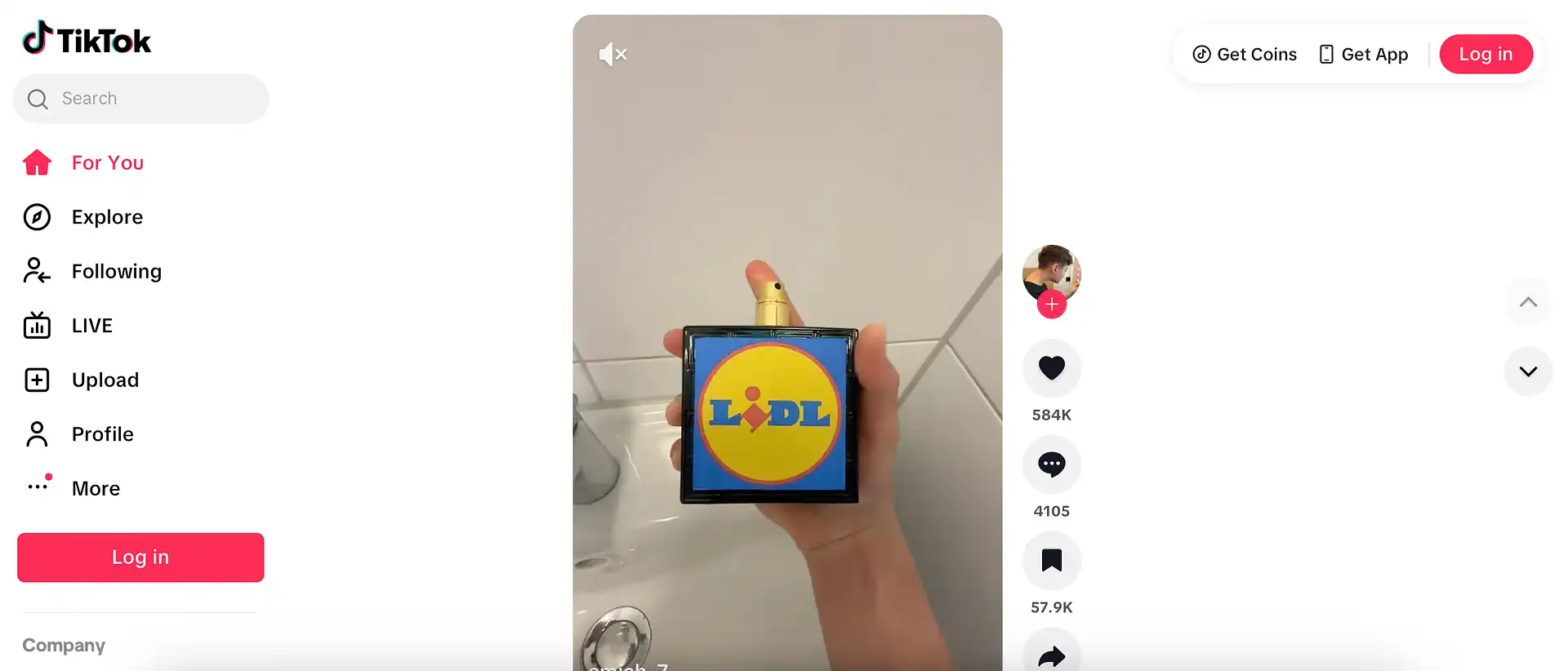
In many cases, only the TikTok app is blocked while the browser version remains accessible. This happens when administrators restrict app traffic but do not fully block web access. This method is easy to try and requires no installation.
Opening TikTok in a browser can restore partial or full access depending on the restriction level. On Chromebooks, this is often the only available method.
3. Use a trusted VPN (Popular way to unblock TikTok when it’s banned in your country)
A VPN works by encrypting your internet traffic and routing it through an external server, replacing your real IP address with an IP from another location. This helps you access TikTok where it’s restricted permanently (for TikTok banned countries) and some network-level filters.
However, VPNs are not guaranteed to work in all environments. Many schools and workplaces block VPN traffic. Free VPNs often rely on shared servers that are flagged or overloaded.
Use a mobile or residential proxy
Free VPNs can fail because they rely on datacenter IPs that TikTok detects and restricts. A dedicated proxy routes your traffic through real ISP or mobile carrier connections, which TikTok sees as normal user activity.
Whether you're on a school network, in a restricted country, or managing multiple accounts, mobile and residential proxies are the most reliable option because their traffic blends into normal user activity.
CyberYozh provides residential and real mobile 5G proxies built for stable TikTok access, with clean IP reputation and consistent session behavior for users, creators, and agencies.
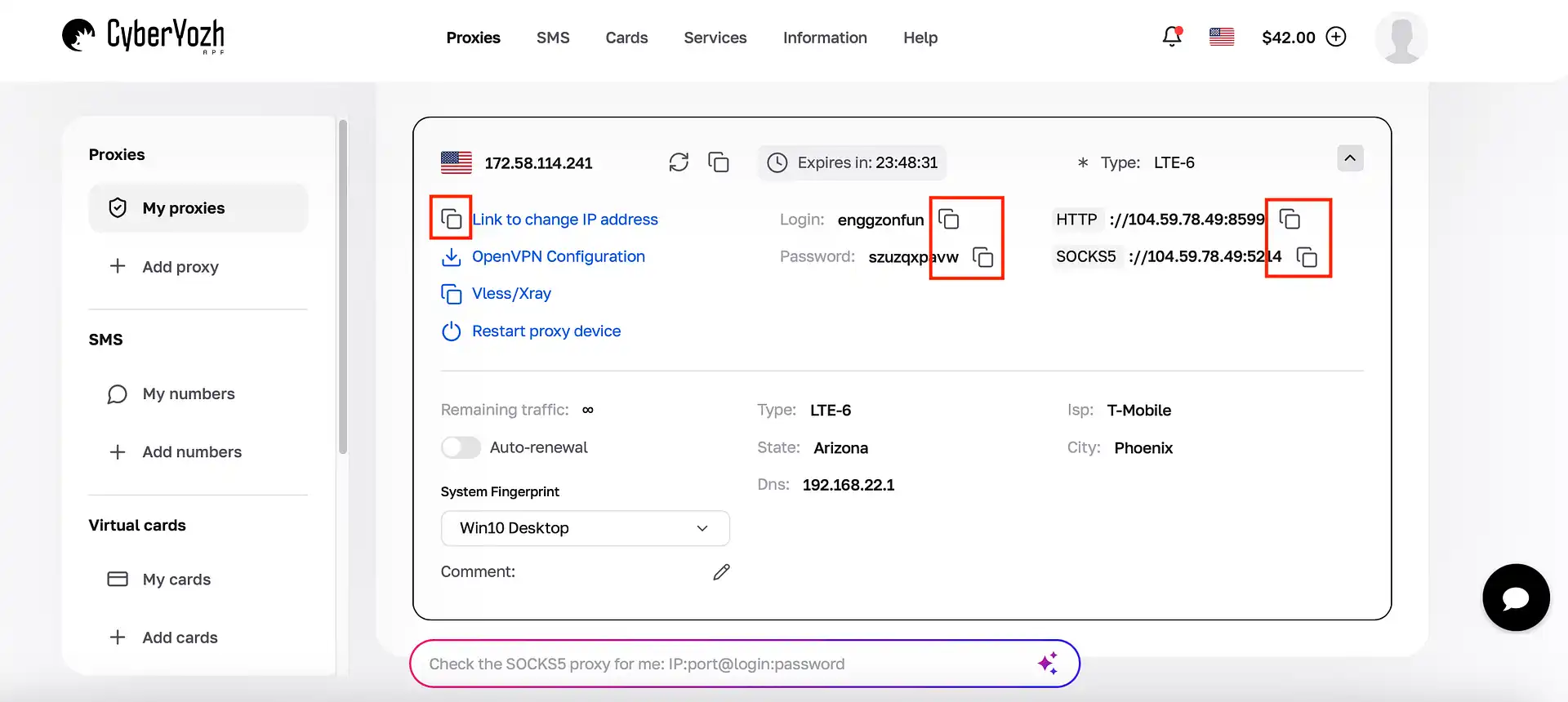
If you're searching for how to get TikTok unblocked at school without a VPN or how to get unblocked on TikTok, proxies are the infrastructure-based solution that outlasts temporary workarounds.
Check if TikTok is having issues
Sometimes TikTok fails to load due to platform-side outages, server issues, or regional service disruptions. In these cases, no network workaround will help, and the issue resolves once TikTok restores service.
Try a Google Translate trick
A popular Google Translate workaround still works in 2026. For soft restrictions, you can paste the URL into the translation field and follow the generated link. This works because the request is proxied through Google’s infrastructure, which some basic filters do not fully block.
However, this method is for viewing and basic unblocked TikTok. The access is inconsistent and depends heavily on how strict the network filtering is.
How to unblock TikTok on Chromebook
On Chromebooks, restrictions are usually enforced through school or enterprise admin policies, not network filtering. This means TikTok may be blocked at both the device and network level.
In some cases, TikTok Web can still load if only app access is restricted. This is the first option to try, since it works directly in the browser. If that does not work, try switching to a different network, such as mobile hotspot or non-school Wi-Fi. For stricter setups, a mobile or residential proxy for TikTok can be useful to route traffic through real ISP or mobile IPs.
However, on heavily managed Chromebooks, access may be fully disabled at the device level, meaning no method will work without changing administrator policies.
VPN vs proxy for TikTok: Which one to choose
VPNs and proxies are often used for TikTok access, but they work in different ways and are suited for different needs.
Feature | VPN | Mobile / Residential Proxy |
Changes IP | Yes | Yes |
Encryption | Full traffic encryption | No full encryption |
Speed | Slower due to encryption | Faster and more stable |
Multiple accounts | Limited | Designed for separation |
Automation | Not ideal | Works with tools and APIs |
A VPN encrypts your entire connection and routes it through a shared server. This is useful for casual browsing or occasional access to unblock TikTok when it is restricted.
A mobile or residential proxy for TikTok routes traffic through real IPs. They are more suitable for stable TikTok access, multi-account setups, and automated workflows where consistent network identity matters.
How to get unblocked on TikTok: Methods that don’t work
Not every unblocking method is worth trying. Free proxy websites, mirror sites, and free VPNs can be unreliable or risky. Here's what to steer clear of:
"TikTok unblocked" mirror sites – Sites like "unblocked 66" or "unblocked 76" often load with "Connection timed out" or "This site can't be reached." Reddit users consistently report compromised accounts, session hijacking, and sites that vanish within weeks.
Free proxy websites – These return "403 Forbidden" because schools and TikTok block them quickly. If they load, they're filled with ads, trackers, and potential malware.
Unknown browser extensions – Many promise "one-click unblock" but request access to your data. TikTok may return "Suspicious login attempt" if your session is routed through an untrusted extension.
Free VPNs – Most free VPNs are detected by school firewalls, returning "Connection refused" or "Network blocked." They can also collect and sell your activity logs.
If a solution is free and promises instant access, there's usually a catch. The safest approach is clean infrastructure – not shortcuts that put your account at risk.
Why creators and marketers use TikTok proxies for multi-account work
Creators and marketers don’t use TikTok proxies just for access; they use them to run stable, repeatable workflows across multiple accounts and regions.
Managing multiple TikTok accounts requires consistent sessions and separated environments so accounts don’t interfere with each other. Residential and mobile proxies for TikTok help maintain stable IP identity for each account, reducing session resets and inconsistent login behavior.
They are also used for geographic testing, allowing teams to see how content, ads, and profiles appear in different countries.
For automation workflows, proxies integrate with tools like Playwright, Puppeteer, and Selenium, enabling structured scraping, posting, and testing. In cloud phone setups, proxies maintain device-level isolation and reduce cross-account linkage between environments.
Why choose CyberYozh proxies for TikTok unblocked
CyberYozh is built as operational infrastructure, not a basic proxy service. For TikTok access, the key advantage is clean, stable network identity. Proxies help maintain consistent, real carrier and ISP-level behavior across sessions.
CyberYozh provides real mobile LTE/5G and residential proxies for TikTok with managed IP pools, designed for high-trust environments where unstable or recycled IPs fail.
Why CyberYozh works for TikTok workflows:
100M+ IP pool across 100+ countries for reliable regional access
All-in-one ecosystem with SMS activation, virtual cards for payments, and fraud risk checks
Real mobile 4G/5G proxies with unlimited bandwidth for multi-account work on TikTok
Sticky sessions for stable TikTok browsing and login behavior
API access – integration with Playwright, Puppeteer, Scrapy, Selenium, Postman, and custom tools.
Whether you are dealing with regional restrictions, network filtering, or unstable access conditions, CyberYozh provides structured infrastructure designed for predictable TikTok connectivity.
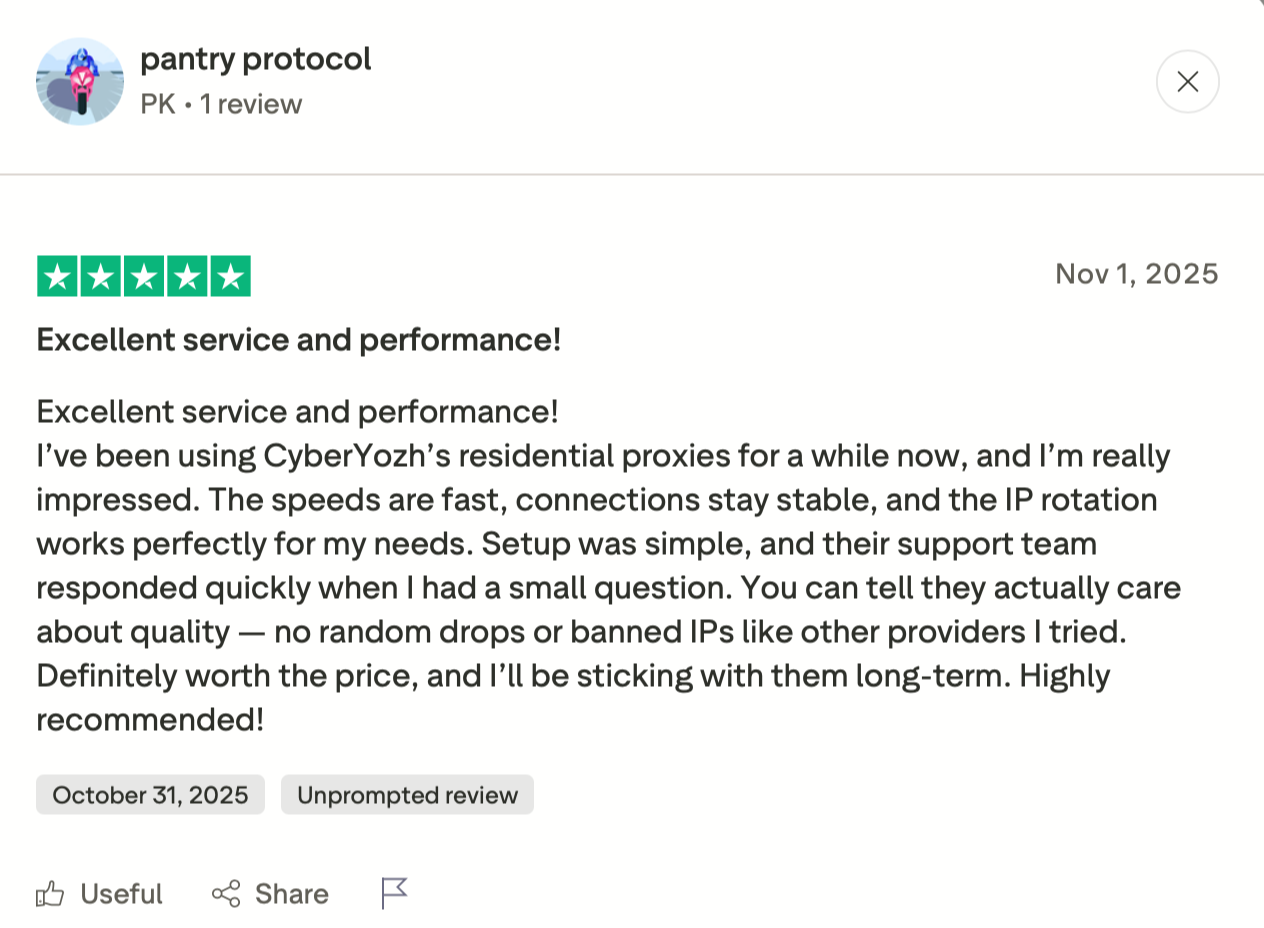
What our customers say on Trustpilot
How to unblock someone on TikTok (user block)
This section is about user blocks – when someone blocks you in the app or you've blocked someone and want to reverse it. This is different from network blocks (school, work, or country restrictions). The steps below won't bypass a firewall; they'll unblock a person.
How to unblock someone:
Go to your profile → tap the three-line menu → Settings and privacy → Privacy → Blocked accounts
Find the username → tap Unblock
Alternatively, visit their profile directly, tap the three-dot menu, and select Unblock.
Will they know? No. TikTok sends no notification when you unblock someone.
What happens when you unblock someone
They can view your profile, videos, and public content again
They can like, comment, and interact with your posts (depending on your privacy settings)
They can send you direct messages if your settings allow it
Previous interactions like comments removed during the block do not automatically return
You are not re-followed on either side — the follow relationship stays removed
Both users can follow each other again, but only if one of you chooses to
How to get unblocked on TikTok If someone has blocked you
If someone else has blocked you, there's nothing you can do to reverse it from your end. The block is controlled by them.
You cannot view their profile, videos, or content
You cannot send them DMs or engage with their posts
Your previous comments on their videos may be visible to others, but you won't see them.
There is no "unblock request" feature on TikTok. The only person who can unblock you is the one who blocked you. Your only option is reaching out through another channel if you know them personally.