
Antidetect browser
Octo BrowserIntegration with CyberYozh App
Fully Supported
Browser Support
Chromium
Team Collaboration
Team collaboration
Security
End-to-end encryption
Starting Price
€7/month
Use flexible proxy infrastructure with Afina Browser
CyberYozh provides mobile, residential, and datacenter proxies for Afina Browser users running multi-account workflows, isolated browser profiles, automation, and geo-targeted campaigns at scale.
Mobile & residential proxies with unlimited bandwidth 100M+ residential IPs worldwide Sticky and rotating sessions Device and browser fingerprint support API-ready infrastructure

CyberYozh proxies support Afina browser environments on mobile LTE/5G and residential networks, built for profile isolation, stable per-account sessions, multi-account operations, browser automation, and AI-agent workflows that run through Afina's MCP server.
Clean Residential IPs
Advanced Session Control
Precise Geo Targeting
Automation Ready
High Success Rate
API Access
Afina users rely on separate network layers per profile, especially once scripts, modules, and triggers start running across dozens of accounts at once. Mobile and residential proxies keep accounts isolated at the IP level while supporting teams and automated, multi-profile operations.
Separate proxy per profile, no shared IPs Real carrier mobile traffic for high-trust platforms Profile-level session control with sticky or rotating options Native UDP support that matches Afina's SOCKS5/UDP and QUIC/HTTP-3 routing Support for team environments and shared profile access Built for account isolation at any scale
CyberYozh proxies integrate with all major antidetect browsers. Choose the browser you trust for fingerprint management, and power it with stable residential infrastructure built for scaling.
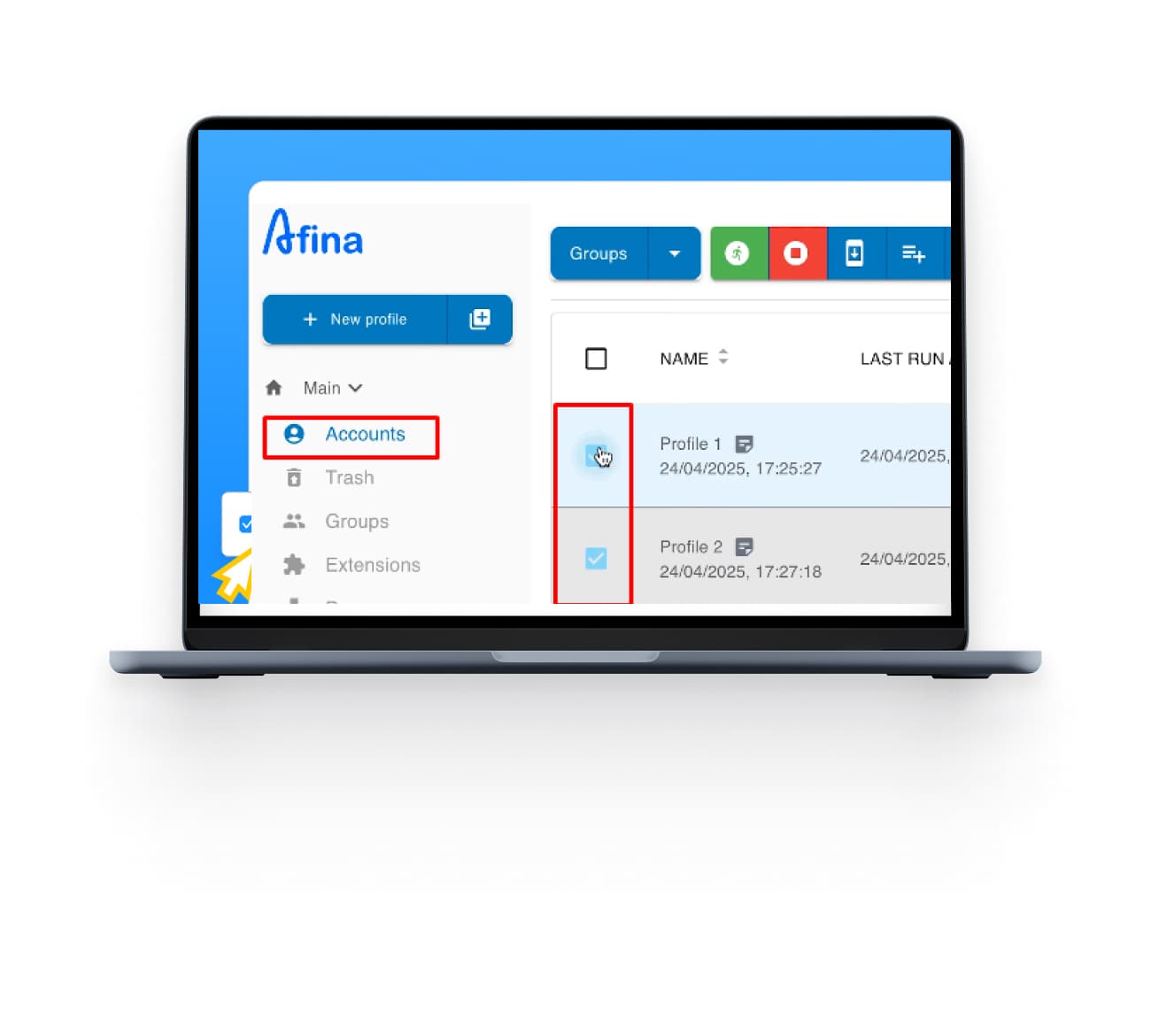
Afina Browser is an antidetect browser and automation workspace built around isolated browser profiles. Each profile runs as its own environment with its own cookies, proxy, digital fingerprint, and local data, and looks like a completely separate user to any website.
Fingerprints are generated from real device hardware configurations rather than randomized noise, so Canvas, WebGL, audio, and other parameters stay logically consistent with each other.
Best for: teams managing social media accounts, running affiliate or ad campaigns, doing e-commerce across multiple storefronts, or automating workflows across platforms that typically allow only one account per device or IP.
Chromium-based, cross-platform: runs on Windows 10 or later and macOS 10.15 or later
Visual script builder: build automation scenarios (clicks, waits, checks, navigation) without writing code
Modules, tasks, and triggers: organize and schedule repeatable automation across profiles at scale
Local API with 79 endpoints: no daily quotas, built for connecting Afina to your own systems and workflows
Official MCP server: lets AI agents such as Claude and ChatGPT create profiles, write scripts, and manage automation directly inside the browser
No ongoing free plan: though new users can currently claim a short free trial period through Afina's sign-up promotions
A browser profile without a proxy isn't truly isolated. Afina changes your fingerprint, the browser details a site can read, but your IP address still comes from your real internet connection. If multiple profiles share the same IP, platforms can link them together regardless of how different the fingerprints look.
Proxies solve this by giving each profile its own IP address from a completely separate network. What this protects against:
Account linking across profiles sharing the same IP
Platform bans triggered by multiple accounts from one location
Geo-detection mismatches between your fingerprint location and actual IP
Session contamination when profiles share network identity
Detection by platforms running IP reputation checks
The rule is simple: one profile, one proxy. Anything else undermines the point of using an antidetect browser in the first place. Check out CyberYozh IP reputation checks
CyberYozh provides mobile, residential, and datacenter proxies for Afina users who manage multiple profiles, run automation through scripts and modules, work with AI agents via MCP, or need stable per-profile network isolation at scale.
Real carrier LTE/5G mobile proxies along with datacenter and residential proxies with unlimited bandwidth options
100M+ residential IPs across 195+ countries
Sticky sessions up to 24 hours for consistent per-profile IPs
Rotating sessions for automation and scraping workflows
Native UDP, SOCKS5, and HTTPS protocol support, a direct match for Afina's SOCKS5/UDP and QUIC/HTTP-3 routing
API-ready infrastructure for bulk profile management
No KYC required, crypto payments accepted
Check out the CyberYozh proxy catalog here
The whole process takes under five minutes. Here's exactly what to do.
Step 1: Get your proxy credentials. Log into your CyberYozh dashboard and copy your proxy details: host, port, username, and password. Keep this tab open. Manual retyping causes most setup errors.
Step 2: Create a new Afina profile. Open Afina and click New Profile. Give it a clear name; something like FB-US-01 is more useful than Profile 1. You'll also be prompted for a User-Agent and OS version; match the OS version currently running on your machine.
Step 3: Open the Proxy section. In the profile setup, go to the Main section and open the Proxy subsection to enter your own proxy credentials.
Step 4: Select SOCKS5. Choose SOCKS5 as the proxy type. This is the recommended protocol for Afina since it matches the browser's native UDP, QUIC, and HTTP/3 routing. HTTPS works too; choose based on your use case.
Step 5: Enter your credentials. Paste in your Host, Port, Proxy Username, and Proxy Password from your CyberYozh dashboard. Double-check for extra spaces, which are a common cause of authentication errors.
Step 6: Run the built-in proxy check. Afina includes a built-in proxy checker with a UDP test. Run it before saving; a successful result confirms the connection, the detected IP location, and that UDP is routing correctly. A failed result usually means the credentials are wrong or the proxy has expired.
Step 7: Save and launch. Save the profile and launch it. Optionally visit BrowserLeaks or BrowserScan to verify the IP and fingerprint are showing correctly. Read Afina's official setup and download guide at afina.io.
Issue | Cause | Fix |
Connection failed | Wrong host or port, or proxy has expired | Re-copy credentials from dashboard; check if proxy is still active |
Authentication failed | Incorrect username or password | Paste credentials directly; don't retype them manually |
Local IP showing instead of proxy IP | VPN or another network tool is interfering | Disable any active VPN or proxy extensions before launching the profile |
Wrong location detected | Correct IP but wrong geo assigned by provider | Test the IP at IPinfo.io; contact CyberYozh if location is incorrect |
Proxy timeout | Proxy server unreachable or overloaded | Try a different IP from your pool; check CyberYozh dashboard for server status |
UDP traffic not routing | Proxy type set to HTTPS instead of SOCKS5 | Switch the profile's proxy type to SOCKS5 and re-run Afina's built-in UDP test |
Profile force-stopped mid-session | Afina's geo-change monitor detected an IP or region shift | Rotate to a new IP or switch to a sticky session from your CyberYozh panel |
Residential Proxies: IPs assigned to real home internet connections by genuine ISPs. Platforms see them as ordinary home users, with the lowest detection risk for account management, social media, and ad operations.
✓ High trust level on most platforms
✓ Wide country and city targeting
✗ Slower than datacenter proxies
Best for: Facebook, Instagram, Amazon, multi-account management
Mobile Proxies: IPs assigned to real mobile devices on carrier networks (4G/LTE or 5G). The highest trust level available, mobile IPs are shared by thousands of real users, making them nearly impossible to flag as suspicious.
✓ Highest trust rating on aggressive platforms
✓ Real carrier traffic, low detection risk
✗ More expensive than residential
Best for: TikTok, platforms with heavy bot detection, high-stakes account operations
Datacenter Proxies: IPs hosted on servers in data centers. Fast and affordable, but easier for platforms to identify as non-residential.
✓ Fast speeds, low cost
✓ Good for scraping and data collection
✗ Higher detection risk on social and ad platforms
Best for: TikTok, platforms with heavy bot detection, high-stakes account operations