
YouTube Unblocked: 10 Ways to Watch YouTube Anywhere in 2026
You open YouTube on hotel Wi-Fi and get a blank page. Or a video tells you it isn’t available here. Or YouTube keeps asking you to “sign in to confirm you’re not a bot.” Each has a different cause, and what works for one can fail completely for another.
This guide shows you how to identify your block in under a minute, then unblock YouTube with the method that fits.
Quick answer
To unblock YouTube, first figure out what’s blocking it. If YouTube fails on one Wi-Fi network but works on mobile data, switch to a hotspot or use a residential or mobile proxy. If YouTube flags you as a bot while you’re on a VPN, your IP address has a poor reputation, and a clean residential IP usually fixes it. If only one video says it’s unavailable in your country, the uploader chose that licensing, not a network problem.
TL;DR
Most YouTube blocks come from the network you’re on, your IP’s reputation, or a single video’s country settings
A mobile hotspot is the fastest free fix for network blocks
Residential and mobile proxies are the most reliable option for regular use
Managed work or school devices can’t be fixed with a proxy, so ask the administrator
Find your YouTube block in 60 seconds
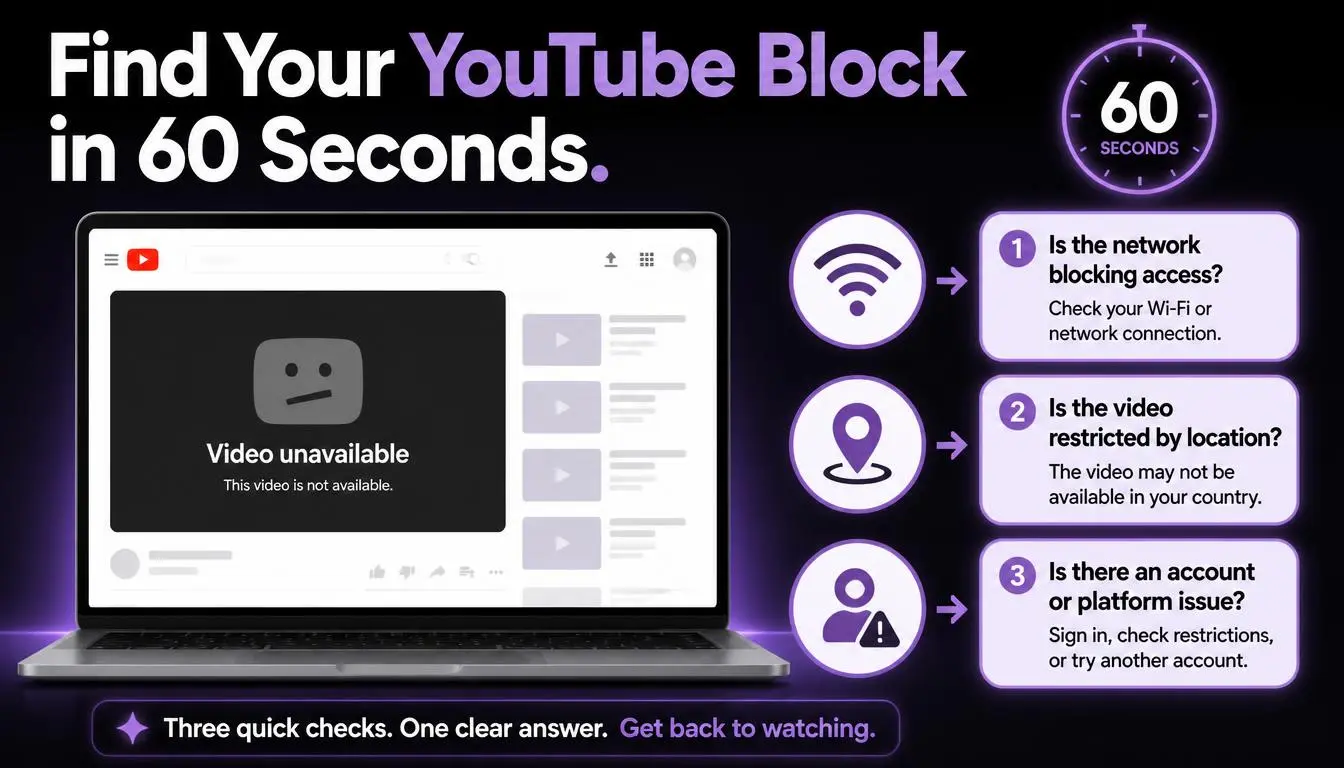
What you see | Likely cause | Best fix |
YouTube won’t load on one Wi-Fi, but works on mobile data | Network filter (hotel, café, airport, office) | Mobile hotspot or proxy |
“Sign in to confirm you’re not a bot” | Flagged IP, often a VPN or datacenter address | Clean residential or mobile IP |
“This video isn’t available in your country” | The uploader’s country settings | No clean fix (see the legal note below) |
Restricted Mode is on and won’t turn off | Set by the network administrator | Ask the administrator |
YouTube is blocked across your whole country | ISP or government block | Check local law first |
Blocked on a work- or school-managed device | Device controls | Ask IT. A proxy won’t fix this |
Pro tip: Try mobile data first. If YouTube loads instantly, the Wi-Fi network is the problem, not your device or account.
Why YouTube gets blocked
YouTube blocks happen at three levels:
The network: Hotels, airports, cafés and offices often filter video to save bandwidth. Google notes that computers in “libraries, universities, and other public institutions may have Restricted Mode turned on by a network administrator.”
The country: Some governments block YouTube entirely. Mainland China has blocked it since 2009, Turkmenistan since 2009, and Russia began throttling it in mid-2024. In some of these countries, using tools to bypass the block is illegal.
The video: According to YouTube’s help center, “video owners have chosen to make their content available only to certain countries/regions (usually due to licensing rights).”
How to unblock YouTube: 10 methods that work
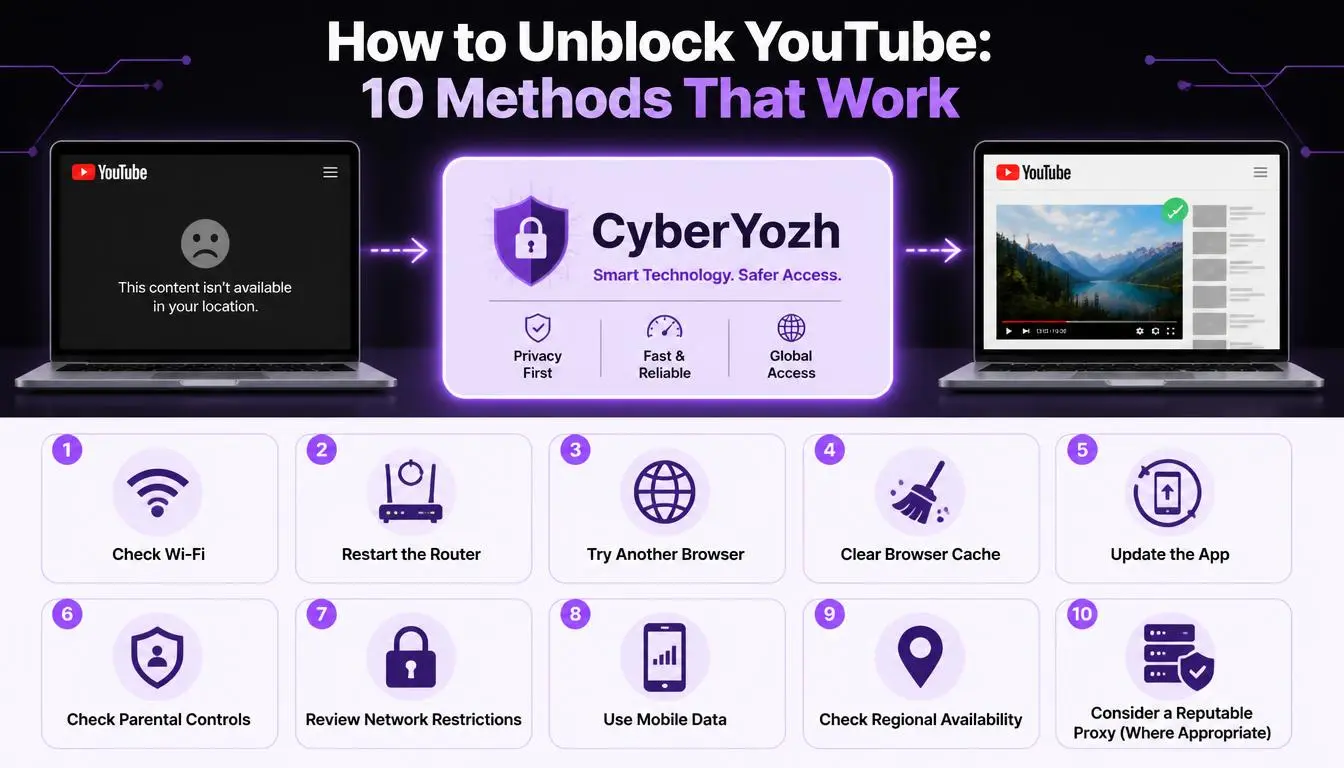
The methods below run from the most reliable fixes for everyday use to quick free workarounds, so pick the one that matches the block you identified above.
1. Residential proxy (best for regular use)
A residential proxy routes your traffic through a real home internet connection, so YouTube sees an ordinary household rather than a flagged VPN server.
Works for: network filters, bot-check errors, slow shared servers
Watch out: paid, per-GB plans add up if you stream a lot
Get YouTube working on any network. CyberYozh rotating residential proxies start at $2/GB, with 100M+ IPs in 195+ countries.
2. Mobile proxy (best for heavy streaming)
Mobile proxies use real 4G and 5G carrier IPs. Because carriers share each IP between many customers, websites rarely block them.
Works for: heavy streaming, networks that block VPNs
Watch out: costs more than datacenter options
Read about the best mobile proxy providers in 2026
Stream YouTube without data limits. CyberYozh LTE/5G mobile proxies start at $1.70/day, with real carrier IPs and unlimited traffic.
3. VPN
A VPN encrypts all your device’s traffic and sends it through another server.
Works for: privacy on public Wi-Fi
Watch out: many VPN IPs are shared by thousands of users, so YouTube increasingly flags them with the bot check. Our guide to fixing YouTube’s VPN and proxy detection covers this in detail.
4. Browser proxy extension
An extension routes only your browser through a proxy, so you can switch it on just for YouTube.
Works for: quick fixes on networks that allow extensions
Watch out: browser-only, and the quality depends on the proxy behind it
5. Change your DNS server
Switching to a public DNS service such as Cloudflare (1.1.1.1) or Google (8.8.8.8) gets around simple DNS filters.
Works for: basic Wi-Fi filters
Watch out: most modern firewalls block by IP address too, so try this first but don’t rely on it
6. Smart DNS
Smart DNS reroutes lookups only for certain sites. It’s popular for smart TVs and consoles.
Works for: devices that can’t run a VPN or proxy
Watch out: no encryption, and it doesn’t help where YouTube is blocked nationwide
7. Mobile hotspot
Share your phone’s mobile data and connect your laptop, skipping the restrictive Wi-Fi entirely.
Works for: any network-level block, instantly
Watch out: uses your data allowance quickly
8. Tor Browser
Tor sends traffic through several volunteer relays.
Works for: privacy where other tools fail
Watch out: far too slow for comfortable video, and Tor exit IPs often trigger extra checks
9. Free web proxy or “unblocked YouTube” site
These sites load YouTube inside their own page.
Works for: a quick one-off video
Watch out: heavy ads, unstable playback, and they get blocklisted fast. Never sign in to your Google account through one.
10. Download videos before you travel
YouTube Premium lets you save videos to watch offline in the YouTube app.
Works for: flights and travel to places with poor or restricted internet
Watch out: a paid subscription, and you need to reconnect now and then to keep downloads available
All 10 methods to unblock YouTube compared
Method | Fixes network blocks | Avoids bot checks | Cost | Risk |
Residential proxy | Yes | Usually | Paid | Low |
Mobile proxy | Yes | Usually | Paid | Low |
VPN | Yes | Often fails | Paid | Low |
Proxy extension | Often | Depends | Free–paid | Medium |
DNS change | Sometimes | No effect | Free | Low |
Smart DNS | Sometimes | No effect | Paid | Low |
Mobile hotspot | Yes | Yes | Data cost | Low |
Tor | Yes | Rarely | Free | Low |
Free web proxy | Sometimes | Rarely | Free | High |
Offline downloads | Not needed | Not needed | Paid | Low |
What about “unblock for YouTube” extensions
Many people search for Chrome extensions such as “Unblocker for YouTube.” That one had about 50,000 users and a 2.7/5 rating in the Chrome Web Store at the time of writing. These extensions route your traffic through the developer’s servers, which often run on shared IPs YouTube already flags.
Before installing one, check the permissions it requests. An extension that can “read and change all your data on websites” sees everything you browse. For regular use, a proxy you control is safer.
Common mistake: Logging in to Google through a free unblocker. You’re handing your session to a stranger’s server.
Which YouTube proxy should you choose
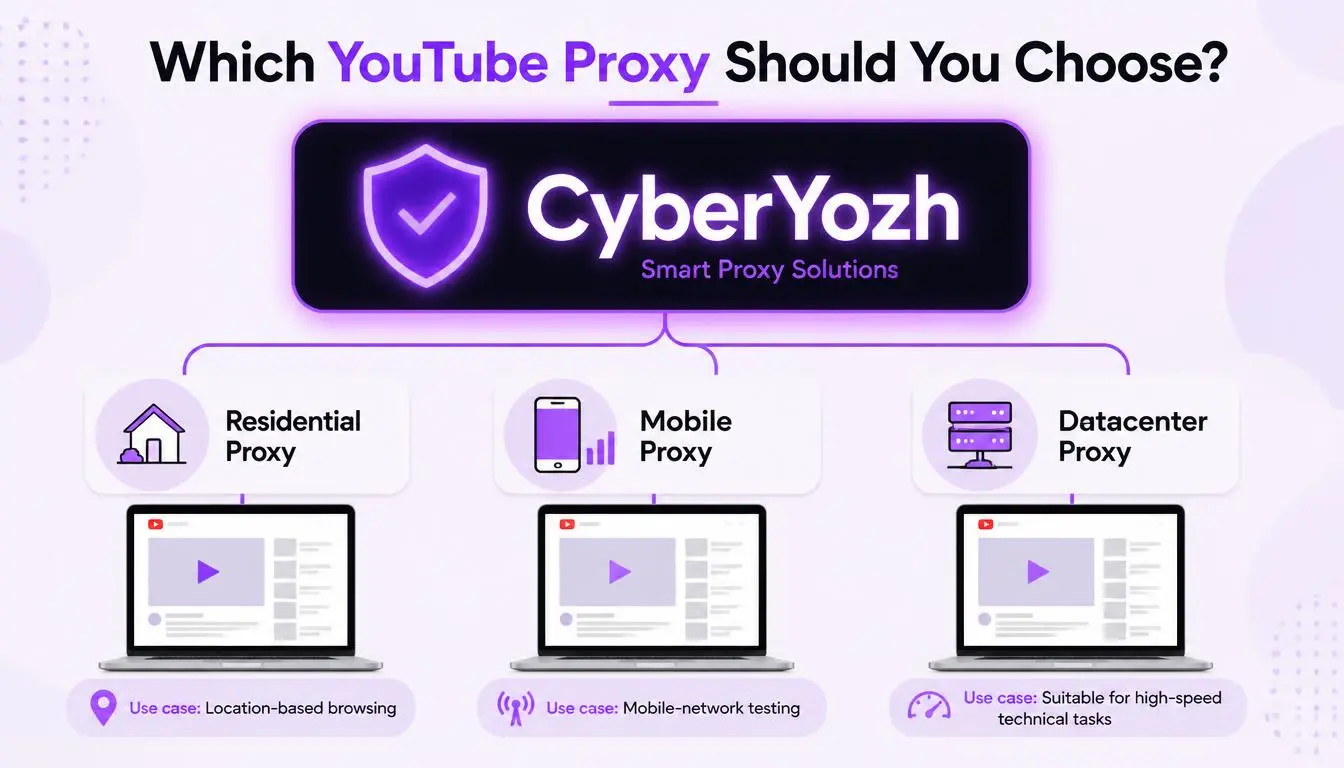
Your situation | Best option | Price |
Occasional videos on restricted Wi-Fi | Rotating residential | From $2/GB |
Daily streaming | LTE/5G mobile, unlimited traffic | From $1.70/day |
One stable IP for your account | Static residential | From $3.17/month |
Checking how YouTube ads and search look in another country | Rotating residential with city targeting | From $2/GB |
Video uses a lot of data, so per-GB plans suit occasional viewing, while unlimited-traffic mobile plans usually work out cheaper for daily streaming. For step-by-step setup, see our YouTube proxy setup guide.
Why choose CyberYozh to unblock YouTube
Large clean network: 100M+ residential IPs in 195+ countries, with city-level targeting
Reliable: 99.8% uptime on rotating residential proxies
Streaming-friendly mobile plans: real LTE/5G carrier IPs with unlimited traffic and manual or API-based IP rotation
Check before you watch: the IP checker shows an IP’s fraud score and blacklist status
Easy setup: HTTP, HTTPS, UDP and SOCKS5 support for browsers and apps
Trusted: rated 4.7+ “Excellent” on Trustpilot, with live support from 08:00 to 22:00 GMT and a money-back guarantee
Watch YouTube on any network. Get a YouTube proxy or try mobile proxies with unlimited traffic from $1.70/day.
Is it legal to unblock YouTube
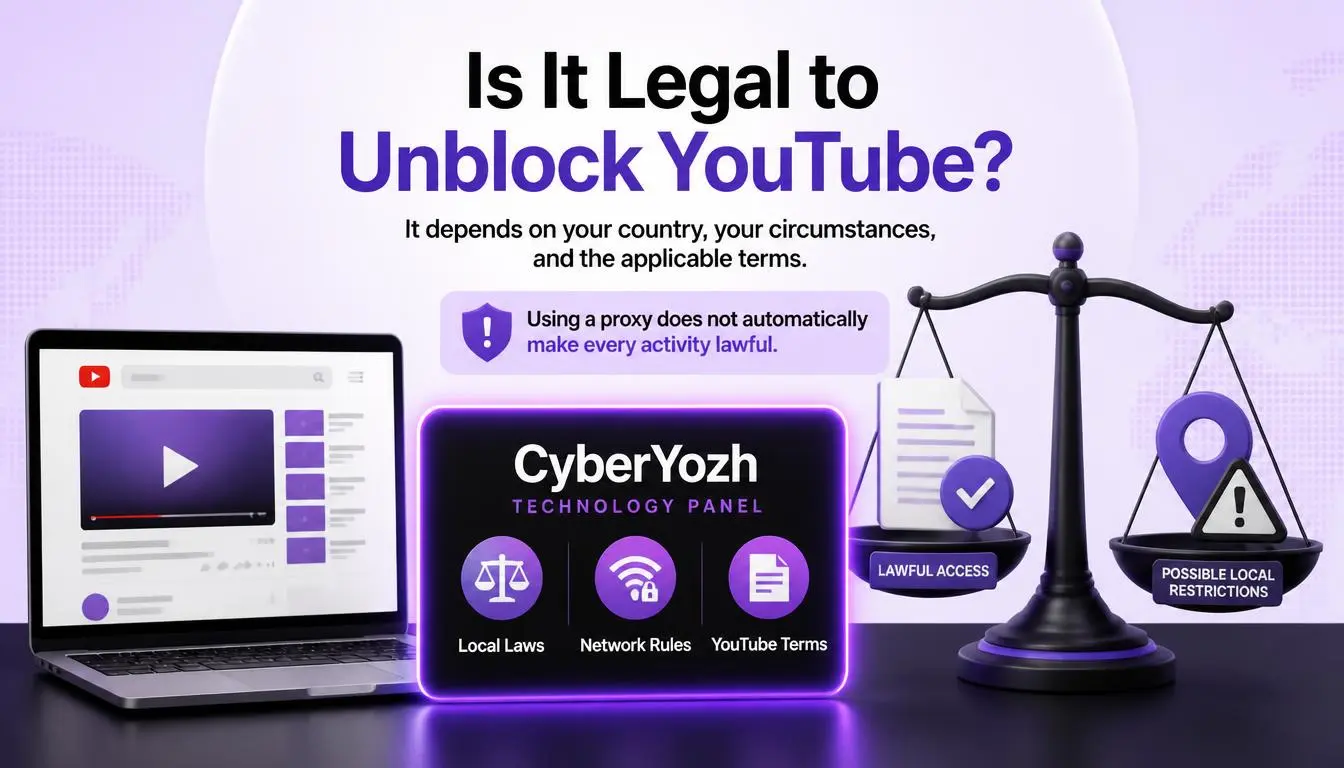
Using a proxy or VPN is legal in most countries, but three limits apply:
Local law: some countries restrict or ban circumvention tools. Check before you travel.
Network rules: bypassing an employer’s or school’s filter can violate its acceptable-use policy, even if the tool itself is legal.
YouTube’s terms: they prohibit attempts to “circumvent… features that… limit the use of the Service or Content.” Country restrictions set by uploaders fall into that territory.
The safest uses are restoring access on public networks you don’t control, protecting your privacy on public Wi-Fi, and legitimate business work such as checking regional ads.
Conclusion
Getting YouTube unblocked is quick once you know what’s blocking it. Try mobile data first, skip free tools for anything involving your account, and use a residential or mobile proxy when you need YouTube to work reliably on any network.