
Your IP's Trust Score: How Websites Know You're a Bot Before You Even Enter Your Username
You open an online store or social media page, and even before you have time to hover over the "Login" button, the system already serves you an endless captcha with traffic lights or blocks access entirely with an "Access Denied" message.
How do websites know who you are before you even enter a username and password?
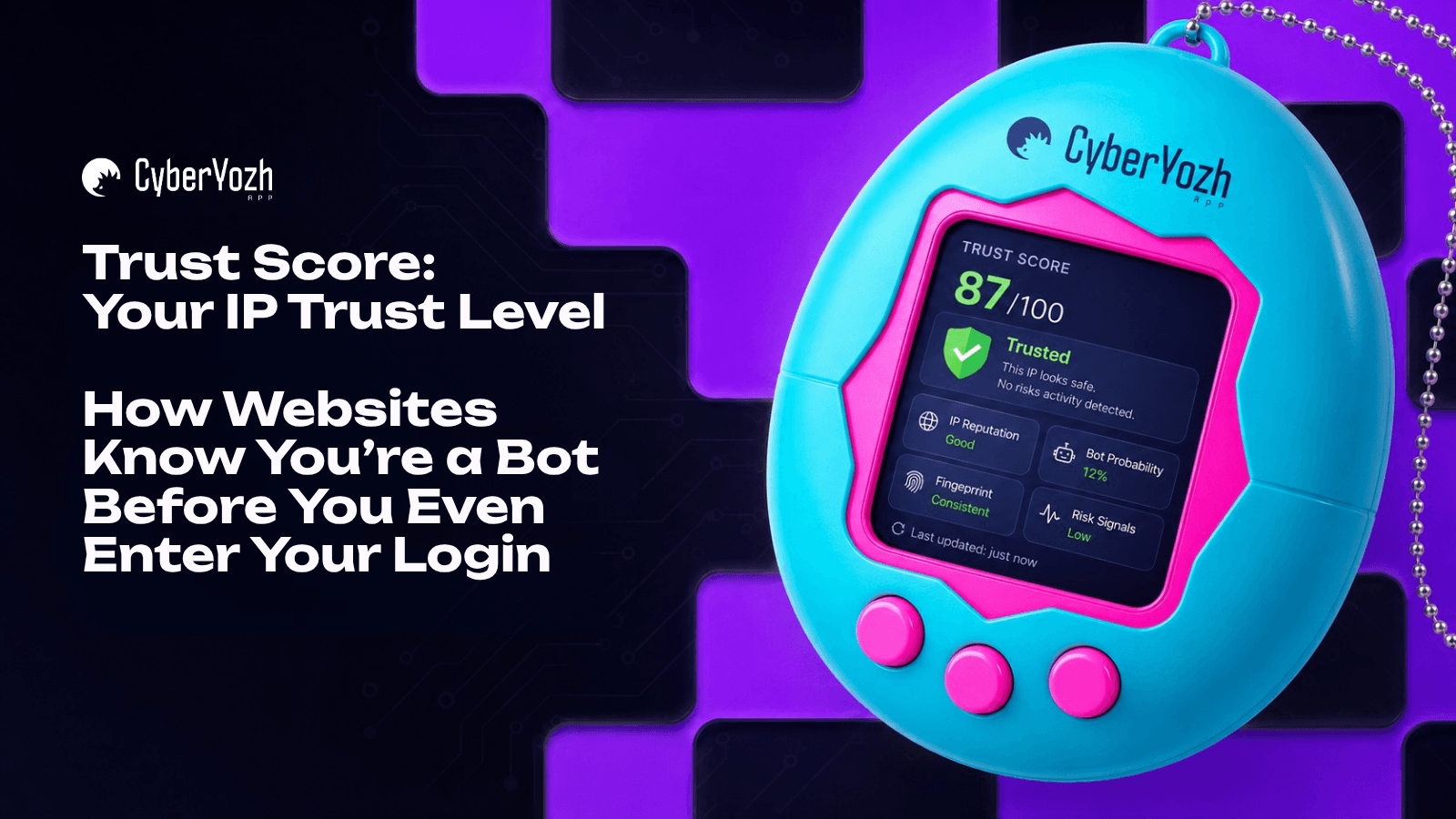
The answer lies in an invisible digital assessment — the Trust Score or Fraud Score of your connection. As soon as your browser sends the first data packet to the server, complex anti-fraud algorithms (such as IPQualityScore) run your digital profile through dozens of databases in milliseconds.
For specialists involved in web automation, QA testing, or managing multiple corporate accounts, understanding this mechanic is critically important. Any incorrect action leads to the loss of workspaces.
Let's break down the key verification stages your profile undergoes and the tools that help maintain a high Trust Score.
Stage 1. IP Address Source Analysis
The first thing an anti-fraud system looks at is the origin of your IP. All addresses on the internet are divided into classes:
Data Center IPs: These are addresses belonging to major cloud providers (AWS, DigitalOcean, etc.). The system knows that ordinary people do not access the internet from server racks. If you use a data center IP to log into a strict platform (e.g., Amazon or Google), your Fraud Score instantly skyrockets. In the CyberYozh App ecosystem, such data center proxies (HTTP) are recommended for technical testing and working with open data.
Residential IPs: These are addresses of real home internet service providers. Using residential proxies (SOCKS5/HTTP from CyberYozh App) ensures that the system sees you as an ordinary person sitting at home with a laptop. The risk of blocking is minimal.
👉 You can read more about residential proxies hereMobile IPs: The absolute gold standard of trust. Mobile operators use NAT technology, placing thousands of real subscribers on a single IP address. Platforms almost never block mobile networks. For working with the strictest algorithms, we offer dedicated and shared mobile proxies with VLESS/Xray protocol support.
👉 You can read more about mobile proxies here
Stage 2. History Check: Blacklists and Abuse Velocity
Even if you have an elite residential IP, it could have been tainted by a previous owner. Anti-fraud systems continuously collect databases.
Blacklists: The system checks your IP against 100+ open source intelligence (OSINT) databases and spam trap databases.
Abuse Velocity: This parameter measures how quickly and frequently a specific IP address becomes the subject of complaints. If aggressive web automation or mass requests to hundreds of sites were performed from your IP yesterday, the Abuse Velocity score will be "High." For security systems, this is a red flag.
💡 How to check your IP? A professional IP address verification tool is available in CyberYozh App. We query leading anti-fraud systems (such as IPQualityScore) and show your real Fraud Score, VPN/TOR status, presence in Bogon Network databases, and web crawler status.
Stage 3. Hidden Checks: Phones and Finances
Anti-fraud protection is a comprehensive ecosystem. If your IP address passes the check, the system moves on to validating your contact and payment details. A mismatch in these parameters will wipe out your entire Trust Score.
SMS Verification
Platforms like Google, Microsoft, or Booking.com can distinguish virtual (VoIP) numbers from real SIM cards. If you register an account from a US IP address but enter a virtual number with a high Fraud Score, the account will be banned.
Solution: The CyberYozh App temporary number service provides access to 670+ online services in 140 countries. Our unique feature is number reputation verification before use. You can activate a Premium check (anti-fraud system database) to ensure that the issued number has a zero Fraud Score (like real T-Mobile or Verizon operators) and is not blacklisted.
Payment Localization (BIN-matching)
This is where many marketers "get burned." If you pay for an ad account or a subscription using a European residential proxy but enter bank card details from a completely different region, the payment gateway (Stripe, PayPal) blocks the transaction on suspicion of fraud.
Solution: Virtual bank cards from CyberYozh App. We offer payment localization: you can issue a card with parameters for the required region so it perfectly matches your proxy's GEO. This is an ideal tool for task separation (a separate card for each service), secure payment of international subscriptions (with Apple Pay and Google Pay support), and strict expense control through setting limits.
Conclusion
Trust Score is the digital face of your business online. Corporate algorithms have become too smart to take users at their word. Secure web automation and corporate profile management today require a comprehensive approach.
By using the unified CyberYozh App infrastructure — clean mobile or residential proxies for IP masking, verified phone numbers for reliable SMS verification, and localized virtual cards for payments — you create an ideal, 100% trusted digital profile for security systems.