
Google Maps proxy
Get Google Maps proxy to see and collect local map data from any city. Use them for local SEO, lead generation, market research, and review management. Combine with cloud phones to manage hundreds of sessions at once, or use virtual numbers to authenticate multiple accounts.
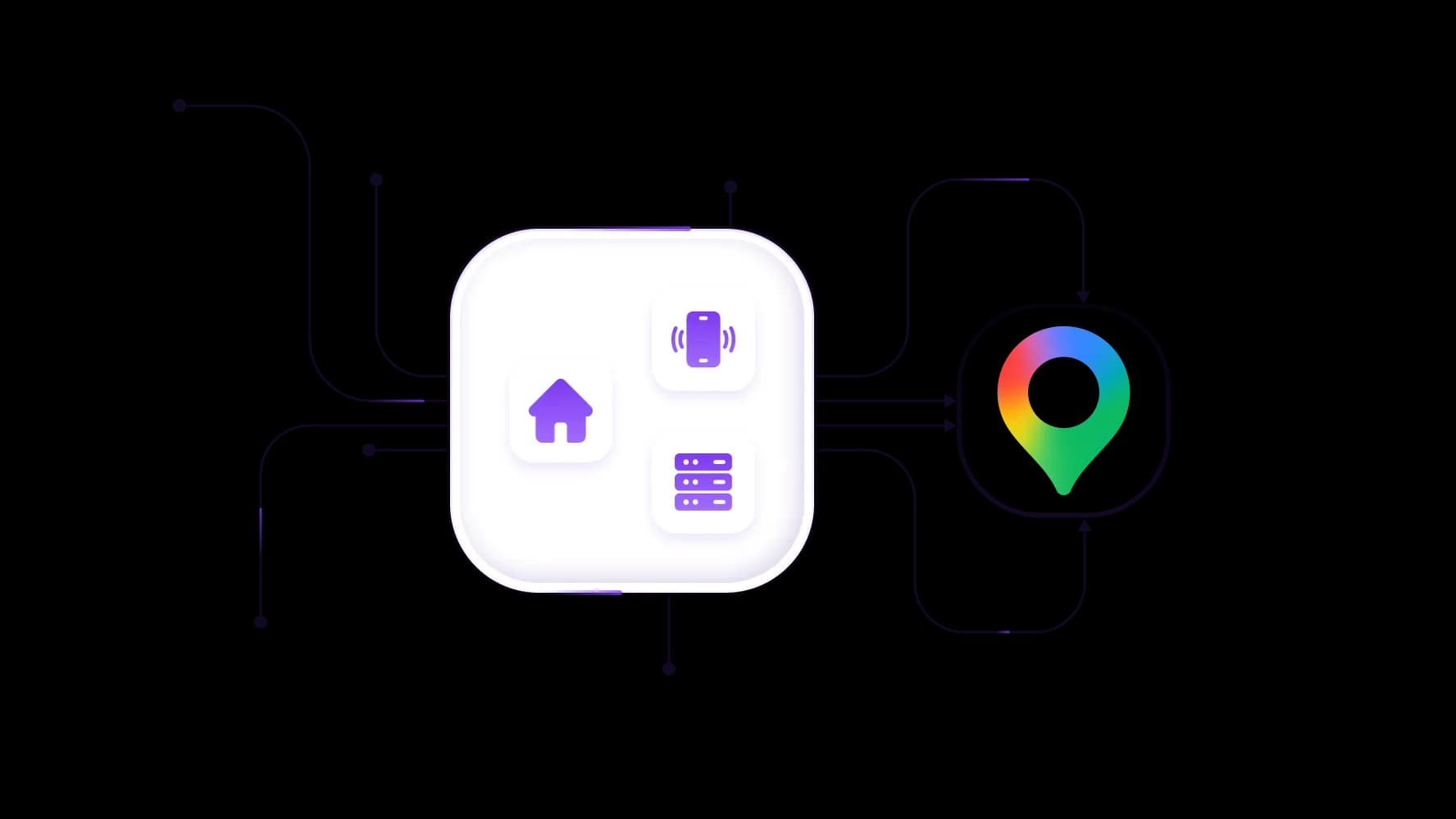
Deploy a Google Maps proxy for local operations
Run local tasks on mobile, residential, or datacenter IPs with unlimited traffic, or rotating residential with robust automation. Check every IP before use, and add virtual numbers and cards for local sign-ups.
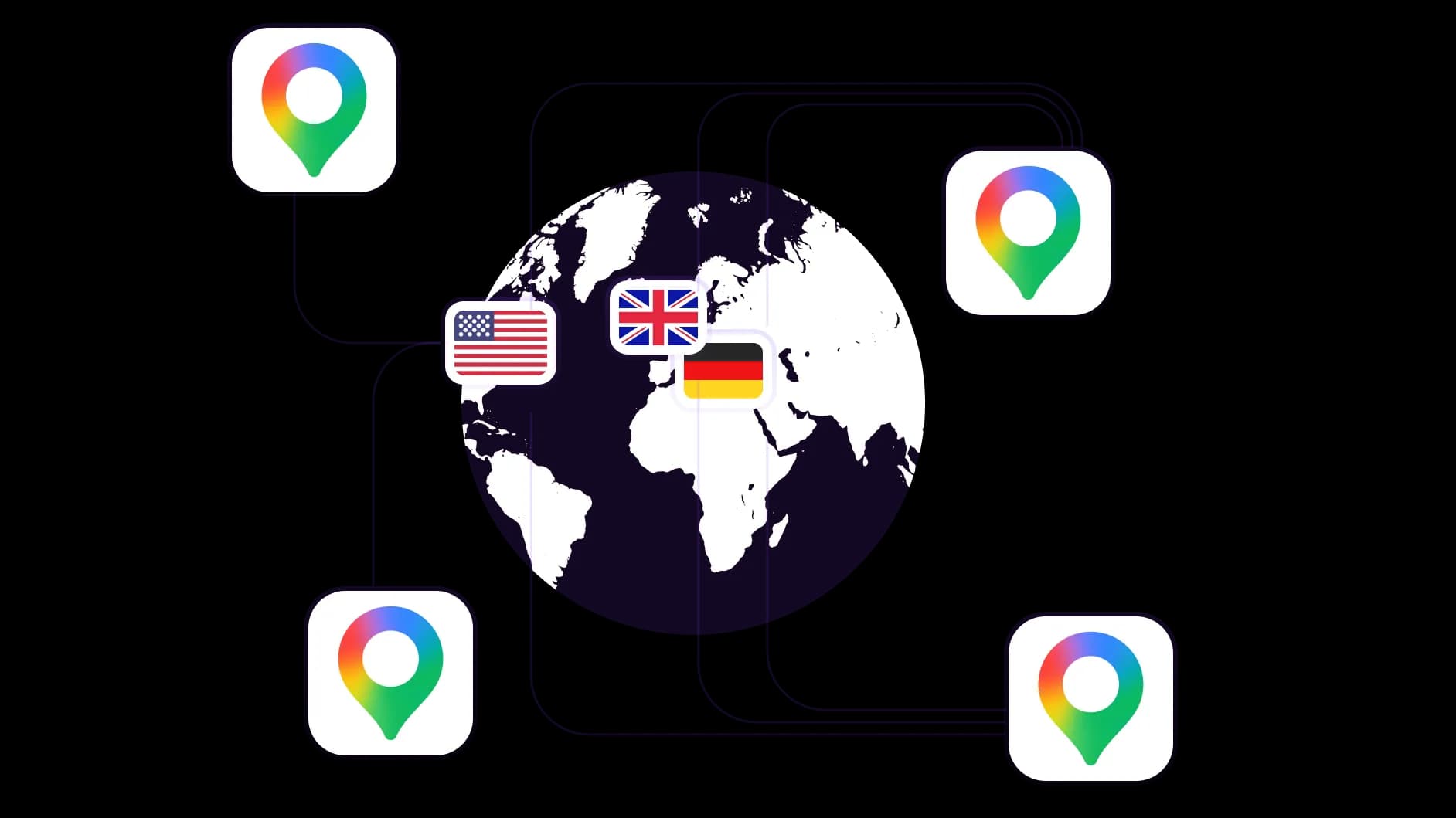
Use Google Maps proxy to place yourself everywhere
If you need to see local results in Berlin, Austin, or Tokyo, pick one of 195+ locations, target any city, and view Google Maps like a local customer. Get your IP to reach out to local customers.
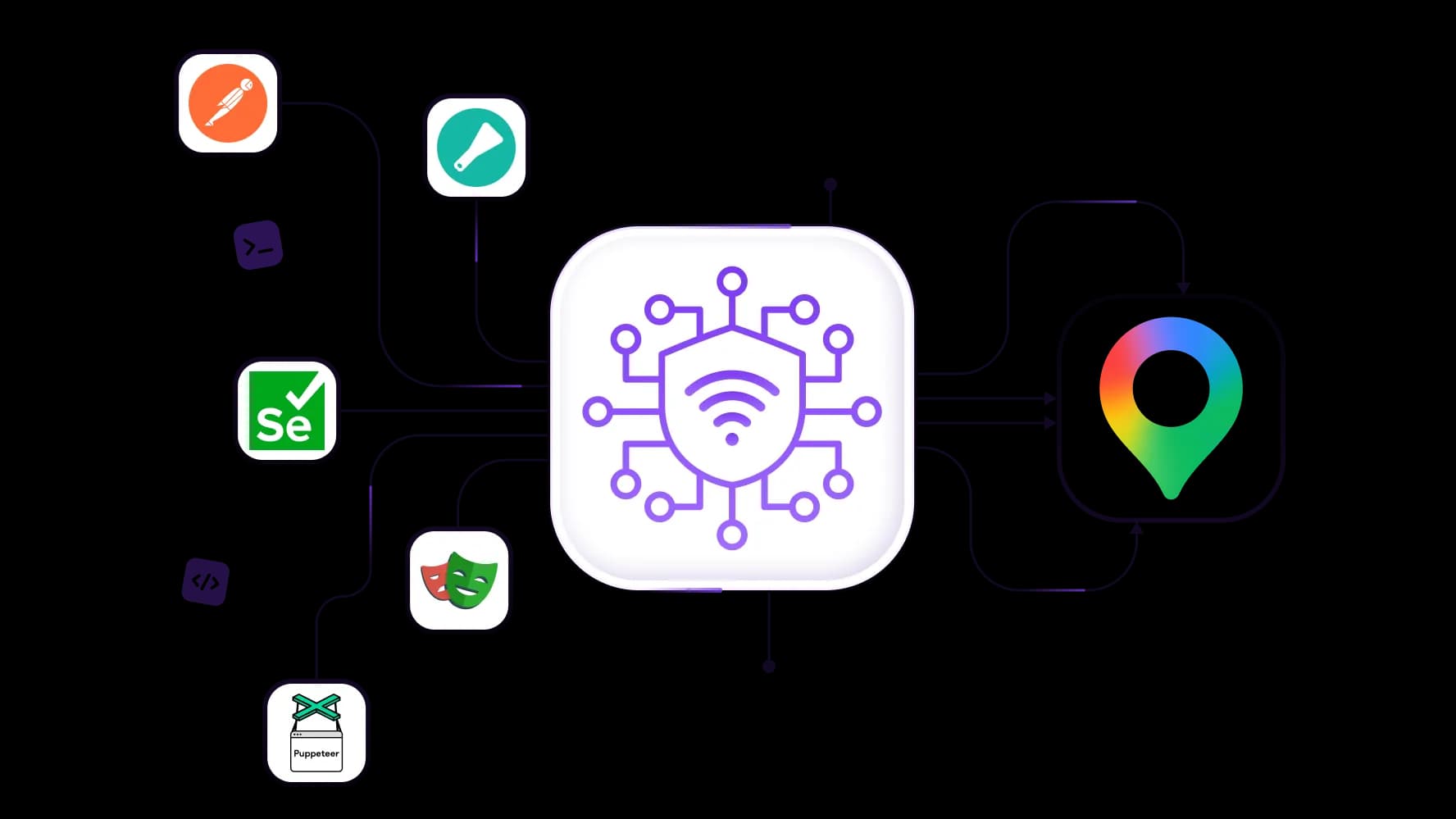
Collect map data via Google Maps proxy and API
Spread requests across 100M+ IPs when scraping Google Maps for thousands of listings. Run Yozh Scraper, or connect proxies via API to Scrapy, Selenium, Puppeteer, Playwright, and Postman. Collect more with fewer CAPTCHAs.
Launch multiple Google Maps accounts with a proxy
For managing Business Profiles for many clients, give each account its own sticky IP. Use cloud phones when needed, keep sessions stable, and change IP when you decide. Reach a 99.95% success rate from day one.
Integrate Google Maps proxy with antidetect tools
Add one more layer of safety: connect proxies to your antidetect browser or run them on CyberYozh App’s built-in cloud phones. Every profile gets a separate IP and a matching fingerprint.
Specially for you
Best proxies by countries

Google Maps - dedicated mobile unlimited
Dedicated 5G Router
SOCKS5/VPN with dedicated DNS
Manual IP Changing
Change p0f fingerprint (Windows, MacOS, Android)
High Trust Rate
Very High Speed + Low Ping
All network params 1:1 as provider's
Google Maps - shared mobile
- Shared 5G Router
- Supports SOCKS5 with UDP
- Up to 5 users per port
- Socks5/HTTP
- IP Rotation: every 30 min
- Windows p0f fingerprint
- High Trust Rate
- Very High Speed + Low Ping
- All network params 1:1 as provider's
Google Maps - rotating residential
- 24 hours Availability
- Real ISP
- Speed up to 10 mbps
- Full API Access
- HTTP Protocol
- 100M+ IPs in 100+ Countries
- Mass Credentials Generator
- Long session up to 6 hours
Google Maps - private residential
- Unlimited Bandwith
- Real ISP
- Speed up to 150 mbps
- Low Ping
- Supports SOCKS5 with UDP
- 24 hours Availability
- 1 Dedicated IP
Google Maps - dedicated datacenter
- Unlimited bandwidth
- Exclusive IP ownership
- High-speed connectivity
- 99.9 % uptime
- HTTP
Google Maps - shared datacenter
- Lightning-fast speeds
- Global IP coverage
- 99.9 % uptime
- Cost-efficient plans
- 1 GB bandwidth
- HTTP
Why do they buy from us?
Advantages
Private card payment
It doesn't matter how you topped up your balance, linking the payment to the rental of a specific proxy is impossible.
We do not store data on servers
As a rule, services that rent out proxies retain all data about the traffic passing through their servers.
Dedicated device
We do NOT disguise Shared proxies as individual ones. A modem or router is transferred to ONLY one person.
Online technical support
We are always ready to solve your problems and questions. Even late at night and early in the morning.
Money-back guarantee
We have both returns and exchanges. The priority is quality service and satisfied customers.
API for Business
For business clients, our service is ready to provide a convenient API that allows you to purchase proxies, change IP addresses, and much more.
What is a Google Maps proxy
A Google Maps proxy is a server between you and Google Maps. Google sees the proxy's IP and location, not yours. As a result, the map, the local results, and the business data you get match the proxy's city.
Common ways to use a Google Maps proxy server:
Geo-targeting: check local rankings, map ads, and competitors in any city.
Google Maps API proxy: send script and API requests from many IPs to spread the load.
Data collection: scraping Google Maps for names, addresses, phones, ratings, and reviews.
Account management: keep each Google Business Profile on its own stable IP.
Reputation monitoring: see new reviews and listing changes in every market.
See Google Search proxy if you need to focus on search results instead.
How Google Maps results are different for different locations
Google Maps ranks businesses by distance, relevance, and popularity. The searcher's location changes the top results, sometimes between two streets in one city. A search for "dentist" in Munich and in Hamburg shows two different lists.
Without a local IP, you see your own results, not your customer's. A proxy server Google Maps sees as local fixes this. You check rankings, ads, and competitors exactly where your buyers search.
Reputation management on Google Maps can be highly beneficial for your business. Learn more with CyberYozh App.
Specific benefits of CyberYozh App for Google Maps
Here is the summary of what you’ll get here:
Proxies: mobile, residential ISP, rotating residential, and datacenter IPs in 195+ locations.
Cloud phones: Android phones in the cloud for the Google Maps app.
Virtual numbers: SMS codes for Google sign-ups and recovery.
Virtual cards: payments for Google Ads and local services.
Yozh Scraper: a free, open-source tool to collect Maps data.
Checker tools: test IPs, phone numbers, and cards before use.
Get CyberYozh App now for map operations and more.
How to get the best proxy for Google Maps
Each Google Maps proxy type fits a different task. All plans include unlimited traffic, except rotating residential, which you pay for by the gigabyte.
Proxy type | Characteristics and price | Best use cases |
|---|---|---|
Real carrier IPs with top Google trust. Shared from $1.70/day, dedicated from $3.50/day. | Google account sign-ins, Business Profile management, payments, and other critical tasks. | |
Static home IPs, fast and clean, for long sessions. From $5.39/month. | Daily local rank tracking and review monitoring in one fixed city. | |
Large IP pools in many regions, new IP on demand. From $2/GB. | Scraping Google Maps listings, building lead lists, and collecting data across many cities. | |
Highest speed, lower platform trust. Shared from $1.77/month, dedicated from $2.18/month. | Monitoring public map data and testing API requests without logging in. |
Not sure where to start? Take residential ISP for tracking, or rotating residential for scraping.
CyberYozh App infrastructure for Google Maps
A Google Maps proxy is only one part. CyberYozh App gives you every tool for local operations in one account, with one balance.
Deploy cloud phones for advanced Google multi-accounting
Cloud phones are Android devices that run in the cloud. Each phone has its own device data, apps, and proxy, so Google sees a separate mobile user. Install the Google Maps app, check mobile-only results, and manage Business Profiles for many clients. Keep dozens of accounts separate without buying any hardware.
Use virtual numbers for SMS authentications
Google often asks for an SMS code when you create or recover an account. Get a virtual number from the same country as your proxy, receive the code online, and keep your account location consistent.
Get virtual cards for local payments
Pay for Google Ads, Google Workspace, or local SEO tools with a virtual card. Match the card country to your proxy location to reduce payment declines and keep local campaigns running.
Collect maps data with Yozh Scraper
Yozh Scraper is a free, open-source tool by CyberYozh. It opens pages in a real browser with Playwright, runs in Docker, and connects to CyberYozh proxies through the API. Use it to collect listings, ratings, and reviews, or link it to AI agents via MCP.
Check the tool quality before deployment
Test your IP, phones, and cards before Google sees them. The IP checker shows fraud score, blacklist status, and real location. Additional phone and card checkers confirm your numbers and cards work before you use them.
Dive deeper into the Google Maps proxy usage
Now, let’s see how you can deploy these tools and which use case best fits your goals.
City-level geo-targeted operations, from ads to SEO
A Google Maps proxy in the right city shows the real local picture. With geo-targeting, you pick a country, region, or city and check rankings, map ads, and competitors as a local user.
Best fit: residential ISP or mobile proxies.
Lead generation in a specific location
Find every plumber, café, or clinic in your target area. Lead generation proxies with rotating IPs collect names, phones, websites, and ratings into a ready lead list for your sales team.
Best fit: rotating residential or sticky mobile proxies.
Market research and competitor intelligence
Compare prices, ratings, and new openings across cities before you enter a market. Market research on Google Maps shows where demand is high and competition is weak.
Best fit: rotating residential or datacenter proxies.
Brand protection and reputation management
Track new reviews, fake listings that copy your brand, and wrong business details in every location. Only a proxy Google Maps trusts shows what local customers really see. Learn more about brand protection.
Best fit: residential ISP proxies.
Google Maps data collection with the proxy
Scraping Google Maps at scale needs many IPs and real browser behavior. Combine web scraping proxies with Yozh Scraper or your own scripts to collect clean local data every day.
Best fit: rotating residential proxies.
Deploy CyberYozh App for Google Maps
Deploying a CyberYozh proxy for targeted operations from home is easy and takes only a few minutes. Follow these five steps:
Sign up: create a CyberYozh account and top up your balance with a card or crypto.
Choose your proxy: pick a Google Maps proxy type, country, and city in the catalog, then copy the host, port, login, and password.
Check the IP: run it through the IP checker to confirm its location and fraud score.
Connect it using CyberYozh App setup guides.
Fastest: the CyberYozh browser extension.
Desktop and mobile: a proxy client for Windows, macOS, Android, or iOS.
Many accounts: an antidetect browser or cloud phone for full protection.
Automate: use the CyberYozh API to rotate IPs and connect Scrapy, Playwright, Puppeteer, or Yozh Scraper.
Ready to deploy it now? Go to the proxy catalog and get the right proxy.
Top up your balance in any convenient way!
Bank cards


Cryptocurrency


