
Safari proxy
Safari browser proxy delivers a 99.9% success rate across Mac, iPhone, and iPad, so your browsing, research, and account sessions stay unblocked.
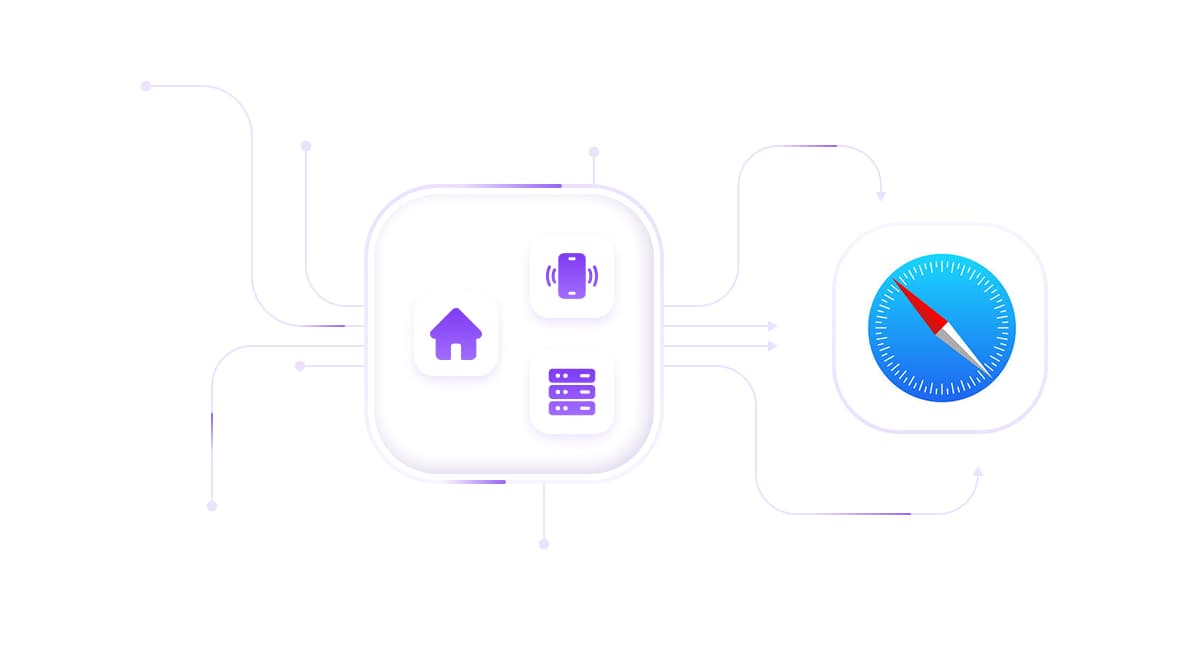
Safari proxy with pure network
Leverage mobile and residential IPs from a 50M+ pool, including 5G/LTE, ISP, and datacenter options. Ensuring natural browsing behavior for scraping, account management, and geo-specific access.
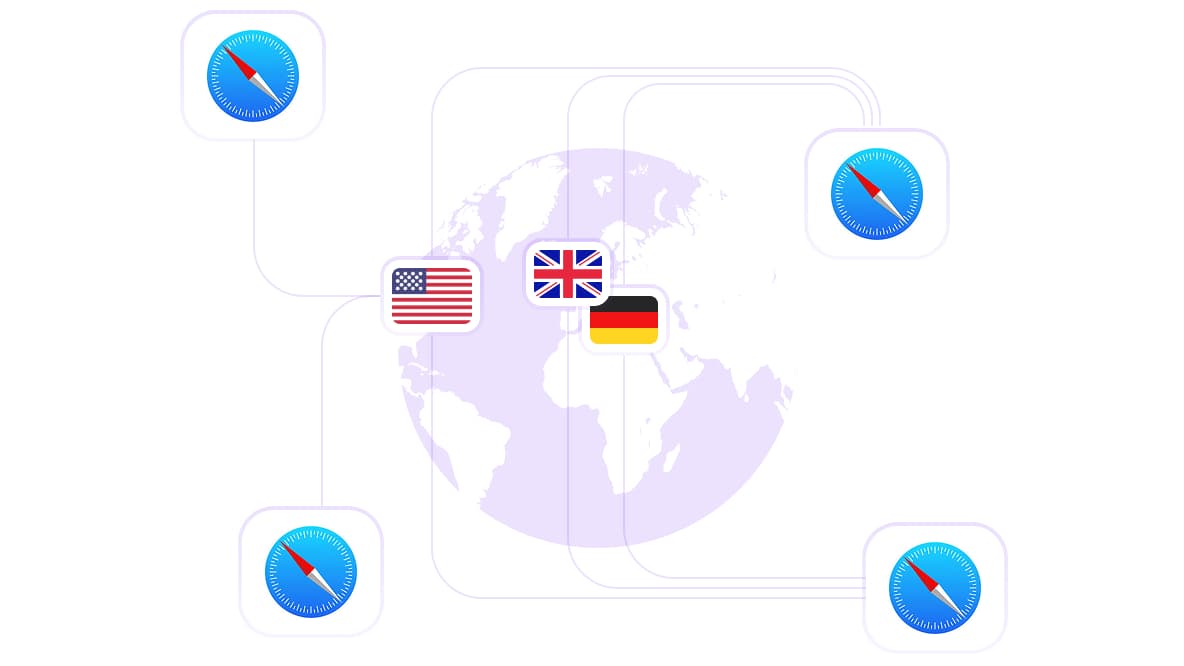
Use a Safari proxy server with global geo coverage
Route Safari across 100+ countries to access city-level targeting, real local search results, regional pricing, and geo-restricted content exactly as native users see it.
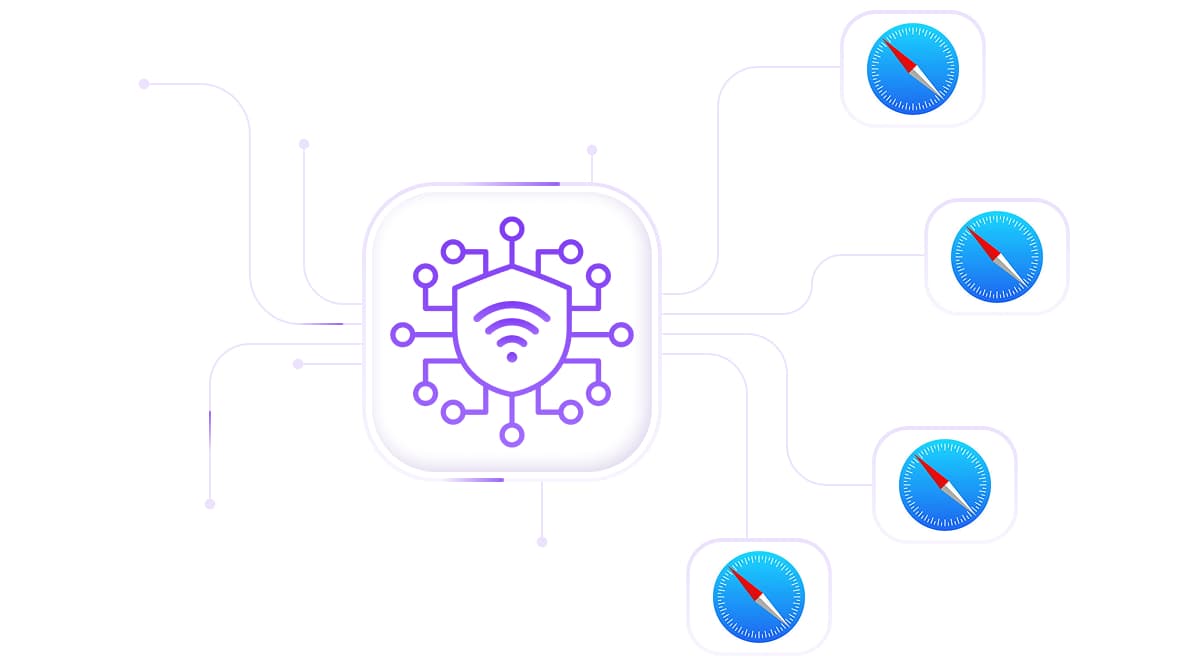
Manage multiple accounts with the Safari proxy server
Assign a dedicated IP to each Safari session or browser profile to keep accounts fully isolated with no shared connection history. Configure one IP per account, and platforms see completely separate users.
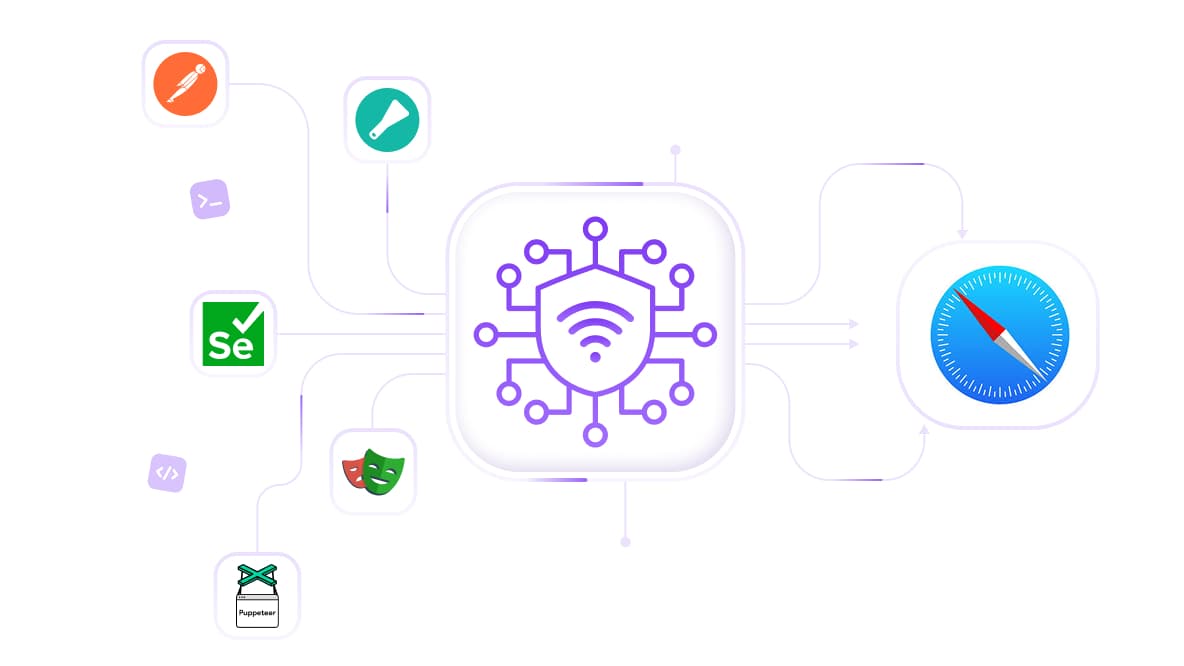
Use a Safari proxy to scrape and research
Browse and scrape e-commerce, search engines, or social platforms in Safari using mobile 5G/LTE and residential IPs. Pair Safari proxies with Postman, Scrapy, Selenium, Playwright, or Puppeteer for cleaner sessions and fewer blocks
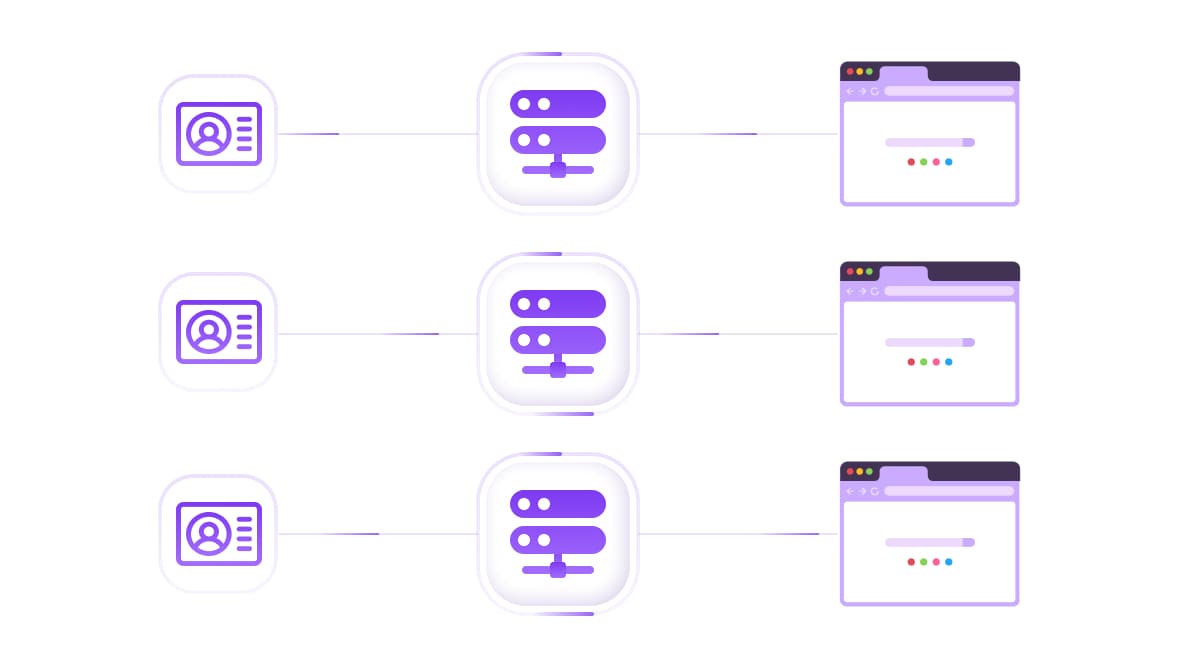
Run Safari proxy with antidetect browser integration
Pair with any anti-detect browser profile to assign each Safari session its own IP address and browser fingerprint, thereby eliminating cross-session signal overlap and preventing account linking.
Specially for you
Best proxies by countries

safari proxy - dedicated mobile unlimited
- Dedicated 5G Router
- Socks5/VPN with dedicated DNS
- Manual IP Changing
- Change p0f fingerprint (Windows, MacOS, Android)
- High Trust Rate
- Very High Speed + Low Ping
- All network params 1:1 as provider's
safari proxy - shared mobile
- Shared 5G Router
- Supports SOCKS5 with UDP
- Up to 5 users per port
- Socks5/HTTP
- IP Rotation: every 30 min
- Windows p0f fingerprint
- High Trust Rate
- Very High Speed + Low Ping
- All network params 1:1 as provider's
safari proxy - rotating residential
- 24 hours Availability
- Real ISP
- Speed up to 10 mbps
- Full API Access
- HTTP Protocol
- 100M+ IPs in 100+ Countries
- Mass Credentials Generator
- Long session up to 6 hours
safari proxy - private residential
- Unlimited Bandwith
- Real ISP
- Speed up to 150 mbps
- Low Ping
- Supports SOCKS5 with UDP
- 24 hours Availability
- 1 Dedicated IP
safari proxy - dedicated datacenter
- Unlimited bandwidth
- Exclusive IP ownership
- High-speed connectivity
- 99.9 % uptime
- HTTP
safari proxy - shared datacenter
- Lightning-fast speeds
- Global IP coverage
- 99.9 % uptime
- Cost-efficient plans
- 1 GB bandwidth
- HTTP
Why do they buy from us?
Advantages
Private card payment
It doesn't matter how you topped up your balance, linking the payment to the rental of a specific proxy is impossible.
We do not store data on servers
As a rule, services that rent out proxies retain all data about the traffic passing through their servers.
Dedicated device
We do NOT disguise Shared proxies as individual ones. A modem or router is transferred to ONLY one person.
Online technical support
We are always ready to solve your problems and questions. Even late at night and early in the morning.
Money-back guarantee
We have both returns and exchanges. The priority is quality service and satisfied customers.
API for Business
For business clients, our service is ready to provide a convenient API that allows you to purchase proxies, change IP addresses, and much more.
What makes CyberYozh App the right Safari proxy
System-level macOS and iOS integration, configure once in network settings, and every Safari tab routes through your proxy automatically, per Apple's proxy configuration guidelines
No browser extension required, Safari's native SOCKS5 and HTTP proxy support handles the connection without third-party software
SOCKS5 and HTTP compatibility, both protocols work with Safari's system proxy settings on Mac, iPhone, and iPad
Sticky sessions up to 24h+, maintain a consistent IP across long Safari research sessions or account management workflows without mid-session IP changes
City-level targeting across 100+ countries, choose your specific city rather than just a country, for accurate local search results and regional content
IP Fraud Score checker, verify each address before your Safari session to confirm it carries no prior flagging history
24/7 human support, engineers available for Safari-specific proxy configuration help on any Apple device or OS version
Operating since 2014, with over a decade of proxy infrastructure experience across 100+ countries
Types of Safari proxies we offer
Residential Proxies (Rotating) Real ISP-assigned IPs cycling automatically, the standard choice for Safari research, competitor monitoring, and geo-restricted content access. From $0.90/GB.
Mobile 4G/5G Proxies Carrier-grade trust score, best for Safari sessions involving social media account management, platforms with aggressive bot detection, or any workflow where account safety is the priority. Unlimited traffic from $1.70/day.
Static Residential Proxies: One dedicated IP per account, best for persistent Safari sessions where consistent IP identity across logins over weeks or months matters more than rotation range. From $5.29/month.
Datacenter Proxies are fast and cost-effective for basic Safari browsing and open public research on targets without active bot detection. Not suitable for social platforms, streaming services, or any site running Cloudflare or similar protection. From $1.90/month.
The real problem with most Safari proxy setups
Here's what most Safari proxy guides don't tell you:
The system-level configuration is the easy part.
Entering a host and port into macOS network settings takes 90 seconds.
The part that determines whether it actually works is the quality of the IP behind those credentials.
A datacenter IP configured in Safari triggers the same detection response as it would anywhere else; the browser doesn't change the address's trust score.
Platforms like Cloudflare openly document that datacenter IP ranges receive higher bot scores by default, resulting in challenge pages that immediately interrupt your Safari session.
CyberYozh residential and mobile IPs come from real ISPs and carrier networks, the same infrastructure that genuine users connect through. The Safari configuration takes 90 seconds. The trust score behind it is what's actually doing the work.
Set up your Safari proxy for the price of a coffee → No subscription, money-back guarantee.
What Safari users are saying
How to change proxy settings in Safari: Complete guide
On Mac (macOS Ventura and later):
System Settings → Network → select your active Wi-Fi or Ethernet → click Details
Click the Proxies tab → enable SOCKS Proxy → enter your CyberYozh App host and port
Enter your username and password in the authentication fields → click OK → Apply
Verify in Safari by visiting the CyberYozh App IP Checker, your active IP and location should match your proxy settings
On iPhone and iPad (iOS 16 and later):
Settings → Wi-Fi → tap the ⓘ icon next to your connected network
Scroll to HTTP Proxy → tap Configure Proxy → select Manual
Enter your CyberYozh App Server address, Port, username, and password → tap Save
Open Safari and visit the CyberYozh App IP Checker to confirm your proxy is active
Note on iCloud Private Relay: Apple's iCloud Private Relay can conflict with system-level proxy settings on Mac. If your proxy isn't routing correctly, disable iCloud Private Relay for the active network under System Settings → Apple ID → iCloud → Private Relay before configuring your CyberYozh App proxy.
Get your Safari proxy running in 90 seconds
CyberYozh App gives you 50M+ fraud-verified residential and mobile IPs, city-level geo-targeting, sticky sessions up to 24h+, SOCKS5 support for all Apple devices, and 24/7 human support for configuring Safari proxies on any Mac, iPhone, or iPad, with residential rotation starting at $0.90/GB. Mobile from $1.70/day. No contracts.
Get Your Safari Proxy → Configured in 90 seconds—money-back guarantee. Cancel any time.
Top up your balance in any convenient way!
Bank cards


Cryptocurrency


