
Real mobile LTE / 5G networks
Run AI agents through real carrier networks with unlimited mobile traffic and dedicated channels.
- Real LTE / 5G carrier networks
- Manual and API IP rotation
- High-trust environments
- Stable AI sessions
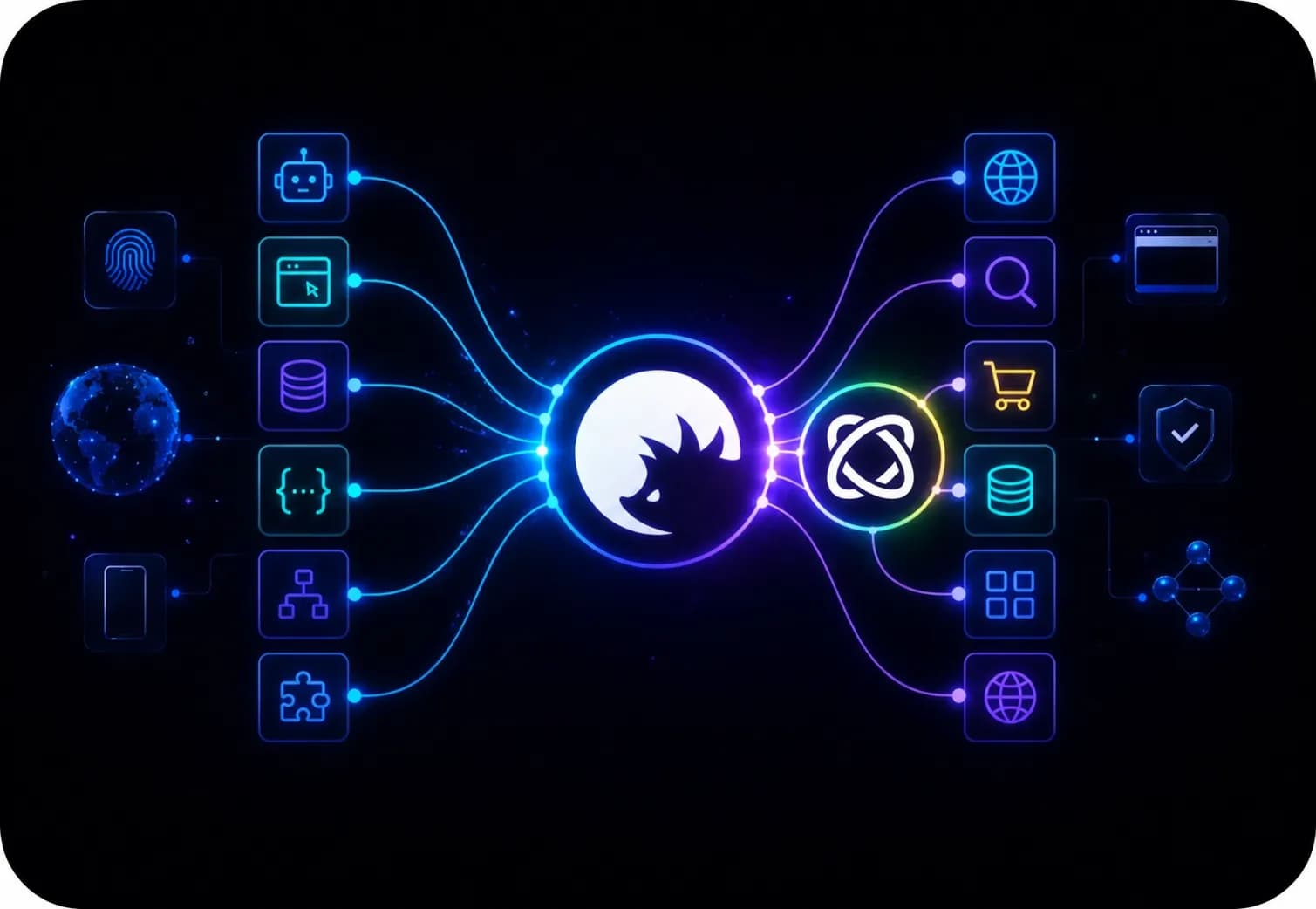
Browser Use is an open-source, AI-driven browser automation framework that should be combined with proxies for any large-scale browsing task. For clicking on repeating buttons, publishing repeating content, sending messages or emails, and many more, Browser Use offers automation tools based on Playwright, and CyberYozh proxies ensure that you won’t face rate limits, local restrictions, or blocks.
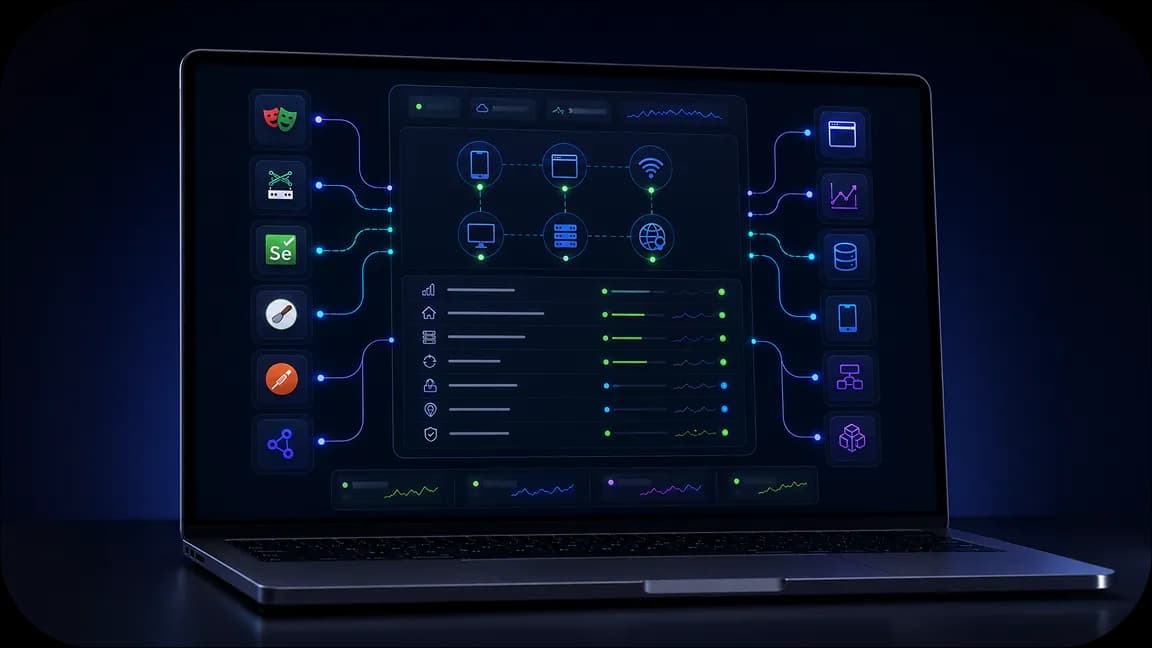
Launch Browser Use with a 50M+ IP pool to automate all repetitive browser tasks. Integrate with Scrapy, Postman, Playwright, Puppeteer, Selenium for additional tasks.
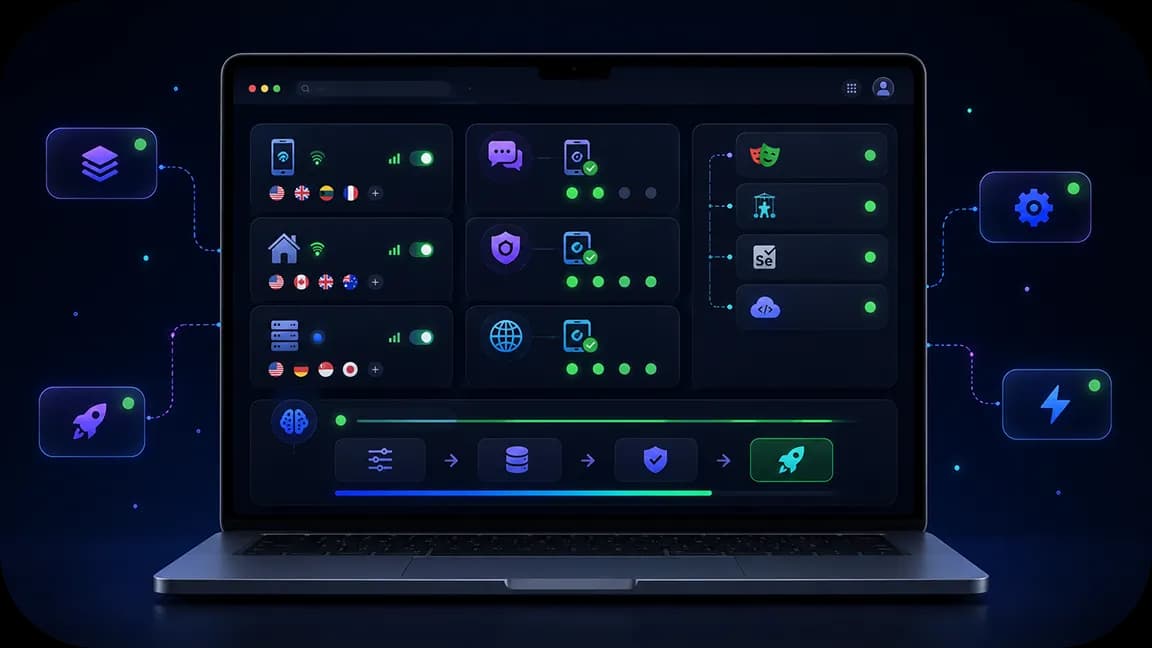
Proxies ensure that neither of your workflows gets stalled, restricted, or slowed down. Integrate Browser Use with proxies and automate browser processes, unrestricted.
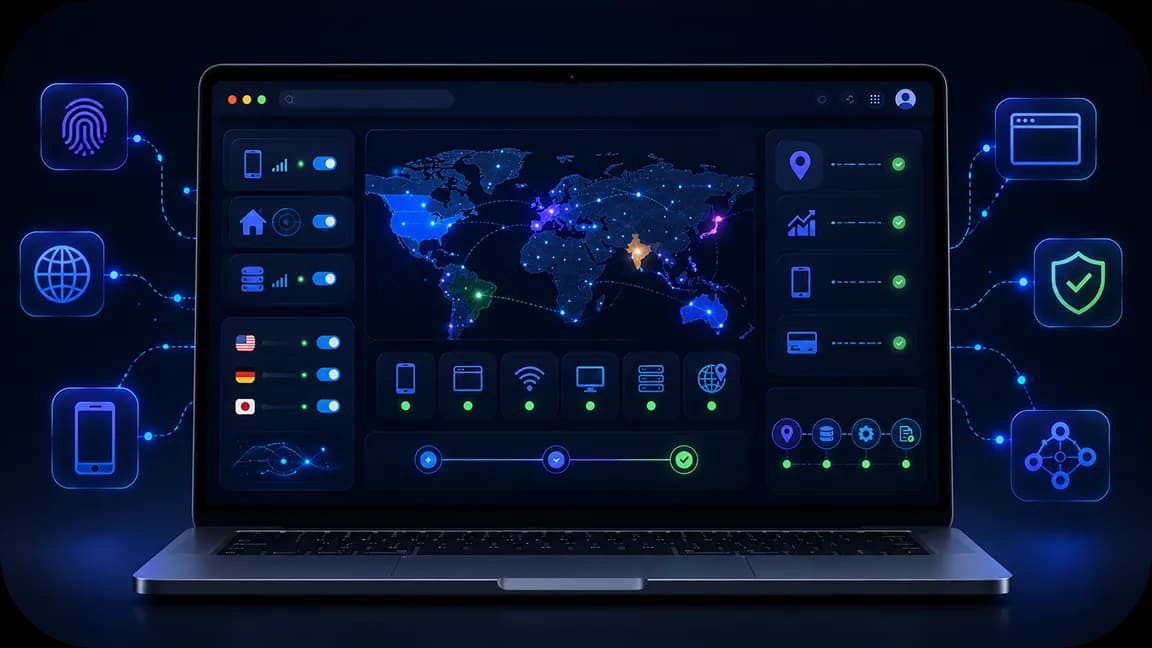
Access local services and websites worldwide, looking exactly as local users. Scrape data, check ads, and complete local tasks automatically with Browser Use, without restrictions.
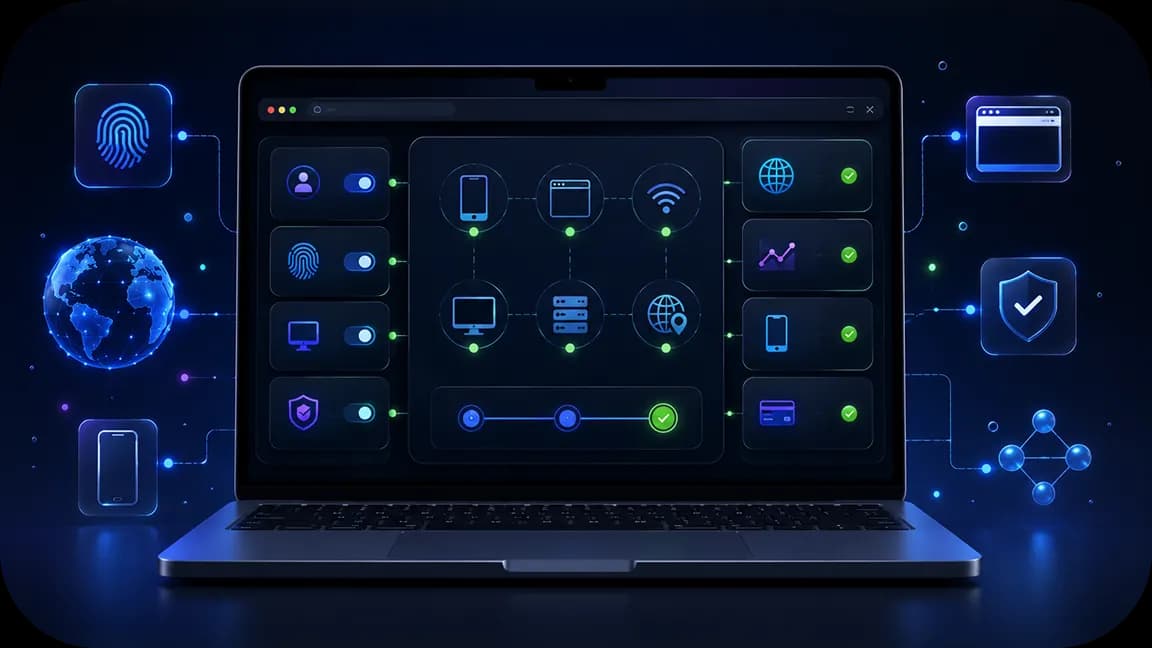
Check any Browser Use proxy before proceeding, and filter out low-quality IPs instantly. Combine with CyberYozh’s virtual numbers and cards for local authentication and payments.
Run AI agents through real carrier networks with unlimited mobile traffic and dedicated channels.

Reduce workflow interruptions with CAPTCHA solving support and validation tools built for automation.

Manage proxies, SMS activation, fingerprinting, fraud checks, and integrations from one environment.
CyberYozh combines mobile, residential, and datacenter proxies with an IP quality checker to keep every Browser Use session fast, clean, and ban‑resistant. Virtual numbers and cards handle SMS verification and local payments during automated sign‑ups or checkouts, while Yozh Scraper adds structured data extraction on top of Browser Use agents.
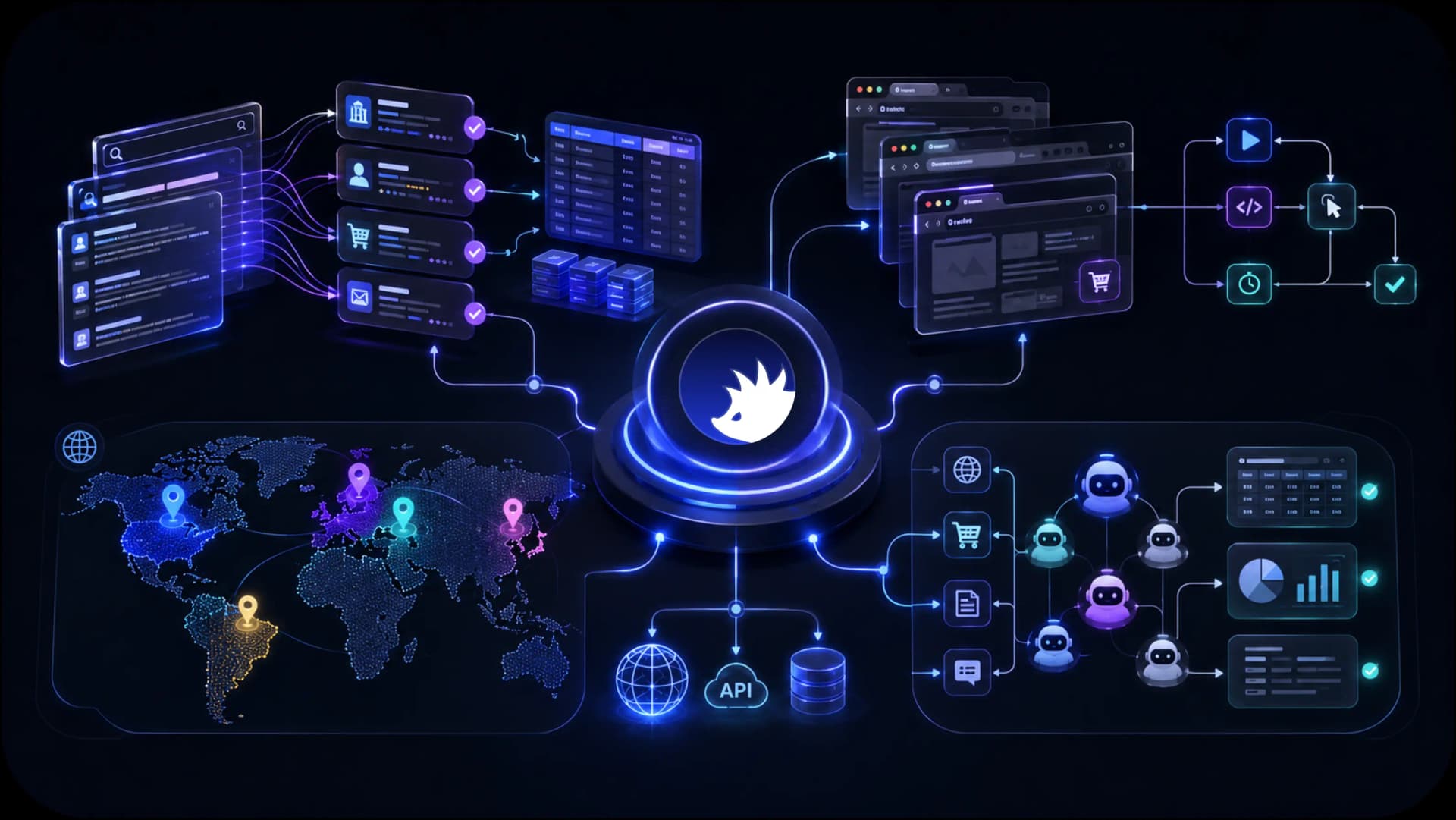
Access localized search results, marketplaces, public web data, and regional content across 195+ countries for AI agents, scraping systems, and autonomous workflows.
CyberYozh combines the infrastructure AI teams need to collect data, automate workflows, access regional content, and scale execution environments. From mobile LTE / 5G and residential proxies to browser automation support, fingerprinting, fraud checks, and Android cloud phones, everything is designed to support AI workflows from a single platform.
AI web scraping
AI browser automation
AI data collection
AI agent execution
Mobile AI workflows
Regional AI access
See how CyberYozh works in practice through real workflows, platform features, and infrastructure examples. Explore the dashboard, integrations, execution environments, and tools available for AI teams and automation projects.
CyberYozh combines mobile, residential, and datacenter proxies with an IP quality checker to keep every Browser Use session fast, clean, and ban-resistant.
Proxy type | Specs (source · trust · speed · price) | With Browser Use |
Carrier SIMs · highest trust · fast · from $1.70/day | Social, ads, logins, high-trust agent sessions | |
Home ISPs · high trust · medium speed · from $2/GB | Scraping, monitoring, high-volume agent loops | |
ISP ranges · high trust · fast · from $5.29/mo | Sticky logins, long account sessions, stores | |
Cloud hosts · moderate trust · max speed · from $1.90/mo | Open data, QA, speed tests, low-friction sites |
There are additional tools that you’d like to use with proxies in various cases.
Virtual numbers and virtual cards handle SMS verification and local payments during automated sign-ups or checkouts
Checker tools ensure your IP, numbers, and cards are of good quality and won’t lead to restrictions.
Yozh Scraper adds structured data extraction on top of Browser Use agents.
Efficient browser automation with Browser Use can make agency and web-worker life easier and faster. It is easy to deploy; the open-source core on Browser-Use GitHub is free, with credits for AI features. Platforms still block non-human patterns, rate limits, and wrong geos. A Browser-Use proxy keeps sessions local-looking and stable so workflows do not die after the first run.
CyberYozh proxy infrastructure is fast, convenient, and easy to deploy. Use it to keep your browsing operations stable and secure.
Task: Daily tab work, from reports, form fills, and portal checks to repetitive content creation and messaging, eats hours and breaks when sites change.
Solution: Browser Use turns plain-English tasks into clicks and exports. Pair it with CyberYozh for web automation and business automation at any scale so rate limits and shared-office IPs stop blocking runs.
Task: Price, SERP, and catalog pulls hit CAPTCHAs and IP bans when traffic leaves one datacenter.
Solution: Agents navigate and extract; rotating or mobile proxies distribute load for ethical web scraping and AI data collection of public pages without collapsing sessions mid-job.
Task: Multi-client logins, content checks, and inbox routines look linked if every profile shares one IP.
Solution: One agent + one clean IP per brand supports social media and account management workflows with stable, human-like sessions.
Task: Competitor prices, stock, and ad creatives must be checked across regions without storefront risk.
Solution: Browser Use walks product pages; geo-matched proxies power e-commerce monitoring and advertising verification as local shoppers see them.
Task: New markets need local SERPs, ads, and leads, while home IP from another country shows the wrong data.
Solution: Country-targeted proxies plus agents deliver real market analysis and lead generation views before you spend on campaigns.
You don’t need to rebuild Browser Use to add proxies. Get CyberYozh credentials, bind them per session or profile, then run agents as usual. Let’s explore how it works.
Create your CyberYozh account
Sign up for CyberYozh, pick mobile, rotating residential, static ISP, or datacenter for the task.
Run the IP quality checker; drop high fraud-score addresses before agents use them.
Copy connection details
Take host, port, user, and password (HTTP or SOCKS5).
Note sticky vs rotating and target country for each Browser Use workflow.
Method 1: Connect via a proxy client
Route the machine or container running Browser Use through the client when you want system-wide exit IPs.
Verify the external IP matches CyberYozh before starting agents.
Method 2: Bind an antidetect browser
One profile = one CyberYozh proxy for client or brand isolation.
Point Browser Use at that browser when you need strong fingerprint separation.
Method 3: Set proxies in automation tools
Pass proxy URL into Browser Use / Playwright context or Browser Use Cloud BYO proxy fields.
Use sticky IPs for logins; rotating pools for scrape and monitor loops.
Go live and tune
Start with one agent, confirm speed and no immediate blocks, then scale concurrency.
Add virtual numbers/cards only where sign-up or payment steps are part of the approved workflow.
Go to CyberYozh’s catalog, select a product you need, and start working now.