

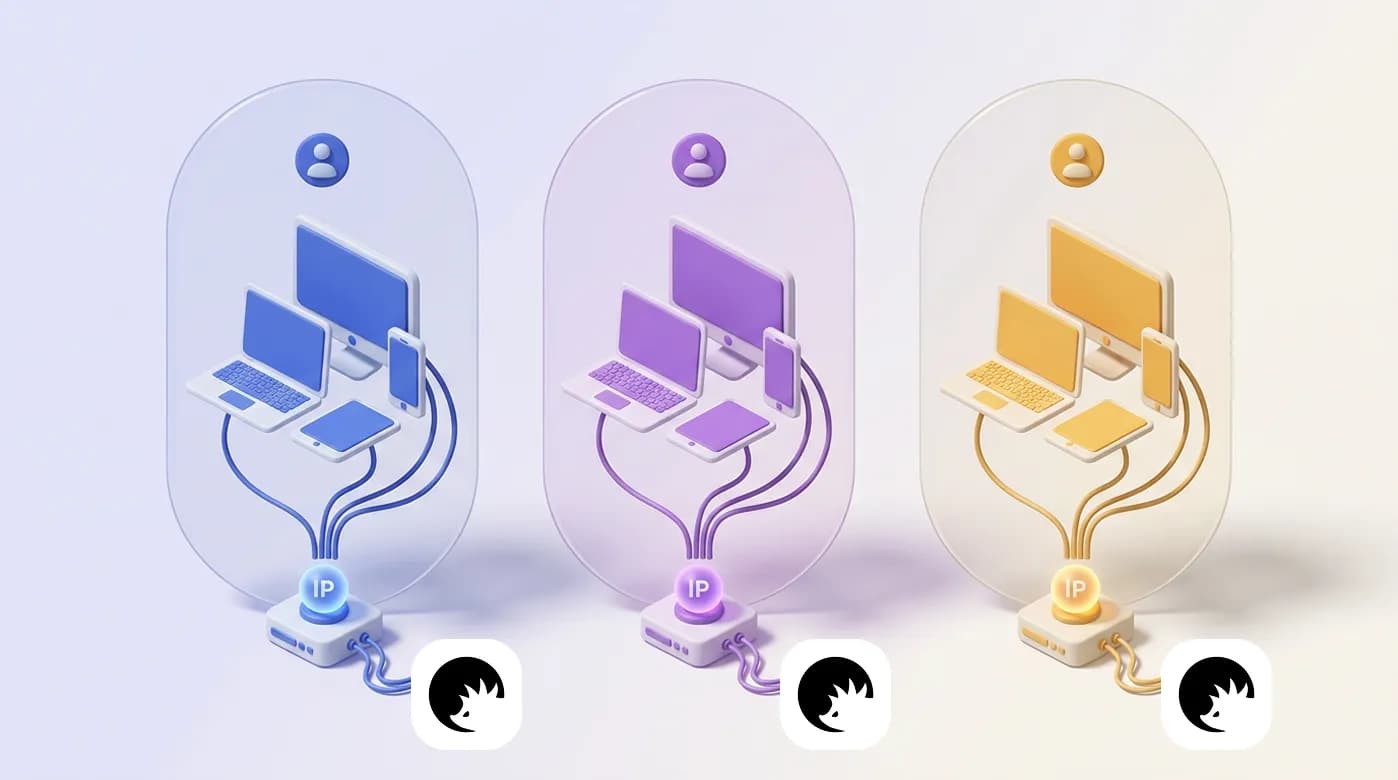
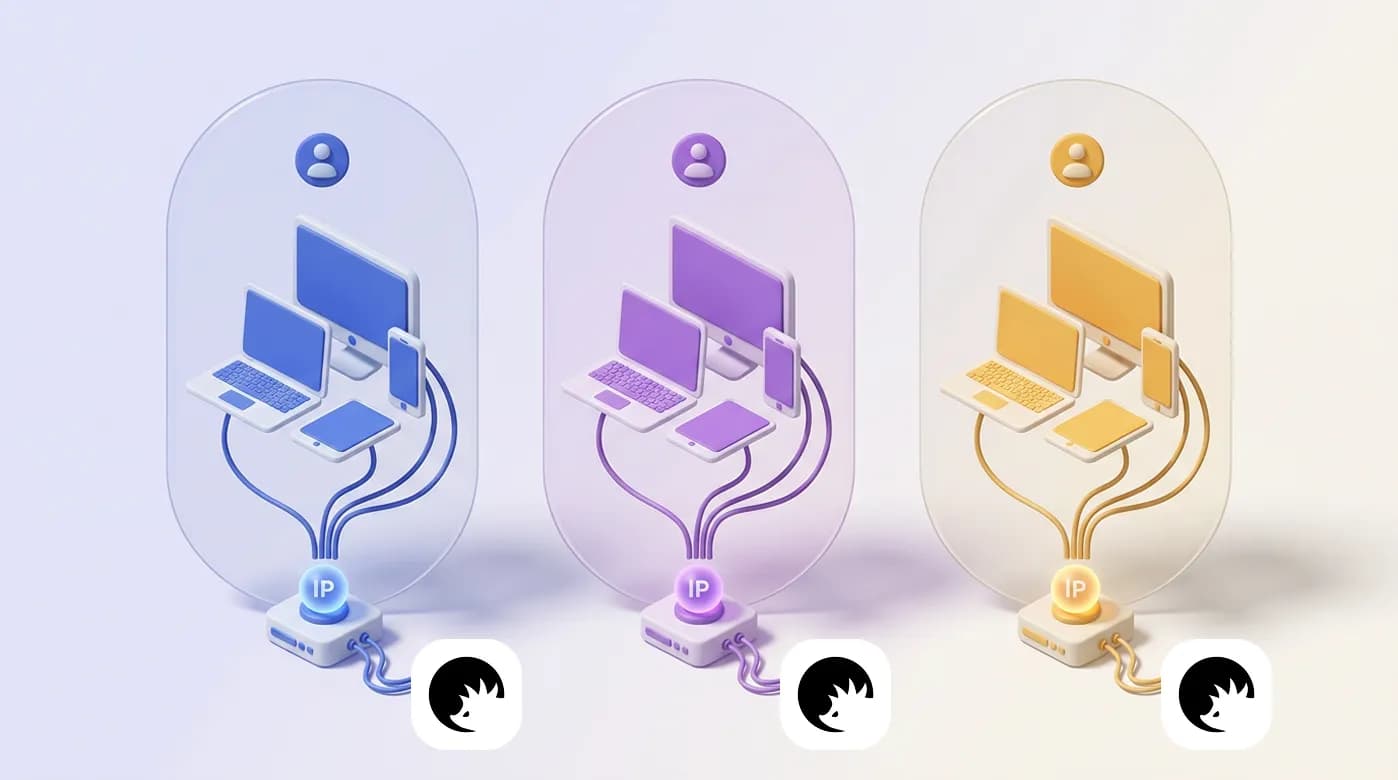
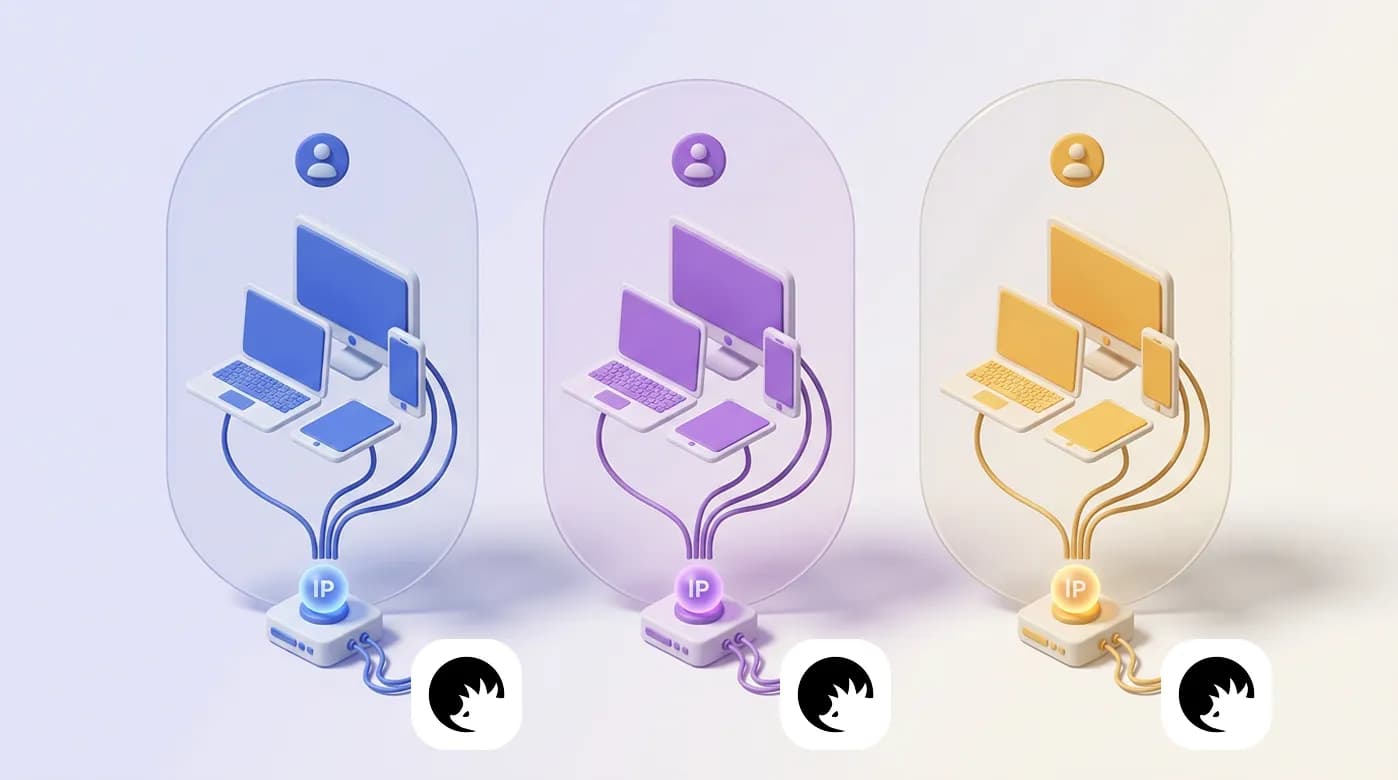
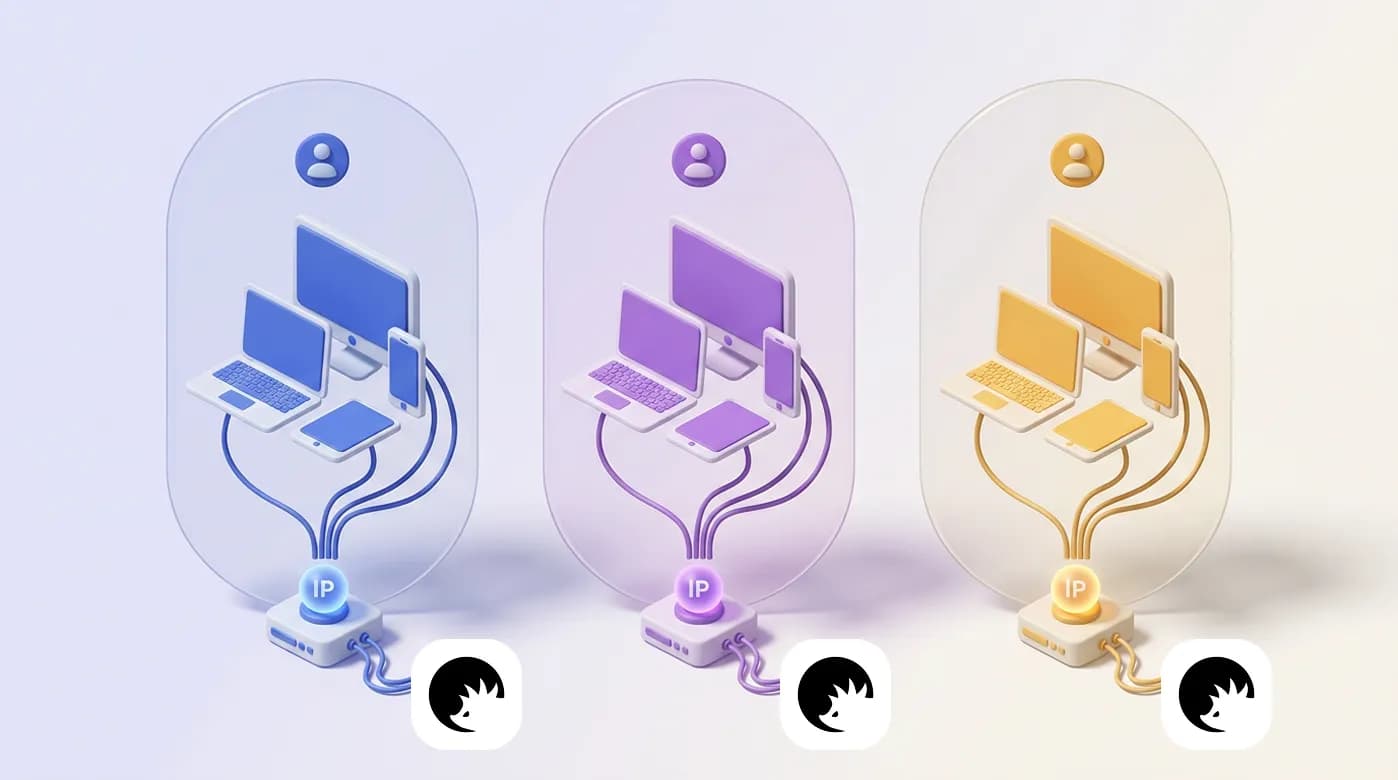
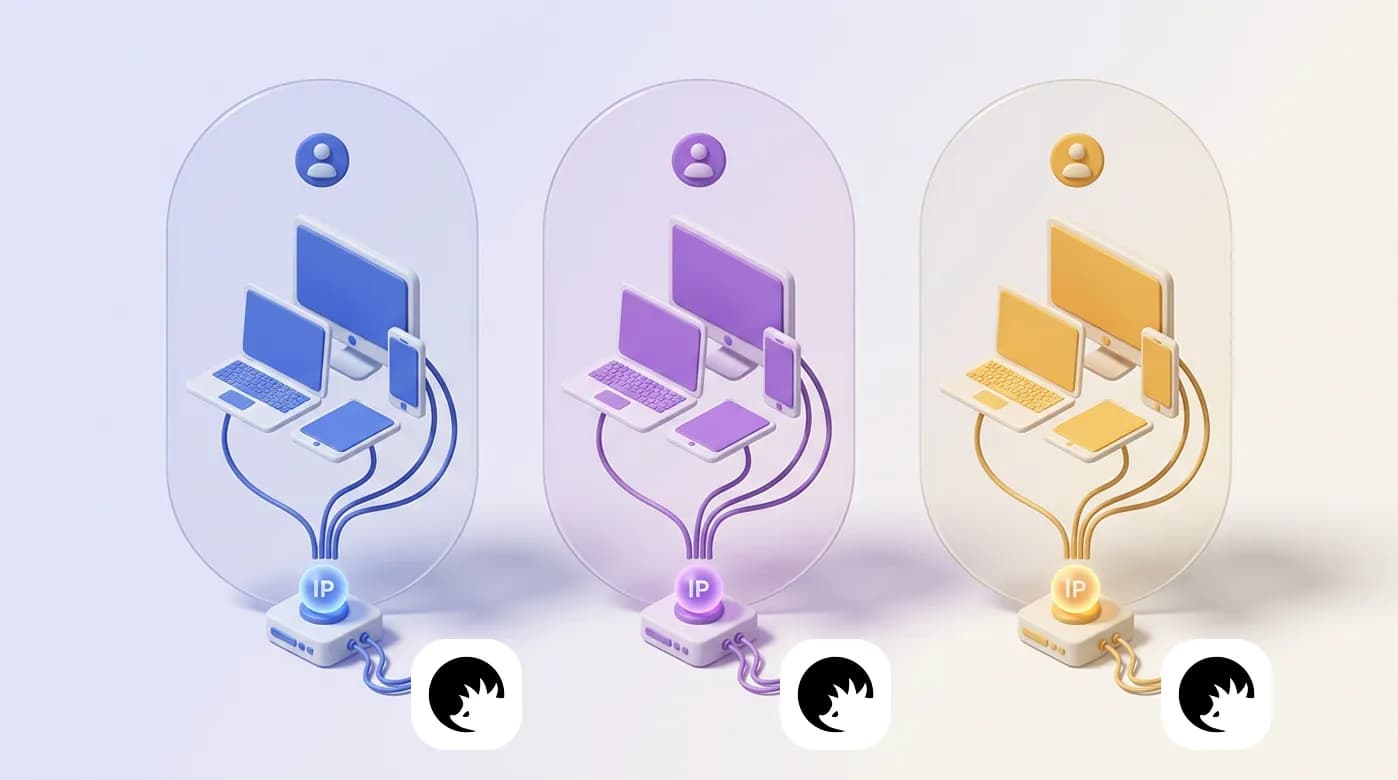
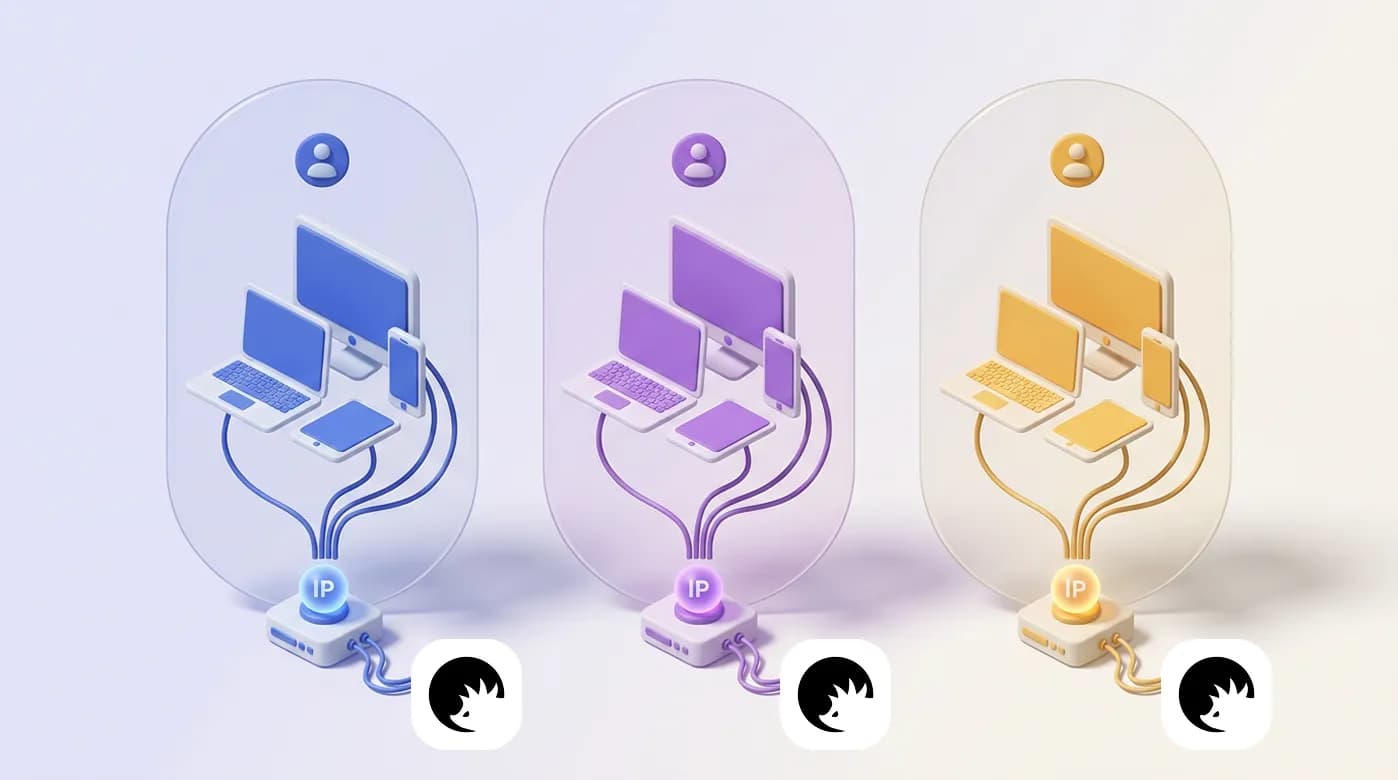


Proxy infrastructure workflows for account management operations
Note: Datacenter proxies aren’t suitable for account management and other logged-in operations, as their ranges are quickly identified by platforms and may be blocked outright. Use them only for logged-out sessions and read more about safe account management.
Account management is the basis for many other tasks. The success of e-commerce, social media, and advertising use cases depends on how you create and manage each account on the respective platform with a unique, geo-matched proxy.
Learn about account management and creation on different platforms and for different purposes.
Mobile proxies for authentications, ads, and social media
Mobile proxies use real LTE/5G carrier IPs, so mobile-first platforms treat each profile closer to a genuine smartphone session. Assign one dedicated channel per account for authentication, payments, and daily social or ad work.
Social and advertising accounts
Manage Instagram, TikTok, and Snapchat brand profiles with matching carrier IPs
Separate social media client workspaces by country and session
Launch and verify ad accounts for Meta, TikTok Ads, and Google Ads in the campaign geo
Authentication and payments
Complete SMS login, 2FA, and in-app payments on mobile-first apps
📱 Use mobile proxies with antidetect browsers and cloud phones, so each of your account management sessions look like an authentic user
Residential proxies for long-term platform presence
Residential proxies provide static ISP IPs for dashboards that stay logged in for weeks or months. After mobile authentication, keep the same location on a more affordable residential IP for daily management.
Professional and social dashboards
Marketplace seller accounts
Operate e-commerce seller dashboards on Amazon, eBay, and Walmart
ℹ️ Use mobile proxies for account management on mobile-first and trust-sensitive social platforms, while more affordable residential proxies with the same location can be used for long-term account session management.
Rotating proxies for onboarding and signup tests
Rotating residential proxies spread short onboarding requests across many household IPs. Keep a sticky session only while a form is open, then rotate for the next authorized workflow.
Workspace and onboarding
Register Gmail and similar workspace accounts for QA, regional teams, and tool access
Open social, ads, and marketplace accounts as separate sessions instead of one shared IP
Automation pipelines
Supply AI agents and web automation scripts with fresh residential IPs for signup and verification tests
⚙️ Control CyberYozh’s rotating proxies right from your dashboard, with full session control, traffic management, and IP quality filtering
Additional tools for efficient account management
See how virtual numbers, cards, checkers, and scrapers verify, bill, and quality-check each account in one stack.
Virtual number for account authentication and secure management
A virtual number provides country-matched SMS for login, 2FA, and recovery on accounts you are authorized to operate.
Verify social, ads, marketplace, and workspace accounts during onboarding
Receive 2FA and recovery codes without tying every client profile to one SIM
Virtual card to pay for services where needed
A virtual card issues region-ready credentials for ads, SaaS, and platform fees tied to a specific account.
Pay for ad accounts and seller subscriptions without a personal bank card
Separate billing per client or brand
Yozh Scraper to collect relevant data from logged-in sessions
Yozh Scraper collects account-side research from public pages and dashboards you control.
Pull pricing and listings from marketplace accounts you manage
Export ads, social, and catalog metrics from logged-in research sessions
Checker tools to ensure the high quality of everything above
CyberYozh checkers score IPs, phone numbers, and cards before they are bound to an account.
Reject flagged IPs before a Facebook, Amazon, or ads login
Check numbers and cards for fraud signals before verification or payment
Automation infrastructure from CyberYozh
Use the automation API to provision proxies and attach account sessions in Playwright, Selenium, and Puppeteer.
Automate per-account proxy assignment, sticky sessions, and IP quality checks
Drive login, onboarding, and dashboard tasks in browser automation
Validate credentials and geo before production account traffic
Visit CyberYozh's API documentation to learn how to work with its API calls to automate proxy rotation, quality checks, authentication, and other aspects of account management.