

Real mobile LTE / 5G networks
Run AI agents through real carrier networks with unlimited mobile traffic and dedicated channels.
- Real LTE / 5G carrier networks
- Manual and API IP rotation
- High-trust environments
- Stable AI sessions
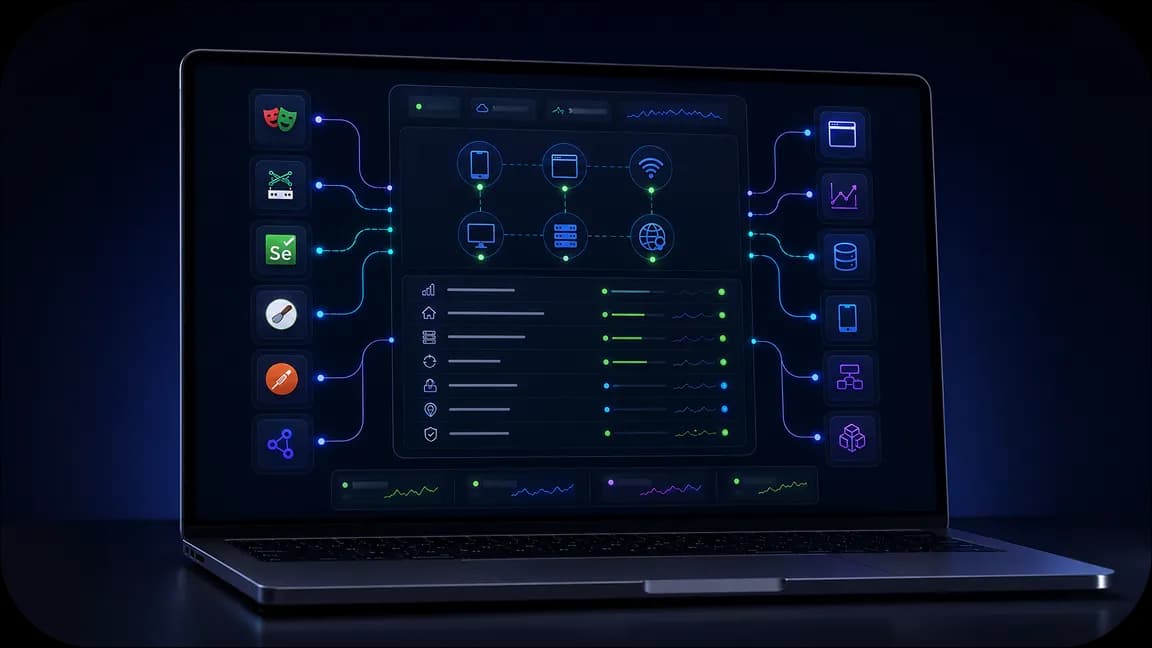
Use the 50M+ IP pools and integrate with Postman, Scrapy, Selenium, Playwright, Puppeteer during your operations with ChatGPT. Run automated, high-volume queries without rate limits.
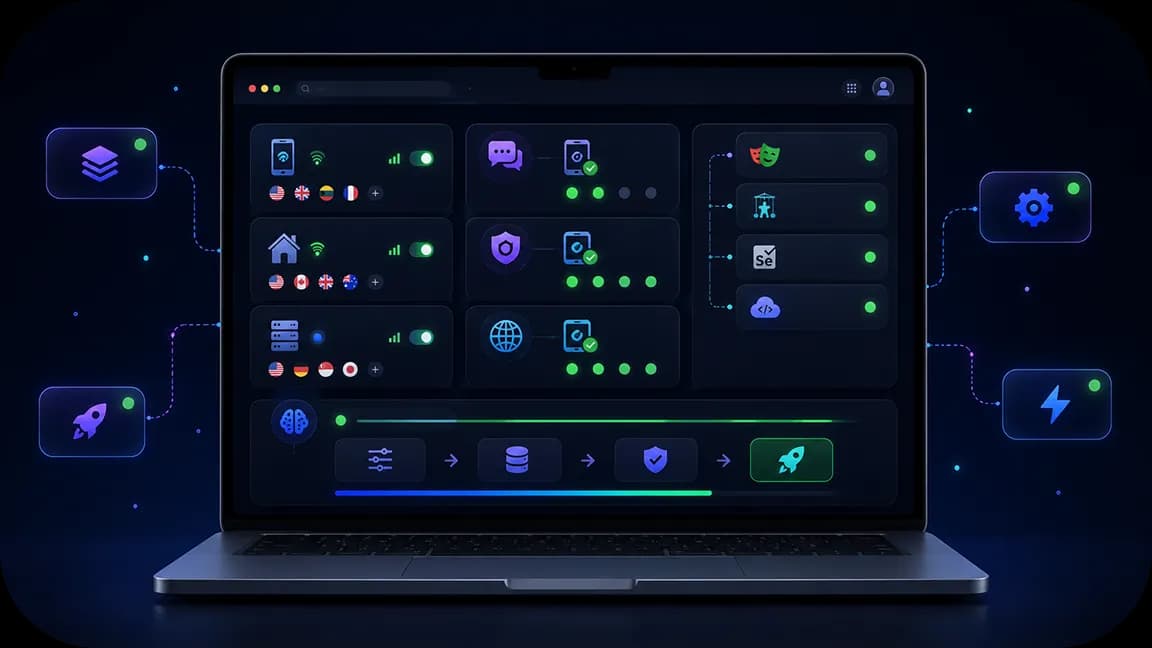
Deploy a CyberYozh proxy network between your connection, the OpenAI servers, and your AI agents’ targets to avoid limits and ensure a stable connection.

Assign a local IP address with ZIP code precision in 100+ countries to each of your ChatGPT AI agents, so they can easily work with localized data without restrictions.

Check the IP quality of every IP in your pool automatically before assigning it. Filter out low-quality IPs and use the virtual number for authentication where it’s needed.
Run AI agents through real carrier networks with unlimited mobile traffic and dedicated channels.

Reduce workflow interruptions with CAPTCHA solving support and validation tools built for automation.

Manage proxies, SMS activation, fingerprinting, fraud checks, and integrations from one environment.
CyberYozh proxies create an intermediary IP network between your servers and OpenAI, and between ChatGPT agents and their targets worldwide. Your own traffic is distributed across the proxy pool, so no rate limits will apply. With local IP pools, you can access localized data for your OpenAI agents without any hindrance, while CyberYozh’s virtual numbers can be used to authenticate where needed. Last, the proxy network protects your AI agents from malicious actions or prompt injection by filtering the incoming traffic.
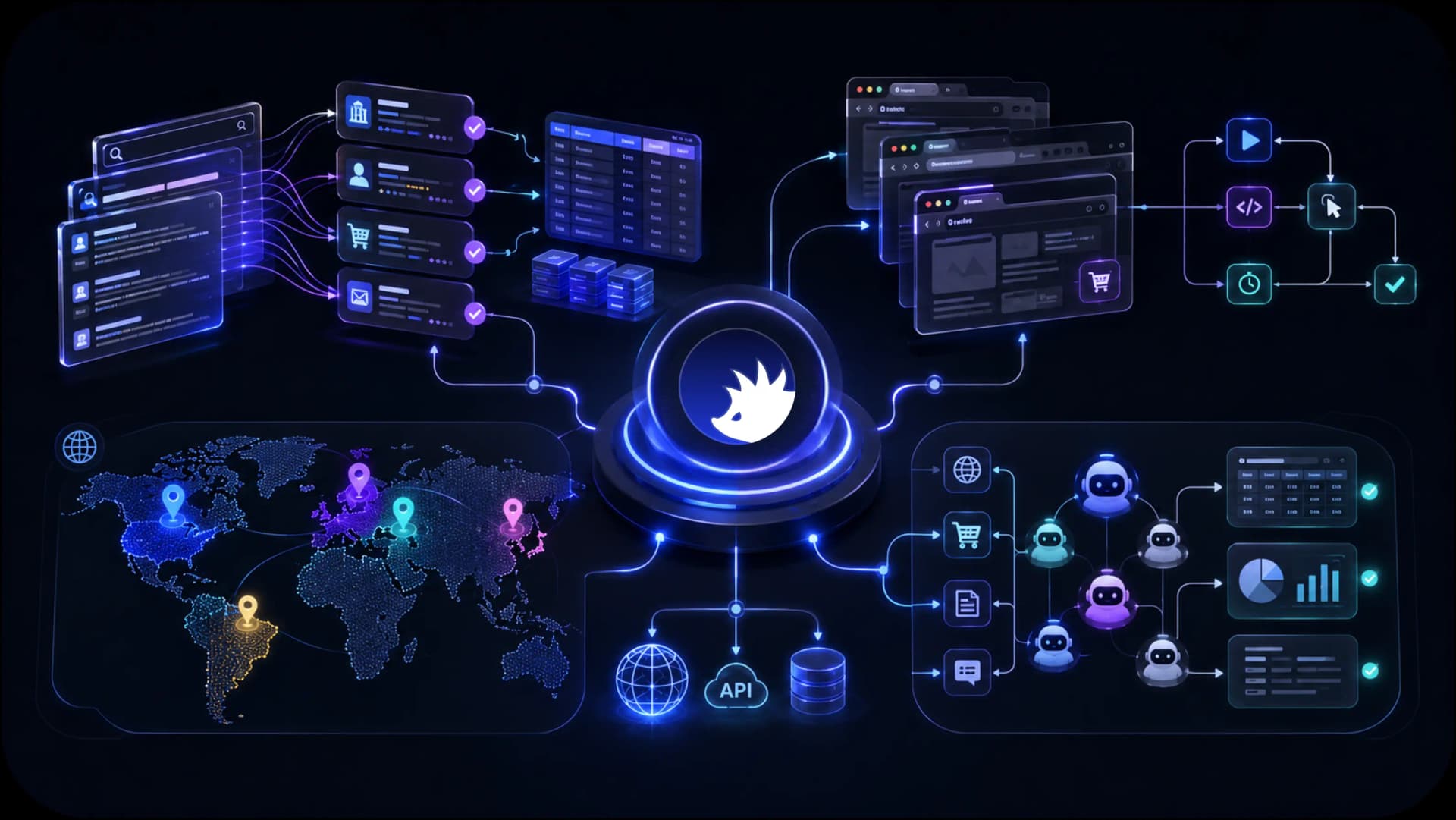
Access localized search results, marketplaces, public web data, and regional content across 195+ countries for AI agents, scraping systems, and autonomous workflows.
CyberYozh combines the infrastructure AI teams need to collect data, automate workflows, access regional content, and scale execution environments. From mobile LTE / 5G and residential proxies to browser automation support, fingerprinting, fraud checks, and Android cloud phones, everything is designed to support AI workflows from a single platform.
AI web scraping
AI browser automation
AI data collection
AI agent execution
Mobile AI workflows
Regional AI access
See how CyberYozh works in practice through real workflows, platform features, and infrastructure examples. Explore the dashboard, integrations, execution environments, and tools available for AI teams and automation projects.
You have to rely on ChatGPT proxies when you need to deploy bulk OpenAI workflows with active requests and avoid rate limits, or when you need to train AI agents on specific data that should be accessed from local IPs.
CyberYozh’s proxy for ChatGPT setups solves this by distributing your outbound traffic across a large IP pool rather than hammering OpenAI from a single address.
Additionally, CyberYozh proxy infrastructure can be used as an intermediate layer to protect your AI agents from potentially malicious actions, such as prompt injection. Read more about backconnect rotating proxies to learn about this option.
Task: Your team runs bulk web automation, business automation, or e-commerce workflows that call the OpenAI API hundreds of times per minute, repeatedly tripping rate limiters.
Solution: Route every call through a CyberYozh's OpenAI API proxy pool so that requests are spread across thousands of IPs, keeping each connection well under provider thresholds.
If seeking permission from OpenAI feels like a risky single point of failure, I would recommend establishing a proxy that distributes requests across multiple endpoints
—A Reddit user from r/LLMDevs puts it directly
Task: You need to verify that every IP powering your web automation, business automation, or e-commerce work is clean before it touches OpenAI.
Solution: Run every address through the IP Checker first, then push validated traffic through your workflows via the automation API.
Learn the wide number of CyberYozh API commands in our API documentation.
Task: Your OpenAI agent needs to see local search results, pricing, or listings for AI data collection and market research, not the version your own datacenter IP gets served.
Solution: Assign a residential IP from the target country to the agent so it performs web scraping as a genuine local user, unlocking geo-restricted or geo-personalized content.
Task: Signing up for local OpenAI-connected services or paying for regional tools requires a local phone number or card, which most teams don't have.
Solution: Pair your OpenAI proxy with virtual numbers for SMS verification and virtual cards for local payments to close the loop on authentication.
Get a geo-targeting proxy if you need precise ZIP-code-level targeting with your IP.
Task: Public-facing ChatGPT agents are exposed to prompt injection and adversarial inputs from scraped or user-submitted content during cybersecurity and brand protection operations.
Solution: Filter incoming traffic through the CyberYozh proxy layer before it reaches your agent's context window, reducing exposure to malicious payloads.
Contact CyberYozh support to learn more about securing your agent data and traffic end-to-end.
To get everything right, match the OpenAI-compatible proxy type to the job rather than using a single proxy pool for everything.
Sometimes you need more than just a proxy. Use an SMS service for creating OpenAI accounts when you don’t want or cannot use your real phone number.
Rotating residential proxies draw IPs from a 100M+ real-device pool, giving each request a high trust score and near-native speed since traffic looks like ordinary consumer browsing. This is the default ChatGPT proxy choice for bulk API calls, localized agent training, and injection protection alike.
Order a rotating proxy plan in your dashboard and manage it with high precision, with high-precision IP filtering and sessions up to 24 hours.
Mobile proxies route through carrier-grade 4G/5G IPs, which carry the highest trust score of any proxy type because millions of real phones share the same addresses.
Read more about how mobile proxies work and why they’re the best choice for authentication and other trust-critical operations
Static residential proxies retain a single residential IP for extended periods, ideal for OpenAI accounts or agent sessions that require consistent identity over days or weeks.
Datacenter proxies are the fastest and cheapest option, but they're initially flagged as non-residential traffic, so they're best used for data monitoring and agent QA, where trust score matters less than raw throughput.
Choose your proxy type in the CyberYozh dashboard:
rotating residential for bulk API traffic
mobile for authentication
static residential for persistent sessions
datacenter for monitoring
Configure the connection method that matches your setup:
For manual browsing, follow the browser proxy guides.
For system-wide coverage across every app, use the operating system guides.
For isolated multi-account work, follow the antidetect browser guides.
For programmatic agents, integrate proxies directly with automation frameworks by following the automation API guides, setting your OpenAI SDK's base URL to the assigned endpoint.
If your agent scrapes external sites for context, apply the parsing setup guides to keep collection traffic separate from your core API calls.
Validate every IP with the IP Checker before going live, then monitor usage from your dashboard to catch rate-limit warnings early.
CyberYozh’s catalog is full of solutions for AI agents, so explore it and select the one that suits you best.