
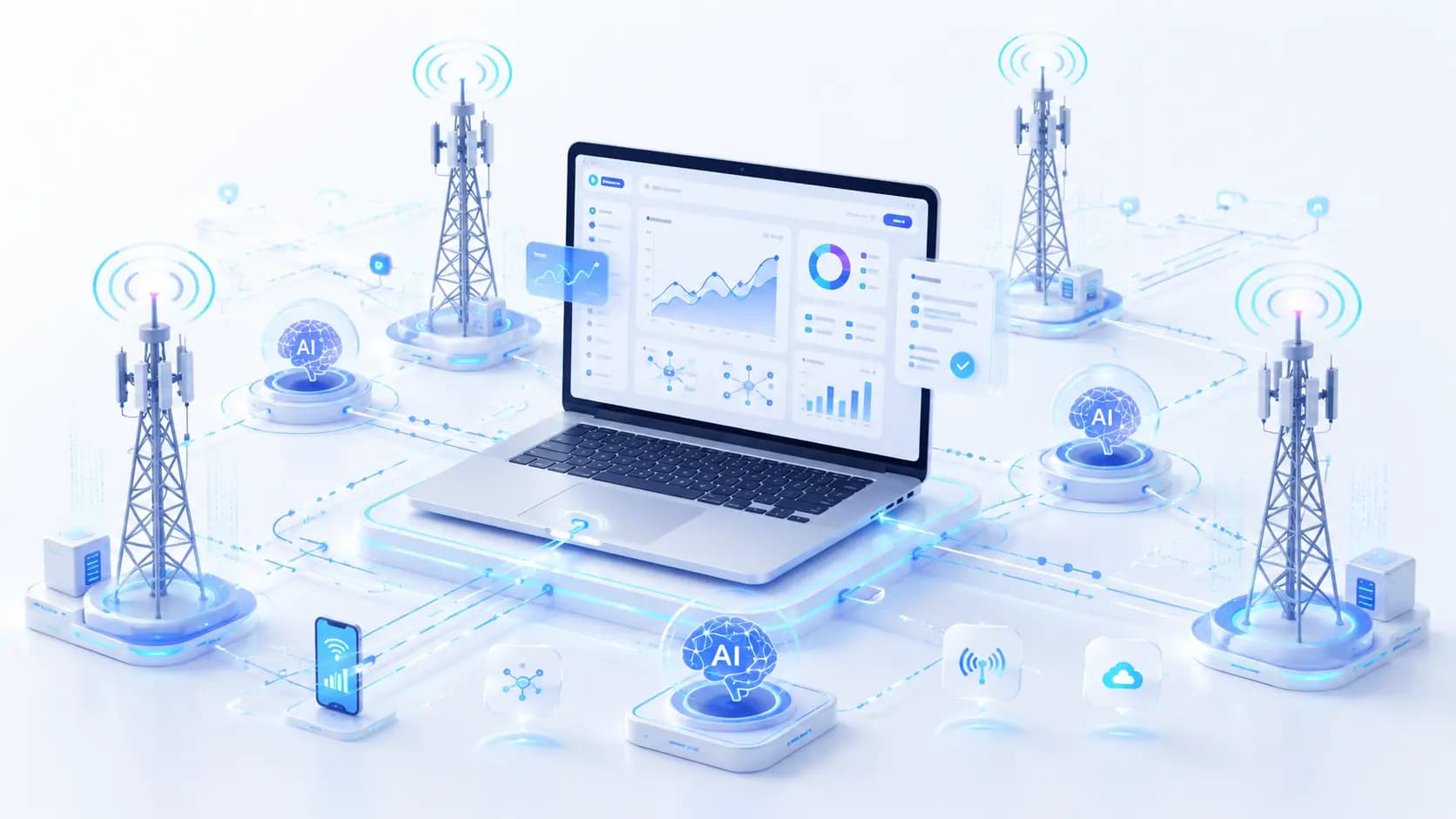
Mạng di động LTE / 5G thực tế
Chạy các tác nhân AI qua mạng lưới nhà mạng thực với lưu lượng di động không giới hạn và các kênh chuyên dụng.
- Mạng nhà mạng LTE / 5G thực sự
- Xoay IP thủ công và qua API
- Môi trường có độ tin cậy cao
- Các phiên AI ổn định
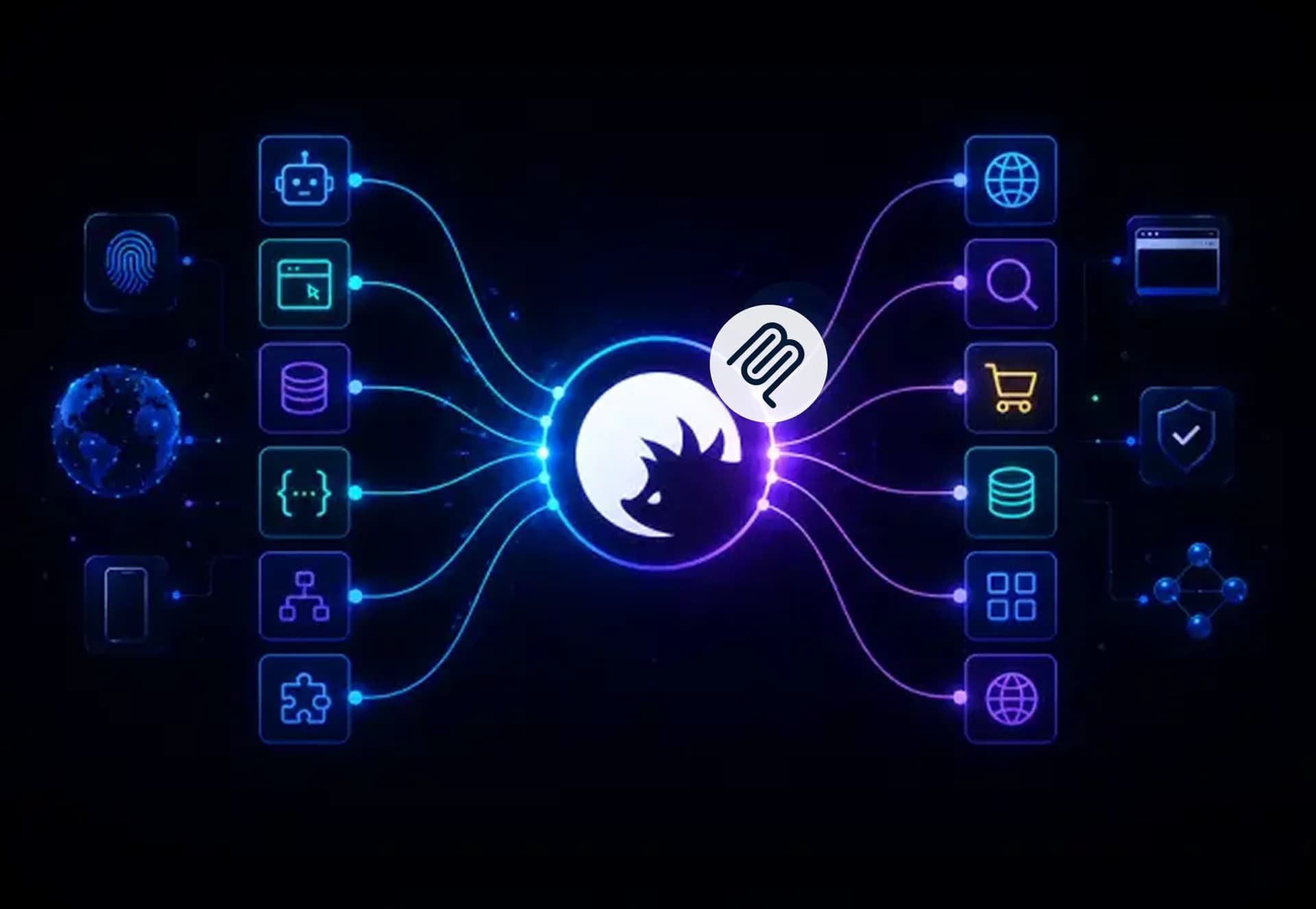
Chạy các AI agent với proxy MCP để đảm bảo luồng dữ liệu ổn định, nhanh chóng mà không có hạn chế hay giới hạn tốc độ, ngay cả khi tải cao. Sử dụng proxy dân cư xoay vòng với tỷ lệ thành công 99,95%, kiểm tra chất lượng tự động và các pool IP địa phương ở hầu hết mọi quốc gia. Kết nối các AI agent và giải quyết các tác vụ khác nhau bằng cơ sở hạ tầng proxy và công cụ đảm bảo chất lượng của CyberYozh.
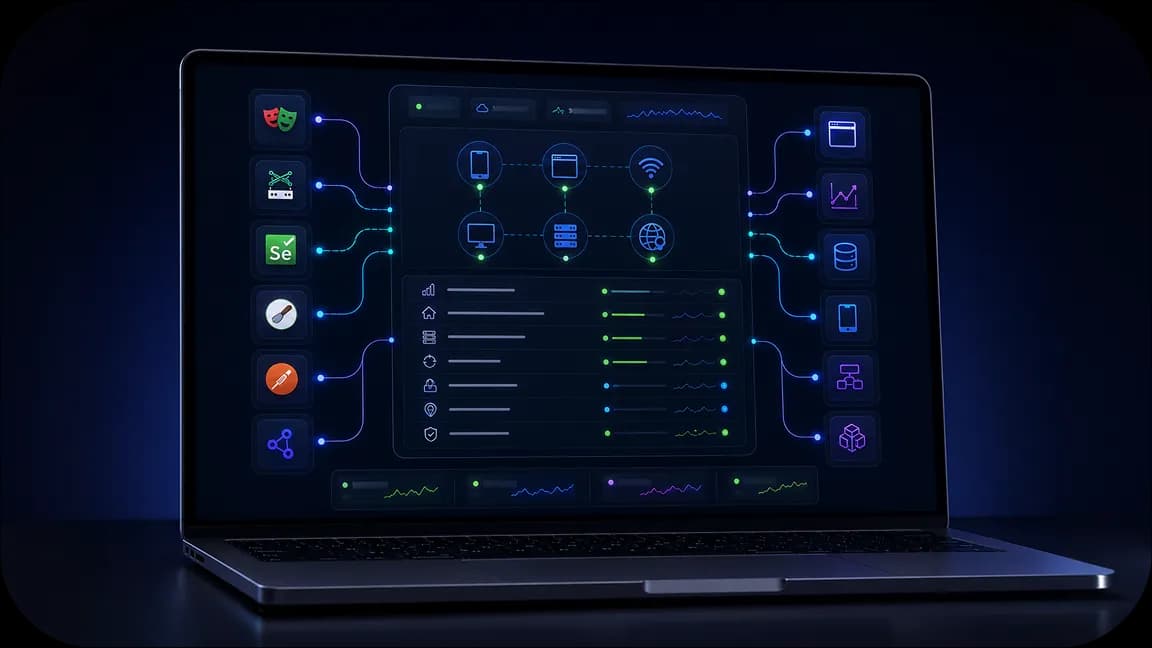
Sử dụng proxy MCP để kết nối các AI agent với GitHub và các công cụ như Scrapy, Puppeteer và Playwright trong khi định tuyến lưu lượng qua lớp mạng có khả năng mở rộng.
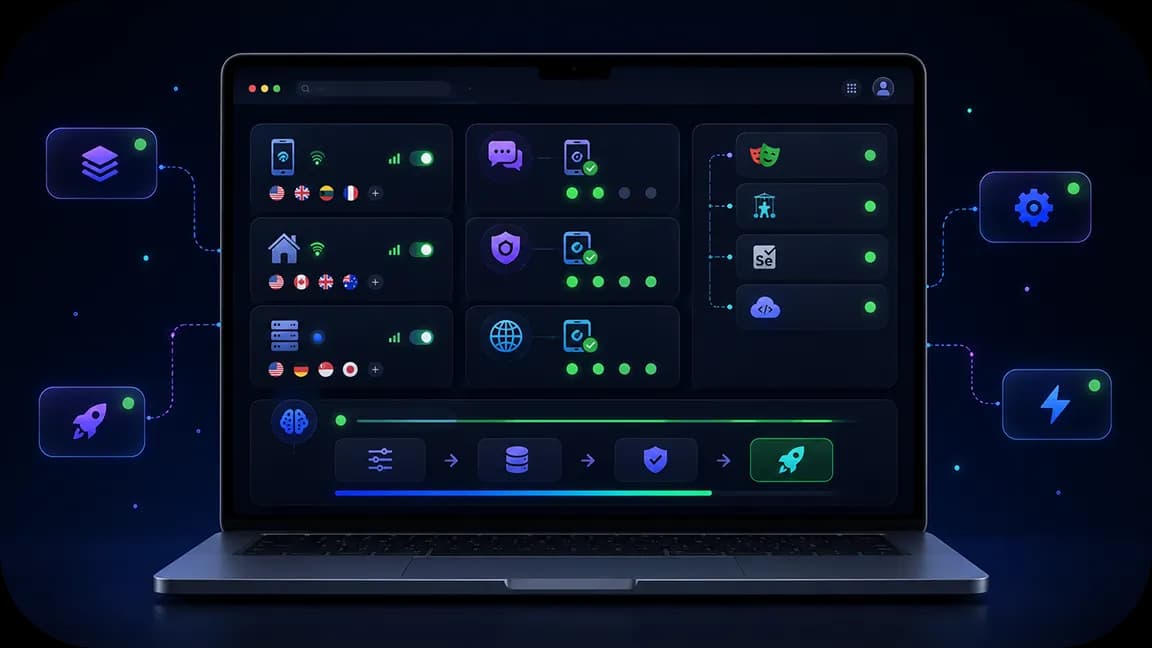
Phân phối lưu lượng MCP qua các nhóm hơn 50 triệu IP dân dụng, tối ưu tốc độ và giữ các agent trong giới hạn tốc độ trong các quy trình làm việc nặng với nhiều công cụ.

Định tuyến các lệnh gọi công cụ MCP qua proxy nhắm mục tiêu địa lý tại hơn 195 quốc gia, kết nối các agent với API theo khu vực, dữ liệu công khai và các endpoint tuân thủ quy định trên toàn cầu.

Giám sát nhật ký proxy MCP, chạy kiểm tra IP và cấu hình, đồng thời sử dụng số ảo để xác thực nhằm duy trì phiên làm việc ổn định và quy trình tác vụ của agent.
Chạy các tác nhân AI qua mạng lưới nhà mạng thực với lưu lượng di động không giới hạn và các kênh chuyên dụng.

Giảm gián đoạn quy trình làm việc với hỗ trợ giải CAPTCHA và các công cụ xác thực được xây dựng cho tự động hóa.

Quản lý proxy, kích hoạt SMS, dấu vân tay trình duyệt, kiểm tra gian lận và tích hợp từ một môi trường duy nhất.
Khi làm việc với các máy chủ MCP, bạn kết nối nhiều AI agent từ các phần khác nhau của quy trình làm việc. Mạng lưới proxy CyberYozh phân phối các luồng dữ liệu này qua các IP chất lượng cao, tránh tắc nghẽn và giới hạn tốc độ. Với khả năng nhắm mục tiêu địa lý chính xác, các AI agent địa phương từ khắp nơi trên thế giới có thể được truy cập và kết nối mà không bị giới hạn hoặc hỏng dữ liệu. IP Checker đảm bảo các IP chất lượng thấp được lọc ra trước khi triển khai, trong khi số ảo cho phép xác thực dễ dàng.
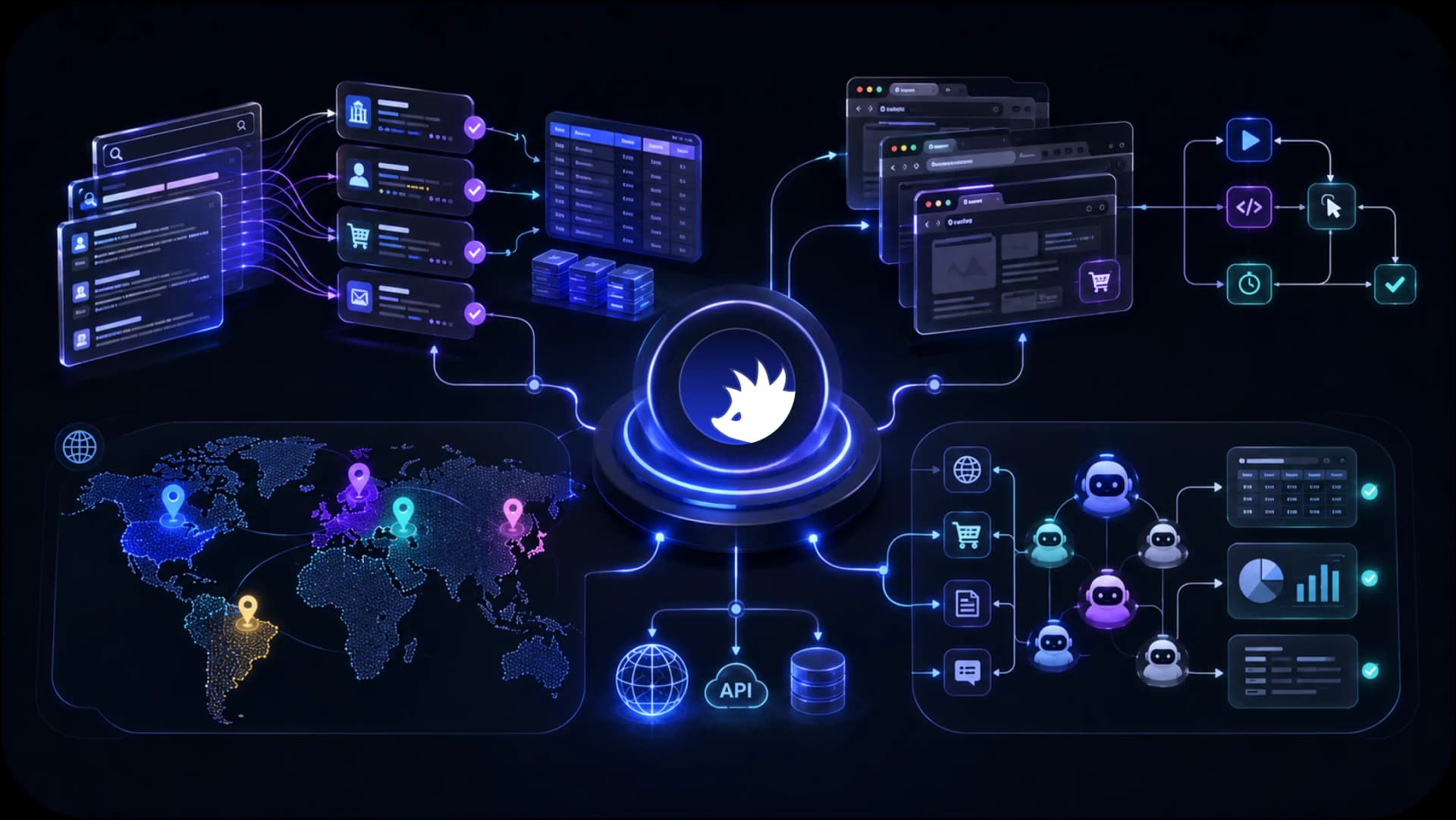
Truy cập kết quả tìm kiếm địa phương, các sàn thương mại điện tử, dữ liệu web công khai và nội dung khu vực tại hơn 195 quốc gia cho các tác nhân AI, hệ thống thu thập dữ liệu và quy trình tự động.
CyberYozh kết hợp cơ sở hạ tầng mà các nhóm AI cần để thu thập dữ liệu, tự động hóa quy trình làm việc, truy cập nội dung theo khu vực và mở rộng môi trường thực thi. Từ proxy di động LTE / 5G và proxy dân cư đến hỗ trợ tự động hóa trình duyệt, nhận diện dấu vân tay thiết bị, kiểm tra gian lận và điện thoại Android trên nền tảng đám mây, mọi thứ đều được thiết kế để hỗ trợ quy trình làm việc AI từ một nền tảng duy nhất.
Trích xuất dữ liệu web bằng AI
Tự động hóa trình duyệt bằng AI
Thu thập dữ liệu AI
Thực thi tác nhân AI
Quy trình làm việc AI trên thiết bị di động
Truy cập AI khu vực
Xem cách CyberYozh hoạt động trong thực tế thông qua các quy trình làm việc thực, tính năng nền tảng và ví dụ về hạ tầng. Khám phá bảng điều khiển, tích hợp, môi trường thực thi và các công cụ dành cho đội ngũ AI cũng như các dự án tự động hóa.
Các máy chủ MCP thường kết nối nhiều AI agent từ các vị trí khác nhau. Điều này có nghĩa là nhiều luồng dữ liệu từ nhiều vị trí, có thể dẫn đến:
vấn đề bảo mật
tắc nghẽn dữ liệu
giới hạn tốc độ
hạn chế theo khu vực
Tất cả các vấn đề này có thể được giải quyết bằng cách chọn máy chủ proxyphù hợp.
Nhiệm vụ: Các agent kéo tập dữ liệu lớn từ nhiều công cụ MCP nhanh chóng chạm ngưỡng throughput và giới hạn tốc độ API.
Giải pháp: Định tuyến các request qua các pool proxy luân chuyển để phân phối tải và duy trì tốc độ ổn định trong các lần chạy nặng.
Nhiệm vụ: Các lần gọi lặp lại từ một địa chỉ IP duy nhất bị đánh dấu hoặc bị giới hạn bởi các máy chủ đích.
Giải pháp: Sử dụng cơ sở hạ tầng luân chuyển của CyberYozh, kết hợp với CyberYozh API, để quản lý proxy theo chương trình trong các pipeline agent.
Bạn sẽ tìm thấy tất cả thông tin về các tính năng phong phú của CyberYozh API trong tài liệu API
Kết nối nhiều agent local với geo-targeting Nhiệm vụ:
Các agent ở các khu vực khác nhau cần dữ liệu chính xác theo địa phương—giá cả, SERP, hoặc nội dung bị khóa theo khu vực. Giải pháp: Gán IP proxy cấp quốc gia, thành phố hoặc mã ZIP để mỗi agent thấy góc nhìn thực sự local. Sử dụng số ảo
nếu bạn cần đăng ký các dịch vụ local. Nhiệm vụ:
Phối hợp agent xuyên biên giới có thể kích hoạt các phản hồi không nhất quán hoặc bị chặn từ các dịch vụ bị hạn chế theo khu vực. Giải pháp:
Chuẩn hóa lưu lượng agent-to-agent thông qua một lớp proxy geo-targeted duy nhất thay vì các giải pháp tạm thời theo khu vực. Sử dụng proxy geo-targeting
Bảo mật luồng dữ liệu agent bằng backconnect proxy Nhiệm vụ:
Giải pháp: Chèn một lớp backconnect proxy giữa các agent và server để luân chuyển điểm thoát và che giấu cơ sở hạ tầng backend.
Nhiệm vụ: Kiểm tra IP thủ công làm chậm các hoạt động quy mô lớn.
Giải pháp: Kết hợp backconnect proxy với IP Checker để xác thực chất lượng IP trước khi đưa vào lưu lượng production.
Sử dụng backconnect proxy cho bất kỳ mục đích nào yêu cầu quản lý request phía server quy mô lớn.
Giải pháp mặc định là sử dụng rotating residential proxy, có thể dễ dàng kiểm soát từ dashboard và bao gồm công cụ quản lý session cũng như kiểm soát chất lượng IP tích hợp sẵn.
Để có thêm ngữ cảnh, tham khảo bảng dưới đây.
Loại proxy | Nguồn, giá & mô tả | Triển khai |
IP ISP thực, trả theo GB, tự động luân chuyển | Thu thập dữ liệu, xử lý, an ninh mạng | |
IP ISP thực, cố định theo tháng, một IP cho mỗi agent | Gán IP local sạch cho từng agent | |
IP nhà mạng, giá cao cấp, mạng di động | Xác thực, dữ liệu mạng xã hội, dịch vụ ưu tiên mobile | |
IP server, rẻ nhất trên GB, tốc độ cao | Giám sát dữ liệu không cần đăng nhập |
Kiểm tra tình trạng proxy trước khi triển khai với IP Checkertích hợp sẵn, sau đó giám sát trạng thái blacklist, ASN và fraud score trực tiếp từ dashboard CyberYozh. Điều này giữ cho các session agent sạch sẽ và giảm nguy cơ request bị chặn trong các workflow MCP chạy dài.
Một số dịch vụ kết nối MCP yêu cầu đăng ký hoặc thanh toán địa phương. Sử dụng SMS Service để xác minh trong quá trình đăng ký agent và thẻ ảo để thanh toán bằng tiền tệ địa phương cho các công cụ kỹ thuật số theo khu vực mà agent của bạn phụ thuộc vào.
Thuật toán cơ bản như sau: để biết thêm thông tin, hãy truy cập hướng dẫn CyberYozh.
Đăng ký CyberYozh và mở bảng điều khiển của bạn.
Chọn loại proxy từ bảng trên dựa trên trường hợp sử dụng MCP của bạn.
Cấu hình phân phối qua tiện ích mở rộng trình duyệt, proxy client, hoặc antidetect browser.
Đối với cơ sở hạ tầng tùy chỉnh, tích hợp proxy trực tiếp qua API bằng cách sử dụng khóa API.
Xác thực IP bằng IP Checker, sau đó định tuyến lưu lượng MCP agent của bạn theo thời gian thực.
Truy cập danh mục CyberYozh và bắt đầu ngay bây giờ.