
Unblocked web browser 2026: 7 best browsers to access blocked websites

Blocked sites are common today: a school filter, a workplace firewall, or even a country-level restriction can all keep you from visiting the websites you need. Unblocked web browsers act as a key – they route your traffic through alternative connections or different IP addresses, sometimes using proxies or VPNs to secure access.
Whether you’re looking for a free unblocked web browser to visit blocked resources on a school network or an unblocked browser suitable for professional tasks like managing multiple client profiles, this guide covers it all. Keep reading to find:
The best web unblockers and free unblocked web browsers
How to access blocked websites based on the type of restriction you have
How to configure browser proxy settings for professional work and which proxy type fits each task.
TL;DR
Free unblocked browsers like Tor Browser or Firefox help you access restricted content or websites. Kameleo and AdsPower manage browser profiles for multi-account work, while Decodo Web Unblocker is designed for scraping.
VPNs and proxies can help with IP-based and geographic restrictions. Proxies also support professional tasks such as web scraping, regional data collection, and multi-account management.
If you need a proxy to access a blocked site or handle professional tasks, static residential proxies are the optimal option. Choose LTE/5G mobile proxies for account-sensitive operations.
How to unblock websites: Identify where the restriction comes from, and pick the appropriate solution from the table below rather than trying random unblockers.
Why are websites blocked in the first place
Blocks aren't all the same, and knowing which one you're hitting saves you from fixing the wrong thing. Here are the main types of blocks:
School filters — when a school decides that a site isn't appropriate for students, it's blocked at the network gateway.
Workplace firewalls — company policy limits social media, streaming, or personal email on work time.
Geographic restrictions — the site refuses traffic from certain regions, usually for licensing reasons.
Country-level blocks — the state orders ISPs to block a site outright
Website-side blocks — the owner's call: login walls, paywalls, or age gates.
Country level-blocks are a growing problem. In 2025, Access Now and the #KeepItOn coalition documented 313 internet shutdowns across 52 countries, making it the worst year on record.
What is an unblocked web browser
An unblocked web browser is a browser or browser-based tool that helps you access websites restricted by your network, location, or connection. In practice, this term covers three different things:
A browser with built-in routing — Tor Browser, or a browser with a bundled VPN or proxy feature. There’s nothing to configure, but no control over which IP you use.
A regular browser configured with a proxy — Chrome, Firefox, or Edge with a proxy server. You choose the location and IP, and only that browser uses the proxy.
A web-based proxy tool — a site you paste a URL into, which fetches the page for you. Nothing needs installing, but video-heavy pages may not load properly.
Tip: Private/incognito mode and ad blockers alone do not unblock anything. They hide your history and filter content, but the block stays exactly where it was.
7 best unblocked browsers and web unblockers
The right tool depends on what you need to access. Some unblocked browsers help with everyday browsing and streaming, while others support proxy configuration, multi-account management, or automated data collection.
Browser | Price | For whom | When it won't help | Needs a proxy |
|---|---|---|---|---|
Tor Browser - privacy browser | Free | Privacy-conscious users | Network blocks Tor traffic | No |
Opera - browser with VPN | Free | Everyday browsing, video streaming | Streaming service blocks the VPN | No |
Firefox - customizable browser | Free | Regular users, custom proxy setups | Admin locks proxy settings, or network blocks proxy | Yes, to route traffic through another IP |
Aloha Browser - browser with built-in VPN | Free | Mobile users, everyday browsing | Network blocks VPN traffic, or site blocks VPN IPs | No, built-in VPN included |
Kameleo - profile management | Free; paid from €59/month | Multi-account professionals | Website restricts the account itself | Yes, for separate profile IPs |
AdsPower - multi-profile browser | Free for 2 profiles; paid from $9/month | Marketers, sellers, client account managers | Account is suspended or lacks permission | Yes, for separate profile IPs |
Decodo Web Unblocker - scraping service | From $0.95/1,000 requests | Developers, web scraping teams | Automated access is prohibited | No, managed infrastructure included |
For everyday access, start with Opera’s built-in VPN, or Firefox if you want to choose your own IP. Tor Browser is the option when privacy matters more than speed. For multi-account work, Kameleo and AdsPower keep profiles separate, but each profile still needs its own IP.
CyberYozh App static ISP proxies (from $5.29/month) give each profile a stable address, and mobile proxies (from $1.7/day, unlimited traffic) suit trust-sensitive accounts.
See all proxies in a catalog
1. Tor Browser: free privacy browser
Tor Browser is the gold standard for anonymous access. It routes your traffic through several volunteer relays, so the sites you visit never see your real IP. For you, it means unblocked websites even if they are restricted in your country.
Setup: download it from the official Tor Project site and open it. If Tor is blocked on your network, switch on bridges.
Works against: country-level and ISP blocks, DNS filtering, and most school or workplace filters.
Not useful for: networks that block Tor itself; gaming or video streaming; less useful for logged-in accounts – many sites challenge Tor visitors.
2. Opera: free browser with a built-in VPN
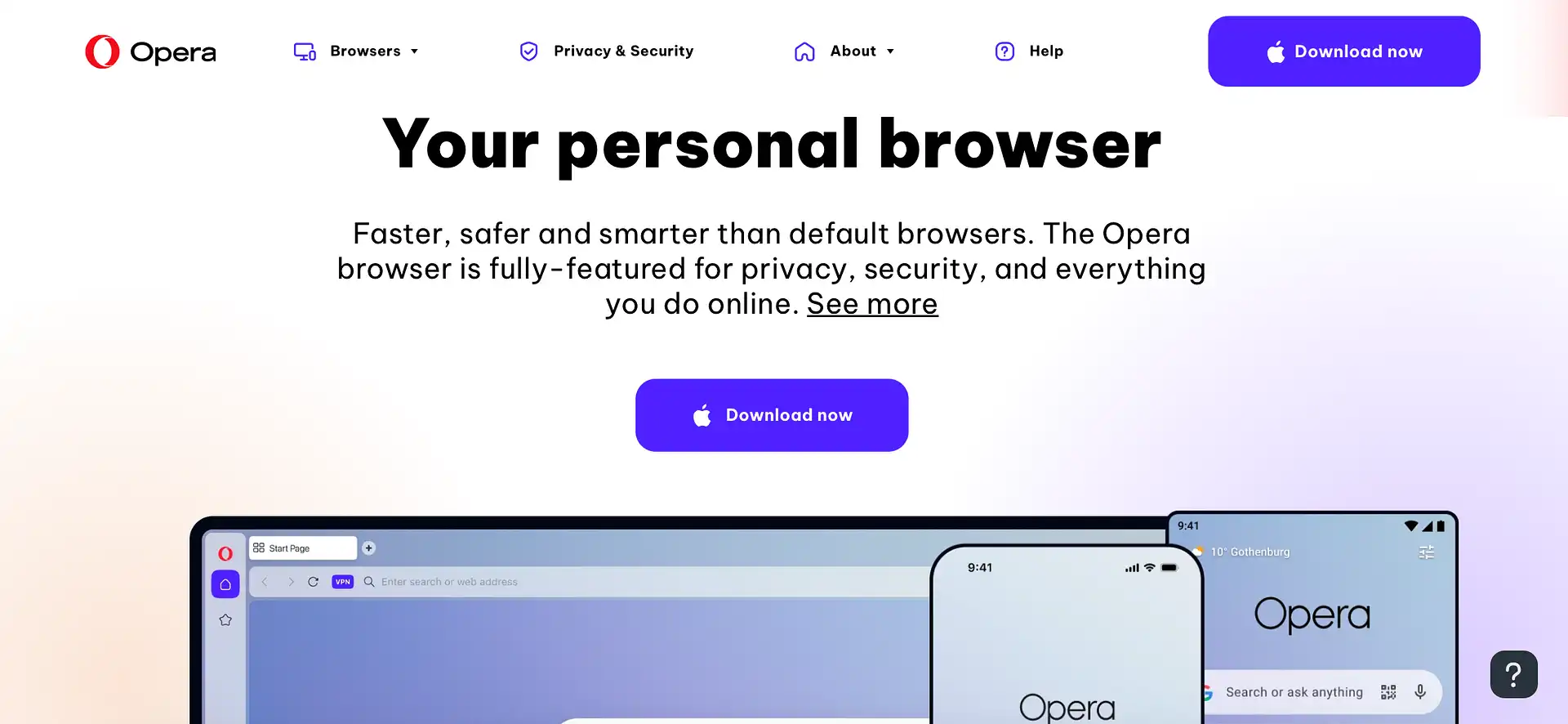
Opera is a simple answer to a question “how to access blocked websites”. It is a free unblocked web browser with a VPN built in, which works well for everyday browsing. A popular choice to unblock TikTok, streaming services, gaming, and other platforms.
Setup: turn on the VPN in the settings.
Works for: geo restrictions on sites that don’t block VPNs; workplace or school filters on browser traffic.
Not useful when: a streaming service blocks the VPN, you need a specific city or IP type, or the device is managed by an administrator.
3. Firefox: free browser with proxy settings
Firefox is not a website unblocker out of the box; it’s the most flexible mainstream browser with manual proxy configuration. You can route only this browser through an HTTP or SOCKS5 proxy you choose, while other apps keep your normal connection.
Setup: open Network Settings and enter the proxy host, port and login.
Works for: geo restrictions on sites; workplace or school filters on browser traffic.
Not useful when: an administrator locks proxy settings; you have no proxy to add; you need to manage multiple client or browser profiles.
4. Aloha Browser: free browser with a built-in VPN
Aloha Browser combines a built-in VPN with ad and tracker blocking to help users access geo-restricted websites without installing a separate VPN app. It’s useful for browsing blocked content on mobile networks, public Wi-Fi, or networks that restrict access by IP.
Setup: open Aloha Browser, tap the VPN shield, and connect.
Best for: accessing geo-restricted websites and bypassing basic IP-based filters on mobile.
Not useful when: the network blocks VPN traffic, the website blocks VPN IPs, or you need a specific city-level IP address
5. Kameleo: profile management for professionals
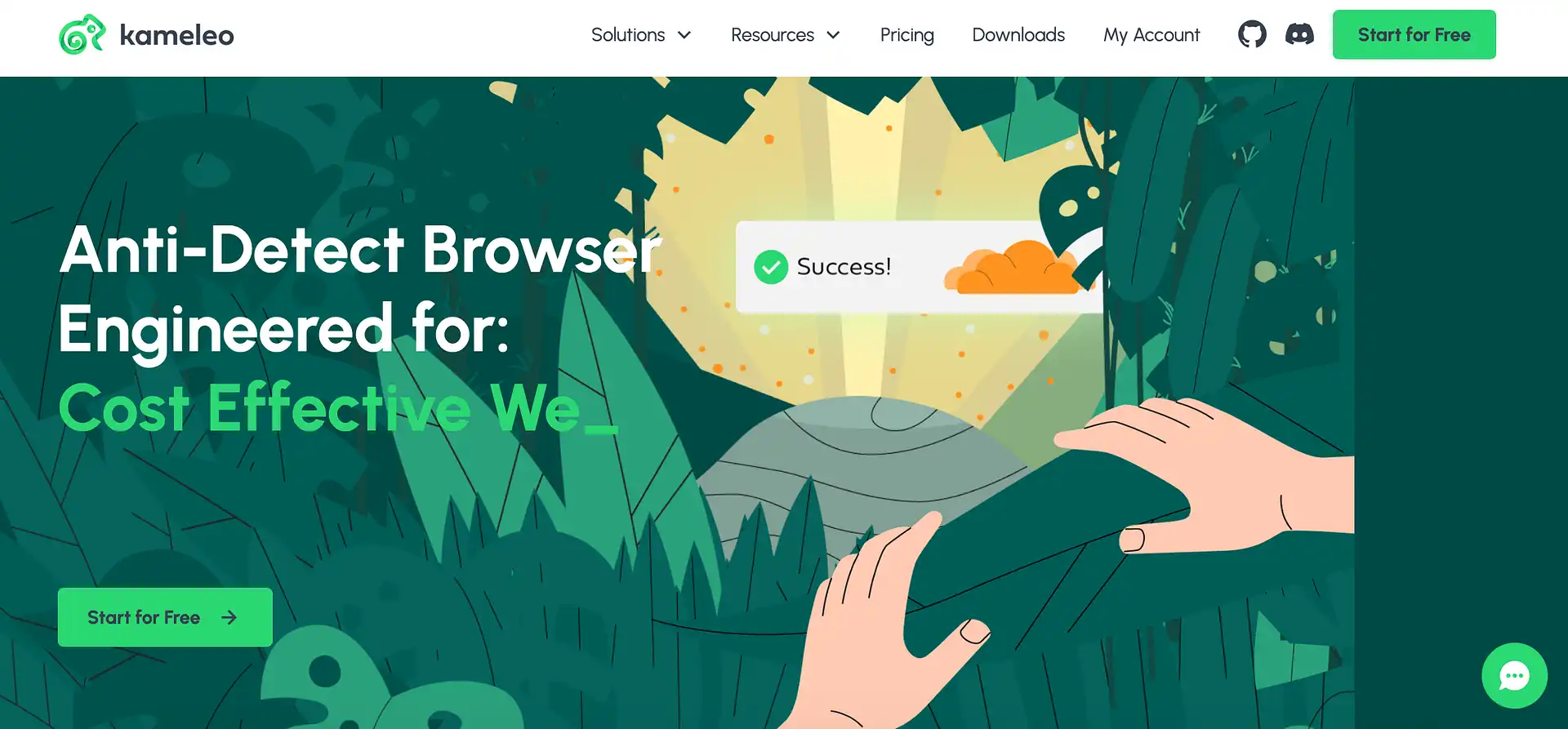
Kameleo is not an online unblocked web browser – it’s an antidetect browser that creates separate profiles, each with its own fingerprint settings. It doesn’t unblock sites by itself: each profile connects through the proxy you attach.
Setup: create a profile, choose a fingerprint, add a proxy.
Best for: social media and ads agencies running multiple client accounts.
Not useful when: the platform restricts the account itself, or several profiles share one IP.
6. AdsPower: multi-profile browser
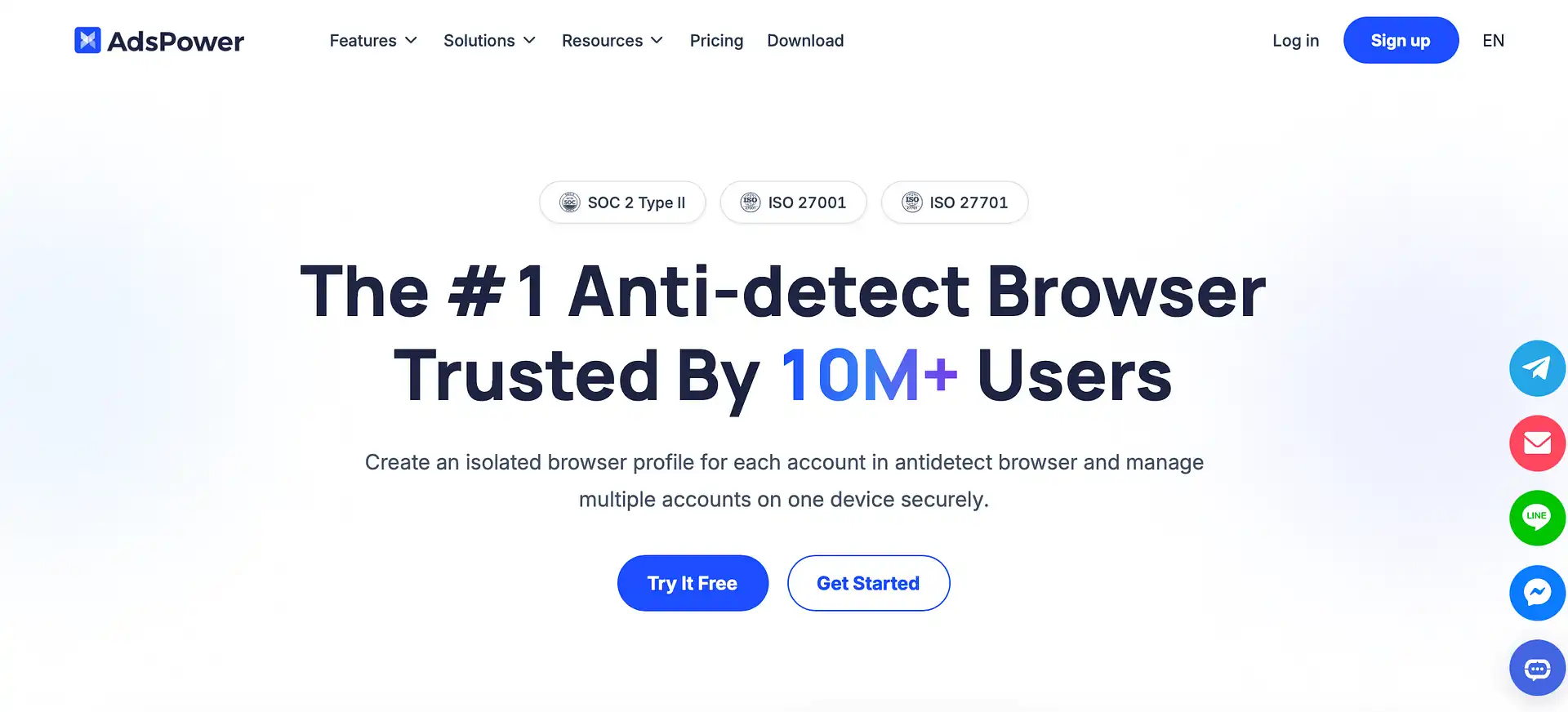
AdsPower works the same way as Kameleo. It creates one isolated browser profile for the account, each with its own proxy. It’s free for 2 profiles, and paid plans vary.
Setup: create a profile and assign a proxy to it.
Best for: marketers, sellers and client account managers.
Not useful when: you need access just for yourself – there are simple alternatives.
For both, CyberYozh App ISP static proxies (from $5.29/month, unlimited traffic) give each profile a stable IP, and mobile proxies (from $1.7/day) suit trust-sensitive accounts.
7. Decodo Site Unblocker: scraping service
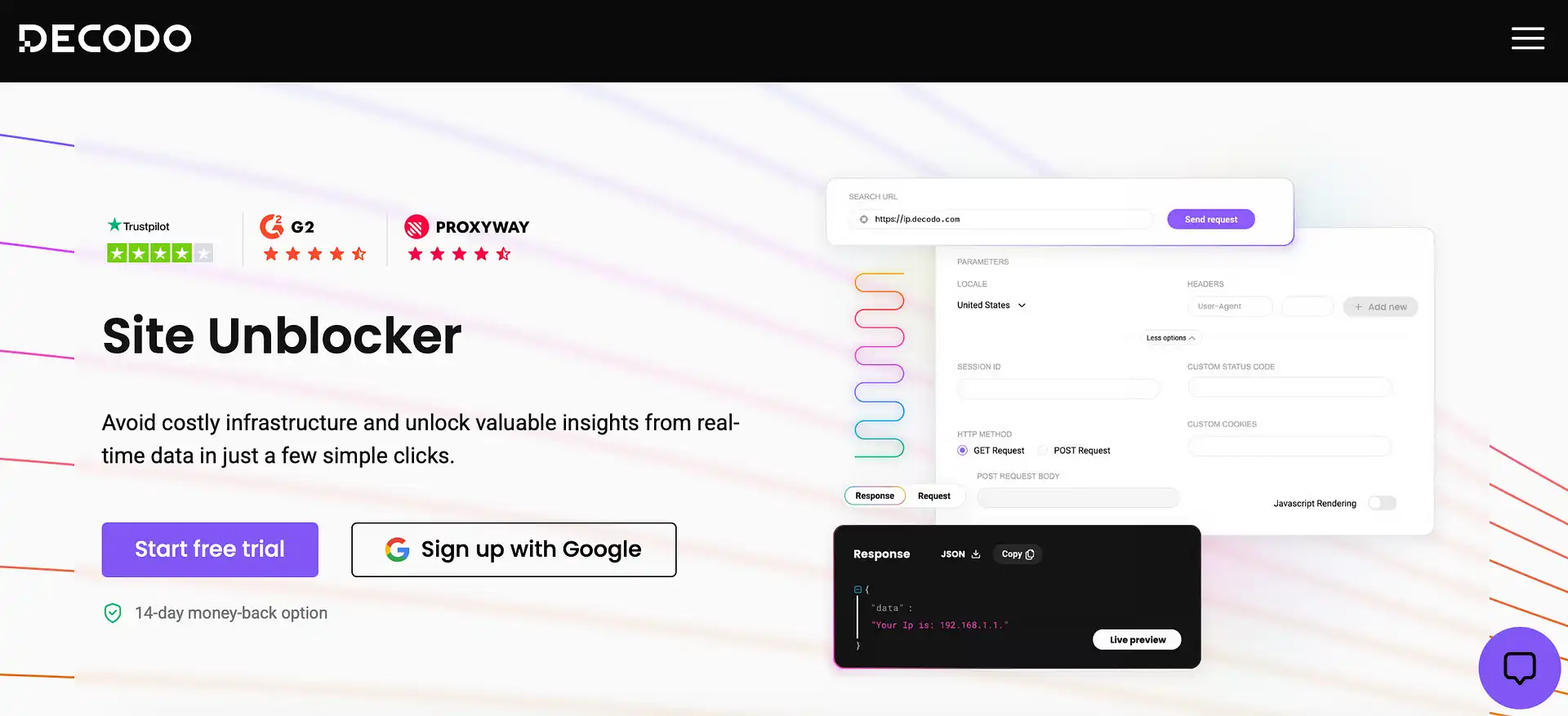
Decodo Site Unblocker is not exactly a browser; it’s a web unblocker tool that handles web scraping on protected platforms. For data collection teams, it handles IP rotation, CAPTCHAs and retries for automated requests, ensuring a good success rate and structured output.
Setup: send requests through its endpoint, which needs code.
Best for: developers and data teams collecting public data at scale.
Not useful when: you simply need a browser to unblock a website; or the site’s terms prohibit automated access.
For a free alternative, try Yozh Scraper – an open-source tool from CyberYozh App with ready-made presets for Amazon, eBay, Walmart, Google, YouTube, and other sources, with structured JSON output. It supports batch scraping and MCP integration with AI agents.
Why use CyberYozh App proxies for unblocking
CyberYozh App is a proxy infrastructure company providing proxies for personal and professional use. For personal use, set a proxy in Firefox to open a site from another country. For professional work, give each Kameleo or AdsPower profile its own IP.
Choose residential, static ISP, mobile LTE/5G, or datacenter IPs for reliable website access based on your needs. Use them to access blocked content, check local search results, manage browser profiles, or collect public web data.
100M+ residential IPs across 195+ countries.
City- and ZIP-level targeting for regional content and local search results.
HTTP, HTTPS, and SOCKS5 protocol support.
Sticky sessions and flexibleIP rotation for consistent access.
Unlimited traffic on mobile LTE/5G proxies from $1.7/day.
Fraud Score checks to assess IP reputation before use.
Get high-trust mobile proxies with unlimited traffic
Open CyberYozh App catalog and pick a proxy for your needs
How to use a proxy with any browser
Whether you’re using a free unblocked web browser or a paid Setup takes five steps:
Choose a proxy. Pick the type and country in your CyberYozh App dashboard.
Copy the credentials. You need the host, port, username and password.
Enter them in your browser. Firefox has its own panel under Network Settings. Chrome, Edge and Brave use your system’s proxy settings. Kameleo and AdsPower take a separate proxy for each profile.
Choose the protocol. Use HTTP for general browsing, or SOCKS5 if your browser or tool supports it.
Test before you log in. After configuring, check your public IP at ipinfo.io or ipleak.net to confirm the location and IP changed. run a Fraud Score check to make sure your IP is clean and won’t cause platform blocks once used.
Which proxy type fits which task
Mobile: IPs from mobile carriers, which many sites treat as high-trust. It suits the most sensitive platforms, like social media and ad accounts
Residential: IPs assigned by home internet providers. They suit geo-restricted content, crawling, and sites that block datacenter ranges.
ISP (static residential): a fixed IP hosted on fast infrastructure but registered to an internet provider. It suits account management and long sessions.
Datacenter: fast and low-cost, but IPs come from server ranges, so sites with stronger protection can flag them. Use them for public pages and low-protection targets like directories.
See the detailed browser proxy settings for every browser in our proxy setup guides.
Check your IP for fraud across 50+ databases
How to access blocked websites
The right fix depends on why a website is blocked. Find your error message in the first column, then try the matching fix to unblock websites. If you see no error code, match the symptom instead.
Error or symptom | What it means | What to try |
“Server not found” or DNS_PROBE_FINISHED_NXDOMAIN / ERR_NAME_NOT_RESOLVED | DNS filtering, or a DNS problem | Switch to a public DNS resolver such as Cloudflare or Google DNS. |
“Blocked by your administrator” | A policy set on a managed device | Ask the administrator to allow the site. |
A block page from a filter (GoGuardian, Securly, Lightspeed or similar) | A school or workplace network filter | Check whether the site opens on mobile data. Use another network only if the rules allow it. |
ERR_CONNECTION_TIMED_OUT or ERR_CONNECTION_RESET | A firewall dropping the connection, or an IP block | Open it on a different network. If it works there, route your traffic through a VPN or proxy. |
“Not available in your country or region” or HTTP 451 | A geographic or legal restriction | Use a VPN or a proxy with an IP address from a supported country. |
HTTP 403 Forbidden or “Access denied” | The site is refusing your IP, region or browser | Switch to a residential or mobile proxy. Check the new IP’s fraud score before you use it. |
HTTP 429 Too Many Requests, or CAPTCHAs | IP is making too many requests or has been flagged | Wait, slow down, and change to a clean IP. |
Are free unblocked web browsers safe
It depends on who runs the connection. Browsers from known developers, like Firefox, Opera and Tor Browser, are generally fine when downloaded from the official site. The risk comes from unknown proxy operators and add-ons, because your traffic passes through their servers, and free services may log it or inject ads.
Take these precautions:
Check that the page shows HTTPS before entering anything.
Skip logins, banking and payment details on free web proxies.
Install only extensions from official stores, with a visible publisher.
Read the provider’s logging policy, whether free or paid.
How to unblock a website blocked by an administrator
An administrator can restrict access at three levels. A network filter blocks access on the school or office Wi-Fi. A device or browser policy blocks it on that machine, even on other networks. Account permissions block it for your login only. Test the site on mobile data, then on another device, to see which one you’re facing.
Note that in most cases, a VPN or proxy won’t override a policy set by an administrator. If you need a blocked website for legitimate work or study, explain the purpose and request access.