
What Are Boomi AI Agents: Connect Distinctive Workflows
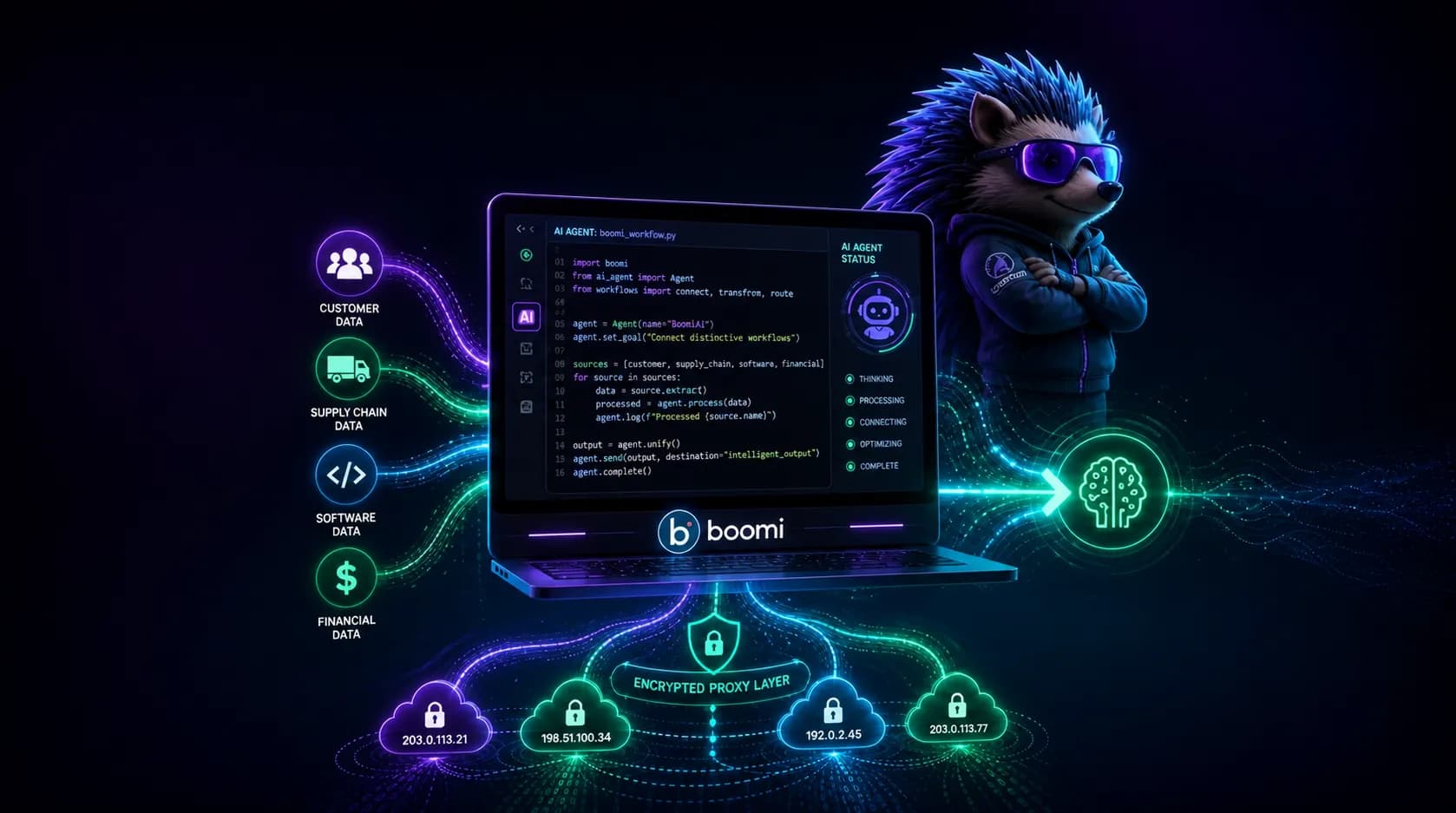
Boomi AI agents can automate tasks and connect multiple workflows without spending hours on internal operations. They are helpful for organizations with multiple departments and disconnected data flows, such as financial, customer, software, and supply chain.
Did you know that proxies are an essential part of large-scale agentic AI workflows? Read about AI agent proxy integration and learn why.
TL;DR
Boomi AI Agents let enterprises connect disconnected data workflows and automate operations through a governed, no-code agent lifecycle—especially powerful when paired with rotating residential proxies for secure, rate-limit-free data collection.
Build agents in Agent Designer, catalog and share them via Agent Garden, and govern everything through Agent Control Tower.
Start with low-risk wins first: documentation (Scribe), troubleshooting (Resolve), and case summarization deliver fastest, measurable ROI.
Route agent traffic through a proxy via JAVA_TOOL_OPTIONS to bypass rate limits and enable ZIP-code-level local data gathering.
Package and deploy agents as versioned snapshots per environment/region before wiring them into workflows with an Agent step.
What is Boomi AI and what are its differences
The Boomi Enterprise Platform is the primary dashboard for managing and deploying Boomi agentic AI. It features two types of agents:
Platform agents, pre-installed in Boomi for generic tasks like documentation writing
Custom agents that can be designed using the Boomi AI Agent Studio tools
Boomi AI Agent Studio (Agentstudio) is a no-code environment where teams define an agent's goal, attach tools such as APIs, integrations, or database queries, and set guardrails before testing and deploying it. It consists of:
Agent Designer is the visual, no-code/low-code workspace where teams define a goal-driven agent, write its instructions in natural language, and attach external resources like APIs, Boomi integrations, or DataHub repositories.
Agent Garden is the interactive workspace layered on top of it, where teams can browse pre-built platform agents, install partner agents, or publish and share their own agents across Boomi accounts.
Agent Control Tower sits above both as the governance and monitoring layer, keeping audit trails, activity logs, and provider connections under one roof.
Learn about Dataiku AI agents, too. They work best for very large volumes of data, while Boomi handles multiple data types and connects them more effectively.
Where is Boomi AI Agent Studio used
Boomi AI agents have specific applications, primarily for handling multiple disconnected data flows. Here, we’re going to look at them more closely, and as always, I’ve brought you the first-hand data from agent creators.
Data connectors and complex API pipelines
Boomi's Data Connector Agent generates custom REST connectors ("Blueprints") directly from API documentation, which partners report can dramatically speed up ELT pipeline construction. API Blueprint is a reusable connector template that an agent generates automatically from a target system's API docs, so developers don't have to write connector code by hand.
Multiquip's sales team, working with partner Jade Global, won a Boomi Innovation Award for an agent that automates data collection and prioritization directly inside existing connected systems rather than as a separate tool.
Data analytics, risk management, compliance
DataDetective, a pre-installed platform agent, classifies sensitive data and tracks its movement across regions, which is central to sovereignty and compliance work. Agent Control Tower (ACT) is the governance layer that registers, audits, and versions every agent, including those hosted by external providers like AWS Bedrock or Snowflake Cortex.
Amneal Pharmaceuticals summed up the operational shift: "With Boomi Agentstudio, we've moved from firefighting to a true [proactive model]”
Customer care for connected services
Boomi documents agent use cases for support case summarization and drafting customer responses from case history. One internal story I was told describes a customer success agent who initially saw only 20% adoption; after Boomi redesigned it to quietly surface renewal risk and next-best-action data within the CSM's existing dashboard instead of acting like a chatbot, adoption jumped to 85% within a month.
Proxy integration with Boomi Agentic AI
Boomi's own documentation confirms that agents and gateway connectors can be routed through a proxy server for their outbound connections, configured via a JAVA_TOOL_OPTIONS environment variable that sets http.proxyHost, http.proxyPort, https.proxyHost, and https.proxyPort.
This is the technical hook that lets CyberYozh's rotating residential proxies sit between Boomi's tool calls and the target systems or websites an agent needs to reach.
In practice, rotating residential proxies help Boomi agentic workflows in several concrete ways:
Distribute incoming and outgoing requests across multiple residential exit IPs, so a single agent calling external APIs or sites doesn't appear to be a single high-volume client.
Avoid rate limits with Boomi's Agentstudio APIs that themselves enforce strict per-account caps (20 requests/second on Design APIs, 100 requests/minute for paid-tier session invocations).
Secure data collection by masking the originating infrastructure, which matters when agent tools scrape or query systems that flag data-center IP ranges.
Enable local data collection with ZIP code precision, allowing an agent's data connector to fetch region-specific pricing, listings, or compliance data as if the requests originated from that locale.
Learn more about CyberYozh’s AI integration and get the proxy you need.
Deploying a Boomi AI agent in the Agent Designer
Below are several algorithms for deploying AI agents with Boomi.
Create and deploy the agent
Open Agentstudio from the Boomi Enterprise Platform home screen and select Agent Designer.
Define the agent's goal, tasks, and instructions, then attach tools (API calls, integrations, DataHub queries, or prompt tools).
Configure guardrails to restrict inputs, outputs, and allowed data sources.
Use the Test Agent panel to run sample prompts against a linked runtime cloud and review the trace of tool calls.
Package the agent into a versioned snapshot once testing passes.
Deploy the package to a specific environment and regional runtime cloud, then call it via an Agent step inside integration processes or expose it through Embed Kit.
Connect to proxy via the API
Obtain your CyberYozh’s rotating residential proxy credentials (host, port, username, password) from your account dashboard.
On the Boomi-side agent or gateway component, set the JAVA_TOOL_OPTIONS environment variable in the deployment configuration: -Dhttp.proxyHost=HOST -Dhttp.proxyPort=PORT -Dhttps.proxyHost=HOST -Dhttps.proxyPort=PORT.
If the agent should bypass the proxy only for internal gateway traffic, append -Dhttp.nonProxyHosts=GATEWAY_HOST to the same variable.
Restart or redeploy the agent container so the new proxy settings take effect.
Test the connection by triggering the agent's data-collection tool and confirming outbound requests resolve through the rotating IP pool (check response headers or your proxy dashboard for confirmation).
Troubleshoot the issues
Here is a quick overview of common issues with Boomi AI agents
Conclusion: Connect disconnected workflows and automate them
Boomi AI agents give organizations a governed way to connect financial, customer, and supply chain systems that previously operated in silos, reducing manual documentation, troubleshooting, and data collection work. Paired with rotating residential proxies, these agents can gather external and location-specific data securely, without hitting rate limits, while Boomi's Agent Control Tower keeps every action auditable.
Explore CyberYozh's catalog to select the proxy you need, and adjust it for your tasks.