Can You Watch Multiple Twitch Streams for Drops in 2026
You want the exclusive skin. The weapon charm. The in-game currency that only drops during this one event, the one that ends Sunday. It needs four hours of watch time. You have a job. A life. Definitely other things to do.
So the question becomes: can you run multiple streams at once, farm drops faster, and do it without Twitch noticing?
Short answer: yes. Some methods are completely fine. Some are risky. And one will get your account banned so fast it feels personal. Here are five methods, ranked from fully safe to "know exactly what you're doing before you try this."
TL;DR
Yes, you can watch multiple Twitch streams simultaneously for drops, on different tabs or devices
One account + multiple devices = safe, fully supported by Twitch
Multiple accounts from the same IP = high risk, Twitch flags this as drop abuse
Background tabs do count toward drop progress as long as the stream is active and your account is linked
Muting a stream does not affect drop tracking; mute freely
For multi-account farming, IP isolation is not optional; one unique IP per account, minimum
Residential proxies give each account its own clean ISP-level IP, so Twitch cannot link them
Fastest safe method: one account, multiple devices, multiple eligible streams running simultaneously
What are Twitch drops
Twitch Drops are in-game rewards, skins, items, weapons, and currency that game developers distribute through time-limited Twitch watch campaigns. You link your game account to your Twitch account via the Twitch Drops & Rewards page, watch a participating stream for a set duration, and the reward automatically transfers to your game account.
Drops are game-specific and time-limited, covering events like Marvel Rivals Twitch Drops, Hunt: Showdown Twitch Drops, Battlefield 6 Twitch Drops, and dozens of others. Some items are only available through drop campaigns, which is exactly why efficient farming matters.
Can you watch multiple Twitch streams for drops at the same time
Yes, with conditions.
One account, multiple streams: You can watch different streams in separate tabs or on different devices simultaneously. Twitch tracks watch time per stream, per account. Two eligible streams running at once on two devices means both drop timers progress simultaneously.[ Read about crypto airdrops]
Multiple accounts, multiple streams: Possible, but this is where Twitch's detection system activates. Multiple accounts logging in from the same IP address is a primary detection signal. Run them without IP separation, and you risk disqualification, account suspension, or both.
5 ways to watch multiple Twitch streams for drops: Ranked by risk
Here are some of the best 5 ways to watch multiple Twitch streams for drops in 2026:
Method 1: Multiple browser tabs with the same account
Risk level: Low
The simplest approach. Open multiple eligible streams in separate browser tabs while logged into one account.
How to do it:
Log in to Twitch in your browser
Open a new tab for each stream you want to watch
Confirm each stream shows the "Drops Enabled" tag
Keep all tabs open, minimize, but do not close them
Why it works: Twitch tracks drop progress per stream independently. Two tabs watching two different eligible streams means two drop timers running simultaneously.
Important: Chrome throttles background tabs by default, which can pause drop progress. Go to chrome://settings/system and enable "Continue running background apps when Chrome is closed." Alternatively, switch to Firefox; it handles background tab activity more reliably for drop farming.
Success rate: High. This is the most widely used method. Twitch does not penalize it.
Method 2: Picture-in-picture + main window
Risk level: Low
Pop one stream into Picture-in-Picture mode and watch a second stream in your main browser window, both count toward drops simultaneously.
How to do it:
Open Stream A in your main browser window
Right-click the video player → select "Picture in Picture."
Open Stream B in the same browser tab, now freed up
Both streams run at the same time on the same account
Why it works: PiP keeps the original stream technically active inside the browser. Twitch still registers the watch session and counts it toward drop progress.
Best for: Users who want to run two streams without managing multiple devices or complex tab setups.
Method 3: Multiple devices with the same account
Risk level: Low
This is the cleanest and most reliable method, and the one Twitch explicitly supports in their help documentation.
How to do it:
Log in to the same Twitch account on your phone, tablet, and desktop
Open a different eligible stream on each device
Keep all devices active with streams running
Why it works: Twitch allows the same account to be active across multiple devices simultaneously. Watch time is tracked per stream, not per device. Three devices watching three different eligible streams = three drop timers running at once.
Best setup:
Desktop: two or three browser tabs running eligible streams
Phone: Twitch app running a fourth eligible stream
Tablet: a fifth stream if needed
Success rate: Very high. This is fully within Twitch's intended use case.
Method 4: Multiple accounts on different streams
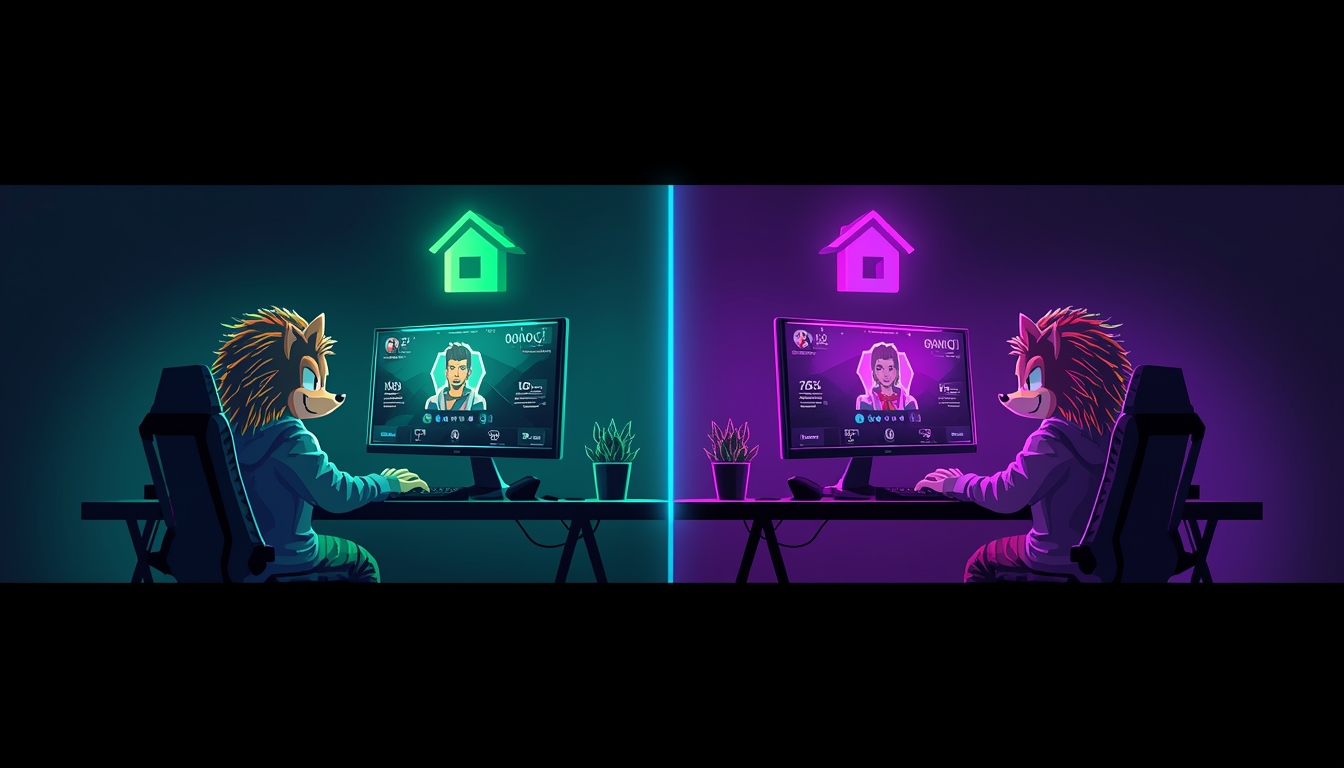
Risk level: Medium–High
Running separate Twitch accounts to farm drops faster is against Twitch's Terms of Service when used to abuse drop campaigns. Twitch's rules specifically prohibit "artificial manipulation" of drop eligibility and "circumventing limitations" on reward systems.
That said, people do it. The primary detection mechanism is IP-based. Multiple accounts connecting from the same IP address within the same session window is the pattern Twitch uses to identify account clustering.
How people approach it:
Create separate Twitch accounts; each needs a unique email address
Link each account to its own separate game account
Route each Twitch account through a different IP address
Watch different eligible streams on each account simultaneously
Why the IP step is non-negotiable: Without IP separation, Twitch sees all your accounts accessing the platform from the same address at the same time. That pattern triggers review, and drops can be disqualified retroactively, meaning hours of farming disappear. [Read about Roblox IP bans]
Risk without IP isolation: Medium to High. Accounts can be suspended and drops revoked across all linked accounts simultaneously.
Method 5: Multi-stream browser extensions and viewers
Risk level: Low–Medium
Tools like MultiTwitch and Twitch's native Squad Stream feature let you watch multiple streams inside a single browser window.
How to do it:
Go to multitwitch.tv or a similar viewer
Add the channel names of the streams you want to watch
Make sure you are logged into Twitch, and your game account is linked for drops
Important caveat: Not all third-party multi-stream viewers properly maintain the authenticated session Twitch requires to track drops. After 15 minutes, check your drop progress bar. If it has not moved, the session is not being tracked correctly, and you need to switch methods.
Risk: Low for the method itself. Medium: If you install a browser extension that requests Twitch account permissions, always review what access any extension asks for before installing.
How Does Twitch's Drop Detection Actually Work
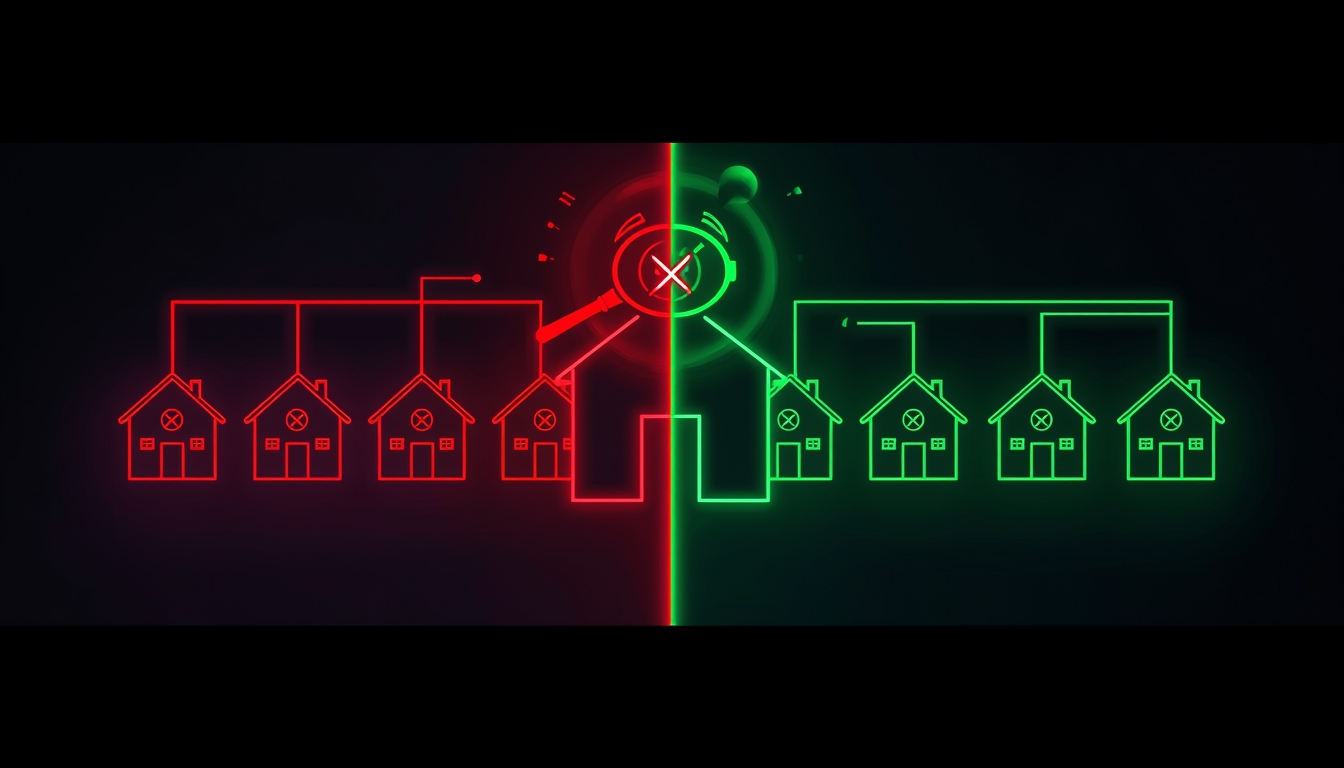
Twitch tracks IP addresses as one of its primary signals for identifying account clustering. If multiple accounts all log in from the same home IP and all start watching Drop-enabled streams within the same window, that behavioral pattern is detectable, even without any other signal.
Why this matters:
A drop disqualification can happen retroactively. You farm for six hours and the rewards never arrive
Account suspensions from drop abuse tend to hit all linked accounts, not just the one that triggered the review
The risk scales directly with account count, two accounts from one IP carry far lower risk than ten
The practical solution is straightforward: each account needs its own completely separate IP address. Not a different tab. Not incognito mode. A genuinely distinct IP that makes each account appear to be an independent user in an independent location.
Expert observation: Twitch does not need to know your identity to detect coordinated farming. It just needs to see a cluster of accounts sharing behavioral patterns, same IP, same session timing, same stream choices. The signal is statistical, not personal. That is why IP isolation matters so much, and why a VPN (which gives all accounts one shared IP) makes the problem worse, not better.
What do Twitch's rules actually say in 2026
Twitch's Terms of Service and Community Guidelines are specific about what is and is not prohibited in drop campaigns.
Explicitly allowed:
Watching multiple streams on one account simultaneously
Using multiple devices on one account
Using browser extensions that maintain valid authenticated sessions
Using a VPN or proxy (not mentioned as a violation in Twitch's ToS)
Explicitly prohibited:
Creating multiple accounts specifically to claim more drops than a single user is intended to receive
Any coordinated effort to artificially manipulate drop distribution
Circumventing drop campaign limitations
The gray area: Watching two streams you are genuinely interested in, on one account, across two devices, that is fine under any reasonable reading of the rules. Running 20 accounts to farm drops at an industrial scale is clearly what the rules target. If you are in the middle, with a few accounts, a genuine interest in the games, the risk comes down entirely to IP management.
Residential Proxy vs. VPN vs. Mobile Proxy: Which Is Right for Drop Farming
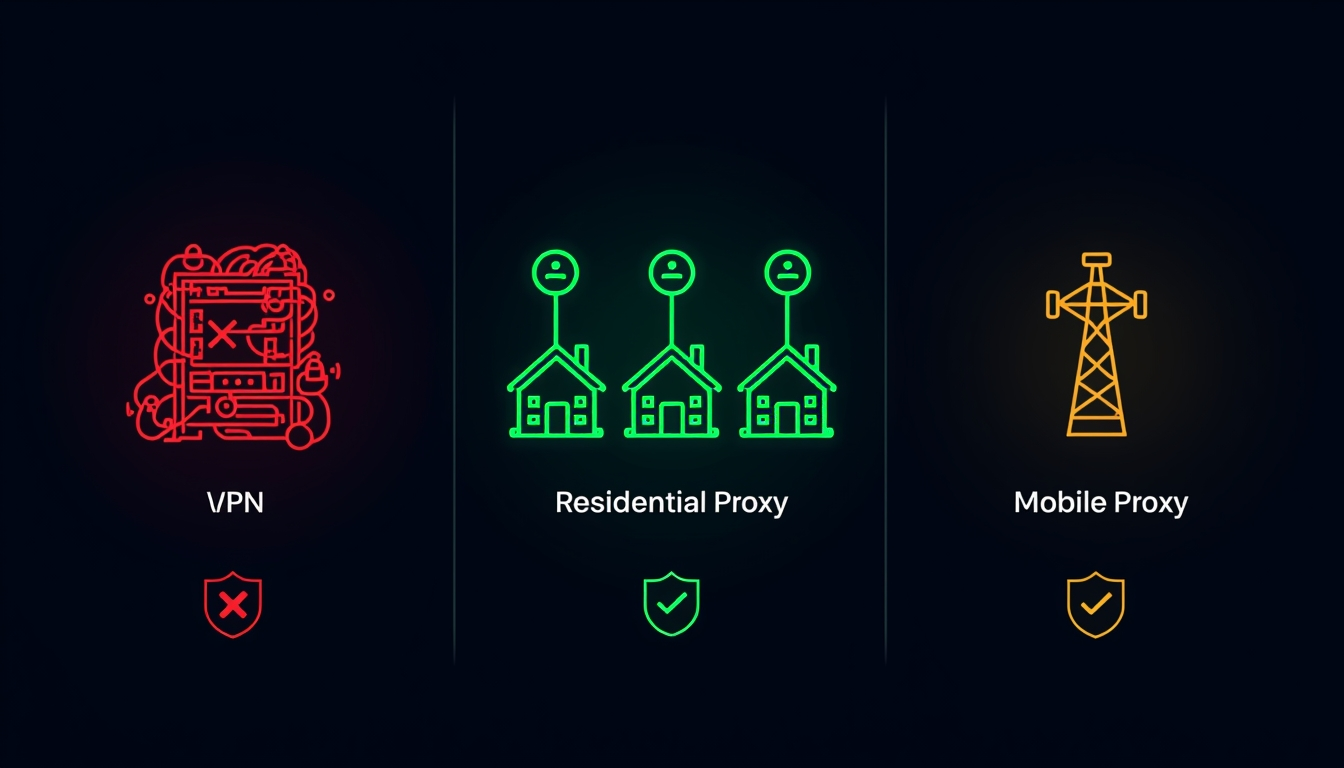
This is the most misunderstood part of multi-account drop farming. Here is a direct comparison:
Method | How It Works | IP Separation | Best For | Risk Level |
Home IP only | All accounts share your household IP | None | Single account | No risk |
VPN | All accounts share one VPN server IP | None (makes it worse) | Privacy, not account isolation | High |
Server-based IP, easy for Twitch to detect | Basic | Not recommended for Twitch | Medium–High | |
Residential proxy | Real ISP IP from a real home location | One IP per account | Multi-account drop farming | Low |
Real carrier IP, highest trust score | One IP per account | New accounts, max trust | Very Low |
Expert observation: A VPN is the single most common mistake drop farmers make. It is intuitive, "VPN = anonymous", but it does the opposite of what you need. A VPN assigns all your accounts a single shared IP address, which provides a stronger clustering signal than using your home connection alone. For account isolation, you need one unique residential IP per account, not one shared server IP for all of them.
Mobile vs. Desktop: Which works better for drops
Both platforms count watch time fully. Running them simultaneously is actually the most efficient setup available.
Feature | Desktop (Browser) | Mobile (Twitch App) |
Multi-stream support | Yes, multiple tabs, PiP | No, one stream per device |
Background reliability | Moderate (Chrome throttles) | High (app stays active) |
Drop progress monitoring | Easy | Limited |
Best browser for drops | Firefox | N/A |
Simultaneous streams (1 account) | 2–3 tabs | 1 per device |
Best setup for one account: Desktop running two or three tabs (Firefox recommended) + phone running a fourth stream via the Twitch app. All on the same account, all counting simultaneously. No risk, fully supported.
Best setup for multiple accounts: Each account on a separate device or isolated browser profile, each routed through a different residential IP address.
How CyberYozh handles the IP isolation problem
If you are farming drops across multiple accounts, IP isolation is the infrastructure layer that ensures structural soundness.
Here is the practical problem: your home IP identifies your household. Every account you run from that address shares that identifier. Twitch does not need your name; it just needs to see a cluster of accounts sharing a single IP address within the same session window.
CyberYozh solves the IP side directly:
Rotating residential proxies: each Twitch account gets its own real ISP IP from a real location. From Twitch's perspective, each account is a different person in a different city connecting independently
Static residential proxies: fixed ISP IPs for existing accounts you manage long-term. The same "user" logs in every time from the same location, exactly how a real account behaves
Mobile (4G/5G) proxies: carrier-grade IPs with the highest trust scores. Ideal for new accounts that need to establish watch history without triggering new-account scrutiny
No account linking: because each account operates through its own IP, Twitch has no IP-level signal connecting them. If one account encounters a review, the others remain unaffected
SMS activation: new Twitch accounts require phone verification. CyberYozh's SMS activation service provides real numbers for account verification without reusing the same number across multiple accounts
Most affordable in the proxy market: mobile proxies at $1.7/day and residential proxies at $5.29/month, both unlimited traffic.
CyberYozh does not guarantee drops; no proxy service controls what Twitch's internal systems decide. What it provides is IP independence for each account, removing the primary detection signal. That is the infrastructure layer. The rest is up to you.
When do Twitch drops not work: Common issues and fixes
Even with the right setup, drops sometimes fail to progress. Here are the most common causes:
Problem | Likely Cause | Fix |
The drop timer is not moving | Game account not linked to Twitch | Re-link at twitch.tv/drops/campaigns |
Background tab not counting | Chrome throttling background tabs | Switch to Firefox or enable background apps in Chrome |
Drops not arriving after the claim | Sync delay (up to 24 hours) | Wait, check your in-game inventory after 24 hours |
"Drops Enabled" not showing | Stream is not part of an active campaign | Verify on the Drops & Rewards page directly |
Drop progress reset | Session expired or account logged out | Refresh and log back in. Progress should resume |
Account suspended mid-farm | Multiple accounts flagged from the same IP | IP isolation is required before farming again |
Are Twitch drops worth farming
For one account, absolutely yes. The time investment is passive, you set up a stream and walk away. For multi-account farming, the calculus changes: you need proper infrastructure, the right proxy setup, and a clear understanding of Twitch's rules. The reward scales with the effort, but so does the risk if you skip the IP isolation step