
Device Fingerprinting Solutions: How to Choose One in 2026

You banned the fraud ring last month. This month it's back with new emails, new cards and new IP addresses, on the same laptops. That's the problem device fingerprinting solutions exist to solve. This guide explains how they work, compares leading vendors with verified pricing, and shows you how to pick one without blocking real customers.
Quick answer: what are device fingerprinting solutions
Device fingerprinting solutions are tools that recognize a returning device by combining dozens of browser, hardware and network signals into a single identifier. Businesses use them to stop account takeovers, fake signups, promo abuse and payment fraud. The best choice depends on your fraud type, traffic volume, mobile app needs and privacy obligations, not on headline accuracy claims.
TL;DR
Device fingerprinting identifies a device, not a person, and works without cookies
IP addresses alone are too easy to change, so strong fraud stacks combine fingerprints with IP reputation
Leading vendors claim 98–99.9% accuracy; test on your own traffic before trusting any figure
Prices range from free tiers to $699+/month, depending on volume and features
Privacy law still applies: in the UK and EU, fingerprinting can require user consent
What is device fingerprinting
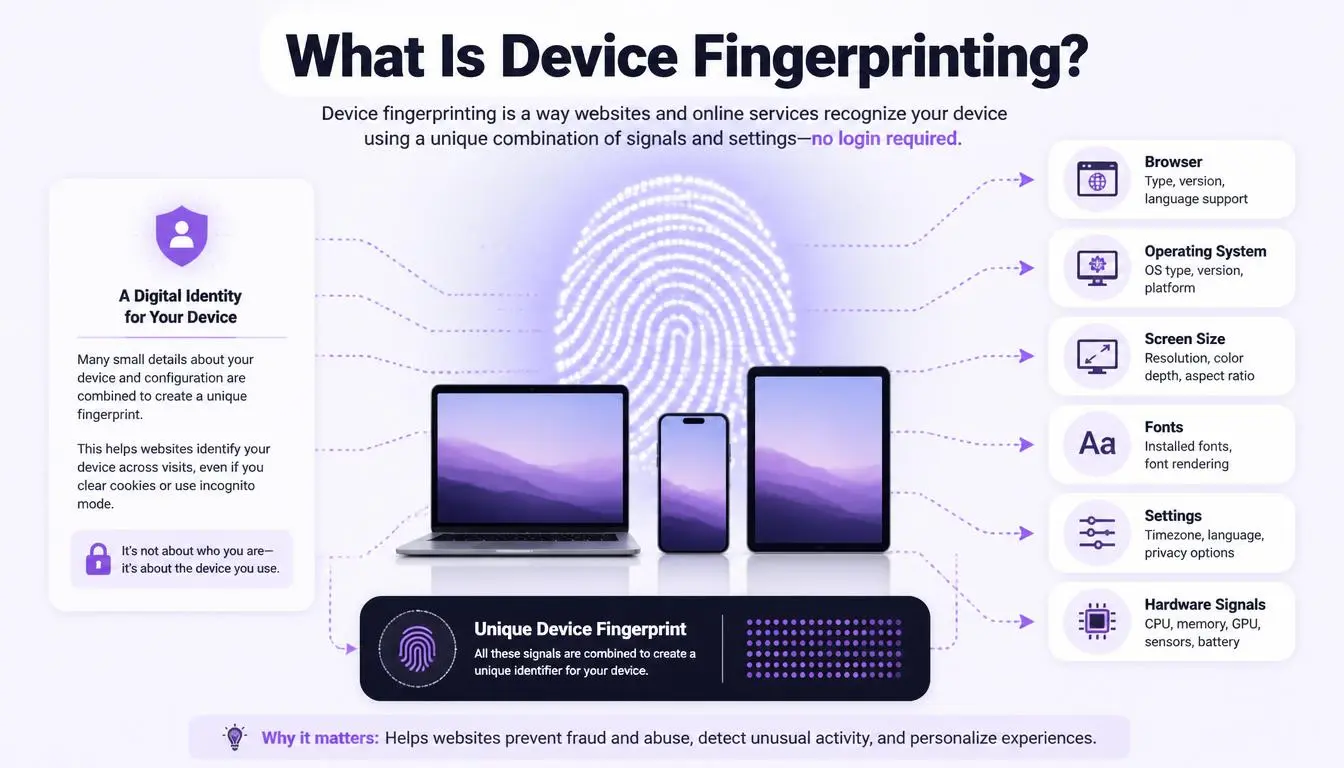
A device fingerprint is a profile built from details your device reveals when it visits a website or opens an app: screen size, installed fonts, time zone, language, graphics card behavior and more. No single detail identifies you. Combined, they often do.
The W3C, the body that sets web standards, defines it this way:
"Browser fingerprinting is the capability of a site to identify or re-identify a visiting user, user agent, or device via configuration settings or other observable characteristics." — W3C
For the full technical breakdown, our explainer on what a browser fingerprint is covers each signal. Two signal types matter most for buyers:
Signal layer | Examples | What it adds |
Browser | Fonts, screen, canvas and WebGL rendering | Separates devices with the same IP |
Hardware | CPU cores, GPU, audio processing | Survives cleared cookies and incognito |
Network | IP reputation, TLS handshake, time zone vs IP location | Exposes mismatches and risky connections |
Canvas rendering is one of the most stable signals; our guide to canvas fingerprinting explains why. At the network layer, many solutions also read TLS fingerprints, which come from how a device opens a secure connection.
Expert insight: Uniqueness depends on who's visiting. The EFF's 2010 study found 83.6% of 470,161 browsers had a unique fingerprint. A 2018 study of about 2 million visitors to a mainstream site found only 33.6% were unique. Fingerprinting is powerful, but it isn't a perfect identifier.
Why IP address alone isn't enough
Many fraud teams start by blocking IPs. It rarely lasts. Home IPs change, mobile carriers share one address across thousands of users, and fraudsters switch networks in seconds.
That's why modern device fingerprinting solutions treat the IP as one signal among many. The strongest signal is often a mismatch. Fingerprint's documentation, for example, describes a flag that triggers when "the geolocated IP address of the device does not match" the time zone in the device's system settings.
The reverse also applies: a fingerprint without network context misses risky connections. That's where IP reputation comes in. A fraud score rates how risky an IP looks, based on blacklists, abuse history and proxy, VPN or Tor detection.
Add the IP layer in minutes. The CyberYozh checkers score IP addresses, phone numbers and bank cards against anti-fraud databases, including IPQualityScore data and 118 open-source blacklists. Checks cost $0.15 each, or $19/month for 1,500.
What businesses use device fingerprinting for
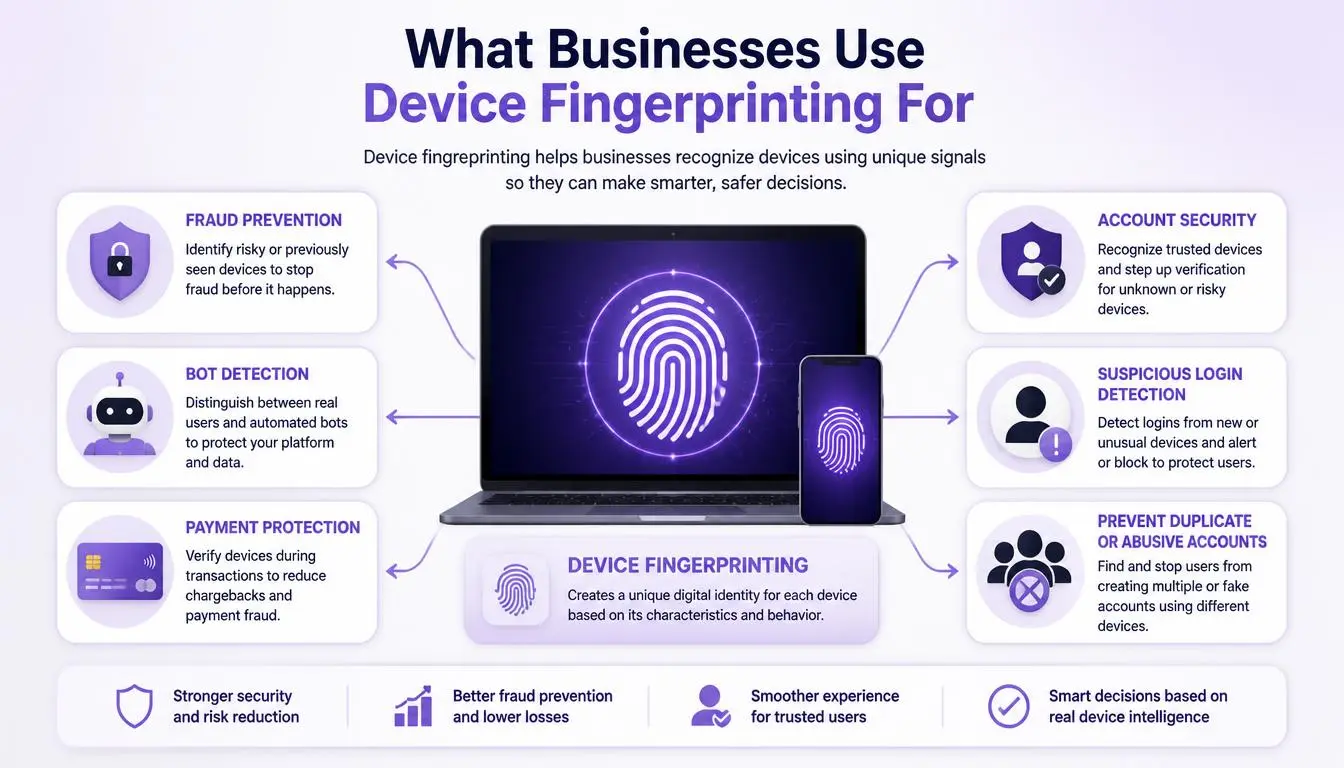
The use case should shape your choice of vendor:
Account takeover: spotting a login from an unfamiliar device and asking for extra verification
Multi-accounting and promo abuse: linking dozens of "new" accounts to one device
Payment fraud and chargebacks: flagging devices tied to earlier disputes
Bot signups: detecting automated browsers and tampered environments
Smoother logins: letting trusted devices skip repeat checks
How to evaluate device fingerprinting solutions
Use these questions in every vendor demo.
How accurate is it on my traffic? Accuracy figures are vendor claims measured on vendor data. Ask for a trial on your real users.
How stable is the ID over time? Browser updates and new devices change fingerprints. Ask how accuracy changes after 30, 60 and 90 days.
What happens to privacy-focused users? Safari 26 restricts known fingerprinting scripts, Firefox 145 says its protections cut unique users "by almost half" in protected modes, and Brave randomizes signals. Ask how the tool avoids flagging these real customers.
Does it cover mobile apps? Web-only tools miss app-based fraud. Check for native iOS and Android SDKs.
How fast is it? Checks that run during login or checkout need to return in milliseconds.
How does it handle compliance? Ask where data is stored, how long it's kept and how consent is managed.
Is pricing predictable? Per-call pricing can spike during an attack. Check overage rates before you sign.
Common mistake: Choosing on the vendor's headline accuracy figure. A tool that's 99% accurate but blocks 3% of your genuine buyers can cost more than the fraud it stops.
Leading device fingerprinting solutions compared
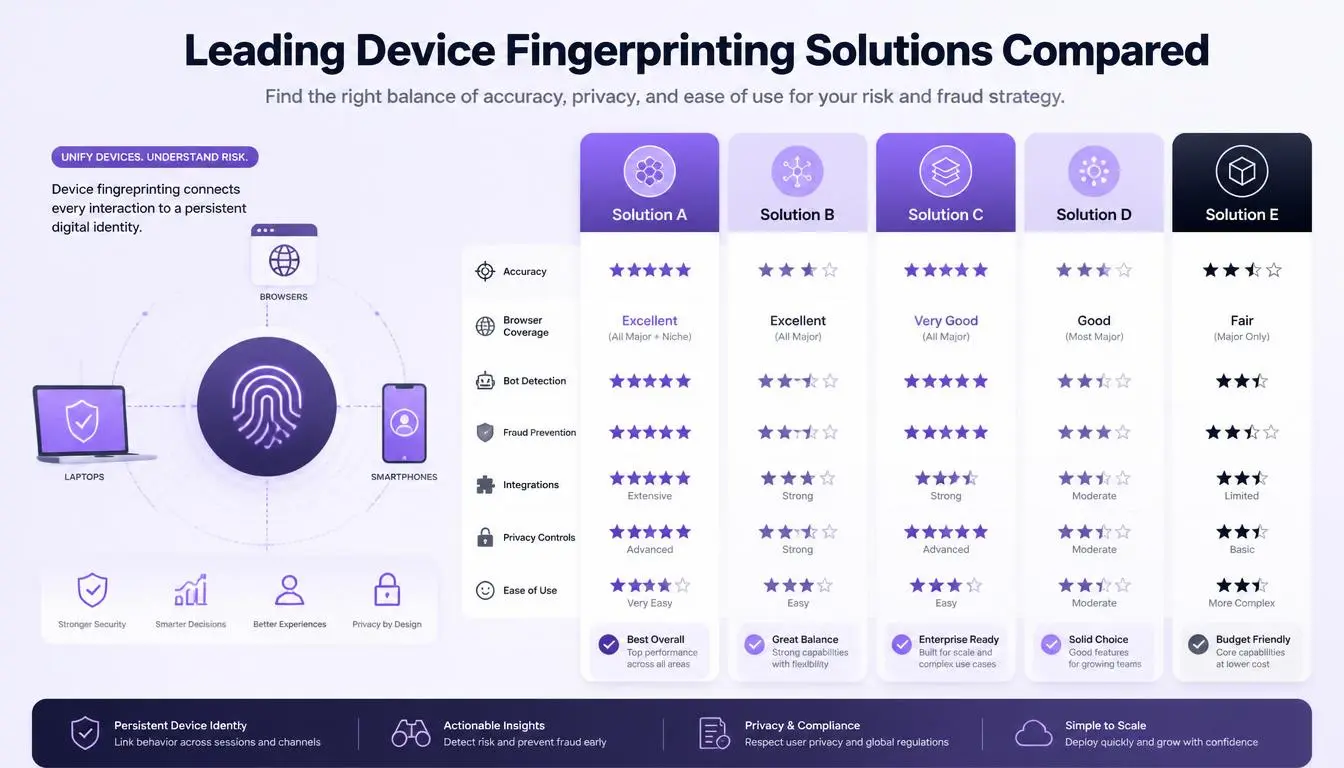
These six vendors appear most often in 2026 buyer research. We checked pricing on vendor pages in October 2026.
Solution | Best for | Public pricing | Notes |
Fingerprint | Developers who want a dedicated identification API | Free up to 1,000 calls/month; Pro Plus $99/month for 20,000 calls | Web, iOS and Android SDKs; VPN, bot and tampering signals |
SEON | Teams wanting a full fraud and AML platform | Starter $699/month for 2,500 checks | Device intelligence bundled with email, phone and IP checks |
Castle | Bot and account-abuse prevention | Free tier; Pro $200/month; Enterprise from $4,000/month | Developer-friendly risk API |
IPQS | IP, proxy and device reputation in one API | Free tier available; paid plans vary | Strong network-reputation focus |
SHIELD | Mobile-first platforms such as ride-hailing apps | Not public | Device-first fraud intelligence |
TransUnion TruValidate | Large enterprises and financial services | Not public | Shared device reputation across many businesses |
Open-source FingerprintJS is now MIT-licensed and free for commercial use. Its own documentation notes that its accuracy is "significantly lower" than the paid version and that it's easier to spoof. It's a good learning tool but rarely enough for fraud prevention.
When you don't need a device fingerprinting solution
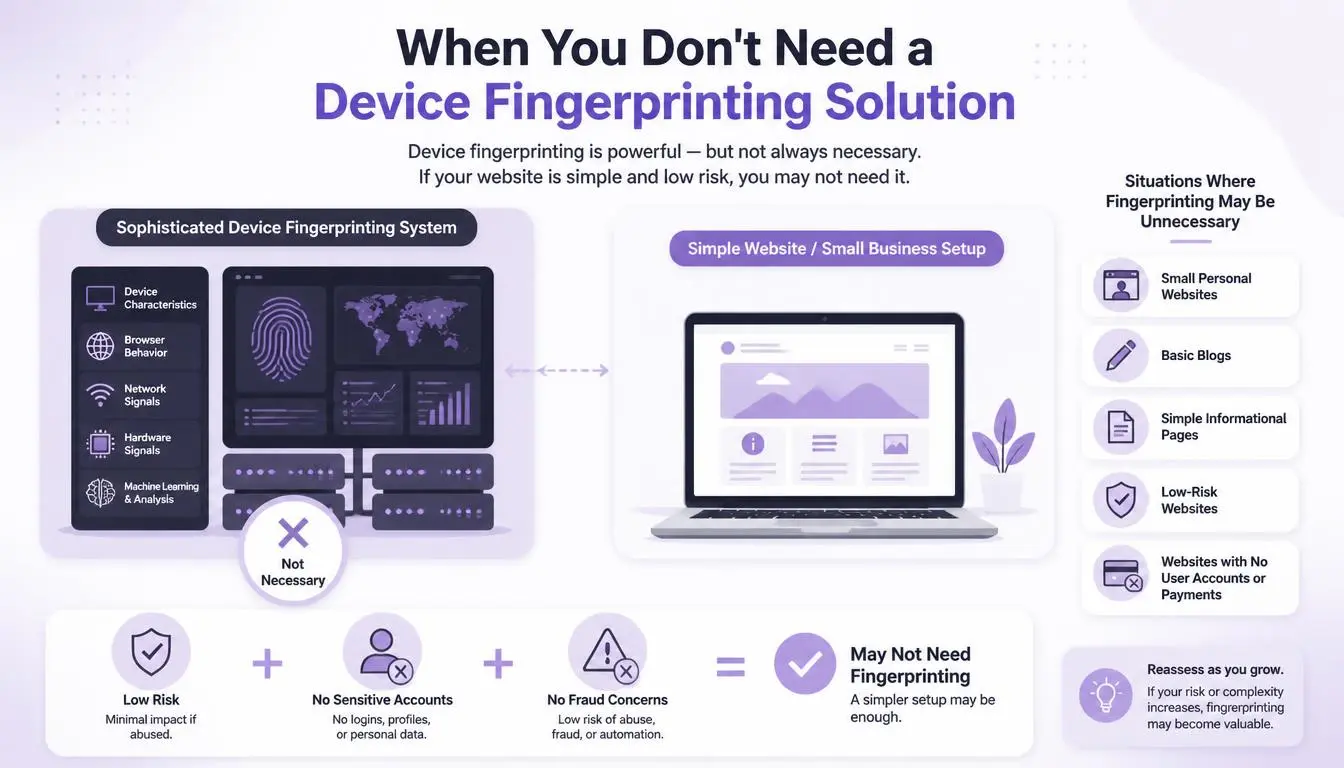
Not every business needs one. If you have low transaction volume, little account abuse and no signup incentives worth exploiting, start simpler:
IP reputation checks at signup and checkout
Email and phone validation
Rate limits and CAPTCHA on high-risk forms
Add device fingerprinting when you see repeat offenders returning under new identities. That's the problem it solves best.
The privacy side you can't skip
Device fingerprinting is legal, but not unconditional. The UK's data protection regulator, the ICO, puts it plainly:
"Businesses must give users fair choices over whether to be tracked before using fingerprinting technology, including obtaining consent from their users where necessary." — UK Information Commissioner's Office
UK law includes an exemption for access that's strictly necessary to prevent or detect fraud. Advertising and tracking uses don't qualify. Use fingerprints for security, document why, and keep data only as long as needed.
Where CyberYozh fits
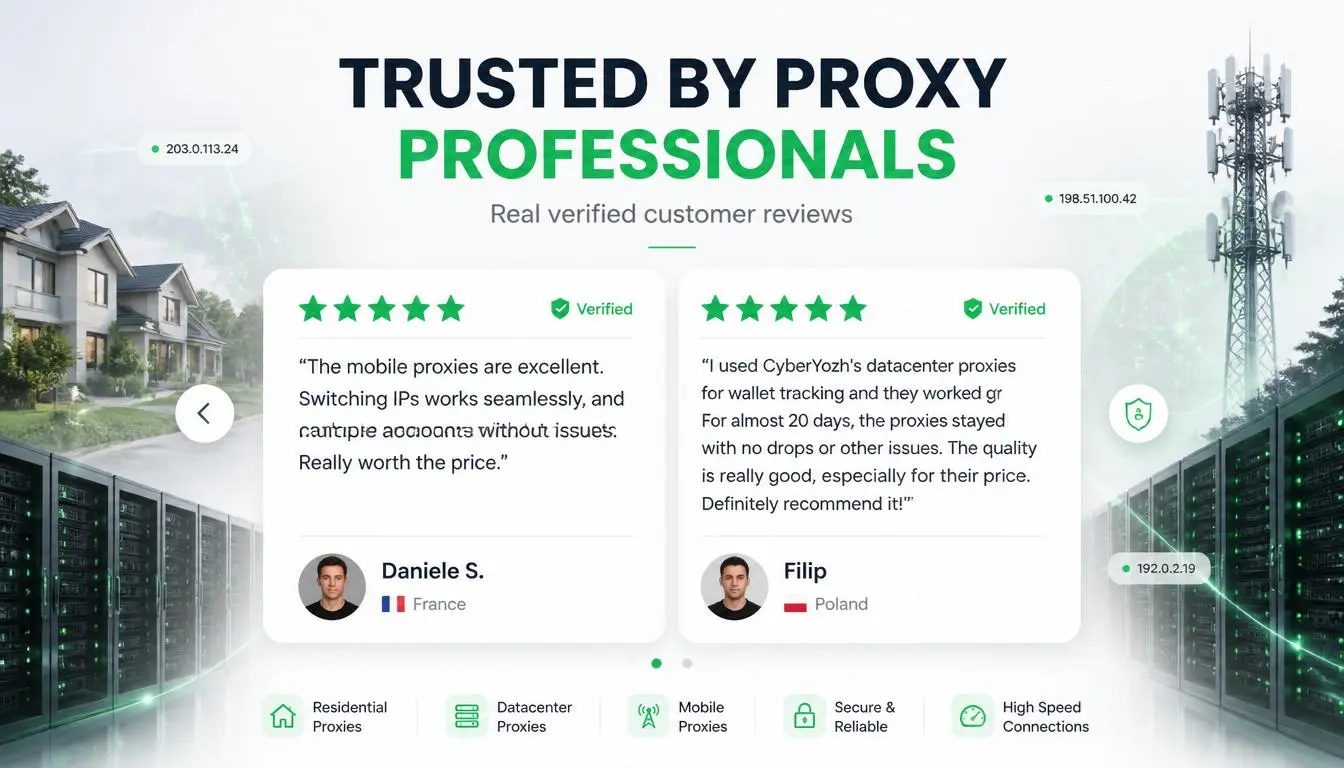
CyberYozh provides proxies with built-in OS fingerprinting options. It provides IP infrastructure and verification tools to use alongside it.
Need | CyberYozh option | What it does |
IP, phone and card risk checks | Checkers (linked above) | $0.15 per check, or $19/month for 1,500 |
Automated checks in your stack | Runs checks and manages proxies programmatically | |
Testing your fraud rules by country | Real home IPs in 195+ countries for QA testing | |
Every proxy type and price | Residential, LTE/5G mobile and datacenter options |
The testing use case is underrated. Before launching geo or IP-mismatch rules, fraud teams can check how their own sign-in flow treats visitors from residential and mobile networks in different countries. That reduces false positives against real customers.
CyberYozh holds a 4.6 out of 5 ("Excellent") rating from 216 Trustpilot reviews.
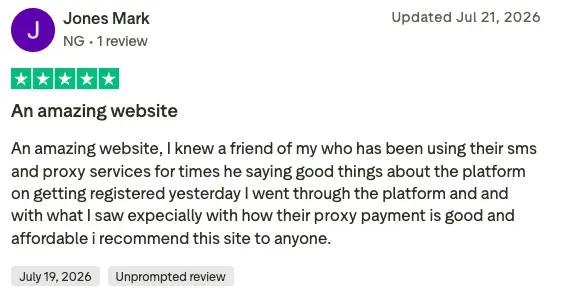
"Great platform with an intuitive website and top-notch customer support." Andinet Aberra, verified Trustpilot reviewer, October 2026
The bottom line
Device fingerprinting solutions work best as one layer of a fraud stack, paired with IP reputation, phone and email checks. Choose based on your fraud type, test accuracy on your own traffic, and build privacy in from day one.
Strengthen the layer around your fingerprints. Score your next suspicious IP with CyberYozh checkers, or explore the CyberYozh catalogue to test your fraud rules from real residential and mobile networks.