Instagram Action Blocked: Why It Happens, How to Fix and Prevent It
Quick answer: What is an Instagram action block? A temporary restriction on your account's ability to perform actions, liking, commenting, following, unfollowing, posting, or direct messaging.
How long does an Instagram action block last? Temporary blocks: up to 24 hours. Dated blocks: 24–48 hours. Undated blocks: several hours to two weeks. Permanent blocks require a direct appeal to Instagram support and aren't guaranteed to resolve.
You were using Instagram normally. Or maybe not entirely normally, some follows, a few comments, routine activity. And then it appeared:
"Action Blocked. This action was blocked. Please try again later."
No specifics. No clear timeline. No indication of what you did or how serious it is.
That ambiguity is intentional; Instagram doesn't tell you which exact action triggered the block, partly to prevent people from gaming the detection threshold. What Instagram does tell you is that its automated systems flagged something. Understanding what that something likely was is the fastest path to both fixing the current block and not triggering another one.
TL;DR
An Instagram action block restricts your account from liking, commenting, following, or posting. Instagram's AI triggers it when activity looks automated, excessive, or suspicious.
Most blocks clear within 24–72 hours. Fixes exist.
Prevention is achievable.
The underappreciated factor most guides skip? Your IP address and network consistency matter as much as your behavior.
What an Instagram action block
An Instagram action block is an automated restriction that prevents specific account actions when Instagram's AI detects behavior that resembles spam, bot activity, or guideline violations.
The system monitoring your account isn't a human reviewing your profile. It's a machine learning model analyzing patterns:
How fast you're acting,
How consistent the timing is,
How your current session compares to your historical behavior,
Where your connection is coming from,
And whether multiple signals of suspicious activity are occurring simultaneously.
This matters for one important reason: the system makes mistakes. Genuine users who are not running bots and are not violating any guidelines have their actions regularly blocked. If you're frustrated because you didn't do anything wrong, you probably didn't. But the system flagged you anyway, and the fix is the same regardless.
The four types of Instagram action blocks
Understanding which type you're facing determines how you respond. Responding to a Type 3 block the same way you'd respond to a Type 1 block can make it significantly worse.
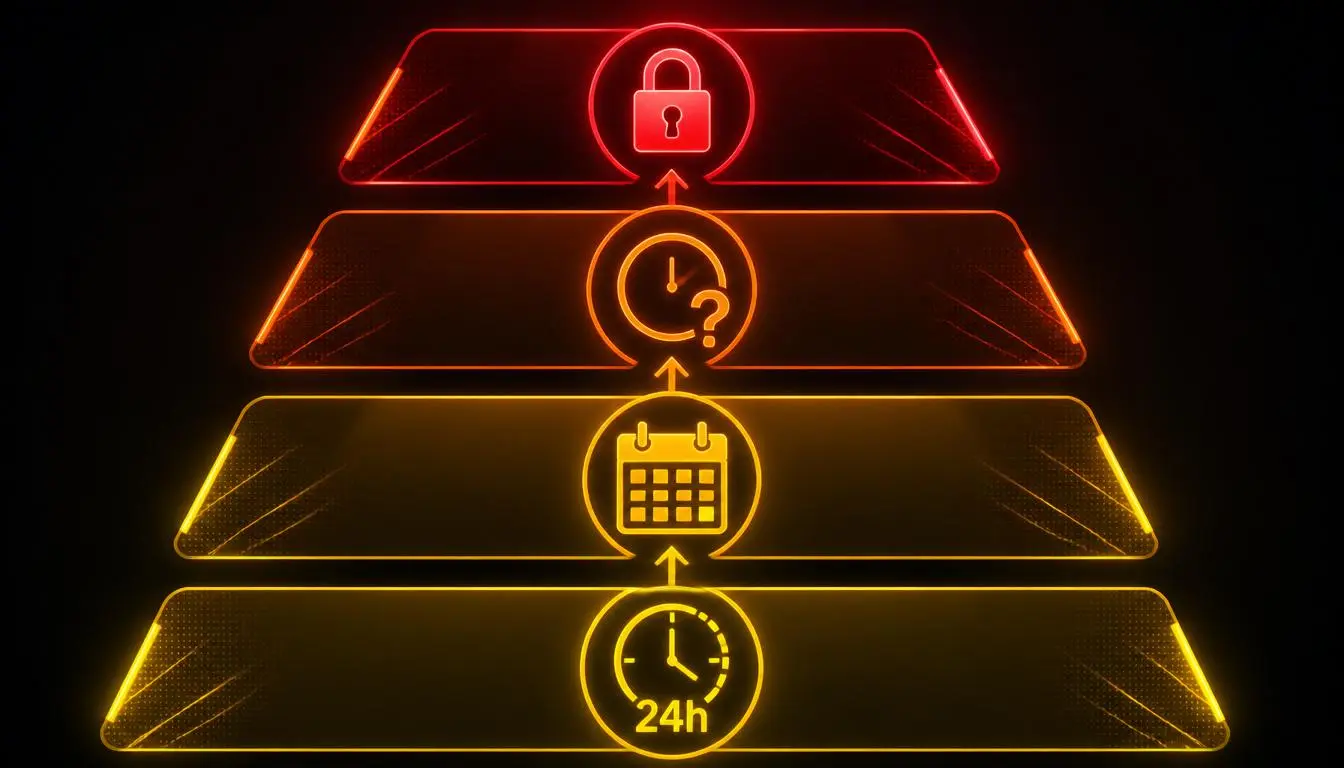
Type 1: Temporary action block (Up to 24 Hours)
The most common. Triggered by performing a specific action too quickly, following several accounts in quick succession, liking posts rapidly, or leaving repetitive comments. Instagram shows this after a single action and typically clears it within hours, sometimes minutes if you stop immediately.
Best response: Stop the blocked action entirely. Log out and back in after 30 minutes. Don't attempt the same action repeatedly; every retry extends the detection window.
Type 2: Action block with an expiration date (24–48 Hours)
Instagram shows you exactly when the restriction expires. This typically follows suspected use of third-party automation tools or engagement services. The platform is essentially saying: we think a tool did this, and we're giving it a specific window to prove us wrong by stopping.
Best response: Wait out the timer. Don't attempt workarounds. Review and revoke any third-party app access connected to your account.
Type 3: Action block without an expiration date (Hours to two weeks)
No timer shown. This is the most anxiety-inducing type because there's no stated end. It signals that Instagram is actively reviewing your account rather than running an automatic timer. Duration depends on the severity of the trigger and whether you keep triggering additional flags during the block.
Best response: Stop all active engagement. Use "Report a Problem" (Settings → Help) if you believe it's unjustified. Don't attempt the blocked actions; keep using the app passively if you must use it at all.
Type 4: Permanent action block
Permanent restrictions follow repeated violations, multiple previous blocks, or significant guideline breaches. Recovery requires contacting Instagram/Meta support directly and initiating a formal review. Success isn't guaranteed. [Read about Meta's Platform Terms of Service]
What triggers an Instagram action block
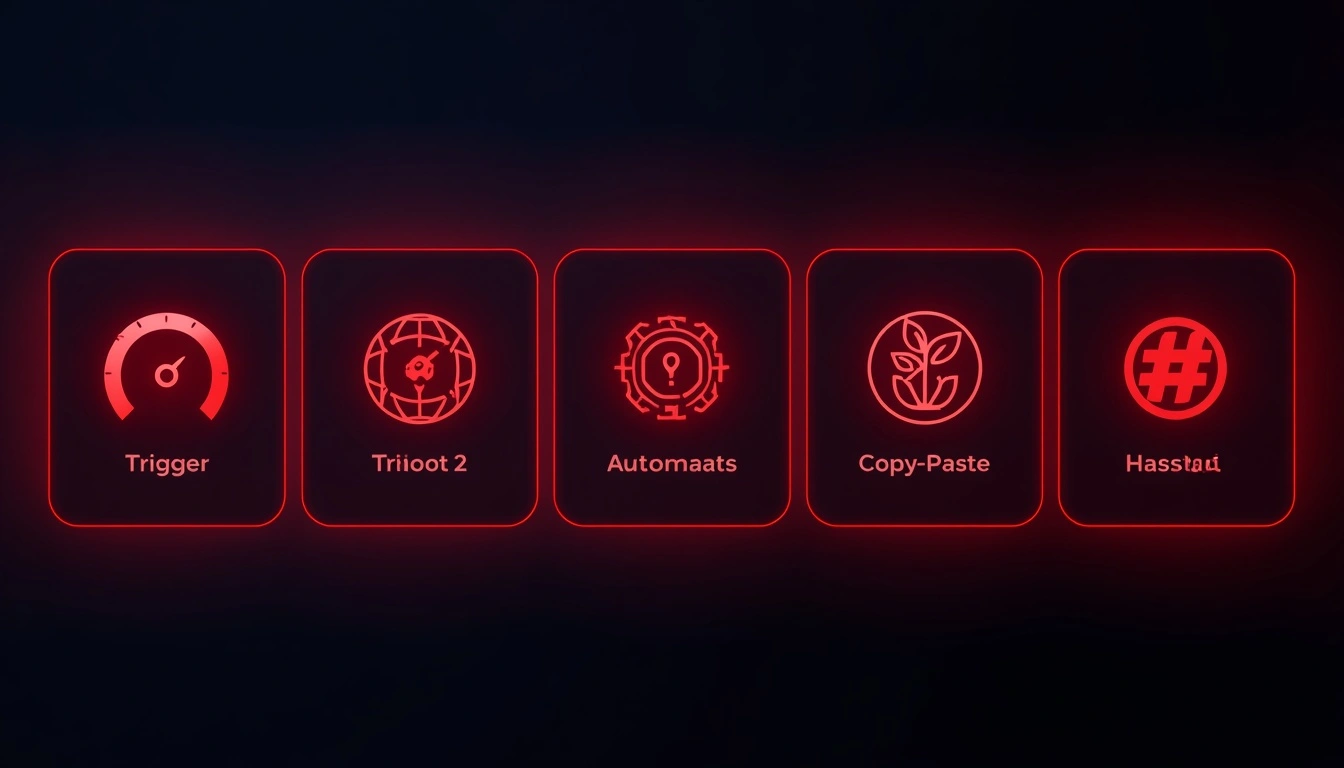
The platform doesn't publish its detection rules. But based on developer documentation, Meta's stated policy updates, and aggregated community reporting, these are the real triggers:
Exceeding rate limits
Instagram enforces action limits that vary by account age, history, and trust level. These are not publicly documented. The approximate community-reported thresholds for established accounts:
Action | Approximate Daily Limit* | Higher Risk Zone |
Follows | 150–200/day | 100+ in under an hour |
Unfollows | 150–200/day | Matches follow limits |
Likes | 500–1,000/day | 200+ in any hour |
Comments | 100–200/day | Identical text across posts |
Direct Messages | 50–100/day | Mass-sent to strangers |
These are community-reported approximations. Instagram does not publish official limits, and they vary significantly based on account age and history. New accounts face considerably stricter thresholds.
Automation and third-party tools
Any tool that interacts with Instagram outside of the official app or Meta's approved API creates behavioral patterns that the detection system recognizes.
The signal isn't just speed, it's rhythm.
Automated tools perform actions at mechanically consistent intervals. Humans don't.
Instagram's current detection systems are specifically tuned to identify this consistency pattern, even at action rates that wouldn't otherwise trigger rate limits.
IP address problems
This is the cause most guides underexplain. Instagram doesn't just look at what your account does; it looks at where it connects from. Every IP address your account uses gets evaluated against a trust model. Specific IP patterns that trigger blocks:
Frequent switches between different IP addresses on the same account
Connecting from IP ranges associated with data centers or VPN infrastructure (rather than consumer ISPs)
Sudden geographic jumps, logging in from the UK and then immediately from Southeast Asia
One IP address is associated with many different Instagram accounts simultaneously
An account that consistently connects from the same residential IP over time builds behavioral trust. An account that switches IPs every session, especially to data-center IPs, looks precisely like shared automation infrastructure.
Account age and completeness
New accounts get less behavioral latitude.
An account created last week following 50 people in an afternoon will be blocked faster than a three-year-old account doing the same.
Instagram uses account establishment signals, profile photo, bio, posting history, linked accounts, and follower ratio as part of its trust assessment. [Read more about how to buy Instagram accounts and how to buy aged Instagram accounts]
Repetitive content patterns
Copy-pasting identical comments across multiple posts.
Sending the same DM text to many users. Using the same caption repeatedly.
These patterns don't require high action volume to trigger a block; even low-volume identical actions can flag the system faster than varied behavior at higher volume.
Banned or flagged hashtags
Using hashtags that Instagram has flagged for spam, prohibited content, or policy violations can restrict your posting and contribute to broader account restrictions.
This is particularly common on accounts that research and copy trending hashtags without checking whether individual tags have been flagged.
How to fix an Instagram action block: Step by step
Step 1: Stop. Immediately. Every attempt to perform the blocked action after a block is issued signals bot-like persistence. Stop the specific blocked action the moment you see the message. This is more important than any other step.
Step 2: Wait 24–48 hours, dull advice, but genuinely the most effective fix for most temporary blocks. Instagram's systems observe whether the flagged behavior stops. If it does, the block typically lifts automatically.
Step 3: Clear the app cache. Android: Settings → Apps → Instagram → Storage → Clear Cache. iPhone: Delete and reinstall Instagram. This resets stored session data and occasionally clears minor restrictions.
Step 4: Switch networks. Move from WiFi to mobile data (or vice versa). A different IP address can resolve blocks tied to a flagged network. This works reliably for Type 1 blocks; less reliably for Types 2 and 3.
Step 5: Revoke all third-party app access—settings → Security → Apps and Websites. Remove every connected app you don't actively use, especially engagement tools, follower trackers, or scheduling software that uses unofficial API methods. This step is non-negotiable if you've ever used any such tool.
Step 6: Link your Facebook account. Instagram's trust systems treat accounts linked to a Facebook profile as more credible humans. If your accounts aren't linked, connecting them via the Accounts Center can help signal legitimate identity.
Step 7: Use "Report a Problem" for unjustified blocks. Settings → Help → Report a Problem. This doesn't guarantee a fast resolution, but it creates a formal record with Instagram's support team and can accelerate the review of Type 3 blocks that appear unjustified.
Prevention: What reduces your risk long-term
Warm up new accounts slowly: Start with 5–10 actions per day and scale gradually over several weeks. Sudden behavioral spikes on new accounts are one of the most reliable block triggers.
Vary your activity: Natural human behavior is inconsistent. Mix liking with commenting, posting, watching Stories, and replying to DMs. Accounts that repeatedly perform a single action look automated, regardless of volume.
Complete your profile. Profile photo, bio, at least a few posts, linked accounts; these contribute to your account's trust score and give you more behavioral latitude.
Audit connected apps quarterly: Third-party access accumulates over time. Many users grant tools access once, then forget about them, and those tools continue to make low-level API calls that slowly erode account trust.
Be thoughtful about IP consistency: If you manage your account from multiple locations, devices, or networks, especially if you use tools like VPNs or proxies, ensure your connection approach is consistent. Frequent IP switching is one of the fastest ways to accumulate suspicion, even when behavior is otherwise clean.
Why your IP address matters more than most guides admit
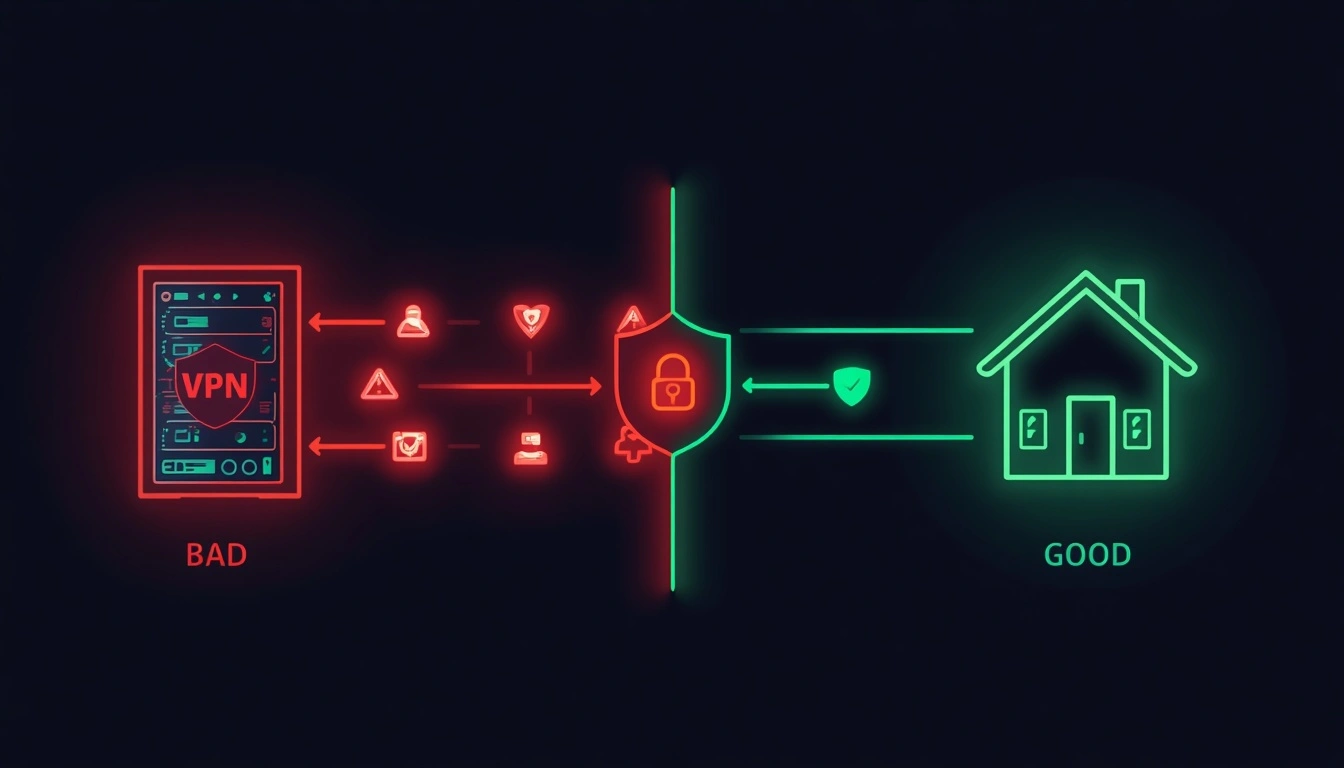
Instagram's trust system doesn't evaluate your account in isolation. It evaluates the combination of your account's behavioral history and the network context to which it connects. A well-behaved account connecting from a flagged IP range can still trigger blocks. Conversely, consistent residential IP associations can give an account more latitude for the same actions.
This matters most for three groups:
Social media managers running multiple client accounts
Marketers are doing legitimate engagement research
Anyone whose work involves managing Instagram presences at scale.
The core issue is IP sharing and inconsistency. Many cheap proxy services route connections through data-center IPs that Instagram has already associated with automation. Using these creates a situation in which your account is judged partly by the reputation of the infrastructure you share with hundreds of other users, some of whom may be using it for exactly the kind of automation Instagram is trying to detect.
How Multilogin Handles the Device Side
For teams running several Instagram accounts, the IP is only part of the context, because accounts that share a phone also share a device setup. Multilogin is a cloud phone platform for multi-account management. Each Instagram account runs on its own Android cloud phone, with browser profiles for work done on the web, and it works with third-party proxies, including the residential ones described above. It doesn’t change pace, repetition or any of the behaviors that trigger a block, so the habits in this guide still apply. Multilogin has a free plan with no time limit.
What actually works is residential IP consistency, each account connecting from a stable IP that belongs to a real ISP connection, with consistent geographic behavior over time. This is what legitimate users look like from Instagram's perspective, because it's exactly what legitimate users are.
How CyberYozh's infrastructure addresses this issue
CyberYozh's residential proxy network is built around IP authenticity. These real ISP-assigned addresses carry genuine consumer trust signals, not data-center addresses that immediately trigger infrastructure-to-platform detection systems.
For social media managers or agencies operating multiple Instagram accounts, the difference is operational.
Each account assigned a consistent, stable residential IP with coherent geographic behavior builds the kind of connection history that Instagram's systems associate with real users.
CyberYozh's sticky session support means Account A always connects from IP A, not a different residential IP every session, which is just as suspicious as a data-center IP from Instagram's perspective.
The pricing is structured for working professionals and small agencies, not just enterprise clients.
The most budget-friendly option in the proxy market offering $5.29/month for residential proxies and $1.7/day for mobile proxies with unlimited traffic.
If you're managing more than a handful of Instagram accounts and experiencing recurring action blocks, the infrastructure cost is measurably smaller than the operational cost of dealing with blocks repeatedly. Sign up with CyberYozh today