
7 Best IP Address Lookup Tools for Security, Proxies & Automation (2026)

An IP address lookup tool is the first thing people use when something online doesn’t add up. For example, you get a sudden account block, suspicious traffic spikes, or ads don’t convert in the right regions. On the surface, an IP looks like a simple identifier; but in practice it can reveal location, internet provider, and whether the traffic is coming through a VPN or proxy.
Say, a user might see a login from “Europe.” Yet, an IP lookup instantly shows the traffic is routed through hosting networks with low reputation scores – something that would never be visible without proper IP intelligence.
That gap between what you see and what’s actually happening is why IP lookup tools matter. In 2026, they’re part of fraud prevention, proxy validation, ad verification, and automation infrastructure.
In this article, you’ll find:
The best IP address lookup tools for for security, proxy management, and infrastructure analysis
How to perform an IP reputation lookup before buying a proxy so you never spend money on flagged addresses
The top tools for bulk IP address lookup, ASN analysis, and API-based automation.
TL;DR
Basic IP lookup tools will give you a location and an ISP name - fine if you just need a quick check.
For anything involving proxies, you’ll want security-focused tools: they add fraud scores, proxy/VPN detection, and abuse history.
The best IP lookup tools in 2026 pull together geolocation, infrastructure details, and reputation data. That’s what makes them useful for managing multiple accounts, running scrapers, or handling automation.
What is an IP address lookup tool
An IP address lookup tool analyzes an IP address and provides information about the location, network ownership, and behavior patterns. It shows the country, region, city, and ISP/network provider.
Advanced professional tools also identify the ASN (Autonomous System Number), the hosting provider, and whether the IP is coming from a residential network, datacenter, proxy, or VPN.
Businesses also rely on tools like the bank card fraud checker to verify payment data and avoid blocks during transactions.
What separates basic tools from security-focused ones
A security-focused tool evaluates risk and behavior. It adds signals like proxy, VPN, and reputation scoring and abuse history. Some tools also evaluate traffic type (residential, mobile, or datacenter) to help identify bots, fraud, or automated activity.
Example: A basic tool shows a clean US residential IP. A security tool shows fraud score 79, high abuse velocity, and VPN detection.
This in-depth analysis is needed for professional workflows where IP data is used for fraud prevention, traffic validation, ad verification, and multi-account management.
7 Best IP lookup tools worth using
Here are the 7 best IP lookup tools worth using in 2026 for fraud scoring, proxy detection, and automation workflows.
1. Cyberyozh IP Checker: Best for multi-source fraud scoring
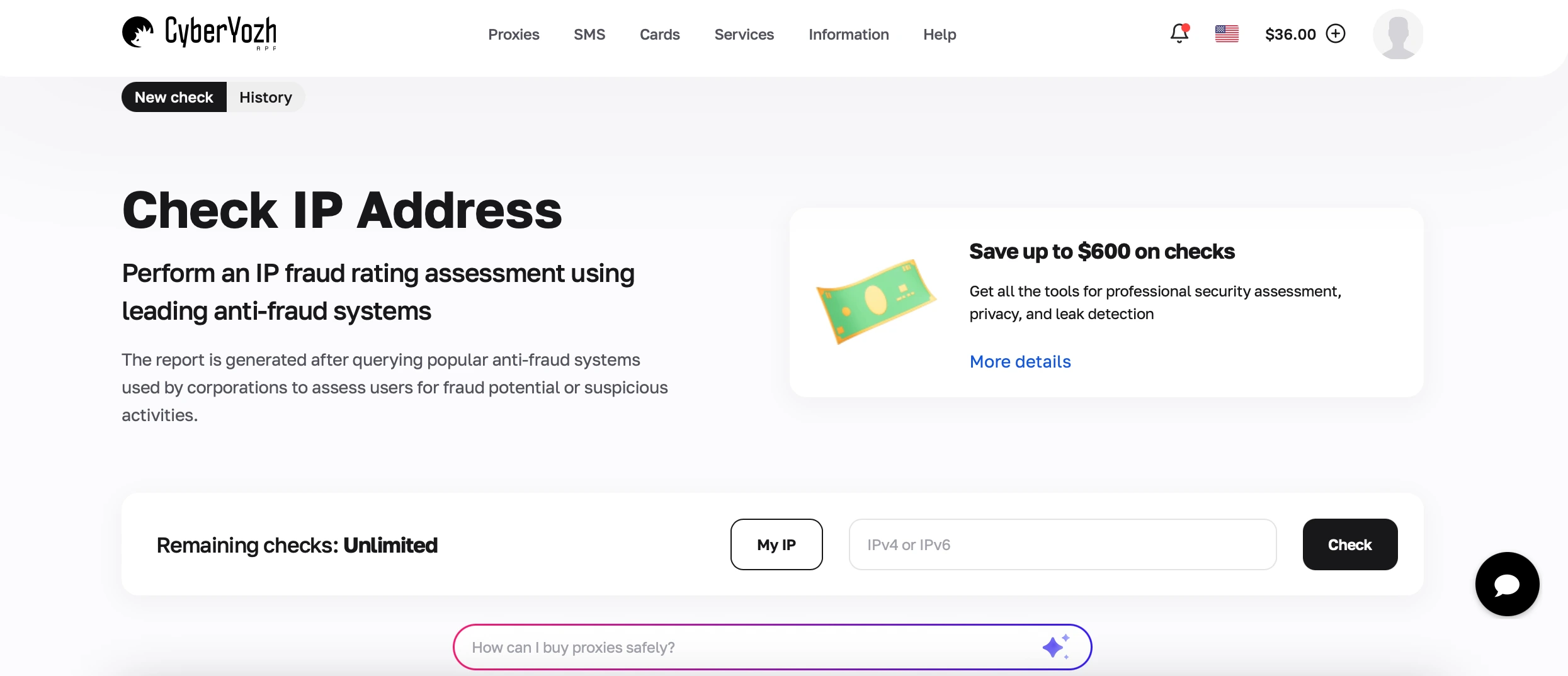
Cyberyozh IP Checker analyzes an IP address using 50+ anti-fraud data sources rather than relying on a single database. This gives a complete view of IP risk, reputation, and infrastructure type compared to standard lookup tools. Their reports simulate queries to anti-fraud systems used by major tech companies like Amazon and Google.
Key features:
Fraud score (0-100): Scores above 75 may trigger blocks in sensitive systems like banking and e-commerce platforms
Abuse velocity: Shows how frequently an IP is linked to suspicious activity. High or medium velocity can trigger CAPTCHAs
IP source classification: Identifies residential, corporate, mobile, datacenter, or education networks
Proxy/VPN/Tor detection: Detects anonymization and routing
Bogon network detection: Flags invalid or unallocated IP ranges.
Best for: Proxy validation before buying, fraud screening in automation workflows, and checking IP reputation at scale.
➡️ Check your IP fraud score now (free)
➡️ Buy clean mobile & residential IPs from 100+ countries
2. IPinfo: For developer IP data APIs
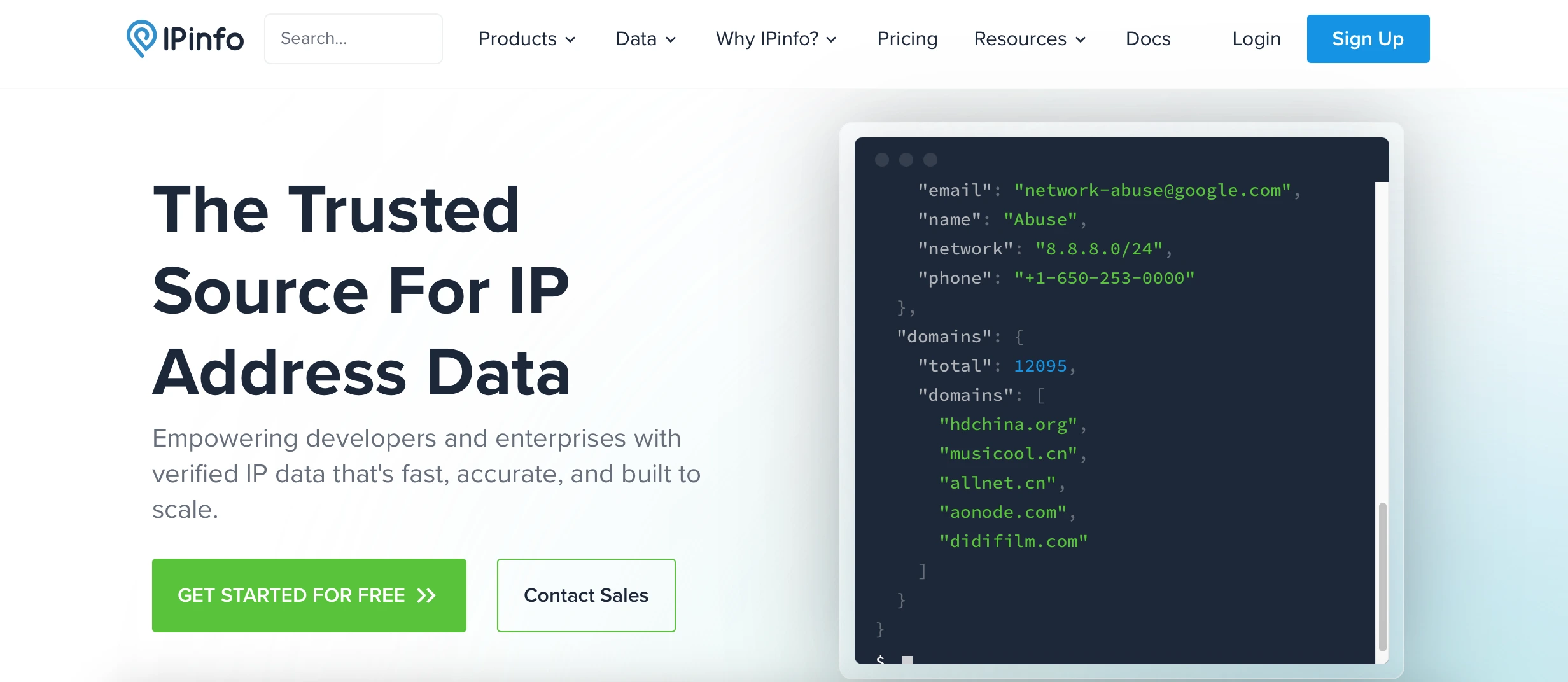
IPinfo is an IP intelligence tool for developers integrating IP intelligence into automation stacks or fraud workflows. It returns geolocation, ASN, ISP, carrier, and privacy flags (VPN, proxy, or hosting) in a single JSON response. However, the platform It’s not ideal if you need deep fraud or risk scoring: the data is more descriptive than decision-focused.
Returns geolocation details including country, region, city, and timezone
Provides network data such as ASN, ISP, organization, and domain
Privacy detection is less detailed than dedicated proxy detection tools
Offers mobile carrier detection for validating mobile proxies.
3. MaxMind GeoIP: For enterprise geolocation accuracy
MaxMind has been around long enough that it’s basically the default in IP geolocation. You’ll still see it embedded in banks, adtech stacks, and SaaS platforms where location data is used to route traffic, enforce licensing rules, or catch mismatched logins. It’s often chosen in setups where geolocation can’t depend on external APIs and needs to stay fast and predictable under load.
Country, city, and postal code accuracy with confidence scores
ISP and organization data
Free tier (GeoLite2) is less accurate for serious workflows
Offline database format (MMDB) for low-latency lookups.
4. WhatIsMyIPAddress: Simple free IP lookup tool
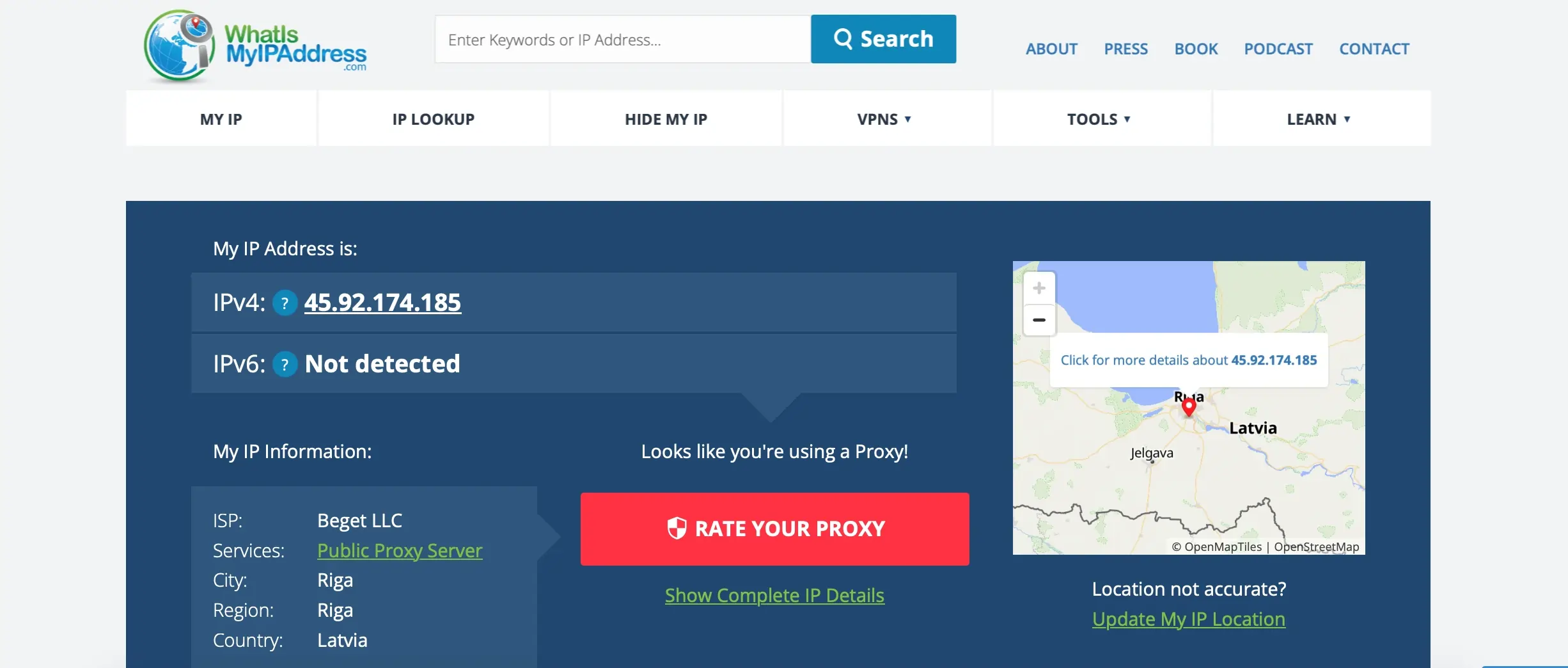
WhatIsMyIPAddress is a simple IP lookup tool designed for quick free IP checks. The homepage shows your public IP immediately. Enter any IP address to see country, state, city, ISP, and blacklist status.
Instant public IP detection on homepage
Blacklist check against 100+ anti-spam databases
VPN and proxy detection is less reliable than dedicated security tools.
5. DB-IP: For IP geolocation and scalable lookup APIs
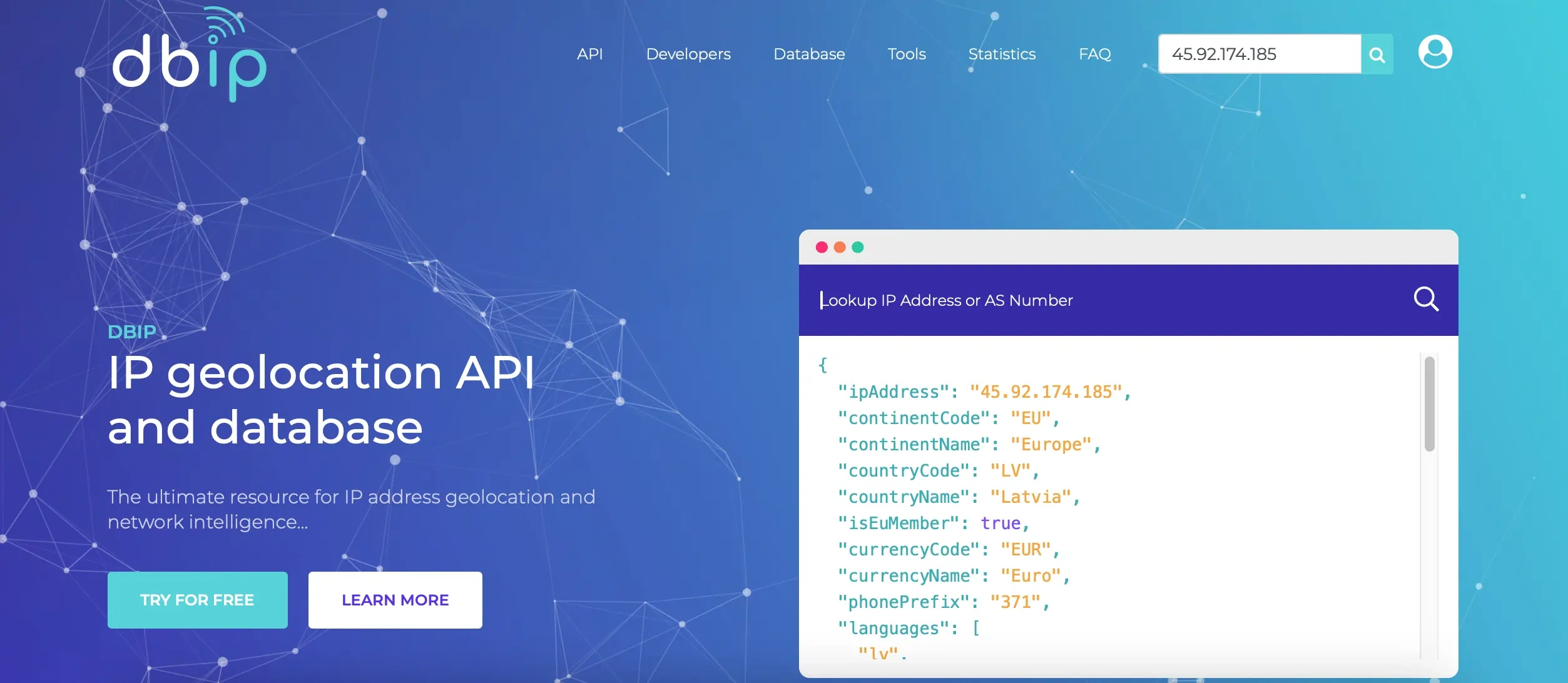
DB-IP is a basic IP address lookup and geolocation API providing location and network data for any IP address. It is suitable for developers and platforms that need IP geolocation data and lookup APIs for applications, analytics, and automation systems. On the flip side, it is less helpful when you need to understand whether an IP is suspicious so you’ll need additional tools to check it.
ISP and ASN identification for network classification
IP geolocation with a bulk IP lookup via API for automation workflows
JSON API for developer integration.
6. Whoer.net: For device fingerprinting
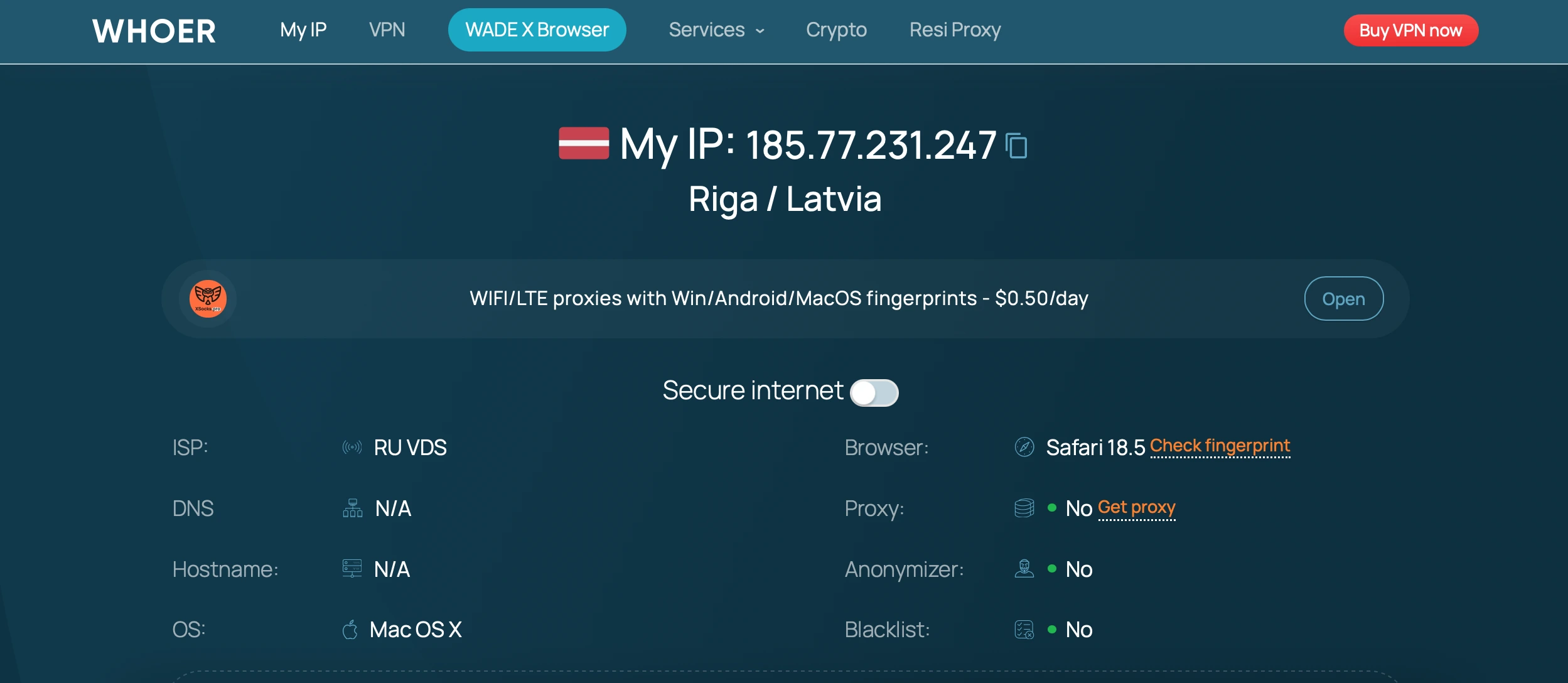
Whoer.net offers anonymity testing and browser fingerprint analysis in addition to standard IP lookup. It checks how websites see your connection and identifies leaks that can expose proxy or VPN usage. The website is best for users testing browser anonymity, proxy setups, or anti-detect environments.
IP geolocation and ISP lookup
Browser fingerprint analysis
VPN, proxy, and Tor detection
Less detailed for fraud scoring and IP intelligence.
7. IP Flare: For bulk IP lookups

IP Flare is mainly used when you don’t want to check IPs one by one. It lets you send a batch of addresses in a single request (up to 500 at a time), which is useful for processing logs, scraping outputs, or cleaning large proxy lists instead of manually inspecting them.
The service provides geolocation, ASN, and ISP intelligence, and is optimized for batch processing and automation.
Comparison table: 7 IP address lookup tools
Choosing the right IP address lookup tool depends on what you need — basic geolocation, developer APIs, or advanced fraud and security intelligence.
Tool | Fraud Scoring | Proxy/VPN Detection | API | ASN/ISP Data |
|---|---|---|---|---|
Cyberyozh | ✅ 0–100 | ✅ Advanced | ✅ | ✅ Full |
IPinfo | ❌ | ⚠️ Basic | ✅ | ✅ Full |
MaxMind | ❌ | ❌ | ✅ | ✅ Full |
WhatIsMyIPAddress | ❌ | ⚠️ Basic | ❌ | ⚠️ Limited |
DB-IP | ❌ | ❌ | ✅ | ⚠️ Basic |
Whoer.net | ❌ | ✅ Strong | ❌ | ❌ |
IP Flare | ❌ | ❌ | ✅ | ⚠️ Basic |
How IP lookup tools help proxy and automation workflows
IP lookup tools verify IP reputation, geolocation accuracy, and proxy authenticity. They help in situations where the traffic looks valid on paper but multi-accounting or automation pipelines break in real systems, causing blocks or failed runs.
Verifying proxy ASN consistency: Ensuring the IP belongs to the expected network, i.e. an ISP range or mobile proxy, to avoid blocks on social media and other sensitive platforms.
Detecting flagged IPs: Identifying residential proxies that were used for scraping, spam campaigns, or automation.
Checking mobile proxy reputation: Confirming whether an IP is truly issued through a mobile carrier rather than tunneled through a datacenter proxy pool.
Validating geo-targeting: Checking that IP matches the intended region – for example, a “Germany” endpoint resolves through German ISPs instead of nearby countries.
Reducing CAPTCHA triggers: Filtering out suspicious or inconsistent IPs that tend to trigger bot protection systems.
Detecting datacenter contamination: Verifying that your residential proxy pool is free from hosting IPs which can lead to detection spikes in automation workflows.
Example: You buy five "French residential proxies" for a scraping job. An IP lookup shows two belong to a Dutch datacenter and one has a fraud score of 81 from past abuse. You filter those three out. The remaining two run clean for weeks. Skip the check, and you'd be blocked in an hour.
Why proxy quality matters as much as IP address lookup
IP lookup tools help identify risky or low-quality traffic, but the results depend on the proxy infrastructure.
CyberYozh offers 100+ million residential, mobile 5G proxies, and datacenter IPs, actively managed for clean reputation. With coverage across 100+ countries and controlled IP rotation, the infrastructure is designed for automation, scraping, ad verification, and multi-account workflows.
Unlike generic proxy sellers, CyberYozh focuses on operational stability, controlled IP distribution, and API-ready workflows for tools like Playwright, Puppeteer, Selenium, Postman, and Scrapy.
➡️ Try reliable residential proxies by CyberYozh from $5.29/mo
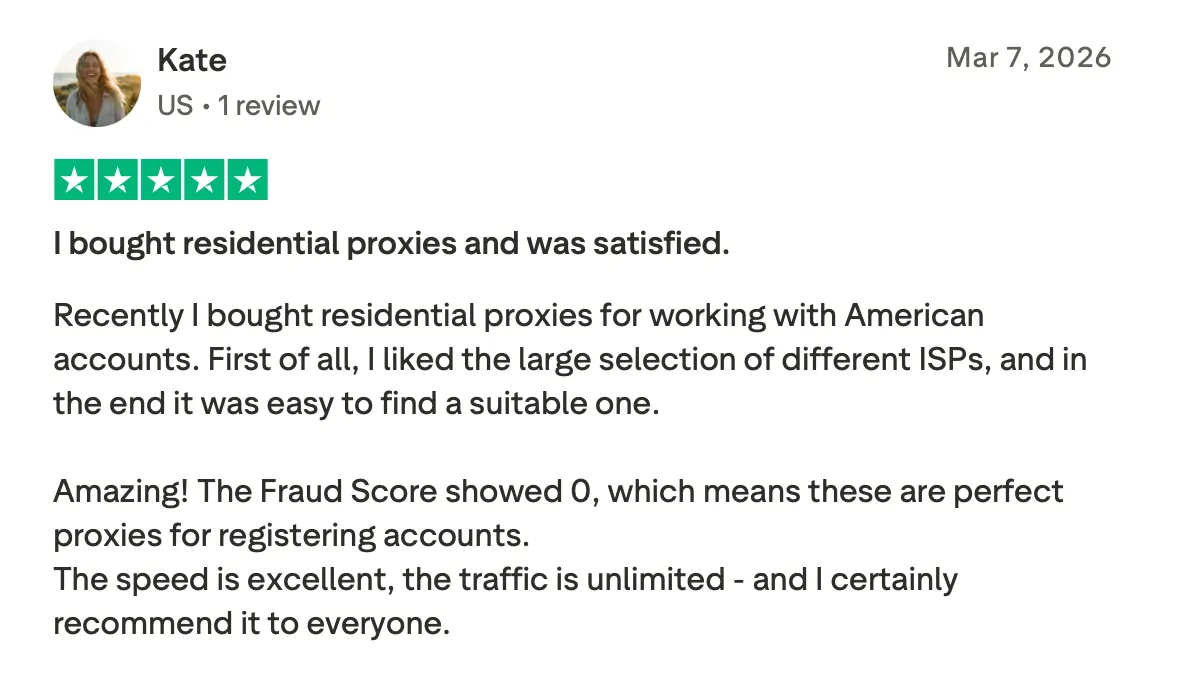
Our customer on Trustpilot: “Excellent speed, unlimited traffic - and the fraud score showed 0.”
How to look up an IP address on a computer
You can quickly find your own public IP address or check network details using built-in system tools or online commands.
On Windows: Open Command Prompt and run ipconfig to view your local network IP address and adapter details. To see your public IP from the command line, run curl ifconfig.me or nslookup myip.opendns.com. resolver1.opendns.com.
On macOS / Linux: Open Terminal and run ifconfig (or ip addr on newer Linux systems) to see local IP and network interface information. For public IP, run curl ifconfig.me or curl ipinfo.io/ip.
To find your public IP (works on any system): Run curl ifconfig.me in Terminal or simply search “what is my IP” in a browser.
What this shows: These methods help you distinguish between your local network IP and your public-facing IP — the one websites actually see. In practice, this is what you’d copy into an IP lookup tool when troubleshooting things like sudden login blocks, geo-mismatched ads, or a proxy that isn’t behaving as expected. From there, you can quickly check whether the IP looks clean, flagged, or routed through unexpected infrastructure.
Read also: How to find your MAC address on any device
IP lookup for websites: How to find any domain’s IP
When working with proxies, scraping, or infrastructure analysis, you often need to know what server is behind a website. This is where IP lookup for domains reveals the IP address that a domain resolves to and helps identify its hosting setup.
Use nslookup (Windows, macOS, Linux):
Run nslookup example.com to retrieve the server’s IP address from DNS records.Use dig (advanced DNS lookup):
Run dig example.com to see detailed DNS resolution, including multiple IPs and routing layers.
What this shows: Domain IP lookup helps identify hosting providers, detect CDN usage (like Cloudflare), and understand where a website is physically or logically served from. In proxy and automation workflows, this is often used to check whether a target is protected, distributed, or served from a single origin server.
Final thoughts
IP address lookup tools are a core layer in modern proxy and automation workflows, helping validate IP quality, reputation, and network type before traffic is used . They reduce uncertainty by exposing what’s behind an IP, from ASN to proxy or datacenter signals. Combined with reliable proxy infrastructure (such as the one CyberYozh provides), they fix stability and reduce operational failures.