
Shadow Ban Tester: How to Check If You’re Shadowbanned on X in 2026
Your posts used to get replies. Now they get silence. Your followers say they can’t find you in search, and your replies seem to vanish. You’re probably wondering one thing: am I shadowbanned?
Until recently, the only way to find out was to guess, or to trust a third-party shadow ban tester. That changed in August 2026, when X quietly released its own tool that shows the labels limiting your reach. This guide shows you how to use it, the manual tests it can’t replace, how to read the results, and what actually fixes a shadowban.
Quick answer
The most reliable shadow ban tester for X in 2026 is X’s own “Under the Hood” page, which shows the visibility labels applied to your account last month. Pair it with three manual checks: search “from:yourhandle” from another account, check your replies under a popular post, and see if your name appears in search suggestions.
TL;DR
X now shows you the labels that limit your reach, but only for the previous month
Third-party testers mostly run a “from:” search, and X’s login rules limit what they can see
A manual test from a second account is still the best real-time check
Reports hit hard: an analysis of X’s open-source ranking code found one report outweighs hundreds of likes
Proxies don’t lift a shadowban, but a clean, stable connection helps prevent the security flags that make things worse
What is a shadow ban on X
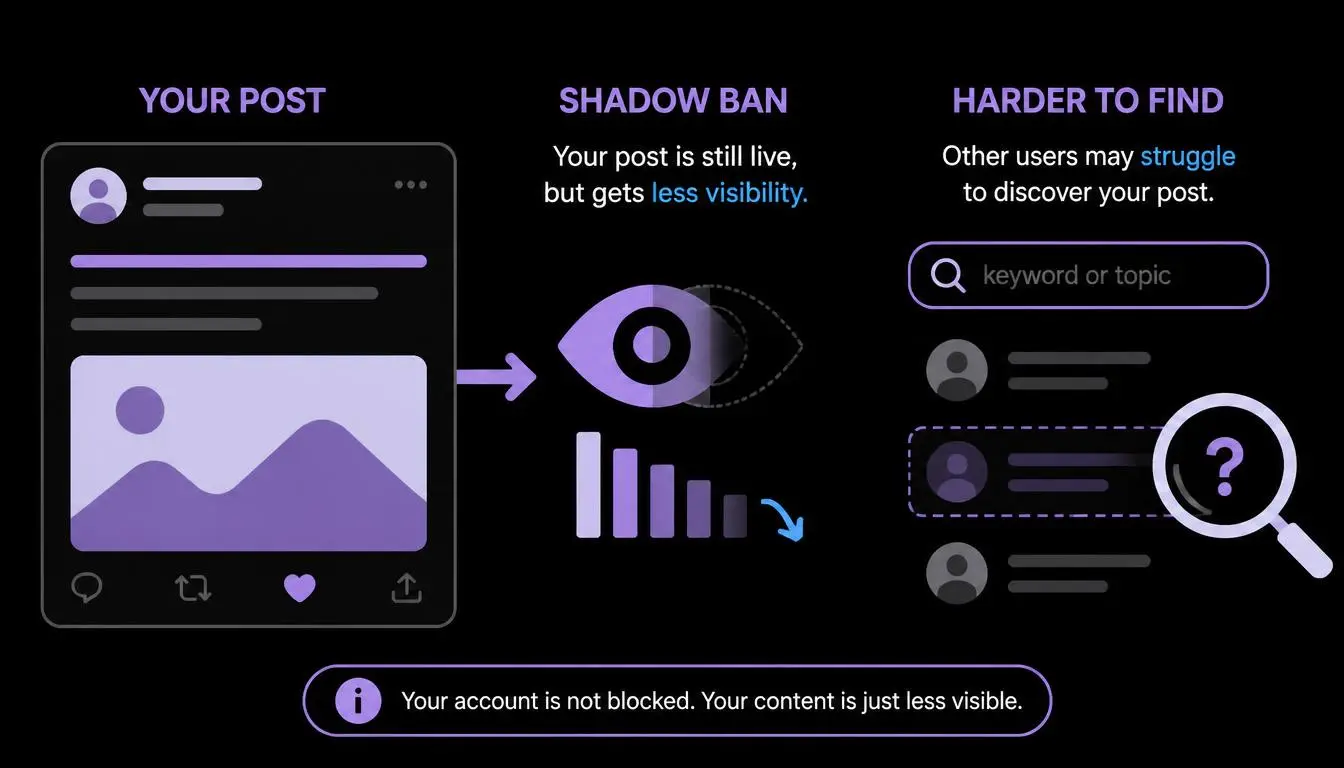
A shadow ban is when a platform quietly limits who sees your posts without suspending your account. You can still post, but fewer people see it, and you usually aren’t told.
X doesn’t use the word “shadowban.” Its official enforcement policy says it may make posts “less discoverable,” exclude them “from search results, trends, and recommended notifications,” and apply “downranking the post in replies.” Those official measures map neatly onto the shadowban types users talk about:
What users call it | What X’s policy calls it | What you’ll notice |
Search ban | Excluded from search results | Your posts don’t appear in search, even for your exact words |
Search suggestion ban | Less discoverable | Your name doesn’t autofill when people type it |
Reply deboosting (ghost ban) | Downranking the post in replies | Your replies sit behind “Show more replies” or “probable spam” |
Recommendation limit | Excluded from recommendations | Non-followers stop seeing you in For You |
Read-only mode | Limited ability to post, repost, or like | You can’t post, repost, or like for a while |
X’s official shadow ban tester: “Under the Hood”
On August 13, 2026, X’s open-source team published more of the code behind its For You timeline in its official x-algorithm repository on GitHub, and X’s business account called it “a major step towards unprecedented transparency.” At the same time, it began rolling out a page called Under the Hood that shows the labels applied to your account and posts. Access widened to all eligible users in late September 2026.
How to use it
Open x.com/i/under_the_hood while logged in, or find “Under the Hood” in your settings. It’s the fastest way to check your account's shadow-ban labels.
Check your eligibility. At launch, accounts needed to be at least a year old with 10 or more posts in the previous month.
Open your report. You’ll see label counts for the last calendar month. Since late September 2026, you can read it on the page, or download it as a JSON file.
How to read your labels
Each label has a name, a description and an effect. Real examples from early reports include SPAM_HIGH_RECALL, NSFW_HIGH_RECALL and NSFW_HIGH_PRECISION.
The label names tell you more than they seem to. “Precision” and “recall” are machine learning terms. A high-recall label comes from a model built to catch as much as possible, so it flags more posts and produces more false alarms.
A high-precision label comes from a stricter model that only flags posts it’s confident about. X hasn’t published how it sets these thresholds, but in practice a high-recall label is more likely to be a false alarm, while a high-precision label is a stronger signal that something in your content needs to change.
Expert insight: Under the Hood shows counts, not which posts were labeled, and only for last month. One early report covered 383 posts, with a single label affecting just 2 of them (0.52%). A small percentage usually means a few posts were limited, not your whole account.
How to test if you’re shadow banned on Twitter (X): the 10-minute manual test
.webp "How to test if you’re shadow banned on Twitter (X).webp")
This manual X shadowban test checks what’s happening right now, and it’s the shadow banning test social media managers have trusted for years. You’ll need a second X account that doesn’t follow you, or a trusted friend’s account.
Search ban test: from the second account, search from:yourhandle. If your recent posts don’t appear, you may be excluded from search.
Search suggestion test: type your name into the search box. If your account doesn’t appear in the dropdown, even when you type it exactly, that’s a sign of a suggestion limit.
Reply test: reply to a busy post, then view the thread from the second account. If your reply is hidden behind “Show more replies” or “Show probable spam,” it’s being deboosted.
Recommendation test: compare your impressions from non-followers in X Analytics against last month. A sudden drop can point to a recommendation limit.
Log your results: screenshot each check with the date, so you can compare after your next Under the Hood report.
Common mistake: Testing from your own account. You’ll always see your own posts, so a self-check proves nothing. Always test from an account that doesn’t follow you.
Is it a shadowban or is your post withheld in a country
Sometimes posts vanish in only one country. X can withhold content in a specific country after a valid legal demand, and viewers there see a “withheld” notice instead. X says it usually notifies the account owner when this happens.
To check, you need to see X as someone in that country does. Social media managers do this by opening a clean browser profile connected through a residential proxy in the target country. CyberYozh rotating residential proxies cover 195+ countries from $2/GB, so you can check how your posts appear in Germany, Brazil or India in a few minutes.
Do third-party shadowban checkers still work
Free tools like SuperX, SocialCal, and Postory promise a one-click Twitter shadowban test. Whether they call themselves a shadowban scanner, detector or shadowbanned Twitter checker, most work the same way: they look up your profile, fetch your recent posts, and run a from: handle search to see if those posts appear.
They’re useful for a quick first check, but know their limits:
They can’t see your labels. Only Under the Hood shows those.
They can’t test reply deboosting well, because that depends on how threads display to other users.
X limits what outside tools can see. Search usually needs a logged-in account, so some tools return “unable to determine.”
Never give a tester your password. Legitimate shadowban checkers only need your public handle.
Method | Shows labels | Real time | Tests replies | Cost |
X Under the Hood | Yes | No (last month) | No | Free |
Manual test (second account) | No | Yes | Yes | Free |
Third-party shadow banned checker | No | Mostly | Rarely | Free |
The best shadow ban tester is a combination: Under the Hood for the “why,” the manual test for the “right now.”
Why X limits accounts and how to fix it
What triggers labels
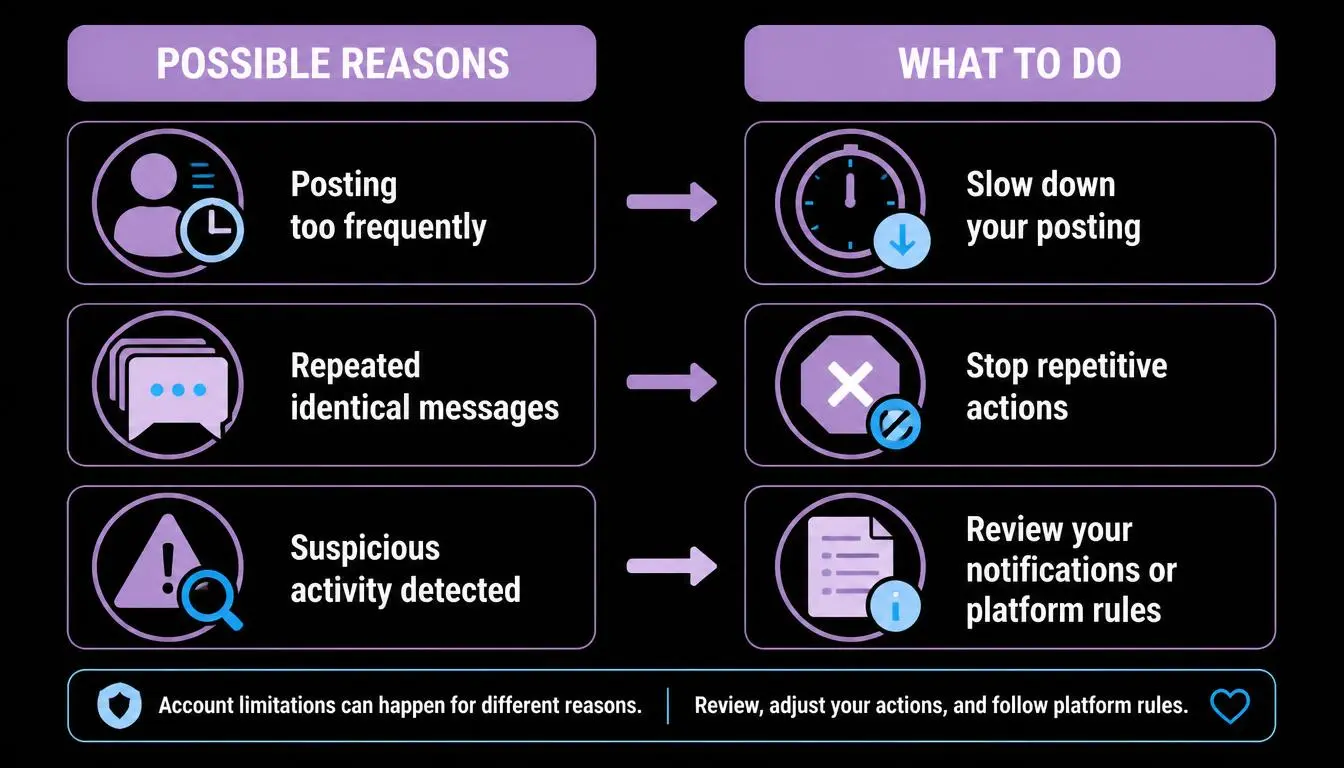
X’s labels target spam, adult content and policy violations. But your own audience matters too. According to an analysis of X’s newly released ranking code, a reply adds roughly 5 to 20 points to a post’s score, and a like adds about 0.5, while a single report subtracts around 234. That means one report can outweigh hundreds of likes.
Common triggers include:
Posting the same link or text repeatedly
Mass following, unfollowing or replying in a short time
Sensitive media without the right content warning
Many people muting, blocking or reporting you
Sudden logins from new devices, locations or shared networks
How to recover
Read your Under the Hood report and note which label types appear.
Remove or edit posts that match those labels, and add content warnings where needed.
Slow down automation: space out posts, follows and replies.
Appeal any label you believe is wrong. X’s enforcement policy says authors can appeal labels.
Wait for next month’s report to confirm the label count has dropped.
Don’t make it worse: opening a new account to bypass a restriction can violate X’s ban-evasion and platform-manipulation rules and lead to suspension. Fix the cause and appeal.
Protect your account’s connection (especially if you manage several)
Your connection can play a part too, especially if you run more than one account. X doesn’t publish an “IP reputation” label, but sudden logins from shared, flagged, or constantly changing networks can trigger security checks and add to automated spam signals. That’s a real risk for social media managers handling several client accounts from one office or VPN.
You can check this in seconds. The free CyberYozh IP checker shows your IP’s fraud score and what it reveals about your connection, so you know whether your network looks risky before you log in.
If you manage accounts for clients or brands, keep each one consistent:
One stable IP per account: static residential (ISP) proxies from $5.29 a month give each client account the same clean home-style IP every time, with unlimited traffic
Mobile-grade trust: LTE/5G mobile proxies from $1.70 a day use carrier IPs shared by real phone users, which suits mobile-first accounts
Separate browser profiles: pair each account with its own profile in an antidetect browser. Our guide to the best antidetect browsers for multiple accounts compares the top options, led by AdsPower
Setup in minutes: follow our guide to setting up a proxy for X
Why teams choose CyberYozh: 100M+ residential IPs in 195+ countries, IP quality filtering before you connect, card or crypto payment, and live support from 08:00 to 22:00 GMT, rated 4.7+ “Excellent” on Trustpilot.
To be clear: a proxy won’t lift an existing shadowban. Labels come from your content and behavior. A clean, consistent connection simply removes one avoidable source of red flags.
Shadow ban testers for other platforms
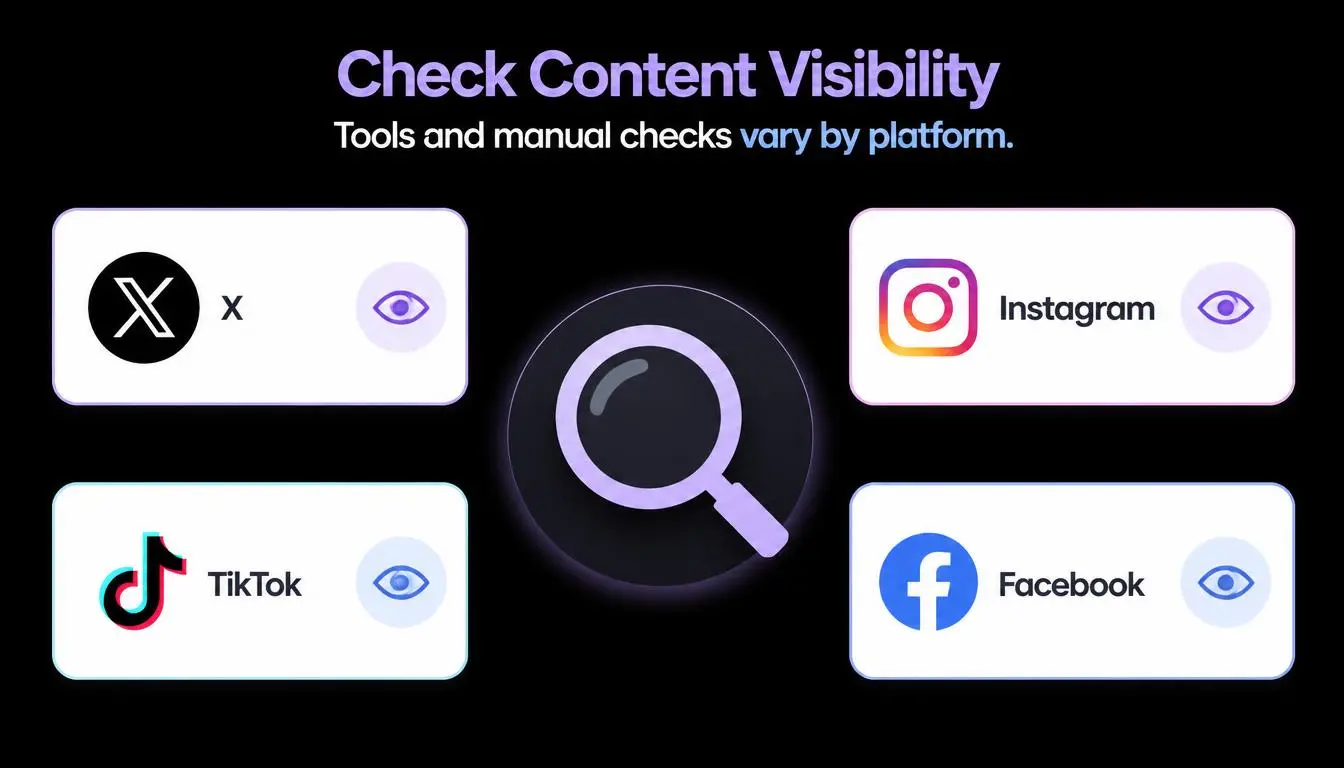
X isn’t the only platform with built-in checks now:
Platform | Official check | Where to find it |
X | Under the Hood | x.com/i/under_the_hood |
Account Status | Settings, then Account, then Account Status (professional accounts) | |
TikTok | Account Check and Account Status | In your account settings |
No official tool | See our guide below |
Instagram’s Account Status shows whether your content and account can be recommended to non-followers, and lets you request a review. TikTok’s Account Check, launched in 2024, audits your last 30 posts and shows whether you’re in good standing.
On Reddit, shadowbans work differently. We cover them in detail in our guide on how to fix a Reddit shadowban.
Conclusion
The best shadow ban tester in 2026 isn’t one tool. It’s X’s Under the Hood report to see your labels, plus a 10-minute manual test from a second account to see what’s happening now. Fix what the labels point to, appeal mistakes, and check next month’s report. If you manage several accounts, keep each on a clean, consistent connection so your network never becomes part of the problem.
Give every account a clean, stable connection. Start with a free IP check, then get CyberYozh static residential proxies from $5.29 a month, with unlimited traffic and one dedicated IP per account.