

Proxy cho Firefox
Mua proxy Firefox để quản lý đa tài khoản, tự động hóa và thu thập dữ liệu web. IP dân cư, di động 4G/5G và trung tâm dữ liệu với phiên làm việc cố định, truy cập API và nhắm mục tiêu địa lý toàn cầu.
Proxy Firefox tốt nhất cho quy trình làm việc chuyên nghiệp
Tăng cường Firefox với proxy dân cư, trung tâm dữ liệu và proxy di động LTE/5G thực để quản lý đa tài khoản an toàn, tự động hóa và duyệt web không rò rỉ. CyberYozh cung cấp IP ổn định và kiểm soát dấu vân tay để mở rộng quy mô đáng tin cậy.
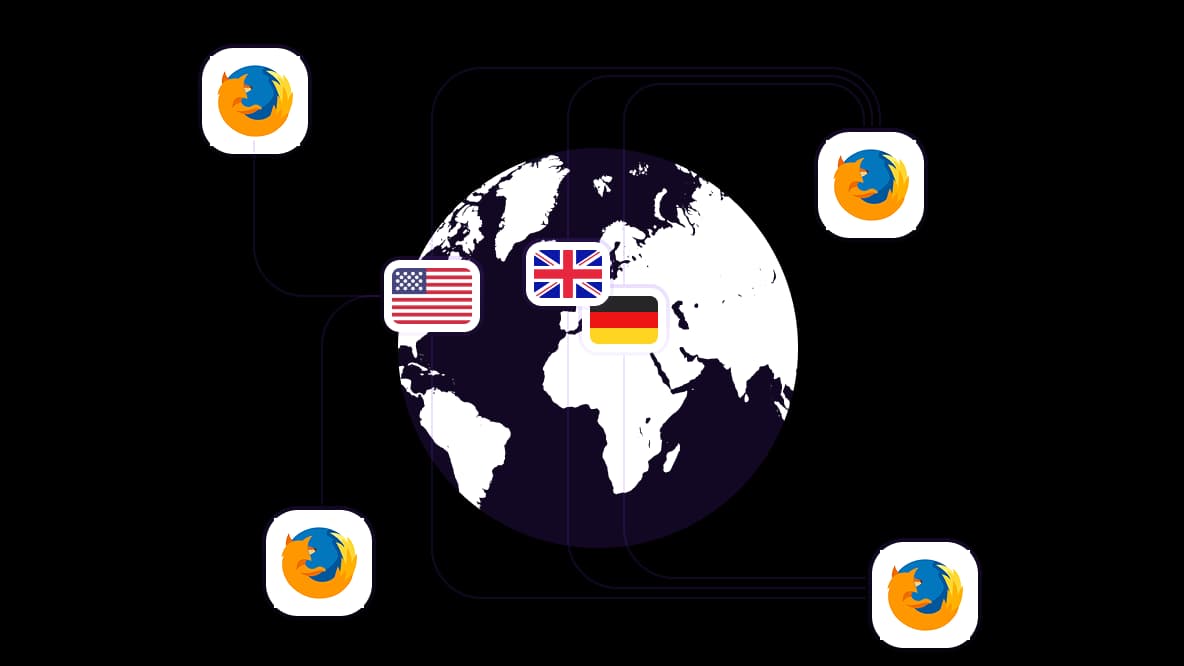
Phủ sóng địa lý toàn cầu với IP dân cư và di động
Hơn 50 triệu IP dân cư chất lượng cao trên 100+ quốc gia để truy cập nội dung bị hạn chế theo khu vực như người dùng địa phương. Đăng nhập vào các sàn thương mại điện tử khu vực, xác minh quảng cáo, làm việc với tài khoản và thu thập dữ liệu theo từng quốc gia mà không giới hạn.
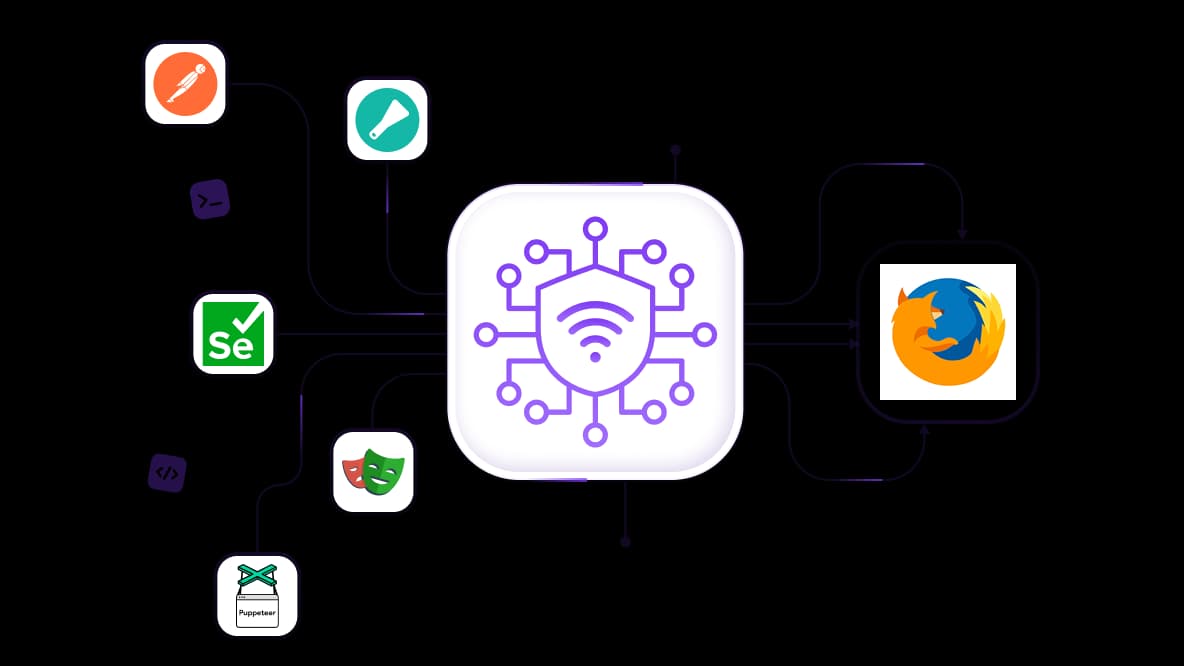
Proxy Mozilla Firefox cho web scraping quy mô lớn 24/7
Thu thập dữ liệu công khai chính xác, giám sát giá đối thủ cạnh tranh và trích xuất kết quả từ công cụ tìm kiếm mà không bị giới hạn tốc độ hoặc cấm IP. Tích hợp với Scrapy, Selenium, Puppeteer, Playwright, Postman hoặc các script tùy chỉnh và duy trì các phiên ổn định nhất quán với IP chất lượng cao.
Quản lý nhiều tài khoản từ một cửa sổ Firefox
Vận hành nhiều tài khoản marketplace hoặc mạng xã hội bằng cách gán một IP duy nhất cho mỗi hồ sơ Firefox hoặc tab container. Các nền tảng thấy những người dùng riêng biệt ở các vị trí khác nhau, giúp tất cả tài khoản của bạn hoạt động, đăng nhập và không bị đình chỉ.
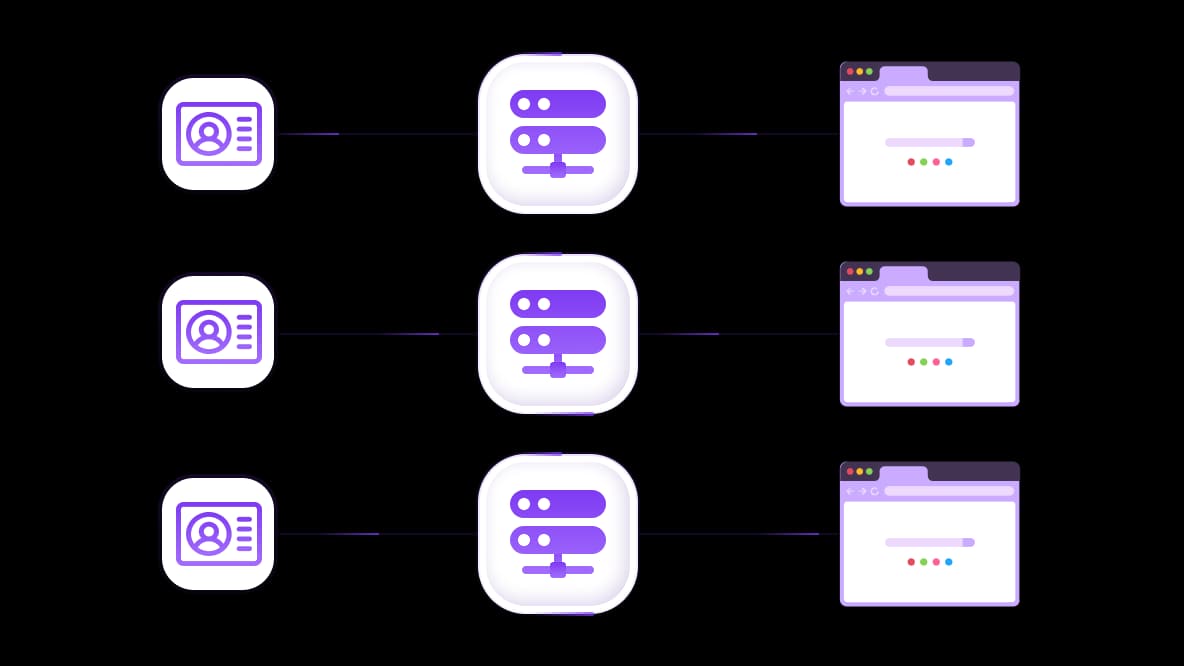
Sử dụng proxy Firefox với bất kỳ trình duyệt chống phát hiện nào
CyberYozh cung cấp khả năng fingerprinting để tách biệt tài khoản. Kết hợp proxy Firefox với các trình duyệt anti-detect phổ biến hoặc điện thoại đám mây để tách biệt IP và dấu vân tay, ngăn chặn liên kết tài khoản và bị chặn
Đặc biệt dành cho bạn
Proxy tốt nhất theo từng quốc gia

Firefox - mạng di động không giới hạn chuyên dụng
-
Bộ định tuyến 5G chuyên dụng
-
Socks5/VPN với DNS riêng
-
Thay đổi IP thủ công
-
Thay đổi dấu vân tay p0f (Windows, macOS, Android)
-
Độ tin cậy cao
-
Tốc độ rất cao + độ trễ thấp
-
Tất cả thông số mạng 1:1 như nhà cung cấp
Firefox - mạng di động dùng chung
-
Bộ định tuyến 5G dùng chung
-
Hỗ trợ SOCKS5 với UDP
-
Tối đa 5 người dùng mỗi cổng
-
Socks5 / HTTP
-
Xoay IP: mỗi 30 phút
-
Dấu vân tay p0f Windows
-
Độ tin cậy cao
-
Tốc độ rất cao + độ trễ thấp
-
Tất cả thông số mạng 1:1 như nhà cung cấp
Firefox - r résident xoay vòng
-
Có sẵn 24 giờ
-
ISP thực tế
-
Tốc độ lên đến 10 Mbps
-
Truy cập API đầy đủ
-
Giao thức HTTP
-
Hơn 100M IP tại hơn 100 quốc gia
-
Trình tạo thông tin đăng nhập hàng loạt
-
Phiên dài lên đến 6 giờ
Firefox - residential riêng tư
-
Băng thông không giới hạn
-
ISP thực tế
-
Tốc độ lên đến 150 Mbps
-
Độ trễ thấp
-
Hỗ trợ SOCKS5 với UDP
-
Có sẵn 24 giờ
-
1 IP chuyên dụng
Firefox - datacenter chuyên dụng
-
Băng thông không giới hạn
-
Quyền sở hữu IP độc quyền
-
Kết nối tốc độ cao
-
Thời gian hoạt động 99.9 %
-
HTTP
Firefox - datacenter dùng chung
-
Tốc độ cực nhanh
-
Phủ sóng IP toàn cầu
-
Thời gian hoạt động 99.9 %
-
Gói dịch vụ tiết kiệm chi phí
-
1 GB băng thông
-
HTTP
Tại sao họ mua hàng của chúng ta?
Ưu điểm
Thanh toán bằng thẻ riêng
Không quan trọng bạn đã nạp tiền vào số dư của mình bằng cách nào, việc liên kết khoản thanh toán với việc thuê một proxy cụ thể là không thể.
Chúng tôi không lưu trữ dữ liệu trên máy chủ.
Theo quy định, các dịch vụ cho thuê proxy sẽ lưu giữ tất cả dữ liệu về lưu lượng truy cập đi qua máy chủ của họ.
Thiết bị chuyên dụng
Chúng tôi KHÔNG ngụy trang proxy chia sẻ thành proxy cá nhân. Một modem hoặc router chỉ được chuyển giao cho DUY NHẤT một người.
Hỗ trợ kỹ thuật trực tuyến
Chúng tôi luôn sẵn sàng giải quyết các vấn đề và thắc mắc của bạn, kể cả vào đêm khuya hay sáng sớm.
Đảm bảo hoàn tiền
Chúng tôi có cả hoàn trả và đổi hàng. Ưu tiên hàng đầu là dịch vụ chất lượng và khách hàng hài lòng.
API cho Doanh nghiệp
Đối với khách hàng doanh nghiệp, dịch vụ của chúng tôi sẵn sàng cung cấp một API tiện lợi cho phép bạn mua proxy, thay đổi địa chỉ IP và nhiều tính năng khác.
Tại sao proxy Firefox thất bại
Proxy Firefox thất bại khi chúng dựa vào các IP dùng chung, không ổn định hoặc bị lạm dụng quá mức mà các trang web nhanh chóng phát hiện và chặn.
IP chất lượng thấp hoặc dùng chung → nhiều nhà cung cấp tái sử dụng cùng một địa chỉ, do đó các nền tảng gắn cờ chúng, dẫn đến bị chặn hoặc hạn chế truy cập
Uy tín IP kém → nếu một IP đã bị lạm dụng trước đó, nó kích hoạt CAPTCHA hoặc kiểm tra đăng nhập ngay cả trong quy trình làm việc bình thường
Không có cách ly phiên → nhiều tài khoản hoặc hành động chạy qua cùng một danh tính, gây ra việc liên kết tài khoản
Kiểm soát luân chuyển yếu hoặc thiếu → IP chuyển đổi không thể đoán trước hoặc không chuyển đổi, khiến hành vi trông không tự nhiên
Không có cơ sở hạ tầng được quản lý → hiệu suất phụ thuộc vào chất lượng proxy ngẫu nhiên thay vì một mạng lưới được kiểm soát và duy trì.
Tại sao doanh nghiệp tin dùng proxy Mozilla Firefox của CyberYozh
Proxy CyberYozh được thiết kế cho Firefox giúp giữ các phiên trình duyệt ổn định khi bạn làm việc với nhiều tài khoản, công cụ hoặc nền tảng. Không có chúng, tài khoản có thể bị liên kết, chặn hoặc gián đoạn trong hoạt động bình thường.
1. Chạy 15 tài khoản quảng cáo Facebook từ một cửa sổ Firefox
Một người mua media quản lý tài khoản quảng cáo cho 15 khách hàng khác nhau. Không có proxy, Facebook sẽ liên kết các tài khoản qua IP và đóng chúng lại.
CyberYozh chỉ định một proxy dân cư duy nhất cho mỗi hồ sơ Firefox. Facebook thấy 15 người khác nhau ở 15 thành phố khác nhau. Tất cả tài khoản vẫn hoạt động và độc lập.
→ Nhận proxy dân cư cho nhiều tài khoản từ $1.7
2. Thu thập giá Amazon cho 500 sản phẩm mỗi ngày
Một người bán dropship theo dõi giá đối thủ mỗi 4 giờ. Không có proxy, Amazon sẽ phát hiện mẫu thu thập dữ liệu và hiển thị CAPTCHA hoặc chặn IP.
Proxy cho Firefox luân chuyển IP dân cư để giữ mỗi yêu cầu ổn định và không bị phát hiện. Mỗi yêu cầu trông như một người mua sắm thực tế ở một ngôi nhà khác. Bạn nhận được giá chính xác mỗi lần, không bị chặn hoặc kết quả bị bóp méo.
3. Mua giày thể thao phiên bản giới hạn trên Nike hoặc Shop
Một người bán lại nhắm đến 5 đôi trong đợt phát hành Jordan. Không có proxy, Nike sẽ thấy nhiều tab từ cùng một IP và gắn cờ mọi nỗ lực là đáng ngờ.
Máy chủ proxy cho Mozilla sử dụng IP di động sạch cho mỗi phiên Firefox, khiến mỗi nỗ lực trông như một người mua thực sự. Điều này tăng số lần thành công trong các đợt phát hành có nhu cầu cao.
→ Mua proxy di động độ tin cậy cao cho các tác vụ nhạy cảm
Điều gì khiến proxy CyberYozh trở thành lựa chọn tối ưu cho Firefox
CyberYozh cung cấp cơ sở hạ tầng proxy dân cư, di động và datacenter được quản lý, được thiết kế cho quy trình làm việc ổn định trên trình duyệt Firefox. Nó cung cấp cho người dùng môi trường IP được kiểm soát để chạy nhiều phiên, truy cập các khu vực khác nhau và giữ hoạt động trình duyệt ổn định và tách biệt. Điều này giúp ngăn chặn liên kết tài khoản, giảm chặn và CAPTCHA, đồng thời duy trì hoạt động nhất quán qua các tác vụ lặp lại.
Hơn 100 triệu IP dân cư trên 100+ quốc gia với khả năng nhắm mục tiêu cấp thành phố
Proxy di động 4G/5G từ các nhà mạng thực với băng thông không giới hạn
Kết nối độ trễ thấp được tối ưu hóa cho lưu lượng truy cập dựa trên trình duyệt trong Firefox
Truy cập API - tích hợp với Postman, Puppeteer, Playwright và Selenium mà không cần điều khiển thủ công
Luân chuyển IP có kiểm soát - sử dụng phiên cố định hoặc luân chuyển IP theo khoảng thời gian đã đặt
Hoạt động với thiết lập proxy Firefox và cấu hình cấp trình duyệt
Xác minh SMS từ $0.02 mỗi SMS và số ảo cho quy trình làm việc đa phiên tại hơn 50 quốc gia.
Proxy Firefox CyberYozh so với VPN và proxy miễn phí
CyberYozh cung cấp cơ sở hạ tầng đáng tin cậy cho tự động hóa, quy trình làm việc đa tài khoản, thu thập dữ liệu và quy trình làm việc chuyên nghiệp trong Firefox. VPN và proxy miễn phí chủ yếu được sử dụng cho việc duyệt web thông thường và các trường hợp sử dụng bảo mật cơ bản.
Tính năng | Proxy Firefox CyberYozh | VPN | Proxy Firefox miễn phí |
|---|---|---|---|
IP cho mỗi hồ sơ Firefox | Có | Không | Không |
Loại IP | Dân cư, di động, trung tâm dữ liệu | Thường là trung tâm dữ liệu | Trung tâm dữ liệu dùng chung |
Kiểm soát phiên | Cố định + kiểm soát luân chuyển | Kiểm soát hạn chế | Không kiểm soát |
Đa tài khoản | Có | Hạn chế | Không thể |
Hoạt động với công cụ tự động hóa | Có | Hạn chế | Không |
Phù hợp cho thu thập dữ liệu | Có | Hạn chế | Không |
Thiết lập trong Firefox | Trung bình | Dễ | Dễ |
Truy cập API | Có | Hiếm | Không |
Chọn proxy phù hợp cho Firefox
Hầu hết các trường hợp bị chặn, CAPTCHA và vấn đề tài khoản xảy ra do sử dụng sai loại proxy Firefox cho công việc. Hãy chọn proxy phù hợp với nền tảng, nếu không sẽ thất bại.
Proxy dân cư: cho sàn thương mại điện tử và nghiên cứu
Vận hành tài khoản Amazon, eBay hoặc Walmart mà không liên kết chúng với nhau. Thu thập dữ liệu sản phẩm và giá cả trong nhiều giờ mà không gặp CAPTCHA hay gián đoạn. Nếu bạn sử dụng sai proxy ở đây, phiên làm việc sẽ nhanh chóng bị đánh dấu và dữ liệu trở nên không đáng tin cậy.
Proxy di động: cho mạng xã hội và nền tảng quảng cáo
Vận hành tài khoản TikTok, Instagram hoặc Google Ads mà không bị cấm ngay lập tức hay rơi vào vòng lặp xác minh. IP di động có độ tin cậy cao nhất và không có chúng, các tài khoản nhạy cảm có nhiều khả năng bị hạn chế hoặc đánh dấu hơn.
Proxy datacenter cho tốc độ và tự động hóa
Thực hiện kiểm tra hàng loạt, công việc scraping hoặc các script tự động hóa với tốc độ cao khi độ tin cậy ít quan trọng hơn. Proxy datacenter nhanh và hiệu quả, nhưng nhanh chóng bị phát hiện trên các nền tảng nghiêm ngặt.
Cách thêm proxy vào Firefox (thiết lập đơn giản)
Kết nối proxy của bạn trong Firefox và bắt đầu duyệt web qua IP khác chỉ trong vài phút. Điều này giúp giữ các phiên làm việc riêng biệt và ổn định khi làm việc với các tài khoản hoặc khu vực khác nhau.
1. Lấy thông tin proxy CyberYozh của bạn
Mua proxy CyberYozh và bạn sẽ nhận được địa chỉ IP, cổng và thông tin đăng nhập (nếu cần). Đây là những gì bạn sẽ sử dụng để kết nối Firefox với IP mới.
2. Mở cài đặt mạng Firefox
Vào menu Firefox → Cài đặt → cuộn xuống Cài đặt Mạng → nhấp Cài đặt…
3. Nhập thông tin proxy của bạn
Chọn Cấu hình proxy thủ công và thêm IP proxy cùng cổng của bạn. Thêm thông tin đăng nhập nếu cần.
4. Lưu và bắt đầu duyệt web
Nhấp OK để áp dụng cài đặt. Firefox giờ sẽ tự động định tuyến lưu lượng qua proxy của bạn.
Để thiết lập proxy với Tiện ích mở rộng FoxyProxy cho cấu hình đa tài khoản, xem hướng dẫn proxy Firefox từng bướccủa chúng tôi.
CyberYozh giải quyết vấn đề này bằng cơ sở hạ tầng residential, mobile và datacenter được quản lý, được xây dựng cho quy trình làm việc ổn định trên Firefox. Bạn nhận được môi trường IP sạch, phân tách phiên làm việc hợp lý và hiệu suất ổn định dưới khối lượng công việc thực tế thay vì lưu lượng proxy chia sẻ không ổn định.
Nạp tiền vào số dư của bạn bằng bất kỳ cách thuận tiện nào!
Thẻ ngân hàng


Tiền điện tử


