
Google Ads proxy
Run Google Ads, verification, scraping, and multi-account workflows with high-trust proxies built for stable geo-targeted access. Use real 5G/LTE mobile, residential, and datacenter IPs with API support and fingerprint controls to scale real advertising operations.
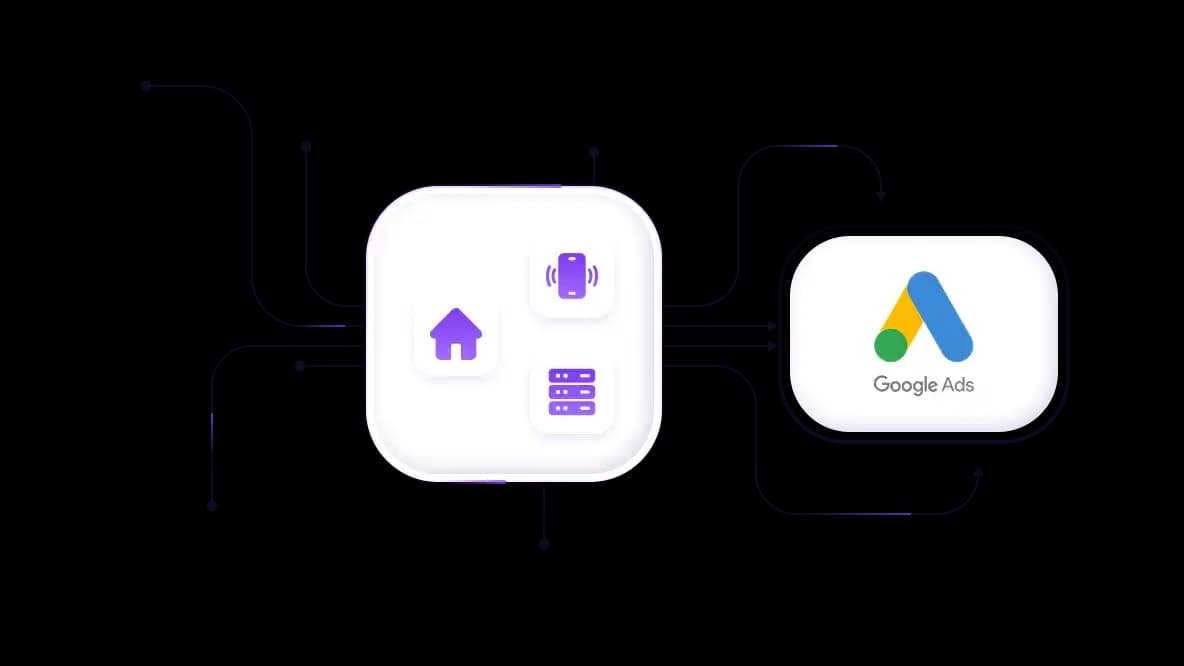
Best Google Ads proxy infrastructure for stable operations
Access residential, real mobile LTE/5G, and datacenter IPs from a 50+ million pool, built specifically for Google Ads. Create accounts, verify ads, and manage campaigns without fuss.
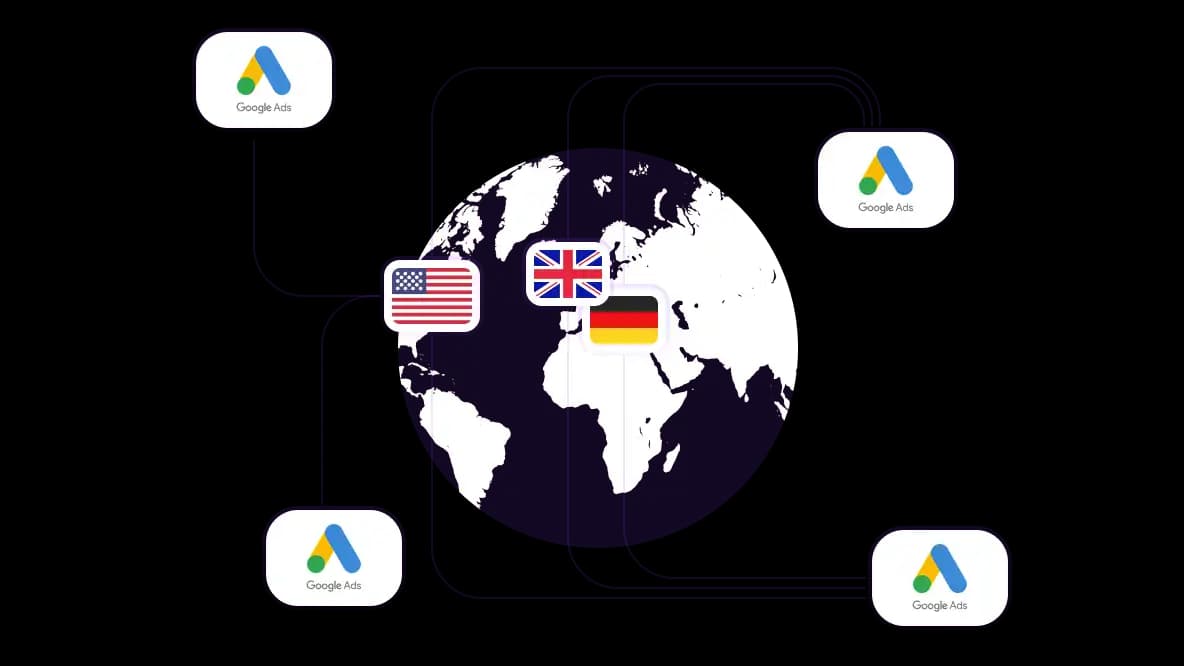
Run Google Ads workflows from 100+ countries
Verify Google ads, run regional testing, and verify competitors using proxy IPs across 100+ countries with granular city-level targeting. Launch advertising workflows without geo-restrictions or distorted regional results.
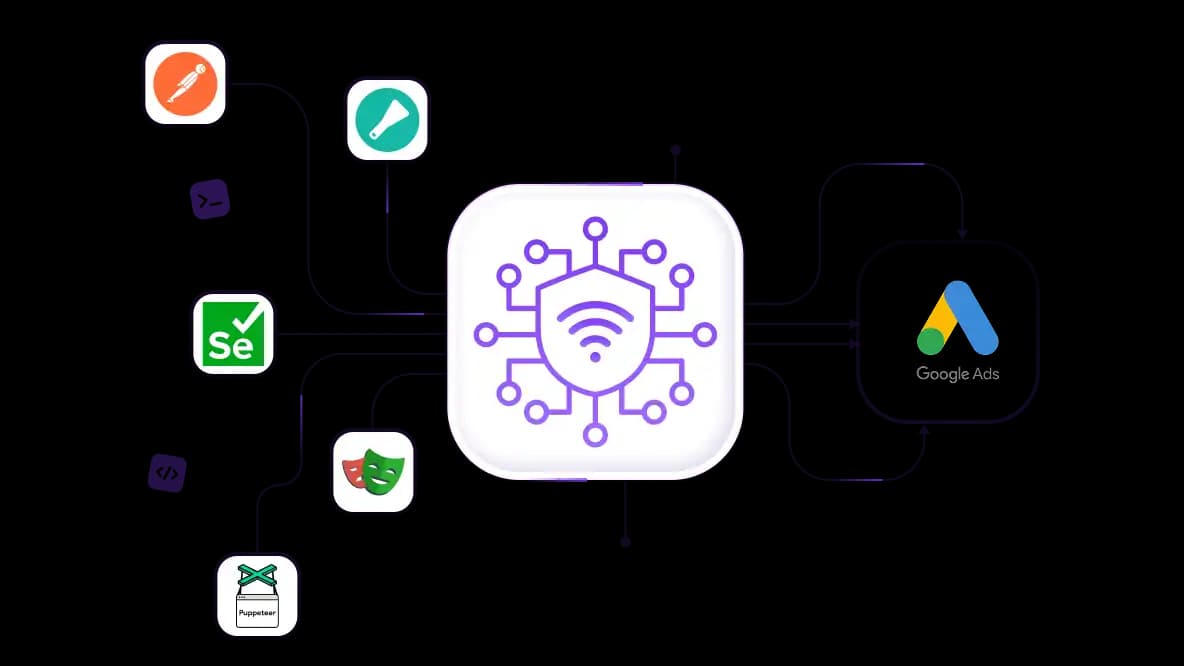
Scrape Google Ads data without limitations
Collect Google Ads and SERP data at scale using rotating residential proxies – compatible with Playwright, Puppeteer, Selenium, Scrapy, and automation frameworks. Stable IP reputation reduces CAPTCHA triggers, request blocking, and scraping interruptions.
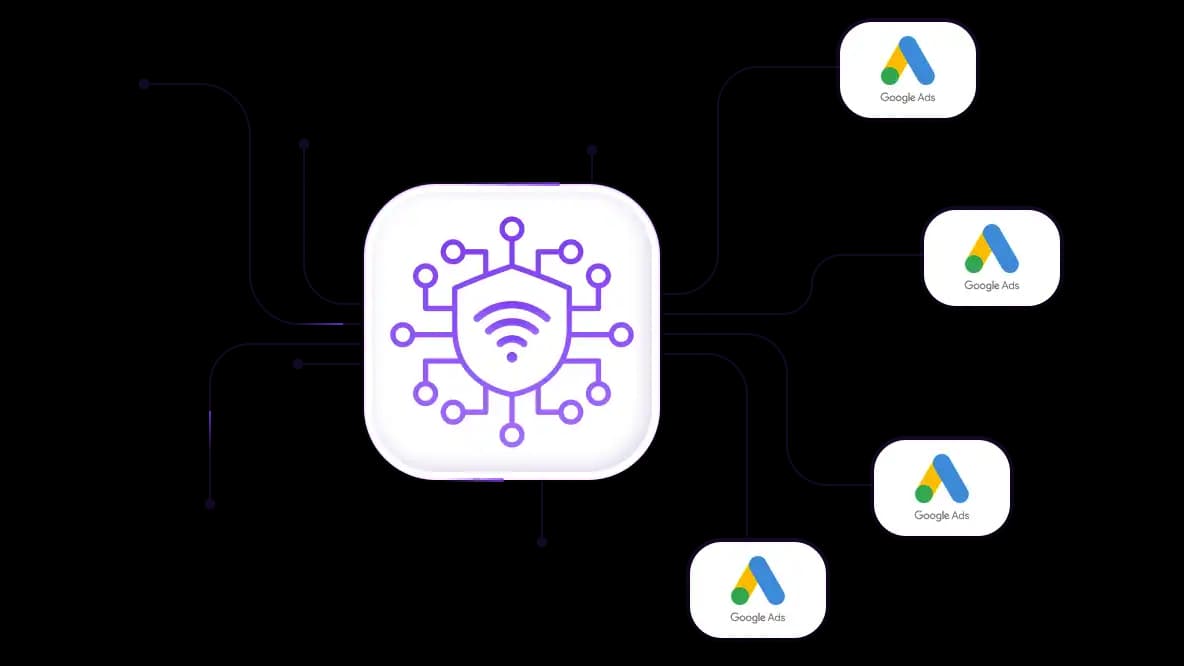
Manage multiple Google Ads accounts with separate IPs
Assign a dedicated residential or mobile IP to each Google Ads account to keep sessions isolated. Run advertising, analytics, and campaign management workflows without repeated verifications and account linking risk.
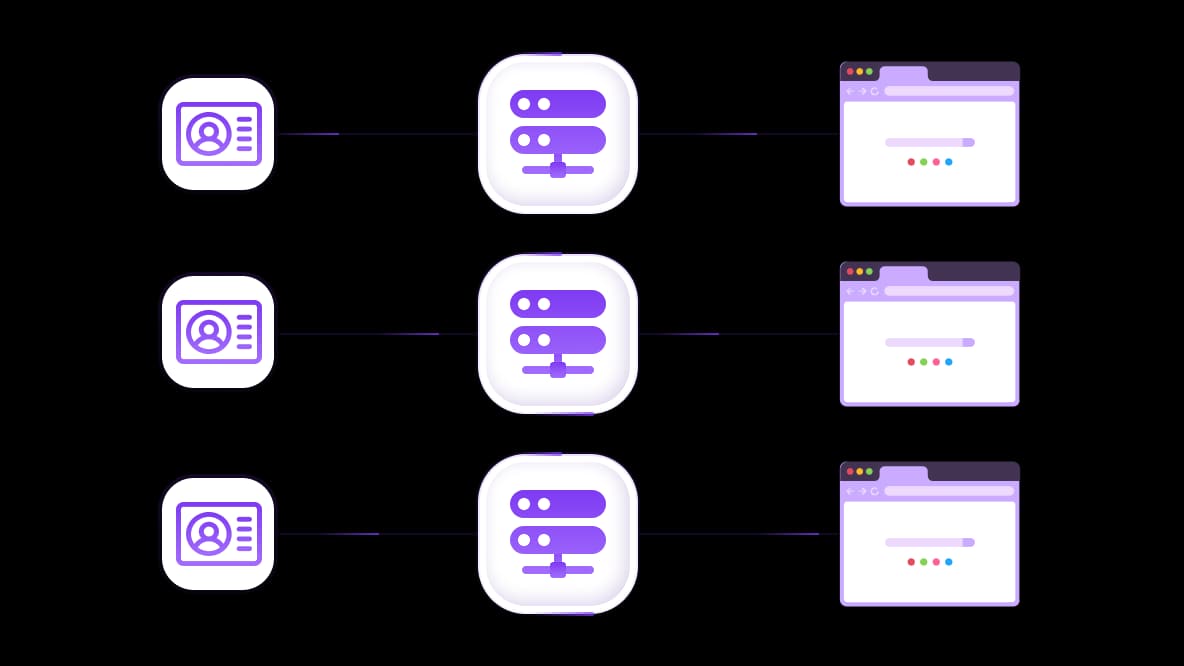
Connect proxies with any anti-detect browser
CyberYozh mobile proxies have advanced OS fingerprint controls to align browser, device, and network identity. Integrate proxy with any anti-detect browser to create isolated profiles and maintain long sessions for multi-account ad workflows.
Specially for you
Best proxies by countries

Google Ads proxy - dedicated mobile unlimited
- Dedicated 5G Router
- Socks5/VPN with dedicated DNS
- Manual IP Changing
- Change p0f fingerprint (Windows, MacOS, Android)
- High Trust Rate
- Very High Speed + Low Ping
- All network params 1:1 as provider's
Google Ads proxy - shared mobile
- Shared 5G Router
- Supports SOCKS5 with UDP
- Up to 5 users per port
- Socks5/HTTP
- IP Rotation: every 30 min
- Windows p0f fingerprint
- High Trust Rate
- Very High Speed + Low Ping
- All network params 1:1 as provider's
Google Ads proxy - rotating residential
- 24 hours Availability
- Real ISP
- Speed up to 10 mbps
- Full API Access
- HTTP Protocol
- 100M+ IPs in 100+ Countries
- Mass Credentials Generator
- Long session up to 6 hours
Google Ads proxy - private residential
- Unlimited Bandwith
- Real ISP
- Speed up to 150 mbps
- Low Ping
- Supports SOCKS5 with UDP
- 24 hours Availability
- 1 Dedicated IP
Google Ads proxy - dedicated datacenter
- Unlimited bandwidth
- Exclusive IP ownership
- High-speed connectivity
- 99.9 % uptime
- HTTP
Google Ads proxy - shared datacenter
- Lightning-fast speeds
- Global IP coverage
- 99.9 % uptime
- Cost-efficient plans
- 1 GB bandwidth
- HTTP
Why do they buy from us?
Advantages
Private card payment
It doesn't matter how you topped up your balance, linking the payment to the rental of a specific proxy is impossible.
We do not store data on servers
As a rule, services that rent out proxies retain all data about the traffic passing through their servers.
Dedicated device
We do NOT disguise Shared proxies as individual ones. A modem or router is transferred to ONLY one person.
Online technical support
We are always ready to solve your problems and questions. Even late at night and early in the morning.
Money-back guarantee
We have both returns and exchanges. The priority is quality service and satisfied customers.
API for Business
For business clients, our service is ready to provide a convenient API that allows you to purchase proxies, change IP addresses, and much more.
How businesses can benefit from Google Ads proxy
Agencies, affiliate marketers, and automation teams use Google Ads proxies to isolate accounts, verify campaigns, research competitors, and scale without restrictions.
Manage multiple Google Ads accounts without linking
Businesses managing multiple Google Ads accounts need network isolation between accounts to avoid cross-profile correlation that leads to verification, flags, or account restrictions. This is where CyberYozh Google Ads proxy infrastructure for account management is used:
Assign one dedicated residential IP per ad account to eliminate IP-level links between clients or profiles
Create new ad accounts with CyberYozh mobile proxies to match the carrier-IP signature Google expects during new account creation
Pair each account with a unique verified phone number using CyberYozh's SMS service to pass Google's phone verification
Validate IP quality with IP Checker to avoid flagged addresses that could trigger immediate suspension.
Run geo-targeted Google Ads campaigns
Without proper proxies, Google Ads sessions show mismatched regional access and inaccurate campaign previews that distort how ads appear in target markets. CyberYozh offers geo-targeted proxy IPs from 100+ countries to match your location for affiliate marketing, regional ad operations, and multi-market campaign testing.
Preview ad creatives and placements as users in 100+ countries by switching CyberYozh proxy locations to validate geo-targeting accuracy.
Launch campaigns without country-level access restrictions on Google Ads dashboards using a local IP.
Test localized landing pages and geo-dependent offers.
Verify that geo-targeted bid adjustments and ad extensions render correctly in each target country before wasting ad spend.
Verify ads with a Google Ads proxy
Ad fraud and misconfigured placements cost advertisers billions annually. CyberYozh's proxy infrastructure supports full-cycle ad verification from account setup through live campaign auditing.
Check ad delivery and rendering in specific countries and cities by routing verification sessions through residential IPs matching each target market.
Confirm that ad extensions, sitelinks, and call ads display correctly across regions without false positives from non-local IPs.
Verify Google account and email verification flows tied to ad cabinet identities to ensure phone-verified account setups
Monitor for ad hijacking and unauthorized redirect insertions by cross-referencing ad behavior across multiple regional IPs.
Research competitors with a Google Ads proxy
Without proxies, SERP and ad data collection becomes inconsistent due to rate limits, location-biased results, and CAPTCHAs. Rotating residential proxies ensure geo-authentic access needed for accurate market analysis and scraping tasks.
Scrape Google SERP ad placements across countries using rotating residential proxies to collect location-authentic search data.
Monitor competitor keyword strategies and ad copy changes over time without being detected as a recurring crawler.
Access Google Ads Transparency Center data from geo-specific IPs to analyze competitor targeting across local markets
Automate ad monitoring pipelines via CyberYozh's REST API to cycle IPs, schedule requests, and keep research workflows running.
Learn how to create multiple Google accounts without any risks using CyberYozh.
What are the best proxies for Google Ads
Choosing the right proxy type for Google Ads is critical, as Google's fraud-detection systems aggressively flag non-residential IPs.
Mobile proxies – for account creation and verification
Mobile 4G/5G proxies operate on real carrier networks and provide strong session consistency for sensitive authentication steps. They work best for setting up new Google Ads accounts or verification where stable carrier-based identity is required.
Static residential proxies – for account management and scaling
Static residential proxies are assigned to real ISP connections and are ideal for managing active Google Ads accounts over long periods. Use them for ongoing campaign management, account scaling, and maintaining continuity across ads operations.
Rotating residential proxies – for scraping and market research
Rotating residential Google Ads proxies are designed for high-volume Google Ads and SERP data collection across multiple regions. They are commonly used for competitor ad research, keyword tracking, and geo-specific SERP monitoring across markets.
Datacenter proxies – for limited-use automation tasks
Datacenter proxies provide fast and cost-efficient connectivity but are not recommended for Google Ads. Use them for non-sensitive automation or lightweight testing workflows.
Why CyberYozh for Google Ads workflows
CyberYozh is not a basic proxy provider – it is operational infrastructure built for running Google Ads, automation, scraping, and multi-account workflows at scale. Whether you’re looking to avoid Google Ads IP ban or a proxy for White Page for Google Ads, you’ll find reliable proxies for your task. CyberYozh combines network access, risk evaluation, and automation-ready systems in one platform designed for predictable scaling.
Google Ads account management proxies with 100M+ IPs – real mobile LTE/5G, residential ISP, and datacenter IP coverage
API integration with Scrapy, Playwright, Puppeteer, Selenium, Postman, and custom scripts
Built-in SMS activation + fraud risk checks for IPs, phone numbers, and payment signals
Sticky sessions + rotation control for consistent account and campaign workflows
Designed for real workflows, not single-use proxy access across advertising, scraping, and account systems.
Setting up a Google Ads proxy with CyberYozh
Register at app.cyberyozh.com
Select a proxy type matching your task. Use mobile for new account creation and verification, static residential for ongoing cabinet management, rotating residential for bulk operations.
Copy the credentials from the dashboard. Configure the proxy directly in your browser using the CyberYozh Chrome extension (or for other browsers), in your operating system settings, or inside your anti-detect browser profile.
CyberYozh provides step-by-step setup guides for all major platforms: Windows, Linux, macOS, Android, and iOS
Top up your balance in any convenient way!
Bank cards


Cryptocurrency


