
GTA VI proxy on PS5 or PS5 Pro
Try a different route if your download stalls. Rent a mobile proxy for the day or choose a static ISP proxy for a fixed IP. Both offer unlimited traffic for game downloads and updates.
Choose a PS5 proxy with unlimited traffic
Try a mobile proxy to download GTA VI through a carrier network. For a fixed IP with unlimited traffic you that can reuse for updates, choose a static ISP proxy for a residential address or a datacenter proxy for a lower-cost option.
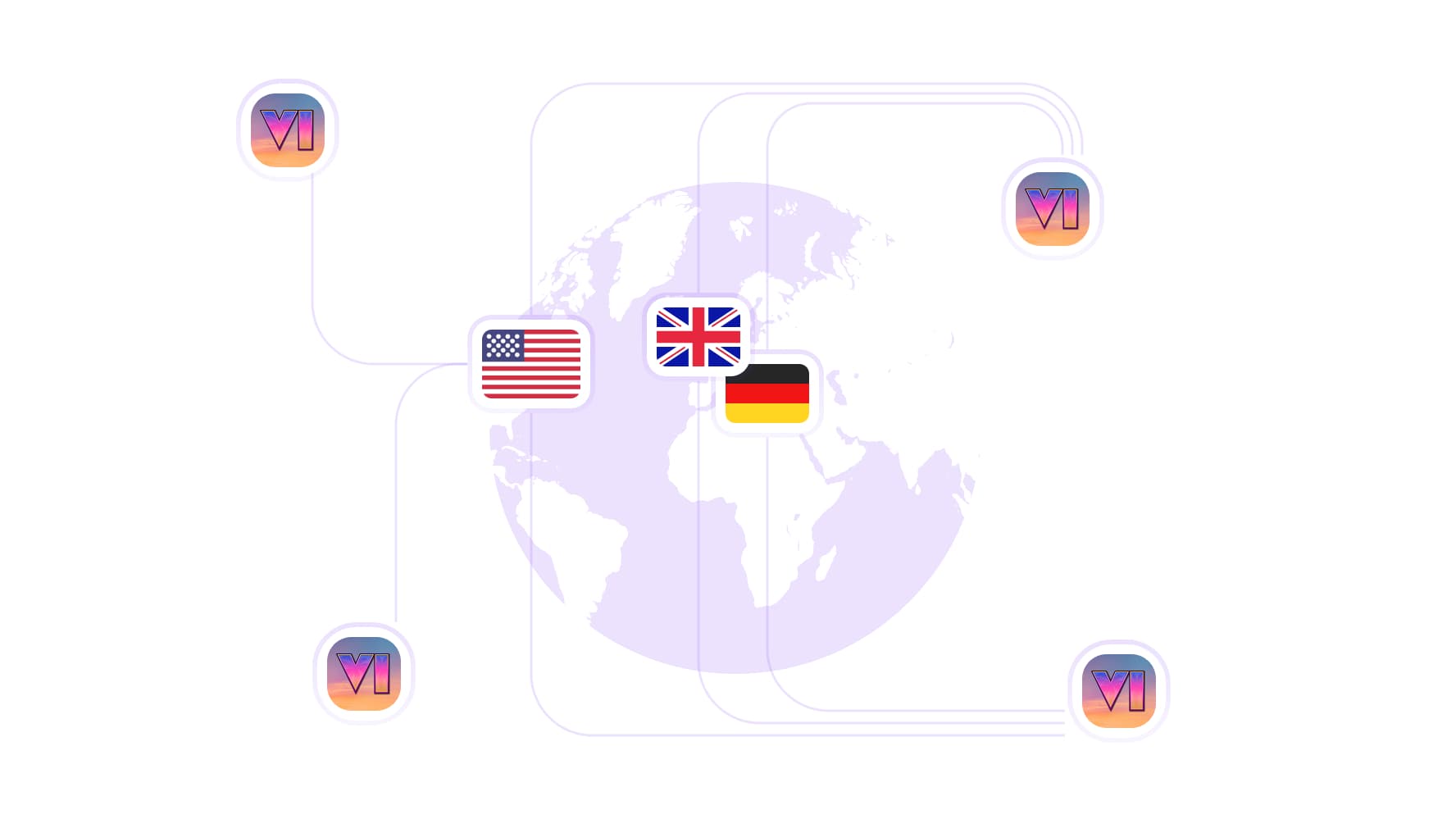
Rotate your GTA VI proxy IP
Choose from 100M+ residential IPs across 195+ countries. Rotate to a new IP in the same country or switch locations to test a different route for your next PS5 download.
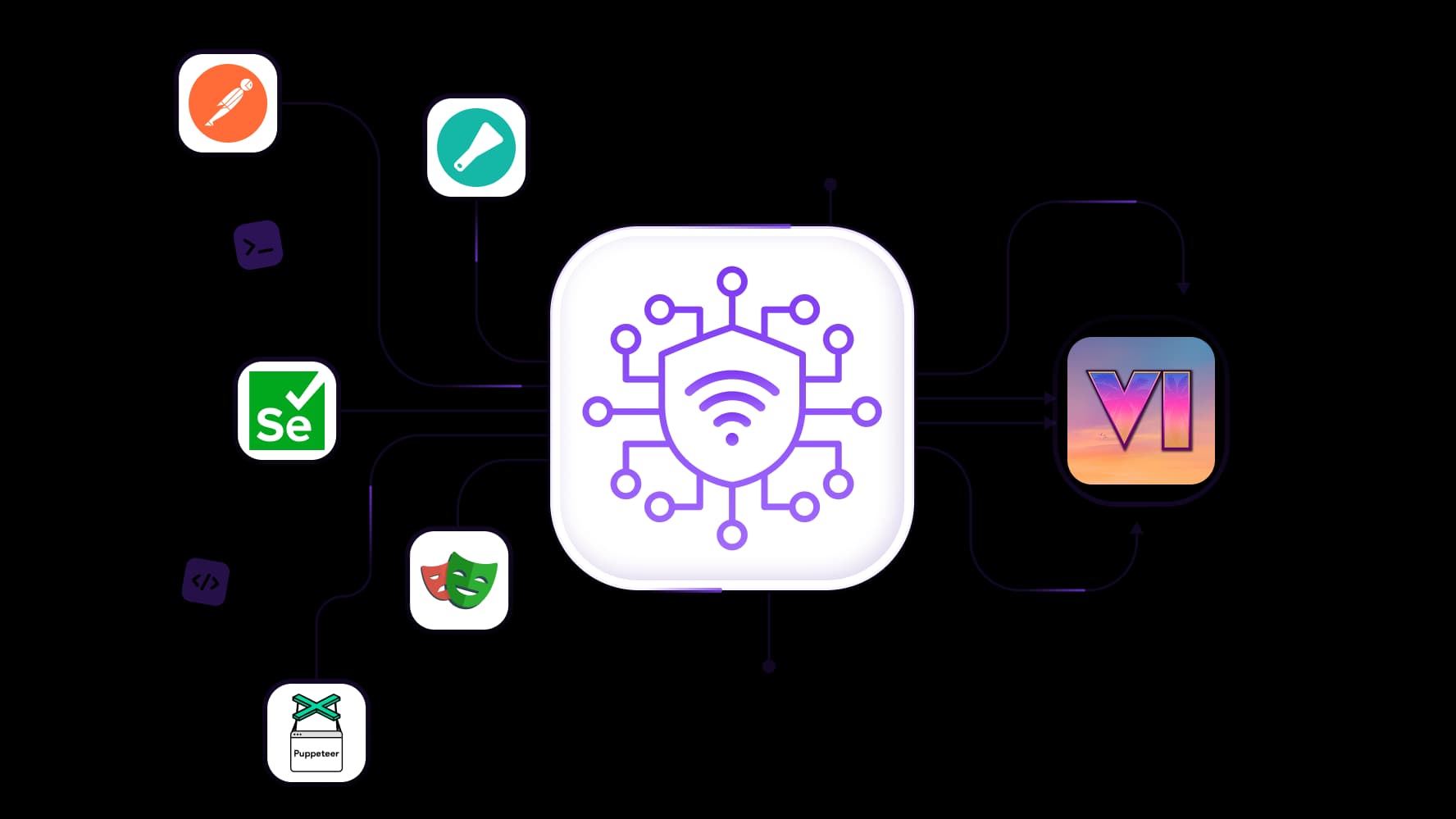
Automate GTA VI price checks
Use your proxy with Scrapy, Postman, Playwright, Puppeteer, or Selenium. Track the same GTA VI edition on regional PlayStation Store pages and record prices in local currency to spot price drops.

Give each PS5 its own proxy IP
Assign a dedicated static ISP proxy to each console you manage. Each PS5 can use the same IP for its GTA VI download and later updates throughout the rental.
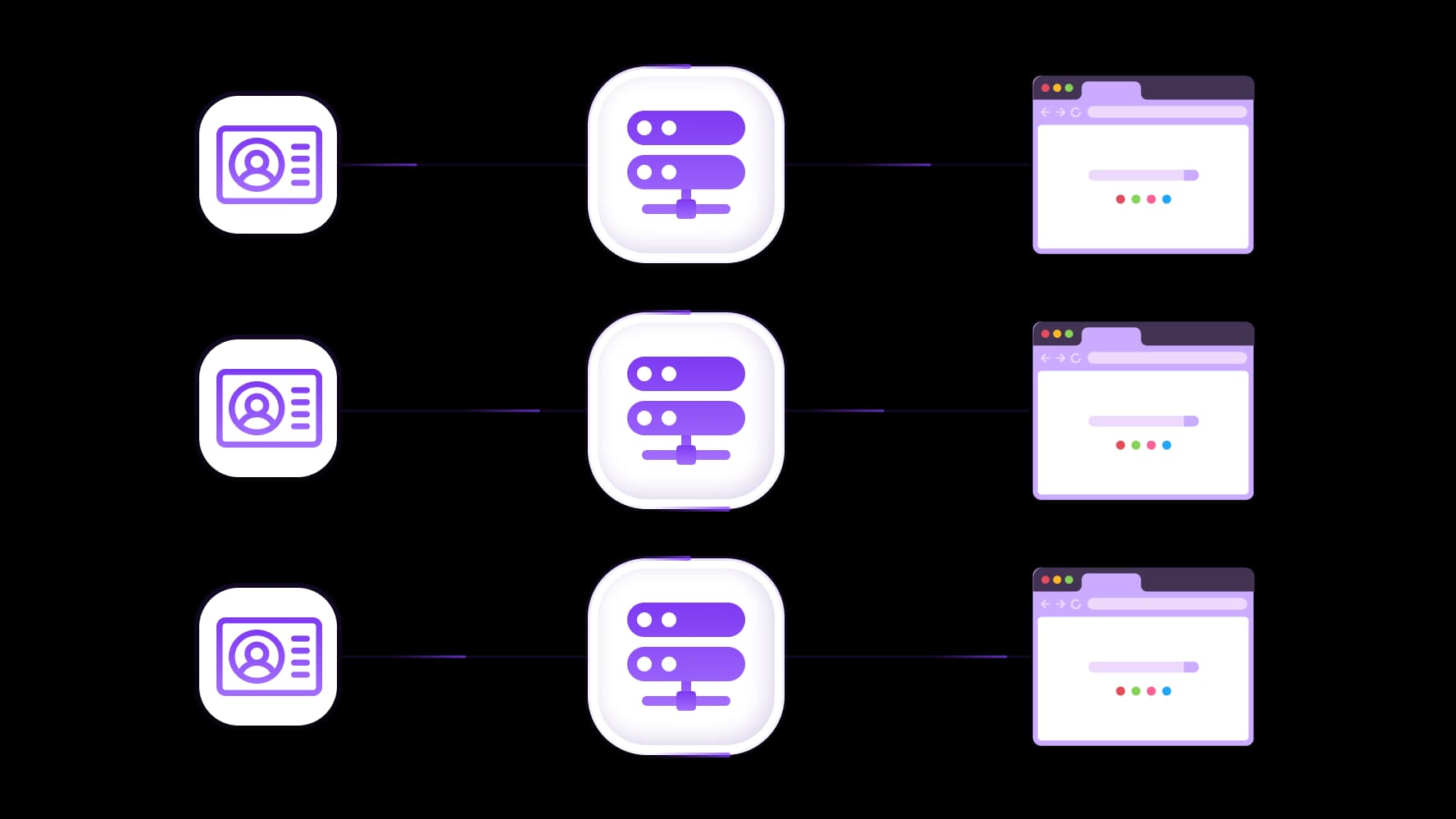
Keep PlayStation Store accounts separate
Pair each account with its own browser profile and residential proxy. Use sticky sessions up to 24 hours to keep each profile’s IP consistent while you check GTA VI prices and editions.
Specially for you
Best proxies by countries

GTA VI - dedicated mobile unlimited
Dedicated 5G Router
SOCKS5/VPN with dedicated DNS
Manual IP Changing
Change p0f fingerprint (Windows, MacOS, Android)
High Trust Rate
Very High Speed + Low Ping
All network params 1:1 as provider's
GTA VI - shared mobile
- Shared 5G Router
- Supports SOCKS5 with UDP
- Up to 5 users per port
- Socks5/HTTP
- IP Rotation: every 30 min
- Windows p0f fingerprint
- High Trust Rate
- Very High Speed + Low Ping
- All network params 1:1 as provider's
GTA VI - rotating residential
- 24 hours Availability
- Real ISP
- Speed up to 10 mbps
- Full API Access
- HTTP Protocol
- 100M+ IPs in 100+ Countries
- Mass Credentials Generator
- Long session up to 6 hours
GTA VI - private residential
- Unlimited Bandwith
- Real ISP
- Speed up to 150 mbps
- Low Ping
- Supports SOCKS5 with UDP
- 24 hours Availability
- 1 Dedicated IP
GTA VI - dedicated datacenter
- Unlimited bandwidth
- Exclusive IP ownership
- High-speed connectivity
- 99.9 % uptime
- HTTP
GTA VI - shared datacenter
- Lightning-fast speeds
- Global IP coverage
- 99.9 % uptime
- Cost-efficient plans
- 1 GB bandwidth
- HTTP
Why do they buy from us?
Advantages
Private card payment
It doesn't matter how you topped up your balance, linking the payment to the rental of a specific proxy is impossible.
We do not store data on servers
As a rule, services that rent out proxies retain all data about the traffic passing through their servers.
Dedicated device
We do NOT disguise Shared proxies as individual ones. A modem or router is transferred to ONLY one person.
Online technical support
We are always ready to solve your problems and questions. Even late at night and early in the morning.
Money-back guarantee
We have both returns and exchanges. The priority is quality service and satisfied customers.
API for Business
For business clients, our service is ready to provide a convenient API that allows you to purchase proxies, change IP addresses, and much more.
If your GTA VI download keeps pausing, check PlayStation’s service status and your console’s free space before trying a GTA VI proxy. If both look fine, a gaming proxy gives you another route to test. Compare how much of the game downloads in five minutes with and without the PS5 proxy.
Rent the right proxy from the catalog.
When can a GTA VI proxy help on PS5?
What is a proxy server on PS5? It’s a server that forwards supported requests from your console, giving you another route to try if your GTA VI download keeps stalling.
Start with PlayStation’s download troubleshooting steps:
Check PlayStation service status. If an outage affects downloads, wait until service returns.
Check free space. Compare the space GTA VI requires with what’s available under Settings → Storage.
Pause and resume. Open Downloads/Uploads in the control center, select GTA VI, then choose Pause and Resume.
If the download stalls again, test a PS5 proxy server on the same Wi-Fi or wired connection. Compare how much data downloads over five minutes on each route before deciding which to use.
Which PS5 proxy should you choose for GTA VI?
The best proxy for PS5 depends on how you’ll use it. A daily rental makes sense for a single download test. If you want to use the same IP for future GTA VI updates, a static ISP plan is a better fit.
Proxy type | When to choose it | What you pay for |
Mobile | Try a carrier network for one day if a download keeps stalling. | A daily rental with unlimited traffic. |
Static ISP | Keep one fixed IP for the initial install and later updates. | A fixed IP for the rental period. |
Compare the same GTA VI edition on regional PlayStation Store pages in a browser. | Traffic billed per GB. |
When choosing the best proxy server for PS5 downloads, confirm that your setup supports the plan’s proxy protocol and authentication method before you rent.
How to use a proxy server on PS5 and PS5 Pro
Open your active connection. Go to Settings → Network → Settings → Set Up Internet Connection. Select the Wi-Fi network or wired LAN connection your console uses, then open Advanced Settings → Proxy. Leave the proxy off for now.
Confirm compatibility before entering details. Sony’s network setup guide lists the proxy setting but leaves protocol and authentication support unspecified. Ask your provider whether your plan works directly with the console. If it requires a username and password and the console offers only address and port fields, ask for a compatible setup before continuing.
Measure your usual connection. Open Downloads/Uploads and resume GTA VI. Note how much data transfers in five minutes, then pause the download.
Enable the proxy and repeat the test. Return to Proxy and enter the gateway address and port your provider confirmed for your PS5 or PS5 Pro proxy setup. Save the settings, resume the same download, and record how much transfers in the next five minutes.
Keep the console on the same network for both tests. If the proxy helps the download progress, leave it enabled for the transfer. If the direct connection performs better, turn the proxy off and resume.
How to compare GTA VI prices across PlayStation Store regions
Open the US and UK PlayStation Store pages for GTA VI Standard Edition in separate browser profiles. If you use a GTA VI proxy, match its location to the store you’re checking and confirm the currency on the page. Record the date, the US price in dollars, and the UK price in pounds. Give membership discounts their own column so you compare standard prices across both stores. If you convert currencies, use the exchange rate for that date.
For recurring game data analytics checks, use Scrapy, Postman, Playwright, Puppeteer, or Selenium to collect the same fields each time.
Top up your balance in any convenient way!
Bank cards


Cryptocurrency


