

Gaming proxy
Get CyberYozh’s gaming proxies to ensure optimal performance for your gaming sessions. Lower ping, access local services, and protect your data for professional gaming. Scrape game data and optimize game development and promotion at scale.
Get a high-quality gaming proxy
Buy residential or mobile proxies with full SOCKS5 and UDP support to optimize ping, secure your connection, and access local servers.
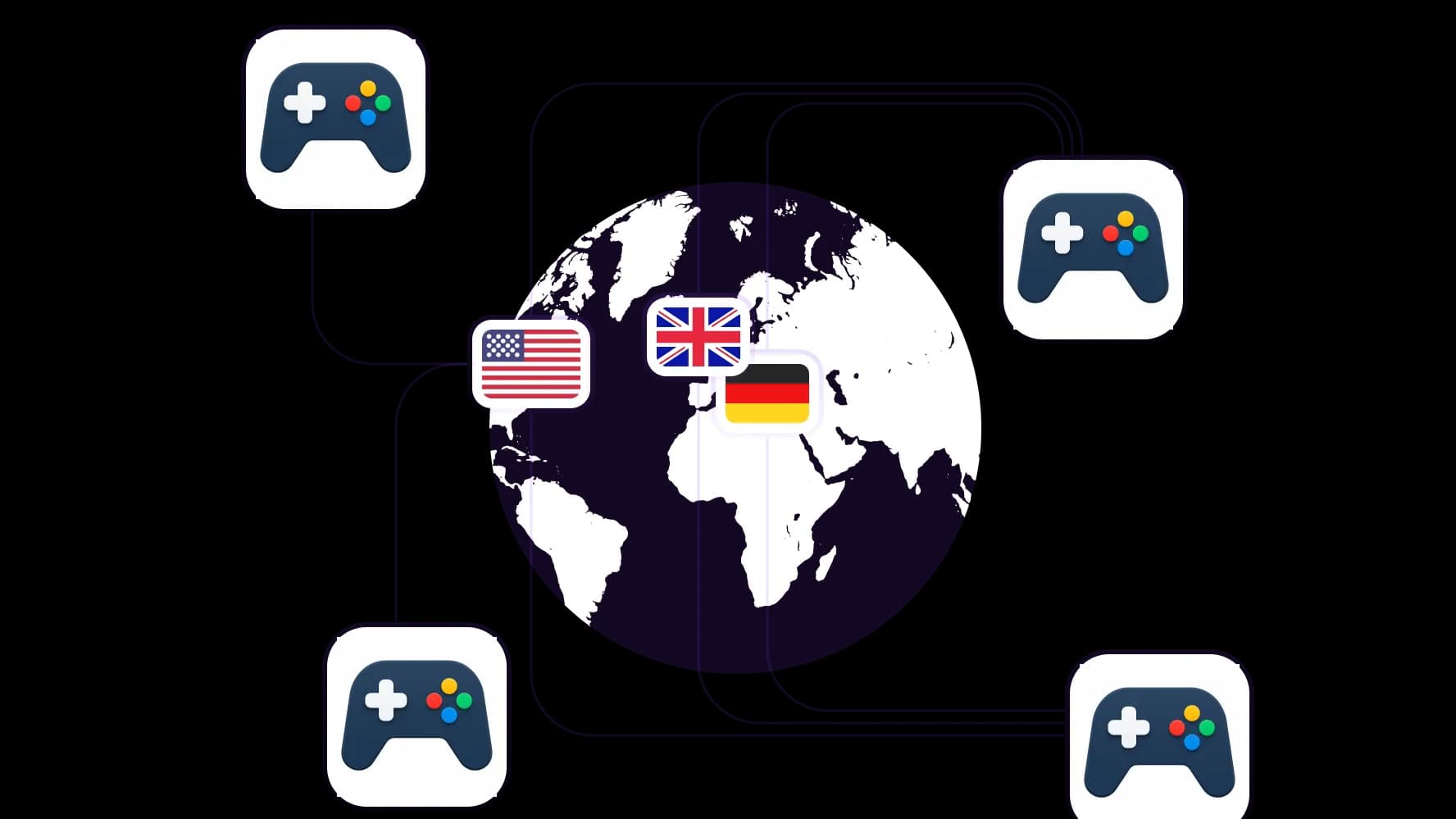
Access local gaming servers from anywhere
Assign IPs with city-level precision from 100+ countries to reduce ping for regional servers, reach local-only game offers, and connect with local player communities.
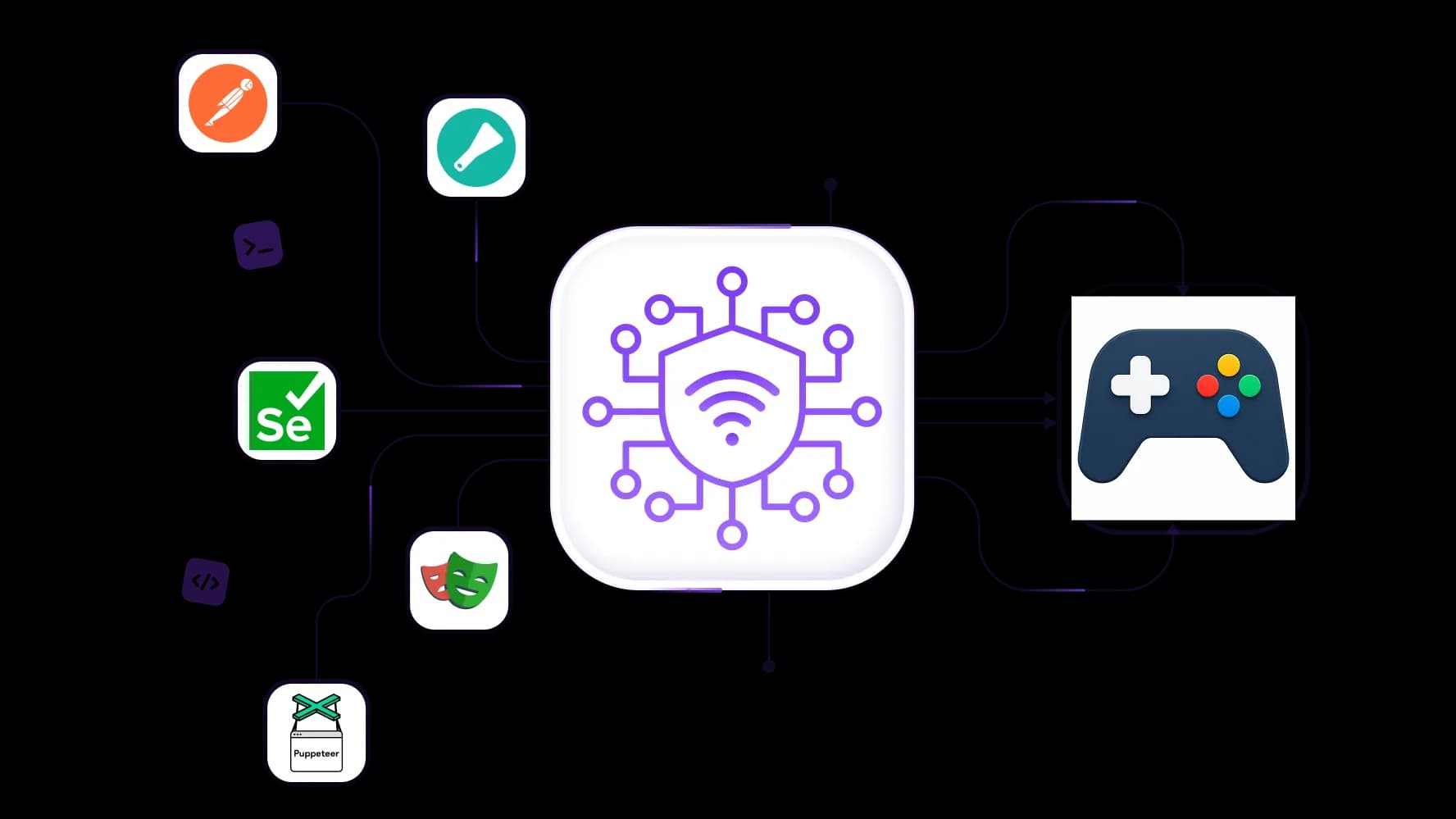
Scrape game data for market research
Deploy a proxy pool of 50M+ residential IPs to scrape game data. Integrate via API with tools like Puppeteer or Playwright without triggering restrictions.
Run multiple gaming sessions
Assign a separate residential IP address to each account session, and keep each session isolated to avoid detection and bans, with 99.95% proxy success rate.
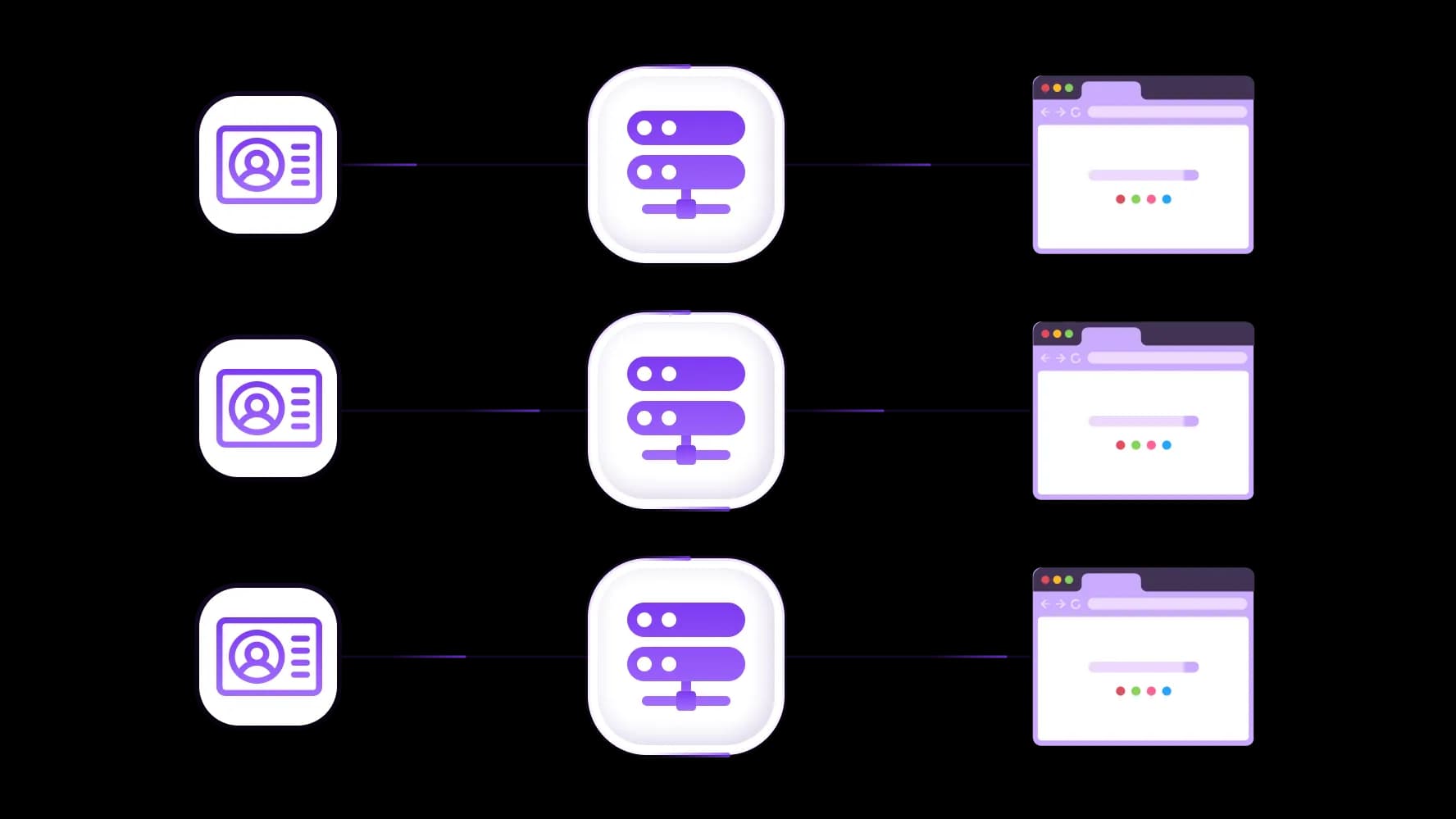
Integrate proxies with antidetects and cloud phone
For high-precision multi-account tasks, integrate CyberYozh proxies into antidetect browsers or cloud phones so every profile is recognized as a fully independent user.
Specially for you
Best proxies by countries

Gaming - dedicated mobile unlimited
- Dedicated 5G Router
- Socks5/VPN with dedicated DNS
- Manual IP Changing
- Change p0f fingerprint (Windows, MacOS, Android)
- High Trust Rate
- Very High Speed + Low Ping
- All network params 1:1 as provider's
Gaming - shared mobile
- Shared 5G Router
- Supports SOCKS5 with UDP
- Up to 5 users per port
- Socks5/HTTP
- IP Rotation: every 30 min
- Windows p0f fingerprint
- High Trust Rate
- Very High Speed + Low Ping
- All network params 1:1 as provider's
Gaming - rotating residential
- 24 hours Availability
- Real ISP
- Speed up to 10 mbps
- Full API Access
- HTTP Protocol
- 100M+ IPs in 100+ Countries
- Mass Credentials Generator
- Long session up to 6 hours
Gaming - private residential
- Unlimited Bandwith
- Real ISP
- Speed up to 150 mbps
- Low Ping
- Supports SOCKS5 with UDP
- 24 hours Availability
- 1 Dedicated IP
Gaming - dedicated datacenter
- Unlimited bandwidth
- Exclusive IP ownership
- High-speed connectivity
- 99.9 % uptime
- HTTP
Gaming - shared datacenter
- Lightning-fast speeds
- Global IP coverage
- 99.9 % uptime
- Cost-efficient plans
- 1 GB bandwidth
- HTTP
Why do they buy from us?
Advantages
Private card payment
It doesn't matter how you topped up your balance, linking the payment to the rental of a specific proxy is impossible.
We do not store data on servers
As a rule, services that rent out proxies retain all data about the traffic passing through their servers.
Dedicated device
We do NOT disguise Shared proxies as individual ones. A modem or router is transferred to ONLY one person.
Online technical support
We are always ready to solve your problems and questions. Even late at night and early in the morning.
Money-back guarantee
We have both returns and exchanges. The priority is quality service and satisfied customers.
API for Business
For business clients, our service is ready to provide a convenient API that allows you to purchase proxies, change IP addresses, and much more.
Who needs gaming proxies and why
Gaming proxies solve problems that neither better hardware nor faster home internet can fix: poor routing, regional restrictions, and platform detection during automation.
Optimizing ping and security with gaming proxies
Task
Competitive play suffers from ISP routing inefficiencies, ping spikes, and the constant risk of account credentials being exposed, especially for high-value accounts that generate real income through in-game economies or streaming.
Solution
A proxy for gaming reroutes your traffic through a high-speed Tier-1 routing path, bypassing congested ISP nodes. Combined with SOCKS5 authentication and encrypted tunneling, it ensures that no session data is intercepted and your account credentials stay private, critical for high-value accounts in games like WoW, where items can be sold for real money.
See the full guide to proxy use in online gaming and learn how exactly gaming proxies reduce ping.
Accessing local servers via geotargeting
Task
Regional game servers, limited-time local promos, closed beta access, and geo-specific bonuses remain out of reach when your IP doesn't match the target country.
Solution
CyberYozh's gaming proxy servers in 100+ countries let you appear as a local ISP user in any target region, for example, enabling access to Korean MMO betas, US-only competitive servers, or region-locked Steam listings without VPN overhead. Use rotating residential proxies for scraping local game data (prices, rankings, item drops) by region. Explore dedicated guides for Steam, Fortnite, and Minecraft.
Platform Warning: Steam's Subscriber Agreement prohibits using proxies to disguise location for regional pricing exploitation or redeeming region-restricted games. Blizzard has suspended accounts for undisclosed VPN/proxy usage. Always use proxies for legitimate play optimization, never to fraudulently exploit pricing or cheat.
Using a proxy for gaming automation
Task
Resource farming, in-game economy management, and market data parsing require running multiple accounts and high-frequency server requests: patterns that trigger anti-automation systems.
Solution
Use sticky sessions with residential proxies to assign a persistent, unique IP to each account for the duration of its session. This prevents mid-session IP changes that trigger security flags, while still distributing traffic across clean IPs. Auxiliary tasks like scraping game item prices, market listings, or forum data, standard rotating proxies work well. See game-specific guides for WoW, Lineage II, and World of Tanks.
Automation Warning: Most gaming platforms, including Blizzard, Steam, and Epic Games, explicitly prohibit bots, automated farming, and any tool that provides an unfair competitive advantage. CyberYozh prompts you to use automation responsibly and always review each game's Terms of Service before deployment.
Select the right gaming proxy
Professional gamers and game developers need proxies that match their specific use case: from stable live-session IPs to high-volume scrapers. Here's how CyberYozh's infrastructure maps to each task.
Gaming proxy types
Proxy Type | Best For | Notes |
Residential Static Proxies | Live competitive play, stable sessions | Resemble real home ISP users; high trust score |
Residential Rotating Proxies | Multi-account management, game data scraping | Use sticky sessions to preserve session continuity per account |
Datacenter Proxies | Speed-critical downloads, non-flagged servers | Very fast and low-cost, but easily identified as bot-like traffic |
Mobile Proxies | High-trust auxiliary tasks, social/forum scraping | Top trust level with customization; best for precision tasks |
Read about cloud phones that can be used for efficient mobile gaming.
Why is a SOCKS5 proxy essential for gaming
Nearly every online game, from CS2 to Dota 2 to WoW, transmits live gameplay data over UDP protocol, which standard HTTP proxies do not support. SOCKS5 is the only proxy protocol that handles both TCP and UDP, making it the mandatory choice for any real gaming proxy server.
HTTP proxies remain useful only for old-style browser text games, web-based auxiliary tasks like scraping game storefronts, forum parsing, or price monitoring.
Proxy client matters, too. Proxifier does not support UDP traffic and should not be used for Steam or live game sessions. Use ProxyCap or SocksCap64 instead. The latter allows separate sessions per gaming instance, which is essential for multi-account play.
Using a proxy for gaming
Here are several points about the actual proxy deployment.
Free gaming proxy: When the risk is worth it
Free gaming proxy servers exist, but they are pooled by thousands of simultaneous users, unstable, and frequently flagged by anti-fraud systems. For personal, non-competitive tasks, such as bypassing a basic georestriction to watch a regional stream, a free proxy may suffice. However:
Poor and inconsistent connection quality
Very high latency, incompatible with competitive play
Real data leakage risk; public IPs are monitored and abused
Zero support when things break mid-session
Free proxies should only be considered for casual georestriction circumvention, never for account security or automation. CyberYozh offers a limited free proxy pool for occasional use.
Best proxy service for gaming: CyberYozh infrastructure
CyberYozh offers a professional gaming proxy service built for competitive players, game developers, and automation engineers who treat network infrastructure as seriously as their hardware. It offers:
100M+ residential IPs in 100+ countries with city-level precision
99.95% uptime success rate for uninterrupted sessions
Mobile proxies with unlimited traffic and fingerprint customization
Easy antidetect and cloud phone integration for multi-account workflows
Low-latency nodes positioned near major game server clusters
Automation API and Open Scraper for game data scraping pipelines
Postman integration for advanced automation prototyping
IP Checker and full checker suite to verify proxy trust score before deployment
Virtual numbers to register accounts in 140+ countries from $0.02
Set up a gaming proxy server
Deploying a CyberYozh proxy for gaming takes under five minutes. Follow this structured setup:
1. Choose your proxy type and region
Create a CyberYozh account and go to the proxy selection page
Pick your target country; use residential static for live play, rotating for automation
2. Verify your proxy quality
Run your assigned IP through the IP Checker to confirm it's clean, not blacklisted, and correctly geolocated
Register game accounts using a virtual number matching your proxy's country
3. Install a compatible proxy client
Windows: use ProxyCap or SocksCap64; do not use Proxifier for UDP games
macOS: follow the macOS proxy setup guide
Linux: see the Linux proxy configuration guide
4. Configure connection rules
Set connection type to SOCKS5 (not HTTP)
In your proxy client, create routing rules for both the game launcher executable (e.g., steam.exe, Battle.net.exe) and the main game executable
For anti-cheat games, also route the anti-cheat process (e.g., EasyAntiCheat.exe) to avoid IP mismatch flags
5. For automation: configure session management
Assign a unique sticky-session IP to each account; never rotate mid-session
Stagger account start times by 5–15 minutes to avoid synchronized traffic patterns
Use CyberYozh API to automate proxy rotation logic for large-scale workflows
Top up your balance in any convenient way!
Bank cards


Cryptocurrency


