

Proxy OnlyFans
Quản lý nhiều tài khoản OnlyFans, tự động hóa và quy trình scraping mà không bị ngắt phiên hoặc vòng lặp xác minh. Proxy di động và dân cư chuyên dụng giữ cho mỗi tài khoản ổn định để bạn có thể mở rộng hoạt động mà không bị gián đoạn.
Proxy OnlyFans tốt nhất cho mọi quy trình làm việc
Nhận proxy dân cư, trung tâm dữ liệu và proxy di động LTE/5G thực chất lượng cao từ nhóm hơn 50 triệu IP. Chạy đa tài khoản OnlyFans, tự động hóa web và thu thập dữ liệu với phiên ổn định và danh tính mạng nhất quán.
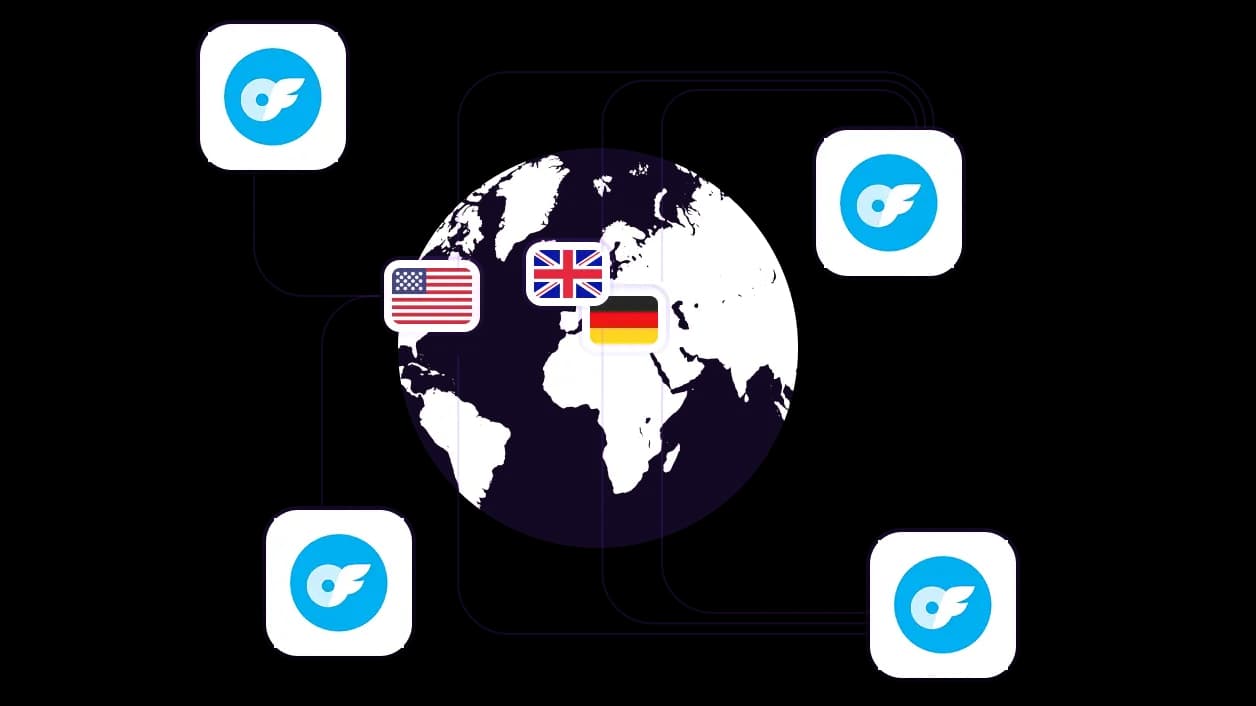
Truy cập đối tượng địa phương từ hơn 100 quốc gia
IP có độ tin cậy cao từ hơn 100 quốc gia với khả năng nhắm mục tiêu chi tiết đến cấp độ thành phố và mã ZIP. Tiếp cận đối tượng địa phương, khởi chạy tài khoản OnlyFans được bản địa hóa và duy trì sự hiện diện tại địa phương.
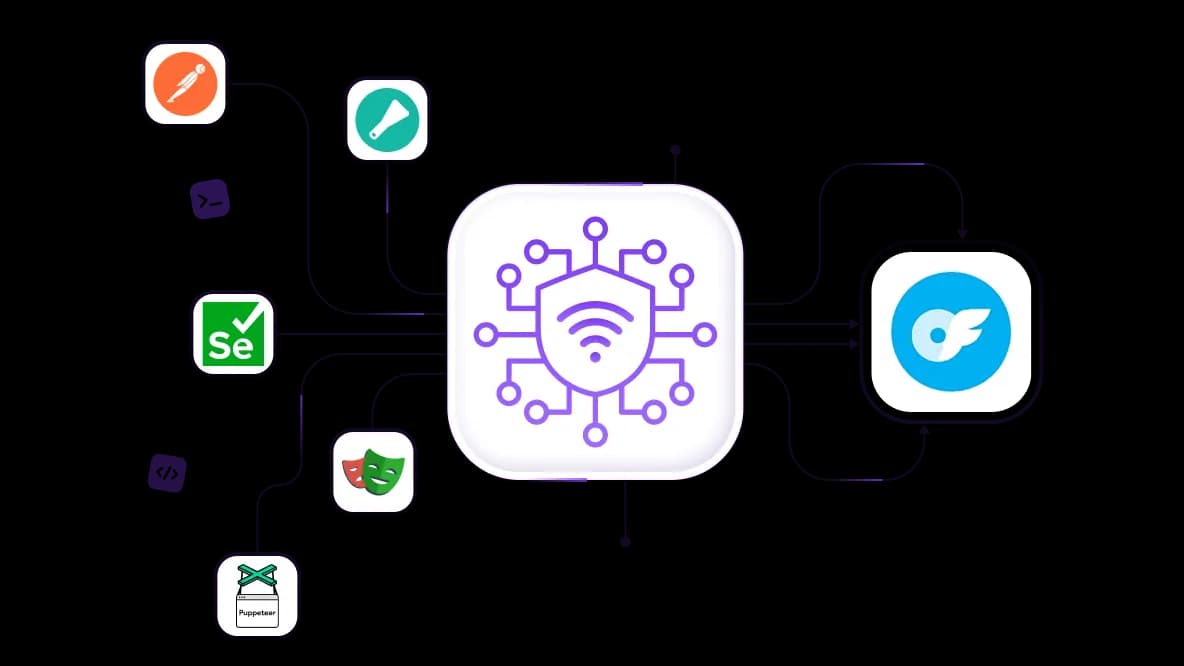
Scrape dữ liệu OnlyFans và tự động hóa quy mô lớn
Tích hợp proxy qua API vào Scrapy, Selenium, Puppeteer, Playwright, Postman và các script tùy chỉnh. Chạy các tác vụ với ít CAPTCHA, gián đoạn và giới hạn tốc độ hơn.
Quản lý nhiều tài khoản OnlyFans mà không xung đột IP
Gán IP di động hoặc dân cư chuyên dụng với phiên dính cho mỗi tài khoản OnlyFans để giảm rủi ro liên kết tài khoản. Quản lý tất cả proxy từ một bảng điều khiển duy nhất phù hợp cho các quản lý SMM không có kinh nghiệm về proxy.
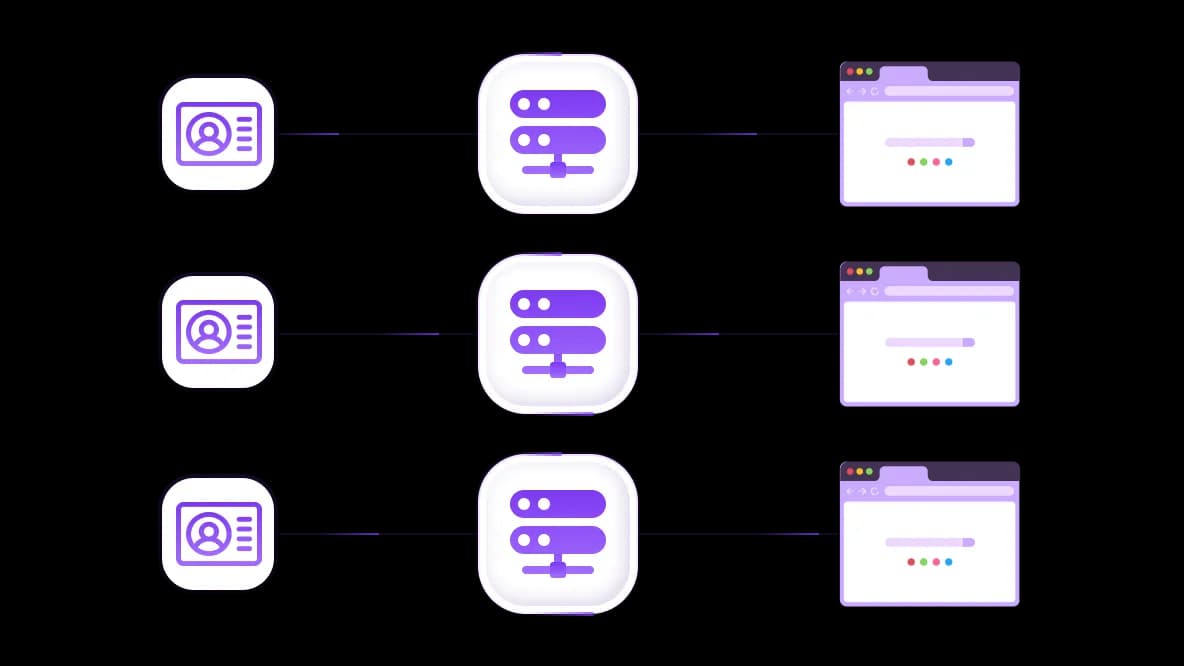
Kết nối proxy OnlyFans với bất kỳ trình duyệt chống phát hiện nào
Proxy CyberYozh bao gồm các tùy chọn dấu vân tay hệ điều hành và trình duyệt để cách ly tài khoản OnlyFans. Tích hợp proxy với bất kỳ trình duyệt chống phát hiện hoặc điện thoại đám mây nào để tách biệt danh tính kỹ thuật số giữa các tài khoản.
Đặc biệt dành cho bạn
Proxy tốt nhất theo từng quốc gia

OnlyFans - mạng di động không giới hạn chuyên dụng
-
Bộ định tuyến 5G chuyên dụng
-
Socks5/VPN với DNS riêng
-
Thay đổi IP thủ công
-
Thay đổi dấu vân tay p0f (Windows, macOS, Android)
-
Độ tin cậy cao
-
Tốc độ rất cao + độ trễ thấp
-
Tất cả thông số mạng 1:1 như nhà cung cấp
OnlyFans - mạng di động dùng chung
-
Bộ định tuyến 5G dùng chung
-
Hỗ trợ SOCKS5 với UDP
-
Tối đa 5 người dùng mỗi cổng
-
Socks5 / HTTP
-
Xoay IP: mỗi 30 phút
-
Dấu vân tay p0f Windows
-
Độ tin cậy cao
-
Tốc độ rất cao + độ trễ thấp
-
Tất cả thông số mạng 1:1 như nhà cung cấp
OnlyFans - r résident xoay vòng
-
Có sẵn 24 giờ
-
ISP thực tế
-
Tốc độ lên đến 10 Mbps
-
Truy cập API đầy đủ
-
Giao thức HTTP
-
Hơn 100M IP tại hơn 100 quốc gia
-
Trình tạo thông tin đăng nhập hàng loạt
-
Phiên dài lên đến 6 giờ
OnlyFans - residential riêng tư
-
Băng thông không giới hạn
-
ISP thực tế
-
Tốc độ lên đến 150 Mbps
-
Độ trễ thấp
-
Hỗ trợ SOCKS5 với UDP
-
Có sẵn 24 giờ
-
1 IP chuyên dụng
OnlyFans - datacenter chuyên dụng
-
Băng thông không giới hạn
-
Quyền sở hữu IP độc quyền
-
Kết nối tốc độ cao
-
Thời gian hoạt động 99.9 %
-
HTTP
OnlyFans - datacenter dùng chung
-
Tốc độ cực nhanh
-
Phủ sóng IP toàn cầu
-
Thời gian hoạt động 99.9 %
-
Gói dịch vụ tiết kiệm chi phí
-
1 GB băng thông
-
HTTP
Tại sao họ mua hàng của chúng ta?
Ưu điểm
Thanh toán bằng thẻ riêng
Không quan trọng bạn đã nạp tiền vào số dư của mình bằng cách nào, việc liên kết khoản thanh toán với việc thuê một proxy cụ thể là không thể.
Chúng tôi không lưu trữ dữ liệu trên máy chủ.
Theo quy định, các dịch vụ cho thuê proxy sẽ lưu giữ tất cả dữ liệu về lưu lượng truy cập đi qua máy chủ của họ.
Thiết bị chuyên dụng
Chúng tôi KHÔNG ngụy trang proxy chia sẻ thành proxy cá nhân. Một modem hoặc router chỉ được chuyển giao cho DUY NHẤT một người.
Hỗ trợ kỹ thuật trực tuyến
Chúng tôi luôn sẵn sàng giải quyết các vấn đề và thắc mắc của bạn, kể cả vào đêm khuya hay sáng sớm.
Đảm bảo hoàn tiền
Chúng tôi có cả hoàn trả và đổi hàng. Ưu tiên hàng đầu là dịch vụ chất lượng và khách hàng hài lòng.
API cho Doanh nghiệp
Đối với khách hàng doanh nghiệp, dịch vụ của chúng tôi sẵn sàng cung cấp một API tiện lợi cho phép bạn mua proxy, thay đổi địa chỉ IP và nhiều tính năng khác.
Tại sao tài khoản OnlyFans của bạn bị gắn cờ
OnlyFans gắn cờ tài khoản khi nhiều tín hiệu – vị trí IP, dấu vân tay thiết bị, thời gian đăng nhập và chia sẻ mạng – cùng nhau vượt quá ngưỡng rủi ro.
IP không nhất quán: Đăng nhập từ các quốc gia hoặc thành phố khác nhau trong thời gian ngắn (Đức → Mỹ trong vài phút) kích hoạt yêu cầu xác minh.
Dấu vân tay thiết bị/trình duyệt không khớp: Cùng một tài khoản được truy cập từ các hệ điều hành, phiên bản trình duyệt hoặc múi giờ khác nhau được ghi nhận là các thiết bị khác nhau.
Chuyển đổi tài khoản thường xuyên: Nhiều tài khoản liên tục đăng nhập/đăng xuất trên cùng một trình duyệt và thiết bị tạo ra mẫu tự động hóa có thể phát hiện được.
Tín hiệu mạng dùng chung: Nhiều tài khoản sử dụng cùng IP hoặc mạng khiến chúng bị nhóm lại vĩnh viễn. Điều này có thể dẫn đến liên kết tài khoản và thậm chí cấm hàng loạt.
CyberYozh hỗ trợ quy trình làm việc OnlyFans như thế nào
CyberYozh cung cấp các nhóm proxy di động chuyên dụng, residential cố định và luân phiên—được xây dựng để hỗ trợ quản lý đa tài khoản OnlyFanshợp pháp, tương tác tự động và nghiên cứu dựa trên dữ liệu ở quy mô lớn.
1. Quản lý nhiều tài khoản creator ở quy mô lớn
Các agency quản lý từ 5 hồ sơ creator trở lên đối mặt với rủi ro cấm hàng loạt ngay lập tức khi các tài khoản dùng chung IP hoặc môi trường thiết bị. CyberYozh cung cấp proxy di động 4G/5G chuyên dụng, với một IP được gán cho mỗi tài khoản. Mỗi phiên duy trì vị trí địa lý và lịch sử đăng nhập nhất quán.
Kết quả: Các lần kích hoạt xác minh giảm, và ngay cả khi một tài khoản OnlyFans bị chặn, các tài khoản khác vẫn không bị ảnh hưởng.
2. Chạy tương tác người hâm mộ ở quy mô agency
Các nhà điều hành agency quản lý tự động tin nhắn trực tiếp, nhắn tin và gia hạn đăng ký cho nhiều creator bị hạn chế khi tự động hóa chạy trên IP không ổn định hoặc dùng chung, kích hoạt giới hạn tốc độ 429 và tường CAPTCHA giữa chiến dịch. CyberYozh cung cấp proxy residential + di động cố định tích hợp qua API với Selenium hoặc Puppeteer, giữ cùng IP nhà mạng trong các phiên tương tác 4–6 giờ.
Kết quả: Các lần kích hoạt CAPTCHA giảm, thông lượng nhắn tin đạt 500+ tin nhắn trực tiếp mỗi giờ mỗi tài khoản, và các chiến dịch chạy 24/7 không bị gián đoạn xác minh.
Khám phá cách sử dụng proxy trong SMM để tối ưu hóa quy trình làm việc OnlyFans của bạn
3. Mở rộng thu thập dữ liệu và nghiên cứu creator
Các nhóm scraping metadata công khai của creator hoặc phân tích tương tác bị chặn sau 500 yêu cầu đầu tiên trên một IP tĩnh duy nhất. Proxy residential luân phiên của CyberYozh tự động hoán đổi IP theo mỗi yêu cầu hoặc theo khoảng thời gian từ nhóm hơn 100 quốc gia. Đối với quy trình làm việc yêu cầu tính liên tục phiên, proxy phiên dính có thể được sử dụng để duy trì tính nhất quán đồng thời vẫn tránh được các mẫu phát hiện
Kết quả: Tỷ lệ trích xuất dữ liệu thành công trên tất cả các mục tiêu với ít gián đoạn quy trình làm việc.
So sánh loại proxy cho OnlyFans
Các loại proxy khác nhau hoạt động khác nhau dưới hệ thống phát hiện của OnlyFans vì chúng khác nhau về mức độ tin cậy, mẫu lưu lượng và mức độ giống người dùng thực.
Proxy di động LTE/5G → mức độ tin cậy cao nhất
Proxy di động OnlyFans định tuyến lưu lượng qua các nhà mạng di động thực, khiến các yêu cầu trông giống như việc sử dụng điện thoại thông minh bình thường. Tốt nhất cho đăng ký tài khoản OnlyFans, xác minh, truy cập OnlyFans khi bị chặn, và các phiên đăng nhập có độ tin cậy cao nơi tính ổn định quan trọng nhất.
Proxy dân cư → duyệt web người dùng thực ổn định
Proxy dân cư cho OnlyFans sử dụng IP gia đình do ISP cấp phát, duy trì nhất quán theo thời gian. Tốt nhất cho quản lý tài khoản OnlyFans hàng ngày, truy cập nội dung người sáng tạo và duy trì danh tính địa lýổn định.
Đọc thêm về sự khác biệt giữa proxy dân cư và proxy di động, và khi nào nên sử dụng từng loại
Proxy dân cư luân phiên cho phép truy cập vào nhóm 100 triệu+ IP dân cư ở hơn 100 quốc gia với tính năng luân phiên tự động.
Sử dụng phiên dính (lên đến 6 giờ) cho các quy trình tự động hóa đa tài khoản yêu cầu danh tính phiên nhất quán.
Sử dụng luân phiên IP ngẫu nhiên cho các tác vụ thu thập dữ liệu hàng loạt và scraping tần suất cao, nơi mỗi yêu cầu hưởng lợi từ một IP mới.
Tìm hiểu thêm về chiến lược luân phiên IP để lựa chọn giữa chúng một cách có ý thức
Proxy trung tâm dữ liệu → rủi ro cao cho các hành động nhạy cảm
Proxy trung tâm dữ liệu đến từ các máy chủ đám mây thay vì thiết bị hoặc ISP thực, khiến chúng dễ bị phát hiện hơn trong môi trường đăng nhập nhạy cảm. Chỉ phù hợp cho các tác vụ rủi ro thấp, không quan trọng đối với tài khoản, nơi tốc độ quan trọng hơn độ tin cậy.
Hãy cẩn thận với proxy miễn phí cho OnlyFans. Bạn có thể tìm thấy danh sách proxy miễn phí, nhưng hãy sẵn sàng cho tốc độ thấp, rò rỉ dữ liệu và thông tin đăng nhập có thể xảy ra, cũng như các hạn chế của nền tảng. Để thử nghiệm, hãy dùng proxy miễn phí của CyberYozh từ danh sách được tuyển chọn.
Giữ vị trí proxy nhất quán với lịch sử đăng nhập của từng tài khoản. Nếu bạn đã sử dụng IP di động Đức cho việc đăng ký, sử dụng IP dân cư Đức ổn định cho quản lý tài khoản, và nhóm IP Đức cho các thao tác hàng loạt. Sự không khớp về vị trí là yếu tố chính kích hoạt kiểm tra bảo mật của OnlyFans.
Mô hình cô lập tài khoản agency OnlyFans
CyberYozh cô lập mỗi tài khoản OnlyFans vào một môi trường mạng riêng biệt, nơi danh tính được xác định bởi IP ổn định, hành vi phiên nhất quán và các tín hiệu dấu vân tay thiết bị đồng bộ.
1 tài khoản = 1 danh tính IP: Mỗi tài khoản được gán một IP di động hoặc dân cư riêng biệt để lịch sử đăng nhập và hoạt động được gắn với một danh tính mạng nhất quán.
Tính bền vững của phiên: Các phiên cố định giữ cùng một IP hoạt động trong suốt toàn bộ quy trình làm việc, đảm bảo đăng nhập liên tục và giảm thiểu việc đặt lại phiên.
Tính nhất quán của dấu vân tay: Cài đặt trình duyệt và thiết bị vẫn đồng bộ qua các phiên để tránh thay đổi hệ điều hành, ngôn ngữ hoặc cấu hình thiết bị – những tín hiệu mà OnlyFans sử dụng để gắn cờ tài khoản.
Đạt được sự cô lập hoàn toàn: Các agency kết hợp proxy CyberYozh với trình duyệt chống phát hiện như OctoBrowser, Multilogin, hoặc Dolphin Anty để cô lập cookie và dấu vân tay thiết bị ở cấp độ trình duyệt, đảm bảo dấu vân tay khớp với vị trí địa lý của IP và lịch sử đăng nhập của tài khoản để có tính toàn vẹn phiên hoàn chỉnh.
Đọc về cách sử dụng trình duyệt chống phát hiện để quản lý hơn 10 tài khoản trong bài viết chuyên biệt của CyberYozh.
Tại sao CyberYozh cung cấp proxy tốt nhất cho OnlyFans
CyberYozh là dịch vụ proxy duy nhất kết hợp nhóm dân cư đã xác minh hơn 100 triệu IP, proxy di động cấp nhà mạng, số điện thoại và thẻ ảo, cùng lớp đảm bảo chất lượng tích hợp. Điều này cho phép người sáng tạo, agency và doanh nghiệp tuân thủ các yêu cầu xác minh và cô lập tài khoản của OnlyFans.
Chúng tôi cung cấp tất cả những điều đó, và nhiều hơn nữa! Liên hệ với chúng tôi nếu bạn có bất kỳ câu hỏi hoặc đề xuất cụ thể nào.
Nhóm dân cư hơn 100 triệu IP với đảm bảo chất lượng
IP dân cư được quản lý tích cực trên hơn 100 quốc gia. Mỗi IP được xác minh thông qua IP Checker tích hợp trước khi được gán cho bất kỳ quy trình tài khoản nào. Không có địa chỉ tái chế rủi ro cao: chúng được lọc ra nhanh chóng.
Truy cập an toàn, nhanh chóng từ hơn 100 vị trí
Nhắm mục tiêu địa lý cấp thành phố và mã ZIP trên hơn 100 quốc gia. Tốc độ lên đến 150 Mbps cho dân cư, hiệu suất cấp nhà mạng cho di động. Khớp vị trí proxy chính xác với lịch sử địa lý của từng tài khoản.
Cơ sở hạ tầng kiểm tra cho IP, điện thoại, thẻ
Sử dụng công cụ kiểm tra CyberYozh để xác minh mọi công cụ trước khi sử dụng: điểm gian lận IP, chất lượng số ảo và tính hợp lệ của thẻ ảo. Phương pháp xác minh ba lớp này là độc quyền của CyberYozh và thiết yếu cho các hoạt động quy mô OnlyFans.
Nhà phát triển có thể tham khảo tài liệu API của chúng tôi và tìm hiểu cách tự động hóa luân chuyển proxy và kiểm tra chất lượng bằng các lệnh API CyberYozh đơn giản.
Số điện thoại ảo để xác minh
Tạo số điện thoại ảo sạch, độc nhất cho việc đăng ký OnlyFans quy mô lớn. Không cần quản lý SIM vật lý.
Thẻ ảo để quản lý thanh toán
Phát hành một thẻ ảo riêng biệt cho mỗi tài khoản với cài đặt khu vực được bản địa hóa để cách ly các khoản thanh toán và ngăn chặn việc liên kết chéo giữa các tài khoản.
Thiết lập proxy CyberYozh cho OnlyFans
Triển khai proxy CyberYozh cho các hoạt động OnlyFans rất dễ dàng và chỉ mất vài phút. Cách đơn giản nhất là sử dụng tiện ích mở rộng trình duyệt, trong khi để có sự bảo vệ toàn diện, cần sử dụng trình duyệt antidetect hoặc các ứng dụng khách bên thứ ba như Proxifier, v2rayN hoặc v2rayNG (trong thiết lập di động). Đối với quy trình tự động hóa, cần sử dụng API CyberYozh với proxy dân cư xoay vòng.
Bước 1. Tạo tài khoản và nạp tiền vào số dư
Đăng ký tại CyberYozh và nạp tiền vào tài khoản qua thẻ ngân hàng hoặc tiền điện tử. Không có mức chi tiêu tối thiểu.
Bước 2. Chọn loại proxy và vị trí mục tiêu
Chọn loại proxy:
Proxy di động cho các tác vụ đòi hỏi độ tin cậy cao (đăng ký, xác minh)
Proxy dân cư xoay vòng cho việc thu thập dữ liệu và tạo tài khoản hàng loạt
Proxy dân cư tĩnh cho các tài khoản người sáng tạo lâu dài.
Khớp quốc gia và thành phố mục tiêu với lịch sử địa lý của từng tài khoản.
Bước 3. Sao chép thông tin xác thực proxy từ bảng điều khiển
Lấy host, cổng, tên người dùng và mật khẩu của bạn. Để tự động hóa, sử dụng API để yêu cầu và xoay vòng thông tin xác thực theo chương trình.
Bước 4. Cấu hình ứng dụng khách
Để cấu hình, sử dụng một trong các phương pháp sau.
Tiện ích mở rộng trình duyệt: chỉ cần cài đặt tiện ích mở rộng CyberYozh Chrome hoặc tiện ích mở rộng cho các trình duyệt khác
Trình duyệt antidetect: làm theo hướng dẫn thiết lập antidetect để cách ly hoàn toàn dấu vết số cho mỗi tài khoản
Proxy toàn hệ thống: cấu hình qua ứng dụng khách proxy để bao phủ tất cả ứng dụng trên máy tính để bàn
Di động: sử dụng các ứng dụng cụ thể theo hướng dẫn thiết lập cho Android và iOS
Tự động hóa: truyền thông tin xác thực trực tiếp cho Selenium, Puppeteer hoặc Playwright và quản lý xoay vòng qua API CyberYozh
Bước 5. Xác minh IP trước khi kết nối
Chạy IP được chỉ định qua Công cụ Kiểm tra IP để xác nhận nó không có lịch sử gian lận. Tùy chọn, có thể mua một số ảo sạch để đăng ký và một thẻ ảo để cách ly thanh toán. Cơ sở hạ tầng proxy của bạn đã sẵn sàng.
Mở danh mục proxy CyberYozh và chọn proxy tốc độ cao với vị trí địa lý chính xác cho quy trình làm việc OnlyFans của bạn.
Nạp tiền vào số dư của bạn bằng bất kỳ cách thuận tiện nào!
Thẻ ngân hàng


Tiền điện tử


