

Proxy para Upwork
Gestiona cuentas de Upwork, proyectos de clientes y comunicación con tu equipo, evitando la vinculación de cuentas. Mantén cada sesión separada, consistente y estable mientras escalas.
Elige el mejor proxy para flujos de trabajo en Upwork
Accede a un pool global de más de 50 millones de IPs residenciales, móviles y de centros de datos con 99.95% de uptime. Mantén sesiones consistentes mientras gestionas el trabajo de clientes, alcance y actividad en plataformas a escala.
Gestiona cuentas desde cualquier lugar del mundo con un proxy de Upwork
Inicia sesión en Upwork desde cualquier país y mantén tus cuentas funcionando normalmente con segmentación de IP a nivel de ciudad en más de 100 países. Cambia entre clientes o cuentas sin problemas ni bloqueos de acceso repentinos.
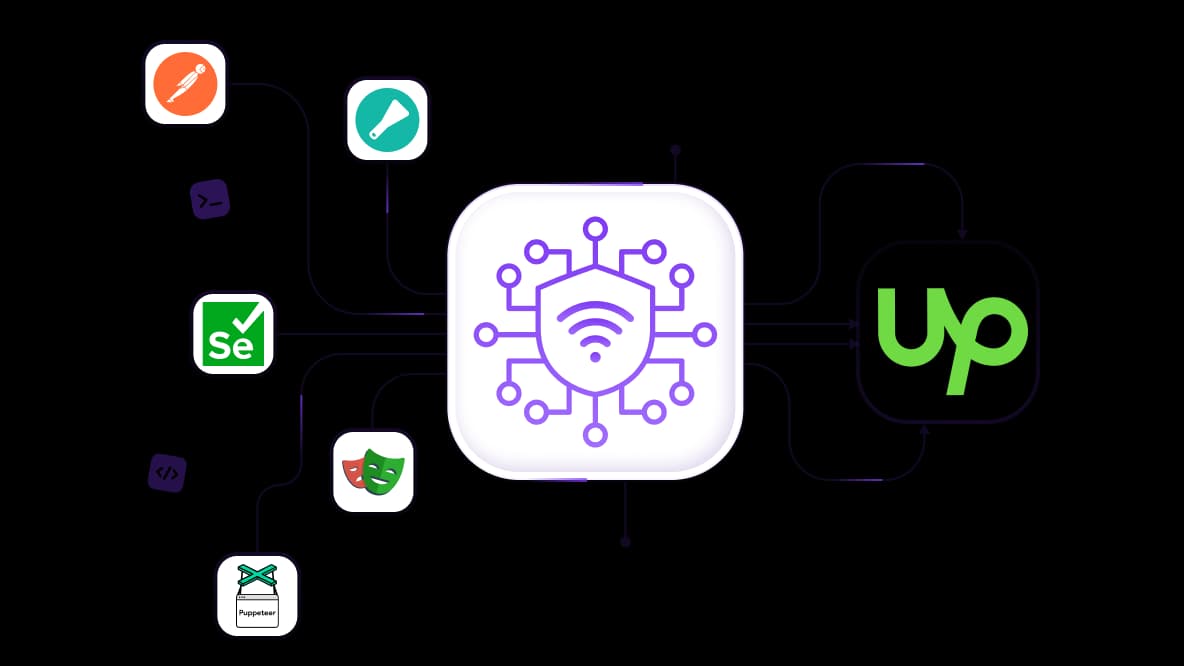
Extrae y recopila datos de Upwork a gran escala
Recopile listados de trabajos de Upwork, precios y datos de mercado sin interrupciones mientras ejecuta herramientas automatizadas. Los proxies residenciales funcionan con Selenium, Puppeteer, Playwright, Postman, Scrapy y scripts personalizados. Recopile datos sin interrupciones ni CAPTCHAs que interrumpan los flujos de trabajo.
Ejecuta múltiples cuentas de Upwork manteniéndolas aisladas
Mantenga múltiples cuentas, clientes o flujos de negocio completamente separados para que no interfieran entre sí. IPs móviles LTE/5G reales con opción de huella digital p0f para una separación de sesión adicional. Comparta el acceso para dividir el trabajo entre los miembros del equipo sin mezclar cuentas.
Fácil integración con cualquier navegador antidetección
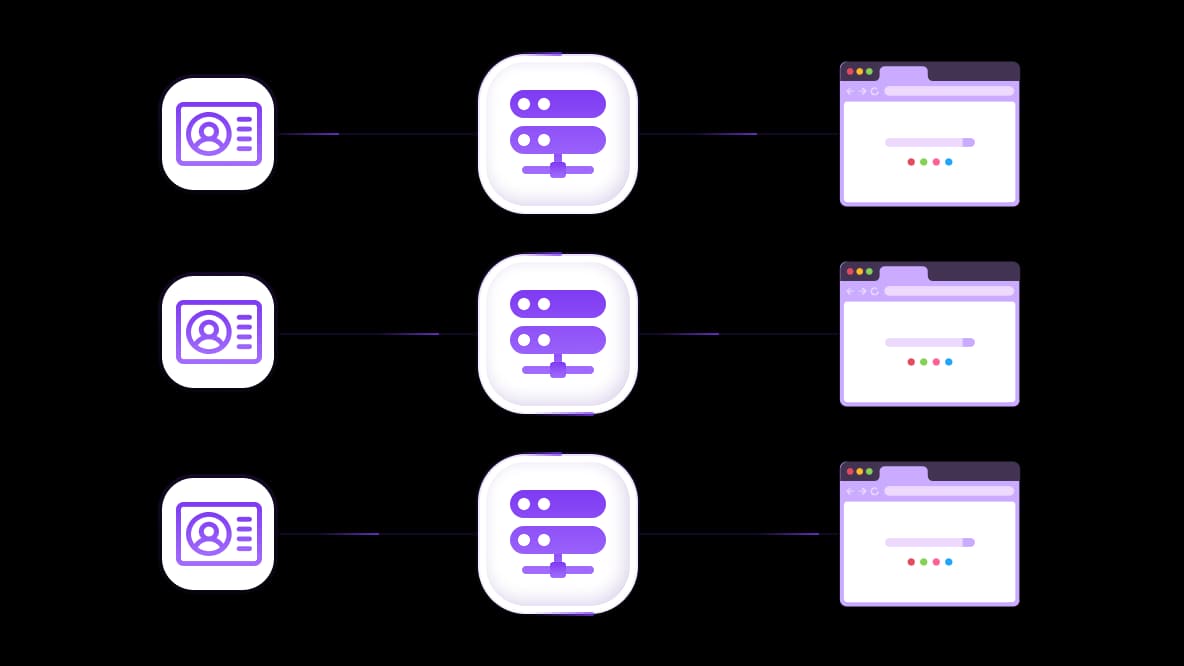
Asigna una IP separada a cada cuenta de Upwork en un navegador antidetección separado. Con esta configuración de proxy para Upwork, cada cuenta se comporta como un usuario real diferente y las sesiones no se superponen.
Especialmente para ti
Los mejores proxies por países

Upwork - móvil dedicado ilimitado
-
Router 5G dedicado
-
Socks5/VPN con DNS dedicado
-
Cambio manual de IP
-
Cambio de huella p0f (Windows, macOS, Android)
-
Alto nivel de confianza
-
Velocidad muy alta + baja latencia
-
Todos los parámetros de red 1:1 como los del proveedor
Upwork - móvil compartido
-
Router 5G compartido
-
Soporte SOCKS5 con UDP
-
Hasta 5 usuarios por puerto
-
Socks5 / HTTP
-
Rotación de IP: cada 30 minutos
-
Huella p0f de Windows
-
Alto nivel de confianza
-
Velocidad muy alta + baja latencia
-
Todos los parámetros de red 1:1 como los del proveedor
Upwork - residenciales rotativos
-
Disponibilidad 24 horas
-
ISP real
-
Velocidad de hasta 10 Mbps
-
Acceso completo a la API
-
Protocolo HTTP
-
Más de 100M de IPs en más de 100 países
-
Generador masivo de credenciales
-
Sesión larga de hasta 6 horas
Upwork - residenciales privados
-
Ancho de banda ilimitado
-
ISP real
-
Velocidad de hasta 150 Mbps
-
Baja latencia
-
Soporte SOCKS5 con UDP
-
Disponibilidad 24 horas
-
1 IP dedicada
Upwork - datacenter dedicados
-
Ancho de banda ilimitado
-
Propiedad exclusiva de IP
-
Conectividad de alta velocidad
-
Uptime del 99.9 %
-
HTTP
Upwork - datacenter compartidos
-
Velocidades ultrarrápidas
-
Cobertura global de IP
-
Uptime del 99.9 %
-
Planes rentables
-
1 GB de ancho de banda
-
HTTP
¿Por qué nos compran?
Ventajas
Pago privado con tarjeta
No importa cómo hayas recargado tu saldo, vincular el pago al alquiler de un proxy específico es imposible.
No almacenamos datos en servidores.
Por lo general, los servicios que alquilan proxies conservan todos los datos sobre el tráfico que pasa por sus servidores.
Dispositivo dedicado
NO disfrazamos los proxies compartidos como si fueran individuales. Un módem o router se transfiere a UNA SOLA persona.
Soporte técnico en línea
Siempre estamos listos para resolver tus problemas y preguntas. Incluso tarde en la noche y temprano en la mañana.
Garantía de devolución de dinero
Tenemos tanto devoluciones como cambios. La prioridad es un servicio de calidad y clientes satisfechos.
API para negocios
Para clientes empresariales, nuestro servicio está listo para proporcionar una API conveniente que le permite comprar proxies, cambiar direcciones IP y mucho más.
Por qué las configuraciones de Upwork se vuelven inestables al escalar
Cuando gestionas más de una cuenta, perfil o flujo de trabajo de cliente, la configuración que funcionaba a pequeña escala a menudo deja de ser predecible.
Las cuentas se comportan de manera diferente cuando se usan desde distintos dispositivos
Un inicio de sesión funciona normalmente, otro comienza a requerir verificaciones adicionales o reautenticación.El cambio manual entre cuentas interrumpe el flujo de trabajo
Los constantes inicios de sesión, cierres de sesión y reverificaciones ralentizan la ejecución de tareas.Usar la misma configuración para múltiples cuentas crea superposición
Las sesiones pueden mezclarse, dificultando mantener las cuentas claramente separadas.La automatización y los flujos de datos se vuelven más difíciles de ejecutar
La geolocalización IP de tu scraper salta entre países a mitad del script. Los CAPTCHAs lo arruinan todo.Una cuenta que funcionó durante semanas es suspendida de la noche a la mañana
Una IP proxy estaba limpia cuando empezaste. Alguien más abusó de ella después. Ahora estás baneado por asociación.
Cómo los proxies de CyberYozh resuelven problemas reales de Upwork
Cada caso de uso a continuación relaciona un riesgo específico con la configuración exacta de proxy que lo elimina, con resultados reales de usuarios activos.
Caso de uso 1: Gestionar múltiples cuentas de Upwork para diferentes clientes
Un equipo gestiona 12 cuentas de Upwork para diferentes clientes usando la misma configuración interna. Una vez que las cuentas comparten una conexión, las sesiones comienzan a superponerse y la actividad se vuelve más difícil de mantener claramente separada.
Los proxies de CyberYozh para Upwork asignan a cada cuenta una IP residencial dedicada conectada a un perfil de navegador aislado. Resultado: 12 cuentas funcionan de manera estable sin vinculación ni actividad entre cuentas.
→ Compra proxy de Upwork para estabilidad de cuenta
Caso de uso 2: Escalar el crecimiento de Upwork en múltiples mercados
La agencia gestiona más de 20 cuentas de freelancers de Upwork en diferentes nichos, servicios y regiones. Las cuentas comparten la misma conexión, los patrones de actividad se vuelven inconsistentes, desencadenando verificaciones, restricciones o suspensión.
El proxy móvil de CyberYozh para cuentas de freelance (1 cuenta = 1 IP) ayuda a separar el entorno del navegador y restaurar la confianza, especialmente si las cuentas fueron suspendidas antes. Resultado: más de 20 cuentas funcionan en diferentes mercados con menos interrupciones por verificaciones o restricciones de cuenta.
→ Prueba proxies móviles para Upwork desde $1.7
Caso de uso 3: Extraer listados de trabajos y datos de mercado de Upwork
Un sistema automatizado recopila más de 5,000 listados de trabajos de Upwork diariamente para análisis de precios y demanda. Cuando el scraper usa conexiones compartidas o inestables, los procesos se interrumpen a mitad de ejecución y la recopilación de datos se vuelve incompleta.
Los proxies residenciales rotativos enrutan el tráfico a través de IPs residenciales diseñadas para extraer datos de Upwork a escala. Upwork ve diferentes personas navegando listados de trabajos desde diferentes ciudades. Resultado: más de 5,000 listados se recopilan diariamente con salida de datos estable y continua.
Qué tipo de proxy elegir para flujos de trabajo en Upwork
Cada flujo de trabajo requiere un tipo diferente de proxy de Upwork para mantener las cuentas separadas, estables y funcionando sin interferencias.
Caso de uso | Tipo de proxy | Por qué |
|---|---|---|
Gestión de múltiples cuentas de Upwork | Proxies residenciales dedicados | Cada cuenta funciona con una IP fija, manteniéndola completamente separada de otras cuentas y evitando la vinculación. |
Prospección en múltiples nichos o regiones | Proxies móviles LTE/5G + proxies residenciales sticky | Las IPs móviles respaldan la prospección activa, mientras que los residenciales sticky mantienen estables las sesiones de cuenta. |
Scraping en Upwork | Proxies residenciales rotativos + proxies de datacenter | Las IPs residenciales rotativas reducen las interrupciones, mientras que los datacenter manejan la recopilación de datos de alto volumen |
Por qué los proxies de CyberYozh
CyberYozh está diseñado para flujos de trabajo reales en Upwork donde importan la separación de cuentas, el acceso estable y las operaciones escalables. En lugar de proxies genéricos, los usuarios obtienen infraestructura diseñada para mantener cada flujo de trabajo independiente y predecible, permitiéndote escalar operaciones a través de múltiples cuentas, clientes y herramientas de automatización.
Proxies móviles LTE/5G con tráfico ilimitado → Conexiones IP de operadores reales como Vodafone para tareas sensibles y cuentas de Upwork de alta actividad para evitar marcas.
Proxies residenciales → conexiones domésticas reales para sesiones con inicio de sesión, trabajo continuo con clientes y gestión diaria de cuentas.
Rotación de IP y sesiones sticky → Tu IP rota bajo petición o permanece igual tanto tiempo como necesites.
100 millones de IPs en más de 100 países → Los proxies para Upwork ajustan cada cuenta a países o mercados específicos con identidad regional consistente.
Fingerprint integrado → La detección de Upwork ve un dispositivo residencial real en lugar de una conexión proxy
Integración API → Funciona con Scrapy, Selenium, Playwright, Puppeteer, Postman y scripts personalizados. Escala operaciones en Upwork sin manejo manual de proxies.
Combina proxies, activación SMS, y verificaciones de riesgo de fraude → elimina la coordinación de múltiples proveedores para cada operación en Upwork.
Soporte 24/7 en 7 idiomas → Obtén ayuda en cualquier momento del día o de la noche.
→ Verifica la dirección IP gratis para no perder cuentas
Cómo acceder a Upwork con un proxy
La configuración de proxy de Upwork significa asignar a cada cuenta una IP separada y estable para que cada perfil funcione en su propio entorno aislado.
Asigna un proxy dedicado por cuenta de Upwork
Usa una IP residencial para cada cuenta para mantener cada cuenta consistente y completamente separada.Usa un perfil de navegador separado para cada cuenta
Ejecuta cada cuenta en su propio perfil de navegador usando herramientas como Dolphin Anty, GoLogin o AdsPower para que las cookies y los datos del navegador no se mezclen.Mantén cada cuenta en el mismo proxy
No cambies las IPs entre cuentas. De lo contrario, la cuenta parecerá estar siendo utilizada por diferentes personas.Usa proxies móviles para contactos de alta actividad
El proxy móvil LTE/5G de Upwork es el mejor para flujos de trabajo activos como mensajería y contactos a gran escala.
Comienza a gestionar cuentas de Upwork con infraestructura de proxy estable
Ejecuta cada cuenta de Upwork en una IP dedicada para que los perfiles permanezcan separados y estables mientras escalas contactos, clientes o automatización. CyberYozh proporciona proxies residenciales, móviles y de centro de datos para Upwork diseñados para la gestión de cuentas, contactos y automatización.
Comienza ahora y ejecuta múltiples cuentas de forma independiente sin vinculación, interrupciones o inestabilidad mientras escalas.
¡Recarga tu saldo de la manera que más te convenga!
Tarjetas bancarias


Criptomoneda


