

Real mobile LTE / 5G networks
Run AI agents through real carrier networks with unlimited mobile traffic and dedicated channels.
- Real LTE / 5G carrier networks
- Manual and API IP rotation
- High-trust environments
- Stable AI sessions
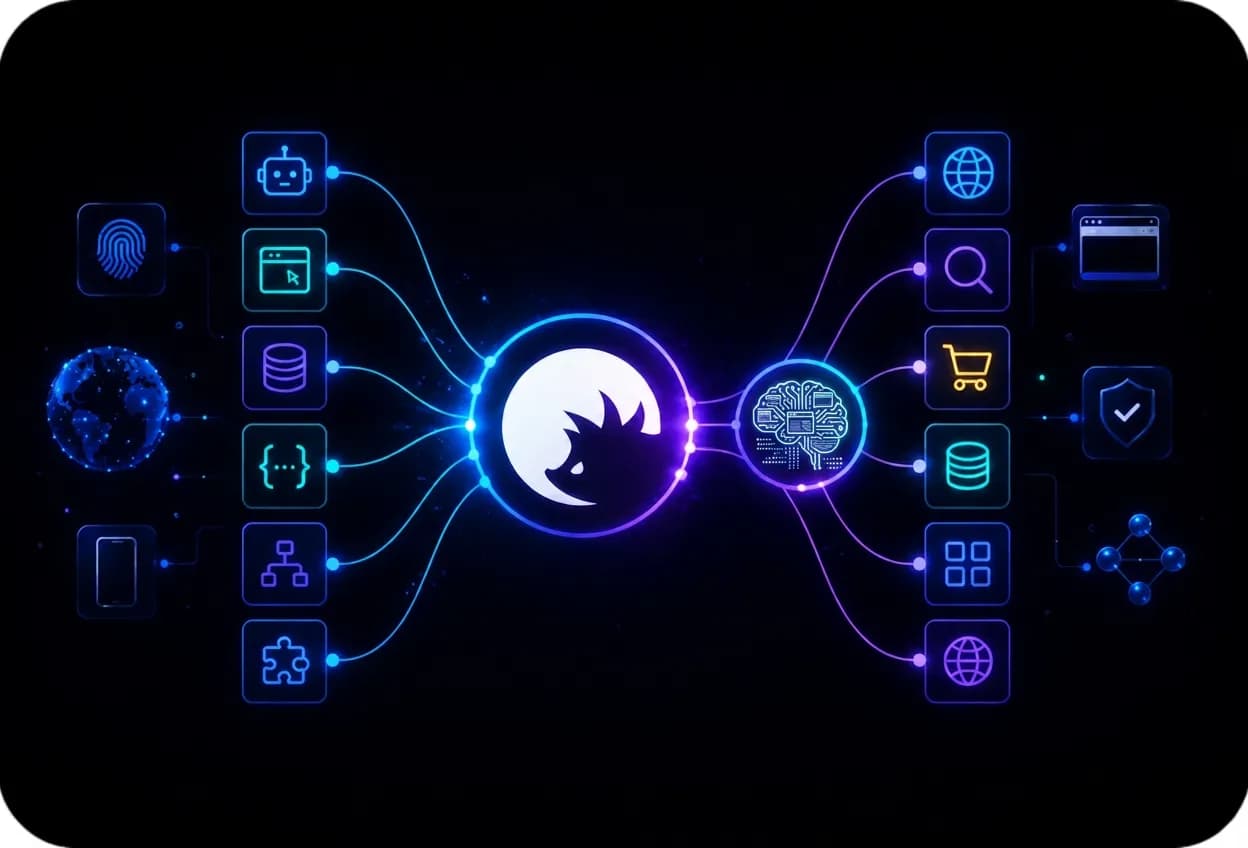
Explore the best AI-powered web scraping APIs, including CyberYozh-developed Yozh Scraper. See how proxies, quality check tools, virtual numbers, and virtual cards integrate with them to parse data from various services worldwide. Connect proxies, Yozh Scraper, and AI agents together in fast and affordable scraping workflows.
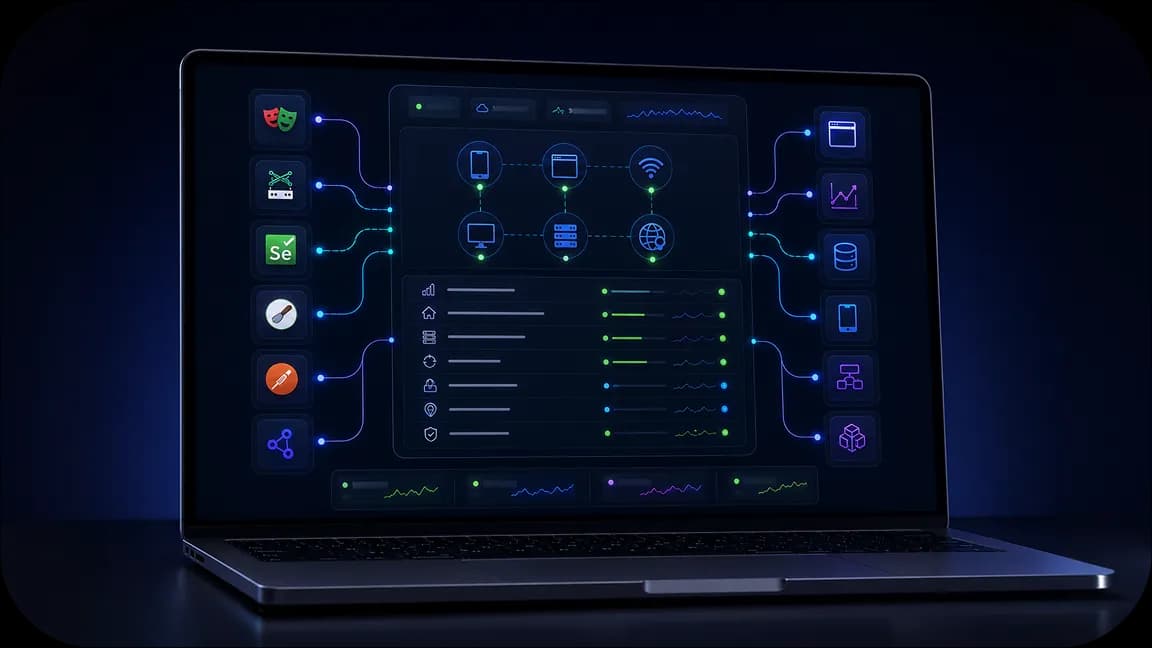
Connect a rotating pool of ~50M+ IPs to Scrapy, Playwright, Puppeteer, and Selenium so agents can scrape without being blocked. Use Yozh Scraper for easy scraping setups.
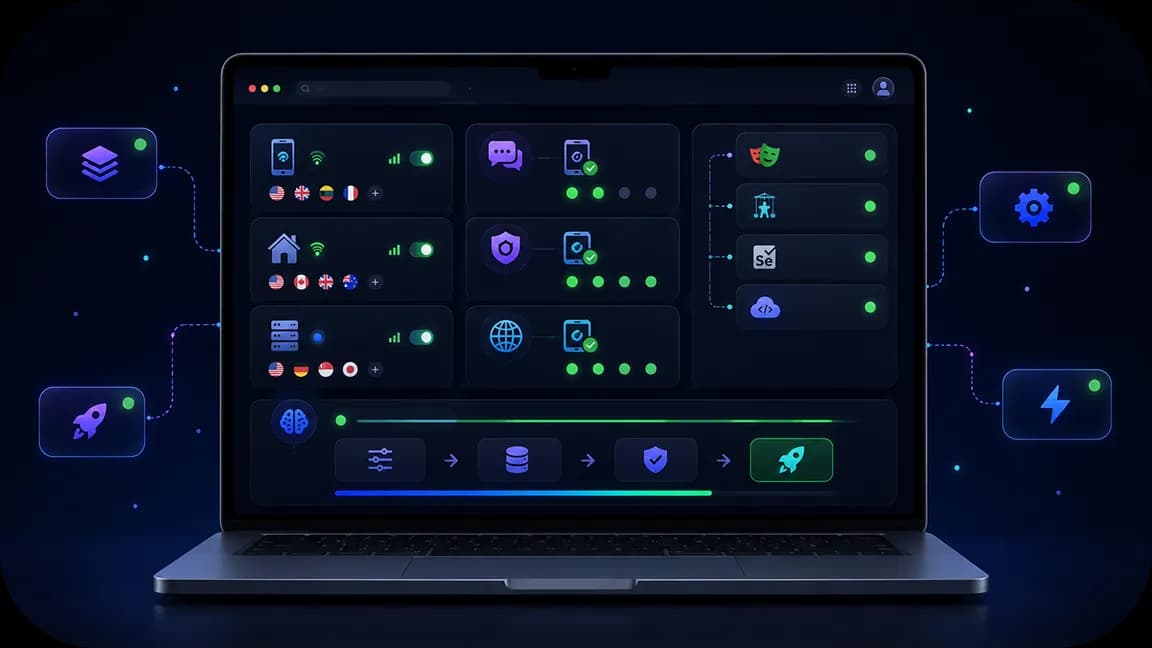
Route AI agents through mobile, residential, and datacenter sessions with sticky or rotating IPs, low latency, and stable throughput for continuous collection.

Reach 195+ countries with ZIP-code geo-targeting so agents see local prices, SERPs, and placements exactly as users in that market do.

Pre-check every exit with IP Checker and Fraud Score, then authenticate via API keys or host/port credentials for clean, ready-to-run sessions.
Run AI agents through real carrier networks with unlimited mobile traffic and dedicated channels.

Reduce workflow interruptions with CAPTCHA solving support and validation tools built for automation.

Manage proxies, SMS activation, fingerprinting, fraud checks, and integrations from one environment.
Pair mobile, residential, and datacenter proxies with any AI scraping API or agent stack. Pre-filter exits via IP quality and Fraud Score checks, then complete logins with virtual numbers and cards when sites require verification. Open-source Yozh Scraper drives browser jobs and crawls through this stack, returning clean data for real-time AI pipelines without constant blocks or rebuilds.
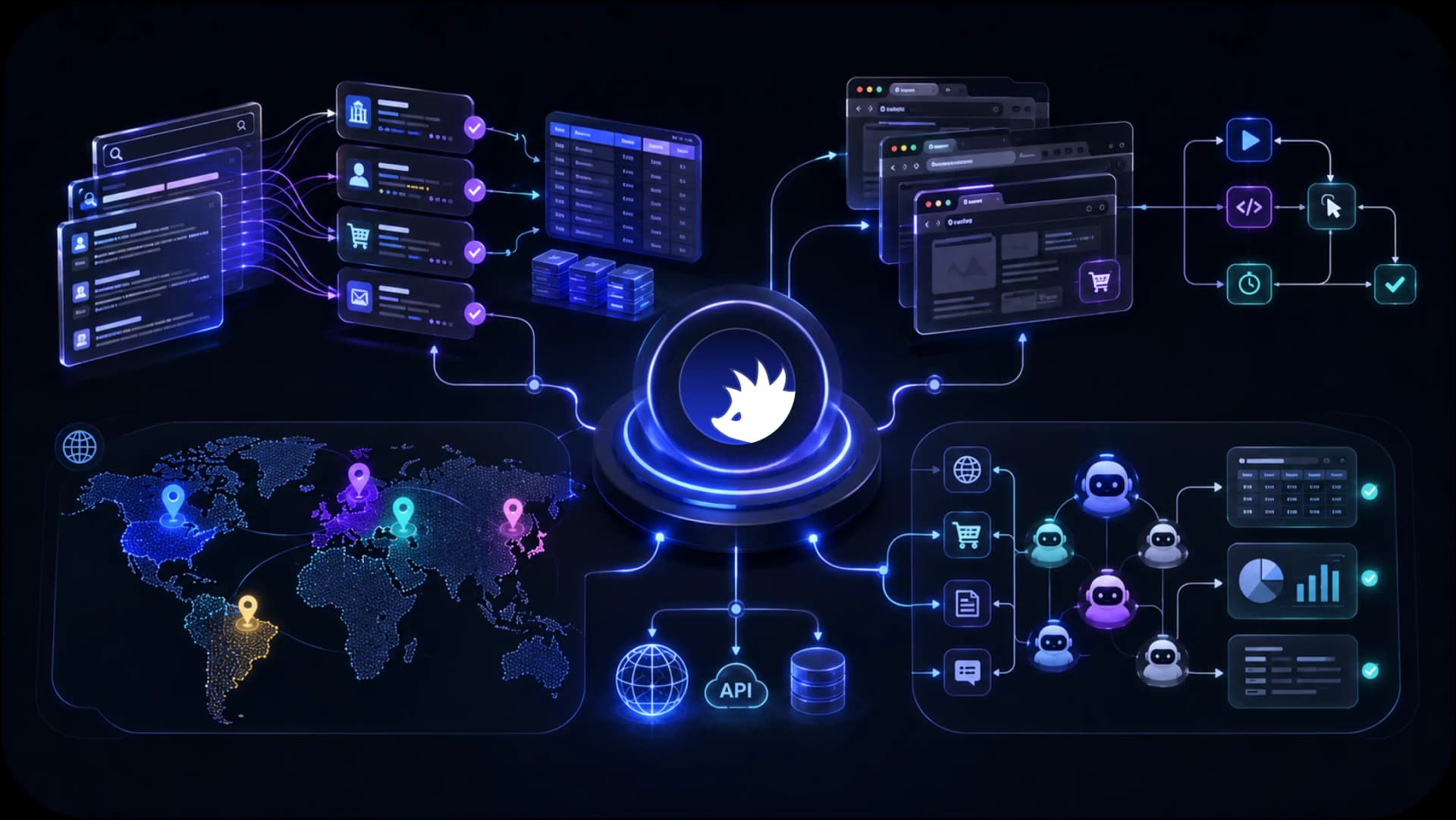
Access localized search results, marketplaces, public web data, and regional content across 195+ countries for AI agents, scraping systems, and autonomous workflows.
CyberYozh combines the infrastructure AI teams need to collect data, automate workflows, access regional content, and scale execution environments. From mobile LTE / 5G and residential proxies to browser automation support, fingerprinting, fraud checks, and Android cloud phones, everything is designed to support AI workflows from a single platform.
AI web scraping
AI browser automation
AI data collection
AI agent execution
Mobile AI workflows
Regional AI access
See how CyberYozh works in practice through real workflows, platform features, and infrastructure examples. Explore the dashboard, integrations, execution environments, and tools available for AI teams and automation projects.
Yozh Scraper is a CyberYozh-developed, free and open-source scraping tool that is deployed via Docker, used via simple pre-defined cURL commands, and integrated with CyberYozh proxies. It’s designed to be easy for all business professionals who need to scrape data, from tech specialists to marketers and business analysts.
If you have to use another tool, CyberYozh proxies can be easily integrated there. See our automation guides for more info.
Task: Parallel jobs share one IP and get throttled or blocked mid-run.
Solution: Give each pipeline its own exit. Use web scraping and AI data collection workflows with checker tools so only clean IPs enter the pool.
Task: Browser automation needs stable routing under Puppeteer or Playwright.
Solution: Wire Puppeteer or Playwright to residential rotating proxies from the dashboard. Rotate on failure; keep sticky sessions when login state matters.
Learn about web scraping automation to see how to run scrapers at scale.
Task: Catalogs, ads, and checkouts look different by country or city.
Solution: Route agents through a geo-targeting proxy. Complete SMS steps with virtual numbers when the site requires a local identity.
Task: Ad creatives and paywalled previews need a trusted local path.
Solution: Pair an ad verification proxy with virtual cards for controlled payment checks without mixing personal billing into automation.
Task: Marketplace and storefront pages rate-limit bulk collection.
Solution: Use an e-commerce proxy so price, stock, and listing runs stay stable for AI monitoring.
Task: Social graphs and public posts feed lead and brand models.
Solution: Collect via a social media proxy. For B2B outreach lists, look at a LinkedIn proxy and lead generation routing so sessions stay isolated.
Task: Rankings and snippets change by location; one IP skews the sample.
Solution: Pull SERPs with an SEO proxy and feed results into market research pipelines for AI scoring.
Task: You need city-level search visibility, not a single national view.
Solution: Use a SERP proxy with geo exits so agents compare local competitors the way real users see them.
Here is how to set up your AI web scraping workflows with CyberYozh proxies.
Visit CyberYozh Data to learn more about the technical capacities of CyberYozh infrastructure and find everything you need to know about Yozh Scraper deployment.
Here is a quick summary of CyberYozh proxies to select from. The wrong proxy type will lead to either overpayment or workflow blocks, so select wisely based on the recommendations below.
Proxy type | Characteristics (incl. cost profile) | Use cases (AI scraping APIs) |
Large multi-region pool; ~$2/GB; high acceptance | Default for most public-page AI scrapes | |
Carrier-grade trust; from $1.7/day; sticky options | Auth, payments, social, strict anti-bot | |
Static home-grade IPs for ~$5.3/month; stable and fast | Long logins, low-intensity scheduled jobs | |
Fastest, low cost; lower trust on hard targets | Open APIs, light monitoring, high QPS |
Another essential aspect of proxies is the HTTP and SOCKS5 protocols, and you have to select one before deployment. HTTP proxies are suitable for web-based scraping that relies on HTTP requests, while SOCKS5 proxies are instrumental for scraping UDP traffic like VoIP, gaming, or video streams.
Yozh Scraper (formerly Open Scraper) is free and open-source. It integrates with CyberYozh proxies, returns HTML/fields/screenshots, and feeds AI agents via REST or MCP. Get the latest build (or clone the repo), then:
cp .env.example .env

docker compose up --build
The scraper listens on localhost:8000, the crawler on localhost:8001. Typical setup takes just 10–15 minutes.
🛠️ Learn how to set up a proxy in Yozh Scraper and start your scraping pipelines now,
Put CYBERYOZH_API_KEY in .env, restart the container, and pass proxy_type per job (res_rotating, mobile, dc_static, and others). Set rotation in the dashboard; drop weak exits with IP Checker.
For more information about proxy setup, explore proxy client and antidetect browser guides.
Scraping can be launched in several single commands via the browser using the localhost ports where the scraper and the crawlers are accessible.
Health check:
curl http://localhost:8000/api/v1/healthPreset scrape (example: Amazon product):
curl -X POST http://localhost:8000/api/v1/scrape/preset/page \

  -H 'Content-Type: application/json' \

  -d '{"source":"amazon_product","preset_params":{"asin":"B08N5WRWNW"},"locale":"us"}'
Poll GET /api/v1/scrape/<job_id>/results. Point agents at http://localhost:8000/mcp for MCP tools.
When targets need SMS or a payment method, order virtual numbers and virtual cards in the dashboard or via API. Keep verification and spend inside the same operational stack as your proxies, not on personal SIMs or cards.
Tool | Pricing | Deployment | Usage |
Yozh Scraper | Free, open-source, self-hosted (pay only proxy bandwidth) | Docker compose in ~15 minutes | cURL / REST / MCP on localhost |
Apify | Free tier; Starter ~$29+/mo + usage | Fully managed cloud Actors | Store Actors + API; proxies often billed extra |
ScraperAPI | Free credits; Hobby from ~$49/mo | SaaS API key only | URL-in, HTML/JSON-out credits |
Bright Data Web Scraper API | Free 5K records; PAYG ~$1.5/1K; Scale from ~$499/mo | Managed scrapers + unlocker | Pay per successful record |
ScrapingBee | Trial credits; Freelance from ~$49/mo | SaaS API key only | Credits for JS render + proxies |
For more information, explore the best web scraping API tools.