
Android Emulator Online: 8 Ways to Run Android in Your Browser in 2026
An Android emulator online lets you run Android apps in your web browser without installing anything. Free options like MyAndroid and ApkOnline are fine for opening an APK for a few minutes. Testing platforms like Appetize.io and BrowserStack suit app developers. If you need apps and logins to stay saved, with each device on its own IP, a cloud phone like CyberYozh’s is the best online Android emulator, starting at $0.52 per phone per month.
Want Android in your browser that remembers everything? CyberYozh cloud phones keep your apps and logins between sessions and give each phone its own proxy and location, starting at $0.52 a month plus the minutes you use.
TL;DR
There are three kinds of online Android emulators: free APK runners, developer testing platforms, and cloud phones
Free emulators have short sessions, ads, older Android versions, and nothing saved
Testing platforms are built for developers and start at about $19–59 a month
Cloud phones keep apps and logins saved, run on a server, and suit social media, apps, and account work
Every emulator running in a data center has a data center IP, which is why apps often flag it
What is an online Android emulator
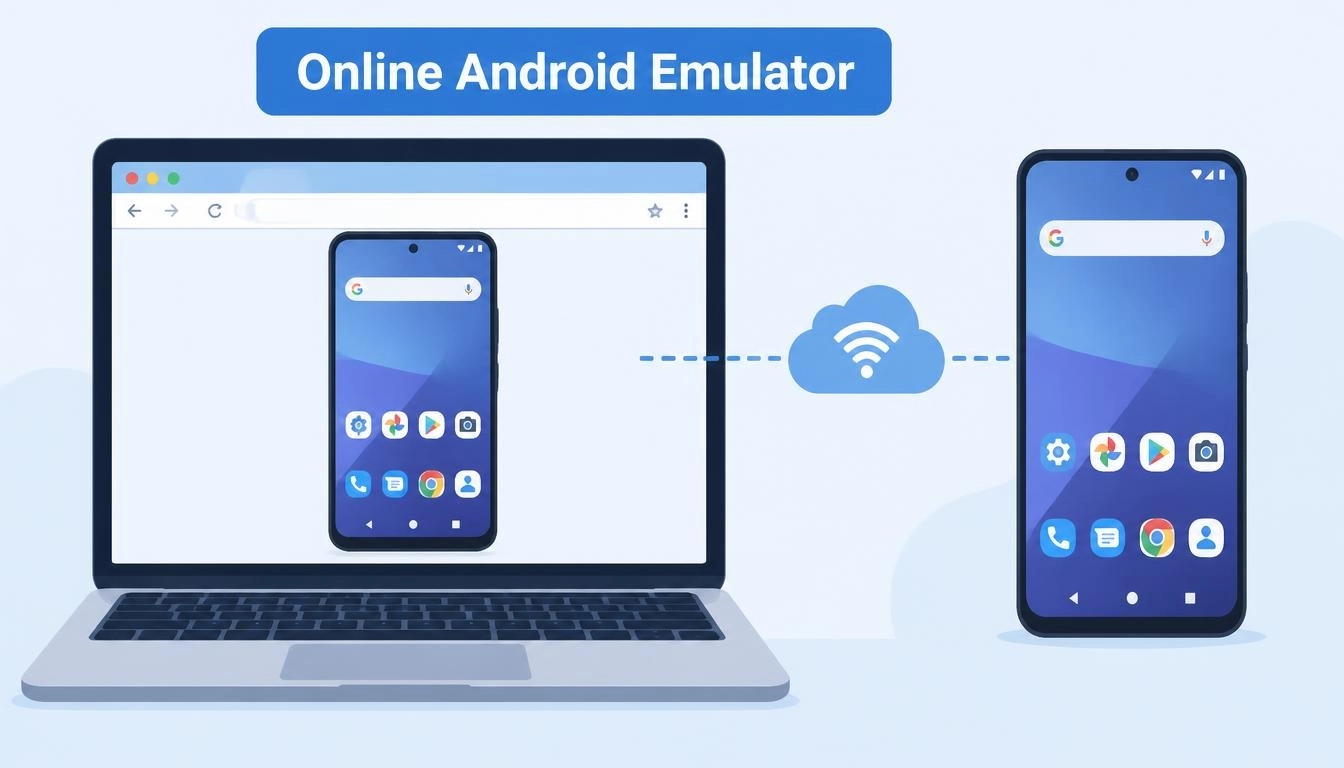
An online Android emulator runs Android on a remote server and streams the screen to your browser. You click and type as if you were using a phone, but nothing is installed on your computer. That makes it useful on Chromebooks, work laptops, and low-power PCs that can’t run a desktop emulator like BlueStacks.
Not every online Android emulator does the same job. They fall into three groups:
Type | What it’s for | Examples | Saves your apps and logins? |
Free APK runners | Opening an app or APK quickly | MyAndroid, ApkOnline | No |
Testing platforms | Testing apps you’re building | Appetize.io, BrowserStack, Genymotion, TestMu AI | Built for test sessions, not daily use |
Cloud phones | Using apps and accounts every day | CyberYozh, GeeLark | Yes |
Whether you search for a phone emulator online, a mobile emulator online or an Android emulator in your browser, you’ll land on one of these three types. Most people searching for an Android emulator online actually want the third type and don’t know it exists.
8 best ways to run an Android emulator online
Here’s how the options compare, using each provider’s own pricing page in November 2026:
Option | Type | Free option | Paid from | Best for |
CyberYozh cloud phones | Cloud phone | 10 bonus minutes with a profile | $0.52/month per phone + minutes (50 min for $0.35) | Apps, social media, accounts |
Appetize.io | Testing | 30 min/month, 3-minute sessions | $59/month | Quick app demos |
BrowserStack App Live | Testing (real devices) | Not stated | $19/month (100 min) | Testing on real phones |
Genymotion SaaS | Testing | Desktop version free for personal use | $0.06 per minute | Developers who pay as they go |
TestMu AI (formerly LambdaTest) | Testing | A few 2-minute sessions a month | $39/month, billed annually | Teams testing web and apps |
Firebase Test Lab | Automated testing | 10 virtual test runs a day | $1 per hour after free minutes | Automated test runs |
MyAndroid | Free APK runner | Free, no account | – | Opening an APK quickly |
ApkOnline | Free APK runner | Free, ad-supported | – | Very old Android apps |
1. CyberYozh cloud phones: best online Android emulator for apps and accounts
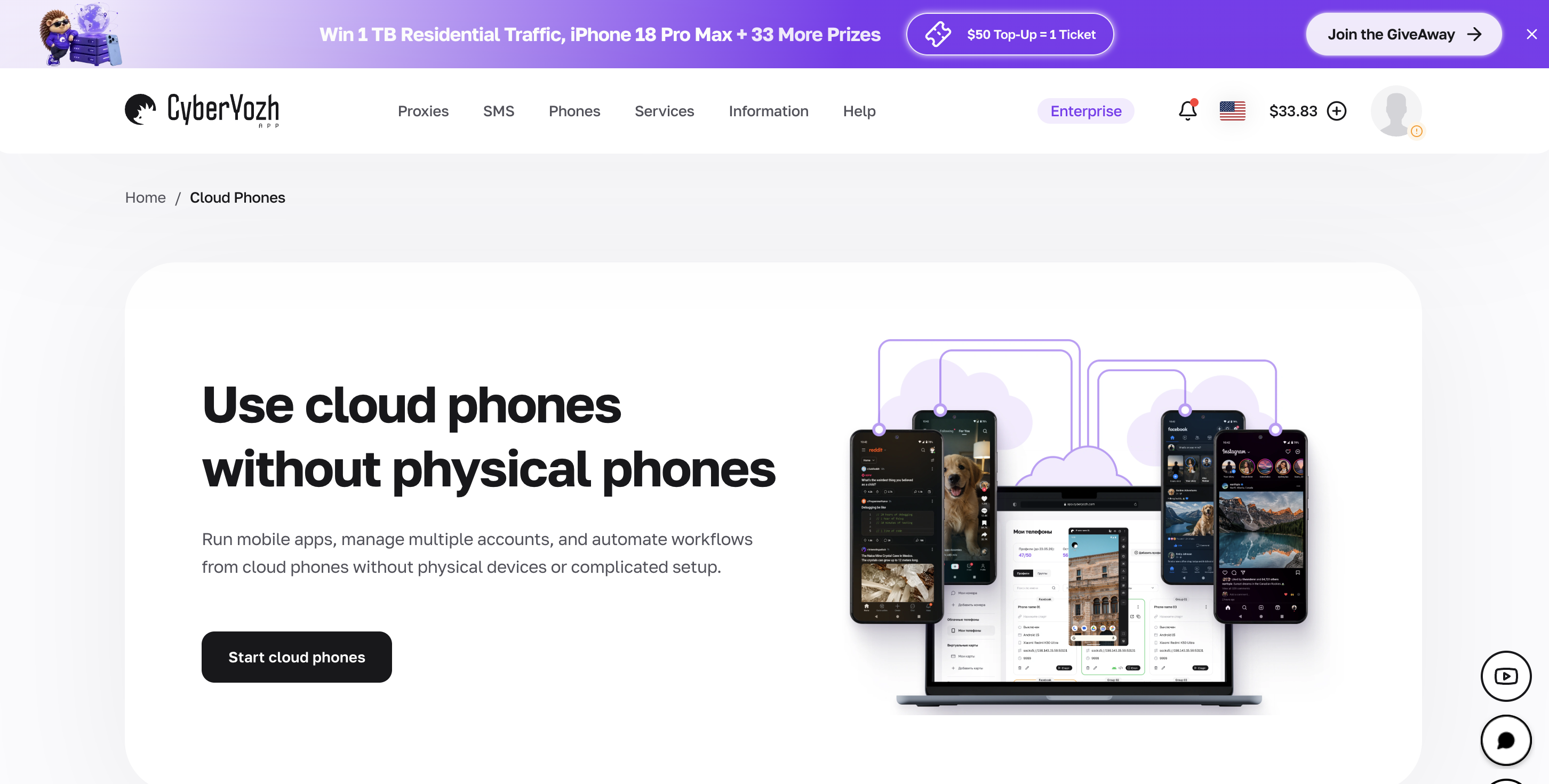
CyberYozh cloud phones are Android phones that run in the cloud and stream to your browser. Unlike a free emulator, each phone keeps its apps, logins, and files between sessions, so it works like a real phone you can open from any computer.
Pay for what you use: $0.52 a month per phone profile, plus usage minutes (50 minutes cost $0.35)
Its own IP for every phone: each cloud phone gets its own proxy connection from CyberYozh’s network of 100M+ residential and mobile IPs
Set the device: choose the device model, language, and location for each phone
Stay organized: run many phones at once, with groups, labels, notes, and ready-made presets
Automation: automate posting, scrolling, clicks, and typing, or control phones through CyberYozh API access with Puppeteer, Selenium, Playwright, or your own scripts
70+ supported platforms, including TikTok, Instagram, Telegram, Discord, and YouTube
Try one phone for less than a coffee: one cloud phone costs $0.52 a month, plus minutes only when it’s running. Start with a single phone from the cloud phone link at the top of this guide, and your apps will still be there next time you log in.
2. Appetize.io: best for quick app demos
Appetize.io runs apps in your browser and is popular for sharing app demos. Its free plan gives 30 minutes a month with sessions capped at 3 minutes, and the Starter plan costs $59 a month with 500 minutes included.
Drawback: the free plan’s 3-minute sessions are too short for anything beyond a quick look.
3. BrowserStack App Live: best for testing on real phones
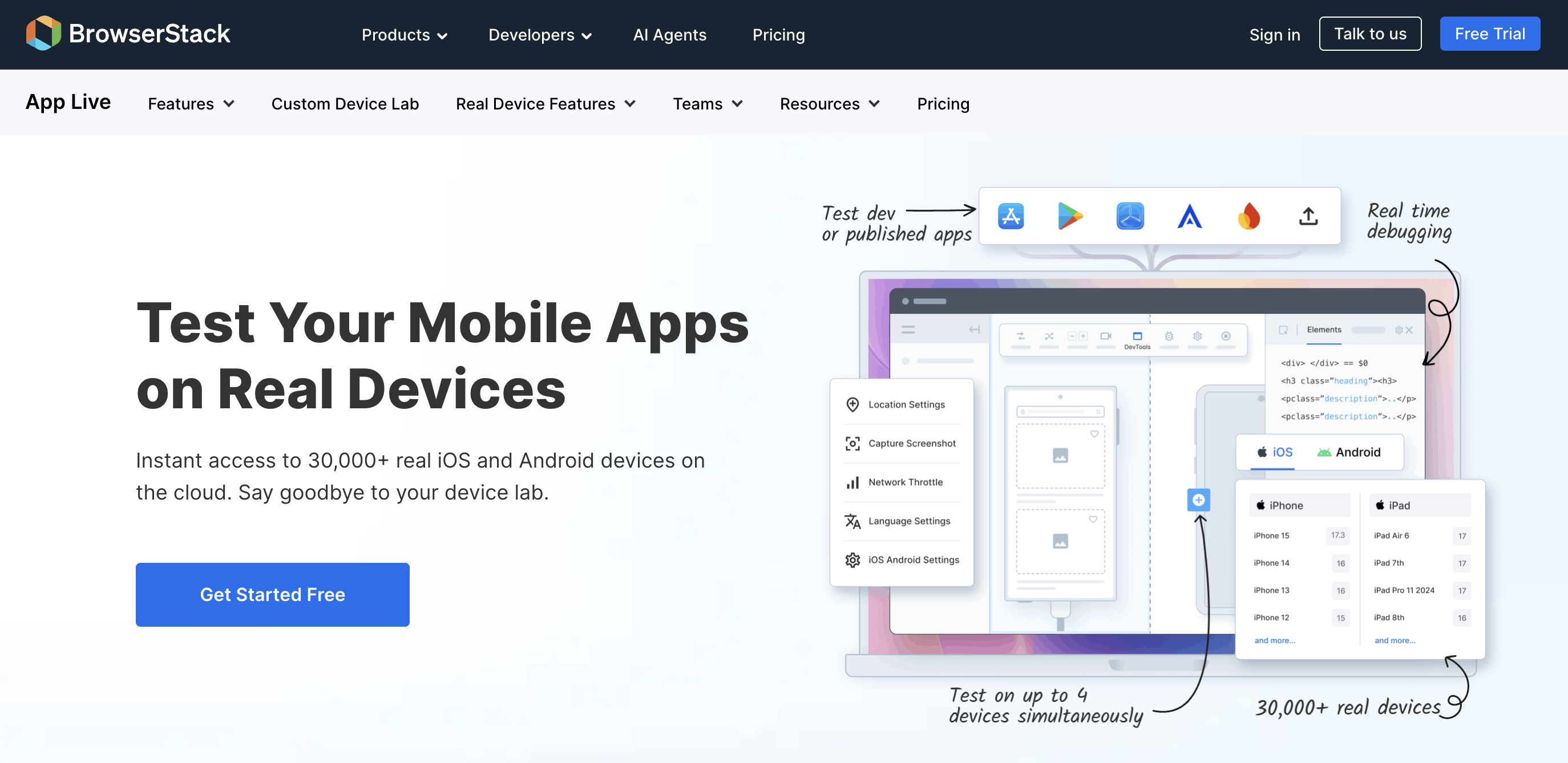
BrowserStack streams real Android and iPhone devices rather than emulators. Its Freelancer plan costs $19 a month (or $12.50 a month billed annually) and includes 100 minutes of App Live.
Drawback: it’s built for app testing, so it doesn’t keep your personal apps and logins between sessions.
4. Genymotion SaaS: best pay-as-you-go option for developers
Genymotion’s cloud version costs $0.06 per minute per virtual device, or $219 a month per device for unlimited use. Its desktop emulator is free for personal use.
Drawback: it’s a developer tool, and the free desktop version doesn’t include the latest Android version.
5. TestMu AI (formerly LambdaTest): best for teams testing web and apps together
TestMu AI (formerly LambdaTest) lets teams test websites and apps across many devices. Its free plan includes a few 2-minute live sessions a month, and real-device live testing starts at $39/month billed annually.
Drawback: the free sessions are only 2 minutes long.
6. Firebase Test Lab: best for automated tests
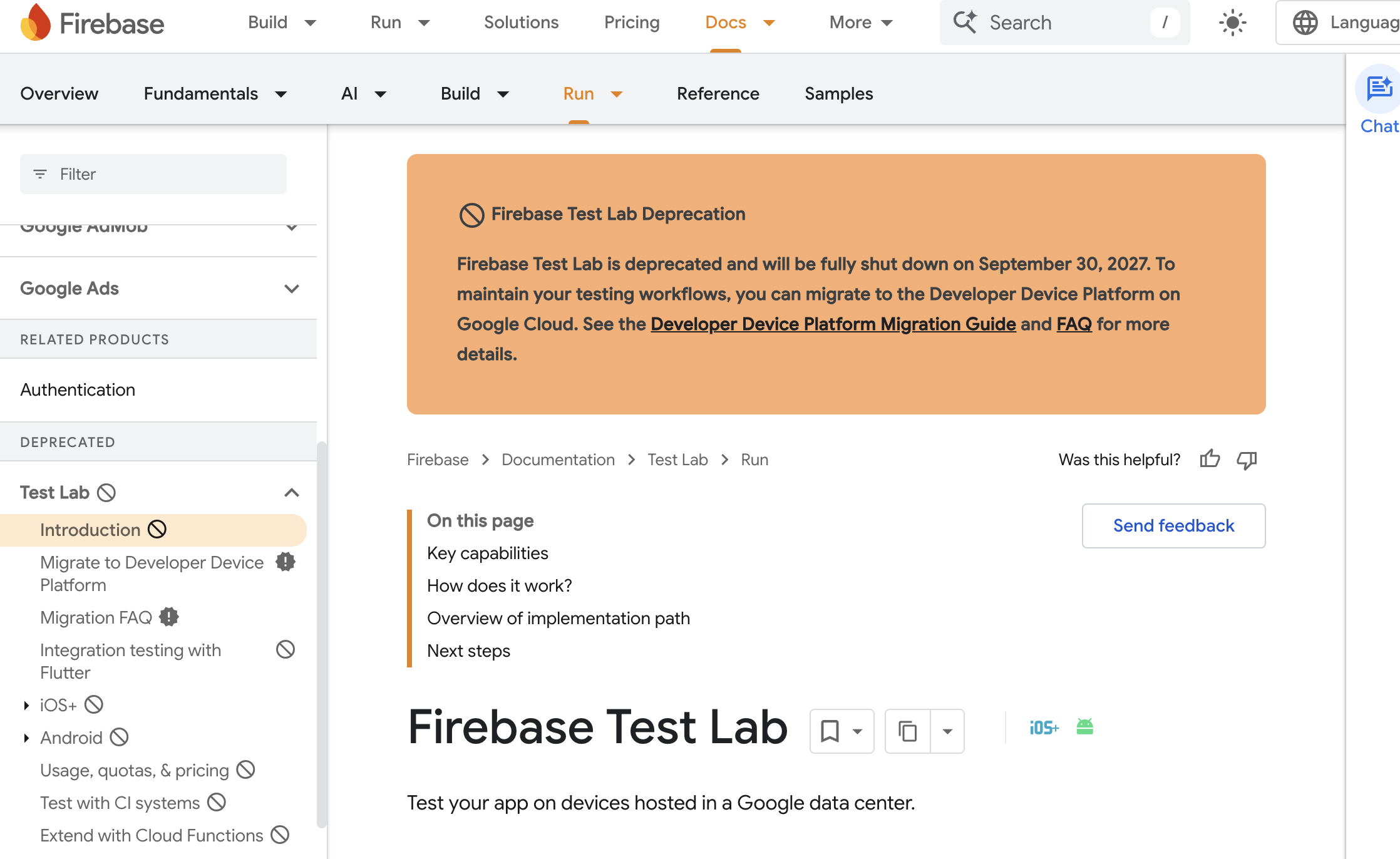
Google’s Firebase Test Lab runs automated tests on virtual and real Android devices. Its free Spark plan allows 10 virtual device test runs a day, and the paid Blaze plan charges $1 an hour for virtual devices after 60 free minutes a day, according to Firebase’s pricing page.
Drawback: Google has announced that Firebase Test Lab will shut down on 30 September 2027, and it runs automated tests rather than giving you a live screen to use.
7. MyAndroid: best free Android emulator online for a quick APK
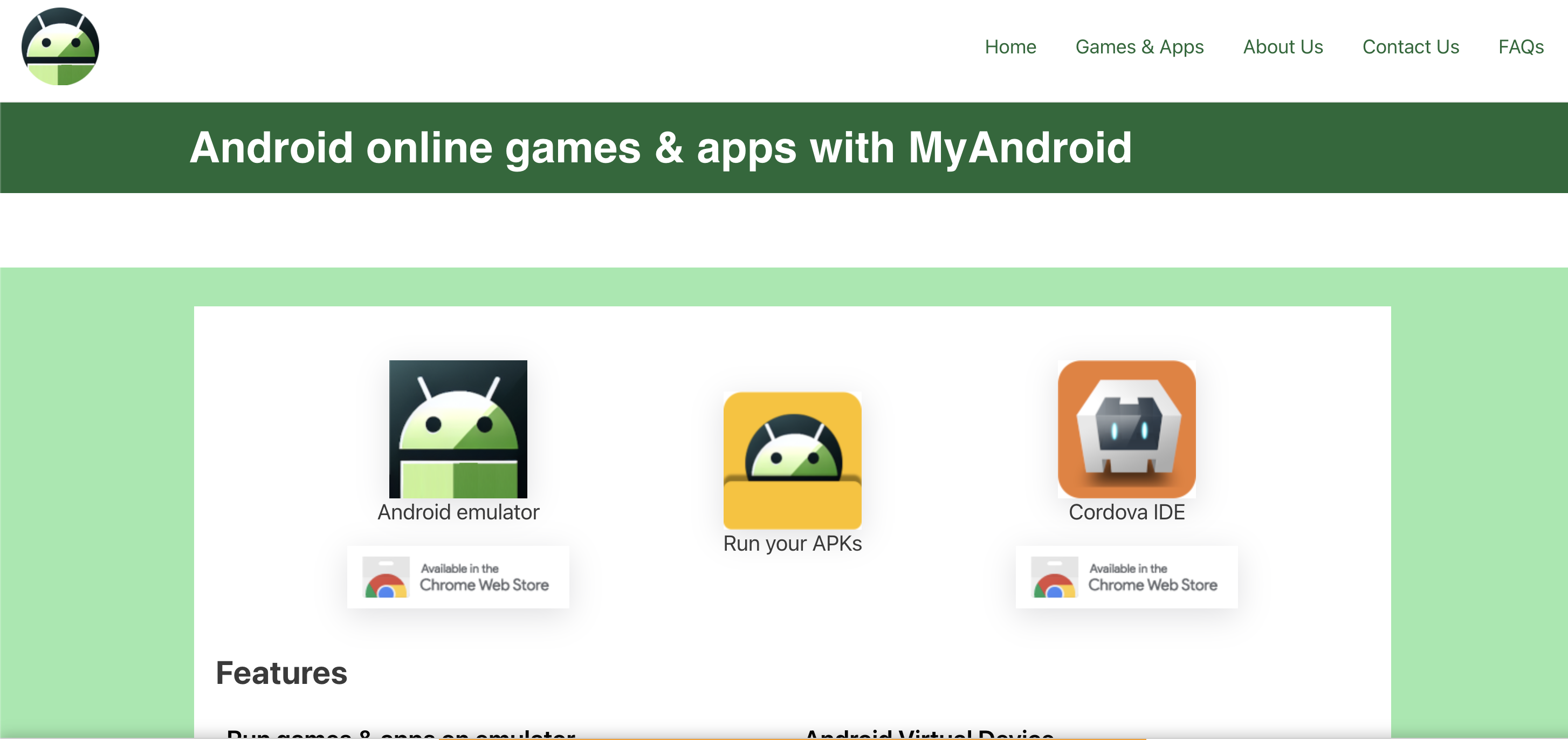
MyAndroid is a free Android emulator online that runs in your browser with no account. You can upload an APK and run it, and it includes the Google Play Store app.
Drawback: it’s ad-supported, nothing is saved, and it isn’t meant for logging in to accounts you care about.
8. ApkOnline: best for trying very old apps
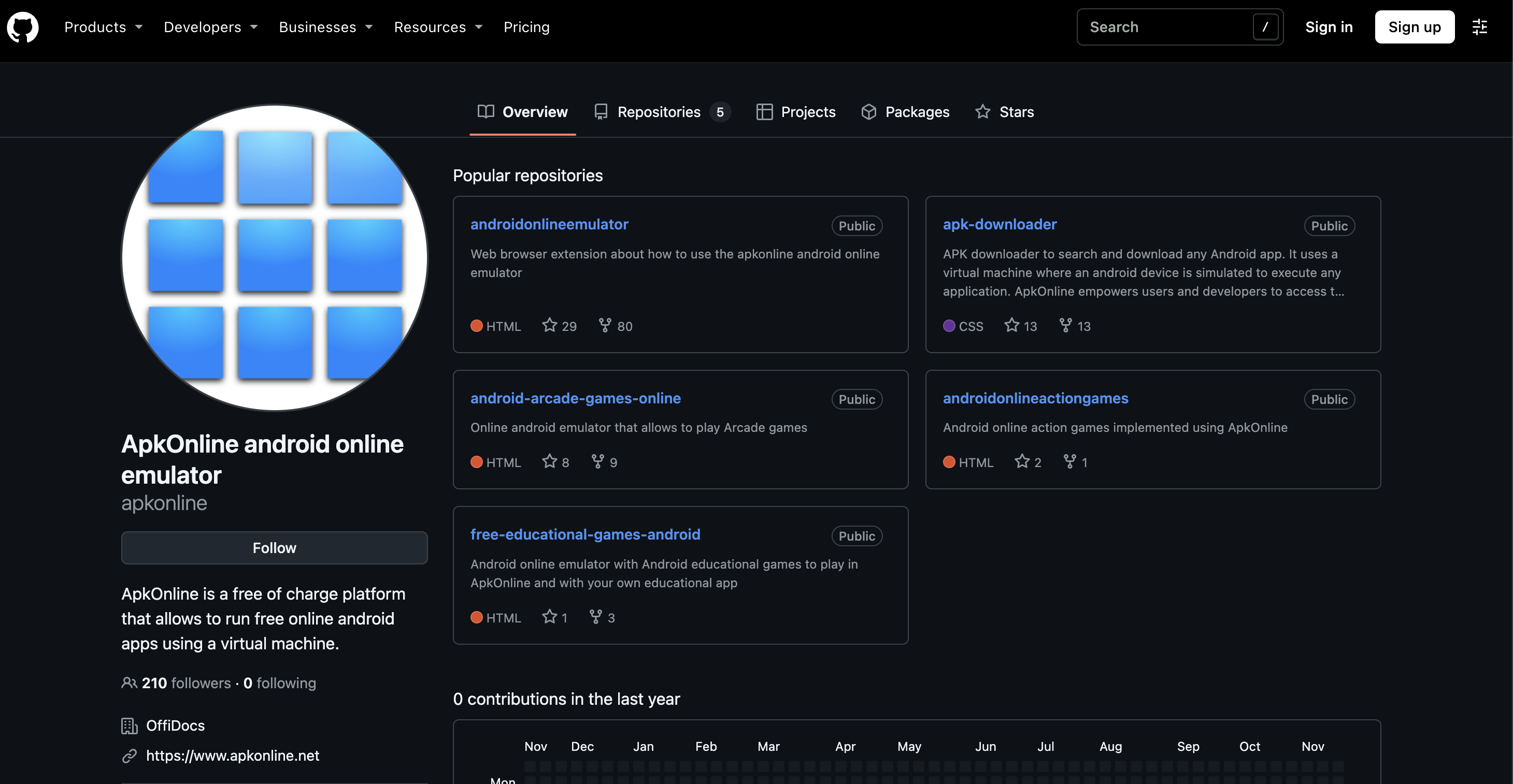
ApkOnline is another free online Android emulator that runs uploaded APKs in your browser. Its official add-on listing describes a tablet setup running Android 6.0.
Drawback: the Android version is very old, so many modern apps won’t install or run properly.
Free online Android emulators: what “free” really gets you
Free Android emulators online are fine for opening an app for a few minutes. Before you rely on one, know the trade-offs:
Short sessions: free plans often cap sessions at 2–3 minutes or a few minutes a month
Nothing is saved: close the tab and your apps, logins, and files are gone
Old Android versions: some free emulators run Android versions too old for current apps
Ads and privacy: free services are usually paid for with ads. Don’t log in to email, banking, or work accounts on them
Shared IPs: everyone using the same free emulator often shares a few data center IP addresses
For a deeper look at the free options and their limits, see our guide to using a free cloud phone.
Rule of thumb: use a free online emulator to look at an app, and a cloud phone to actually use one.
How to run an APK online
You can run an APK online in three steps:
Choose a service: MyAndroid or ApkOnline for a free one-off test, Appetize.io or Genymotion for development, or a cloud phone if you’ll use the app again
Upload the APK: use the service’s file upload or file manager, or install the app from Google Play where it’s available
Open and test: the app opens in the streamed Android screen in your browser
Only upload APKs you trust, from the developer or an official store. A free online emulator is a convenient way to check an unknown file, but it’s still someone else’s server.
Online Android emulator vs virtual machine
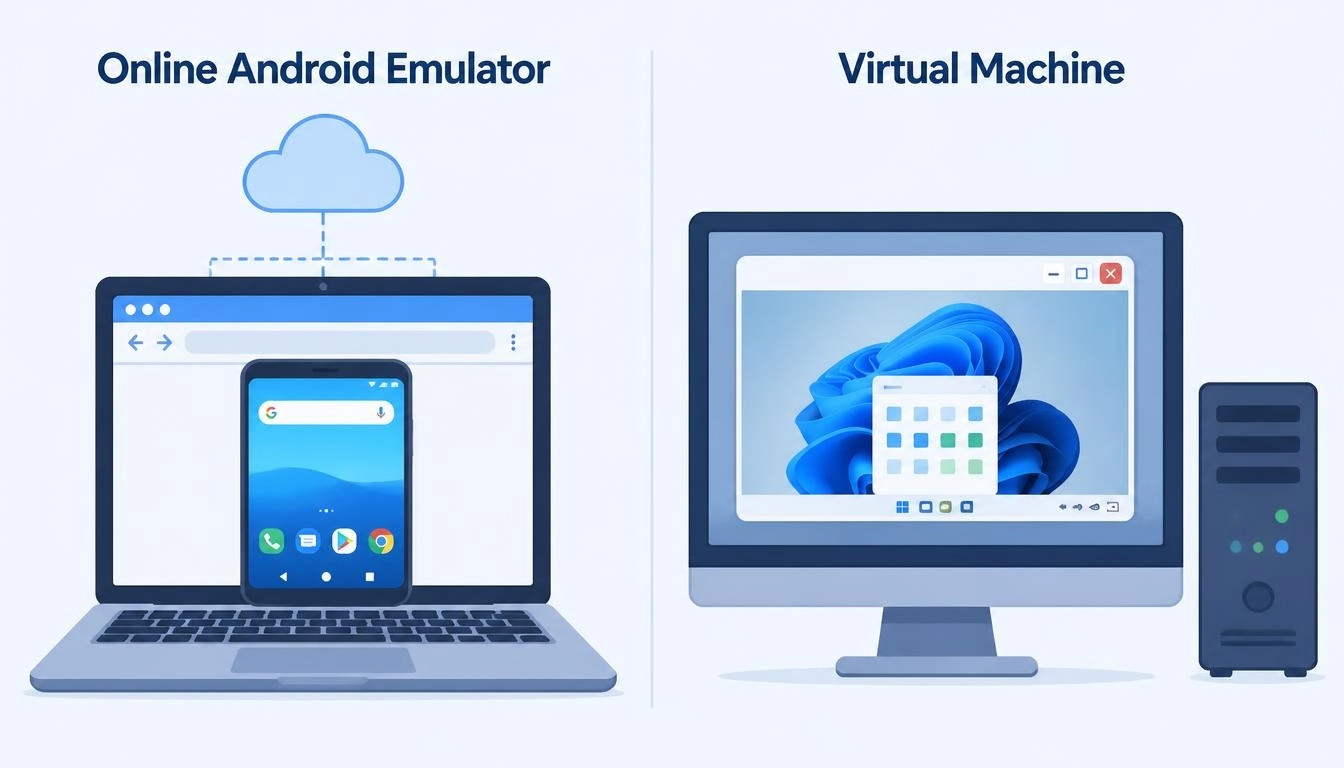
An Android virtual machine (VM) runs Android as a full operating system on your computer. An online Android emulator runs that system on someone else’s server and streams it to you. In practice:
Android VM on your PC | Online Android emulator | Cloud phone | |
Where it runs | Your computer | Provider’s server | Provider’s server |
Needs a powerful PC | Yes | No | No |
Saves your apps | Yes | Usually no | Yes |
Works on a Chromebook | Rarely | Yes | Yes |
For a full comparison of cloud phones, emulators and real phones, read our guide to what a cloud phone is.
Why apps detect online emulators, and how a proxy helps
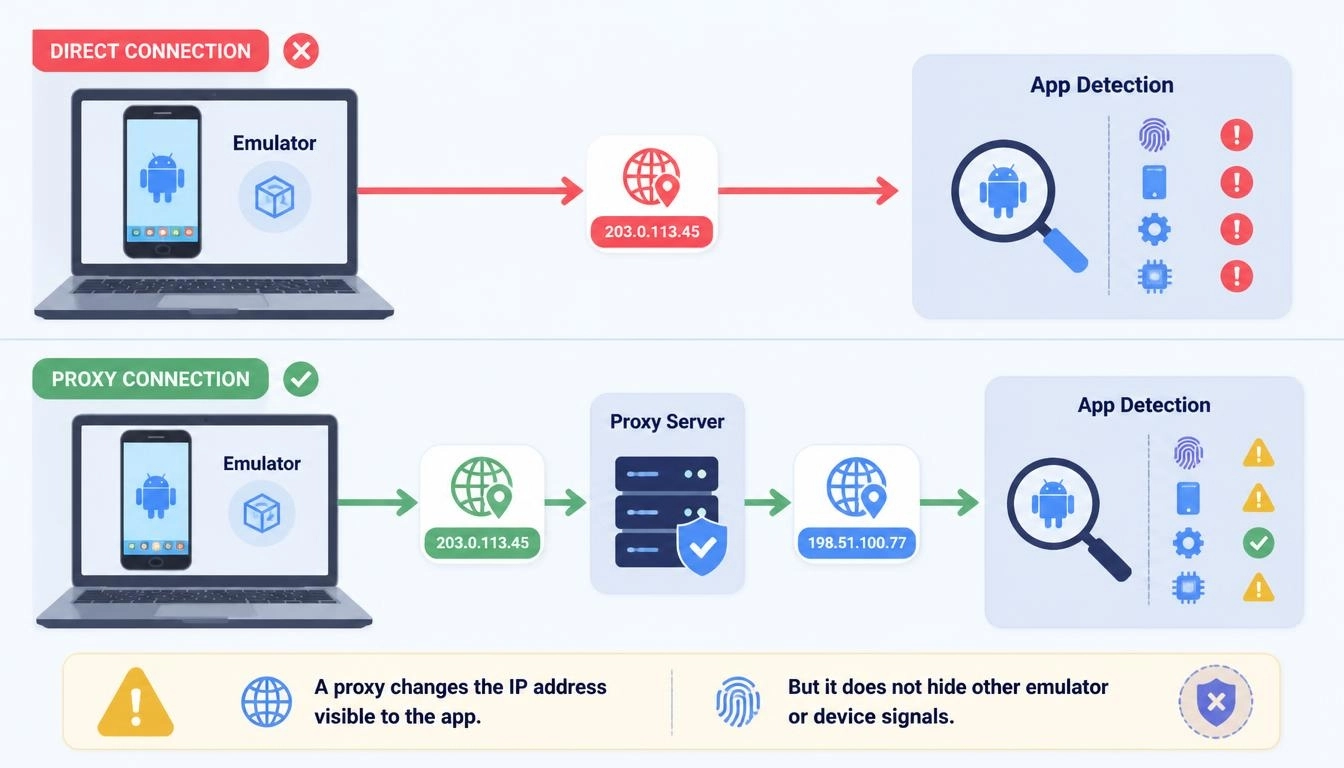
Many apps check whether they’re running on a genuine Android device. Google’s Play Integrity API lets apps flag emulated environments, and apps also check the network. An online emulator in a data center connects from a data center IP, which looks nothing like a real phone on a mobile network.
That’s why, for anything beyond testing, each device should have its own natural IP:
Mobile proxies give each emulator or cloud phone a real 4G/5G carrier IP. CyberYozh LTE/5G mobile proxies start at $1.70 a day with unlimited traffic
Check before you use it: run the IP through the CyberYozh IP checker to see its location and fraud score
Match the details: keep the device’s language, time zone, and location in line with its IP
Play by the rules: a proxy makes a cloud device look like a normal phone on a normal network. It doesn’t make breaking an app’s rules OK. Always follow each platform’s terms.
How to choose the right online Android emulator
If you want to... | Choose | Why |
Open an APK once, free | MyAndroid | No account, Google Play included |
Demo an app you built | Appetize.io | Browser demos, simple sharing |
Test on real phones | BrowserStack App Live | Real devices, not emulators |
Pay per minute for testing | Genymotion SaaS | $0.06 per minute |
Use apps and accounts every day | CyberYozh cloud phones | Saved sessions, own IP per phone |
Run many devices for a team | CyberYozh cloud phones | Groups, presets, automation and API |
To compare more cloud phone brands side by side, see our list of the best Android cloud phones.
The bottom line
An Android emulator online is the easiest way to run Android without installing anything. Free emulators are fine for a quick look at an app, and testing platforms suit developers. If you want apps and logins to stay saved, with each device on its own IP, a cloud phone does what free emulators can’t.
Get Android in your browser that actually remembers you: compare cloud phones, mobile proxies, and every other plan in the CyberYozh catalog, and launch your first phone for $0.52 a month.