
Anonymous Proxy Detected: What It Means and How to Fix It (2026)

“Anonymous proxy detected” means a website thinks your connection is coming through a proxy, VPN or data center instead of a normal home or mobile internet connection, so it has blocked you or asked for extra checks. If you use a proxy, the fix is usually a cleaner IP type, such as residential or mobile. If you don’t use one, your internet provider’s IP has probably been mislabeled, and you can get it corrected.
Getting flagged on a proxy? The problem is usually the IP, not you. Switch to CyberYozh rotating residential proxies from $2/GB, real home IPs in 195+ countries, with unused traffic rolling over.
TL;DR
The message appears when a site’s IP database or checks say your IP belongs to a proxy, VPN, data center or Tor
Proxy users usually see it because of data center IPs, free public proxies, revealing headers or mismatched location settings
People not using a proxy can see it too: shared ISP addresses, a VPN or extension left on, or a device on your network that’s part of a proxy network
Never click an “Anonymous Proxy detected, click here” link you don’t trust
The most reliable fix for proxy users is a residential or mobile IP; for everyone else, it’s a correction request to your ISP or the IP database
What does “anonymous proxy detected” mean
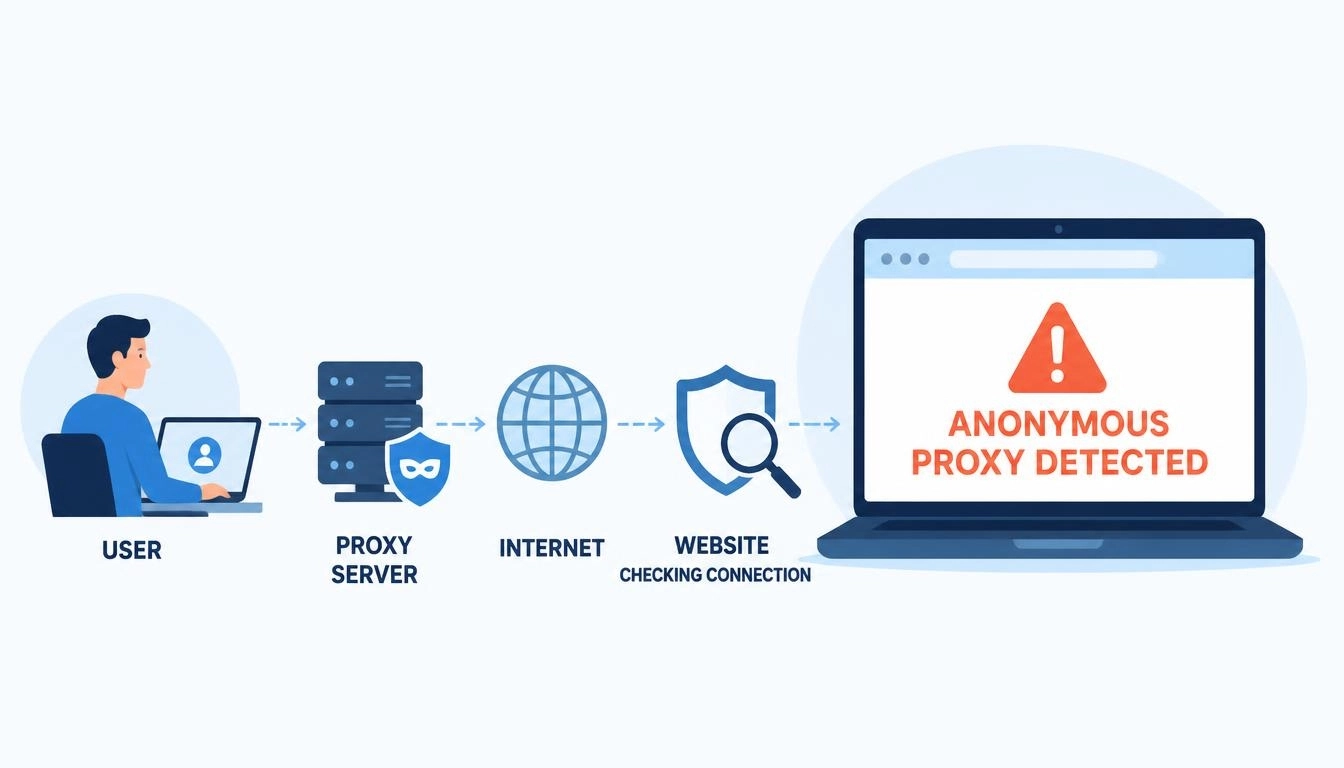
When you open a website, it sees your IP address. Many sites run that IP through a database that labels it as a home connection, a mobile connection, a data center, a VPN, a proxy or a Tor exit. If the label says “proxy” or “anonymous”, the site may block you, show a CAPTCHA or display the “anonymous proxy detected” message.
What “anonymous proxy detected” means depends on who you are:
If you use a proxy or VPN: the site has recognized it. The IP you’re using is known, flagged or doesn’t look like a normal user
If you don’t use one: the site has wrongly labeled your real IP, or something on your device or network is routing traffic in a way that looks like a proxy
It isn’t a virus warning, and it doesn’t mean you’ve done anything wrong. It’s an IP label, and labels can be wrong.
What is an anonymous proxy
An anonymous proxy, or anonymous proxy server, sits between you and a website and replaces your IP address with its own, so the website sees the proxy’s IP instead of yours. Proxies differ in how much they reveal about themselves, and these levels explain why some get detected more easily than others.
Anonymity level | Hides your real IP? | Says it’s a proxy? | How easy to detect |
Transparent proxy | No, it passes your IP along | Yes | Very easy |
Anonymous proxy | Yes | Yes, through headers like Via | Easy |
Elite (high anonymity) proxy | Yes | No | Hardest by headers alone |
Here’s a simplified example of what a website might see in the request headers from each type (example IPs):
Transparent proxy:
X-Forwarded-For: 203.0.113.25 <- your real IP
Via: 1.1 proxy-server
Anonymous proxy:
Via: 1.1 proxy-server <- admits it's a proxy, hides your IP
Elite (high anonymity) proxy:
(no proxy headers; looks like a normal visitor)
A high anonymity proxy removes those headers. But headers are only one check. Even an elite proxy gets flagged if its IP address is already listed as a data center or proxy, which is why the IP type matters more than the anonymity level.
Good to know: “elite” describes the headers, not the IP. An elite proxy on a flagged data center IP will still trigger “anonymous proxy detected”.
How websites detect an anonymous proxy
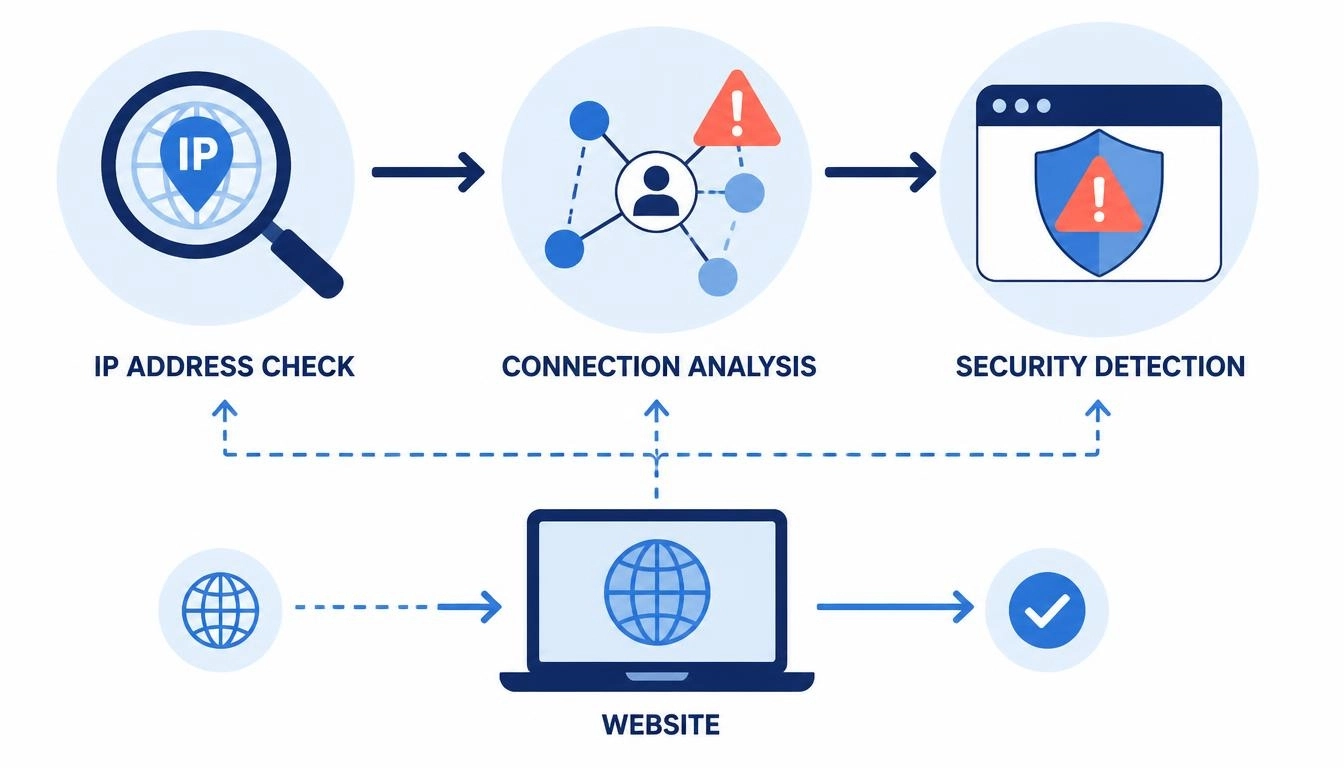
Websites usually combine three checks:
IP databases. Services like MaxMind’s GeoIP Anonymous IP database label IPs as anonymous VPNs, hosting providers, public proxies, Tor exit nodes and residential proxies, and update those labels daily. Sites use them to block or add checks for anonymous traffic
Headers and connection details. Headers like Via or X-Forwarded-For, or a mismatch between your IP’s country and your browser’s time zone and language, give a proxy away
Behavior and history. An IP that sends too many requests, or was used for abuse by someone else, gets a poor reputation score
Our guide to your IP trust score explains how these reputation scores work in more detail.
Not using a proxy: Why you still see “anonymous proxy detected”
This is the most frustrating case, and the one most guides skip. Common causes:
Your ISP’s IPs are labeled as a data center. Small providers, building or student-housing networks and business lines sometimes use IP ranges registered as hosting. One user on BleepingComputer, stuck with their building’s ISP, was blocked by Disney+ and Reddit for exactly this reason, without using any VPN
You share one public IP with many people. Many mobile and some home networks put lots of customers behind one IP. If someone else on it misbehaved, everyone gets flagged
A VPN, proxy setting or extension is still on. Privacy extensions, old system proxy settings and “free VPN” add-ons can route traffic without you noticing
A device on your network is part of a proxy network. According to IPinfo, “share your bandwidth” apps, some free VPNs and malware on computers, routers or smart devices can quietly turn a home connection into a proxy exit, so your IP gets flagged for traffic that isn’t yours
Watch out for “click here” links: some pages show “Anonymous Proxy detected, click here” as a lure. Don’t click links you don’t trust. Type the site’s address directly instead, and run a malware scan if the message follows you to sites that never blocked you before.
5 most common causes of detection when using a proxy
If you’re on a proxy and keep seeing the message, it’s almost always one of these:
Data center IPs. They’re fast and cheap, but their IP ranges are registered to hosting companies, so databases spot them instantly
Free or public proxies. Thousands of people share them, and most are already on blocklists
Revealing headers. Transparent and basic anonymous proxies announce themselves through Via or X-Forwarded-For
Location mismatches. A US IP with a browser set to another country’s time zone, language or WebRTC address looks suspicious. Our guide to proxy and browser mismatches shows how sites spot them
Bad IP history. A shared or cheap IP may have been used for spam or abuse before you got it
How to fix “anonymous proxy detected”
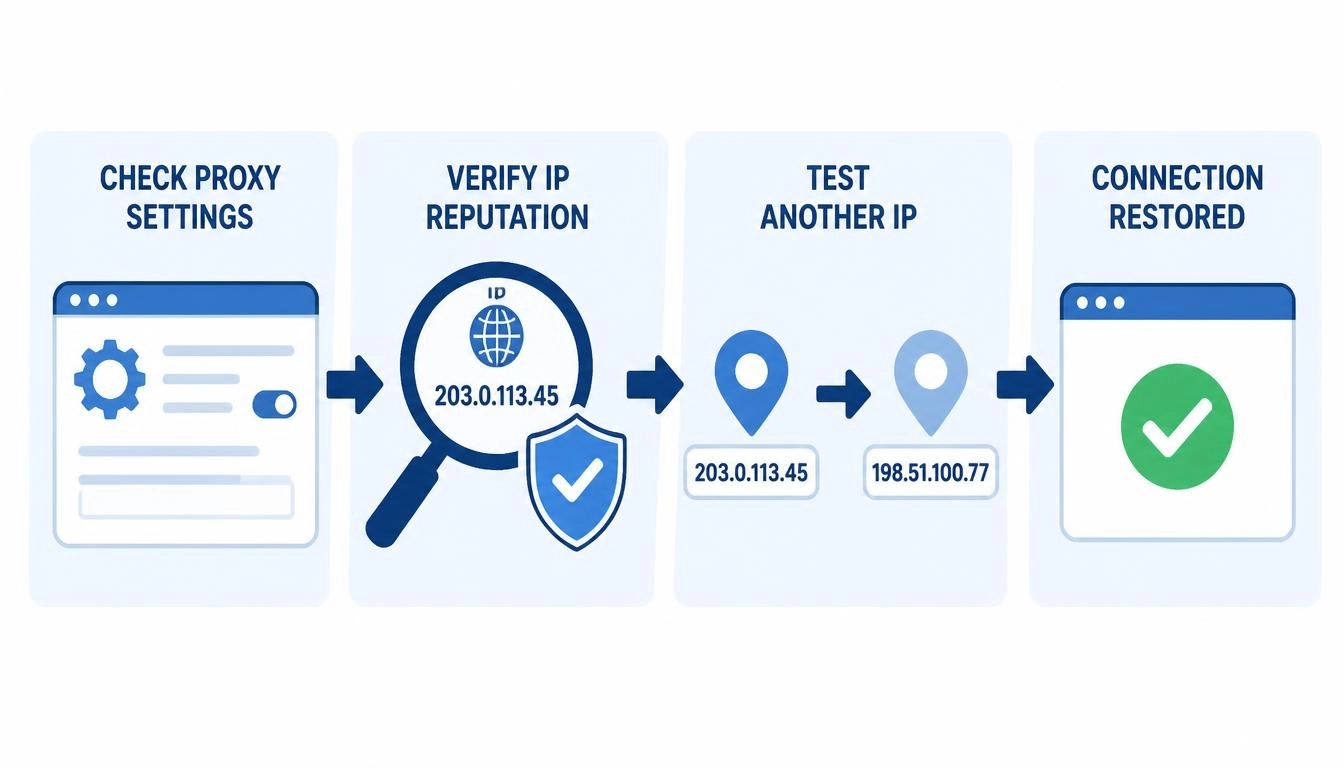
Start with the table to find your case, then follow the steps.
What you see | Most likely cause | Fix |
Error on every site, no proxy in use | VPN, extension or proxy setting still on | Turn them off and clear system proxy settings |
Error on some sites, no proxy in use | ISP IP mislabeled or shared IP | Check your IP, then ask your ISP or MaxMind to correct it |
Error only with your proxy | Data center or free proxy | Switch to residential or mobile IPs |
Error after a while on a good proxy | Too many requests from one IP | Slow down or rotate IPs |
Error even on residential IPs | Location mismatch or bad IP | Match browser settings to the IP; change IP |
If you’re not using a proxy:
Turn off any VPN, proxy setting or privacy extension, then reload the page
Check your IP with the CyberYozh IP checker, which shows whether your IP is detected as a proxy, VPN, data center or Tor, plus its fraud score
Restart your router. Many home connections get a new IP when the router restarts
Ask your ISP whether its IP range is registered as hosting, and send the result to the website’s support team
Request a correction through MaxMind’s data correction page. Individuals can correct their own home IP’s details there
If you’re using a proxy for legitimate work, such as price monitoring, ad checks or managing your own accounts:
Switch IP type. Move from data center or free proxies to residential or mobile proxies, which use real home and carrier IPs
Use elite-level connections that don’t add proxy headers
Match your setup to the IP: time zone, language and location should fit the IP’s country
Pace your requests and rotate IPs for high-volume tasks, instead of hammering a site from one address
Check each new IP before you use it, and replace any that already have a poor fraud score
Fix it at the source: most “anonymous proxy detected” errors disappear when the IP looks like a real home or phone connection. Try CyberYozh rotating residential proxies (linked at the top of this guide) with a small amount of traffic first. Anything you don’t use rolls over.
Proxy server for anonymous browsing: what actually works
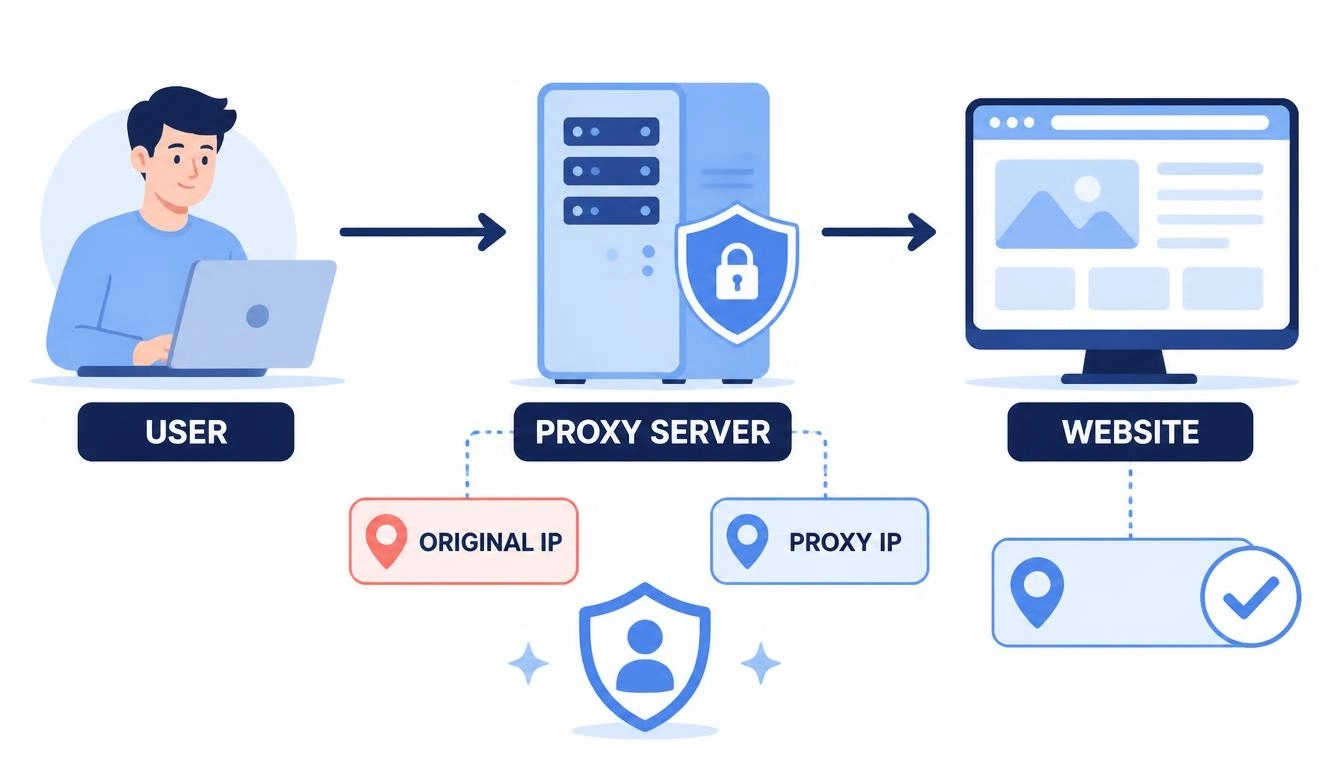
A proxy server for anonymous browsing hides your IP address from the websites you visit. That’s useful for privacy, testing what a site looks like from another country and keeping work identities separate. But it’s worth being honest about the limits:
A proxy hides your IP, not everything. Cookies, logins and browser fingerprints can still identify you
Most proxies don’t encrypt your traffic the way a VPN does. If you want to browse the internet anonymously on public Wi-Fi, a VPN protects more. Our proxy vs VPN guide explains when to use each
An anonymous internet proxy is only as private as its provider. Free proxies may log or sell your traffic. Use a paid provider with clear terms
For everyday privacy, a VPN is usually simpler. For tasks that need a specific location, many separate IPs or a real residential or mobile IP, a proxy is the better tool.
Which proxy type is least likely to be flagged
No IP is impossible to detect. Even residential proxies appear in some databases. But some types are flagged far less often than others:
Proxy type | How it looks to sites | Flag risk | CyberYozh price |
Data center | Hosting company IP | High | From $1.77/month shared, $2.18/month dedicated |
Static ISP | Home IP that doesn’t change | Low to medium | From $5.29/month, unlimited traffic |
Rotating residential | Real home IPs that change | Low | From $2/GB, traffic rolls over |
LTE/5G mobile | Real carrier IPs shared by many phone users | Lowest | From $1.70/day shared, $3.50/day dedicated |
Mobile IPs are the hardest to block, because carriers put many real phone users behind each one, and blocking it would block genuine customers too. For accounts that need the same IP every day, static ISP proxies are a good middle ground. Compare every plan in the CyberYozh catalog.
More than proxies: what else CyberYozh offers
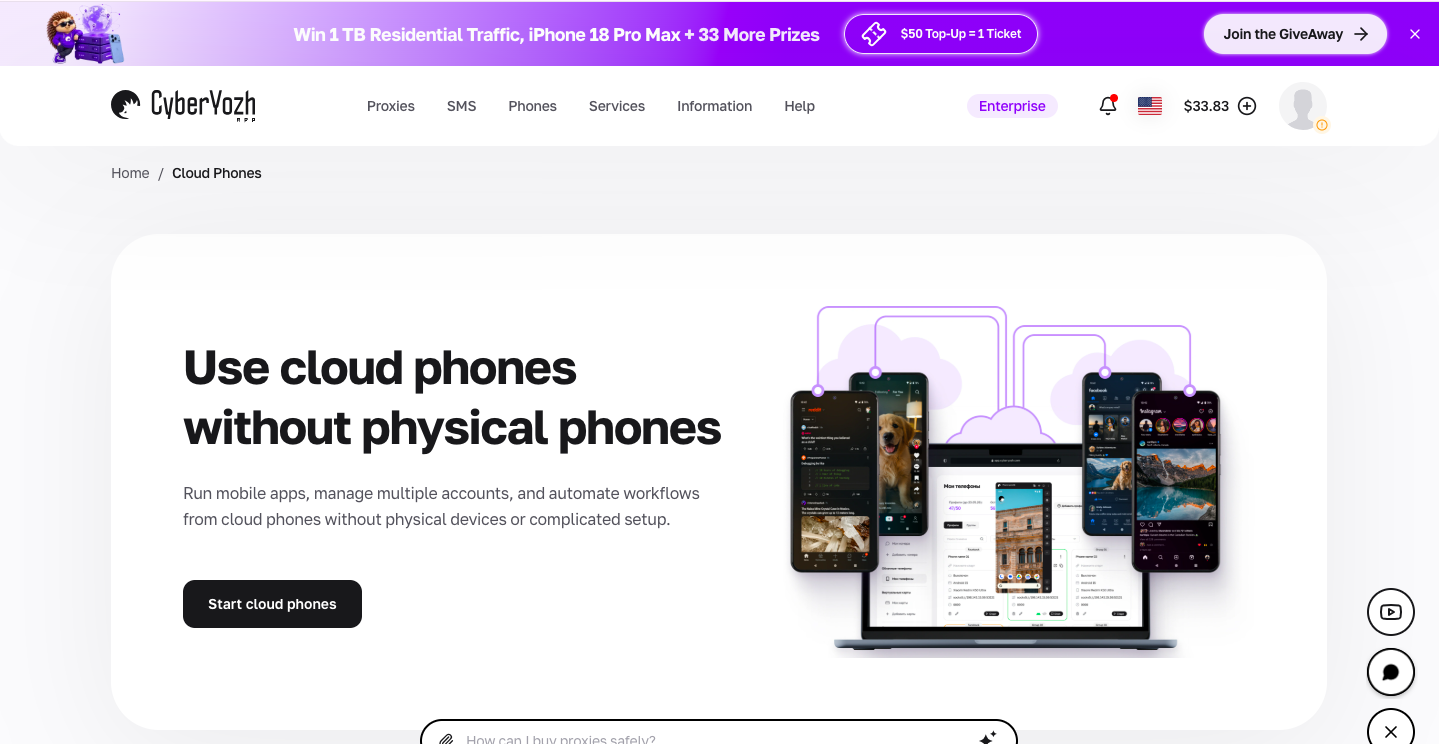
Many CyberYozh customers need more than IPs, so the same account includes:
Cloud phones: CyberYozh cloud phones are Android phones that run in the cloud, so you can use mobile apps from your computer. Each phone gets its own proxy connection and location, with sessions saved between uses. Each phone costs $0.52 a month, plus usage minutes (50 minutes for $0.35), so you only pay for the time your phones run. That makes them ideal for social media and app teams
Browser extension: connect a proxy in one click, without changing system settings
SMS numbers and IP checks: rent numbers for verification codes and check an IP’s fraud score from the same dashboard
API access: manage proxies, mobile IP changes and checks from your own code
Need mobile apps too? Pair a cloud phone from $0.52 a month with a mobile proxy and run your app accounts from one place, without buying extra phones.