
Digital Footprints: How Websites Track Proxy and Browser Mismatches in 2026
Using proxies for privacy, advertising, multi-account management, scraping, and geo-based workflows is standard in 2026. But even with residential or ISP proxies, sticky sessions, and clean cookies, accounts can still get flagged on platforms like Google, Facebook, or TikTok.
Simply changing the IP is not enough. If network, browser, and behavioral signals are not aligned, the session looks inconsistent even if the proxy is high-quality.
In this guide, you’ll learn:
How websites track digital footprints across network, browser, and behavioral layers
How proxy detection and risk scoring work in practice
How to reduce inconsistencies using residential and mobile proxies and anti-detect browser setups.
TL;DR
A proxy alone doesn’t protect a session — platforms evaluate the full digital footprint, not just the IP.
Most flags come from mismatches: IP type vs browser fingerprint, timezone vs location, or network behavior vs expected device profile.
Stable operations depend on keeping all signals coherent — consistent proxy type, aligned browser profile, and natural session behavior.
What are digital footprints?
A digital footprint is the set of signals websites use to identify and evaluate a user online. It is based on multiple data sources combined into one session profile.
For example, when you log into platforms like Google Ads, Facebook or TikTok, the system can see your IP location, browser setup, device details, and how you interact with the interface. Together, these signals form your digital footprint.
Modern systems build this profile from three main layers:
Network signals like IP reputation and ASN type
Browser signals like fingerprinting and TLS handshake data
Behavioral signals like timing, navigation, and interaction patterns
If these signals are consistent, the session looks normal. If they conflict, the system may flag it as suspicious — especially in proxy detection and risk scoring systems.
The most common proxy detection signals
Modern platforms detect proxy usage by analyzing a combination of network, browser, and transport-level signals. Instead of relying on a single indicator, they build a layered profile of consistency across the entire connection.
IP reputation and ASN analysis
IP reputation and ASN analysis are basic but critical signals in proxy detection. Every IP address belongs to an Autonomous System (ASN), which reveals its network origin and can be checked through WHOIS databases.
ASN types fall into three categories:
ISP: Home internet providers (e.g., Comcast, Verizon)
Mobile: Mobile carriers (e.g., T-Mobile, Vodafone)
Hosting: Data centers and cloud providers (e.g., AWS, DigitalOcean)
Most standard proxy servers originate from hosting ASNs labeled as “business” or “datacenter.” In many cases, reverse DNS (rDNS) also exposes infrastructure patterns.
Example: A user logs in to Facebook with a normal Chrome on Windows 10 fingerprint, but the connection originates from a data center ASN in Frankfurt. Meta classifies the traffic as automated, reducing the trust score and enforcing restrictions.
Solution: To reduce detection risk, use residential or mobile proxies sourced from real ISP and carrier ASNs, with consistent network identity and normal traffic behavior.
⭐ Try high-trust mobile 5G proxies by CyberYozh from $1.7/day
Passive OS fingerprinting
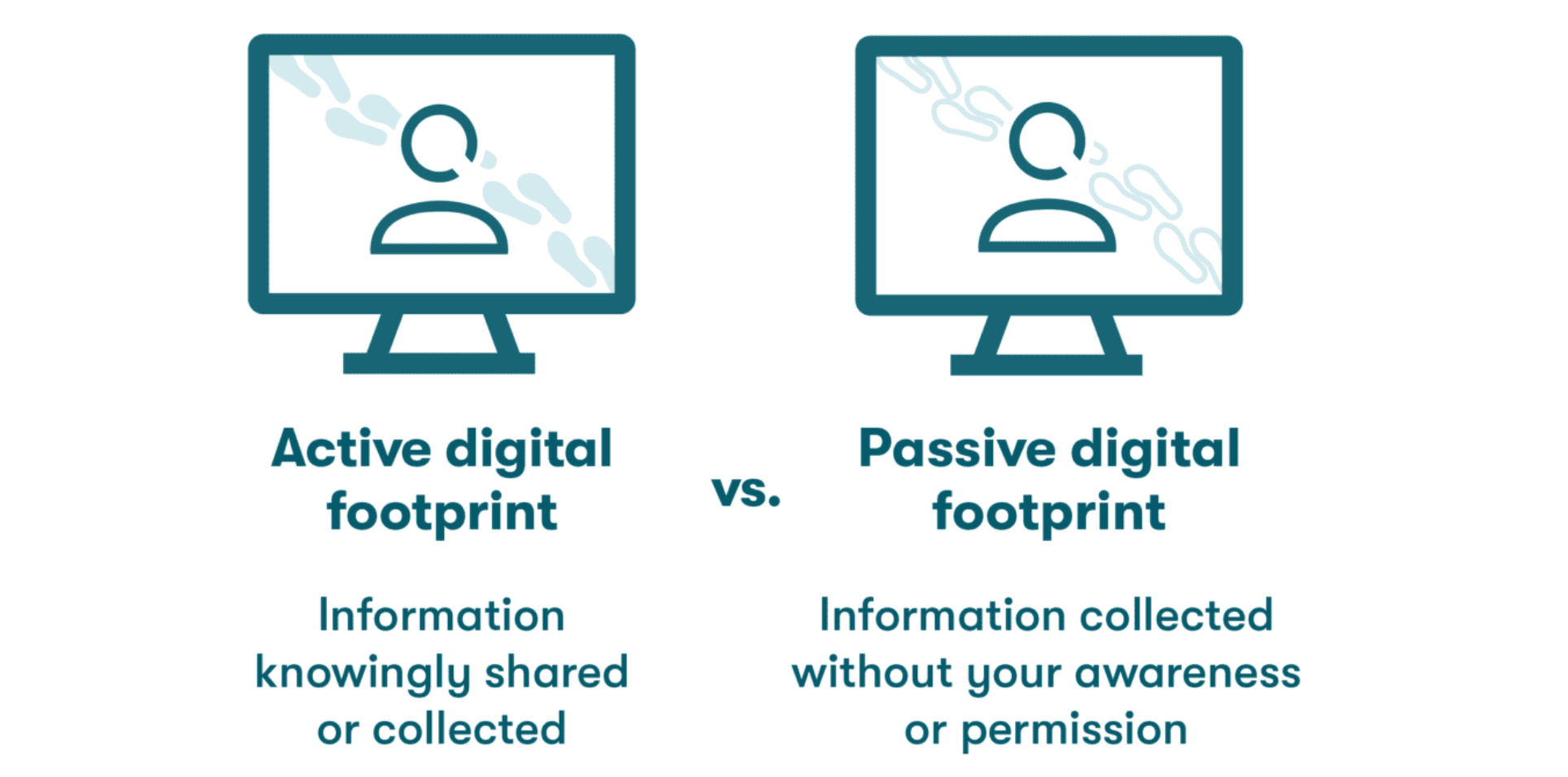
Websites don’t only look at your IP address — they also analyze how your connection behaves at the network level. This is known as passive OS fingerprinting.
Every operating system handles internet traffic slightly differently. Small details in network packets can reveal whether the connection likely comes from Windows, Linux, Android, or iOS, even without installing anything on the device.
Detection systems analyze signals such as:
TTL (Time To Live) values in network packets
TCP window size and packet structure
TLS fingerprints (JA3), created during secure HTTPS connections.
These patterns help platforms determine whether the browser environment matches the underlying network behavior.
Example: a browser profile claims to be Chrome on Windows 10, but the connection behaves more like a Linux server environment. Even if the IP is residential, this inconsistency can lower trust scores because the session no longer looks coherent.
This mismatch can reduce trust score in risk-based systems. For stable environments, the network setup should match the intended profile.
Timezone and geolocation mismatches
Security systems compare geolocation signals with network timing to detect inconsistencies. One of the key metrics is RTT (Round Trip Time), the delay between a request and server response. It is compared against expected latency for a given region. This is commonly used in systems like Google Ads, Meta, TikTok, and large e-commerce or fintech platforms.
Example: A user in Germany connects through a proxy located in New York. The connection is routed through another user, and the path becomes longer:
User → New York proxy → target server
This can increase RTT to ~300 ms, while a real New York connection would typically stay around 20–30 ms.
Solution: High-quality residential and mobile proxy networks can reduce these inconsistencies by minimizing routing distance and providing low latency connections. CyberYozh proxies use real ISP and carrier-level network paths, helping keep IP location, browser settings, and network response behavior aligned.
⭐ Buy geo-targeted proxies across 100+ countries for any task
Browser fingerprint inconsistencies
Browser fingerprint inconsistencies occur when software and behavioral signals do not match the expected profile of a real user. Platforms evaluate whether the browser, device, and behavior look consistent. Key signals include:
Timezone & language: If the IP is in London but the browser timezone is UTC+3, it creates a clear mismatch
Hardware & device signals: A mobile User-Agent combined with network characteristics typical of wired or datacenter connections (e.g., MTU, latency patterns)
Behavior patterns: Unnatural cursor movement, missing human-like delays, or “impossible travel” between countries in a short time window.
Example: A user logs into Meta Ads Manager with a profile set as a mobile device in Germany. However, the browser timezone is UTC+3, and interaction patterns show no natural delays. Even when using clean residential proxies, the system flags the session as suspicious due to inconsistent browser fingerprint signals.
Solution: Use an anti-detect browser (such as AdsBrowser, DolphinAnty, Octo Browser) to manage consistent browser profiles where timezone, language, device configuration, especially when working with Google, Meta, or TikTok.
Try high-trust proxies that integrate with any anti-detect browser
Behavioral AI detection
Modern detection systems analyze not only technical signals, but also how a user behaves during a session. Machine learning models compare interaction patterns against datasets of real human activity to identify anomalies.
Key behavioral signals include:
Mouse movement patterns and acceleration curves
Scroll speed, direction, and consistency
Click timing and interaction intervals
Typing cadence and keystroke rhythm
Session duration and navigation flow.
Example: A user logs into an ad account from a new location, but their interaction behavior matches previous sessions - same timing, pages opened, same settings edited. Even though the IP has changed, the behavioral signature remains the same, which can trigger automated risk scoring.
Solution: Use the platform normally, but don’t do the exact same steps every time you log in. Change what you click, how long you stay on pages, and the order you move through the site so your activity doesn’t look identical across sessions.
Why residential and mobile proxies reduce operational risk
Platform trust systems don't evaluate proxies alone. They evaluate whether the network origin, browser environment, and behavior form a believable, consistent user profile.
Residential and mobile proxies reduce operational risk because their traffic naturally matches how real consumers connect to the internet:
Residential proxies – Traffic routes through real ISP home connections (e.g., Comcast, Deutsche Telekom).
Mobile proxies – Traffic flows through carrier LTE/5G networks (e.g., Verizon, Vodafone).
Datacenter proxies (AWS, DigitalOcean, OVH) come from cloud infrastructure. Their network signatures are cleaner, faster, and more uniform — but that uniformity is itself unusual in consumer contexts.
Trust systems also analyze routing behavior, latency patterns, and session stability:
Residential and mobile connections show natural variability — jitter, occasional latency changes, real-world network behavior.
Datacenter traffic is often more predictable and uniform, which can appear inconsistent with a normal user profile.
Example: A German residential IP + local browser fingerprint + human-like timing = consistent, high-trust profile.
The same browser and behavior behind a datacenter ASN = mismatch between network origin and expected user environment → lower trust score.
Why use CyberYozh for stable proxy operations
CyberYozh is built as an operational proxy infrastructure focused on network consistency, stability, and real-world usability under load. Instead of treating proxies as simple IP pools, the system is designed around maintaining predictable behavior across sessions, which is critical for workflows where trust signals, fingerprint alignment, and network stability directly impact outcomes.
Key features:
100M+ residential ISP proxies that replicate real consumer traffic patterns with a 99.8% uptime, starting from $5.29/month
LTE/5G mobile proxies that run on real mobile networks from $1.7/day for unlimited traffic
Geographic coverage across 100+ countries, allowing alignment between IP location and operational requirements
High reliability under sustained sessions, reducing IP drops, forced rotation issues, and unexpected network resets
API-first architecture compatible with automation stacks like Playwright, Postman, Puppeteer, Selenium, Scrapy, and custom scripts
OS-level fingerprint alignment, helping ensure network behavior is consistent with the selected device profile
Integration with all anti-detect browsers, including Dolphin Anty, OctoBrowser, MuLogin, and more
Integrated ecosystem (proxies + SMS verification + risk checks) to reduce dependency on multiple providers.
What our clients say on Trustpilot

⭐ Explore full catalog of reliable mobile and residential proxies
How to test your proxy digital footprint
Before using a proxy for advertising accounts, automation, or scraping, you should verify how it appears from the outside. Modern detection systems analyze multiple layers — from IP reputation to TLS fingerprints — so testing is essential.
Tool | What It Checks | Why It Matters |
|---|---|---|
IP risk score and configuration validation | Provides quick validation before logging into sensitive platforms | |
Packet-level traffic, TCP/IP stack behavior, MTU, TTL | Detects abnormal routing, fragmentation, or stack inconsistencies | |
WebRTC leaks, Canvas/WebGL fingerprint, DNS, timezone | Reveals browser fingerprint mismatches and IP leaks | |
ASN, ISP type, geo-location accuracy | Confirms whether IP type matches residential/mobile profile | |
Ping, latency, routing path | Identifies unnatural latency spikes typical of misconfigured proxies |
Digital footprint consistency checklist
Before running any proxy-based workflow, verify the signals that break trust when misaligned. Focus on network identity and browser identity — get these right, and most operational failures disappear.
1. Network identity (most critical)
Use residential or mobile proxies — their network origin (ISP or carrier) matches how real consumers connect to the internet
Verify your IP has a clean history and acceptable reputation score (not flagged in abuse databases)
Confirm geo-location matches your target region — timezone, language, and currency should all follow from this
Check latency is realistic for that region — extreme routing anomalies create signal conflicts
If these don't align, your session is already high-risk regardless of browser setup.
2. Browser & session consistency
Match your system timezone and language to your IP location
Keep your browser fingerprint coherent — screen resolution, fonts, and rendering signals should tell the same story
Maintain stable session identity — no abrupt geo or IP switching mid-session
3. Behavioral alignment (often overlooked)
Use human-like timing between actions, not millisecond-perfect
Follow natural flow: don't jump straight to login or checkout
Keep session duration appropriate for the task type.
How to integrate proxies with a browser or anti-detect browser to minimize detection
Proxy integration is not just “pasting an IP into settings” it’s about binding a proxy to a persistent browser profile so the network identity stays stable across sessions.
1. Standard browser setup (manual proxy)
In Chrome / Firefox / Edge:
Open network or proxy settings in the browser or OS
Enter proxy type (HTTP / HTTPS / SOCKS5)
Add IP, port, and username/password if required
Save configuration and restart the browser session.
This method is simple but limited because it does not isolate fingerprints or profiles.
2. Anti-detect browser setup (recommended for multi-account workflows)
Anti-detect browsers are designed to bind proxy + fingerprint + session into one isolated profile. This setup is recommended for multi-accounting workflows on sensitive platforms like Google, Meta, and TikTok. You can integrate CyberYozh proxies with AdsBrowser, MuLogin, OctoBrowser, and other tools.
Setup workflow:
Create a new browser profile
Choose protocol (SOCKS5 recommended) and enter IP, port, credentials
Set location consistency: match timezone and language settings to proxy region
Generate or import browser fingerprint: OS type, screen resolution, Canvas/WebGL settings
Save profile and launch session through that environment.
Best practice integration logic
One proxy = one browser profile (no sharing across identities)
Keep proxy type consistent with profile type (mobile proxy → mobile-like profile)
Avoid switching proxy mid-session unless you fully reset the profile
Reuse sticky sessions when long-term accounts are required.
Conclusion
Websites track the entire session, not just the IP address. If the proxy, browser fingerprint, timezone, and behavior don’t align naturally, the session becomes easier to flag. Residential proxies and mobile proxies reduce obvious inconsistencies by matching normal consumer network patterns. In 2026, stable proxy operations depend on maintaining a consistent digital footprint across the network, browser, and behavioral layers.