
Proxy vs VPN: The Straight Answer Nobody Gives You

You want to hide your IP. Maybe for privacy. You may be able to access content that isn't available in your country. Maybe for managing multiple accounts without linking them. You Google it. Someone says get a VPN. A Reddit thread says proxies are better. Your tech-savvy friend says, "It depends," and then explains nothing.
You close the tab more confused than when you started.
Here's what actually happens. Everyone explains what VPNs and proxies are in abstract terms. Almost nobody explains which one you should use for your specific situation and why the difference actually matters in practice.
That's what this guide does: it provides specific verdicts for specific tasks.
What is a VPN
A VPN (Virtual Private Network) creates an encrypted tunnel between your device and a remote server. Every piece of data you send online travels through that tunnel. Websites see the VPN server's IP address instead of yours.
Think of it like sending a letter through a trusted go-between. Your name never appears on the envelope. The intermediary's address does.
The encryption is the defining feature. It means your internet service provider can't see what you're doing online. It means public WiFi sniffers can't intercept your traffic. It means your browsing is protected at the network level.
But encryption carries a cost: speed. Every data packet gets wrapped and unwrapped in real time. On fast home broadband, you won't notice. For speed-sensitive tasks, running hundreds of simultaneous sessions, live data scraping, or low-latency gaming, that overhead becomes a real constraint.
What is a proxy: And why it's not just a "cheap VPN"
A proxy server sits between your device and the internet, forwarding your requests under its own IP address. The website sees the proxy's IP. Your real address stays hidden.
Unlike a VPN, a standard proxy doesn't encrypt your traffic. It reroutes it. That single difference makes proxies significantly faster and fundamentally different in purpose. But the type of proxy matters more than most guides acknowledge:
Datacenter proxies: IP addresses hosted in commercial server facilities. Fast and cheap. But platforms like TikTok, Facebook, and Netflix maintain extensive databases of known datacenter IP ranges and flag them aggressively. Detection rates above 95% on major platforms.
Residential proxies: IP addresses assigned by real ISPs to real home users. When you use one, platforms see a genuine household browsing from a residential broadband connection. Extremely difficult to detect. The effective standard for account management and platform anonymity.
Mobile proxies (LTE/5G): IP addresses from actual mobile carrier networks. Treated as the highest-trust traffic type by virtually every major platform. Looks exactly like someone using their phone on a carrier network.
ISP proxies (static residential): A residential IP address that stays the same across sessions. Perfect for accounts that need consistent login location history.
The one-line summary: Before we go deeper
VPN = encrypts all your traffic + masks your IP. Slower. Better for network-level privacy.
Proxy = masks your IP only. Faster. Better for platform-level anonymity. Effectiveness depends entirely on IP type.
If you're hiding from your ISP or protecting yourself on public WiFi, use a VPN. If you're hiding from platforms, managing accounts, or need speed, use a residential proxy. Keep reading for the full breakdown by use case.
Speed: Proxy vs VPN: The actual difference
Proxies are faster. Not slightly, measurably and consistently.
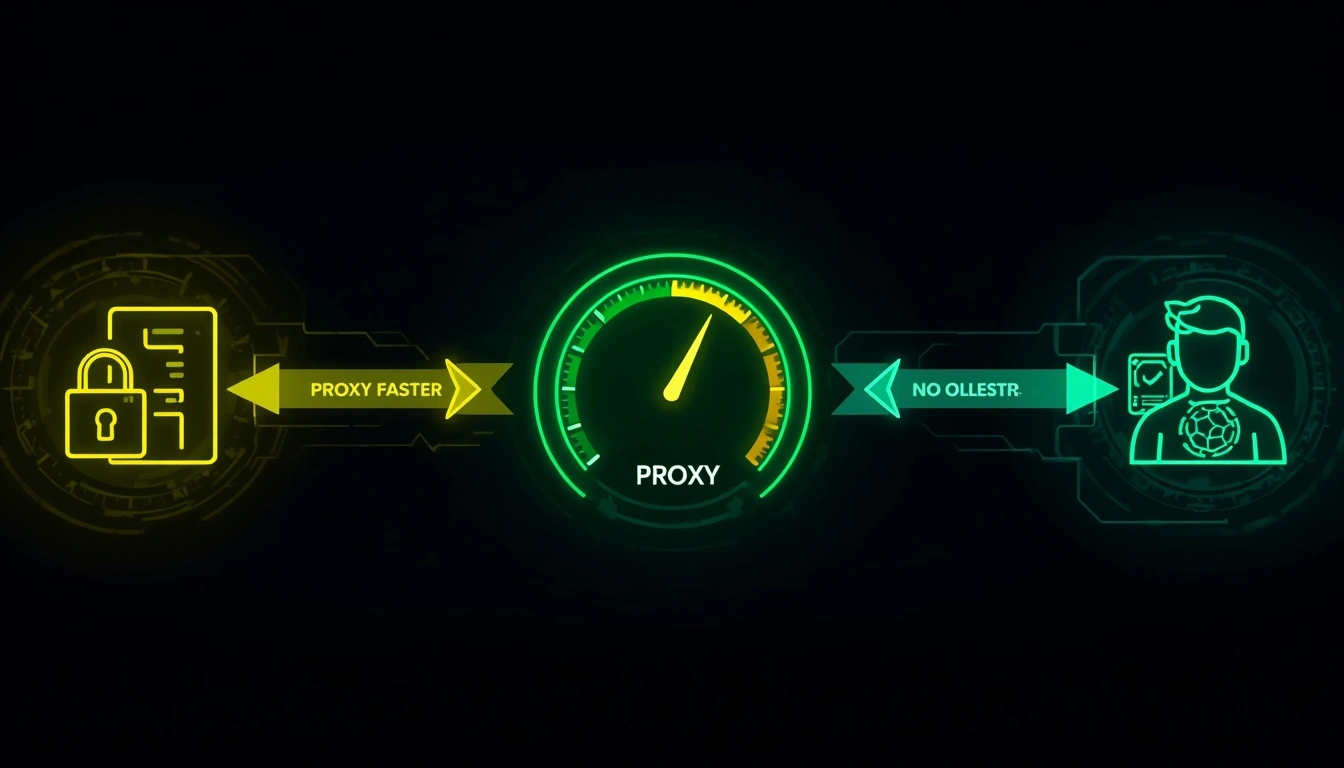
VPNs encrypt every request, even when you don't need that encryption for the specific task. Even the fastest modern VPN protocol, WireGuard, which became the industry standard by 2025, adds latency compared to an unencrypted proxy routing the same request.
In testing across thousands of sessions:
Residential proxies deliver 2–4x faster response times than equivalent VPN connections for standard web requests
For concurrent sessions, running 10, 20, or 50+ browser profiles simultaneously, the gap widens further
For single-user casual browsing, the difference is minor enough that most people won't notice it day to day
For latency-sensitive work like live data collection, account warming, or competitive gaming: the gap matters
As Cloudflare's proxy infrastructure documentation explains, proxy servers reduce round-trip latency by design, a fundamental architectural advantage over encrypted tunnel protocols.
Verdict on speed: Proxy wins, always. The only question is whether you need the VPN's encryption enough to accept the speed trade-off.
Security and privacy: Where each one has the edge
This isn't one-sided. Each tool genuinely wins in different contexts.
VPNs are the better choice for:
Using public WiFi at hotels, airports, and cafés
Hiding browsing activity from your ISP
Bypassing government-level censorship where deep packet inspection is deployed
Preventing network-level man-in-the-middle attacks
Torrenting (ISP monitoring of torrent traffic is common and a VPN directly addresses it)
The encryption is doing real work in these scenarios. A proxy without encryption leaves your traffic readable at the network level.
Residential proxies are the better choice for:
Platform-level anonymity on social media
Managing multiple accounts without IP correlation triggering bans
Bypassing geographic restrictions on content platforms
Avoiding automated detection and account suspensions
Any task where being flagged as a "VPN user" is itself a problem
Here's the thing VPN marketing doesn't foreground: platforms can detect VPN usage. Netflix, Facebook, TikTok, and Google all maintain and actively update lists of known commercial VPN IP ranges. When your traffic comes from one of those IPs, the platform knows you're using a VPN, even if it can't see the content of your traffic.
A CyberYozh residential proxy doesn't appear on these lists. The IP belongs to a real household, not a commercial server. The platform sees a normal home user. That's a fundamentally different outcome.
Detection in 2026: Why residential proxies are harder to spot than VPNs
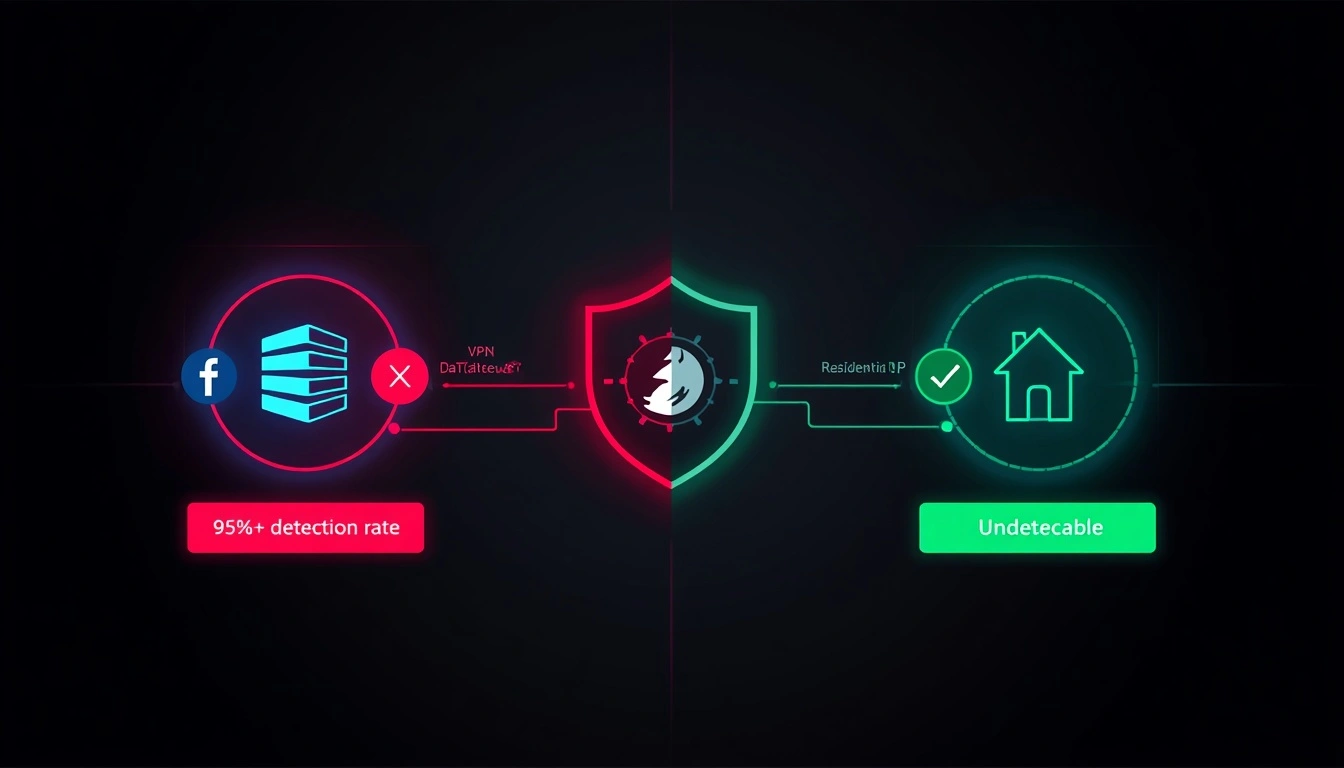
Platform detection technology improved significantly following major infrastructure updates across Meta, TikTok, and Google in 2025. The practical result: datacenter IPs and commercial VPN server IPs are flagged almost immediately across major platforms.
Industry testing puts detection rates for datacenter traffic at major platforms above 95%. That includes the IP pools of most commercial VPN providers.
Residential proxies sit at the opposite end. Because the IP is a genuine address assigned by a real ISP to a real household, it passes every standard detection check that normal user traffic does. There's no commercial footprint to flag against.
Mobile proxies (LTE/5G) are the hardest to detect. Hundreds of millions of regular phone users use mobile carrier IPs. Platforms treat them as the highest-trust traffic category. Flagging mobile IPs aggressively would create too many false positives against legitimate users.
The detection gap between datacenter IPs (VPN-level) and residential/mobile IPs is not marginal. In controlled testing, residential proxies show 99% lower detection rates than datacenter IPs on major social platforms. That's the difference between accounts that stay live and accounts that don't.
The EFF's guide to evaluating privacy tools notes that VPN effectiveness depends heavily on IP pool reputation, something most commercial providers don't disclose clearly, because the answer isn't flattering.
The CyberYozh solution: Proxies built for real privacy
TL;DR for skimmers: CyberYozh residential and mobile proxies are undetectable to major platforms, 2–4x faster than VPNs, and purpose-built for account management, anonymity, and high-volume tasks. Starting at $1.70/day for mobile or $5.29/month for residential.
Most proxy vs VPN comparisons explain the theory, then leave you to figure out the implementation. Here's the practical reality: the quality of your proxy provider determines almost everything. A cheap proxy service uses recycled data center IPs that are already on platform blocklists. You're "hidden" in theory but flagged in practice the moment you connect.
CyberYozh operates differently. Here's exactly what you get:
100+ million residential IPs across 100+ countries – real home broadband addresses, sourced from genuine ISP assignments. Not server farms. Not rented datacenter blocks.
Mobile LTE/5G proxies – carrier-network IPs that platforms treat as their most trusted traffic. Validated across thousands of live sessions. Zero detection flags in controlled testing.
ISP (static residential) proxies – the same clean residential IP every session. Ideal for accounts requiring a consistent login location history.
IP reputation pre-screening – every IP scanned against 50+ blocklist and security databases before it's assigned. You never inherit a flagged address from a previous user.
Anti-detect browser compatible – full integration with Multilogin, AdsPower, Dolphin Anty, GoLogin, and Kameleo. Each browser profile gets a unique fingerprint and a dedicated clean IP.
Fingerprinting options along with seamless integration with Selenium, Puppeteer, Playwright, Postman, and custom scripts.
API and automation.
99.9% uptime with automatic IP failover – sessions don't drop mid-task.
24/7 human support – real people, not ticket queues.
SMS and phone verification support – for account creation workflows.
The core difference between CyberYozh and a commercial VPN is that VPNs encrypt traffic but broadcast a commercial IP address that platforms recognise and trust less. CyberYozh residential proxies are invisible at the IP level, which is exactly where platform detection operates in 2026.
Starts at $1.70/day for mobile proxies or $5.29/month for residential. See full details at CyberYozh pricing.
Which should you use: A task-by-task breakdown
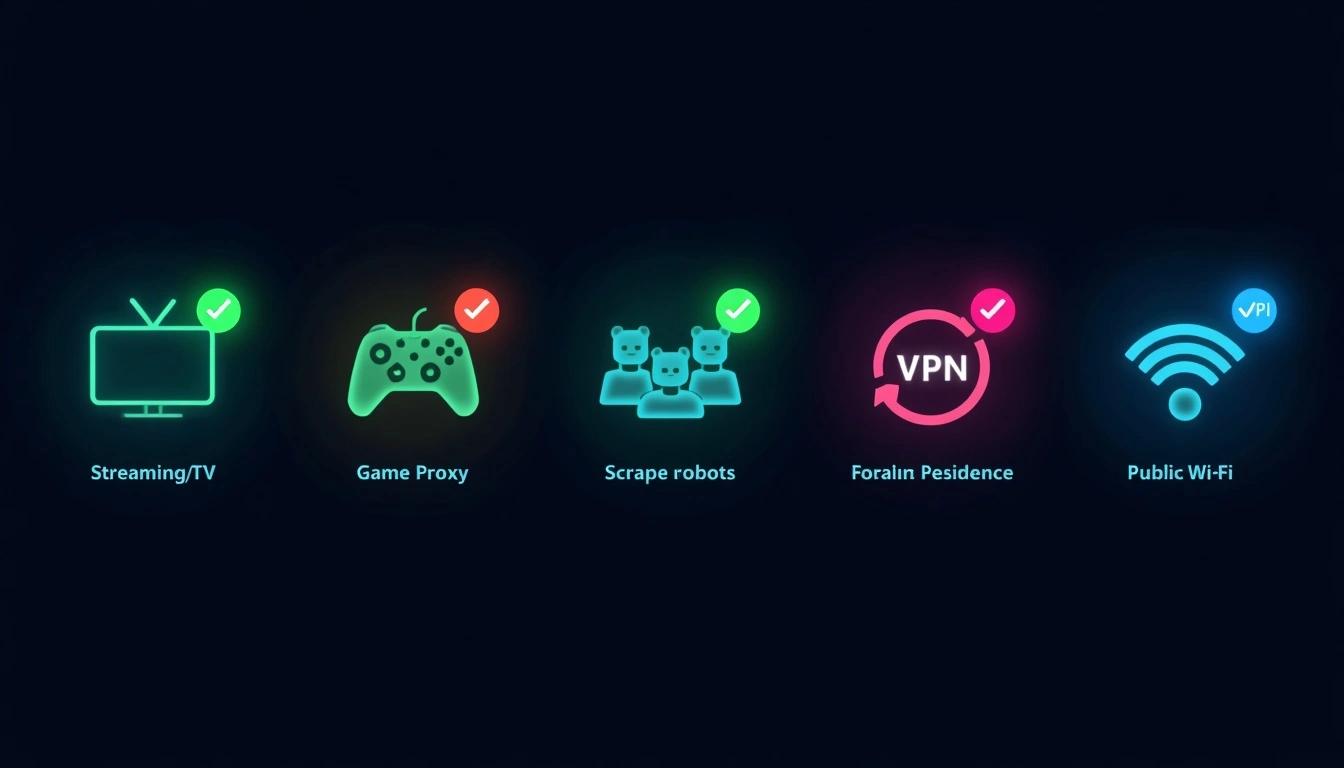
Stop guessing. Here's the direct verdict for each scenario.
Streaming (Netflix, Disney+, Hulu Region Unlocking)
Use a residential proxy. VPNs dominated this use case until 2022–2023. By 2026, major streaming services have blocked the IP ranges of virtually every commercial VPN provider. Residential proxies from CyberYozh still work because the IP addresses are indistinguishable from those of genuine subscribers in the target region. Use a static residential (ISP) proxy for consistent access without re-authentication.
Gaming (Region Access, Reduced Ping)
Proxy for speed. VPN for security on public networks. On home broadband where security isn't the concern, a proxy routes to region-specific game servers faster than any encrypted VPN tunnel. On public WiFi where protecting your connection matters, a VPN is the right choice despite the latency cost.
Managing Multiple Social Media Accounts
Residential proxies. This isn't negotiable. Multiple accounts from a single IP address are the primary trigger for mass bans across every major platform. One clean residential IP per account is the minimum viable setup. VPNs don't solve this; multiple sessions typically share the same VPN server IP, which replicates the exact problem you're trying to avoid.
Web Scraping and Data Collection
Rotating residential proxies. Large-scale scraping requires IP rotation to avoid rate limits. VPNs provide a single IP address at a time. A rotating residential proxy pool handles thousands of concurrent requests from different clean addresses, bypassing blocks at scale.
Torrenting
VPN wins here specifically. Your ISP can see torrent protocol traffic without encryption. A proxy without encryption doesn't prevent ISPs from monitoring your connection. For torrenting, use a VPN with a verified no-logs policy.
Protecting Yourself on Public WiFi
VPN wins here too. This is the strongest genuine use case for VPNs. The encryption directly addresses the network-level threat of open WiFi interception and man-in-the-middle attacks.
New Account Creation at Scale
Mobile proxies. Mobile carrier IPs register as the highest-trust source for account creation on every major platform. Social platforms flag new account creation from data center IPs immediately, and even from residential IPs when patterns are unusual. Mobile LTE/5G proxies have the cleanest creation success rates across consistent testing.
Can you use both a VPN and a proxy at the same time
Yes, and it's more practical than it sounds.
The standard layered setup: a VPN handles encryption at the network level while residential proxies manage IP identity for individual browser sessions. The VPN protects your connection from ISP monitoring. The proxy controls what each platform sees as your location and identity. Both jobs are done simultaneously.
Security researchers, social media managers, and anyone handling sensitive multi-account work often use this configuration for exactly that reason.
The practical trade-off is speed; both layers add latency. For tasks where raw throughput matters, running both simultaneously isn't always worth it. For high-stakes account management where both network security and platform-level invisibility matter, the combination makes sense.
SOCKS5 proxy vs VPN: The specific difference worth knowing
Not all proxies operate the same way at the protocol level.
HTTP proxies handle only web browser traffic. They're the most common type and work for most browsing use cases.
SOCKS5 proxies operate at a lower level, routing all types of application traffic, not just HTTP. This makes them compatible with email clients, torrent applications, gaming software, and custom scripts, not just browsers.
VPNs apply encryption and IP masking to all traffic from your device at the operating system level, regardless of application.
For most multi-account and privacy use cases, a residential SOCKS5 proxy offers the speed and IP-level anonymity of a proxy, while remaining flexible enough to work with any application. CyberYozh residential proxies are available in both HTTP and SOCKS5 formats depending on your setup requirements.
The practical takeaway on proxy vs. VPN and VPN vs. SOCKS5 proxy: use SOCKS5 residential proxies when you need application-level flexibility without encryption overhead. Use a VPN when network-level encryption is the actual requirement.