Can You Know Who Views Your Facebook Profile: What Facebook Shows in 2026

Quick answer: can you know who views your Facebook profile?
No. Facebook doesn’t show anyone a list of people who viewed their profile, and Meta says third-party apps can’t do it either. What you can see:
who watched your Stories;
who reacted or commented;
With professional mode turned on, how many people visited (as a number, never names).
If you’ve ever typed “can you know who views your Facebook profile” into Google late at night, you’re in very good company. It’s one of the most-searched Facebook questions, and one of the most exploited. You might phrase it as “can you see who views your Facebook profile” or “can you see who looks at your profile on FB.” Either way, scam apps, fake “source code tricks,” and copy-paste chain posts all promise the same thing: a list of your secret visitors.
This guide gives you the straight answer. It shows exactly what Facebook does and doesn’t reveal in 2026, including the new Facebook Plus subscription. It also walks you through fixing your account if you’ve already tried a “profile viewer” app.
What Facebook Meta login shows and what it hides
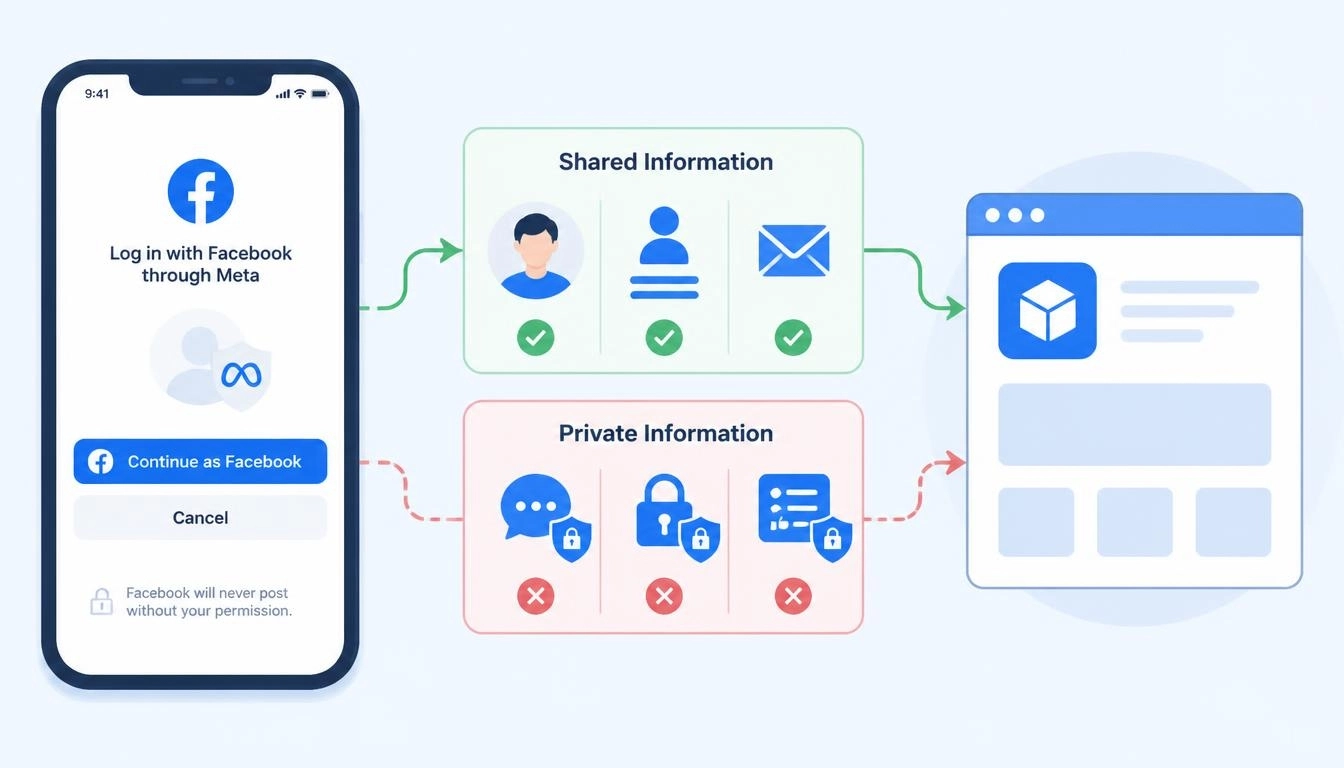
Here’s the whole picture in one table. Save it, because it answers most “how to tell who views your Facebook profile” questions in one go.
What you want to know | Can you see names? | What Facebook actually shows |
Who visited your profile | No | Nothing on a personal profile |
Who viewed your Story | Yes | A viewer list while the Story is live |
Who viewed your posts or photos | No | Only reactions, comments, and shares |
Who watched your Reels or videos | No | View counts, not viewer names |
Who follows you | Yes | Your followers list |
Profile visits in professional mode | No | An aggregate number in your dashboard |
Facebook Plus ($3.99/month) | Not for profile visits | Extra Story tools, not a visitor list |
So when someone asks “how can you tell who views your profile on Facebook,” the honest answer is that you can’t. The only clues are the traces people choose to leave behind, like a Story view or a reaction.
Why Facebook keeps it hidden: Profile browsing is private by design. If every visit were recorded and shown, people would simply stop looking at profiles, which is the opposite of what a social network wants.
Can you know who views your Facebook profile with a third-party app
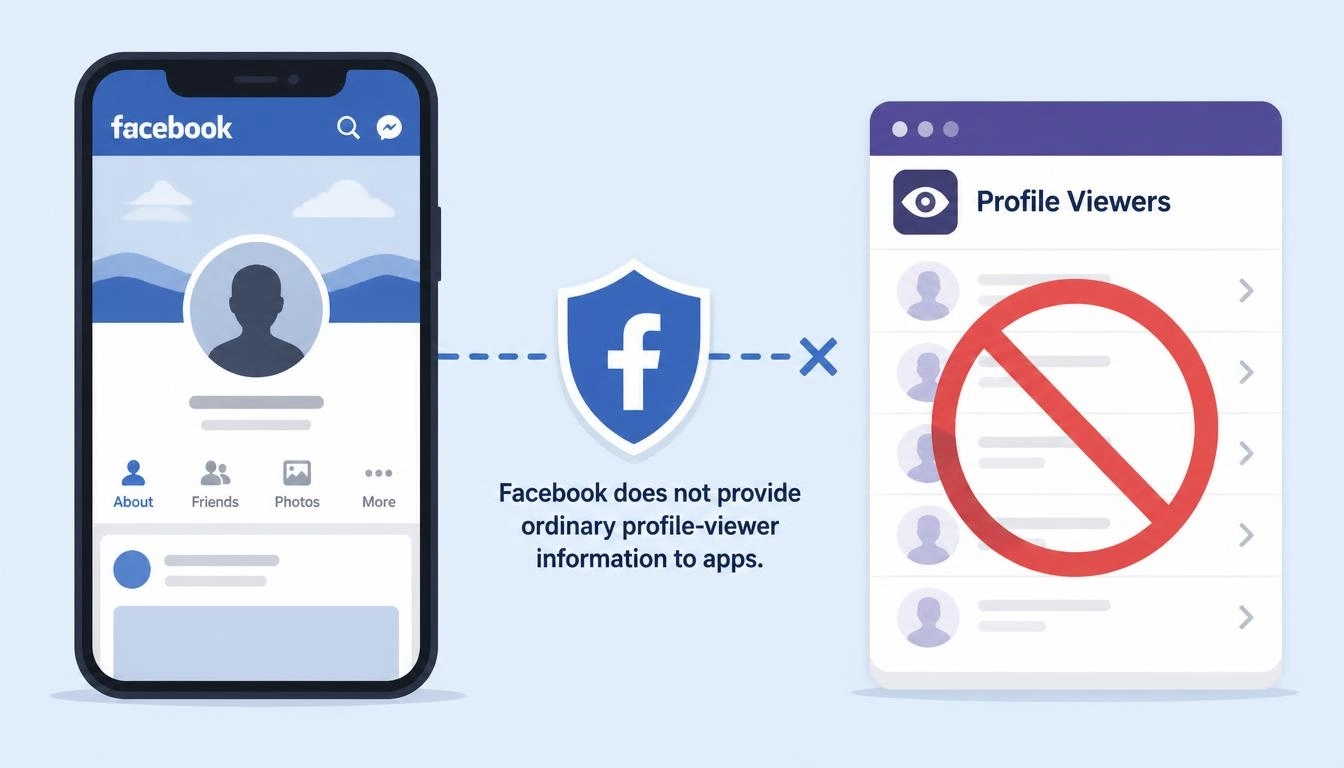
No, and this matters most for your safety. Meta’s Help Center says Facebook doesn’t let people track who views their profile, and third-party apps can’t provide this functionality either. Facebook doesn’t share profile visit data with outside developers, so no app, browser extension, or website has the data to begin with.
When you search “can I see who viewed my Facebook profile,” you’ll find dozens of these tools. So what do they actually do? Usually one of three things:
Show fake results. They list the friends you interact with most and present them as “visitors.”
Steal your fb login. You’re asked to “log in with Facebook” on a page that isn’t Facebook.
Grab permissions. Once connected, the app can read your data, post spam to your timeline, or message your friends.
Warning: Any app, extension, or website that claims to show your Facebook profile visitors is lying to you. The harmless ones waste your time. The rest are built to take over accounts.
Already tried a “profile viewer” app: Fix your account in 5 minutes
If you connected one of these tools, don’t panic. Work through this checklist today:
Remove the app. Go to Settings & privacy → Settings → Apps and websites, find anything you don’t recognize, and remove it.
Change your password, especially if you typed your login on a non-Facebook page.
Turn on two-factor authentication. You’ll find it in Accounts Center → Password and security.
Check where you’re logged in. In Password and security → Where you’re logged in, log out of any device or location that isn’t yours.
Delete spam posts and warn friends. If the app posted links on your behalf, delete them and let friends know not to click.
If Facebook keeps kicking you out after these changes, it may be a security check, not a bug. Our guide to sudden Facebook session expired loops explains how to tell the difference.
Pro tip: Once your account is secure, report the app or ad you used. Meta asks users to report anything claiming to show fb profile visitors.
Popular tricks that won’t show who’s looking at your Facebook profile
Every few months, a new “hack” goes viral promising to show who’s looking at your fb profile. None of them work. Here’s why:
The source code trick (InitialChatFriendsList). Videos tell you to open your profile’s page source and search for a list of IDs. That list reflects people Facebook thinks you’re likely to chat or interact with, not people who viewed your profile.
People You May Know. If someone suddenly appears in your suggestions, it’s tempting to think they visited your profile. In reality, suggestions come from mutual friends, shared groups, workplaces, schools, and contacts uploaded from phones.
Your friends list order. The friends at the top of your list are usually the ones you interact with most, not the ones who visit most.
The “who viewed my profile” iPhone menu. There is no such setting in the Facebook app on iPhone or Android, no matter what the screenshots claim.
If you’ve been searching for how to find viewers of my Facebook profile, none of these tricks will help, because the data simply isn’t there for anyone to read.
What you can see: Stories, reactions, and post activity
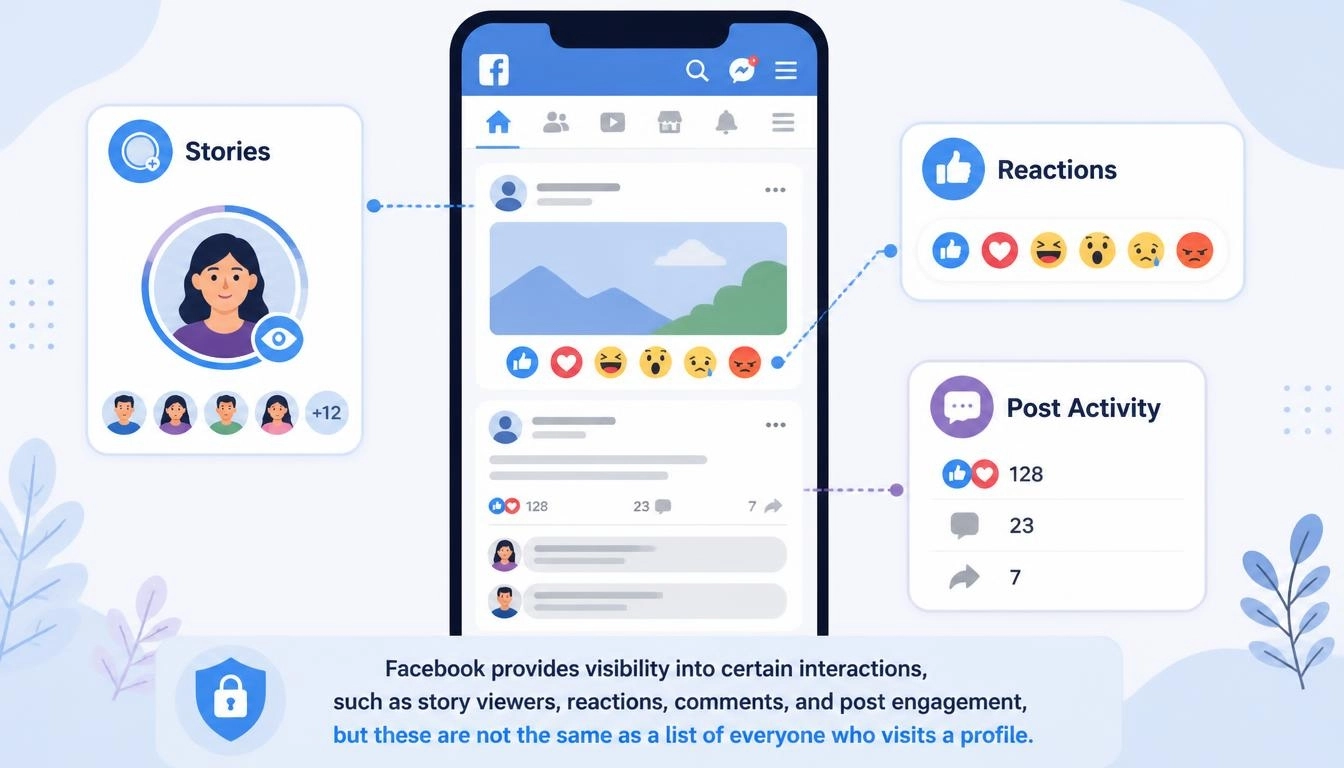
You can’t see fb profile visitors, but you can see some activity. If you want to know how to see who is viewing your Facebook profile in a more indirect way, these signals are the closest thing:
Story viewers. Post a Story, and Facebook shows you who watched it while it’s live. It’s the only place where a “view” comes with a name.
Reactions, comments, and shares. Anyone who interacts with a post leaves their name behind.
Followers. If your fb profile allows followers, you can see who follows you.
What about posts? If you’re wondering how to see who’s viewed your Facebook post, the answer is the same as for profiles: you can’t. You’ll see who reacted, commented, or shared, and Reels and videos show a view count, but there’s no list of viewers.
Note: Stories work both ways. If you watch someone else’s Story, your name can appear in their viewer list. If you’d rather view Facebook Stories anonymously, our separate guide covers what works in 2026.
Can you know who views your Facebook profile with Facebook Plus
Meta now sells Facebook Plus for $3.99 a month, and many people assume it finally unlocks fb profile visitors. It doesn’t.
The plan focuses on Stories and personalization: rewatch insights, searching your Story viewer list, Story previews, longer-lasting Stories, and profile styling. None of the announced features is a list of people who visited your profile.
So if a paid subscription from Meta itself doesn’t show who visited your Facebook profile, no outside app can either.
Can you know who views your Facebook profile in professional mode
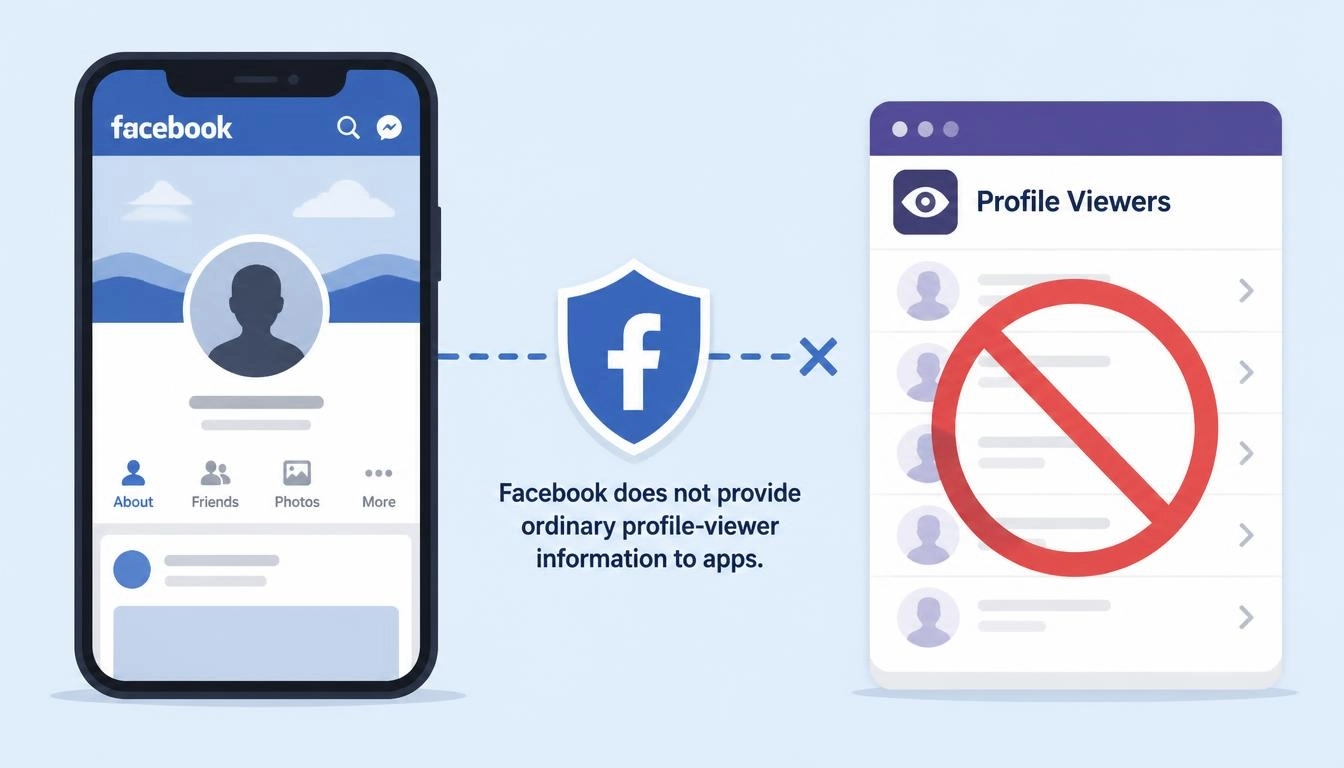
Professional mode turns a personal fb profile into a creator-style profile with a Professional Dashboard. According to Meta, the dashboard gives you post, audience, and profile insights, with an overview of your performance for up to the past 90 days.
That makes it the only official way to see how many people interact with your fb profile, but the numbers are aggregated. You might see visits go up after a post goes viral, but you won’t see who those visitors were.
Who professional mode is good for:
Creators who want to know which posts bring people to their profile
Small businesses and freelancers who use their personal profile to find clients
Social media managers reporting growth to clients
Can someone tell if you viewed their Facebook profile
People search this question just as often from the other side: “can people see if you’ve viewed their profile on Facebook?” The answer is no. Viewing a profile, scrolling through photos, or reading old posts doesn’t send a notification, and it doesn’t appear anywhere the owner can check.
You only become visible when you leave a trace:
Watching their Story puts your name in their viewer list.
Reacting, commenting, or sharing, even by accident, sends a notification.
Sending a friend request or poking obviously tells them you were there.
Common mistake: Accidentally liking a three-year-old photo is the classic way people get “caught.” Unliking it straight away removes the like, but the notification may already have gone out.
How to control who sees your Facebook profile
If you can’t see who’s looking, the next best move is controlling what they can see. Five settings do most of the work:
Preview your profile as the public. On your profile, open the three-dot menu and use the view-as option to see exactly what strangers see.
Set the audience for future posts. Choose Friends instead of Public in Settings & privacy → Settings → Audience and visibility.
Limit past posts. One tap changes all your old public posts to Friends.
Hide your friends list and contact details. Set your friends list, email, and phone number to Friends or Only me.
Lock your profile where available. In some regions, Profile lock limits your photos, posts, and full profile picture to friends.
Expert insight: Looking at a fb profile never shows your IP address or location to its owner. Your bigger privacy risk is the apps and links you connect to Facebook, which can log your IP and device. If you’re curious what your connection gives away, the CyberYozh IP checker shows the public IP and location your connection reveals.
For marketers: managing Facebook profiles without mixing accounts
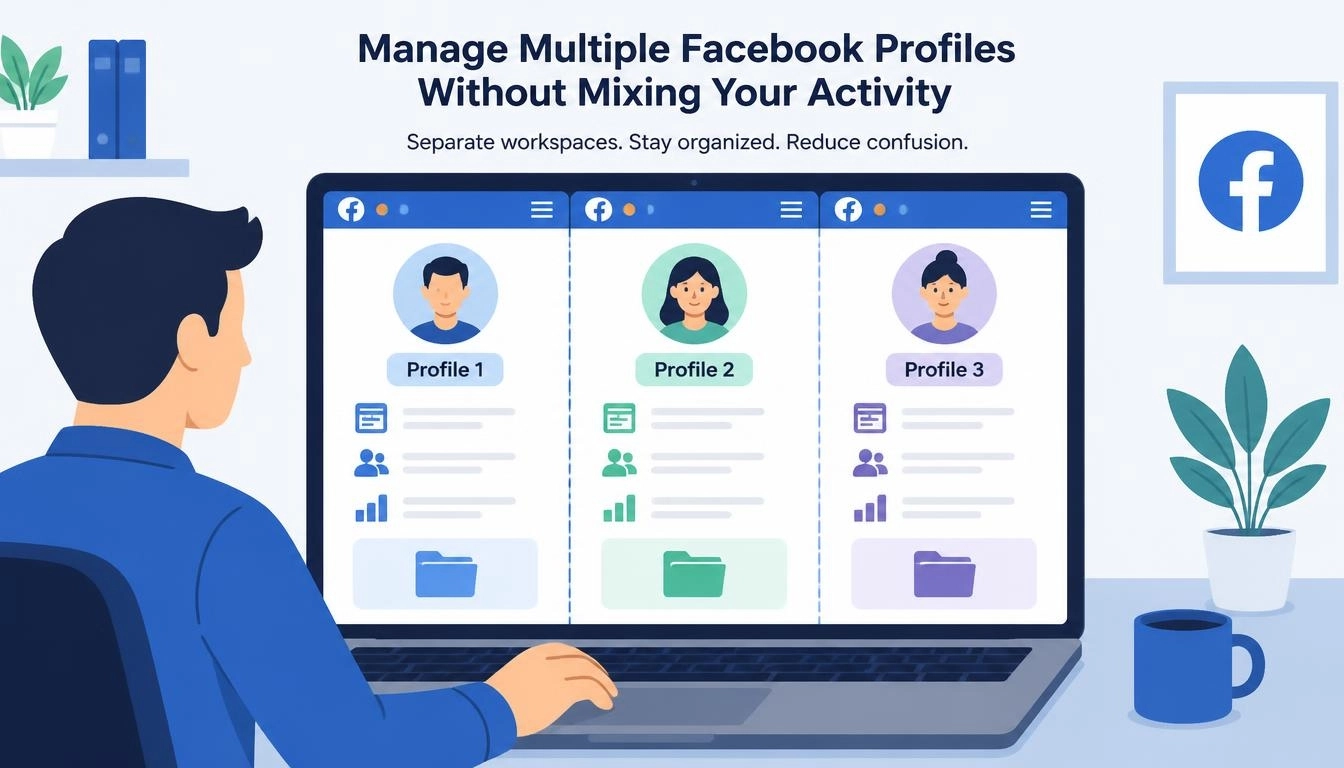
Some people ask, “How can I see who visited my Facebook?” for business reasons, not curiosity. Agencies, ad buyers and social media managers often juggle client Pages, ad accounts and Business Manager logins from one desk. Since even professional mode only gives numbers, the real job is keeping every client’s work separate and stable, so accounts don’t get flagged for suspicious logins.
That’s where CyberYozh comes in:
Facebook proxies give each client workspace its own stable IP, so logins don’t jump between countries and trigger security checks.
Android cloud phones let you run the Facebook app for each client on a separate Android phone in the cloud, each with its own proxy, starting at $0.52 per phone profile per month plus usage.
Dedicated mobile proxies use real carrier IPs, which Facebook treats like ordinary phone users.
Follow Meta’s rules: Meta allows one personal profile per person. Manage client Pages and ad accounts through Business Manager or Meta Business Suite. Use proxies and cloud phones to keep those sessions stable, not to create fake profiles.
Comparing options first? See our breakdown of the best Facebook proxies for managing multiple accounts.
Conclusion
Can you know who views your Facebook profile? Not by name, not with an app, and not even with Meta’s own paid subscription. What you can do is:
read the signals Facebook does give you: Story viewers, reactions, and professional mode numbers;
lock down what strangers can see;
stay well away from anything promising a list of secret visitors.
If you manage Facebook for clients or a business, focus on what you can control: stable, separate sessions for every account.