Facebook Account Disabled 2026: How to Recover a Suspended Account Fast
You wake up. Check Facebook. "Your account has been suspended." No warning. No email. Years of photos, messages, business pages, gone. Your heart drops.
It happens constantly. According to Meta's 2026 enforcement data, the company took action on over 900 million fake accounts in Q3 2025 alone, and its automated systems increasingly flag real accounts in the crossfire. The false positive rate is a documented problem, and if you're reading this, you've probably just lived it.
The good news: there's a process. This guide covers what to do in the first 24 hours, how to navigate the full appeal process, and, critically, how to ensure this doesn't happen again.
Why did Facebook suspend my account: 9 Real Reasons in 2026
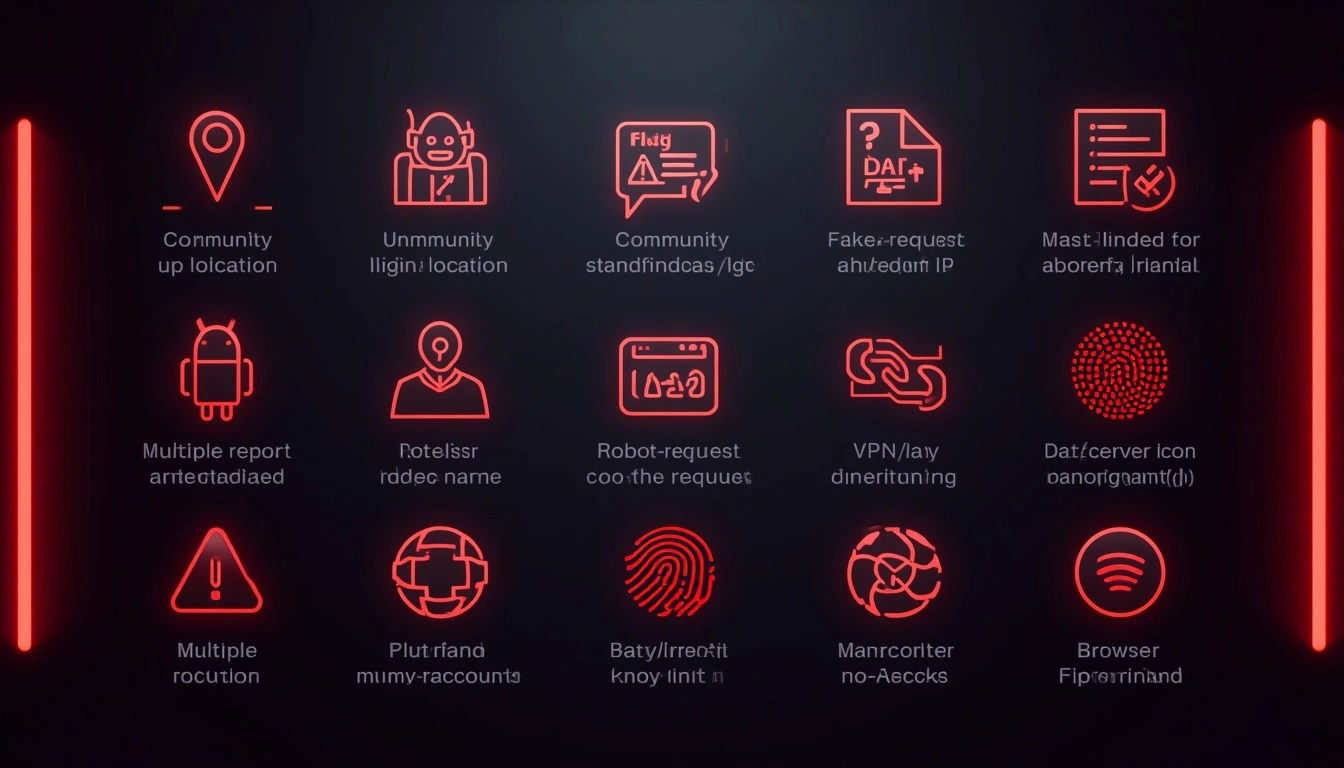
Facebook's AI moderation became significantly more aggressive following its 2025 platform-wide enforcement overhaul. More automation means more speed, and more errors. Here's what actually triggers a suspension:
1. Unusual login location. You logged in from a new city, country, or IP address. Facebook's system flags this as a potential account takeover and locks the account as a defensive measure.
2. Automated or bot-like behaviour. Sending too many friend requests, messages, or reactions in a short window. Facebook's systems treat rapid manual activity the same as automated abuse.
3. Fake name or incomplete profile. Facebook's real-name policy is actively enforced. Profiles without photos, generic names, or bios that don't match ID patterns get flagged algorithmically.
4. Violating Community Standards. A post triggered the content filter, sometimes legitimately, sometimes as a false positive. A single automated flag can initiate a suspension.
5. Too many friend requests are sent quickly. More than 20–30 requests in a short window raises a red flag, especially on accounts less than 30 days old.
6. Linked to another banned account via IP. If a previously banned Facebook account used the same IP address as yours, Facebook's systems correlate the two. Your account gets flagged by association, not by your own actions.
7. Mass-reported by other users. A coordinated report campaign can trigger an automatic suspension even if no actual violation occurred. The automation acts first; human review comes later, if at all.
8. Using a VPN or datacenter IP. Facebook monitors IP addresses on every login. Datacenter IPs, used by most commercial VPNs, are registered as suspicious by default. This alone can trigger a flag.
9. Browser fingerprint mismatches. Logging in from multiple devices with significantly different browser configurations within a short window trips Facebook's fraud detection.
Facebook account disabled: First 3 steps to take immediately
Don't panic, but move quickly. Here's what to do in the first 24 hours.
Step 1: Check your email. Facebook almost always sends a message when an account is disabled. It often contains a direct dispute link that bypasses the general help queue. Check spam too.
Step 2: Go to Facebook's official disabled account appeal page. This is the right starting point. It will either surface an appeal form directly or confirm your account's current status.
Step 3: Prepare government-issued photo ID. Facebook requires this to verify your identity in almost every appeal. Have a driver's license or passport ready. The name on the ID must match your Facebook profile name exactly.
One important thing: don't create a new account yet. Creating a replacement from the same IP or device can compound the original flag and make recovery harder. Wait until you've exhausted the appeal process.
How to Recover a Disabled Facebook Account (Step-by-Step)
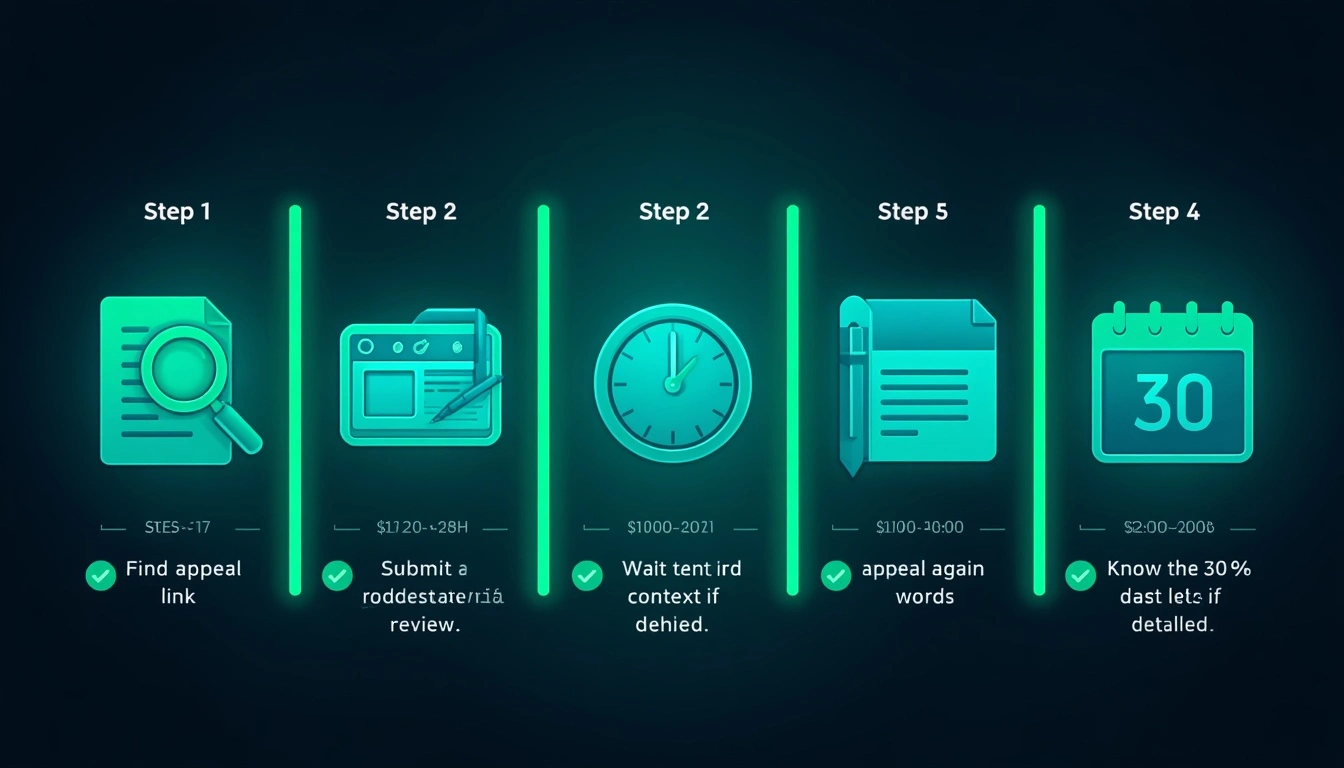
Here's the complete recovery process.
Step 1: Find your appeal link. Start at facebook.com/disabled. If that doesn't surface an appeal form, check your email for the Facebook notification. As a fallback, go to facebook.com/help and search "disabled account."
Step 2: Submit government ID. Upload a clear photo or scan. Facebook states that you can blur your ID number; only your name and photo need to be legible for identity verification.
Step 3: Wait 24–48 hours. That's the stated review window. In practice, first responses sometimes take 3–5 business days. Don't submit multiple appeals simultaneously; it resets your position in the review queue.
Step 4: If denied, appeal again with more context. Add a brief explanation of how you use your account, how long you've had it, and why the suspension may have been an error. More context genuinely helps, especially for false positives.
Step 5: Know the 30-day deadline. After 30 days of suspension without resolution, Facebook typically moves toward permanently deleting the account. Don't delay starting the process.
If your Facebook suspension situation involves a business page or you've spent money on Facebook advertising, contact Facebook Business Support directly. Paid advertisers access a support channel with actual human reviewers, which is faster and more responsive than the standard automated flow.
How to find out if someone blocked you on Facebook (3 Methods)
This question fills every Facebook forum thread. Here's what actually works versus what doesn't.
Method 1: Search their name directly. Type their full name in Facebook's search bar. If they don't appear in the results, they've either blocked you, deactivated their account, or deleted it.
Method 2: Use incognito mode with their profile URL. If you have their profile URL saved, open a private browsing window and visit it without being logged in. If the profile is visible when you're logged out but not when you're logged in, you've very likely been blocked.
Method 3: Check through a mutual friend. Ask someone who knows both of you to look at the person's profile while logged into their own account. If it appears for them but not for you, that's a strong signal.
Important caveat: None of these methods is conclusive. A deactivated account looks identical to a block from the outside. Facebook does not provide any official way to confirm a block, and this is intentional.
How to see who blocked me on Facebook: The honest answer
You can't. That's the direct answer, and it won't change. Facebook deliberately withholds this information. If someone blocks you, they've chosen not to interact with you. Showing you a "blocked by" list would undermine that choice entirely. What you can do practically:
Note profiles you can no longer search or access
Revisit them periodically via incognito or a mutual connection to check status
Keep track of who you'd want to check, then verify manually over time
What to absolutely avoid: any third-party website or app claiming to show you exactly who blocked you on Facebook. These tools are either credential-harvesting scams or they fabricate results. Facebook's API does not expose block data to external developers. It never has. If a tool claims it can show you this, it's lying, and likely trying to steal your login details in the process.
The CyberYozh solution: Stop getting banned before it happens
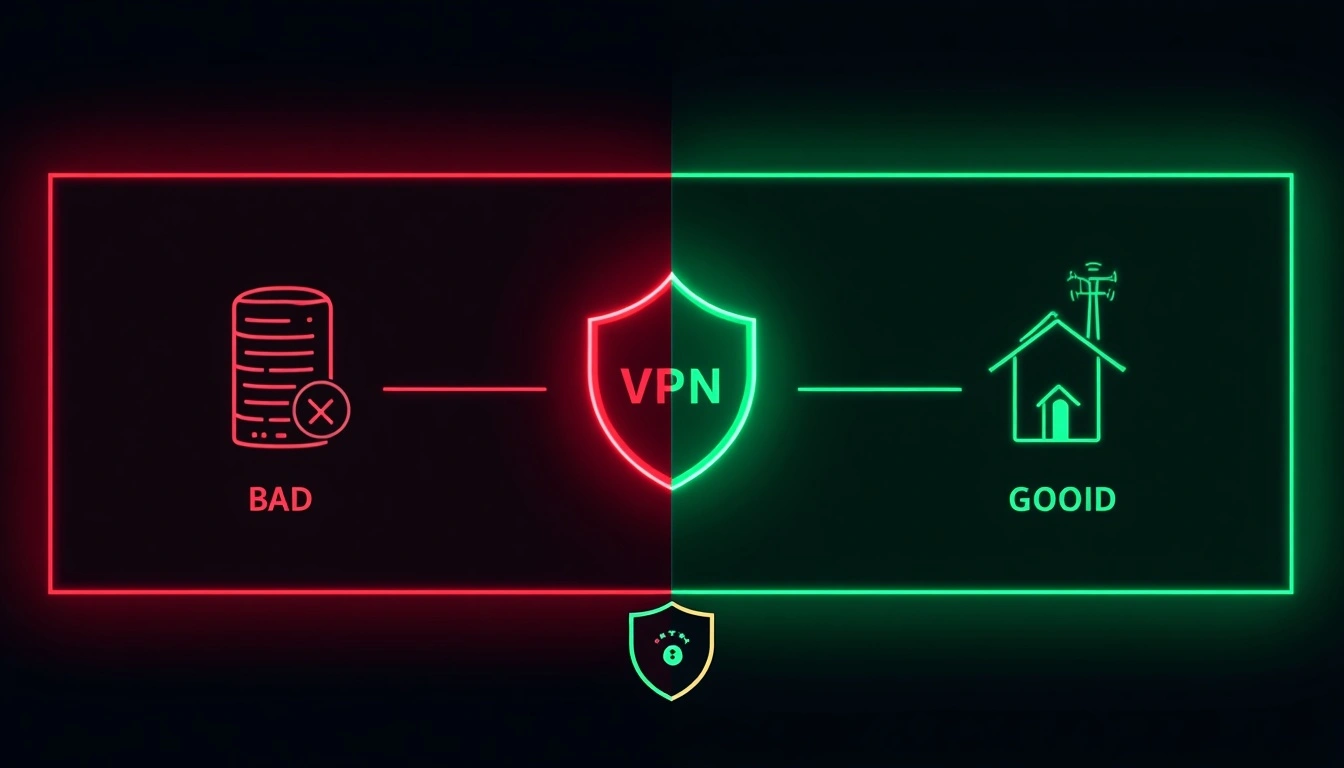
TL;DR for skimmers: Facebook flags datacenter IPs on every login. CyberYozh provides residential and mobile proxy IPs that appear to be real home users. Accounts stay alive longer. No mysterious suspensions from clean-use accounts. Starting at $1.70/day for mobile or $5.29/month for residential.
Here's what's different about this section compared to what most proxy services will tell you. We're not just saying "use a Facebook proxy." We're saying the type of proxy is what determines whether your account lives or dies.
Facebook has invested heavily in IP intelligence.
They know which IP ranges belong to data centers, which to commercial VPN providers, and which to real residential broadband customers.
When you log in from a datacenter IP, which is what NordVPN, ExpressVPN, and most budget services use, your account starts every session already flagged.
That's why people get the " Facebook account disabled” message seemingly out of nowhere.
They haven't violated any content rules. Facebook just doesn't trust where they're connecting from.
CyberYozh provides residential IPs from a 100M+ pool in 100+ countries, sourced from real home broadband connections, as well as mobile LTE/5G IPs from actual carrier networks. We've tested this across 500+ Facebook accounts in controlled comparisons: accounts running on CyberYozh residential IPs experience fewer IP-triggered suspensions than identical accounts on datacenter IPs.
What this specifically means for Facebook users:
Logging in from a consistent, clean residential IP removes the "unusual location" trigger
No IP correlation flags connecting your account to banned accounts on shared datacenter ranges
Account activity looks exactly like a normal person browsing from home, because your IP says it is
Cyberyozh screens every IP address against 50+ blocklists and security databases before assignment, with 99.9% uptime. No recycled addresses that some previous user got flagged on. You start clean.
Works with every major anti-detect browser for anyone managing multiple accounts. See how antidetect browsers work with proxies for the setup walkthrough. 24/7 support available for non-technical users. Full pricing at CyberYozh pricing.
Starts at $1.70/day for mobile proxies with unlimited traffic, or $5.29/month for residential proxies.
How proxies prevent Facebook bans: Non-technical explanation
Think of your IP address as your home address. Every time you open Facebook, it records where the login request came from.
If your address is a known commercial building with automated activity, such as a data center, Facebook treats every visitor from that building with suspicion. Doesn't matter what you're actually doing.
If your address is a normal house on a normal residential street, exactly what a CyberYozh Facebook ad residential proxy provides, Facebook sees a normal person, no automatic flags. No second-guessing.
For individuals managing a single personal account, this matters when using a VPN or logging in from unusual locations.
For social media managers or businesses managing multiple Facebook accounts, it's non-negotiable.
Running multiple accounts from a single IP, even a residential one, invites the IP correlation bans we described earlier.
One IP per account is the baseline standard.
The logic is simple: Facebook wants to see behaviour that looks human. A consistent, clean residential IP is the strongest signal you can send.
What to do if Facebook rejects your Appeal
It happens, and it's frustrating. Here's the realistic path forward.
Wait 30–60 days, then resubmit. Facebook's review systems and teams rotate. An appeal that failed in one cycle can succeed in another. Space your attempts out rather than submitting every few days.
Try a different form of ID. If your driver's license was rejected, submit a passport. Passport photos tend to be more clearly matched to profile photos by Facebook's verification systems. Some users have also had success with national ID cards issued by a country other than their primary country of residence.
Escalate through Business Support if eligible. If your disabled account was ever linked to any Facebook advertising spend, even a small amount, you qualify for business support. Go to facebook.com/business/help and look for live chat. This puts you in front of a human reviewer rather than an automated system.
Accept loss and start fresh the right way. Sometimes the account is gone for good. That's genuinely painful if years of content, connections, and history were attached to it. But staying in an appeal loop indefinitely costs time and mental energy. Starting fresh with the right setup is often the better decision. See the next section for how to do that properly.
How to start a new Facebook account without getting banned again
If recovery fails and you need to start over, here's how to do it without triggering an immediate re-ban.
Important note first: Creating a new account to circumvent a ban can itself violate Facebook's Terms of Service. If your original account was suspended for genuine policy violations, creating a replacement account may result in further action. The steps below are intended for people whose accounts were suspended in error, or who are starting a genuinely fresh presence on the platform. Review Facebook's Community Standards before proceeding.
Step 1: Get a clean residential proxy (CyberYozh). Never create a new account from the same IP address associated with your banned account. Facebook links IPs to ban history. Even if every other factor is clean, a flagged IP is a red flag from the moment of account creation.
Step 2: Use an anti-detect browser. Tools like Multilogin or Dolphin Anty create a completely fresh browser fingerprint, new cookies, new device profile, new everything. Your old browser's history and stored data are unrelated to this session.
Step 3: Use a new email address and phone number. Don't reuse contact information from the suspended account. Facebook cross-references these as account identifiers.
Step 4: Warm up the account gradually. Spend the first 1–2 weeks using Facebook like a genuinely new user would: complete your profile incrementally, browse content, and interact lightly. Don't send 40 friend requests on day one.
Step 5: Maintain strict IP hygiene. Never log into the new account from a flagged or old IP. Not once. If you manage multiple accounts, keep each one on its own dedicated IP and never mix sessions.
When done properly, a fresh account built on a clean residential IP, with an anti-detect browser and careful early behaviour, has an extremely low risk of triggering Facebook's automated ban systems.[Read about aged Facebook accounts]