
How to Switch Accounts on Discord Mobile: 5 Methods That Work in 2026
You open Discord on your phone, look for the “Switch Accounts” button you use on your laptop, and it’s not there. You’re not missing a setting. This guide covers how to switch accounts on Discord mobile today, which method works on iPhone or Android, and how to avoid getting locked out.
Quick Answer: Discord’s official Account Switcher, which holds up to five accounts, is documented for desktop, not for the iOS or Android app. The fastest workaround is to keep one account in the Discord app and open a second in your phone’s browser at discord.com with “Request desktop site” turned on, where the switcher is available. Android users can also run a second copy of the app through their phone’s built-in dual-app or work-profile feature.
TL;DR
The Discord mobile app has no officially documented account switcher, so most people log out and back in, or use the browser.
A mobile browser in desktop mode gives you the same five-account switcher as the computer version.
Android can run two Discord apps through built-in features like Dual Apps, Parallel Apps, or Secure Folder. iPhone can’t.
Turn on 2FA and save your backup codes for every account before you start switching, because that’s where most lockouts happen.
Repeated “new login location” emails usually mean your IP keeps changing, not that someone hacked you.
Can you switch accounts on Discord mobile
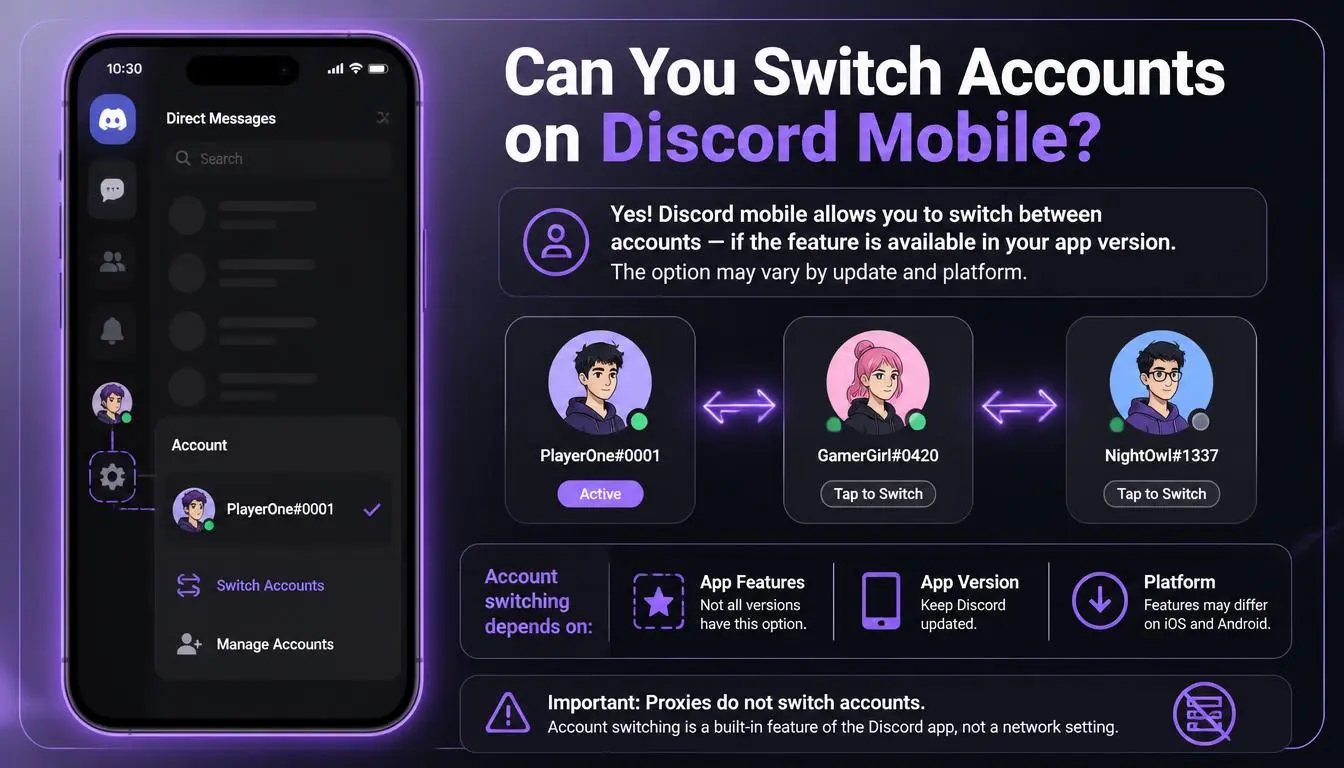
Yes, but not with one tap. Discord’s Account Switcher help article describes the feature for desktop: you click your avatar, choose “Switch Accounts,” and can keep up to five accounts logged in.
The mobile app hasn’t caught up. Users have been asking for it on Discord’s own feedback forum since at least 2023, and a 2024 request states plainly that “the Discord mobile app currently lacks the account switcher feature that the web and PC apps both have.”
App features change quickly, so before trying the workarounds below, open the app, tap your avatar on the You tab, and look for a switch option. If it’s there, use it.
How to switch accounts on Discord mobile: 5 methods
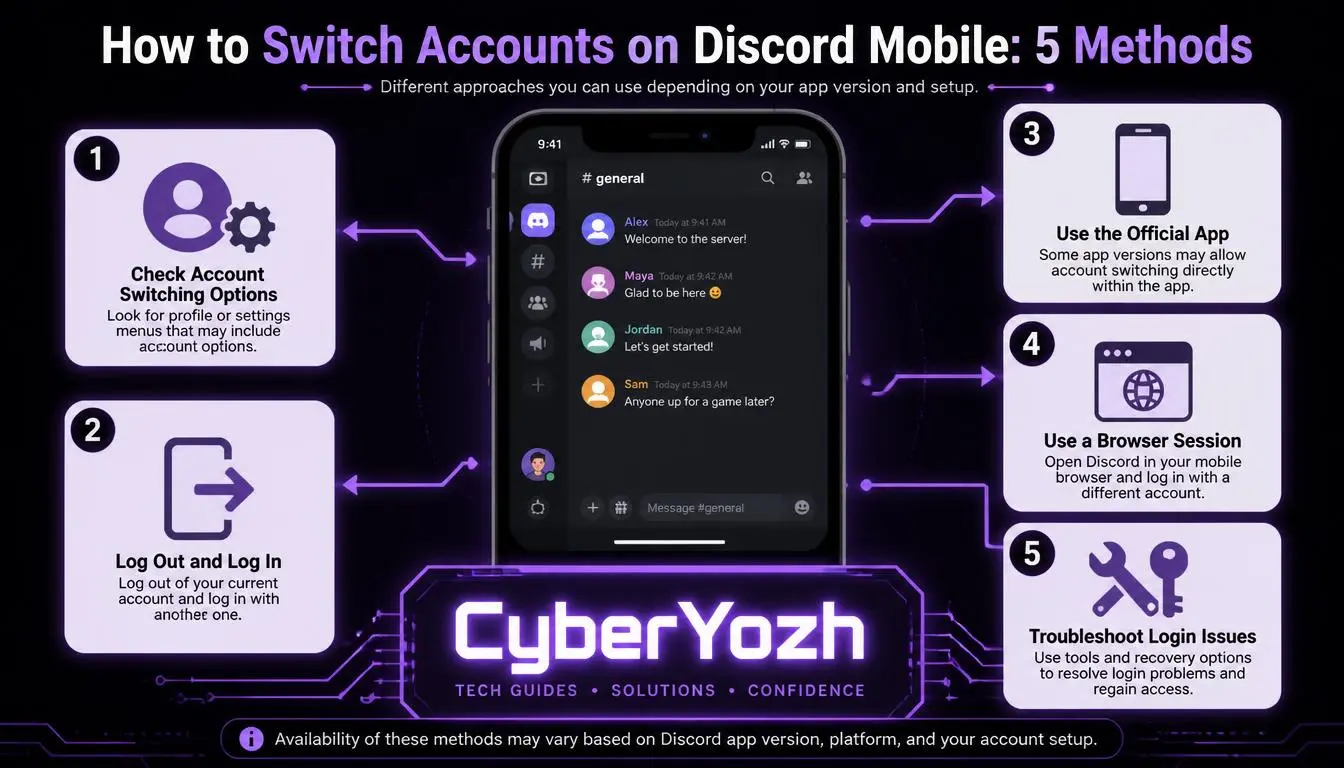
Method | iPhone | Android | Accounts ready at once | Main drawback |
1. Log out and back in | Yes | Yes | 1 | Slow, needs password and 2FA each time |
2. Browser in desktop mode | Yes | Yes | Up to 5 | Small screen, weaker notifications |
3. App + browser | Yes | Yes | 2 | Two different interfaces |
4. Built-in dual apps | No | Yes (most brands) | 2 | Varies by phone maker |
5. Third-party cloner apps | No | Yes | Many | Security and privacy risk |
1. Log out and log back in
If you only need the basics of switching accounts on Discord mobile, this is the method Discord supports on every phone. Go to You → Settings (gear icon) → Log Out, then sign in with the other account’s email or phone number and password.
It works, but it’s the slowest option, and each login can trigger a 2FA prompt or a location check. It suits you if you switch once a day, not ten times.
2. Use a mobile browser in desktop mode (up to 5 accounts)
This is the closest thing to a real Discord account switcher on mobile.
Open Chrome or Safari and go to discord.com/login.
Turn on Request desktop site (Chrome: three-dot menu. Safari: the “aA” button).
Log in, then click your avatar at the bottom left and choose Switch Accounts → Add an Account.
Pro Tip: Don’t use a private or incognito tab. Those clear your cookies when you close them, so you’ll be logged out every time.
3. Keep one account in the app and one in the browser
If you only need two accounts, put your main account in the app (for notifications) and your second account in the browser. This is the simplest way to run two Discord accounts on one phone without installing anything.
4. Run two Discord apps on Android
This is what people usually mean by “double Discord.” Many Android phones can run a second, separate copy of an app without third-party software:
Xiaomi, Redmi, POCO: Settings → Apps → Dual apps
OnePlus, OPPO, realme: Settings → Apps → App cloner or Parallel Apps
Samsung: Secure Folder (install Discord a second time inside it)
Pixel and others: a work profile or a second user profile (Settings → System → Multiple users)
Names change between phone models and Android versions, so search your Settings for “dual” or “clone” if the path above doesn’t match.
Common Mistake: Joining Discord’s beta to get “a second app.” On both Android and iOS, the beta replaces your current Discord app. It doesn’t install a second one.
5. Third-party app cloners (last resort)
Apps like Parallel Space can clone Discord on Android, but they sit between you and your login, often ask for broad permissions, and show ads. Avoid using them for your main account or any account that holds payment details or Nitro.
Secure each account before you start switching
Whichever method you choose, switching accounts on Discord mobile means more logins, and each login is a chance to get locked out. Do this once for every account:
Turn on 2FA with an authenticator app and save the backup codes somewhere outside your phone. If you lose the phone, those codes are usually the fastest way back in.
Use a separate email for each account. A shared inbox makes recovery confusing and turns one breach into two.
Check your phone numbers. Discord generally ties a verified phone number to one account at a time, so plan which number goes where before a server asks you to verify.
What Discord allows: Pseudonymous and secondary accounts are fine. Discord’s Identity and Authenticity policy prohibits fake profiles, impersonation, and creating new accounts to get around a permanent ban. The Account Switcher article also notes that if Discord acts against one account, it “may take action on any account that we can determine belongs to the user.” Switching methods won’t change that.
Troubleshooting: common problems and fixes
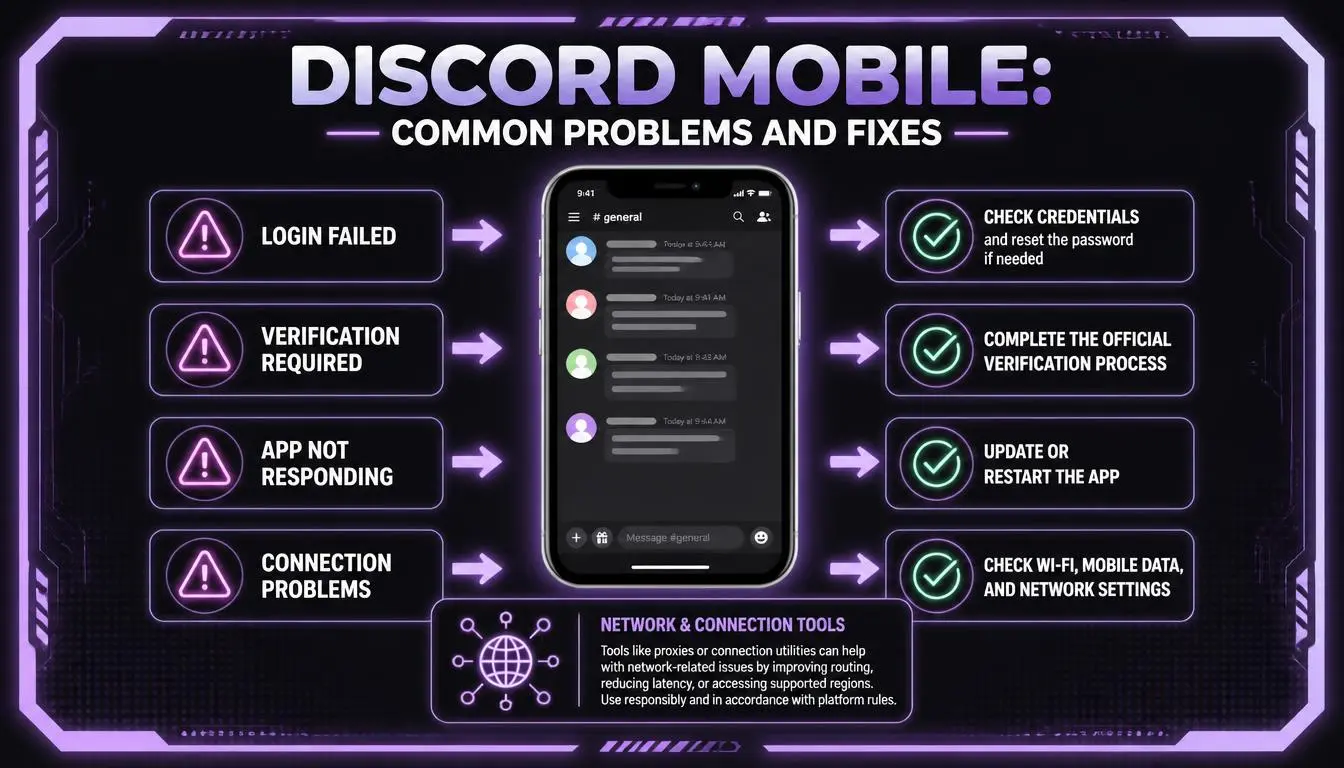
These are the most common problems people run into when trying to switch Discord accounts on mobile.
“There’s no Add Account option.” That’s expected in the mobile app. Use the browser method (method 2).
“I keep getting ‘New login location detected’ emails.” Discord asks you to confirm a login when it comes from an IP it doesn’t recognize. Moving between Wi-Fi and mobile data, switching on a VPN, or using a proxy that rotates IPs can all trigger it. Open the email, verify the login, and try to sign in on the same network each time.
“The browser keeps logging me out.” You’re probably in private mode, or your browser clears cookies on exit. Use a normal tab and allow cookies for discord.com.
“I lost my 2FA device.” Log in with a saved backup code, then set up 2FA again on the new device. Without backup codes, recovery through Discord support is slow and not guaranteed.
“My draft message disappeared.” Discord’s own documentation confirms that drafts aren’t kept when you switch accounts. Send or copy important messages first.
Do you need a Discord proxy to use multiple Discord accounts
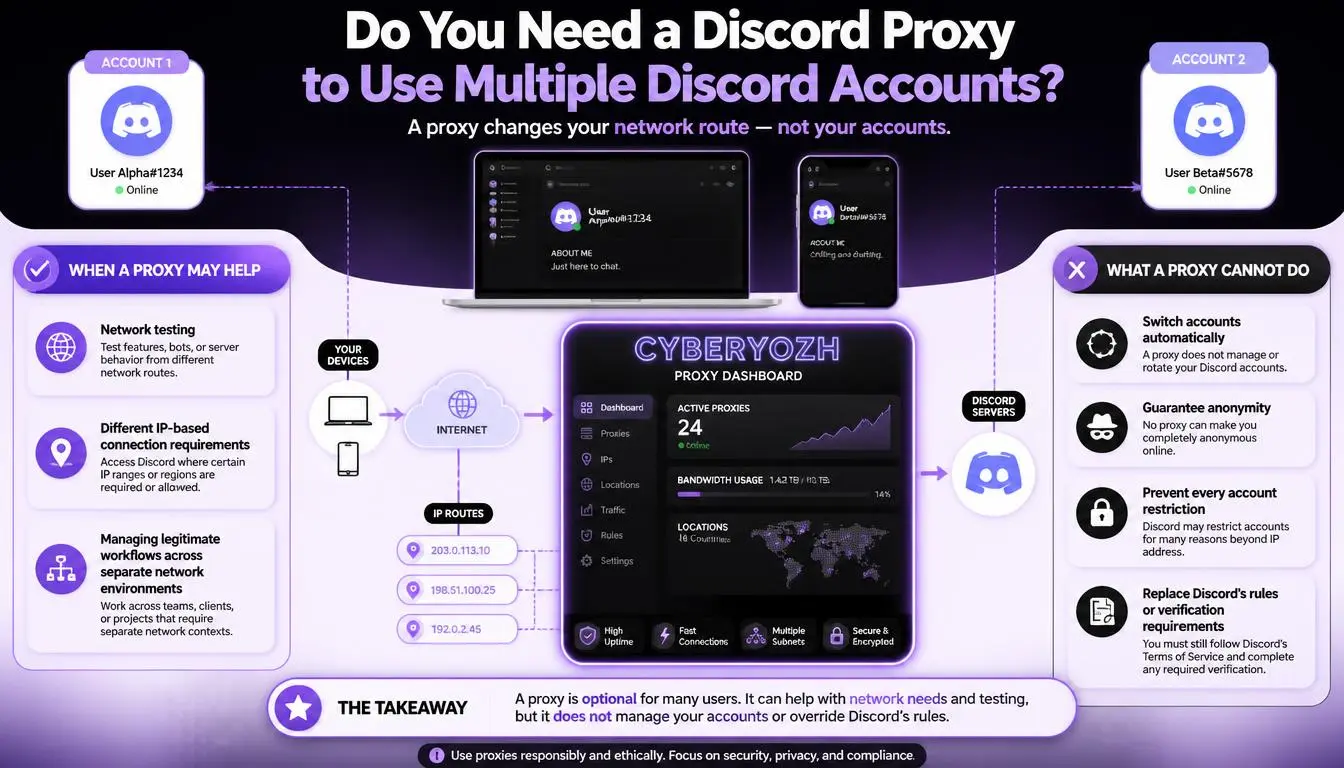
For most people, no. Knowing how to switch accounts on Discord mobile is all you need for personal use. A proxy doesn’t switch accounts, hide a ban-evasion attempt, or stop Discord from linking accounts it believes belong to you.
Proxies matter in some cases: Community managers, moderators, and agencies that run several brand or client accounts from one phone sometimes assign each account its own fixed IP, so every login comes from the same location instead of whatever network the phone happens to be on.
If that’s you, the most important rule is: don’t use a rotating IP for logins. An IP that changes on every request triggers exactly the location checks described above. A static IP is a better fit.
Running several community accounts? See how CyberYozh’s Discord proxy setup assigns each account a separate, stable IP.
CyberYozh options for Discord on mobile
Prices as listed on the CyberYozh catalog, October 2026:
Static ISP residential proxies from $5.29/month: one dedicated IP that doesn’t change, unlimited traffic, HTTP and SOCKS5
Dedicated LTE/5G mobile proxies from $3.5/day: a real carrier connection on your own channel, with unlimited traffic and IP changes only when you choose
Shared LTE/5G mobile proxies from $1.7/day: a cheaper carrier IP shared with other users, better for light use
Fraud score checker to see whether an IP is already flagged before you log in with it
What it won’t do: A proxy can’t make an account immune to Discord’s rules, and it won’t help an account that’s already banned.
Conclusions
Until Discord adds an official switcher to the app, switching accounts on Discord mobile means choosing the right workaround. Use the browser in desktop mode for up to five accounts, the app plus the browser for two, or Android’s built-in dual apps for a cleaner setup. Secure every account with 2FA and backup codes first.
Managing accounts for a team or community? Compare every proxy type in the CyberYozh catalog and choose a static option that fits your budget.