

Discord proxy
Manage multiple Discord accounts, run bots, and keep community operations stable without relying on one IP. With 100M+ residential, mobile, and datacenter IPs, CyberYozh helps reduce rate limits and connection interruptions.
Best Discord proxy for individuals and teams
50M+ residential, real mobile LTE/5G, and datacenter proxies for Discord. Run multiple accounts, bots, and community workflows with stable connections and fewer rate limits.
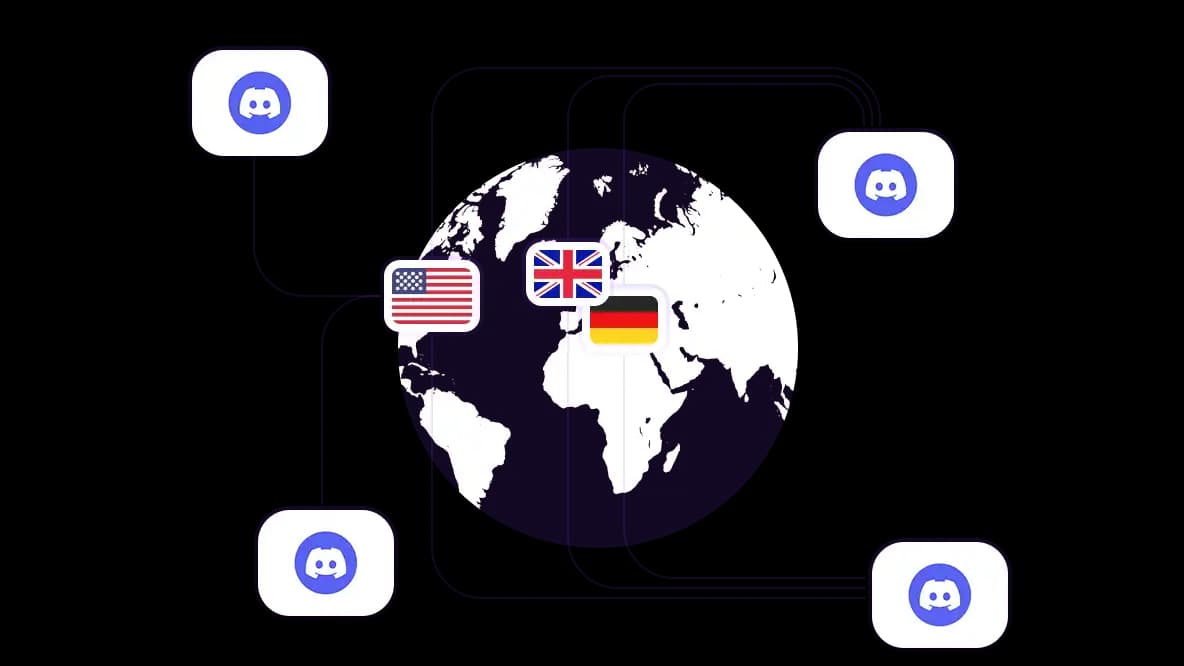
Access Discord from 195+ countries
Connect to Discord like a local with precise country, city, and ZIP-level targeting. Avoid location mismatches when managing communities or testing regional access.
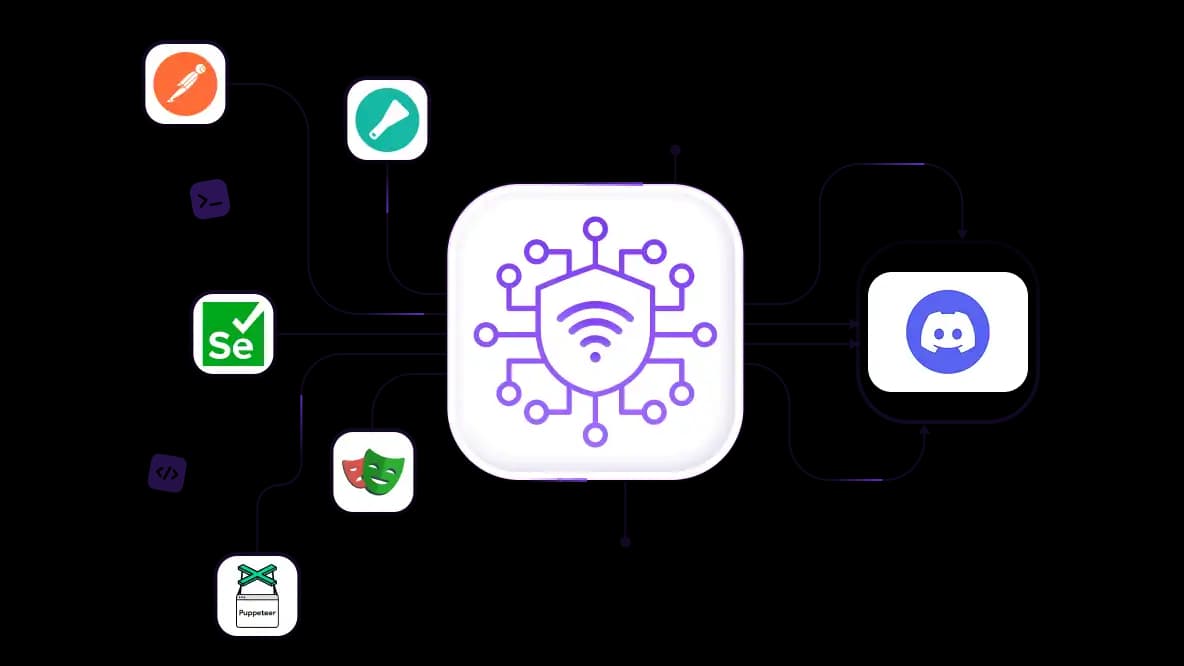
Run Discord automation and scraping without interruptions
Run Discord bots, API requests, message monitoring, and scraping with residential proxies integrated with Playwright, Puppeteer, Postman, Selenium, and Scrapy. Distribute requests across IPs to reduce rate limits and CAPTCHAs.
Manage multiple Discord accounts safely
Assign a dedicated residential or mobile IP to each Discord account, client, or community environment. Isolated IPs maintain consistent login locations and reduce account conflicts.
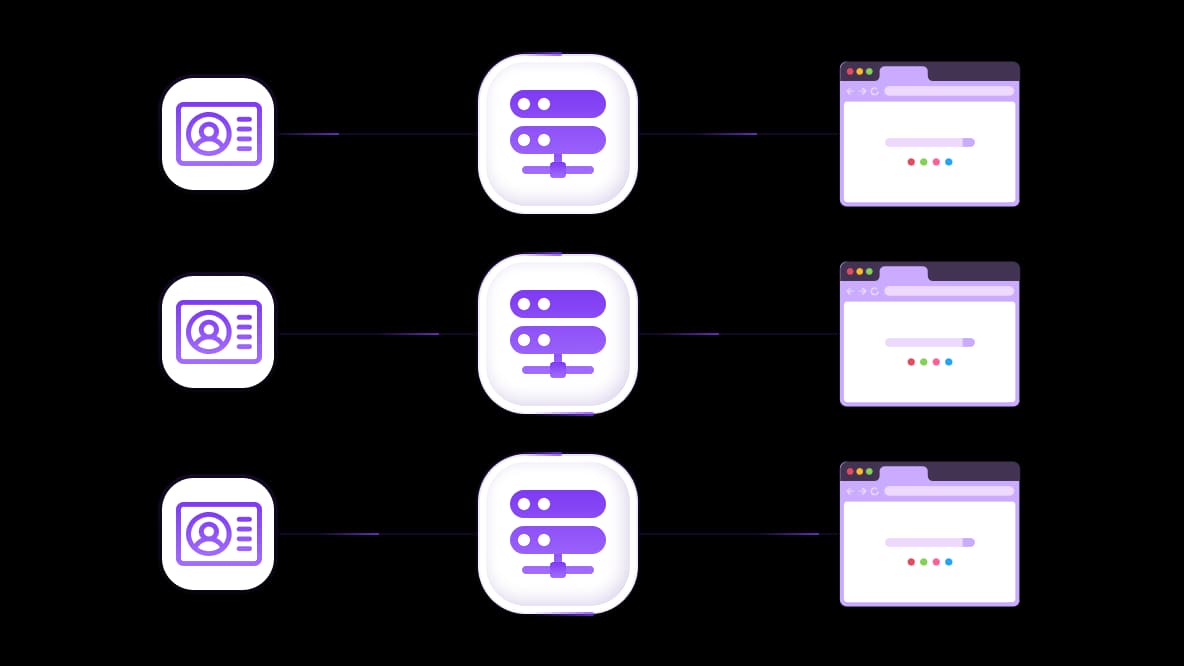
Work with any anti-detect browser
Use CyberYozh's OS fingerprint options to keep network and device signals aligned. Integrate proxies with Dolphin Anty, Multilogin, AdsPower, or literally any anti-detect browser to separate Discord accounts.
Specially for you
Best proxies by countries

Discord - dedicated mobile unlimited
- Dedicated 5G Router
- Socks5/VPN with dedicated DNS
- Manual IP Changing
- Change p0f fingerprint (Windows, MacOS, Android)
- High Trust Rate
- Very High Speed + Low Ping
- All network params 1:1 as provider's
Discord - shared mobile
- Shared 5G Router
- Supports SOCKS5 with UDP
- Up to 5 users per port
- Socks5/HTTP
- IP Rotation: every 30 min
- Windows p0f fingerprint
- High Trust Rate
- Very High Speed + Low Ping
- All network params 1:1 as provider's
Discord - rotating residential
- 24 hours Availability
- Real ISP
- Speed up to 10 mbps
- Full API Access
- HTTP Protocol
- 100M+ IPs in 100+ Countries
- Mass Credentials Generator
- Long session up to 6 hours
Discord - private residential
- Unlimited Bandwith
- Real ISP
- Speed up to 150 mbps
- Low Ping
- Supports SOCKS5 with UDP
- 24 hours Availability
- 1 Dedicated IP
Discord - dedicated datacenter
- Unlimited bandwidth
- Exclusive IP ownership
- High-speed connectivity
- 99.9 % uptime
- HTTP
Discord - shared datacenter
- Lightning-fast speeds
- Global IP coverage
- 99.9 % uptime
- Cost-efficient plans
- 1 GB bandwidth
- HTTP
Why do they buy from us?
Advantages
Private card payment
It doesn't matter how you topped up your balance, linking the payment to the rental of a specific proxy is impossible.
We do not store data on servers
As a rule, services that rent out proxies retain all data about the traffic passing through their servers.
Dedicated device
We do NOT disguise Shared proxies as individual ones. A modem or router is transferred to ONLY one person.
Online technical support
We are always ready to solve your problems and questions. Even late at night and early in the morning.
Money-back guarantee
We have both returns and exchanges. The priority is quality service and satisfied customers.
API for Business
For business clients, our service is ready to provide a convenient API that allows you to purchase proxies, change IP addresses, and much more.
Four reasons you need a Discord proxy
Managing Discord at scale comes with network challenges that a standard office connection wasn't built to handle. Here’s why a dedicated Discord proxy is the missing piece:
Separate multiple Discord accounts. Give each account its own IP instead of running everything through one home or office connection. This helps keep client, community, and business accounts separated and reduces IP-related account conflicts.
Run bots without concentrating traffic on one IP. Discord bots can generate large volumes of API requests, especially for moderation, notifications, and community management. Distributing traffic across suitable proxies can reduce IP-based rate limits and keep automated services running reliably.
Access Discord from restricted networks. Schools, offices, and some networks block or restrict Discord access. A proxy can route the connection through another network so users can connect when their local network does not allow direct access.
Work with Discord from different locations. Community managers, developers, and international teams need to test or operate workflows from specific countries or regions. Geo-targeted proxies provide localized IPs for regional testing and location-specific access.
Thinking about buying aged Discord accounts? Read our guide about pros, cons, and trade-offs.
Who needs a Discord proxy
More people than you'd expect. Here's who's genuinely using these day-to-day.
Marketing agencies managing 20+ client Discord servers from a single office are on a ticking clock without proxies.
Bot creators and developers need clean IPs at every stage of the process, from staging to testing and production deployment.
Enterprise customer support teams run into a problem that most people don't think about until it's too late. 50 support agents are all working from the same Wi-Fi in the same office.
Competitive intelligence teams face a different issue. When you're monitoring what competitors are doing in their Discord communities, using your company IP is like walking in wearing a name tag. Proxies let you observe anonymously.
Community managers who keep personal and work accounts separate know this problem well. Without proper proxy setup, those worlds can accidentally collide in ways that are embarrassing at best and professionally damaging at worst. Proxies ensure they never do.
E-commerce and social sellers have made Discord a legitimate channel for customer acquisition, sneaker groups, NFT communities, product drops, and exclusive member channels. If you're selling there, staying under the radar matters, and a solid Discord proxy is how you do it.
What is the best proxy type for Discord
This is where most people get it wrong. Genuinely. Choosing the wrong proxy type is the number one reason accounts are suspended, and it's entirely avoidable.
Residential proxies
Come from real internet service providers: real homes, real people, real ISPs. To Discord, traffic from a residential IP is completely indistinguishable from your neighbour checking their gaming server.
Static residential proxies are best for long-term multi-account management, organic community building, and any situation where you need to fly completely under the radar.
Rotating residential proxies are better for distributing Discord requests across different residential IPs – for bots, automation, and scraping.
Mobile proxies
Mobile 4G/5G carrier IPs are a level up from there. These use IP addresses from real mobile carriers, such as Verizon, T-Mobile, Vodafone, and so on. Since most Discord users are on mobile data anyway, mobile IPs have the highest trust score. Use these for high-stakes operations, account creation at scale, or any situation where getting detected is genuinely not an option.
Datacenter proxies
Datacenter proxies are fast, cheap, and widely available. They're also the ones most likely to get you flagged. Discord knows these IP ranges; they've had years to build a list, and their anti-bot systems quickly flag datacenter IPs. Save them for quick testing or non-critical tasks where speed matters more than staying invisible.
Which protocol works for Discord: SOCKS5 vs HTTP
SOCKS5 is the one you want. Here's the short version of why. Discord uses UDP for voice calls. SOCKS5 handles UDP natively. HTTP proxies don't.
If you're using voice channels for team meetings, community events, customer calls, or even just casual voice chat, SOCKS5 proxies are non-negotiable. It gives you clear audio, no dropped calls, no lag. It is also a great Discord bot proxy working with the desktop app and the browser version.
HTTP is technically fine if you only use Discord for text chat in a browser, but if you ever plan to use voice (and most serious Discord users do), don't box yourself in. Get SOCKS5 from the start.
How to set up a proxy for Discord
1. Get your proxy details
Sign up for CyberYozh and purchase a proxy in your dashboard. Note the IP address, port, and protocol (HTTP/SOCKS5).
2. Apply it to your app
Browser: Go to your system network settings → Proxy → Manual → enter IP and port. Open Discord in the browser.
Desktop app: Use Proxifier to add your proxy credentials, then create a rule for Discord.exe to route only that app through it.
3. Verify that it works
Open Discord and check your IP with a tool like WhatIsMyIP to confirm that the proxy is working.
Need detailed instructions? See our Discord proxy setup guide.
How CyberYozh powers Discord at scale
CyberYozh is built to be the most reliable option for people who actually need proxies to do their jobs, not hobbyists running one account, but operators who need things to work every time. Here's what 100 million IPs across 195+ countries actually means in practice.
The residential IPs are ethically sourced from real people and real ISPs. They're not recycled junk that hundreds of other users have already burned through and been flagged for.
Fresh, clean, and constantly monitored.
99.9% connection success rate isn't a marketing number; every pool is watched in real time, and any IP that starts underperforming gets rotated out immediately.
Sticky sessions mean your account keeps the same IP address for up to 24 hours.
The SOCKS5 support lets native voice channels work like you're in the same room with your team. No lag, no drops.
SMS verification and fraud score checks run on every IP before it enters the pool, so you know what you're working with before you assign it to anything important.
integrates seamlessly with Multilogin, AdsPower, Dolphin Anty, and every other major anti-detect browser.
The dashboard is genuinely user-friendly.
City and country targeting lets you appear as if you're in Berlin for a German community or Tokyo for a Japanese server.
The 24/7 support team is made up of real people who actually understand proxies and Discord specifically.
Affordable pricing: static residential proxies from $5.29/month, mobile proxies from $1.70/day with unlimited traffic.
Top up your balance in any convenient way!
Bank cards


Cryptocurrency


