

AT&T proxy for accounts, ads, and US market research
Get unlimited traffic with an AT&T 4G proxy or 5G connection for managing client accounts, checking US ads, and monitoring public prices. Choose a dedicated mobile connection with daily rental options and control IP changes between completed tasks.
Choose an AT&T proxy with unlimited traffic
Unlimited traffic lets you browse product catalogs, review ad landing pages, and collect public listings without per-GB charges. Choose an AT&T 4G proxy or 5G connection for access through the carrier’s US mobile network. Daily rentals let you test your websites and tools before committing to longer use.
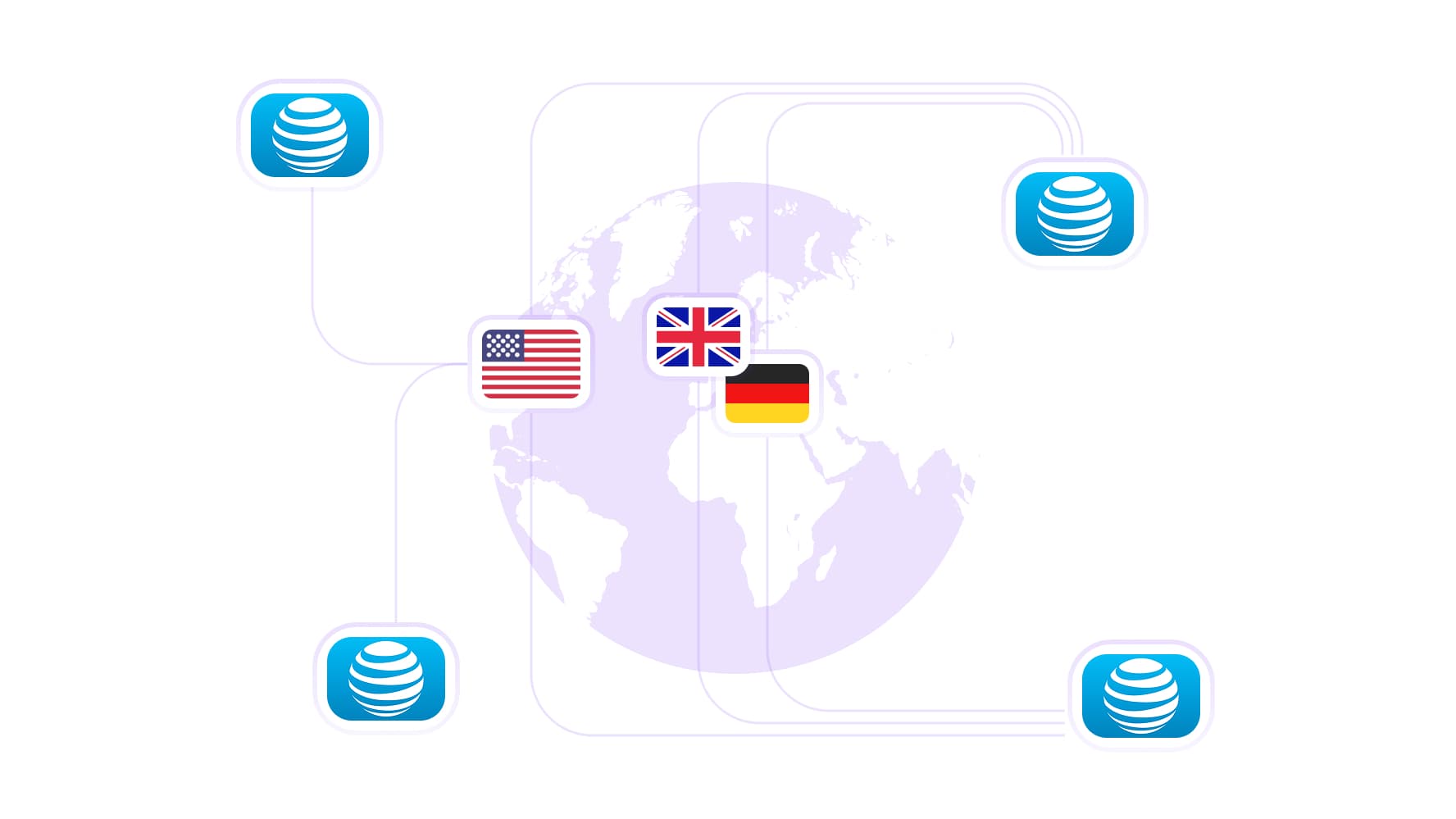
Access AT&T’s US network wherever you work
Use an AT&T proxy server to review US storefronts, check regional offers, and test how websites respond to the carrier’s mobile network. Choose from available US locations for your account and research tasks. For international comparisons, the broader residential proxy network provides 100M IPs across 195+ countries.
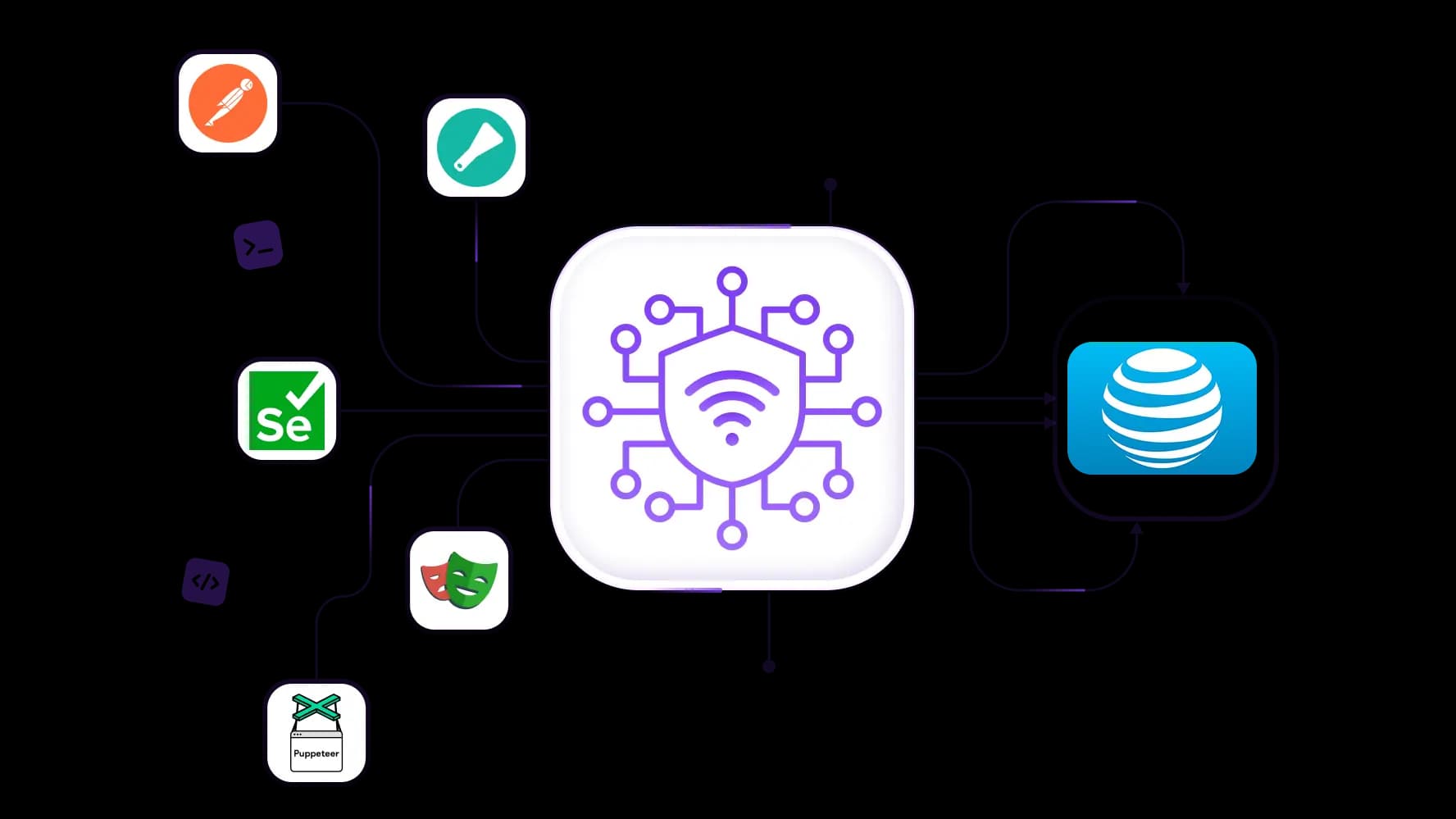
Connect your AT&T proxy to testing and automation tools
Use Scrapy, Postman, Selenium, Playwright, or Puppeteer with your AT&T proxy server to collect public listings, test redirects, and check page loading through the carrier’s network. Full API access and integration support help you manage proxy connections within existing scripts, schedule recurring checks, and investigate website issues reported by AT&T users.
Control IP changes on your AT&T proxy
Manage IP changes manually or through the API on supported AT&T mobile plans. Request a new address between completed research batches or browser tests, and keep planned rotation outside account logins and campaign edits. Build IP changes into your scripts so each task follows the connection schedule you choose.
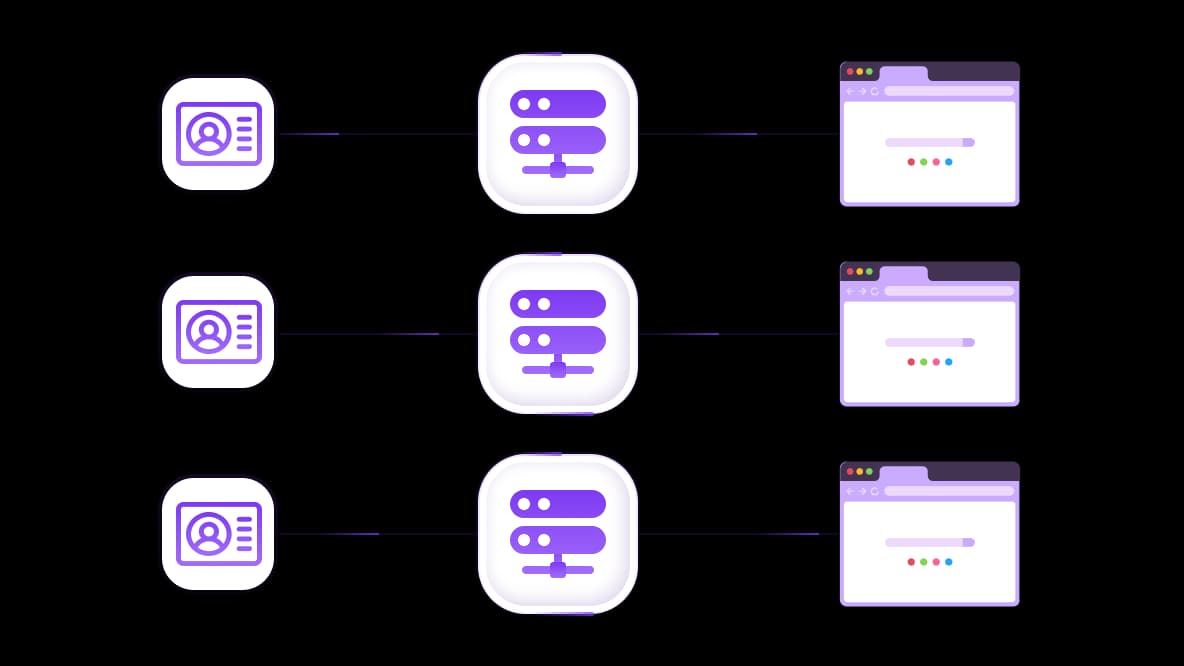
Give each client account its own AT&T proxy connection
Assign a dedicated AT&T mobile channel to each client’s browser profile or compatible cloud phone. Keep advertising dashboards, social accounts, and online stores organized with separate proxy settings. Dedicated modem or router options let your team manage each connection independently and add channels as new clients come on board.
Specially for you
Best proxies by countries

AT&T - dedicated mobile unlimited
- Dedicated 5G Router
- Socks5/VPN with dedicated DNS
- Manual IP Changing
- Change p0f fingerprint (Windows, MacOS, Android)
- High Trust Rate
- Very High Speed + Low Ping
- All network params 1:1 as provider's
AT&T - shared mobile
- Shared 5G Router
- Supports SOCKS5 with UDP
- Up to 5 users per port
- Socks5/HTTP
- IP Rotation: every 30 min
- Windows p0f fingerprint
- High Trust Rate
- Very High Speed + Low Ping
- All network params 1:1 as provider's
AT&T - rotating residential
- 24 hours Availability
- Real ISP
- Speed up to 10 mbps
- Full API Access
- HTTP Protocol
- 100M+ IPs in 100+ Countries
- Mass Credentials Generator
- Long session up to 6 hours
AT&T - private residential
- Unlimited Bandwith
- Real ISP
- Speed up to 150 mbps
- Low Ping
- Supports SOCKS5 with UDP
- 24 hours Availability
- 1 Dedicated IP
AT&T - dedicated datacenter
- Unlimited bandwidth
- Exclusive IP ownership
- High-speed connectivity
- 99.9 % uptime
- HTTP
AT&T - shared datacenter
- Lightning-fast speeds
- Global IP coverage
- 99.9 % uptime
- Cost-efficient plans
- 1 GB bandwidth
- HTTP
Why do they buy from us?
Advantages
Private card payment
It doesn't matter how you topped up your balance, linking the payment to the rental of a specific proxy is impossible.
We do not store data on servers
As a rule, services that rent out proxies retain all data about the traffic passing through their servers.
Dedicated device
We do NOT disguise Shared proxies as individual ones. A modem or router is transferred to ONLY one person.
Online technical support
We are always ready to solve your problems and questions. Even late at night and early in the morning.
Money-back guarantee
We have both returns and exchanges. The priority is quality service and satisfied customers.
API for Business
For business clients, our service is ready to provide a convenient API that allows you to purchase proxies, change IP addresses, and much more.
What is an AT&T proxy
Available mobile proxies include AT&T LTE/4G/5G connections with unlimited traffic for client account management, advertising checks, and public-data collection. You can use these connections remotely without making AT&T your local internet provider.
Pro tip: The search phrase “proxy AT&T” can also refer to configuring a proxy while using AT&T home internet. Your home internet provider and your proxy’s exit network can be different, so an AT&T home connection does not automatically make a configured proxy an AT&T proxy. The service offered here is independently provided and is not operated by AT&T.
Choose an AT&T 4G proxy or 5G connection
Start with unlimited traffic, an available US location, and support for the connection method your browser, cloud phone, or application needs. Choose an AT&T 4G proxy or 5G plan by its actual features and performance on your tasks.
Unlimited traffic for recurring account and research tasks
Unlimited traffic keeps bandwidth costs predictable when you browse product catalogs, review campaign pages, or collect public listings throughout the day. You can budget around the rental period without calculating a charge for every gigabyte.
Traffic allowance, connection speed, and simultaneous-request capacity are separate considerations. Test with the number of browsers or collection workers you expect to run, particularly when pages contain large images or scripts.
Dedicated mobile channels for separate client setups
Dedicated modem and router options give you a mobile channel reserved for your work. Assign connections to individual browser profiles or compatible cloud phones so client accounts and testing environments have independently managed proxy settings.
Daily rentals for testing before longer use
A daily rental lets you test an AT&T proxy with your actual websites and tools before choosing a longer period. Check page loading, application compatibility, IP-change behavior, and whether the connection supports the session length your task requires.
What can you do with an AT&T proxy
An AT&T proxy lets your team choose the carrier network used for account access, website testing, and research. This is useful when a general US location is not enough and you need to check how a website responds to traffic arriving through AT&T.
Investigate website issues reported by AT&T users
If a customer reports a redirect loop, an access error, or missing page content, repeat the visit through an AT&T proxy server and another network. Compare response codes, final URLs, and whether page resources load.
This adds a carrier-specific comparison to your investigation. The customer’s device, browser settings, and local connection conditions may still differ, so use the results alongside their original error report.
Check US advertising destinations and storefronts
Follow campaign links through an AT&T connection to check that visitors reach the intended landing page. Review displayed offers, product availability, and the path from an advertisement to a storefront.
Pro tip: For geotargeting checks, record the location reported for each connection alongside the offers shown.
Keep browser language, cookies, and account state consistent when comparing connections. This makes it easier to identify differences associated with the network rather than changes introduced by the browser setup.
Manage client accounts through separate connections
Assign AT&T mobile connections to separate browser profiles or compatible cloud phones, with one setup for each authorized client account. Use these setups for advertising dashboards, social accounts, and online store management.
Keeping each profile’s connection details organized helps your team return to the correct setup and manage its proxy settings independently. Add dedicated channels as the number of client accounts grows.
Automate public-data collection and browser tests
Use Scrapy to collect public product listings, Postman to test API responses, and Selenium, Playwright, or Puppeteer to check page loading and redirects through your AT&T proxy.
Full API access and integration support let you incorporate proxy management into existing scripts. For example, a scheduled job can collect a batch of public listings, save the results, and request a supported IP change before its next independent batch.
How to set up an AT&T proxy server
Copy the connection details from your proxy dashboard and configure the browser profile, cloud phone, or application that needs to use them. The settings must apply to the software performing your account, research, or testing task.
Choose an available AT&T connection and rental period. Select a listed US location and a 4G or 5G plan suited to your task. A daily rental lets you test the connection before extending its use.
Check the supported protocol and IP-change options. Match the plan’s connection protocol and authentication method to your software. Compare SOCKS5 vs HTTPS if both are available on your plan and supported by your application. Review the available manual or API-based controls and decide when your task requires an IP change.
Copy the endpoint, port, and authentication details. Use the host address, matching port, and credentials supplied for that connection. Proxy credentials are separate from your AT&T subscriber login and the accounts you access through the proxy.
Configure the intended application. Enter the details in its proxy settings or use a compatible routing client where necessary. Browser settings alone do not establish that a separate application also uses the connection.
Verify the exit IP and test a representative task. Run an IP address lookup from the configured application, confirm its AT&T network association and reported location, then load a target page or run a small test request.
Pro tip: For application-specific instructions, follow Proxy settings in ClonBrowser for browser profiles or Setting up a proxy in Postman for API testing.
Verify and manage your AT&T proxy connection
Check your AT&T proxy before assigning it to a client account or a recurring collection job. Confirm where traffic exits, then decide which tasks need IP continuity and which can use a different address on the next run.
Check the exit IP, carrier, and location
Run an IP check through the same browser profile or application that will perform the task. Review the returned address’s network registration for AT&T affiliation, then check its country-level geolocation.
Verify any city requirements separately, including how the destination website identifies the location. An AT&T network label establishes network association; it does not prove that the address belongs to a fiber connection or a particular household.
Schedule IP changes between completed tasks
Manually rotate IP addresses via a link or and API after finishing a research batch, browser test, or account update. For automated jobs, integrate the supported rotation API into your script after results have been saved and the current task has finished.
Keep planned changes outside connected steps such as signing in, editing a campaign, and saving its settings. This lets you coordinate rotation with completed work while reducing unnecessary connection changes during active sessions.
Match IP persistence to account requirements
Mobile IP retention depends on the selected plan and carrier behavior. Manual controls let you request an IP change. For shared mobile proxies, there are 5-minute and 30-minute intervals for IP rotation. For private (dedicated) proxies, the IP address can be changed via a link or an API.
For IP pool management, record each account’s assigned connection and the session continuity observed during testing.
If you need a fixed address across separate days, consider static ISP proxies, which keep an assigned IP throughout the rental period.
Troubleshoot AT&T proxy connection problems
Start by checking whether the failure affects every request through your AT&T proxy, one application, or a particular website. Compare the same task with and without the proxy where possible, keeping the browser profile and other settings consistent.
Symptom | What to check and do |
Proxy authentication fails | Recopy the endpoint, port, username, and password from the dashboard. Confirm that the rental is active and that your application supports the selected protocol and authentication method. |
The exit IP or carrier is unexpected | Run an IP check from the affected application. Check for direct-connection bypass rules, confirm the selected AT&T connection, and review the exit IP’s network registration. The gateway address you connect to can differ from the exit IP websites see. |
The browser uses the proxy, but another application does not | Configure the other application separately or use a compatible routing client. A browser profile’s proxy settings do not automatically apply to unrelated applications. Verify routing from each tool you intend to use. |
Requests time out or pages load slowly | Compare a lightweight request through the proxy and directly. Reduce simultaneous browsers or workers, check for large downloads, and review the plan’s speed limits. Test a small batch before increasing concurrency. |
The IP changes during account activity | Review manual changes, API rotation triggers, and connection restarts. Keep scheduled changes outside active account tasks. If changes occur without a requested rotation, record the timestamps and exit IPs for support. |
Only one website returns errors | Test other destinations and compare the affected website through a direct connection. Record its response code and message, then check service status, account permissions, and request limits. Follow any retry instructions provided; for 429 too many requests, review request frequency and concurrent workers. |
A rented AT&T exit connection is separate from your own internet service. If direct requests also fail across several websites, investigate your local connection and internet provider. If failures occur only through the AT&T proxy server, contact proxy support with the affected application, destination, timestamps, and error details. Keep passwords and API keys out of diagnostic screenshots.
Choose an AT&T proxy plan for your business tasks
When evaluating an enterprise proxy service for a larger team, also compare support availability and the cost of adding connection capacity. If you searched for “AT&T proxy buy,” use this checklist to choose a connection for your accounts, research, or testing:
Carrier and location: Confirm that the selected plan uses AT&T and offers a suitable US location.
Application compatibility: Match the supported protocols and authentication method to your browser, cloud phone, or automation tool.
Dedicated access: Choose dedicated hardware or a reserved channel when client setups need independently managed connections.
IP-change controls: Check the available manual IP changing via a link and changing it via an API.
Traffic and rental terms: Review unlimited traffic, advertised speed limits, connection capacity, and the rental period together.
Test results: Run a representative task with your actual websites and tools before extending the rental or adding more connections.
Use the proxy catalog to select an available AT&T proxy with the location, connection controls, and rental terms your team needs.
Top up your balance in any convenient way!
Bank cards


Cryptocurrency


